This is a known issue but I'm not sure which number it is. It happens because the block stack realizes it's got the wrong number, but doesn't know how to fix it. Regardless, the way to fix this is to either:
Wait for the problem to go away (This is the only method if the item stack is not in your hotbar unfortunately, other than leaving the world and coming back.)
OR
If the item is in your hotbar, try placing the block. It will place, then disappear. Right after this, the stack is forced to update meaning it will show the correct number of items for that block.
Ok so after rejoining, 1 major (additional) problem arose: My sticker book and the other book were gone from my inventory.
And there's still no X, so no way to exit the menu.
 aabg
aabg MC-261117
 REALMS-12120
 MCPE-188980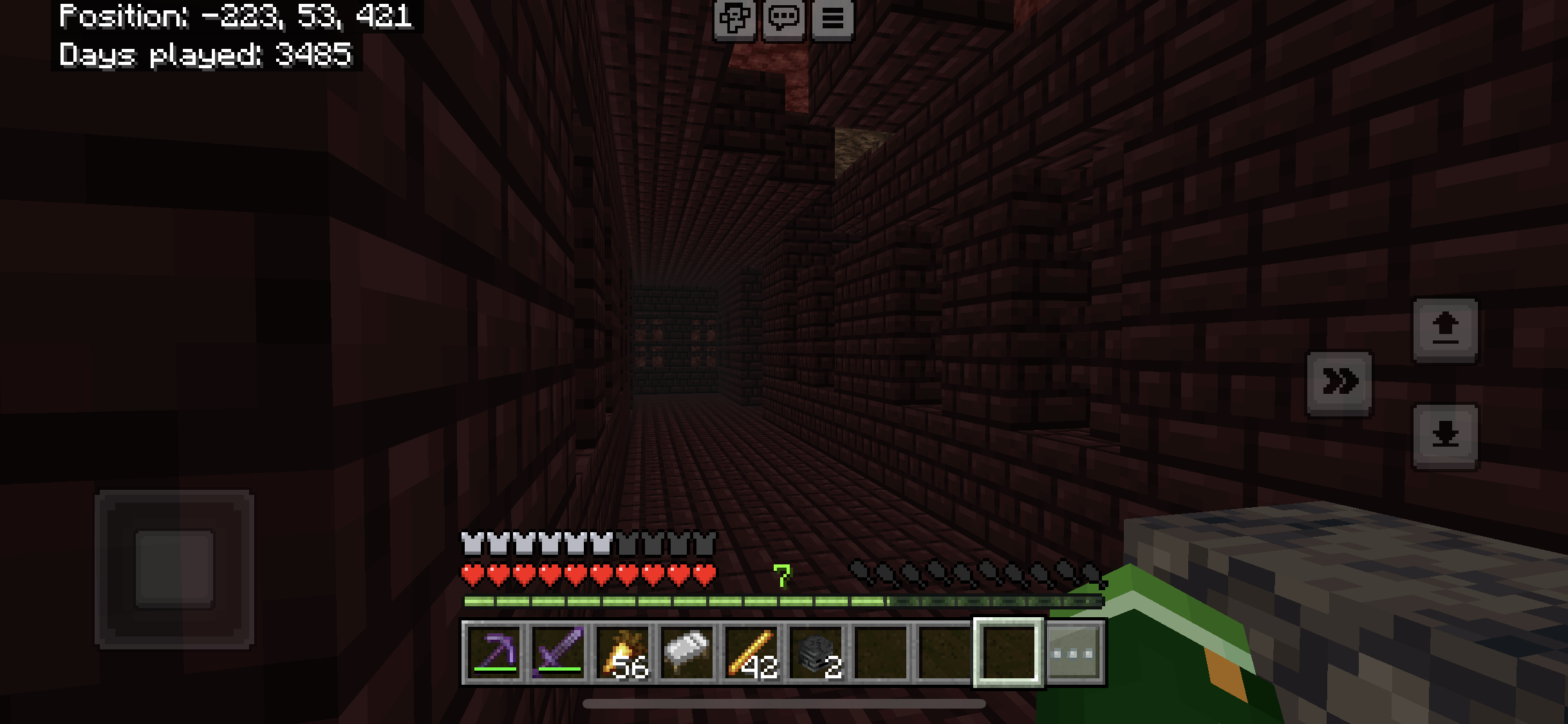

Can confirm in 1.20.2, even on Mac. It seems to be a problem across multiple versions and Mojang has still done nothing.
This isn't a bug; it's a feature
omg i forgot i posted that one i'm sorry about that
i was looking through posts i had made and it didn't show up there
This is a known issue but I'm not sure which number it is. It happens because the block stack realizes it's got the wrong number, but doesn't know how to fix it. Regardless, the way to fix this is to either:
Wait for the problem to go away (This is the only method if the item stack is not in your hotbar unfortunately, other than leaving the world and coming back.)
OR
If the item is in your hotbar, try placing the block. It will place, then disappear. Right after this, the stack is forced to update meaning it will show the correct number of items for that block.
I just tried in the app, and it crashed when I tried opening a menu. whar
Ok so after rejoining, 1 major (additional) problem arose: My sticker book and the other book were gone from my inventory.
And there's still no X, so no way to exit the menu.