 Aubrey Verlage
- AubreyVerlage
- aubreyverlage
- America/Chicago
- Yes
- No
 MCPE-45185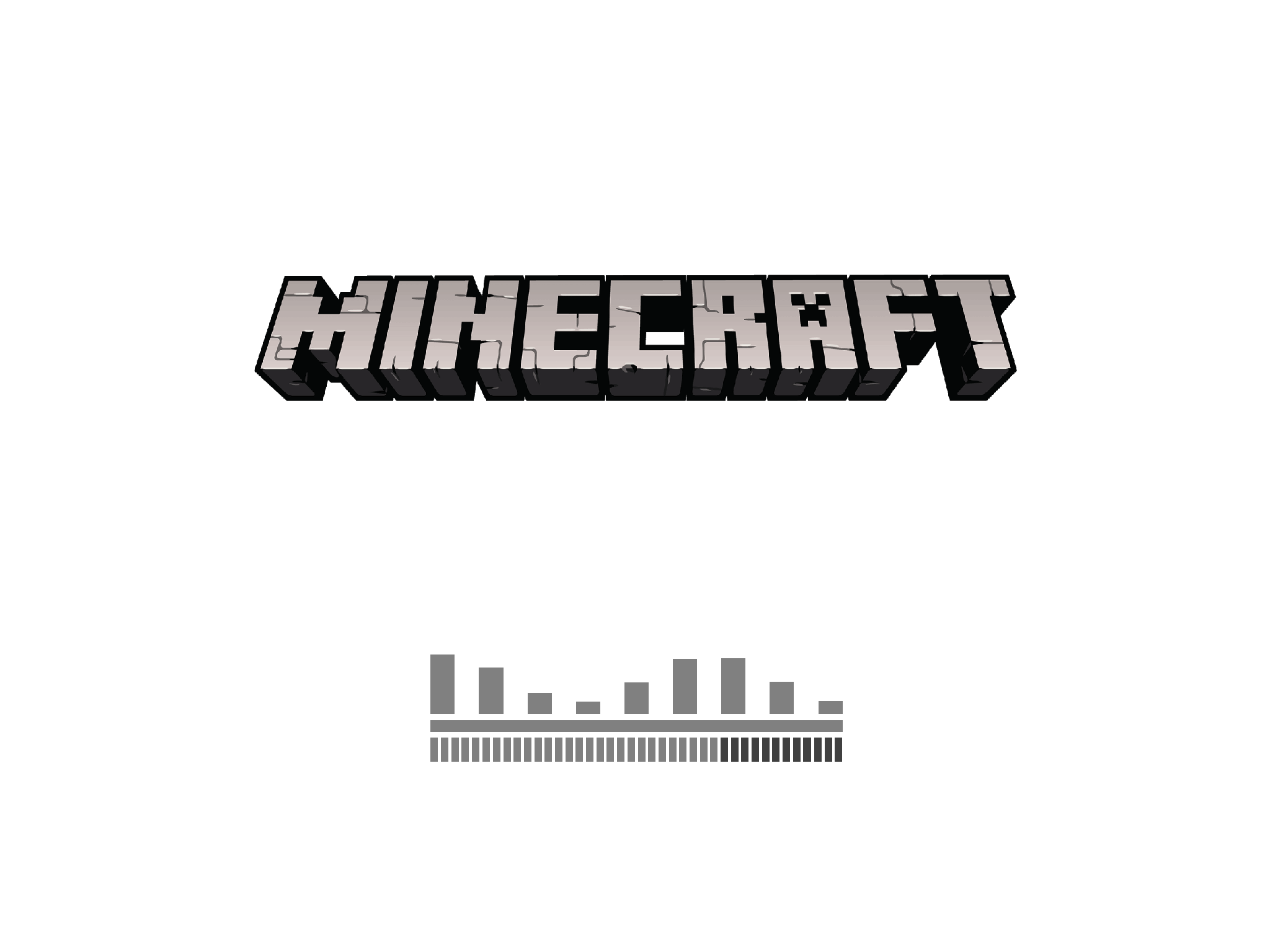
After downloading the Village & Pillage update on 04/23/19 Minecraft will not load. After opening the app, I am taken to the white loading screen with the Minecraft logo and loading bars at the bottom. It will load about 75%, leaving 12 bars black/empty. The graphic for the gray bars above the main loading ones still move up and down. I would assume it is some error when trying to reach the servers. But this screen will sit for 10 whole minutes without doing anything before I close it. I am on an iPad Mini 2.
I would assume
After downloading the Village & Pillage update on 04/23/19 Minecraft will not load. After opening the app, I am taken to the white loading screen with the Minecraft logo and loading bars at the bottom. It will load about 75%, leaving 12 bars black/empty. The graphic for the gray bars above the main loading ones still move up and down. I would assume it is some error when trying to reach the servers. But this screen will sit for 10 whole minutes without doing anything before I close it. I am on an iPad Mini 2.
Thank you!
After downloading the Village & Pillage update on 04/23/19 Minecraft will not load. After opening the app, I am taken to the white loading screen with the Minecraft logo and loading bars at the bottom. It will load about 75%, leaving 12 bars black/empty. The graphic for the gray bars above the main loading ones still move up and down. I would assume it is some error when trying to reach the servers. But this screen will sit for 10 whole minutes without doing anything before I close it. I am on an iPad Mini
2.
Thank you!
After downloading the Village & Pillage update on 04/23/19 Minecraft will not load. After opening the app, I am taken to the white loading screen with the Minecraft logo and loading bars at the bottom. It will load about 75%, leaving 12 bars black/empty. The graphic for the gray bars above the main loading ones still move up and down. I would assume it is some error when trying to reach the servers. But this screen will sit for 10 whole minutes without doing anything before I close it. I am on an iPad Mini 3.
Thank you!
I have been having the exact same issue on iOS as well. It has something to do with the update, Mojang has been silent thus far. Here is my ticket number, I included a screenshot-
https://bugs.mojang.com/browse/MCPE-45185
Thanks Jiri for the comments! I observed that on update 1.11.0 my iPhone would only load 75% on wifi, but when I left wifi and used cellular data it would load and I could finally play the Village & Pillage update.
Now that I have downloaded the 1.11.1 patch, my iPhone is unable to load the game (stays stuck on 75%) wether on wifi or data.
So both iPad and iPhone are only loading to 75% with update 1.11.1.
I think that update 1.11.0 changed something with “game authentication” between Mojang’s server and iOS devices through wifi modems (which is why I was able to authenticate my game on cellular data); and now with the 1.11.1 patch, this authentication error is happening on cellular data as well.
I’m sure they are working on it, crash bugs were fixed for Xbox in 1.11.1 patch, hopefully they will get to iOS soon! I cannot play at all now.
Same here on iPad and iPhone. My ticket number is
MCPE-45185.A few years ago, you could play Minecraft without being connected to the internet. But they changed it to where you have to be connected in order to play. With the new 1.11.0 and 1.11.1 updates I have not been able to access Minecraft from my iOS devices. I made a ticket at
MCPE-45185, and a Switch player commented that they have the same problem. So even if you ARE connected to WiFi, your game probably won’t load right now. Hopefully Mojang is working on it.Here is a link to the notes on update 1.11.1. It states that nothing for the Switch was included in this update, which leads me to believe Switch and iOS patches will be coming soon.
https://minecraft.gamepedia.com/Bedrock_Edition_1.11.1
There are no notes for patch 1.11.1 that say Mojang was trying to fix this problem. I only bring this up to recognize 1.11.1 as a patch that fulfilled its purpose of resolving other issue aside from this one. So I don’t see it as failing to resolve this issue, because it wasn’t trying to.
My little brother has been able to access the 1.11.0 & 1.11.1 on his Kindle, he also has a Windows 10 tablet, but I don’t think he has tried to play on it since the update.
Thank you Pam for commenting on the Android issue as well!
Mojang is aware of this issue and has tweeted about it since Tuesday, 08/12/2020
Mojang Status on Twitter
@[Helper]Golden Helmet
No, our phones were not hot. Both of them had a full charge, or near 100%, but were not on the charger and were in a 76°F house.
Thank you for asking though!
@[Helper]GoldenHelmet
I think I’ve fixed it! My wife and I did hard reboots of our phones, and we have both been able to play on Realms for over 15 minutes with no crashing/minimizing.
If you could close this ticket for me that would be great; or show me how. Thank you!