 BarbossaHector
- BarbossaHector
- JIRAUSER755262
- Europe/Stockholm
- Yes
- No
 MC-263211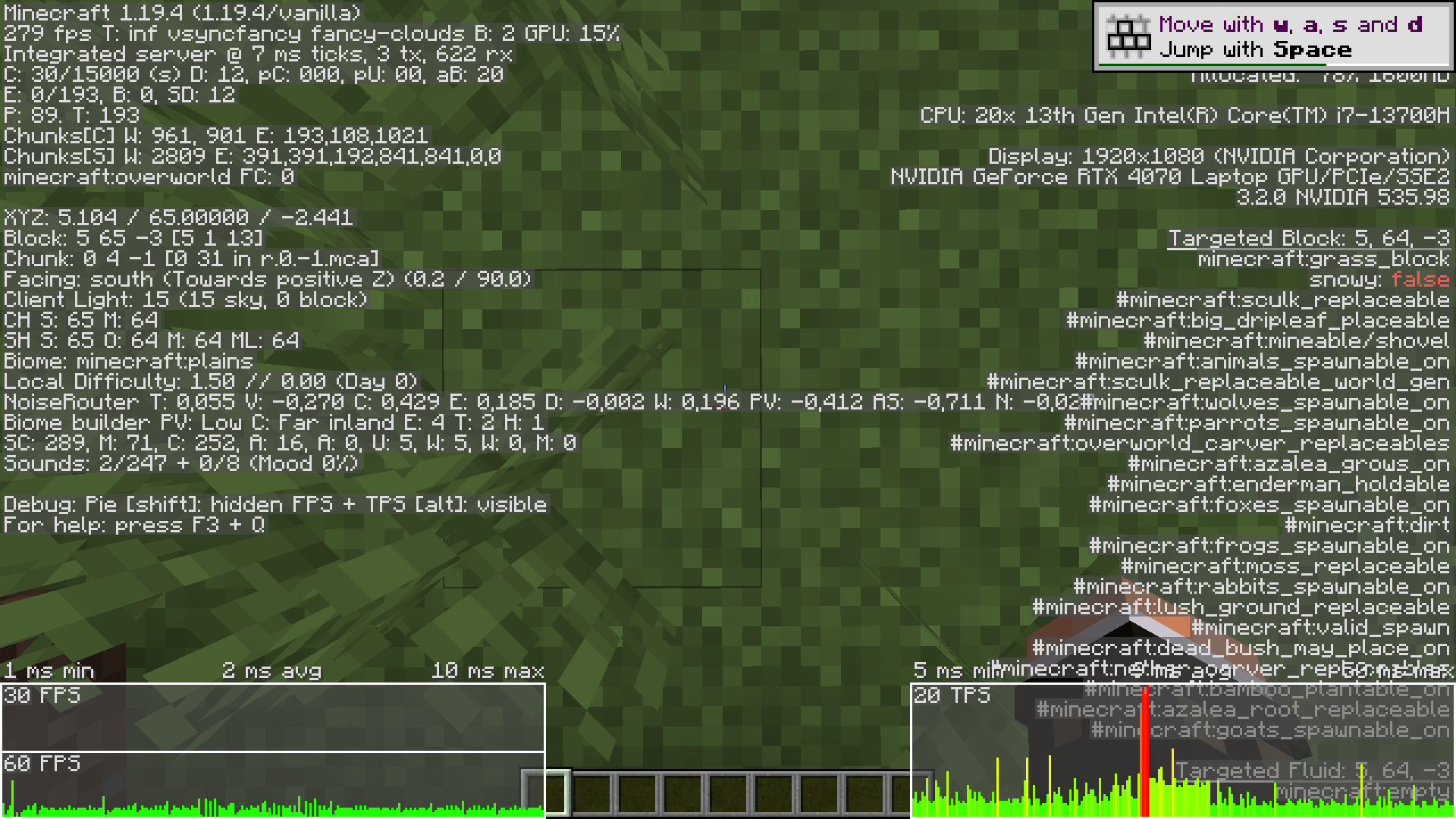

Summary
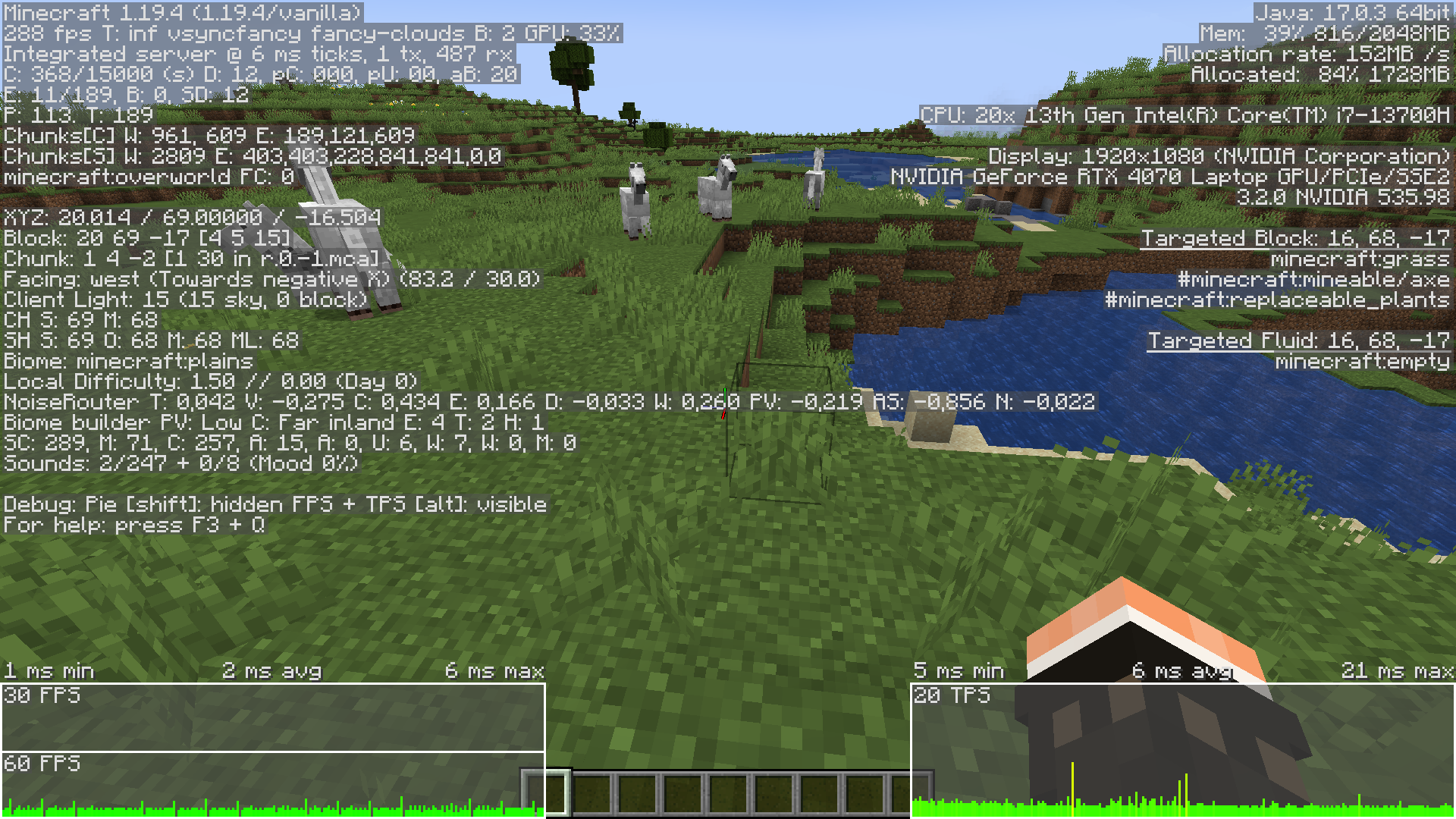
When V-sync is enabled, the frame rate is capped at double the screen rate. My screen refresh rate is at 144, so in game i have cap on 288 FPS ( should be 144 FPS)
Steps to reproduce
- Set V-sync to ON, and re
dner distance to relatively low valuesLaunch minecraft world and observe FPS on F3 debug screenSummary
When V-sync is enabled, the frame rate is capped at double the screen rate. My screen refresh rate is at 144, so in game i have cap on 288 FPS ( should be 144 FPS)
Steps to reproduce
- Set V-sync to ON, and render distance to relatively low values
- Set max framerate to unlimited
- Launch minecraft world and observe FPS on F3 debug screen
Observed results
Maximum FPS is ~288 FPSExpected results
**Maximum FPS should be ~144 FPS
System specification:
OS: Windows 11 Home, 22H2
CPU: I7-13700H
GPU: Nvidia RTX 4070 laptop GPU, driver 535.98
RAM: 32 GB
Summary
When V-sync is enabled, the frame rate is capped at double the screen rate. My screen refresh rate is at 144, so in game i have cap on 288 FPS ( should be 144 FPS)
Steps to reproduce
- Set V-sync to ON, and render distance to relatively low values
- Set max framerate to unlimited
- Launch minecraft world and observe FPS on F3 debug screen
Observed results
Maximum FPS is ~288 FPSExpected results
**Maximum FPS should be ~144 FPS
System specification:
OS: Windows 11 Home, 22H2
CPU: I7-13700H
GPU: Nvidia RTX 4070 laptop GPU, driver 535.98
RAM: 32 GB
OS: Windows 11 Home, version 10.0.2261
CPU: I7-13700H
GPU: Nvidia RTX 4070 laptop GPU, driver 535.98
RAM: 32 GB
Storage: 2 Tb SSD Samsung 980 Pro
Summary
When V-sync is enabled, the frame rate is capped at double the screen rate. My screen refresh rate is at 144, so in game i have cap on 288 FPS ( should be 144 FPS)
Steps to reproduce
- Set V-sync to ON, and render distance to relatively low values
- Set max framerate to unlimited
- Launch minecraft world and observe FPS on F3 debug screen
Observed results
Maximum FPS is ~288 FPSExpected results
Maximum FPS should be ~144 FPS
System specification:
OS: Windows 11 Home, 22H2
CPU: I7-13700H
GPU: Nvidia RTX 4070 laptop GPU, driver 535.98
RAM: 32 GB
I tested this setting on versions 1.12 and 1.9 version of Java edition and I can confirm this still occures.
This bug is not present in other games.
Yes, the issue is still in 1.20.2.
I only have 1 monitor in laptop, with 144 fps. If this is technical support issue, where can I report this ?