 Isaac Vrba
- BurningVShadow
- burningvshadow
- Europe/Stockholm
- Yes
- No
 MCPE-7838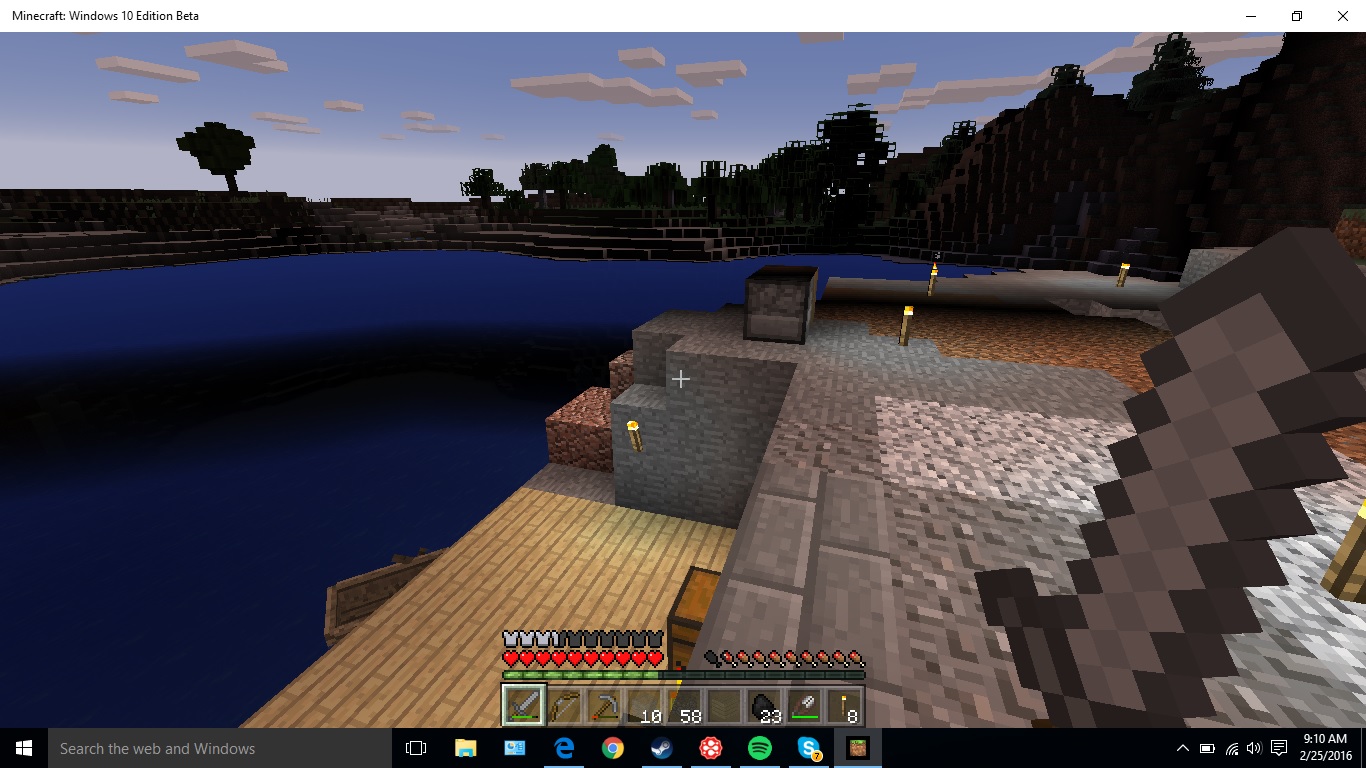
I just bought Windows 10 Edition after demo-ing the game. The game worked fine in the Demo, but all this occurred after I bought the game. When I load a world everything is normal and I can move around using WASD and the mouse. I can walk around for however long I want, until I go to mine a block. When I go to mine a block everything is normal for the first 2 seconds of mining, but after that the game crashing bug goes into place. The game will lock you into moving in the direction that you were moving in with WASD. so if you sere moving right then you will continue to move right, even after you let go of the key. The mouse still works though, all exempt you being able to move your head around. You can click and the hand will move. After the bug goes into play and I move around for about 5-6 seconds, the game will freeze for a second, then crash. I can't get a screenshot because it would just look normal. I had my brother log into my Microsoft Account on his Windows 10 computer and the game works fine, so I don't know if it just didn't like me or if it doesn't like my computer. I have a video I recorded on my phone of me encountering the game crashing bug. All I wants to play the game, thanks for your support.
I just bought Windows 10 Edition after demo-ing the game. The game worked fine in the Demo, but all this occurred after I bought the game. When I load a world everything is normal and I can move around using WASD and the mouse. I can walk around for however long I want, until I go to mine a block. When I go to mine a block everything is normal for the first 2 seconds of mining, but after that the game crashing bug goes into place. The game will lock you into moving in the direction that you were moving in with WASD. so if you sere moving right then you will continue to move right, even after you let go of the key. The mouse still works though, all exempt you being able to move your head around. You can click and the hand will move. After the bug goes into play and I move around for about 5-6 seconds, the game will freeze for a second, then crash. I can't get a screenshot because it would just look normal. I had my brother log into my Microsoft Account on his Windows 10 computer and the game works fine, so I don't know if it just didn't like me or if it doesn't like my computer. I have a video I recorded on my phone of me encountering the game crashing bug. The video that I have down below is me replicating the bug. It starts with me mining the block, prior to that i was just moving my mouse, not clicking, and walking towards the tree. All I wants to play the game, thanks for your support.
Lag Spikesat SurfaceLag Spikes every 2-4 Minutes
Sure thing. I will try to get a video sent in in the next 48 hours.
I went and tryed to get the textures to change on the HDMI before I got the video. I used a different, newer cable so I could be sure it worked 100% on different HDMI cables. I couldn't get the textures to change so it must of been my old cable, it must be slightly broken (there is a heavy bend in the old one, but no wires are showing, it's just bent ) So the problem was on my side, but when I go into other applications the issue doesn't occur.
Now let's not jump to conclusions.
I haven't gotten it to show up again, but the view distance was on max of that helps at all. I'll let you know of it shows again.