 Chris Wong
- chriswongez
- chriswongez
- Asia/Kuala_Lumpur
- Yes
- No

 MCD-1424


I found a solution for MC Dungeons Microsoft Store version. I have the "Unable to verify ownership" problem before on same device and recently solved it with a try of a method that I didn't found it on Internet. Steps below:
1. First, I add a local user account (I made it Administrator, not sure if Standard User works) on my machine that not signed in with MS account (which can log in directly to desktop). Then, I sign into that local user account.
2. I open Microsoft Store and signed in with the Microsoft Account that I used to purchased Minecraft Dungeons. After signed in it will prompt you a window titled with "Use this account everywhere on your device" with buttons of "Next" and "Microsoft Apps only". I clicked on "Microsoft Apps only".
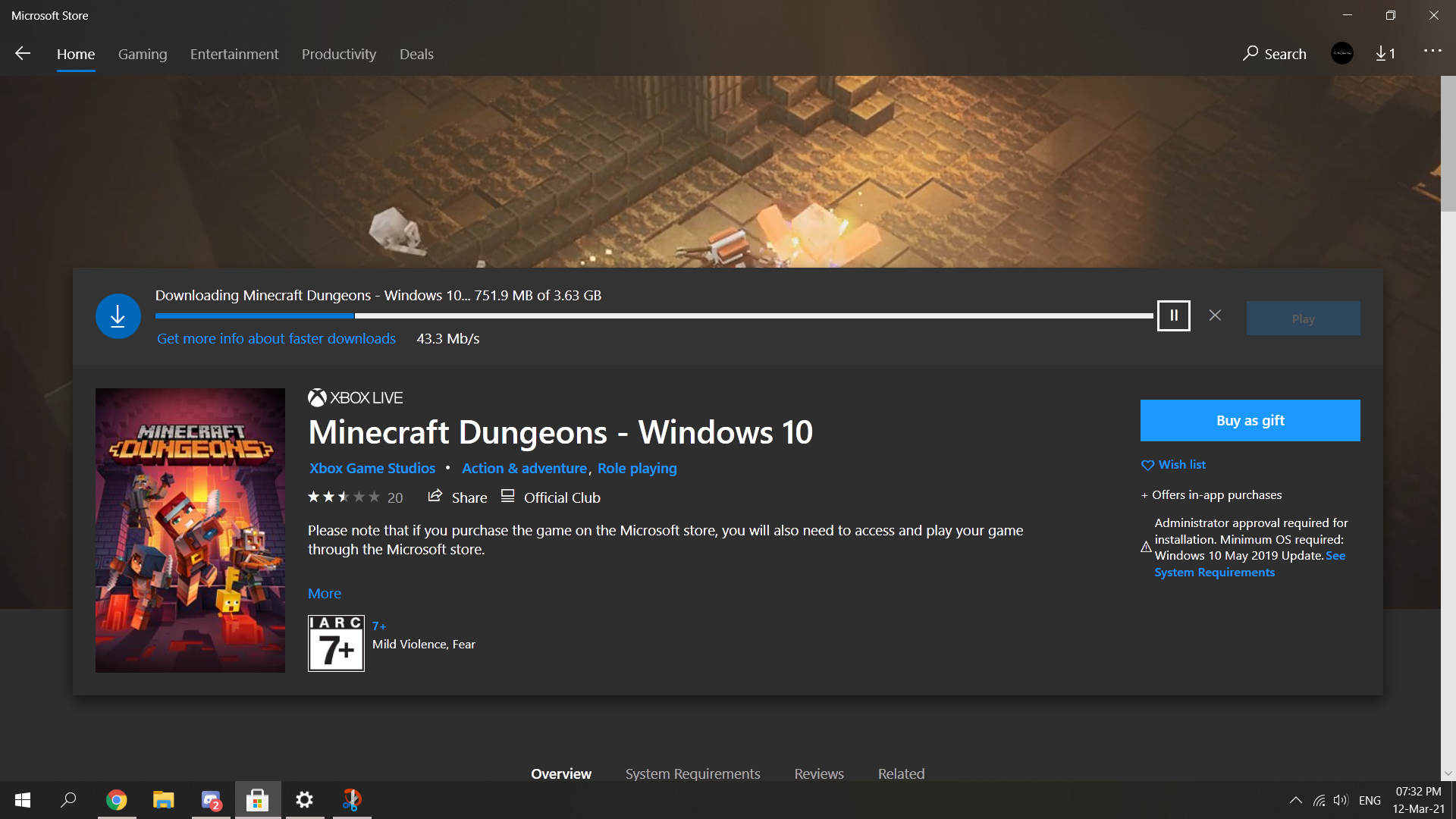
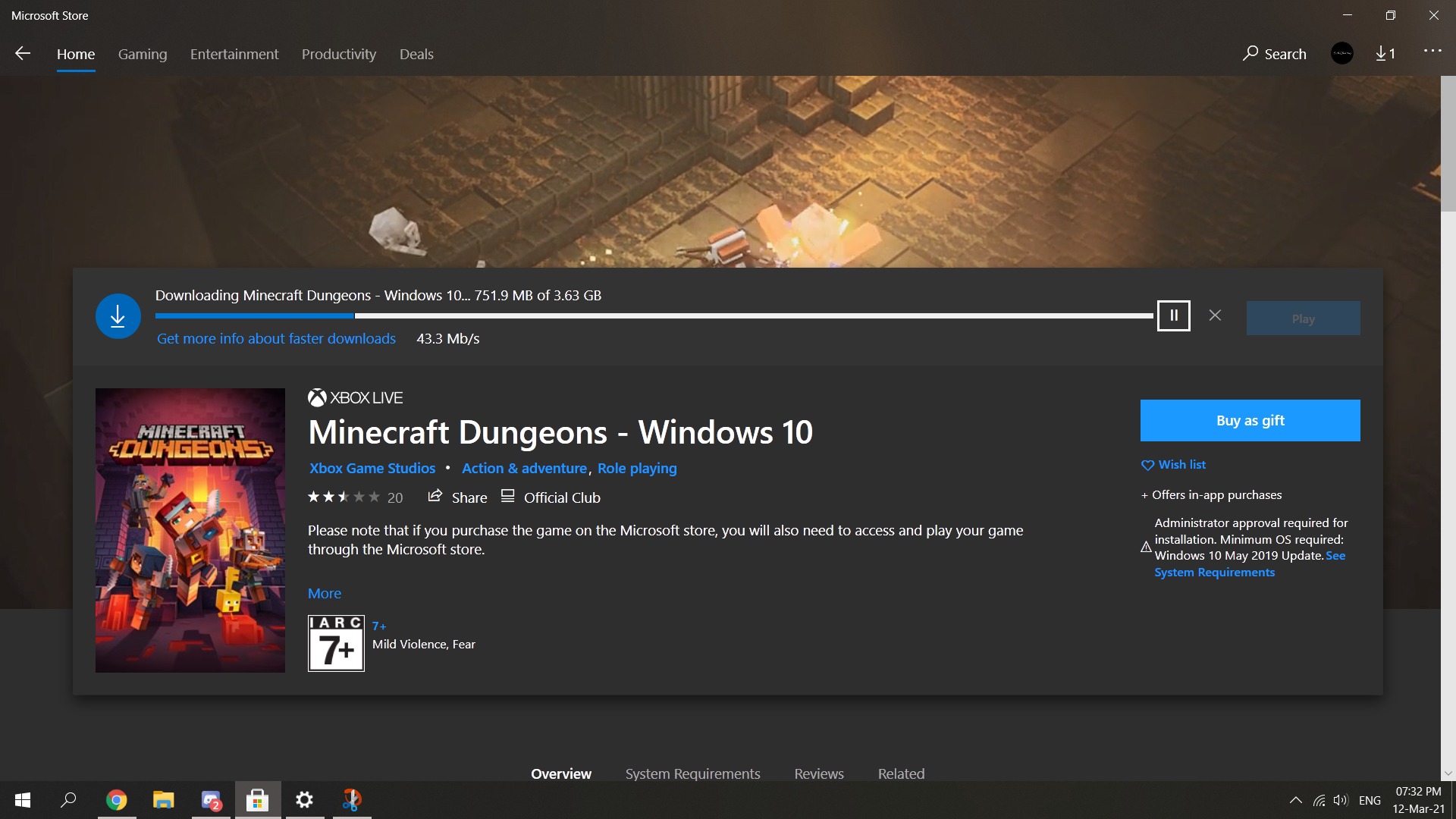
3. Then, I head over to Minecraft Dungeons page in the store and download the game (Of course it shows I owned this game as I already purchased before)
4. Before finish downloading I didn't do anything related to my MS account or xbox things I just leave it to download and start the game after download.
5. After done downloading, I start the game from Start menu.
6. After it finished the intro loading stuff, "Press any button to start" screen shows up. So I just pressed spacebar. Then, the game pop up a window which is the "Sign in with Xbox Live" with a "Next" button.
7. After I clicked on "Next" button, it directly signed me in and shows the "Welcome back, XXX (my name)" with a continue button.
8. After I clicked the continue button. It goes in and I can play the game now.It actually worked for me on same device that have the "Unable to verify ownership" problem before. I just have thinking of maybe this method will work and it actually worked for me.
But all my previously game data has gone. I started play again with new character sad af.
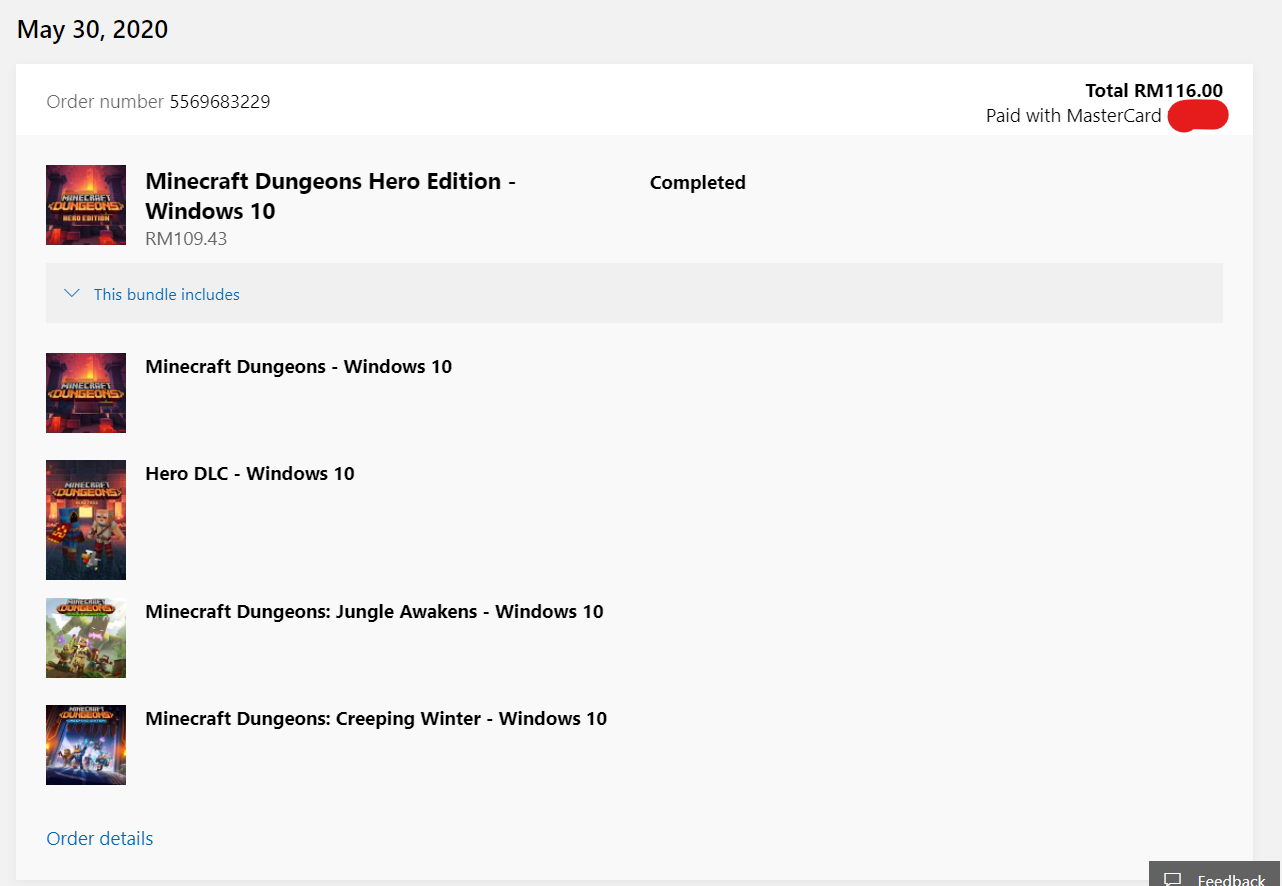
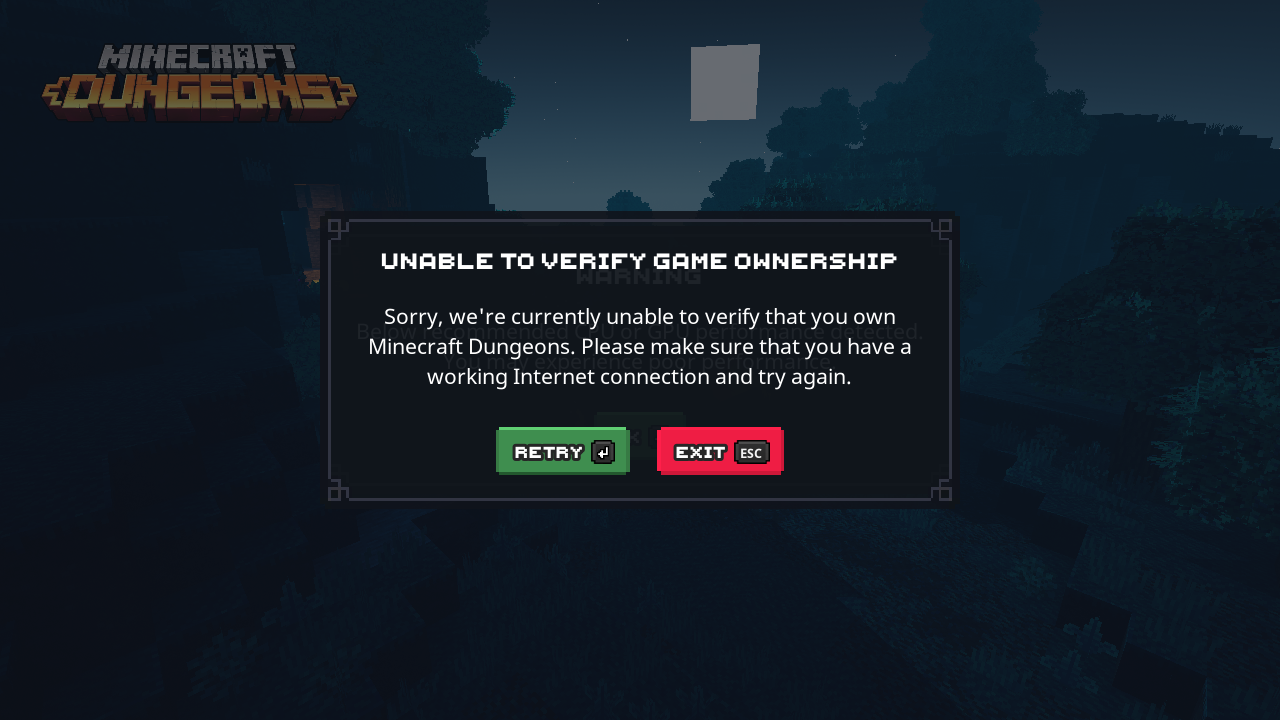
Are there any fixes? I'm still having this problem until today. Can't play the game. My laptop only has one account and I used that account to buy Minecraft Dungeons: Hero Edition. Played for months then one day it pops up the "Unable to Verify Game Ownership" dialog. When I clicked on the "Retry" button it signs me out and I have to sign in again. But after I signed in it show the "Unable to Verify Game Ownership" dialog again. My network has no problem.


Tried Jon's method. No luck. Here's what I did:
I downloaded all Xbox-related apps, signed in, and signed out. Uninstalled Minecraft Windows 10 Edition and Minecraft Dungeons. I reinstall Minecraft Windows 10 version and reinstall Minecraft Dungeon: Hero Edition (I go to Hero Edition's page and install from there and I wait for Minecraft Windows 10 to finish installing then I started to download MC Dungeon: Hero Edition).
I start Minecraft Windows 10 from MS Store. It asked me to sign in. I signed in with the MS account that I use to buy MC Dungeon: Hero Edition. I can access the skins that I purchased before. I joined a server and played their games a few rounds then I quit.
Now I start Minecraft Dungeons: Hero Edition from MS Store. It asked me to sign in so I did it. After that, the same message shows up... "Unable to Verify Game Ownership" like before. It was like the game didn't wait for (or detect) the logins then shows the message instantly...
Why such a small problem can't be fixed. I like this game so much. I wanna buy the new DLC...
For my game version is Minecraft Dungeons: Hero Edition. I bought the game from Windows Store. I only have the ownership verification fail problem on my laptop but not my dad's laptop. I signed in to my dad's laptop with the acc that I bought the game and I can play the game. But my previous saves gone So I think it is Windows' have some problem (maybe MS store's problem too)
Updated to 1.8.8.0. They still haven't solved the problem.
Exactly same issue with Amanda. For MS Store version I think Mojang can't fix it. It's Microsoft/Xbox issues in the pc. Microsoft never pay attention on this unless Mojang staff deal with Microsoft/Xbox staff.
I used my Microsoft account that bought Minecraft Dungeons from the MS Store on my laptop to start the game and I got the "Unable to Verify Game Ownership" error. But if I use the same account on another laptop that in same network and download Minecraft Dungeons MS Store version. The game can sign in normally but all my previous game data gone. Any fixes? I want to play the game on my laptop not others.
I found a solution for MC Dungeons Microsoft Store version. I have the "Unable to verify ownership" problem before on same device and recently solved it with a try of a method that I didn't found it on Internet. Steps below:
1. First, I add a local user account (I made it Administrator, not sure if Standard User works) on my machine that not signed in with MS account (which can log in directly to desktop). Then, I sign into that local user account.
2. I open Microsoft Store and signed in with the Microsoft Account that I used to purchased Minecraft Dungeons. After signed in it will prompt you a window titled with "Use this account everywhere on your device" with buttons of "Next" and "Microsoft Apps only". I clicked on "Microsoft Apps only".
3. Then, I head over to Minecraft Dungeons page in the store and download the game (Of course it shows I owned this game as I already purchased before)
4. Before finish downloading I didn't do anything related to my MS account or xbox things I just leave it to download and start the game after download.
5. After done downloading, I start the game from Start menu.
6. After it finished the intro loading stuff, "Press any button to start" screen shows up. So I just pressed spacebar. Then, the game pop up a window which is the "Sign in with Xbox Live" with a "Next" button.
7. After I clicked on "Next" button, it directly signed me in and shows the "Welcome back, XXX (my name)" with a continue button.
8. After I clicked the continue button. It goes in and I can play the game now.
It actually worked for me on same device that have the "Unable to verify ownership" problem before. I just have thinking of maybe this method will work and it actually worked for me.
But all my previously game data has gone. I started play again with new character sad af.