 CrazyJerz
- CrazyJerz
- crazyjerz
- Europe/Stockholm
- Yes
- No
 MCL-9026
 MC-156018


Windows 10, 8GB RAM
Windows 10, 8GB RAM
Intel i5 processor.
8 GB RAM, Intel Core i5
of 8th Generation, GTX 1050 4GB8 GB RAM, Intel Core i5-8300H 2,30 GHz, GTX 1050 4GB, Windows 10 Home OS, Java Edition
The donkey is teleporting extremely fastOdd behavior of minecraft:donkey - the donkey is teleporting extremely fast
This happens when I dismount the donkey (on 1.14.3 I mounted only the donkey, the same bug was on 1.14.2 with horses). The animal teleports so fast, that I can't mount it and it disappears after a split second and teleports to other place in radius of 3 blocks and there happens the same thing. After some time (a few minutes) I can teleport it to me using the command "/tp @e [type=donkey] @p" and it behaves normally.
8 GB RAM, Intel Core i5-8300H 2,30 GHz, GTX 1050 4GB, Windows 10 Home
OS, Java Edition8 GB RAM, Intel Core i5-8300H 2,30 GHz, GTX 1050 4GB, OS: Windows 10 Home, Java Edition
This happens when I dismount the donkey (on 1.14.3 I mounted only the donkey, the same bug was on 1.14.2 with horses). The animal teleports so fast, that I can't mount it and it disappears after a split second and teleports to other place in radius of 3 blocks and there happens the same thing. After some time (a few minutes) I can teleport it to me using the command "/tp @e [type=donkey] @p" and it behaves normally. This happened to me three times on my survival world.
In Polish version of the game there is a square with letters NBSP in the description of the advancements minecraft:husbandry/safely_harvest_honey, minecraft:nether/all_effects and minecraft:nether/all_potions.
This is not a translation bug, but a text rendering
bug.
I think you should write in English.
As I said, it's NOT a translation issue. This is not a translation error, but a text error - these non-breaking spaces are a bug not associated with Crowdin and its translations. Nobody in Crowdin would add broken characters as a translation.
don't add www
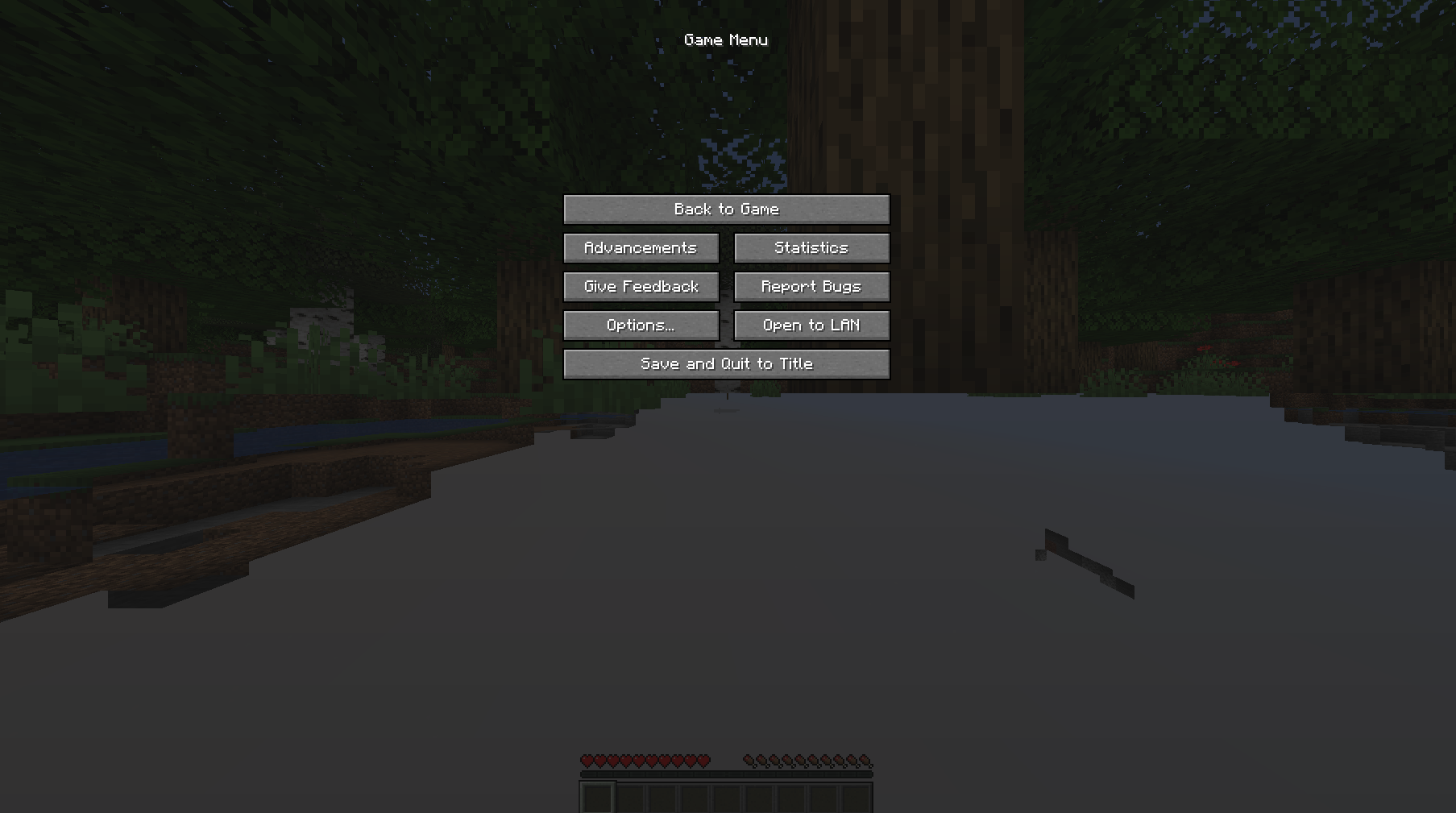
It is impossible to enable the F3 debug screen when the issue occurs as it only occurs when creating a world and joining it for the first time, and after a few seconds after clicking "back to game" everything works fine.
Reproducing the issue is simple - you need to create a world in the 1.17.1 version of Minecraft.
I am using optifine (and nothing else), which shouldn't have any effect on spawning mechanics.