 Jakub P.
- Crog
- crog
- Europe/Stockholm
- Yes
- No
 MCL-12433
 WEB-1615
![[Mojang] Web Team](../../../data/avatars/users/10122.svg)

So today I wanted to play some minecraft java but when I opended the launcher it showed that it was updating and then nothing happened. I tried opening it numorous times, but still nothing happened. I tried restarting my PC and updating Java still nothing.
I than tried uninstaling and reinstaling the launcher. (Note I have minecraft saved on an external harddrive) When I uninstalled the launcher I clicked on repair first to see if that would fix it, but it still wouldn't open so than I clicked on remove and not only it removed to launcher, but it also removed some other files that I had in the same folder as the installer.
When I reinstalled the launcher again it still didn't open.
The only thing that happned is that it showed in the task manager for like a split second.
Edit: Attached Launcher_log
So today I wanted to play some minecraft java but when I opended the launcher it showed that it was updating and then nothing happened. I tried opening it numorous times, but still nothing happened. I tried restarting my PC and updating Java still nothing.
I than tried uninstaling and reinstaling the launcher. (Note I have minecraft saved on an external harddrive) When I uninstalled the launcher I clicked on repair first to see if that would fix it, but it still wouldn't open so than I clicked on remove and not only it removed to launcher, but it also removed some other files that I had in the same folder as the installer.
When I reinstalled the launcher again it still didn't open.
The only thing that happned is that it showed in the task manager for like a split second.
Edit: Attached Launcher_log
So today I wanted to play some minecraft java but when I opended the launcher it showed that it was updating and then nothing happened. I tried opening it numorous times, but still nothing happened. I tried restarting my PC and updating Java still nothing.
I than tried uninstaling and reinstaling the launcher. (Note I have minecraft saved on an external harddrive) When I uninstalled the launcher I clicked on repair first to see if that would fix it, but it still wouldn't open so than I clicked on remove and not only it removed to launcher, but it also removed some other files that I had in the same folder as the installer.
When I reinstalled the launcher again it still didn't open.
The only thing that happned is that it showed in the task manager for like a split second.
Edit: Attached Launcher_log
launcher_log.txt
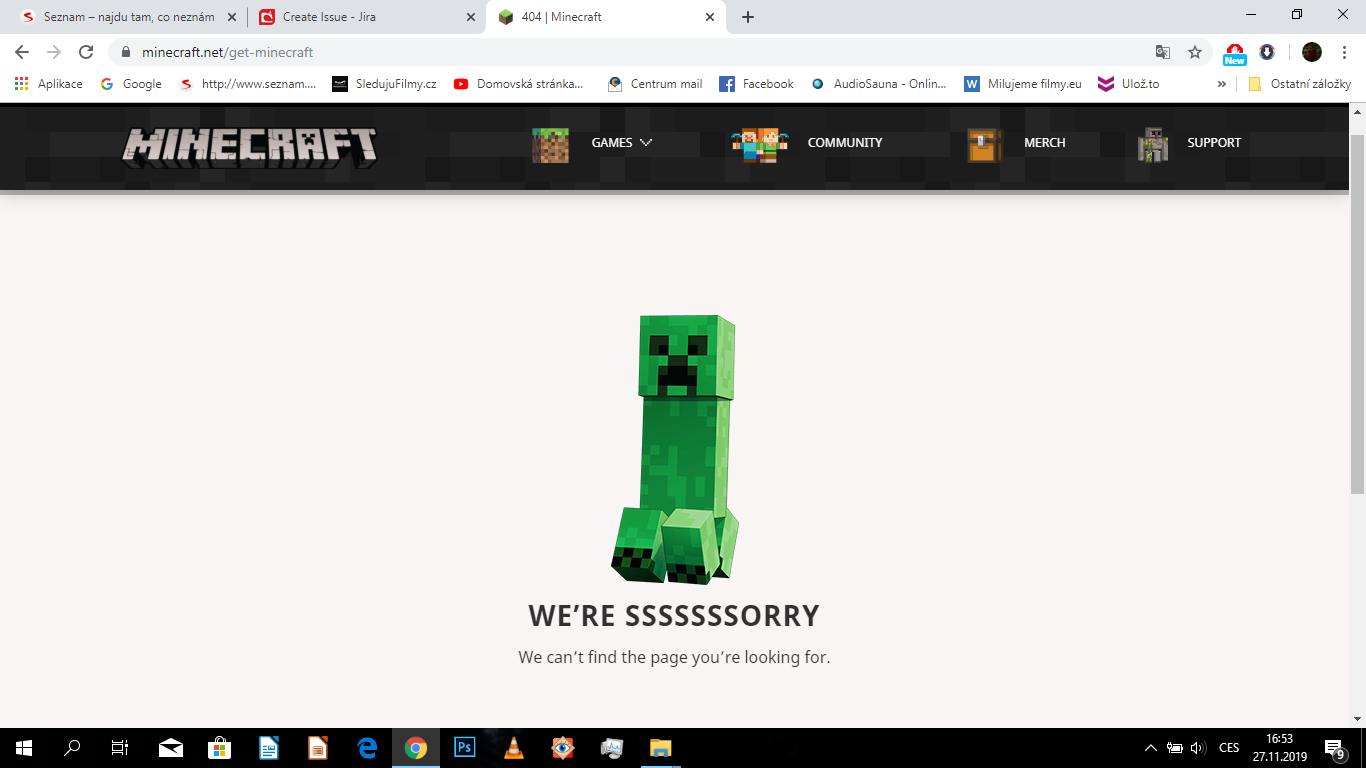
So I wanted to re-download Minecraft Java, but when I clicked on "Get Minecraft" (after signing in) it gave a 404 message (Image provided). I don't know if these is some maintenance going on or something, but it seem kinda odd.
Edit: Jut checked if I can click on other minecraft related games like MC Dungeons, Earth and Educational Edition and I got the 404 on all of them exept the Educational Edition.
No it doesn't. Neither does reinstaling Java or Launcher.
Nope
tried it and still no luck. I tried it just for curriousity on my friend's also window 10 pc through the harddrive. And it worked completelly fine.