Same issue, different platform. At the white screen shortly after "Minecraft" logo is done being displayed (which also seems to take a long time to appear), app closes and returns me to iOS home screen. Double-tapping home button to show open apps shows Minecraft is still running, and shows how the app appeared the last time we had it open (the world selection screen), but touching it to open it prompts the app to restart, starts the cycle over again. Closing the app manually and restarting has no different effect. Playing on iOS 10.3.3, 4th gen. iPad. Tried turning on/off airplane mode to see if it was issue with Xbox Live login, didn't have any effect. Have not tried reinstalling for fear of losing worlds.
1.5.2.1 resolved issue for us on iPad 4. Same outcome as Ben S. above, when we arrived at the main menu we got a pop-up at top of screen saying something about global resources being reset and a crash being detected. Works fine now.
 Daniel
 MC-30006
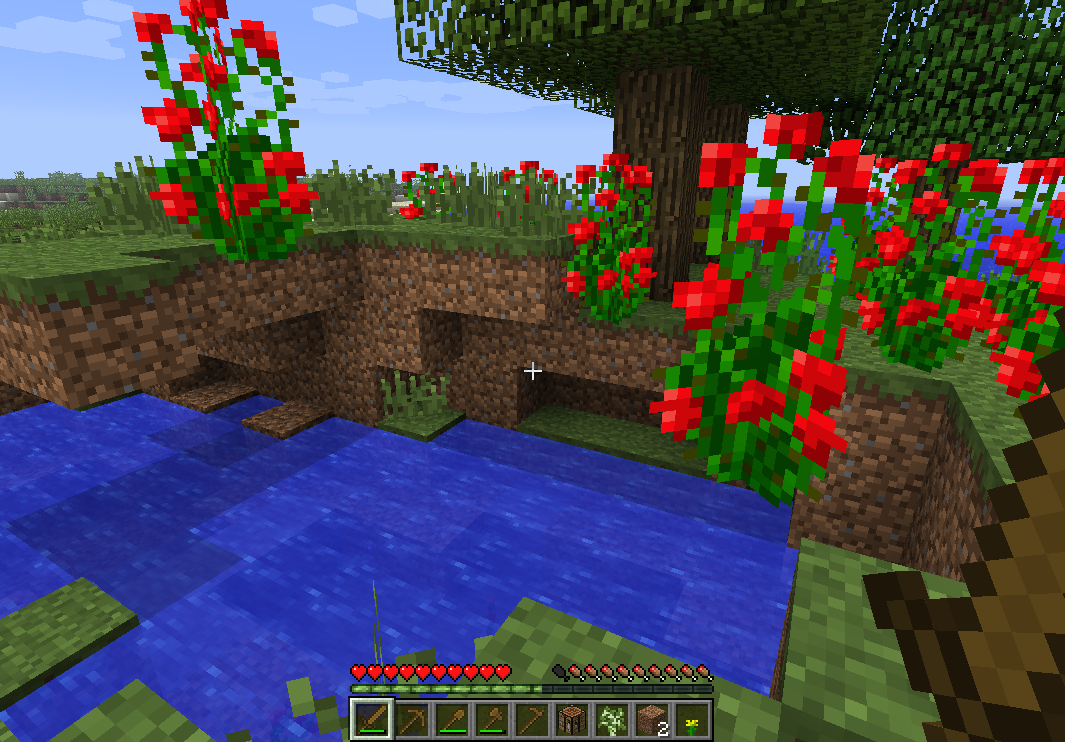
Thanks for the comment and explanation - do I need to change the status of this to duplicate? do you have the ID of the grass block bug? Thanks!
Same issue. Playing on iOS 10.3.3, 4th gen. iPad. Have not tried reinstalling for fear of losing worlds.
Same issue, different platform. At the white screen shortly after "Minecraft" logo is done being displayed (which also seems to take a long time to appear), app closes and returns me to iOS home screen. Double-tapping home button to show open apps shows Minecraft is still running, and shows how the app appeared the last time we had it open (the world selection screen), but touching it to open it prompts the app to restart, starts the cycle over again. Closing the app manually and restarting has no different effect. Playing on iOS 10.3.3, 4th gen. iPad. Tried turning on/off airplane mode to see if it was issue with Xbox Live login, didn't have any effect. Have not tried reinstalling for fear of losing worlds.
1.5.2.1 resolved issue for us on iPad 4. Same outcome as Ben S. above, when we arrived at the main menu we got a pop-up at top of screen saying something about global resources being reset and a crash being detected. Works fine now.