 David Payr
- davidskanal
- davidskanal
- Europe/Stockholm
- Yes
- No
 MC-1928
![[Mojang] Searge (Michael Stoyke)](../../../data/assets/gravatar/searge.png)

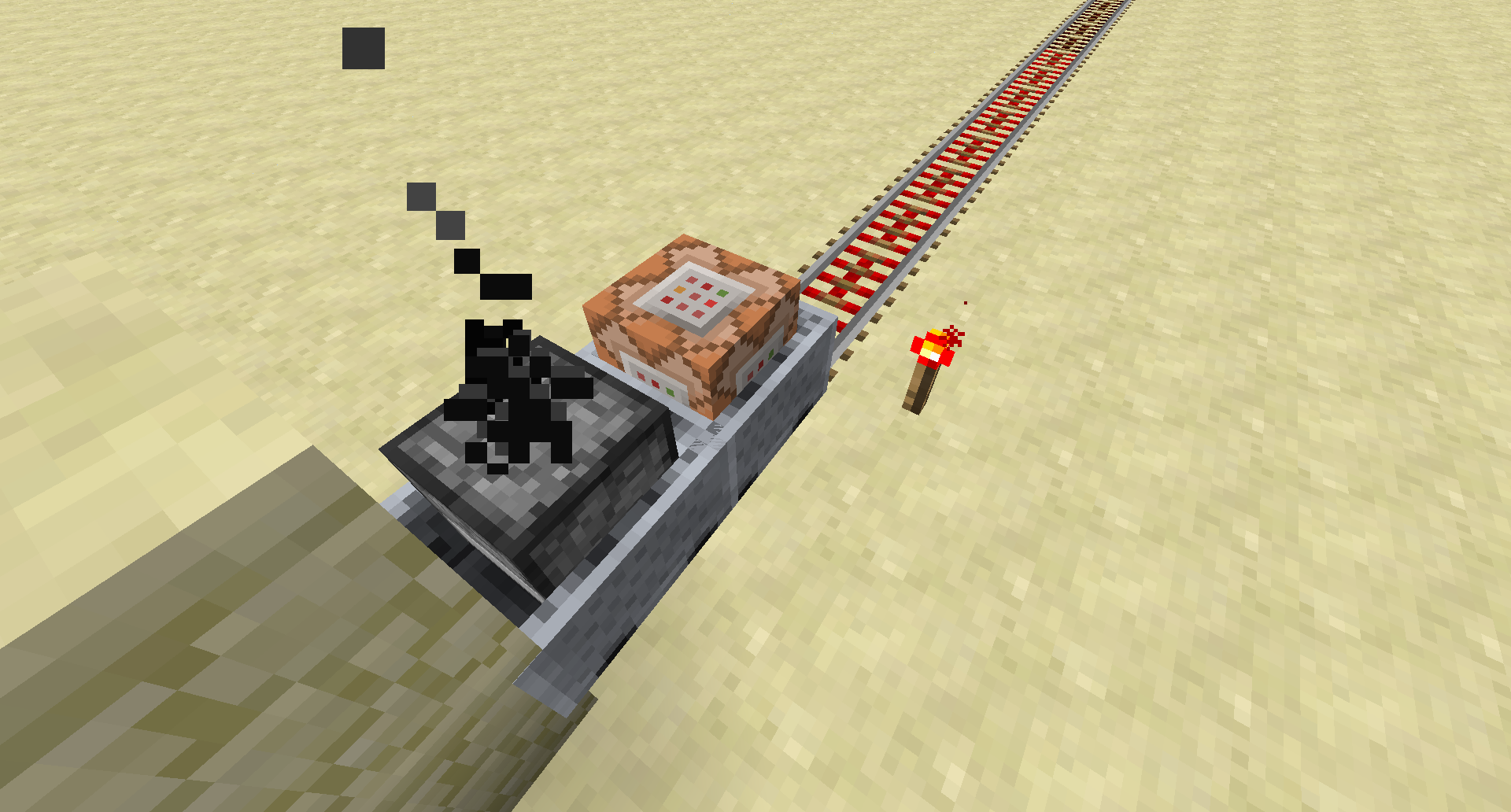

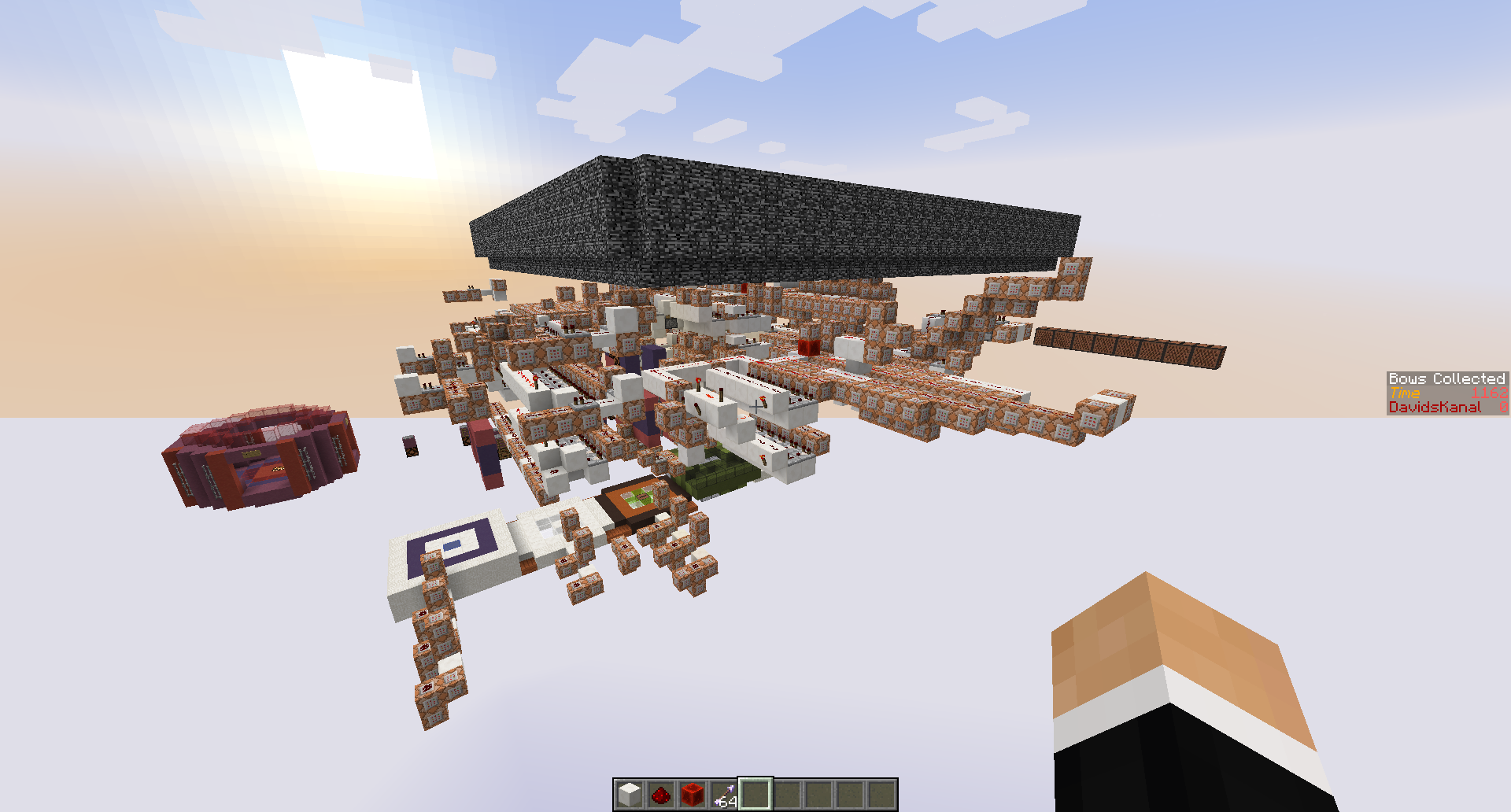


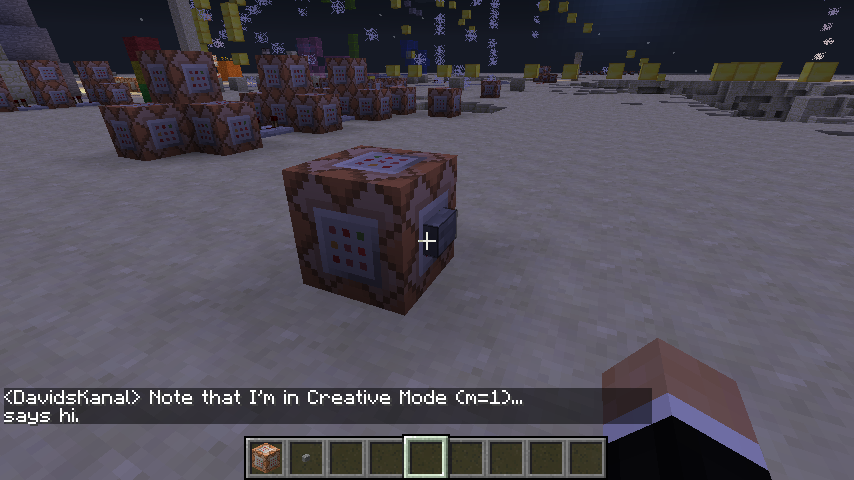
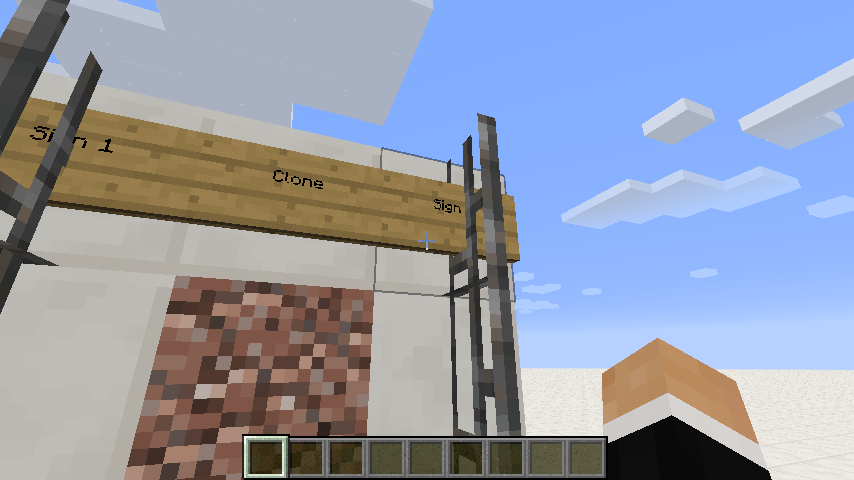
When you try to set up a Minecart with Furnace which pushes a Minecart with Command Block, the Minecart with Furnace simply isn't able to push the Minecart with CommandBlock, even though we get the rail sound. I don't know if it's a rail thing, I only tested it on Activator Rails and that didn't work.
This is a performance bug that has been in the game since 14w28a. Since I'm not a minecraft modder or computer specialist, the best that I can do is assume what the cause of the bug is.
The "story":
Basically, I'm currently working on a Minecraft map. The map has, in its spawn chunks, a lot of redstone and CommandBlocks (hooked up to a 20Hz-clock) and even though that's a lot to compute, 14w27b handled it completely fine. Starting with 14w28a, the tick speed in the game has dramatically decreased, even though the map was never changed.Where is the performance decrease noticeable?
I can see this performance decrease on the scoreboard, which has a constant second-timer on it. In 14w27b, it counted up every second, but in the recent snapshot 14w32a it counts up about every two seconds, and basically all the other redstone is slowed down by the same factor as well.It's the same in 14w32b,c,d but there are some other bugs there as well that I don't want to cover here.
What could cause this?
As I said, I don't know exactly what causes this decrease, but I think that some redundant code which controls chunk updates and redstone/commandblocks has been added.I think this lag is not supposed to happen, because
1. the redstone is located in the spawn chunks, where any update used to not create any lag.
2. the performance was better in the past.
That's why I think this is a bug, but if it isn't, please let me know.How to reproduce:
Again, since I don't exactly know what causes this, I'm going to leave a map download so that you can see for yourselves. Please do not play or publish this map in any way, please only do this:1. Open the map in 14w27b. The timer on the right ("Time") should run in a steady, one-second-period interval.
2. Open the same map in 14w31a. The timer should run considerably slower.
Optional: Check the redstone by going to -1000,64,0.Map download (only for testing purposes):
http://www.mediafire.com/download/bxjo5ait3c6bz51/SpawnGame+TESTING+MAP.zip
This is a performance bug that has been in the game since 14w28a. Since I'm not a minecraft modder or computer specialist, the best that I can do is assume what the cause of the bug is.
The "story":
Basically, I'm currently working on a Minecraft map. The map has, in its spawn chunks, a lot of redstone and CommandBlocks (hooked up to a 20Hz-clock) and even though that's a lot to compute, 14w27b handled it completely fine. Starting with 14w28a, the tick speed in the game has dramatically decreased, even though the map was never changed.Where is the performance decrease noticeable?
I can see this performance decrease on the scoreboard, which has a constant second-timer on it. In 14w27b, it counted up every second, but in the recent snapshot 14w32a it counts up about every two seconds, and basically all the other redstone is slowed down by the same factor as well.It's the same in 14w32b,c,d but there are some other bugs there as well that I don't want to cover here.
What could cause this?
As I said, I don't know exactly what causes this decrease, but I think that some redundant code which controls chunk updates and redstone/commandblocks has been added.I think this lag is not supposed to happen, because
1. the redstone is located in the spawn chunks, where any update used to not create any lag.
2. the performance was better in the past.
That's why I think this is a bug, but if it isn't, please let me know.How to reproduce:
Again, since I don't exactly know what causes this, I'm going to leave a map download so that you can see for yourselves. Please do not play or publish this map in any way, please only do this:1. Open the map in 14w27b. The timer on the right ("Time") should run in a steady, one-second-period interval.
2. Open the same map in 14w31a. The timer should run considerably slower.
Optional: Check the redstone by going to -1000,64,0.Map download (only for testing purposes):
http://www.mediafire.com/download/bxjo5ait3c6bz51/SpawnGame+TESTING+MAP.zip
Fatal: Game slows down (tick speed) dramatically when dealing with big amounts of Redstone/CommandBlocks (compared to 14w27b-)
In the JSON part of a /tellraw, when a targeted player (via the
{selector:""}is not found, it still outputs the message without the player.
Previously when a player was not found, the message was not output
tedinto the chat, just like it would with /say.
Doing a specific procedure to signs will make them ghost blocks, which will disappear after you reload the map. Since it's hard to explain the bug, I made a little world which explains you exactly how to reproduce it.
Just follow the instructions.
http://www.mediafire.com/download/wvsb3to40e25rgd/Ghost+Sign+Blocks+Rendering+Bug.zip
Doing a specific procedure to signs will make them ghost blocks, which will disappear after you reload the map. Since it's hard to explain the bug, I made a little map which explains you exactly how to reproduce it.
Just follow the instructions.
http://www.mediafire.com/download/wvsb3to40e25rgd/Ghost+Sign+Blocks+Rendering+Bug.zip
Doing a specific procedure to signs will make them ghost blocks, which will disappear after you reload the map. Since it's hard to explain the bug, I made a little map which
explains you exactly how to reproduce it.Just follow the instructions.
http://www.mediafire.com/download/wvsb3to40e25rgd/Ghost+Sign+Blocks+Rendering+Bug.zip
Doing a specific procedure to signs will make them ghost blocks, which will disappear after you reload the map. Since it's hard to explain the bug, I made a little map which tells you exactly how to reproduce it.
Just follow the instructions.
http://www.mediafire.com/download/wvsb3to40e25rgd/Ghost+Sign+Blocks+Rendering+Bug.zip
Confirmed, very annoying.
Try it with activator rails.
This is how it looks for me. As far as I know the command block should get pushed.
Maybe it's because I had 6 CommandBlockMinecarts stacked on each other. do "/summon MinecartCommandBlock ~ ~ ~ {Riding:{id:MinecartCommandBlock}}". Then try to push that bad boy. It seems to be not losing momentum when pushed, but it can't be accelerated to maximum speed with a MinecartFurnace.
Confirmed.
Unable to reproduce? Maybe you had some sort of command block contraption active?
Well… I basically summoned a MinecartRideable with NoAI = 1.
{NoAI:1}/summon Minecart ~ ~ ~
I right clicked, but everything went fine.
Oh NOW I got it to work! (or not work, depends on how you look at it)
{NoAI:1}I spawned a Minecart, rode it and THEN I did
/entitydata @e[type=MinecartRideable,r=5]
and it teleported me into the void, at 0,0,0.
I think this bug has been fixed in 1.8.
@Galaxy_2Alex, thanks for the reply, I'll update my Java.
Did you check the map for your PC to see if it works just fine?
@Anthony Carey, the thing is that this isn't graphical lag, it's more of a "game"-lag. But thanks anyway.
Mhh - strange. Can you tell me which operating system you are using and the java version displayed in the debug screen?
I updated my Java, still claims to be in 1.6.0_51 64bit....
Mhh… I checked my system and it says that I'm running Java 7 - Update 67. Do I have to make any changes to my Minecraft Launcher, in other words to the way it launches Minecraft?
Got 1.8.0_11 64bit now, thanks a lot!
The map isn't fixed completely though, I noticed that there are a lot of chunk updates, even though the redstone is located in the spawn chunks, where it previously didn't generate any lag nor chunk updates. This is probably what causes this, but I'll save that for another bug report.
Thanks again!
Fast Food Graphics - haven't seen that before… I'm just joking, you should probably give us a better explanation of what the actual bug is, and maybe attach some screenshots too.
Oh okay, I totally forgot I could have used /execute…
Just saying that "/say [m=2] sucks!" doesn't output anything, but I think that's intended too. You as a dev probably knew that. I just like pointing out things. And by the way, it makes sense that it doesn't output anything, cause I don't suck. Sorry for the cheesy example.
No, this doesn't duplicate
MC-66425. This is a different glitch. Whoever flagged this, did you check the map that shows you the bug first? I doubt it. Also this glitch only happens to signs (as far as I can tell), not to "polished granite" or something like that…I'm sorry, that's also not the right one. Please, before you flag my issue, read through the text and try out the map. Please don't assume what this bug is.
Are you still there?
Mhh… I think
MC-63663is the correct bug here, but I think flagging it as a dupe ofMC-62166is wrong, since that's a different bug. I would probably remove that duplication flag, but it's up to you.Exactly. That's why the two should be kept seperate.
Exactly what I thought.
How are we gonna get these bug separated though? It may be hard, but this bug is quite an important one to be honest. Re-post it?