 Fatih Aydin
- DragonCat238
- dragoncat238
- Europe/Amsterdam
- Yes
- No
 MC-93765


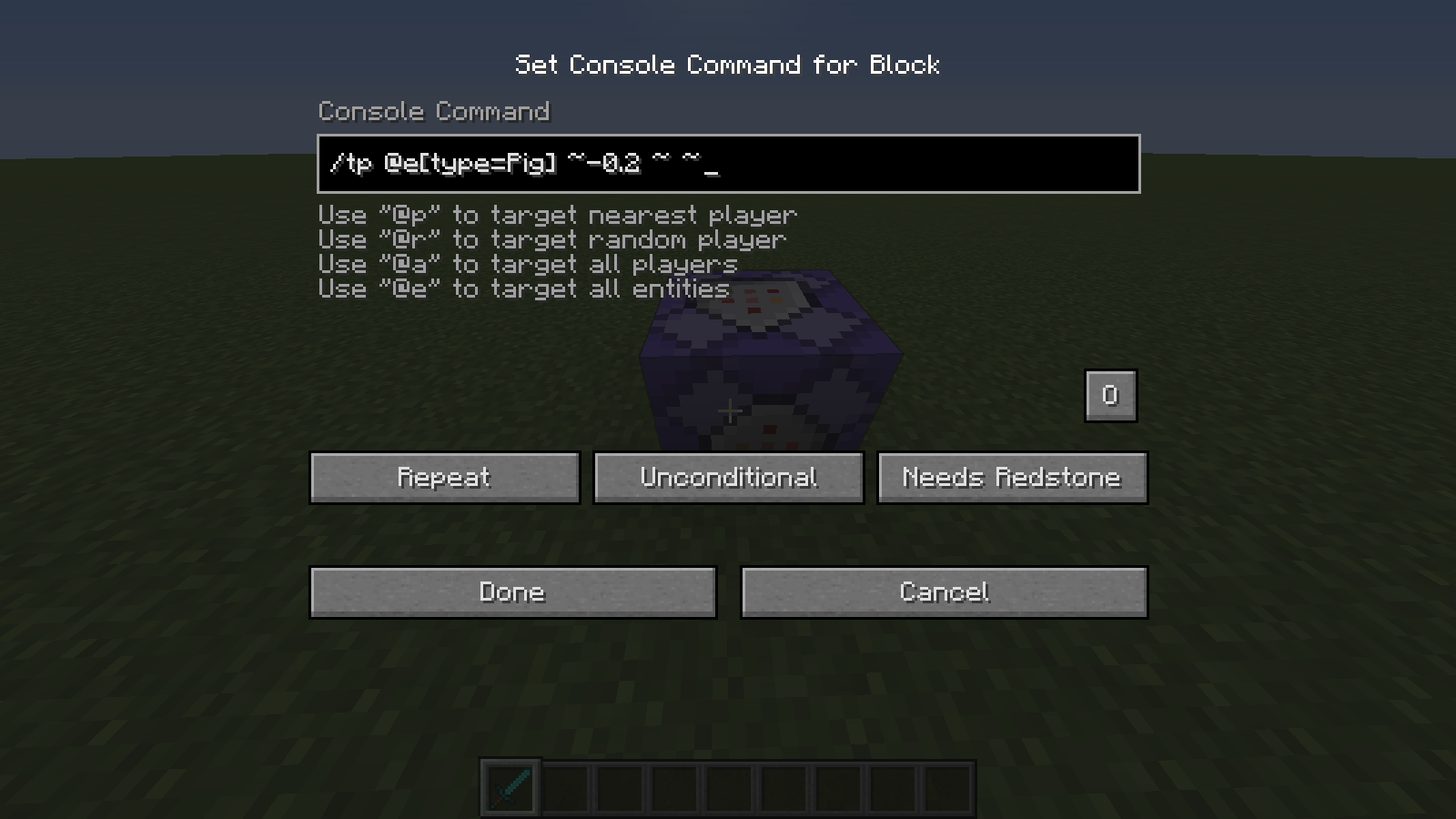
If you use the /entitydata command on a repeating command block it causes extreme lag while updating the entities, compared to Minecraft 1.8.
What I expected to happen was:
I used this entitydata command in Minecraft 1.8 for my maps. I made a map in the 1.9 snapshots. I used an entitydata command to make my mobs tougher against hand attacks.What actually happened was:
Upon using the command block, the world started to lag a lot, causing mobs to move and attack very slowly.Steps to Reproduce:
{AbsorptionAmount:1}
1. Have a few entities in your world (around 50 entities should be enough!)
2. Place a command block.
3. Set the command block to Repeat - Uncondictional - Always Active
4. Use the command: /entitydata @e[type=!Player]5 Try to mine a block or hit a mob. You should see that the mob movement is really laggy, and the blocks you mine sometimes reappear. This didn't happen in Minecraft 1.8, unless you had hundreds of entities or something.
If you use the /entitydata command on a repeating command block it causes extreme lag while updating the entities, compared to Minecraft 1.8.
What I expected to happen was:
I used this entitydata command in Minecraft 1.8 for my maps. I made a map in the 1.9 snapshots. I used an entitydata command to make my mobs tougher against hand attacks.What actually happened was:
Upon using the command block, the world started to lag a lot, causing mobs to move and attack very slowly.Steps to Reproduce:
{AbsorptionAmount:1}
1. Have a few entities in your world (around 50 entities should be enough!)
2. Place a command block.
3. Set the command block to Repeat - Uncondictional - Always Active
4. Use the command: /entitydata @e[type=!Player]5. Change to Survival Mode
6. Try to mine a block or hit a mob. You should see that the mob movement is really laggy, and the blocks you mine sometimes reappear. This didn't happen in Minecraft 1.8, unless you had hundreds of entities or something.
If you use the /entitydata command on a repeating command block while you're in survival mode, it causes extreme lag while updating the entities, compared to Minecraft 1.8.
What I expected to happen was:
I used this entitydata command in Minecraft 1.8 for my maps. I made a map in the 1.9 snapshots. I used an entitydata command to make my mobs tougher against hand attacks.What actually happened was:
Upon using the command block, the world started to lag a lot, causing mobs to move and attack very slowly.Steps to Reproduce:
{AbsorptionAmount:1}
1. Have a few entities in your world (around 50 entities should be enough!)
2. Place a command block.
3. Set the command block to Repeat - Uncondictional - Always Active
4. Use the command: /entitydata @e[type=!Player]5. Change to Survival Mode
6. Try to mine a block or hit a mob. You should see that the mob movement is really laggy, and the blocks you mine sometimes reappear. This didn't happen in Minecraft 1.8, unless you had hundreds of entities or something. If this doesn't work try adding more entities.
If you use the /entitydata command on a repeating command block while you're in survival mode, it causes extreme lag while updating the entities, compared to Minecraft 1.8.
What I expected to happen was:
I used this entitydata command in Minecraft 1.8 for my maps. I made a map in the 1.9 snapshots. I used an entitydata command to make my mobs tougher against hand attacks.What actually happened was:
Upon using the command block, the world started to lag a lot, causing mobs to move and attack very slowly.Steps to Reproduce:
{AbsorptionAmount:1}
1. Have a few entities in your world (around 50 entities should be enough!)
2. Place a command block.
3. Set the command block to Repeat - Uncondictional - Always Active
4. Use the command: /entitydata @e[type=!Player]5. Change to Survival Mode!
6. Try to mine a block or hit a mob. You should see that the mob movement is really laggy, and the blocks you mine sometimes reappear. This didn't happen in Minecraft 1.8, unless you had hundreds of entities or something. If this doesn't work try adding more entities.
Using /entitydata on repeating command block while in survival mode causes extreme lag.
If you use the /entitydata command on a repeating command block while you're in survival mode, it causes extreme lag while updating the entities, compared to Minecraft 1.8.
What I expected to happen was:
I used this entitydata command in Minecraft 1.8 for my maps. I made a map in the 1.9 snapshots. I used an entitydata command to make my mobs tougher against hand attacks.What actually happened was:
Upon using the command block, the world started to lag a lot, causing mobs to move and attack very slowly.Steps to Reproduce:
{AbsorptionAmount:1}
1. Have a few entities in your world (around 50 entities should be enough!)
2. Place a command block.
3. Set the command block to Repeat - Uncondictional - Always Active
4. Use the command: /entitydata @e[type=!Player]5. Change to Survival Mode!
6. Try to mine a block or hit a mob. You should see that the mob movement is really laggy, and the blocks you mine sometimes reappear. This didn't happen in Minecraft 1.8, unless you had hundreds of entities or something. If this doesn't work try adding more entities.If you use the /entitydata command on a repeating command block while you're in survival mode, it causes extreme lag while updating the entities, compared to Minecraft 1.8.
What I expected to happen was:
I used this entitydata command in Minecraft 1.8 for my maps. I made a map in the 1.9 snapshots. I used an entitydata command to make my mobs tougher against hand attacks.What actually happened was:
When I changed to survival mode, the world started to lag a lot, causing mobs to move and attack very slowly.Steps to Reproduce:
{AbsorptionAmount:1}
1. Have a few entities in your world (around 50 entities should be enough!)
2. Place a command block.
3. Set the command block to Repeat - Uncondictional - Always Active
4. Use the command: /entitydata @e[type=!Player]5. Change to Survival Mode!
6. Try to mine a block or hit a mob. You should see that the mob movement is really laggy, and the blocks you mine sometimes reappear. This didn't happen in Minecraft 1.8, unless you had hundreds of entities or something. If this doesn't work try adding more entities.
OS: Windows 10
Java: 64 bit, version 8 update 66
Using /entitydata on repeating command block while in survival mode causes extreme lag.Using /entitydata on repeating command block while in survival mode causes extreme lag during mob pathfinding
How to reproduce:
1. Create a world.
2. Go in the world.
3. Let the chunks render a bit.
4. Leave the world.
5. At the menu, double-click your world. DON'T MOVE YOUR MOUSE!
6. Spam your left-click button as fast as you can!
7. The loading-screen glitches while you click atthatthe spot where your world is in the menu, I sank through my world! --> look at the image.How to reproduce:
1. Create a world.
2. Go in the world.
3. Let the chunks render a bit.
4. Leave the world.
5. At the menu, double-click your world. DON'T MOVE YOUR MOUSE!
6. Spam your left-click button as fast as you can!
7. The loading-screen glitches while you click at the spot where your world is in the menu.
8. When your world loads up, you will sometimes sink through the blocks. (look at the image!)
I tried it with logAdminCommands set to false, nothing really changed.
The "duplicate" of this bug was fixed. But my bug still works!
This bug doesn't work anymore in 1.10-pre 1. I currently don't have the time to check other versions though.