 Whats my name?
- DuckLux175
- ducklux175
- America/Los_Angeles
- Yes
- No
 MCPE-58460
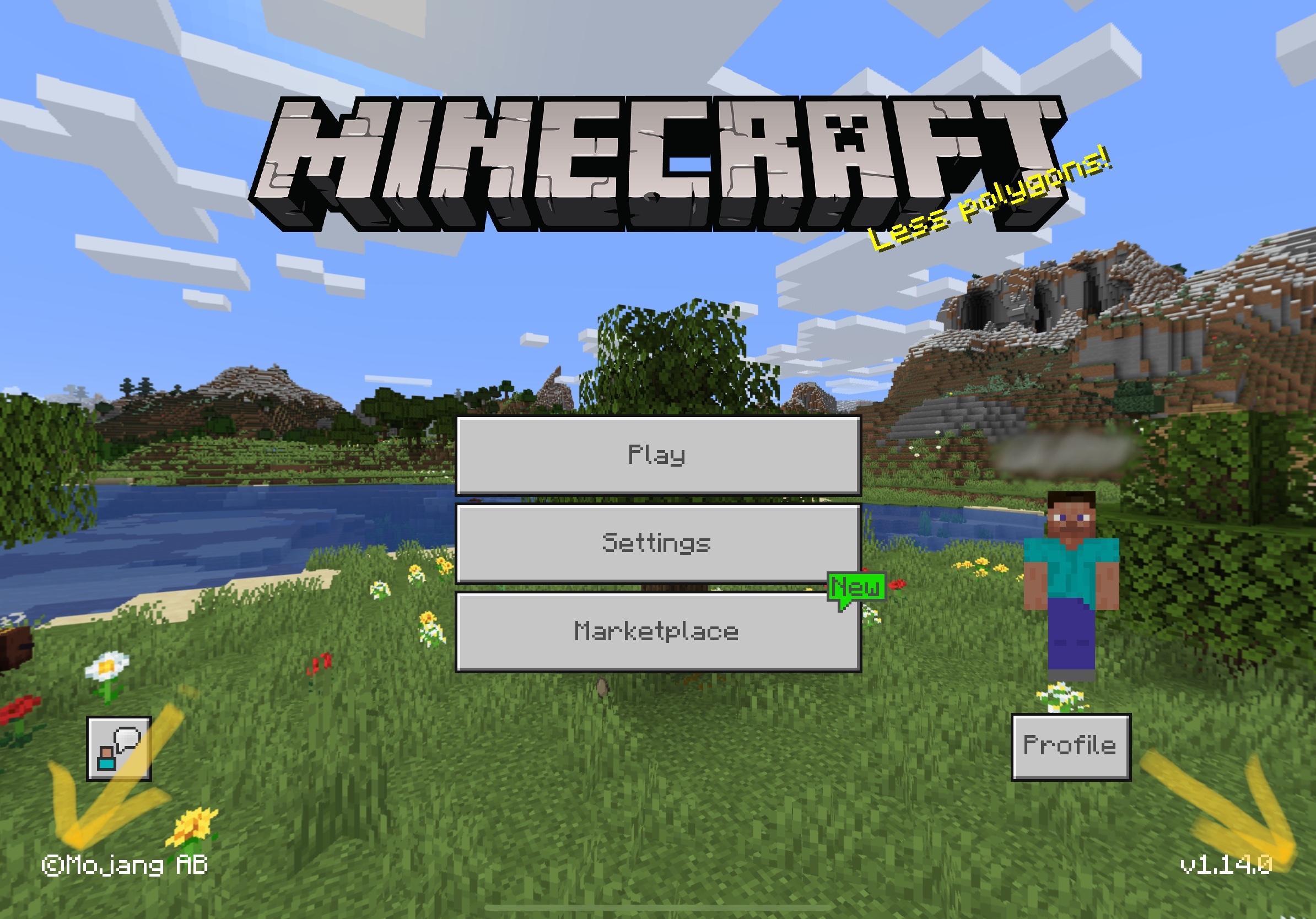
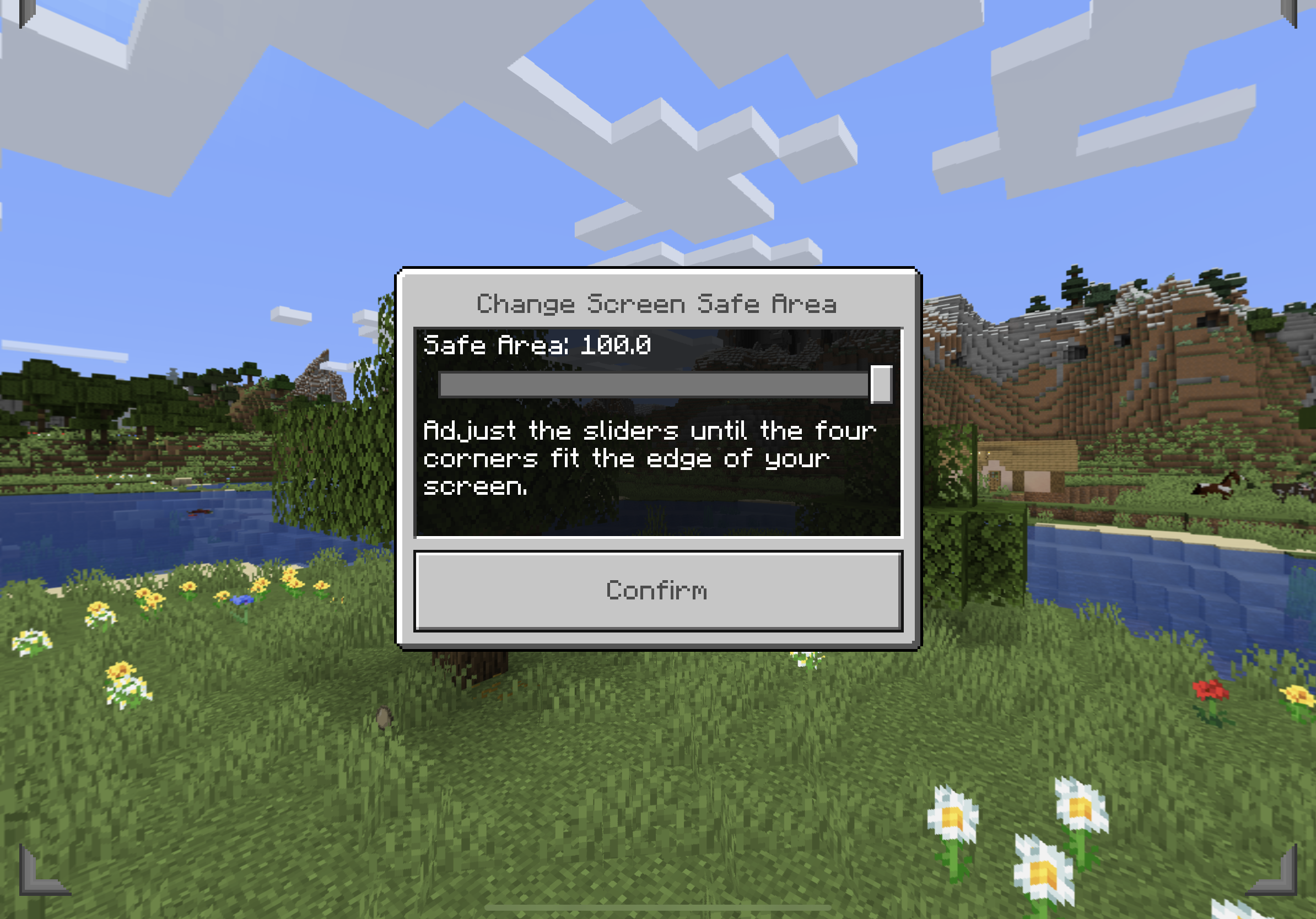

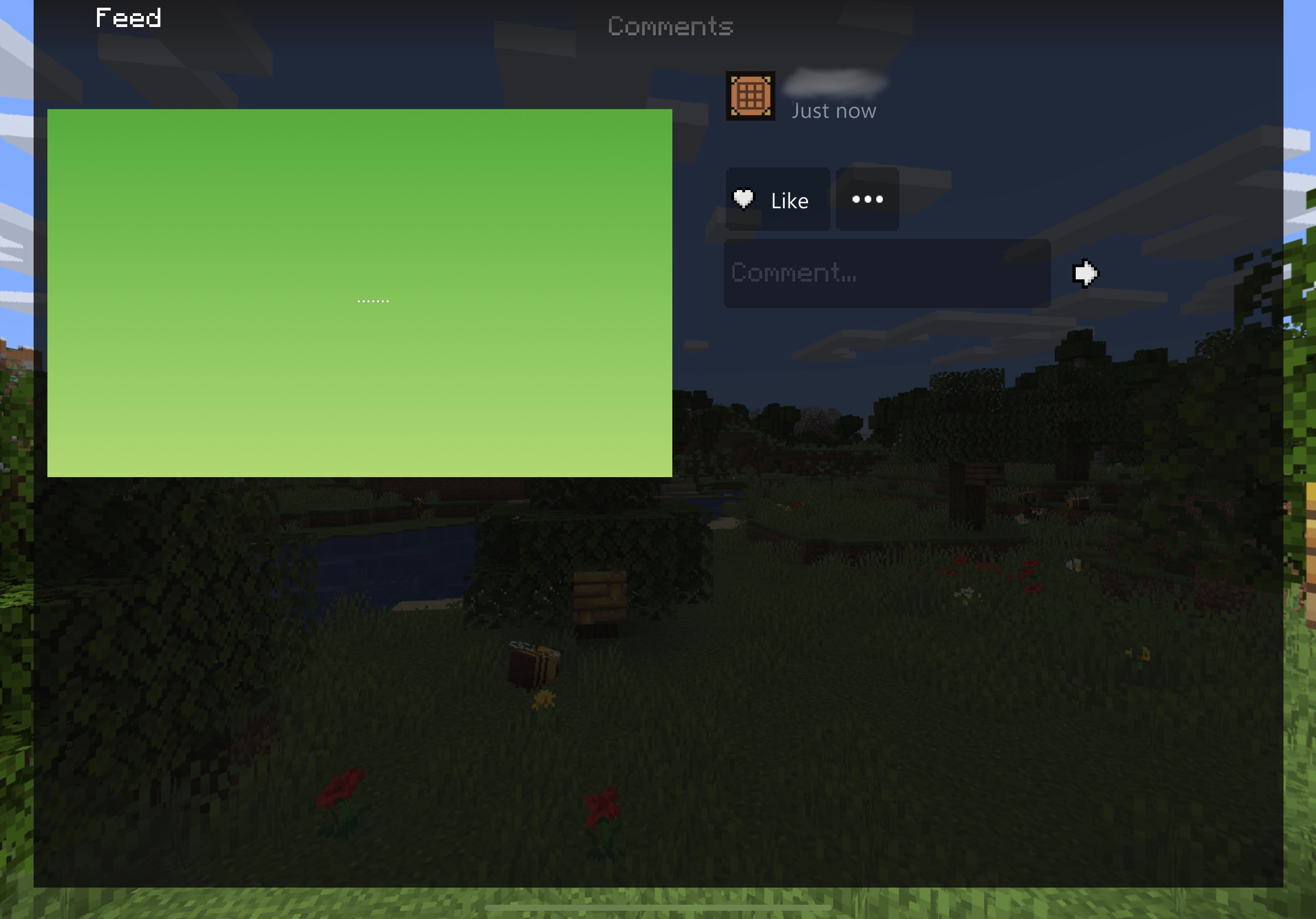

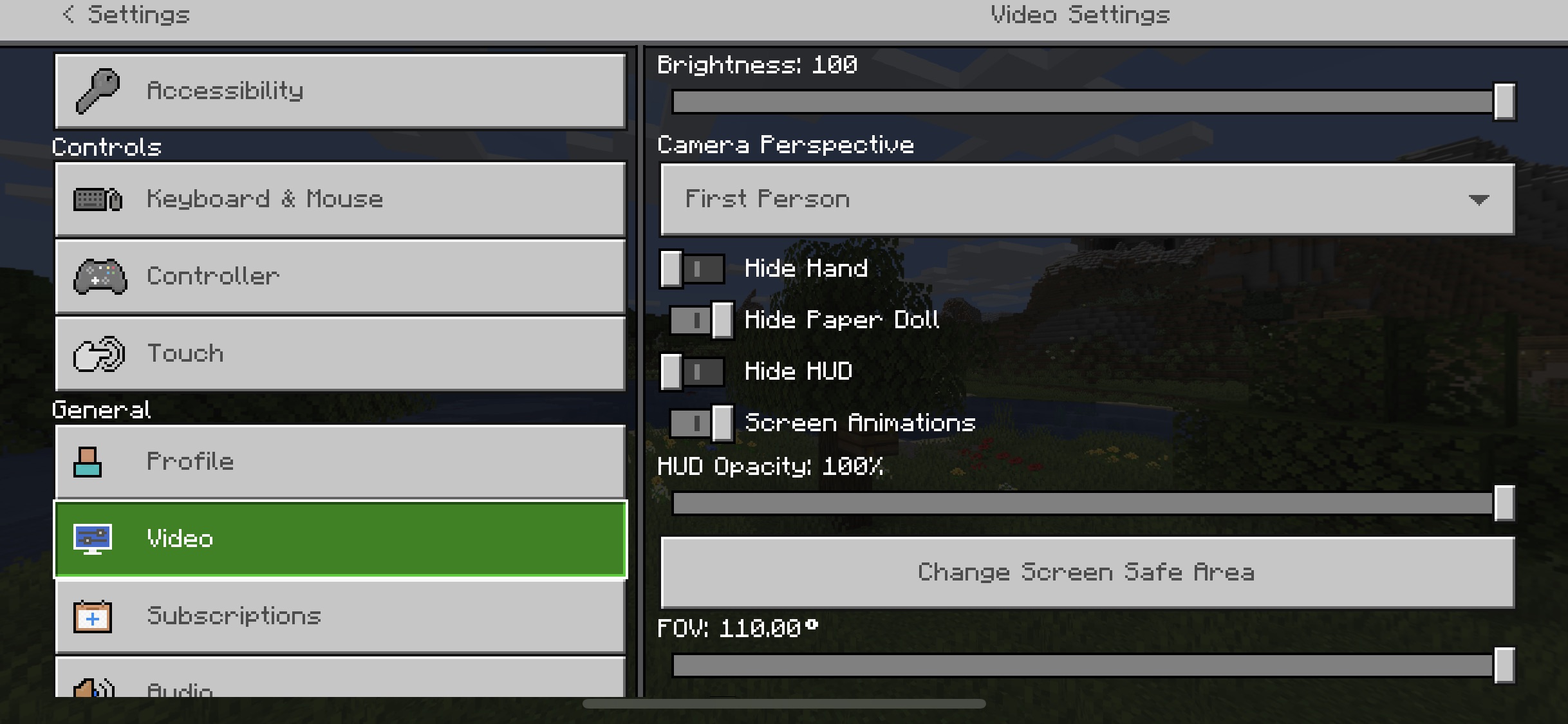
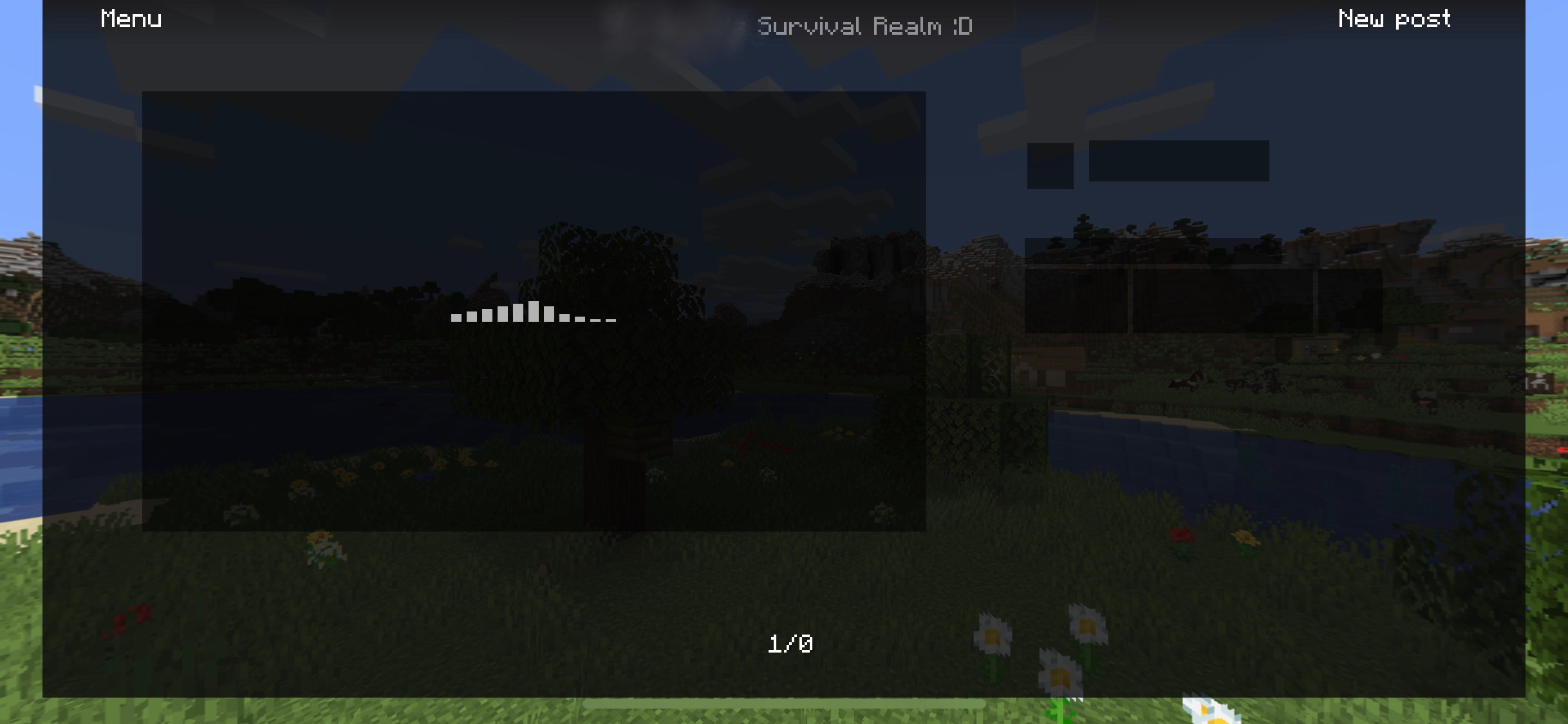
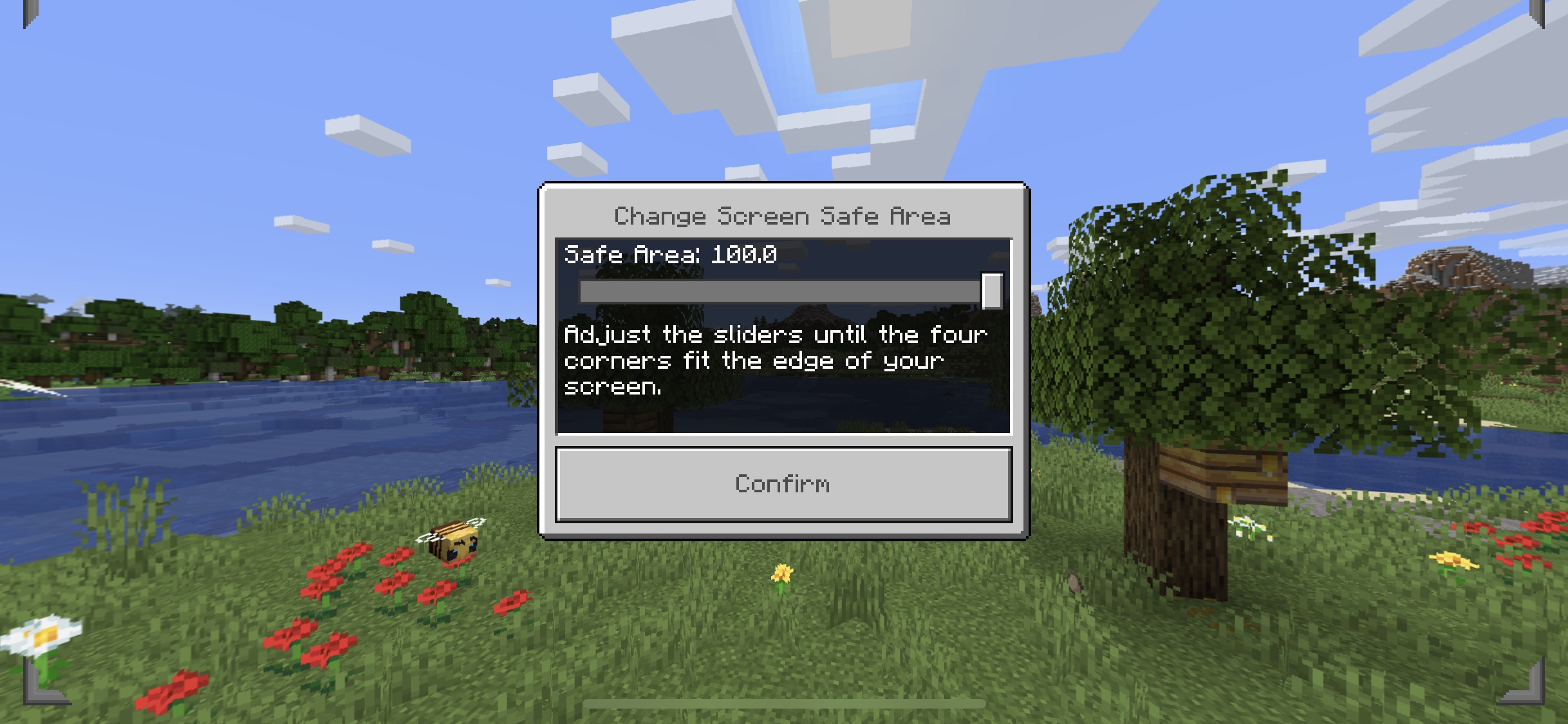




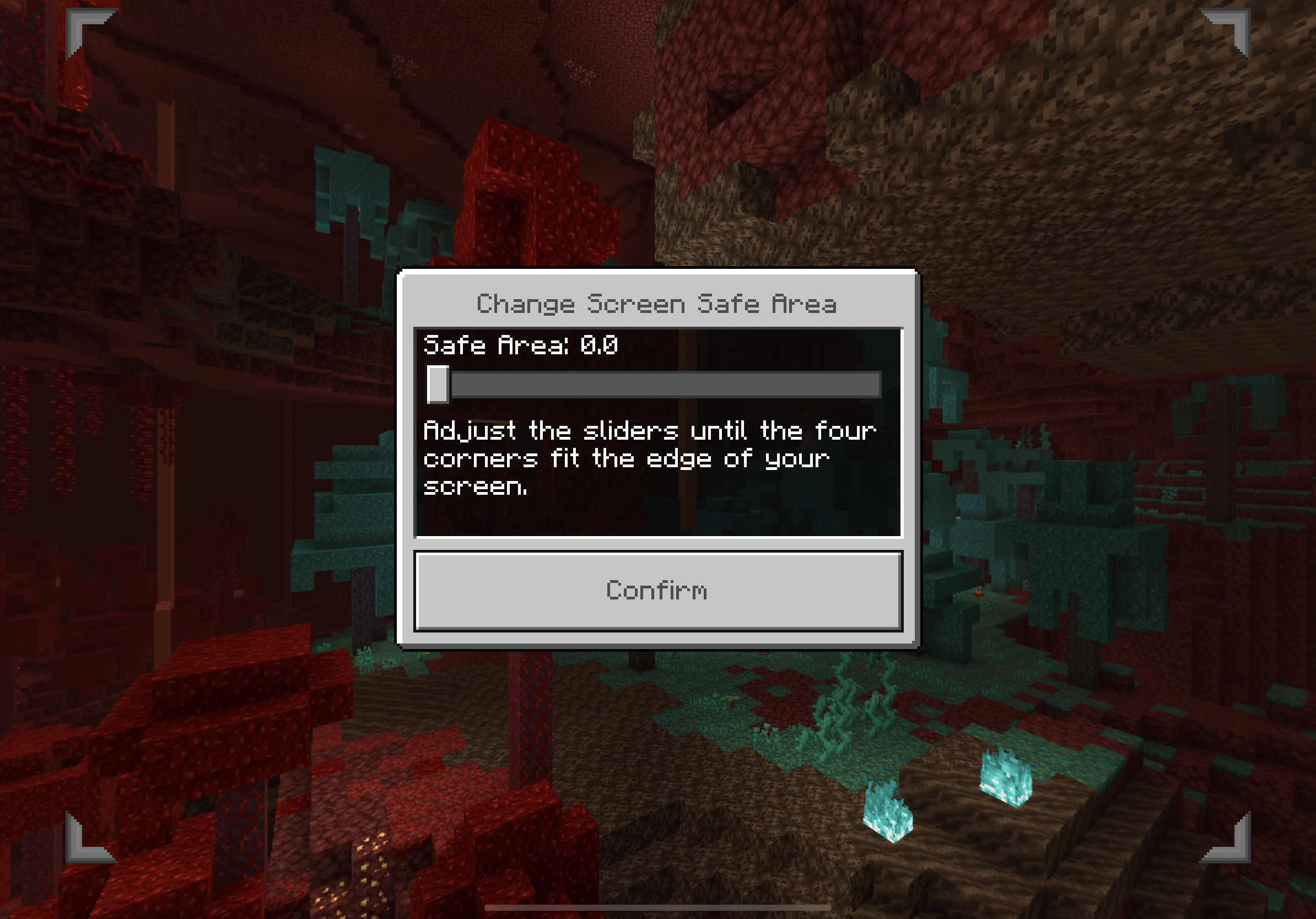


Screen cutoff iPad Pro 11Screen cutoff iPad Pro 11. Please fix soon, it’s really hard to play. Oh and FYI this has been a problem senates
Screen safe area is set incorrectly for iPad Pro 11.
Screen safe area is set incorrectly cutting of some of the screen for iPad Pro 11 inch. Please fix soon, it’s really hard to play. Oh and FYI this has been a problem sense 1.13.0
Screen cutoff iPad Pro 11. Please fix soon, it’s really hard to play. Oh and FYI this has been a problem senatesScreen cutoff iPad Pro 11.
Screen safe area is set incorrectly and not centered cutting of some of the screen for iPad Pro 11 inch. Please fix soon, it’s really hard to play. Oh and FYI this has been a problem sense 1.13.0
Screen cutoff iPad Pro 11.Screen cut off iPad Pro 11 inch
47E753F5-A07B-4A40-A914-A6236DA9016F.jpeg
Screen safe area is set incorrectly and not centered cutting of some of the screen for iPad Pro 11 inch.
Please fix soon, it’s really hard to play. Oh and FYIthis has been a problem sense 1.13.0Screen safe area is set incorrectly and is not centered cutting of some of the screen for iPad Pro 11 inch. this has been a problem sense 1.13.0
Someone please say something

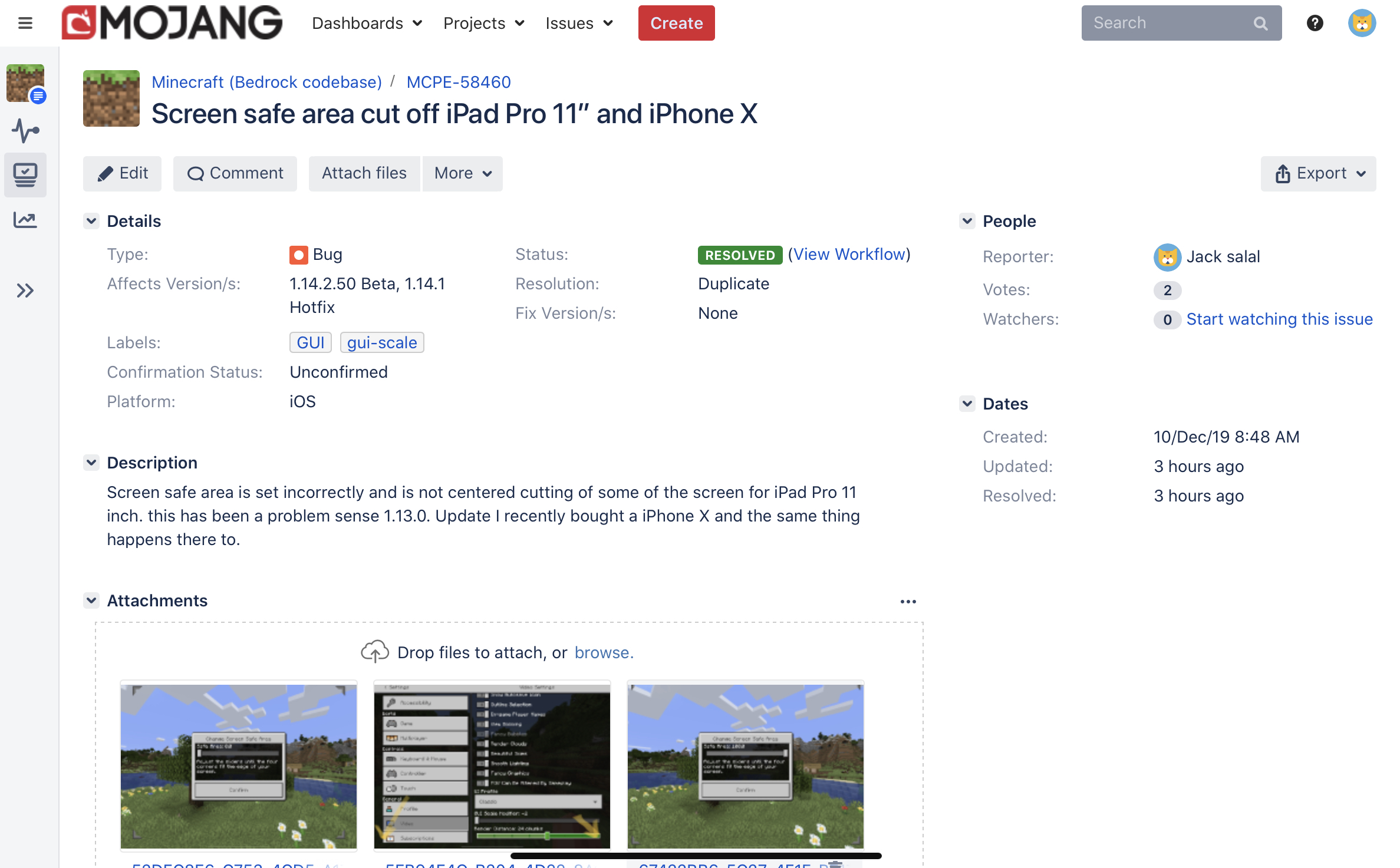
Screen safe area is set incorrectly and is not centered cutting of some of the screen for iPad Pro 11 inch. this has been a problem sense 1.13.0. Update I recently bought a iPhone X and the same thing happens there to.
Screen cut off iPad Pro 11inchScreen safe area cut off iPad Pro 11” and iPhone X
I added the screenshots for my iPhone X to your post

Good news! My bug post got resolved! So hopefully it’s getting fix in the next update.
Every vote maters
I recommend you come and support this one
MCPE-58139
Yup this happens to me all the time on iPadOS
What?
The same thing is happening to me on my iPhone X and iPad Pro :/
MCPE-58460Yes the same thing is happening to me on my iPhone X and iPad Pro 11”
MCPE-58460yup the same thing is happening to me :/
Yes all of my deviceare on 1.14.1
its also happening to iPhone 11/Pro/ProMax and XS/XSMax/XR
I really hope this is fixed soon it’s really hard to PVP and just play Minecraft in general :/
I added some attachments to your post for my iPad Pro 11” and iPhone X
Ummm... I’ve tried to play with a controller... it’s not my thing. °-°
Yes needs to be fixed!
Yup I hate this bug it’s been a thing for me sense 1.12.1
Bro same
Oh bro you need to update thesis so it says that it affects 1.14.1
Ok
Yes the same thing is happening to me :/ I’ve been playing just fine for that past month idk what happened.
Yes same thing is happening to me :/ I’ve been playing just fine for the past month idk what happened
Yes this is happening to me to :/ on my iPhone X and iPad Pro 11” I think it happenings when it sings me in to Xbox live :/
Wtf even happened I been playing fine for the past mouth... so why is this just now happening to everyone???
It’s still in 1.14.20
Yes this happens to me ALL the time I thought I was the only one expecting this I guess I’m wrong.
I really hope this gets fix SOON. I’ve been waiting for this fix for almost a year!
iPadOS
Hum... I have the iOS 14 and iPadOS 14 beta installed and I’ve having no problems.
Haha I thought... I really thought this would FINALLY be fixed in 1.16.0 how long is it going to take for this to be fixed!? I get that their are lots of problems with the game but its been over a year almost 2 years. Ive gotten so annoyed with this I stopped playing Minecraft. An d come on... theirs over 15 reports of this bug and nothing is being done?
I just don’t understand at of all devices an iPad Pro with a 120 FPS display should be very well optimized.
Yes same here! I’m getting about 30 FPS on my iPad Pro 2018 with a A12X chip with render distance at 8 with clouds and fancy graphics turned of. And about 55fps on my iPhone X with a A11 chip with render distance at 12 with clouds and fancy graphics on. This makes no sense because the A12X has more ram and is WAY FASTER then the A11. Not to mention that at max sensitivity (100%) on my iPad Pro with a 120 FPS display and its nowhere close to as smooth/sensitive as my iPhone X with a 60 FPS display. I’ve tried every thing like deleting the app, rebooting, restarting my iPad etc. this is a MAJOR problem I’ve canceled my realms subscription it’s so bad. And then theirs the problem with the screen safe area is COMPLETELY of center for ALL iPadOS/iOS devices with no hame button. Until the performance for iPad Pro 2018 and the sensitivity is smooth and the screen safe area is fixed I’m not going to be playing Minecraft or paying for realms anytime soon.
Yes same for me for over a year performance is horrible for my top of the line iPad Pro 2018 compared to my old iPhone X. And my cousins have iPad 7th gens with a 10 (chip from 2016) and they have no problems with performance or sensitivity.
Yes same here! I’m getting about 30 FPS on my iPad Pro 2018 with a A12X chip with render distance at 8 with clouds and fancy graphics turned of. And about 55fps on my iPhone X with a A11 chip with render distance at 12 with clouds and fancy graphics on. This makes no sense because the A12X has more ram and is WAY FASTER then the A11. Not to mention that at max sensitivity (100%) on my iPad Pro with a 120 FPS display and its nowhere close to as smooth/sensitive as my iPhone X with a 60 FPS display. I’ve tried every thing like deleting the app, rebooting, restarting my iPad etc. this is a MAJOR problem I’ve canceled my realms subscription it’s so bad. And then theirs the problem with the screen safe area is COMPLETELY of center for ALL iPadOS/iOS devices with no hame button. Until the performance for iPad Pro 2018 and the sensitivity is smooth and the screen safe area is fixed I’m not going to be playing Minecraft or paying for realms anytime soon.
Yes same here! I’m getting about 30 FPS on my iPad Pro 2018 with a A12X chip with render distance at 8 with clouds and fancy graphics turned of. And about 55fps on my iPhone X with a A11 chip with render distance at 12 with clouds and fancy graphics on. This makes no sense because the A12X has more ram and is WAY FASTER then the A11. Not to mention that at max sensitivity (100%) on my iPad Pro with a 120 FPS display and its nowhere close to as smooth/sensitive as my iPhone X with a 60 FPS display. I’ve tried every thing like deleting the app, rebooting, restarting my iPad etc. this is a MAJOR problem I’ve canceled my realms subscription it’s so bad. And then theirs the problem with the screen safe area is COMPLETELY of center for ALL iPadOS/iOS devices with no hame button. Until the performance for iPad Pro 2018 and the sensitivity is smooth and the screen safe area is fixed I’m not going to be playing Minecraft or paying for realms anytime soon.
Yes same here! Except I’ve been having FPS problems for ever a year now. I’m getting about 30 FPS on my iPad Pro 2018 with a A12X chip with render distance at 8 with clouds and fancy graphics turned of. And about 55fps on my iPhone X with a A11 chip with render distance at 12 with clouds and fancy graphics on. This makes no sense because the A12X has more ram and is WAY FASTER then the A11. Not to mention that at max sensitivity (100%) on my iPad Pro with a 120 FPS display and its nowhere close to as smooth/sensitive as my iPhone X with a 60 FPS display. I’ve tried every thing like deleting the app, rebooting, restarting my iPad etc. this is a MAJOR problem I’ve canceled my realms subscription it’s so bad. And then theirs the problem with the screen safe area is COMPLETELY of center for ALL iPadOS/iOS devices with no hame button. Until the performance for iPad Pro 2018 and the sensitivity is smooth and the screen safe area is fixed I’m not going to be playing Minecraft or paying for realms anytime soon.
Well for an iPhone 6s from 2015 its going to happen sometime I used to have an iPhone 6s about 6 moths ago and it never had the best performance especially for games not just Minecraft. Even when I first got it in 2016 it never could run games very well. But that’s expected as the iPhone 6s is 5 years old.
Well this has been a problem for me for over a year (way before 1.14.60)
Well for me my phones performance is great. but my iPad Pro with a 120 refresh display is pathetic. So it seems this issue is very inconsistent on different devices.
But I’ve also have been have this issue for almost 2 years :/
Yes more votes! I’ve been whiting long enough.
list of devices affected
iPad Pro 11 inch 1st gen
iPad Pro 12.9 inch 3rd gen
iPad Pro 11 inch 2nd gen
iPad Pro 12.9 4th gen
iPhone X
iPhone XS
iPhone XS Max
iPhone XR
iPhone 11
iPhone 11 Pro
iPhone 11 Pro Max
Yes same here! I’m getting about 30 FPS on my iPad Pro 2018 with a A12X chip with render distance at 8 with clouds and fancy graphics turned of. And about 55fps on my iPhone X with a A11 chip with render distance at 12 with clouds and fancy graphics on. This makes no sense because the A12X has more ram and is WAY FASTER then the A11. Not to mention that at max sensitivity (100%) on my iPad Pro with a 120 FPS display and its nowhere close to as smooth/sensitive as my iPhone X with a 60 FPS display. I’ve tried every thing like deleting the app, rebooting, restarting my iPad etc. this is a MAJOR problem I’ve canceled my realms subscription it’s so bad. And then theirs the problem with the screen safe area is COMPLETELY of center for ALL iPadOS/iOS devices with no hame button. Until the performance for iPad Pro 2018 and the sensitivity is smooth and the screen safe area is fixed I’m not going to be playing Minecraft or paying for realms anytime soon.
Ive tried keeping my iPad Pro cool but no change in performance. And like I’ve said my iPhone X is way slower then my iPad and has worse thermals. And yet it runs the game faster.
Thanks away
(Unrelated question) is the screen safe area Broken by being off center for anyone not playing on a iPhone/iPad? its a problem for iPhones and iPads with no home button. is this a problem with other devices?
MCPE-54903
I found a FIX! If you download the Secret Settings pack by @wildthegamer_ the pack (when applied) gives you full control over screen safe area! And with that control you can set it to be correct! But when you relaunch the game it will reset back to the broken state. So you’ll need to set it back to be correct again. By applying this pack I also found out that the problem (for iPad Pro 11” I’m not sure about iPhones) is the Horizontal safe area is set to 97.0 it should be set to 100 and the vertical screen safe position is set to -0.5 it should be set to 0.0
I added screenshots to show
You’re welcome : ) hopefully this gets fixed soon...