 Is Prive
- dyon123
- dyon123
- Europe/Stockholm
- Yes
- No
 MC-3793
![[Mojang] Grum (Erik Broes)](../../../data/assets/gravatar/grum.png)
![[Mojang] Nathan Adams](../../../data/assets/gravatar/dinnerbone.png)


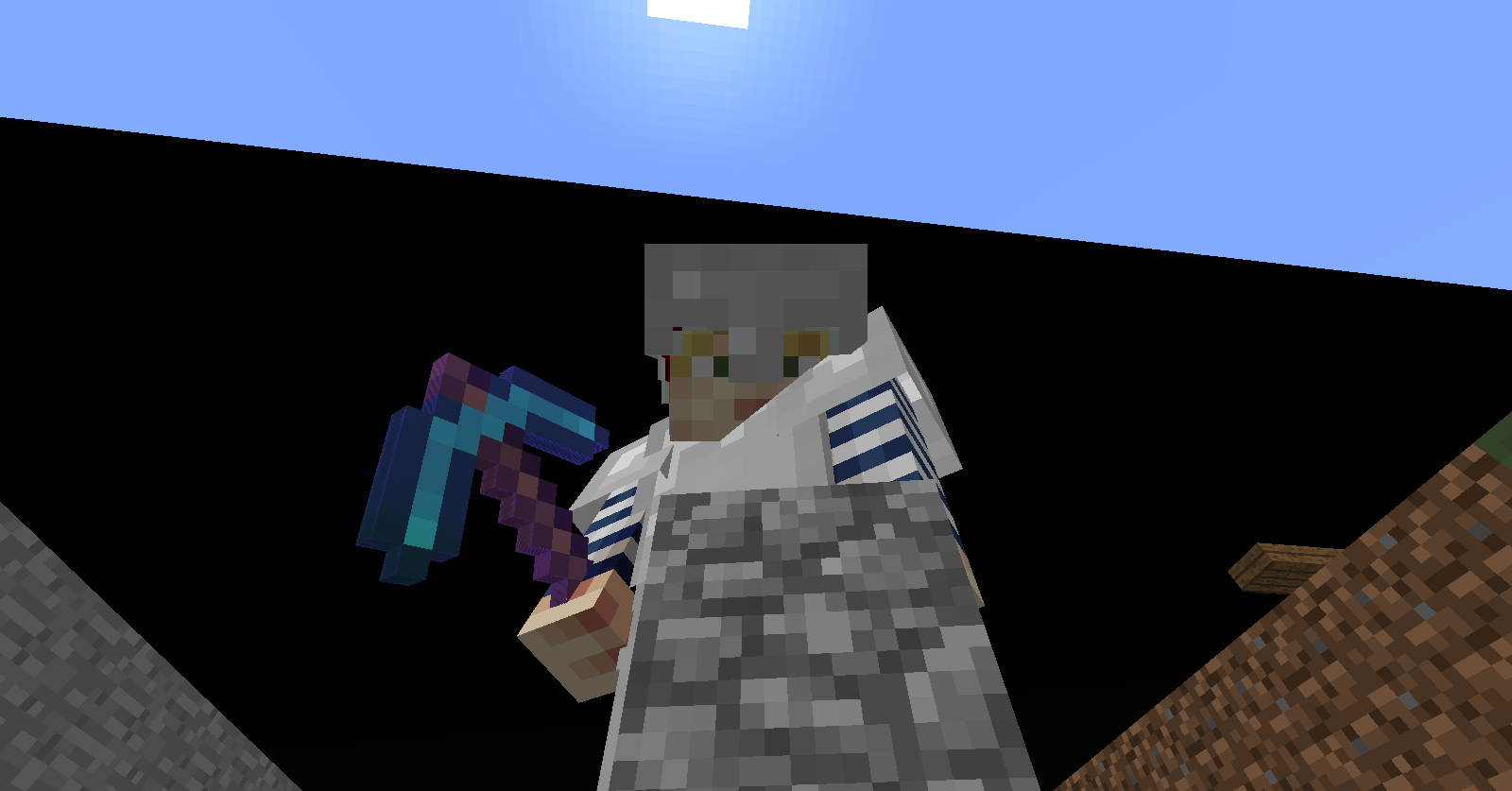
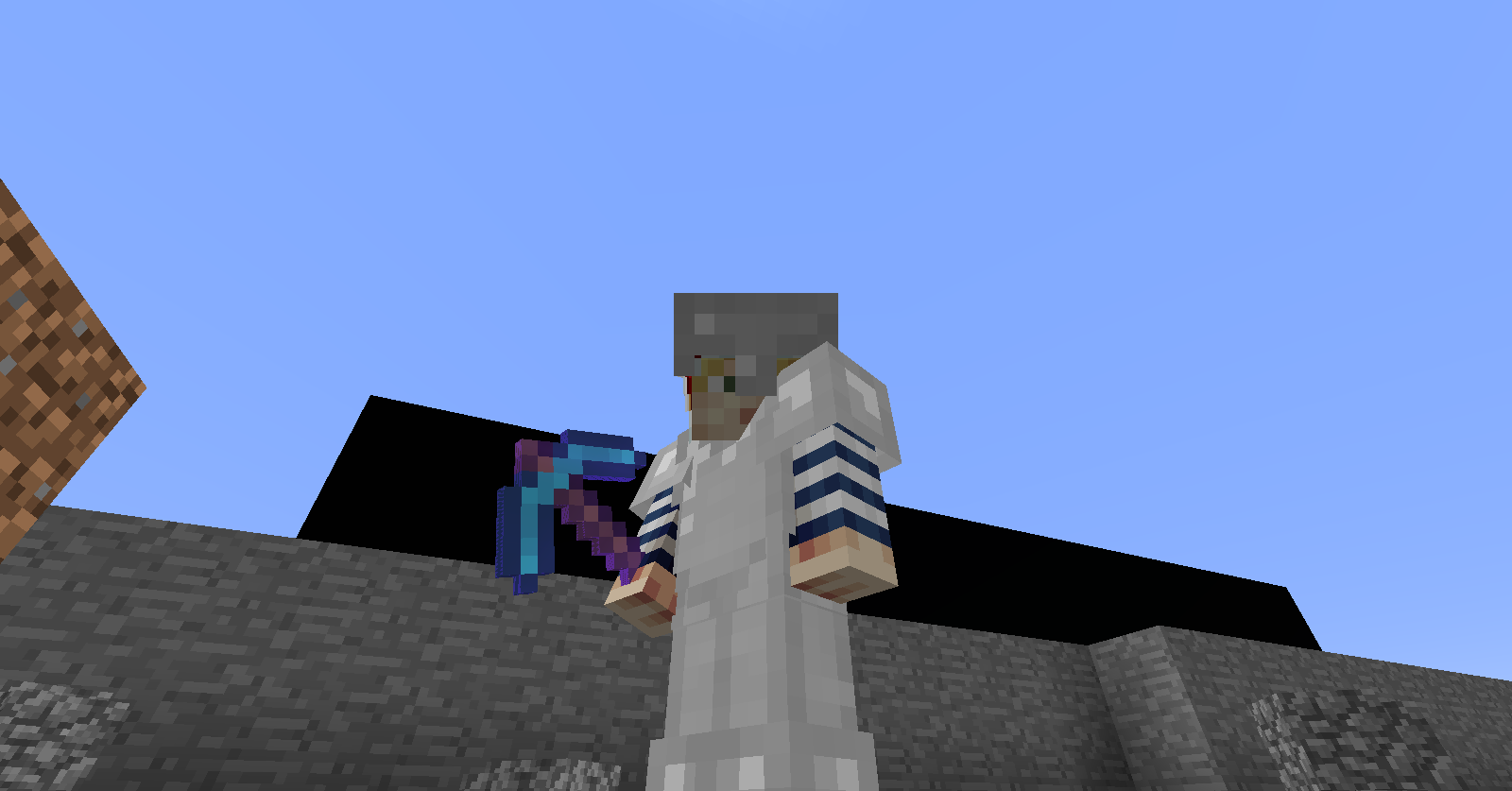
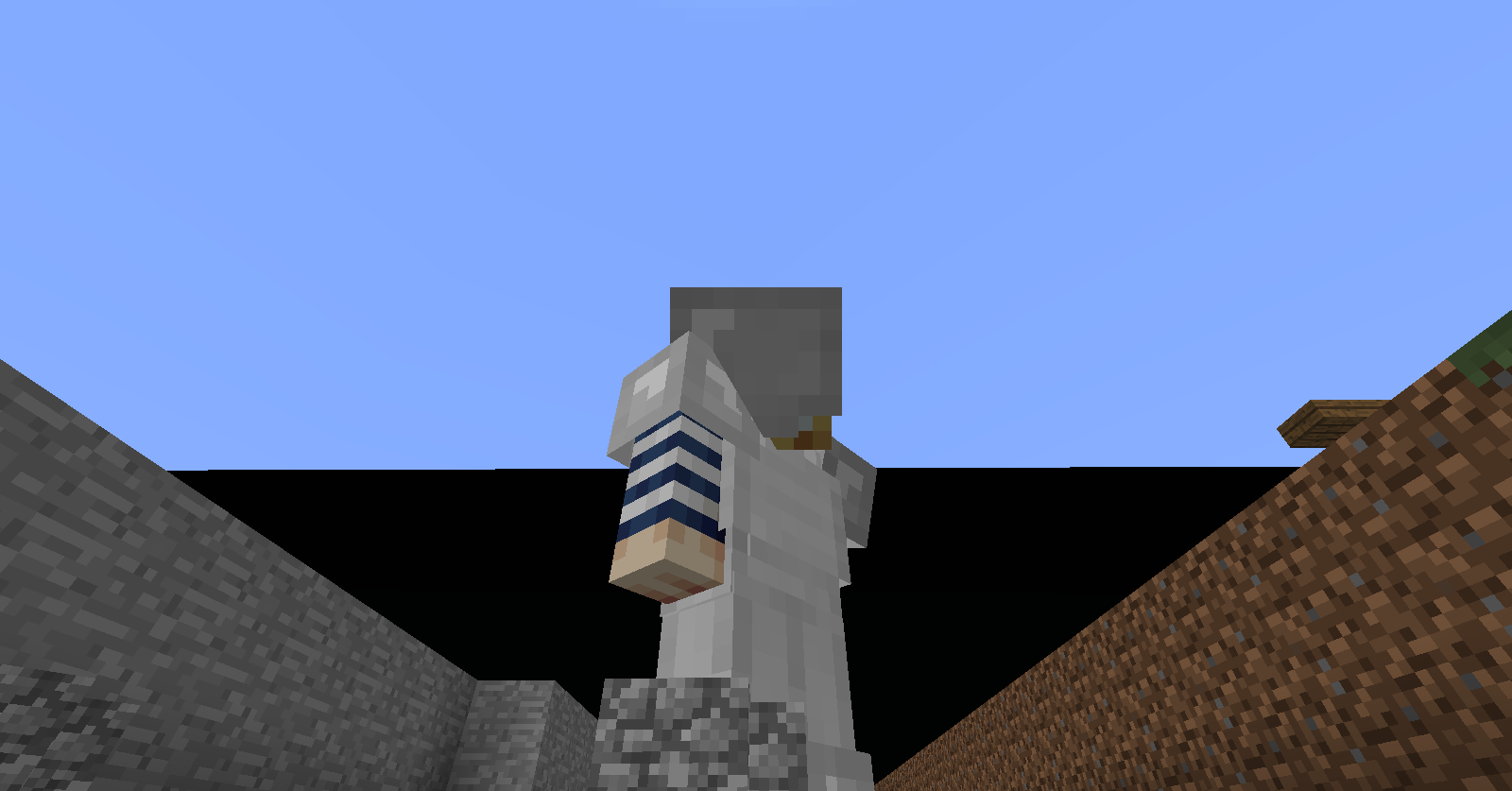
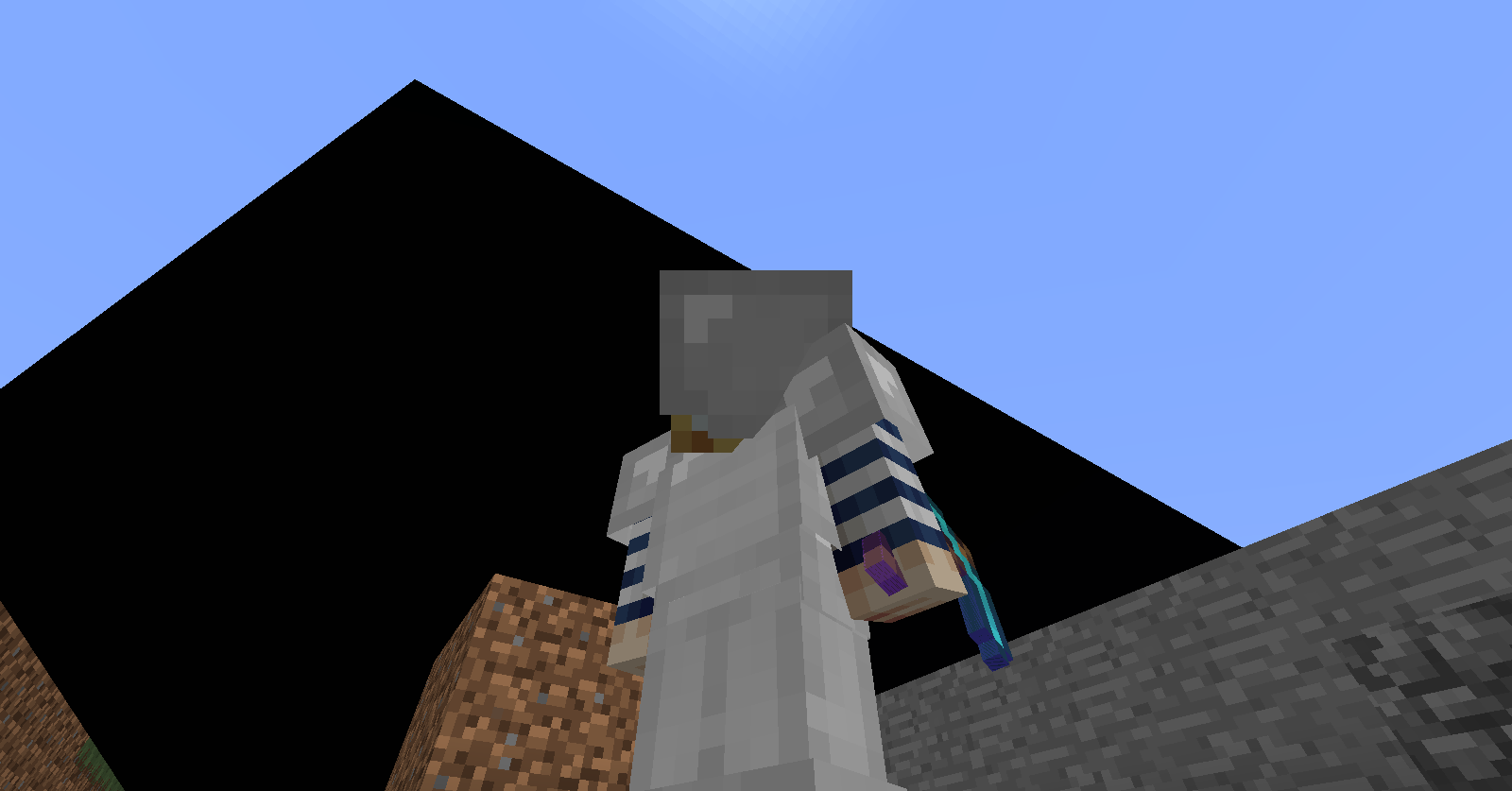



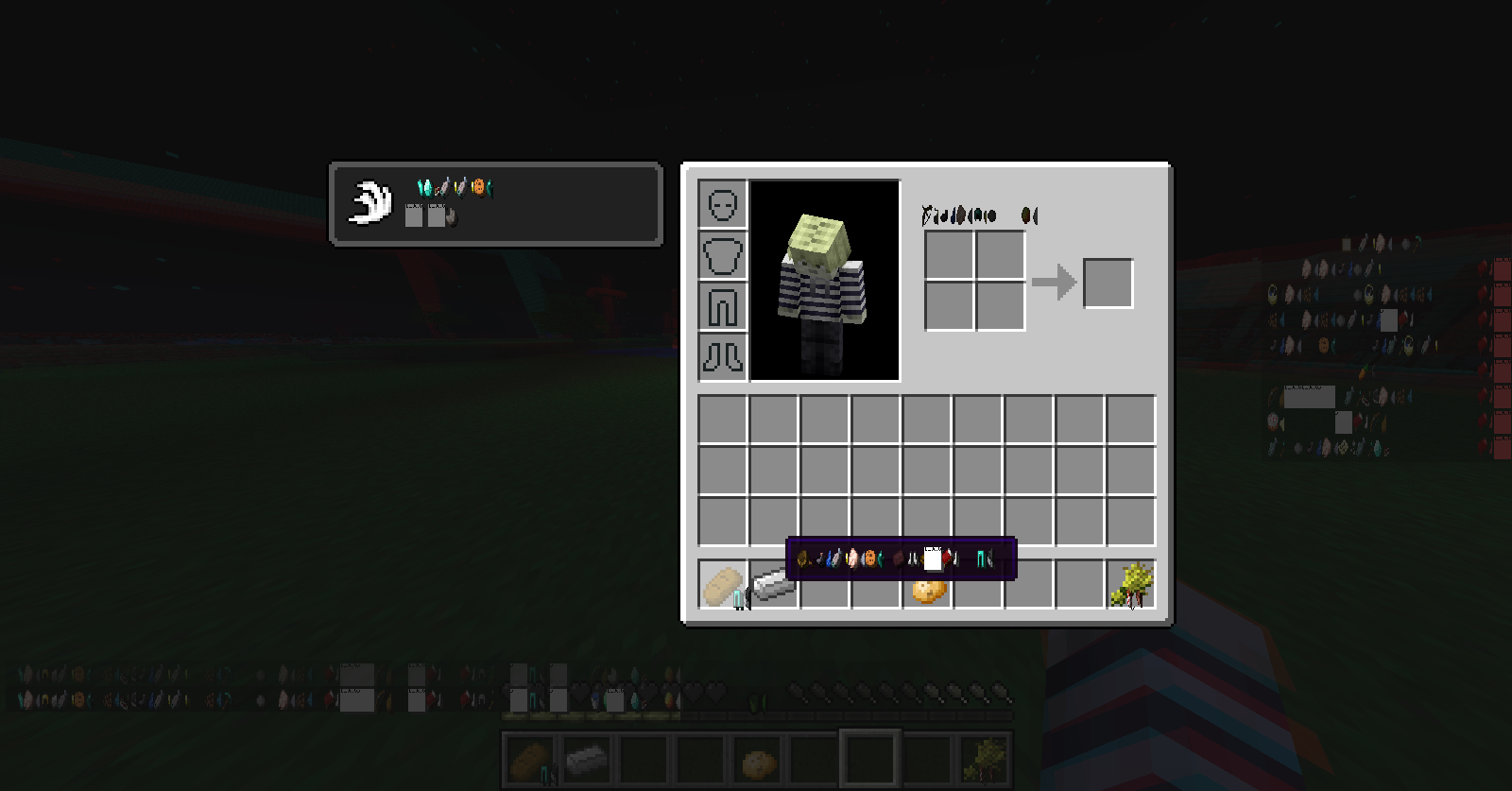



When placing chests in the correct directions, you can glitch through them.
A video showing the glitch is uploading.
OS: Windows 8 Professional
Java: 7 update 6
Game Mode: Every game mode.
When placing chests in the correct directions, you can glitch through them.
A video showing the glitch is uploading.
Anyway, here is the video, which is still uploading, URL already:
http://www.youtube.com/watch?v=scrRm74LDGQ
OS: Windows 8 Professional
Java: 7 update6
Game Mode: Every game mode.OS: Windows 8 Professional
Java: 7 update 9
Game Mode: Every game mode.
When placing chests in the correct directions, you can glitch through them.
A video showing the glitch is uploading.Anyway, here isthevideo, which is still uploading, URL already:
http://www.youtube.com/watch?v=scrRm74LDGQWhen placing chests in the correct directions, you can glitch through them.
Watch this video to see the glitch in action:
http://www.youtube.com/watch?v=scrRm74LDGQ
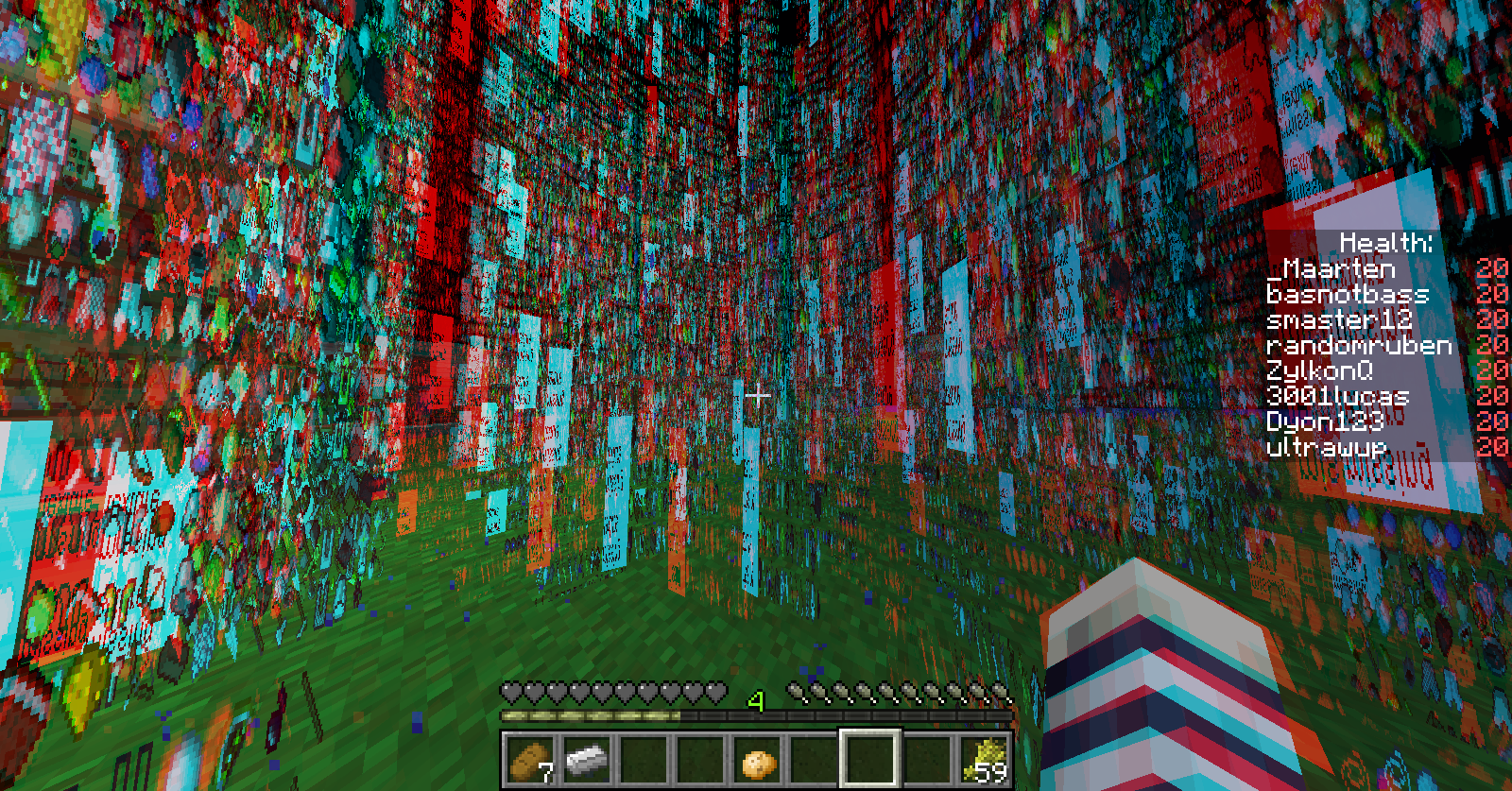
When switching between 3D Anaglyph On/Off the colour of biome and grass can corrupt.
What I expected to happen was:
All grass, leaves and other items affected by biome colours would've changed back to the correct colour.What actually happend was:
It became 'stuck' in 3D Anaglyph colors.Steps to Reproduce:
1. In the Main Menu, enable 3D Anaglyph.
2. Make load or create a world. (I recommend making a creative superflat world)
3. Let a few chunks load.
4. Disable 3D Anaglyph.Only the chunks which load while 3D anaglyph is on will get a colour corruption. Loading unloaden existing chucks or generating new chucks won't have a colour corruption.
See screenshots for difference in a Extreme Hills Biome
When switching between 3D Anaglyph On/Off the colour of biome and grass can corrupt.
What I expected to happen was:
All grass, leaves and other items affected by biome colours would've changed back to the correct colour.What actually happend was:
It became 'stuck' in 3D Anaglyph colors.Steps to Reproduce:
1. In the Main Menu, enable 3D Anaglyph.
2. Make load or create a world. (I recommend making a creative superflat world)
3. Let a few chunks load.
4. Disable 3D Anaglyph.Only the chunks which load while 3D anaglyph is on will get a colour corruption. Loading unloade
nexisting chucks or generating new chucks won't have a colour corruption.See screenshots for difference in a Extreme Hills Biome
When switching between 3D Anaglyph On/Off the colour of biome and grass can corrupt.
What I expected to happen was:
All grass, leaves and other items affected by biome colours would've changed back to the correct colour.What actually happend was:
It became 'stuck' in 3D Anaglyph colors.Steps to Reproduce:
1. In the Main Menu, enable 3D Anaglyph.
2. Make load or create a world. (I recommend making a creative superflat world)
3. Let a few chunks load.
4. Disable 3D Anaglyph.Only the chunks which load while 3D anaglyph is on will get a colour corruption. Loading unloaded, existing chucks or generating new chucks won't have a colour corruption.
See screenshots for difference in a Extreme Hills Biome.
When switching between 3D Anaglyph On/Off the colour of biome and grass can corrupt.
What I expected to happen was:
All grass, leaves and other items affected by biome colours would've changed back to the correct colour.What actually happend was:
It became 'stuck' in 3D Anaglyph colors.Steps to Reproduce:
1. In the Main Menu, enable 3D Anaglyph.
2. Make load or create a world. (I recommend making a creative superflat world)
3. Let a few chunks load.
4. Disable 3D Anaglyph.-
OR-1. Load an existing world.
2. Enable 3D Anaglyph.
3. Close the settings menu.
4. Press F3 + A.
5. Disable 3D Analyph as fast as you can.Only the chunks which load while 3D anaglyph is on will get a colour corruption. Loading unloaded, existing chucks or generating new chucks won't have a colour corruption.
See screenshots for difference in a Extreme Hills Biome.
When placing a chest it will glitch to another direction for a second.
Seethis videofor more detials, still uploading:
http://www.youtube.com/watch?v=scrRm74LDGQWhen placing a chest it will glitch to another direction for a second.
Watch this video to see the glitch in action:
http://www.youtube.com/watch?v=scrRm74LDGQ
When placing a chest it will glitch to another direction for a second.
Watch this video to see the glitch in action:
http://www.youtube.com/watch?v=scrRm74LDGQWhen placing a chest it will glitch to another direction for a second.
What I expected to happend was:
It would not glitch to another side.What actually happend was:
It glitched for half a second to another side.Steps to reproduce:
1. Place a chest when you are facing north.
2. Place a chest in front of it.
3. You can see a double chest to another side for half a second.Watch this video to see the glitch in action:
http://www.youtube.com/watch?feature=player_detailpage&v=scrRm74LDGQ#t=96s
When dropping an enchanted tool it will equip to your boots slot.
What I expected to happen was:
The item would've dropped normally on the ground.What actually happend was:
It immediately got moved to the 'boots' slot in my inventory.
It also overwrites the existing item on the boots slot.Steps to Reproduce:
Drop an enchanted tool in Survival mode.This may work with enchanted books to, but I'm not sure about that.
When dropping an enchanted tool it will equip to your boots slot.
When dropping an enchanted Chestplate it will go to your helmet slot.
When dropping an enchanted helmet, the game crashes... When trying to pick the helmet back up, the game crashes again...What I expected to happen was:
The item would've dropped normally on the ground.What actually happend was:
It immediately got moved to the 'boots' slot in my inventory.
It also overwrites the existing item on the boots slot.Steps to Reproduce:
Drop an enchanted tool in Survival mode.This may work with enchanted books to, but I'm not sure about that.
When dropping an enchanted tool it will equip to your boots slot.
When dropping an enchanted Chestplate it will go to your helmet slot.
When dropping an enchanted helmet, the game crashes... When trying to pick the helmet back up, the game crashes again...
I'm testing other items right now...What I expected to happen was:
The item would've dropped normally on the ground.What actually happend was:
It immediately got moved to the 'boots' slot in my inventory.
It also overwrites the existing item on the boots slot.Steps to Reproduce:
Drop an enchanted tool in Survival mode.This may work with enchanted books to, but I'm not sure about that.
When dropping an
enchantedtool it will equip to your boots slot.
When dropping anenchantedChestplate it will go to your helmet slot.
When dropping anenchantedhelmet, the game crashes... When trying to pick the helmet back up, the game crashes again...
I'm testing other items right now...What I expected to happen was:
The itemwould'vedroppednormally on theground.What actually happend was:
It immediately got moved to the 'boots'slot in my inventory.
It also overwrites the existing item on thebootsslot.Steps to Reproduce:
Drop anenchanted toolin Survival mode.This may work with enchanted books to, but I'm not sure about that.
When dropping an an item or tool it will equip to your boots slot.
When dropping an Chestplate it will go to your helmet slot.
When dropping an helmet, the game crashes... When trying to pick the helmet back up, the game crashes again...
When dropping an pair of leggings, it will go to your Chestplate slot.
When dropping an pair of boots, it will go to your Leggings slot.What I expected to happen was:
The item that I dropped would be dropped.What actually happend was:
It item immediately goes to another an equipment slot in my inventory.
It also overwrites the existing item on the equipment slot.Steps to Reproduce:
Drop an item in Survival mode.
Enchanted Tools as BootsItems in equipment slot.
OS: Windows 8 Professional x64
RAM: 6GB
CPU: Intel(R) Core i5 750
Java: 7 update 9
Mods: No, because it is 12w50a...
When you are standing next to 2 blocks, the shadow of your head will appear on the block above your head
When you are standing next to 2 blocks, the shadow of your head will appear on the block above your head.
Nothing much else I can say.
On the first screenshot I'm pushing myself against the wall, on the second one I walked a bit off the wall.
When I start the new snapshot (13w02a) I get a crash.
When I start the new snapshot (13w02a) I get a crash.
Before installing the snapshot I forced an update and replaced the .jar file after.
/Givegamecrasheson item55, 64, 71, 95/Give command crashes game when giving blocks 55, 64, 71, 95
When turing 3D Anaglyph on... You will see items EVERYWHERE
Steps to reproduce:
1. Open a world.
2. Open settings directly and turn 3D anaglyph on.
3. Enable rain, check some fonts
(4. Re-enabling will fix the issue)
Provide a video of this glitch please.
Works As Intended.
I was unable to find these chunk errors while OpenGL was off.
When I turned it on I found some chunk errors.
Works as intended.
This is intended. A piston is a transparent block, so it does not transfer redstone signals.
Crash report when trying to pickup an enchanted helmet.
Since when are there mods for 12w50a?
Edit: I do not have any mods installed...
Edit 2: The sentence "Is Modded: Very likely; Jar signature invalidated" is probably becuase of the snapshot.
I found the problem myself and fixed it.
Using NBT-Edit I compared my Level.dat file with a new fresh one.
In NBT-Edit the Byte "CanPickUpLoot" was 1, instead of the default 0. (In NBT-Edit: Data > Player > CanPickUpLoot)
This is probably caused by moving my world from Bukkit to Normal Vanilla Singleplayer Minecraft.
Which is weird in my opinion. Thanks anyways.
Can confirm in Vanilla Minecraft.
This could've happend when you tried to install some mods.
If not, try deleting your bin folder on you .minecraft folder. (%appdata%/.minecraft/)
Try editing the (playername).dat in the player folder instead of the level.dat when running a server.
I don't think this can be fixed.
This bug is NOT fixed in 13w02b
Just like Redstone
Well, I did, but the duplicate only does have 'gui' as label... So that is impossible for me to find it then >_<
Using Windows 8.1 x64, JRE7