 dzdod1
- dzdod1
- dzdod1
- America/Denver
- Yes
- No
 MC-54619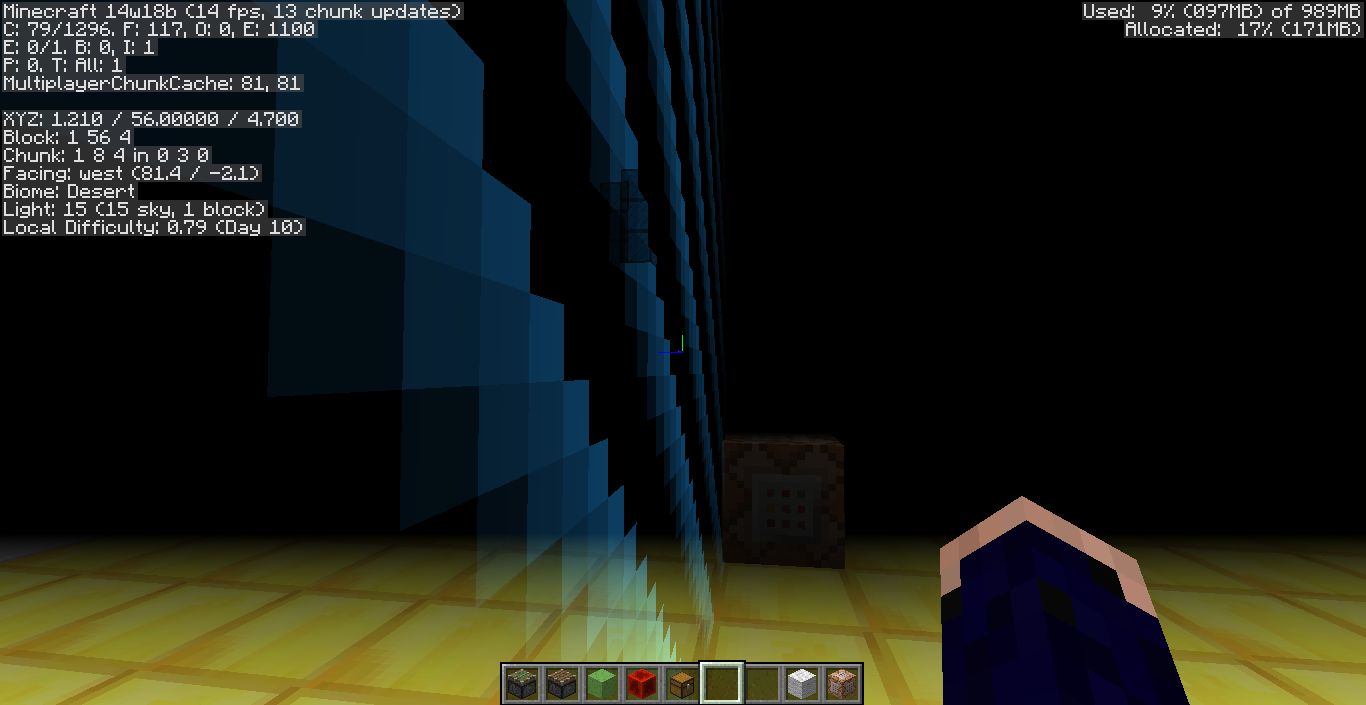

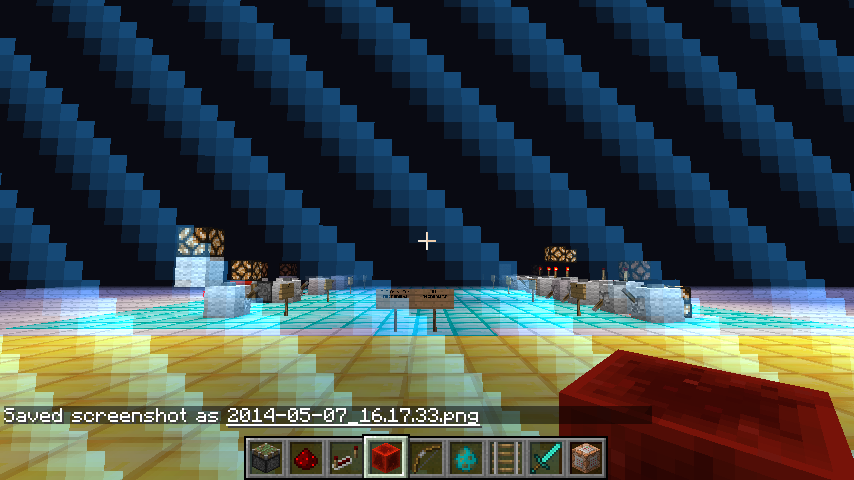
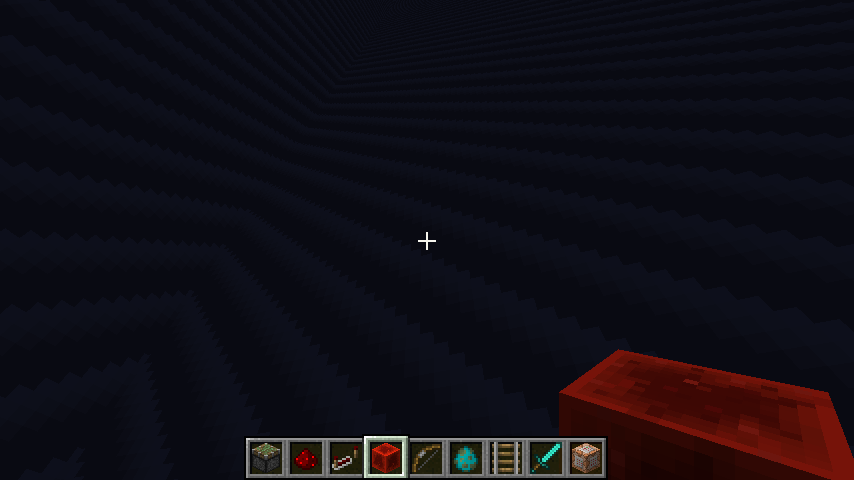
When having the world boarder in view while also under the effect of blindness you can not see the world border. Its the same in both super flat & regular.
To Reproduce:
1. /worldborder 10 (make sure to be atspawn).
2. /effect @p 15
3. Notice that you can't see the border.When having the world boarder in view while also under the effect of blindness you can not see the world border. Its the same in both super flat & regular.
To Reproduce:
1. /worldborder 10 (make sure to be at 0, 0).
2. /effect @p 15
3. Notice that you can't see the border.
Blindness.png
Your in offline mode on the launcher. This means that it won't download Minecraft (which is needed indicated by the text download & play) until your online, which requires that you have a Minecraft/Mojang account with Minecraft bought. Try restarting your launcher. Only thing I could think of is your internet is slow (but then again I don't know the launcher like Mojang does).
-Also this bug should be reported to the Minecraft Launcher bug tracker here: https://bugs.mojang.com/browse/MCL-
Didn't have the comment above when I originally posted.
Edit: Found a duplicate of this that is openned & confirmed (didn't see this was duplicated) so ignore this.
I have this bug too. I was going to make a easy command block placement system but it cannot be made because of this glitch. Here is what I was doing:
/fill ~3 ~3 ~3 ~-3 ~-3 ~-3 minecraft:command_block 0 replace minecraft:bedrock
When using the replace method of /fill it doesn't accept (I think) anything using tile entities. I test the command above but with minecraft:chest & it also fails:
/fill ~3 ~3 ~3 ~-3 ~-3 ~-3 minecraft:chest 0 replace minecraft:bedrock
Both fail with: Data tag parsing failed: Not a valid tag
Hopefully this can be fixed in the next snapshot because I really want to make this system.
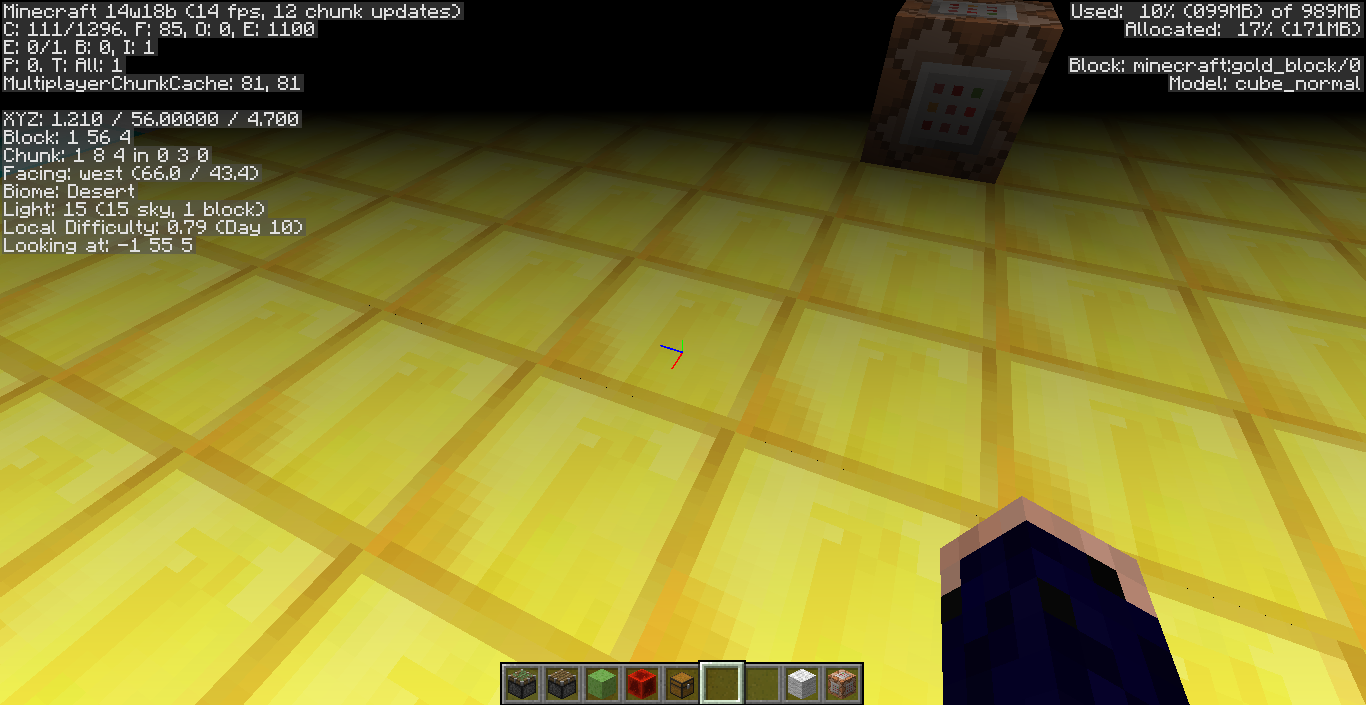
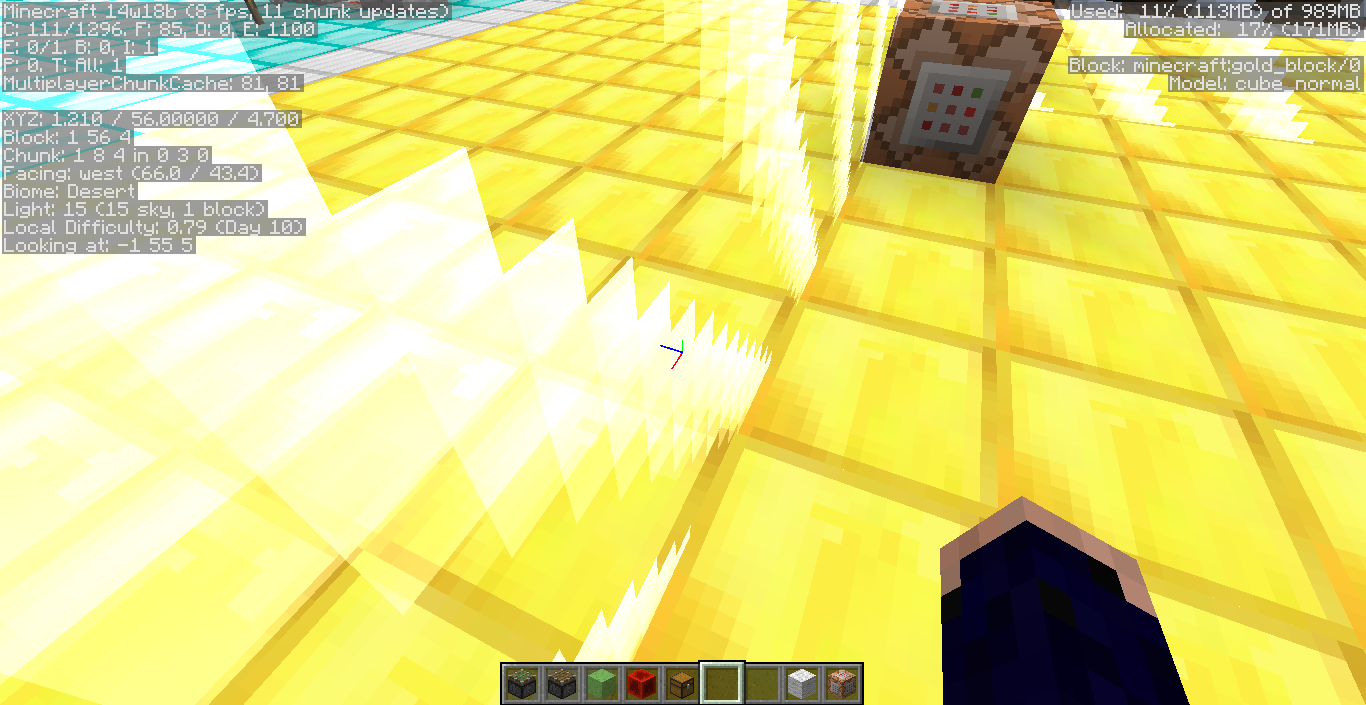
@Stev Verberne I was not using any resource packs. Seems that when I look up or down the border gets brighter (when having no blindness). I was looking down when taking the pictures so it was bright. Also the iron block background doesn't help.
@Kumasasa When doing more tests it seems certain angles I can see the border. These angles are just when looking parrellel from the border. Which you do not do so this is quite weird. I tested with a non-moved center & a moved one (which is what my original pictures were). I also tested a normal world (again). Could it be my graphics card/driver?
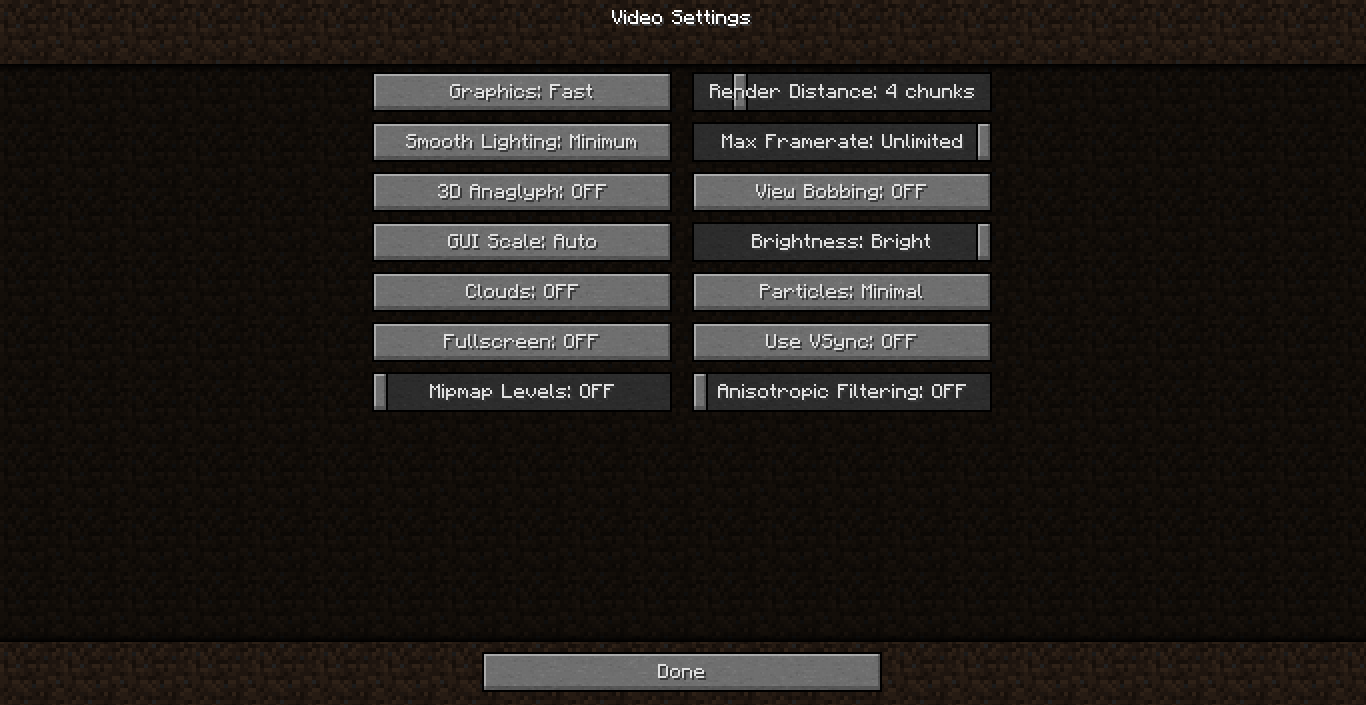
A few minutes after I post this I will add photos (& switch out the old ones) with the debug screen on. There will be an extra one containing my Minecraft video settings just in case that matters. I also took these pictures on a gold platform just so the border is easier to see.
These are the files I talked about in my previous comment. These are my settings & new pictures to show the bug that has the debug screen active. Along with showing an angle at which I can see the world border but if I turn a little bit it goes away. Note that I was standing in the same spot for every one of these pictures.
If I remember right fuse only sets the length of their fuse, it doesn't change while they are trying to explode.
Here is my manual crash report. I think this problem is more than just blindness. When looking at it I notice that its near invisible looking up or down at night. I added two screenshots showing this. One when looking straight at the border & one looking up at the sky.
I could see that. I have seen a few other render bugs with people who have certain Intel cards. Will try a test on another computer when I have the chance (its Intel too but its a few years older).