 EmmettLego
- EmmettLego1
- emmettlego1
- America/New_York
- Yes
- No
 MCPE-20267
 REALMS-308
 MC-131989
 MCL-13282








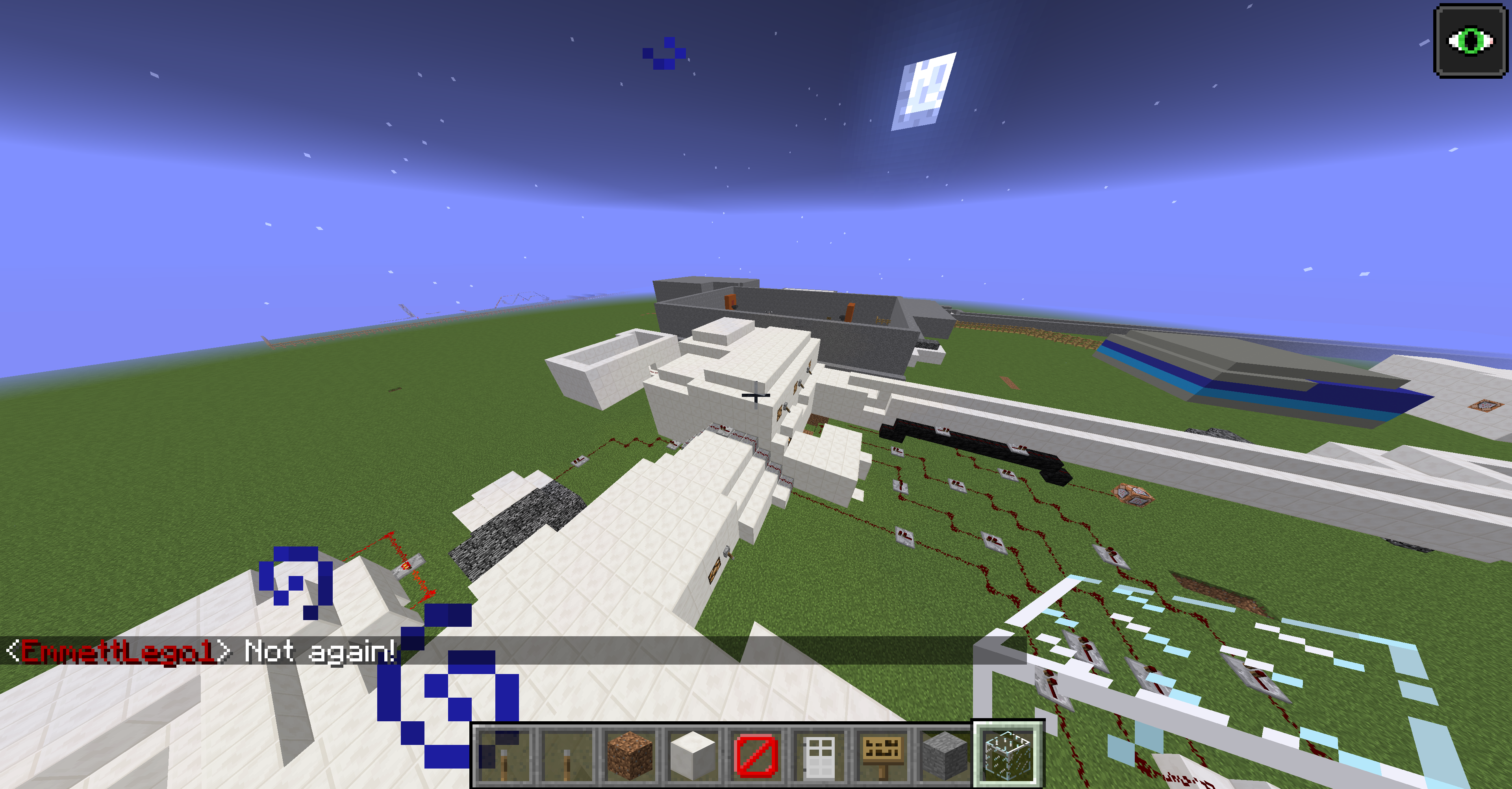


Well, that's going to mess up @ryfol Custom Patch Notes. They are for entering a world and seeing custom patch notes. Mojang and @tomcc seem to be killing of all the good addons these days.
IMG_0002.PNG
Whenever I try to
get in my realm the picture below comes up! please help!Whenever I try to replace the world it doesn't work. It either saids unable (like the picture) or takes us into the first realm world.
Realm doesn'topen!Realm doesn't replace world when replacing world.
When I load up MCPE on any device it crashes after 5 seconds! Please help!
When I load up MCPE on any device it crashes after 5 seconds! Please help!
Video proof below:
https://drive.google.com/open?id=0B4ATprEEaPCwMVlTcWhIQnB5RTQ
I had downloaded fall-out mashup pack on 1.0.7 on my phone and wanted to install it now on 1.1.2. When I clicked the restore purchases it only restored the packs I bought in 1.1 and after with the mc coins. Meaning I only got the packs I bought in 1.1 and after.
Steps To Reproduce:
1. Buy a pack (example. Fallout mashup pack) without mc coins in an update before 1.1 on a different device (1st device)
2. Update to the newest mc update on another device. (2nd device) (At the moment is 1.1.2)
3. restore purchases on the other device (2nd device)
4. you will not have the fall-out mashup pack but only the packs you bought in 1.1 with minecraft coins.
When the player tries to download an auto-backup from a realm it immediately fails.
Steps to Reproduce:
1. Get a realm
2. Go to the backups option.
3. Click the download option.
4. The download will automatically fail.Video Proof:
https://www.youtube.com/watch?v=QUXZVh4Wh0M&feature=youtu.be
When the player tries to download an auto-backup from a realm it immediately fails.
Steps to Reproduce:
1. Get a realm
2. Go to the backups option.
3. Click the download option.
4. The download will automatically fail.Video Proof is attached.
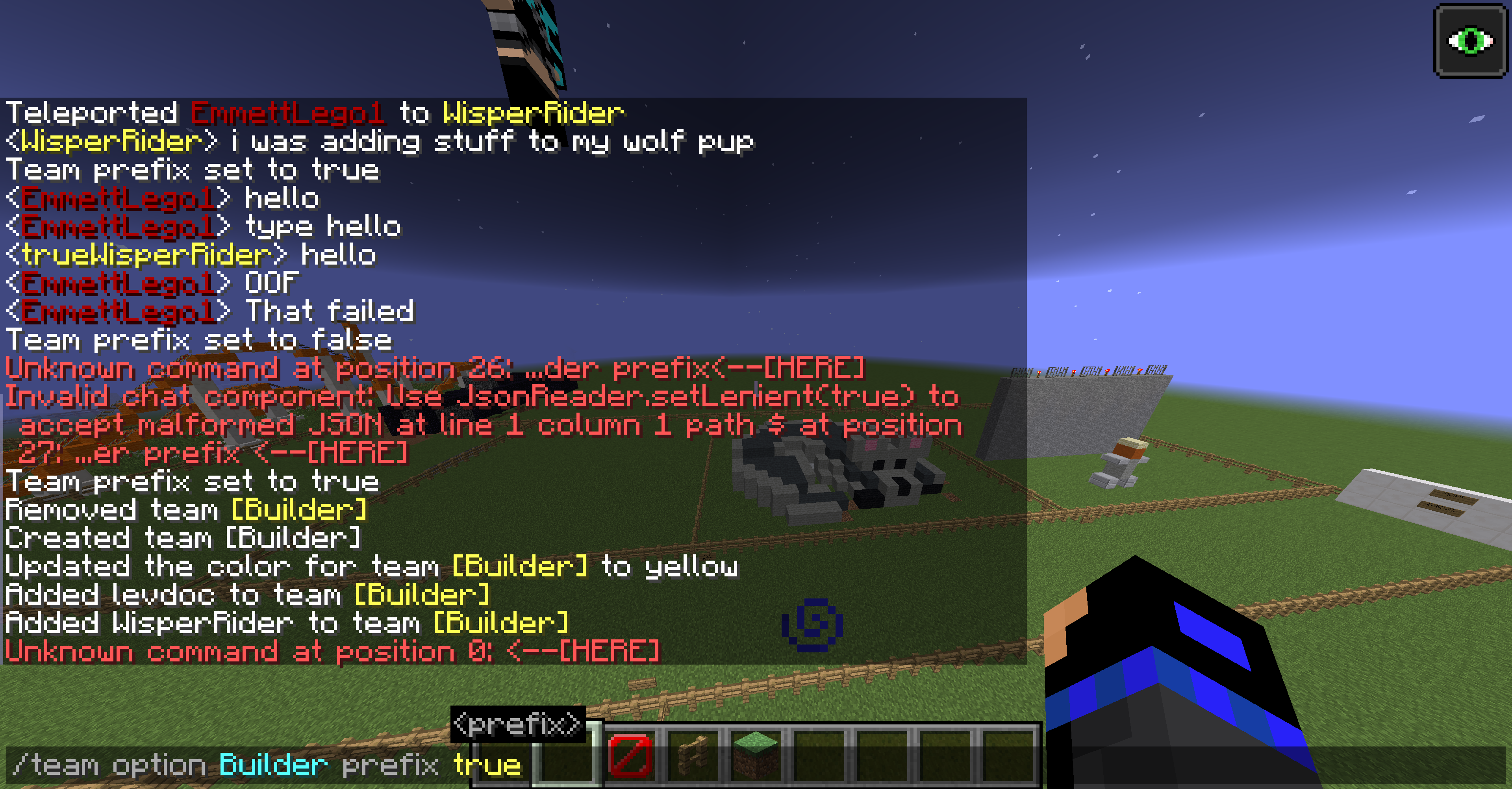
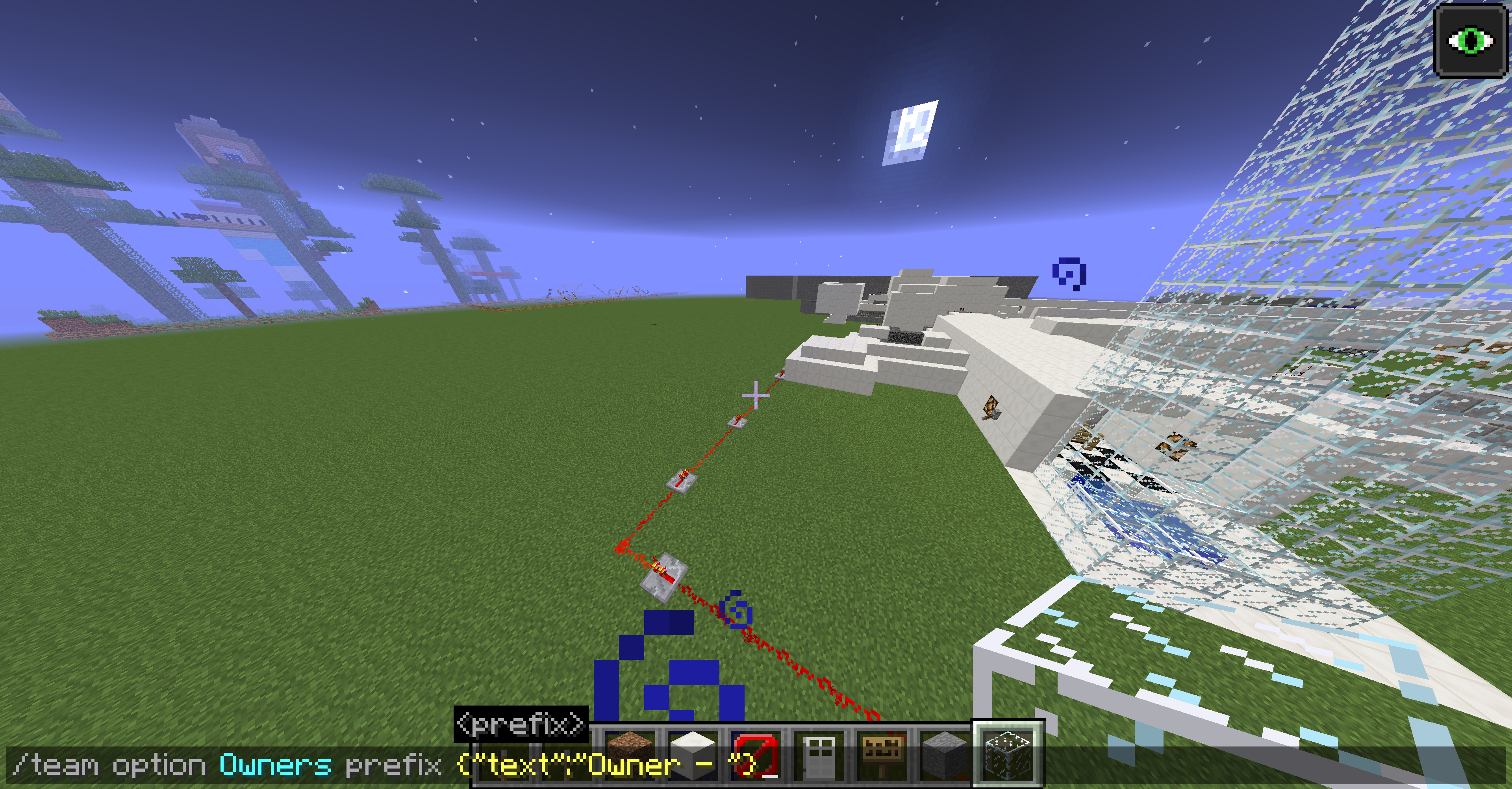
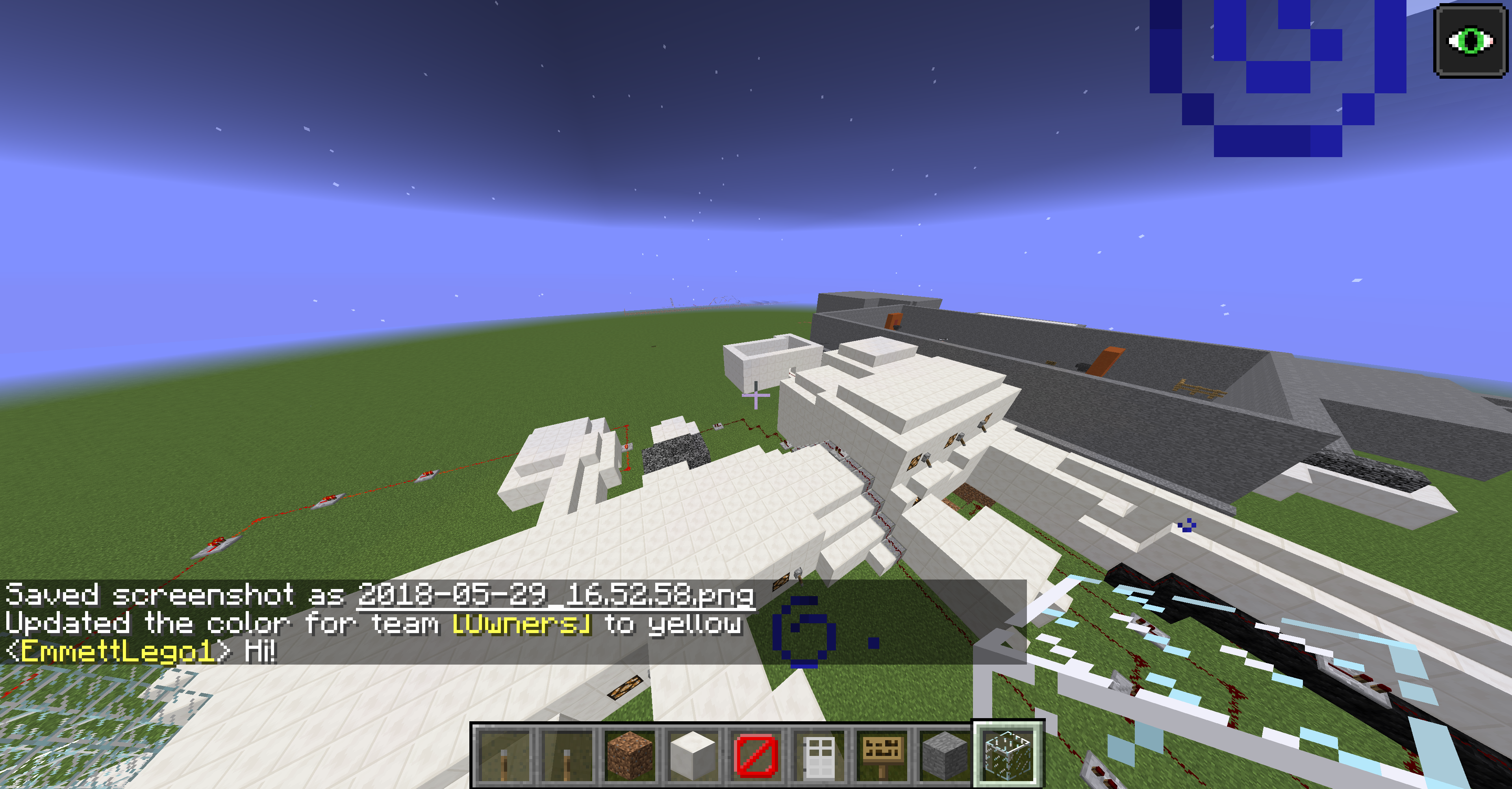
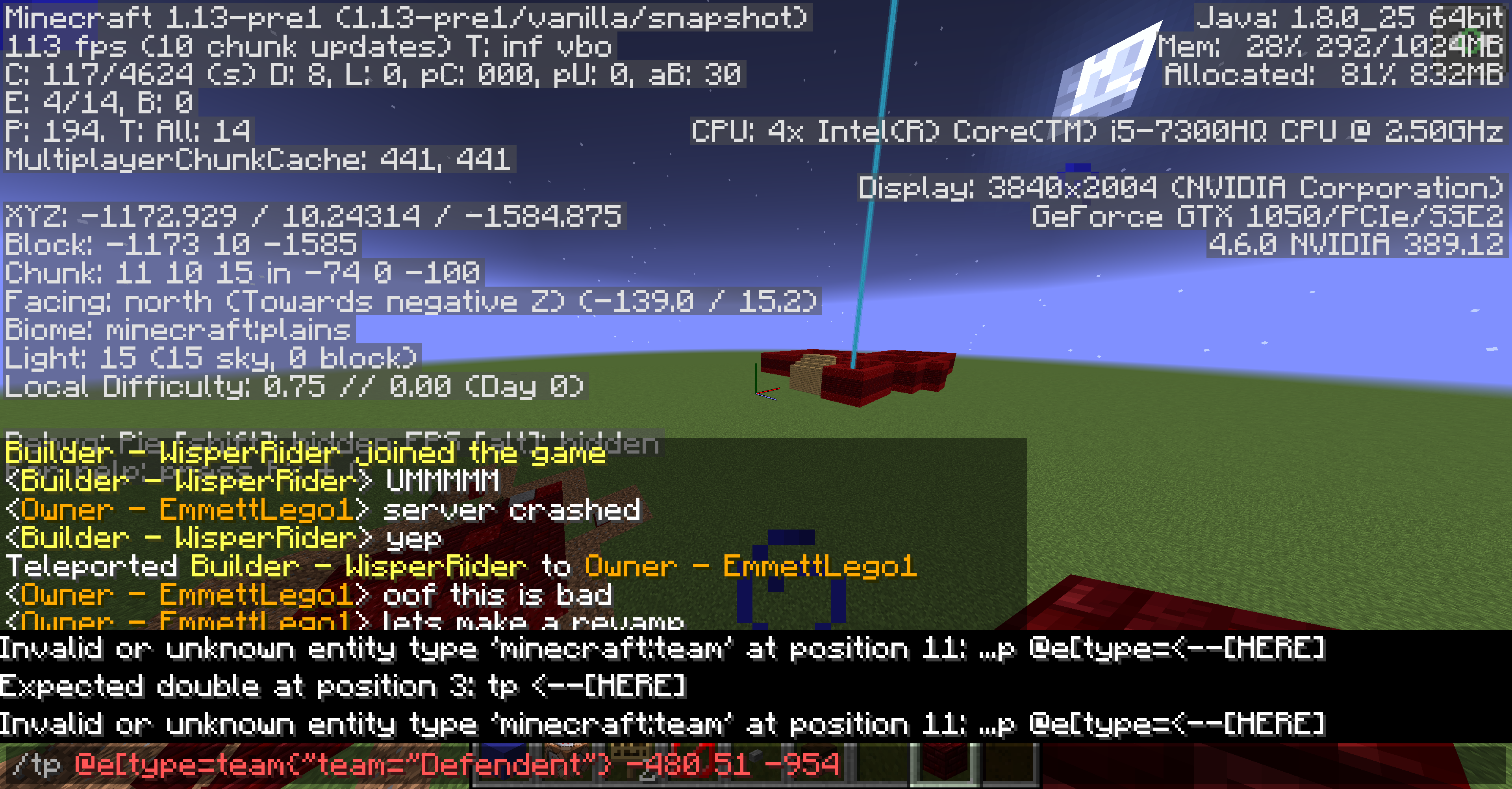
The /team option prefix command does not save. After leaving the world you are working in on 18w21b, the prefix will disappear. Color didn't save also which was strange.
Steps to Reproduce
- Join your world and change either the color of a team or add a prefix.
- Leave the world or stop a multiplayer server.
- Rejoin or reload the server and join.
- Boom. Your settings never saved and are gone.
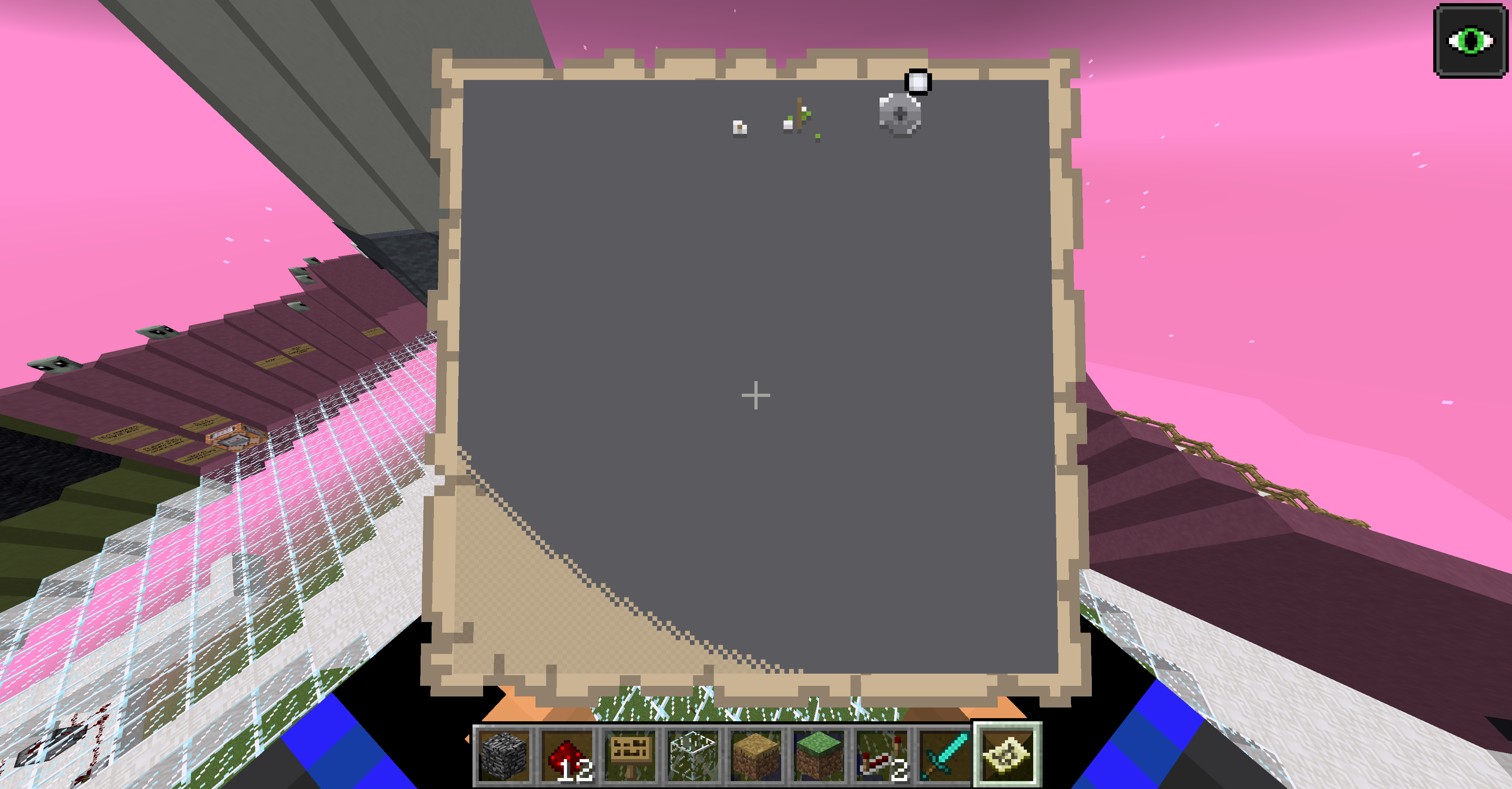
Attached are some pictures to help understand the context.The orders of the pictures are
- Typing in the command to add a prefix.
- Typing in hi with the prefix
- Leaving the game.
- Typing in hi without the prefix when rejoining.
Minecarts can't be placed without a canplaceon tag in Minecraft 1.13 in Adventure Mode.
I am now noticing Mojang isn't replying so I will place this elsewhere.
How are you on 1.1 on Windows 10?
Will anyone answer my question?
how are you on 1.1.0.8 on MC Windows 10 if android only gets the beta!??
Affects Version/s 1.12.1
Thanks hugman! That command fixed the problem!
Well I transferred my world at first from 1.12 to 18w07c then have been updating since.
Wait so I’ll never be able to use maps ever again normally? Well crap
Still happening in 18w22a even though it saids resolved.
This bug has been fixed in 1.13-pre3.
Is there a solution to it to make it from where if the tagged minecart drops, it drops another tagged minecart? Mod tryashtar
That still doesn't work. il attach an attachment
1.13bug.mp4
here u go
I last opened my realm in 1.13.2 and when the realm got upgraded to 1.14 it started raining through the roof as stated above. I think this should be reopened.
Hopefully 1.14.4 comes out soon. This bug broke my whole minecraft world lol.