 Eris
Eris
- eris.control
- eris.control
- America/New_York
- Yes
- No
4 issues
Key
Summary
Status
Reporter
Assignee
Created
 MC-5798
![[Mojang] Nathan Adams](../../../data/assets/gravatar/dinnerbone.png)
 MCL-1280
Launcher icon still displayed when launcher in sleeping state and after quitting Minecraft
Incomplete
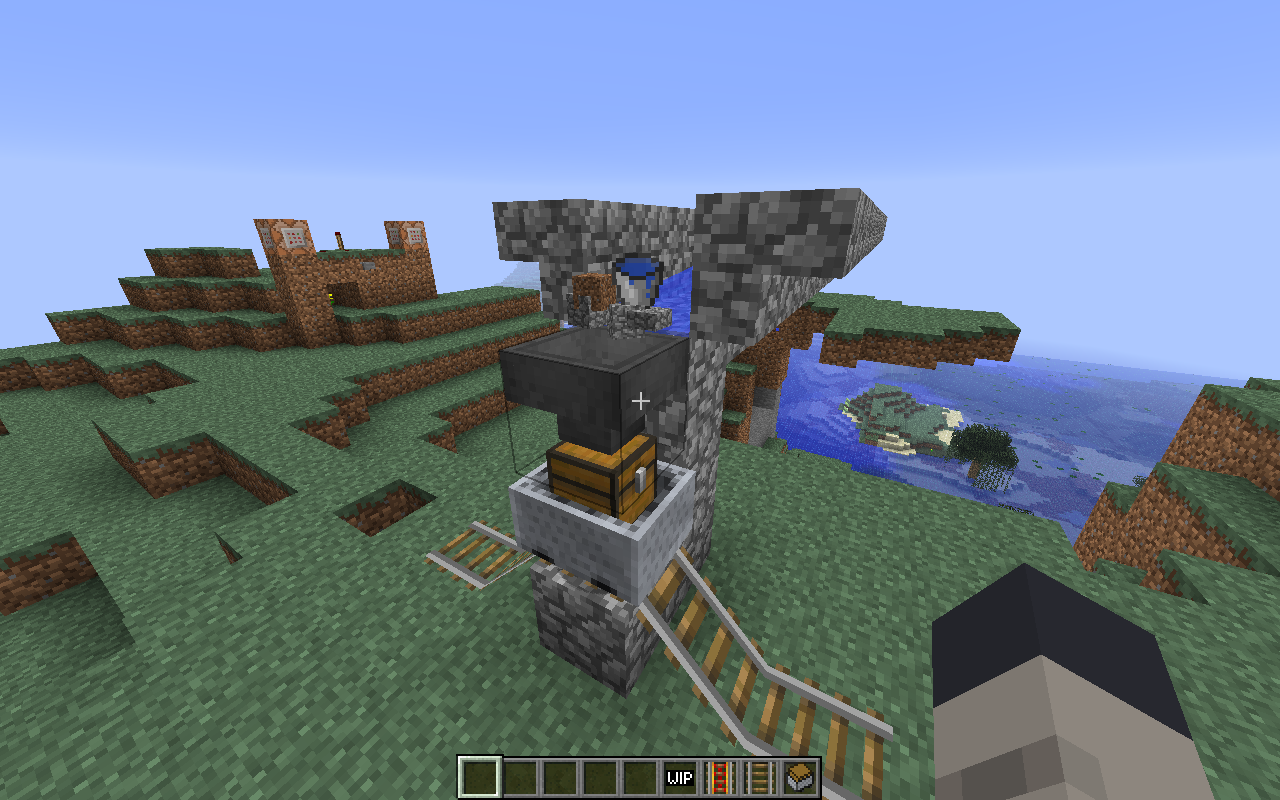
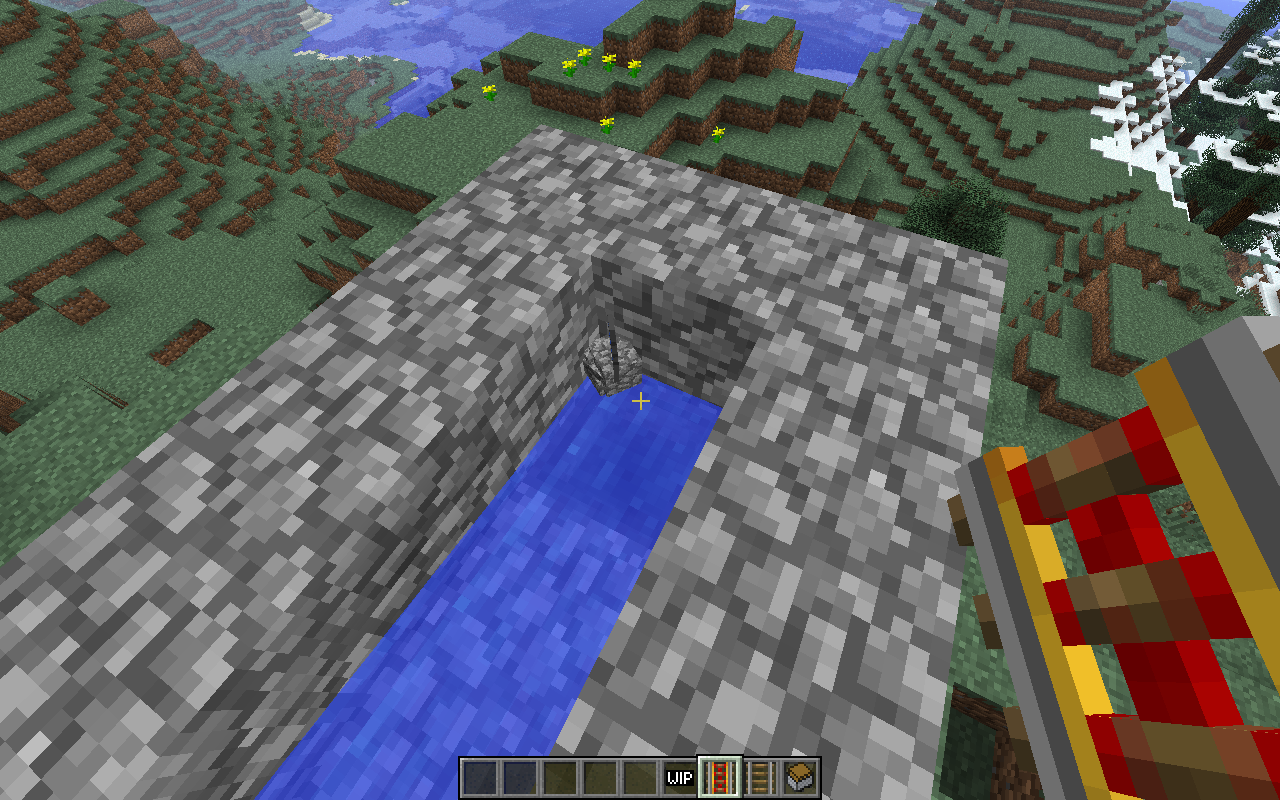




Changed Description:
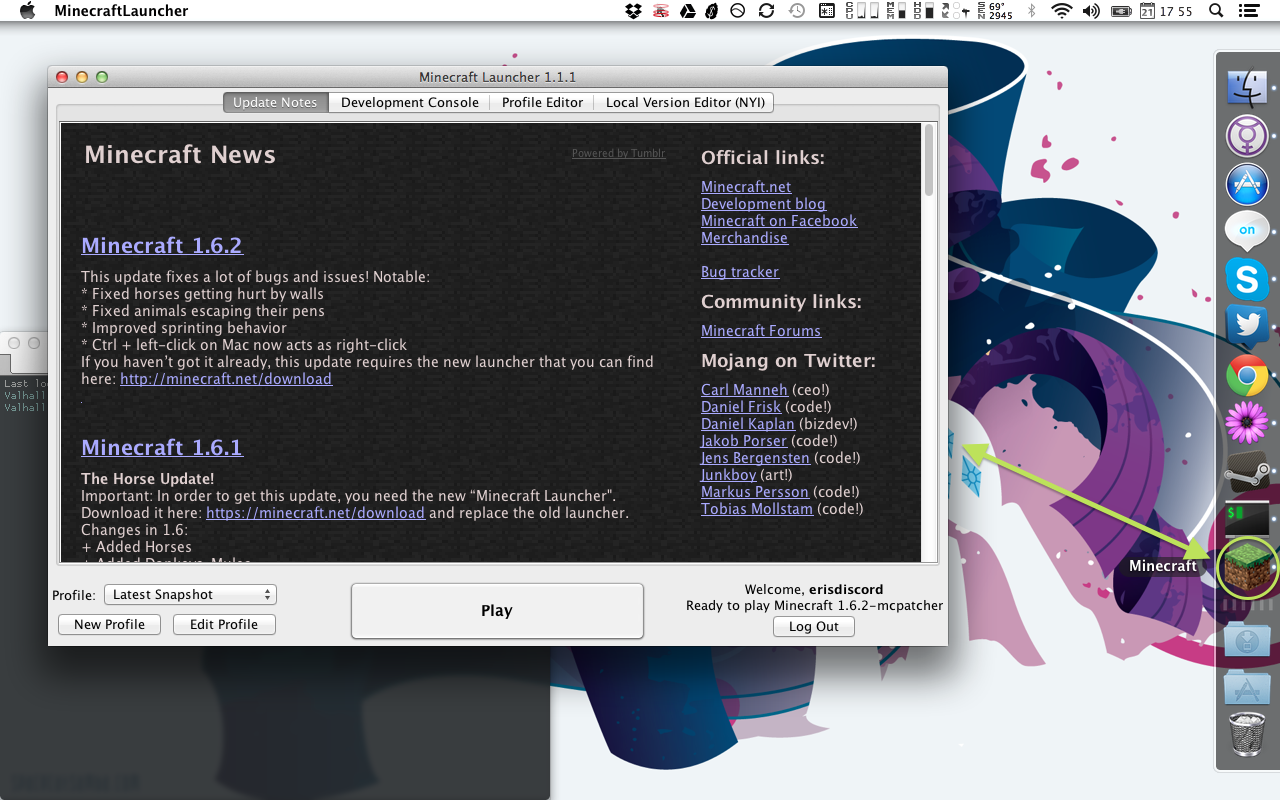
As the summary says. See attachment.
The launcher's actual version is 1.1.1, but the Finder "Get Info" window reports version 1.0.0. See attachment for what I mean. The launcher's Info.plist should either have the correct version number or no version number at all.
There's no technical limitation, because the chat buffer has decent line editing support. I'd love to see books brought up to parity with that.
Affects 13w03a and 13w04a as well. Is there some way I can update this ticket myself or does the original creator need to do it?
Yep, this is still happening in 13w03a. You guys who commented and are still having this problem need to vote on it so it gets seen.
Yeah, this just bit me in the posterior (apologies for the earlier phrasing). It's even worse if you're making an HD texture pack, and it gets worse the H-er D it is.
I think making the lid slightly bigger is the best route to go here. Container lids often fit over the top of the container, after all, right?
Oh. This was actually done to prevent baby animals from wandering into a smaller space than an adult would it in, growing up, then immediately suffocating. Can't find the source, but I am pretty sure Notch himself said so.
Looks like a bug to me too, dear mods. This is a case of minecarts (entities) behaving in a manner that is inconsistent with item drops (more entities), players (yep, entities) and mobs (also entities).
Oops, thanks. It's really confusing that the file names aren't cased consistently. I guess I misread the case when I glanced at the directory listing. 8I
This is happening to me (dedicated server, version 1.6.1) with a village I've been renovating. Every single night the village is mobbed by 10–15 zombies and immediately the server starts lagging to the point that the game is unplayable. The day/night cycle stops, crops don't grow, furnaces stop smelting; mobs barely move, take an entire second to register they've been hit, moonwalk or slide backwards.
iStat is showing no higher CPU usage than usual from Java, but the server is crying for mercy. It takes about 20 seconds to even shut the server down from issuing the stop command. Other applications are unaffected. I don't understand what's going on.
How can I force a server crash? Or do I have to load the world in singleplayer to get a crash report?
Confirming this problem in 1.6.1. Cows and chickens mysteriously escaping from secure fences.
Yes, it applies to 1.6.1. How do I update the affected versions? JIRA is really difficult to use.
Thanks. What is the requirement to have this marked as confirmed? Seems like multiple people are having the same problem. Can I attach an affected world?
I've attached the world where I'm having this problem, pruned down to just the village. It's currently in the midst of a zombie siege and the spawn is set to the middle of the village for ease of demonstration.
I've also discovered more information about the bug. There are two buildings with the doors blocked off by dirt here because villagers are stupid and think sunrise = safe. If you find the two barricaded houses and break the dirt blocking their doors, the game will suddenly fast forward for a couple of seconds and everything will run as normal. Seems the bug is triggered when the zombies can't find a path to the villagers.
I haven't tried loading it in single-player, so be sure to try the dedicated server jar if single-player doesn't manifest the bug.
Then there shouldn't even be a version in the bootstrap launcher's Info.plist. It's been 1.0.0 since the new launcher was first introduced, and I know the bootstrap launcher has been updated.
I don't think you've understood the issue properly. It's not an issue with launching Minecraft; it's an issue with correctly closing the launcher once Minecraft has been launched:
The bug obviously isn't triggered if I set the launcher to stay open, because the bug is in the launcher not quitting. There's no way to have the developer console open and trigger this bug at the same time.
I'll attach screen shots to show what I mean.
17:55:50 - Launcher with icon in the dock, no problem.
17:56:17 - Minecraft running, launcher icon still in the dock, no launcher window.
17:56:54 - After quitting Minecraft normally, the launcher icon sticks around. Still no launcher window.
Ugh, guess I don't need to attach the crash report then. I don't care if this is intended behavior, it's wrong behavior for a Mac OS X application. At the very least, clicking the dock icon should bring the window back.
If the launcher wants to run in this hidden state, it should become a background process. There's a C API to do this:
ProcessSerialNumber psn = { 0, kCurrentProcess }; /* become a background process */ TransformProcessType(&psn, kProcessTransformToUIElementApplication); /* become a foreground process again */ TransformProcessType(&psn, kProcessTransformToForegroundApplication);I know Java has some kind of FFI, so I'm sure it can be done from there too.
@Vindicar this is demonstrably untrue. Build yourself a three block high tower near that zombie spawner, stand on top of it and tell me the game doesn't lag. It has already been esbalished multiple times that the problem is in the zombies' pathfinding AI. Look at the other comments. There's even a disassembly of the pathfinding routine with a fix that mostly solves the problem.
I've got 30 zombies jostling for a door that's been blocked off with dirt and I'm not seeing a significant drop in performance. That means no time jumps, no block reverts, no delayed reaction when I hit a mob. This issue is no longer present in 13w39b. It's fixed. It can be closed. Stop saying it's not.
If you're expecting a large group of zombies to have no performance effect AT ALL, you're asking for the impossible.
Thank you. Although honestly I'd rather that it became a background process (see my previous comment) when it's set to hide, so the dock icon goes away altogether. That way I don't have two "Minecraft" icons in my dock.