 FlesyZ
- Flesy_Z
- flesy_z
- Asia/Taipei
- Yes
- No
 MC-123576
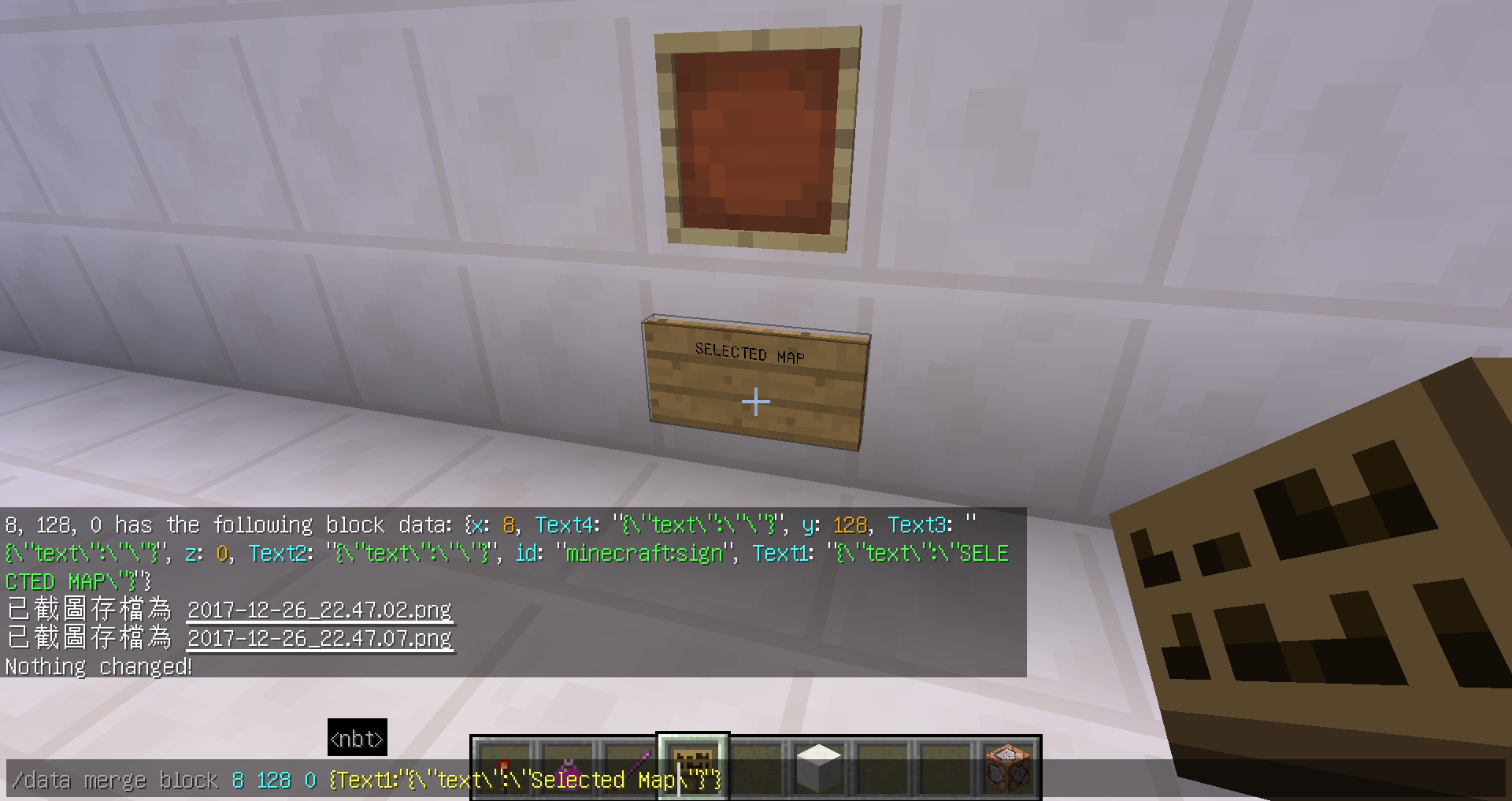

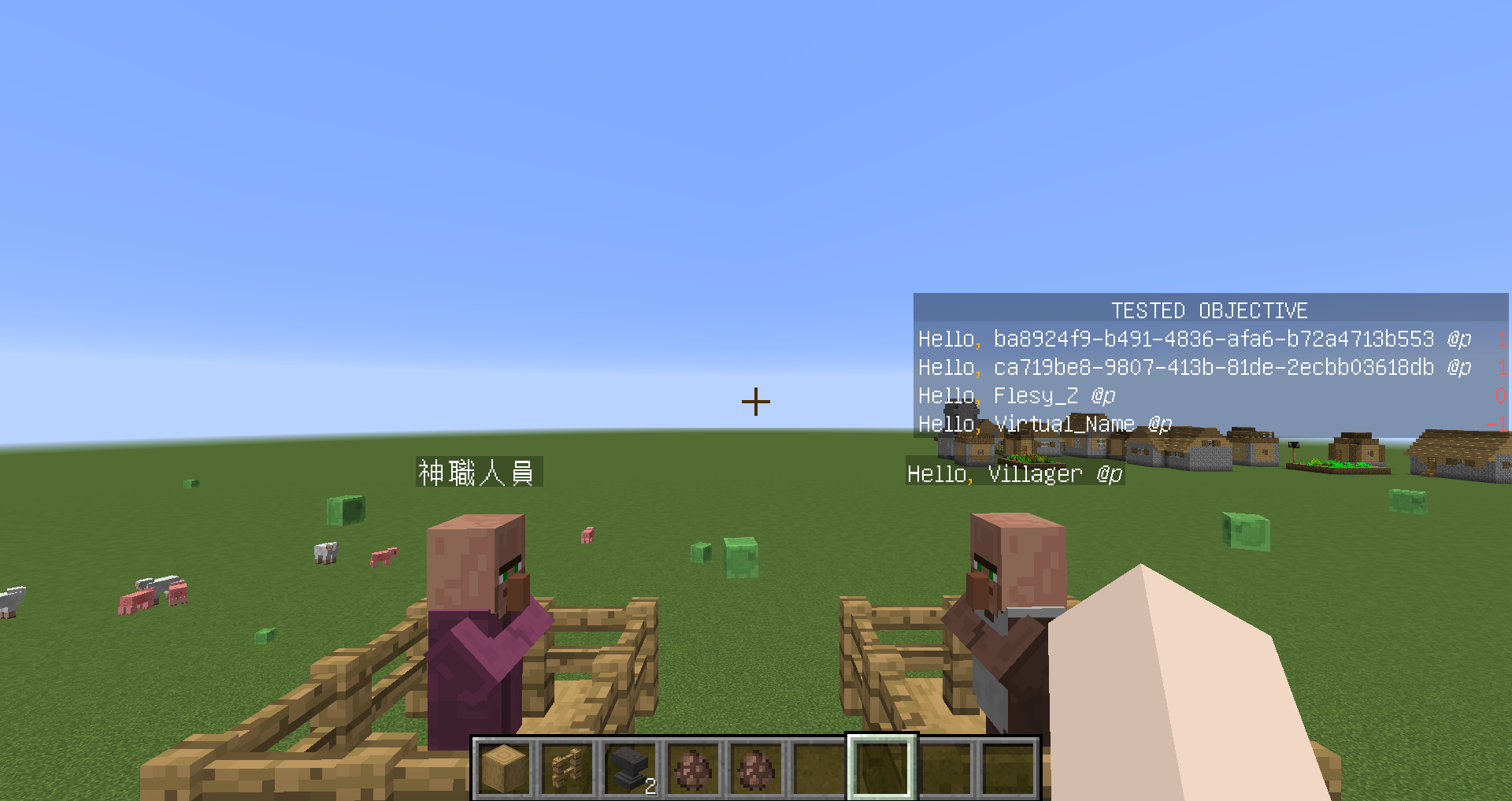
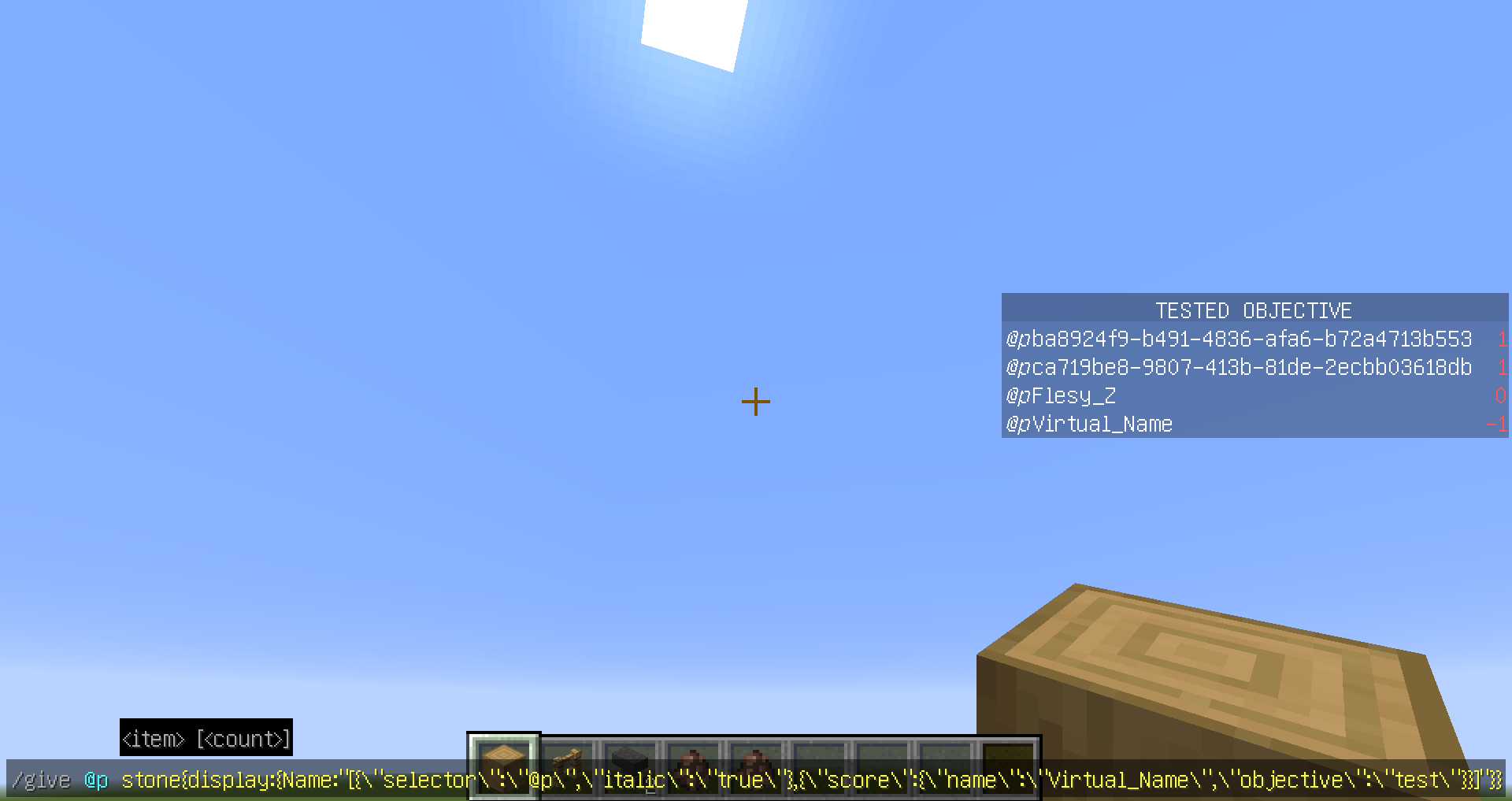
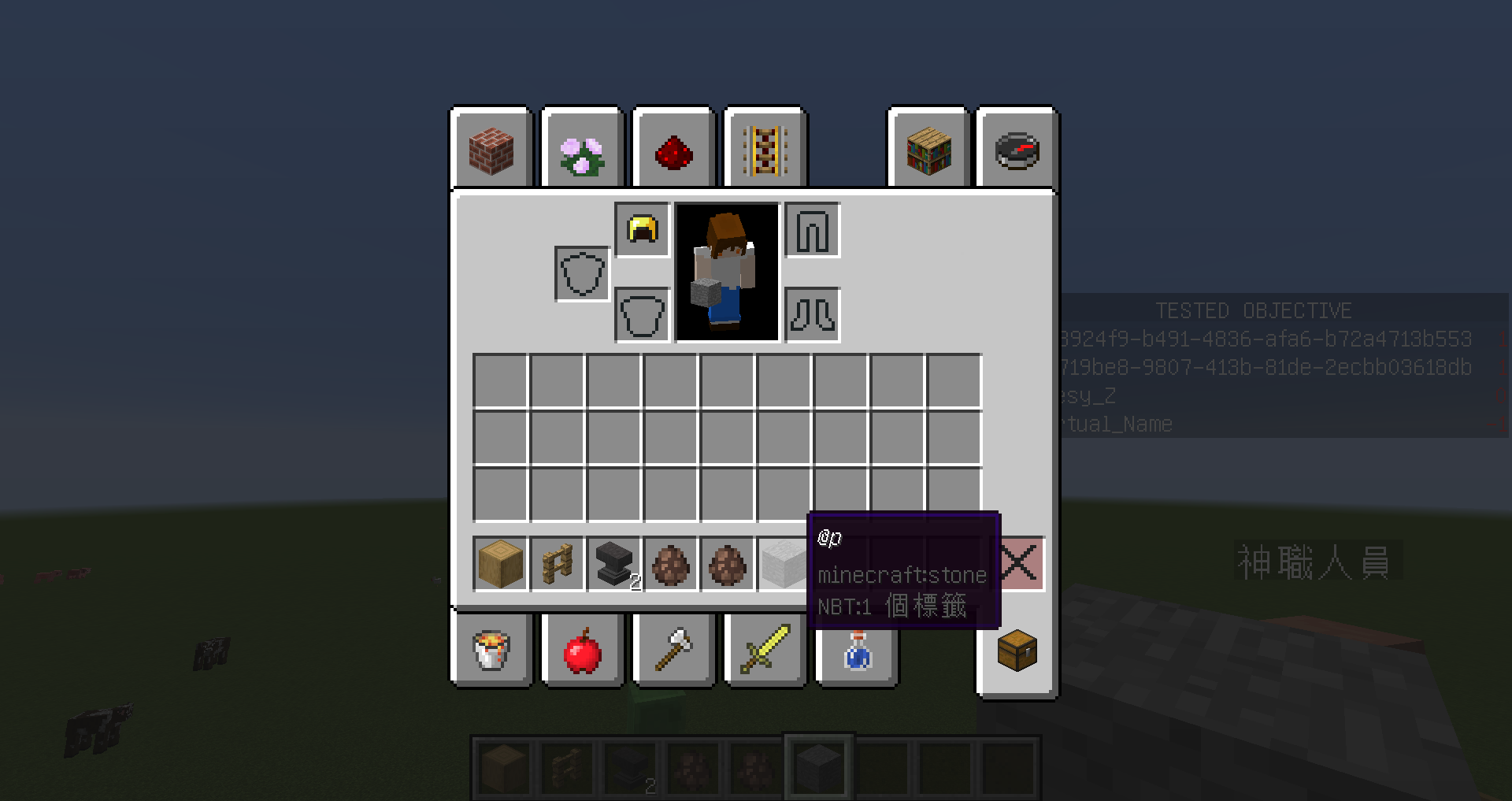


It still works on players and virtual name.
Meanwhile, there's also a bug, but I write here because of the same type.
/team prefixes and suffixes don't show while including "score" tag, either.
1. Set up a team and make somebody with an objective.
/team add test /scoreboard objectives add test dummy /scoreboard players set @p test 02. Set a prefix / suffix with "text" and "score" tag.
/team option test suffix [{"text":"'s score= "},{"score":{"name":"@p","objective":"test"}}]3. Apply on yourself or a virtual name.
/team join test test→ The content with "score" tag doesn't appear.
I let myself, two entities (I used villagers,) and a virtual name have an objective "test" and join in the same team "test."
Then I executed the commands below:
/team option test prefix ["Hello",{"text":", ","color":"gold"}]/team option test suffix [" ",{"selector":"@p","italic":"true"},{"score":{"name":"Virtual_Name","objective":"test"}}]After that, "score" tags didn't work at all, and "selector" tags did as "text" tags.
I let myself, two entities (I used villagers,) and a virtual name have an objective "test" and join in the same team "test."
Then I executed the commands below:
/team option test prefix ["Hello",{"text":", ","color":"gold"}]
/team option test suffix [" ",{"selector":"@p","italic":"true"},{"score":{"name":"Virtual_Name","objective":"test"}}]After that, "score" tags didn't work at all, and "selector" tags did as "text" tags.
I let myself, two entities (I used villagers,) and a virtual name have an objective "test" and join in the same team "test."
Then I executed the commands below:
/team option test suffix [" ",{"selector":"@p","italic":"true"},{"score":{"name":"Virtual_Name","objective":"test"}}]After that, "score" tags didn't work at all, and "selector" tags did as "text" tags.
I let myself, two entities (I used villagers,) and a virtual name have an objective "test" and join in the same team "test."
Then I executed the commands below:
/team option test prefix ["Hello",{"text":", ","color":"gold"}]
/team option test suffix [" ",{"selector":"@p","italic":"true"},{"score":{"name":"Virtual_Name","objective":"test"}}]After that, "score" tags didn't work at all, and "selector" tags did as "text" tags.
I let myself, two entities (I used villagers, one was renamed,) and a virtual name have an objective "test" and join in the same team "test."
Then I executed the commands below:
/team option test prefix ["Hello",{"text":", ","color":"gold"}]
/team option test suffix [" ",{"selector":"@p","italic":"true"},{"score":{"name":"Virtual_Name","objective":"test"}}]After that, "score" tags didn't work at all, and "selector" tags did as "text" tags.
Some tag of JSON doesn't work in /team prefixes and suffixes, and a item name.
I let myself, two entities (I used villagers, one was renamed,) and a virtual name have an objective "test" and join in the same team "test."
Then I executed the commands below:
/team option test prefix ["Hello",{"text":", ","color":"gold"}]
/team option test suffix [" ",{"selector":"@p","italic":"true"},{"score":{"name":"Virtual_Name","objective":"test"}}]
After that, "score" tags didn't work at all, and "selector" tags did as "text" tags.I let myself, two entities (I used villagers, one was renamed,) and a virtual name have an objective "test" and join in the same team "test."
Then I executed the commands below:
/team option test prefix ["Hello",{"text":", ","color":"gold"}]/team option test suffix [" ",{"selector":"@p","italic":"true"},{"score":{"name":"Virtual_Name","objective":"test"}}]After that, "score" tags didn't work at all, and "selector" tags did as "text" tags.
By the way, this bug does on a item name.
First slot in Enchantment Table witha fishing rod is invalidFirst slot in Enchantment Table while enchanting a fishing rod is invalid
It happens in this picture.
It doesn't work while enchanting a fishing rod only .
How the bug works
While using loot command to replace items on a player's main-hand, it works, but it also clears the offhand via a minecraft:contents entry.
How to do
- Use the command to place a contained shulker box.
/setblock ~ ~3 ~ shulker_box{Items:[{Slot:0b,id:"minecraft:stone",Count:1b}]}
- Take an item, (like, an emerald or else,) on your offhand.
- Use the command to trigger the condition (see shulker_box.json.)
/loot replace entity @s weapon.mainhand mine ~ ~3 ~ stone{getContents:true}
How the bug works
While using loot command to replace items on a player's main-hand, it works, but it also clears the offhand via a minecraft:contents entry.
How to do
- Use the command to place a contained shulker box.
/setblock ~ ~3 ~ shulker_box{Items:[{Slot:0b,id:"minecraft:stone",Count:1b}]}
- Take an item, (like, an emerald or else,) on your offhand.
- Use the other command to trigger the condition (see shulker_box.json.)
/loot replace entity @s weapon.mainhand mine ~ ~3 ~ stone{getContents:true}
Game Mode in creating new world resets after switching its World Type from Debug Mode to Normal..
The Bug
I switched the World Type to Debug Mode somehow, and switched to Normal, then I set its Game Mode that not the previous.
I did as in this video, and I found the Game Mode reset back to what I set that before switching to Debug Mode.
If the video doesn't work, try this then, thank you.
https://streamable.com/81x4qw
Game Mode in creating new worldresetsafter switching its World Type from Debug Mode to Normal.Game Mode in creating new world gets locked after switching its World Type from Debug Mode to Normal.
The Plobrem
When a "nbt" component applies on an item via /item modify, the component keeps there so that the item doesn't show about this.
How it work
1. Set up an entity, a block, and a storage that can conclude NBT tag.
summon creeper ~ ~ ~ {CustomName:'{"text":"Your MOM"}'} setblock 0 4 0 oak_sign{Text1:'{"text":"The text"}'} data modify storage foo:test text set value "This is a simple text."2. Set up item modifiers on the following:
// entity [ { "function": "minecraft:set_name", "name": { "nbt": "CustomName", "entity": "@s", "interpret": true } } ]// block [ { "function": "minecraft:set_name", "name": { "nbt": "Text1", "block": "0 4 0", "interpret": true } } ]// storage [ { "function": "minecraft:set_name", "name": { "nbt": "text", "storage": "foo:test","interpret": true } } ]3. /item modify your item.
4. Read the name of you item.
The Plobrem
When a "nbt" component applies on an item via /item modify, the component keeps there so that the item doesn't show about this.
How it work
1. Set up an entity, a block, and a storage that can conclude NBT tag.
summon creeper ~ ~ ~ {CustomName:'{"text":"Your MOM"}'} setblock 0 4 0 oak_sign{Text1:'{"text":"The text"}'} data modify storage foo:test text set value "This is a simple text."2. Set up item modifiers on the following:
// entity [ { "function": "minecraft:set_name", "name": { "nbt": "CustomName", "entity": "@s", "interpret": true } } ]// block [ { "function": "minecraft:set_name", "name": { "nbt": "Text1", "block": "0 4 0", "interpret": true } } ]// storage [ { "function": "minecraft:set_name", "name": { "nbt": "text", "storage": "foo:test" } } ]3. /item modify your item.
4. Read the name of you item.
 image-2024-09-19-00-54-41-708.png
I also tested the teleport command in different coordination.
Example 4:
// example_4a.mcfunction tp @s ~3 ~ ~ tp @s ~ ~3 ~ tp @s ~ ~ ~3Expected: Player is teleported 3 blocks east, 3 blocks south and 3 blocks up from the previous position.
Actual: Player is teleported 3 blocks east, 3 blocks south and 3 blocks down.
// example_4b.mcfunction tp @s ~ ~3 ~ tp @s ~3 ~ ~ tp @s ~ ~ ~3Expected: Should be the same expectation.
Actual: Player is teleported 3 blocks west, 3 blocks south and 3 blocks up.
// example_4c.mcfunction tp @s ~3 ~ ~ tp @s ~ ~3 ~ tp @s ~ ~ ~3 tp @s ~ ~ ~3Expected: Player is teleported 3 blocks east, 6 blocks south and 3 blocks up from the previous position.
Actual: Player is teleported 3 blocks west, 3 blocks up, and 3 blocks south and north.
In Example 4, this bug is confirmed.
Example 5:
// example_5a.mcfunction tp @s ~3 ~ ~ execute at @s run tp @s ~ ~3 ~ execute at @s run tp @s ~ ~ ~3This works as expected, but if I try to catch the position:
Expected: Pos[] follows the player. If players is teleported 3 blocks up, Pos[] is also 3 blocks up from the previous position,
Actual: Pos[] is twice as far as the actual position of the player, and it doesn't change with execute at @s run heading.
In Example 5, we can know that the position caught gets twice as far as expected after teleport commands in a function.