 morgan clements
- Giantplaytime
- giantplaytime
- Europe/Stockholm
- Yes
- No
 MC-165392
 MCD-6425


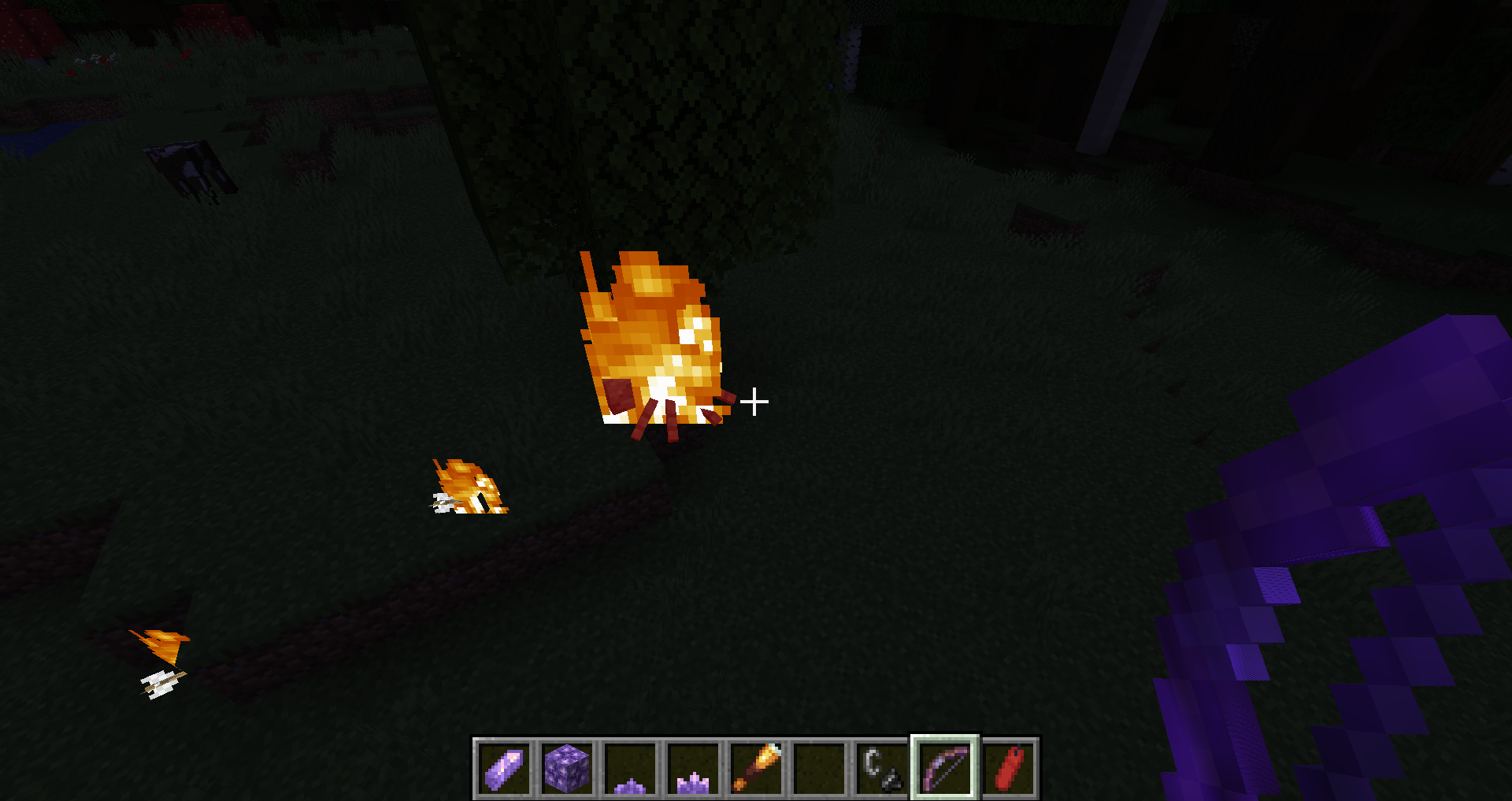
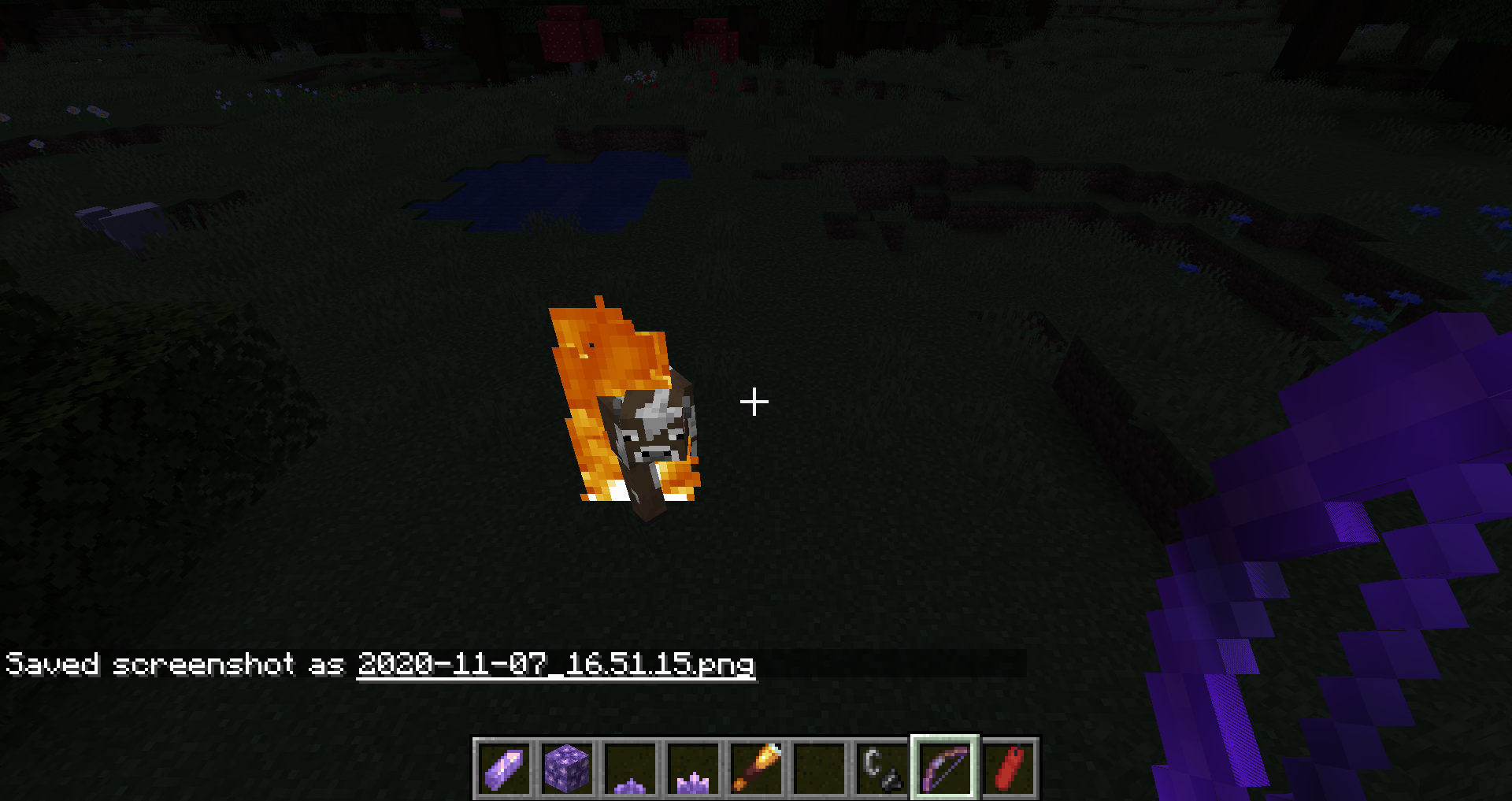
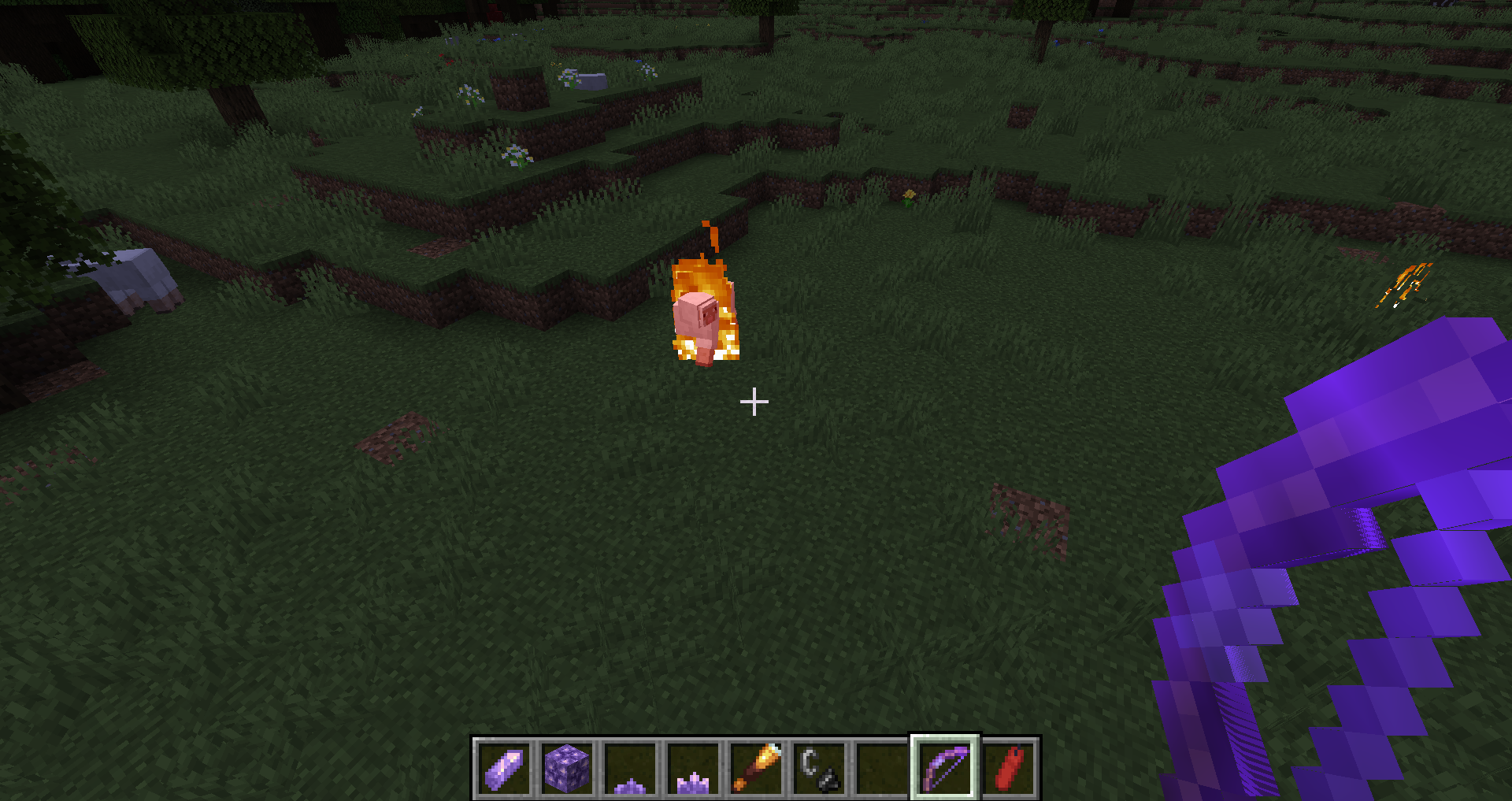
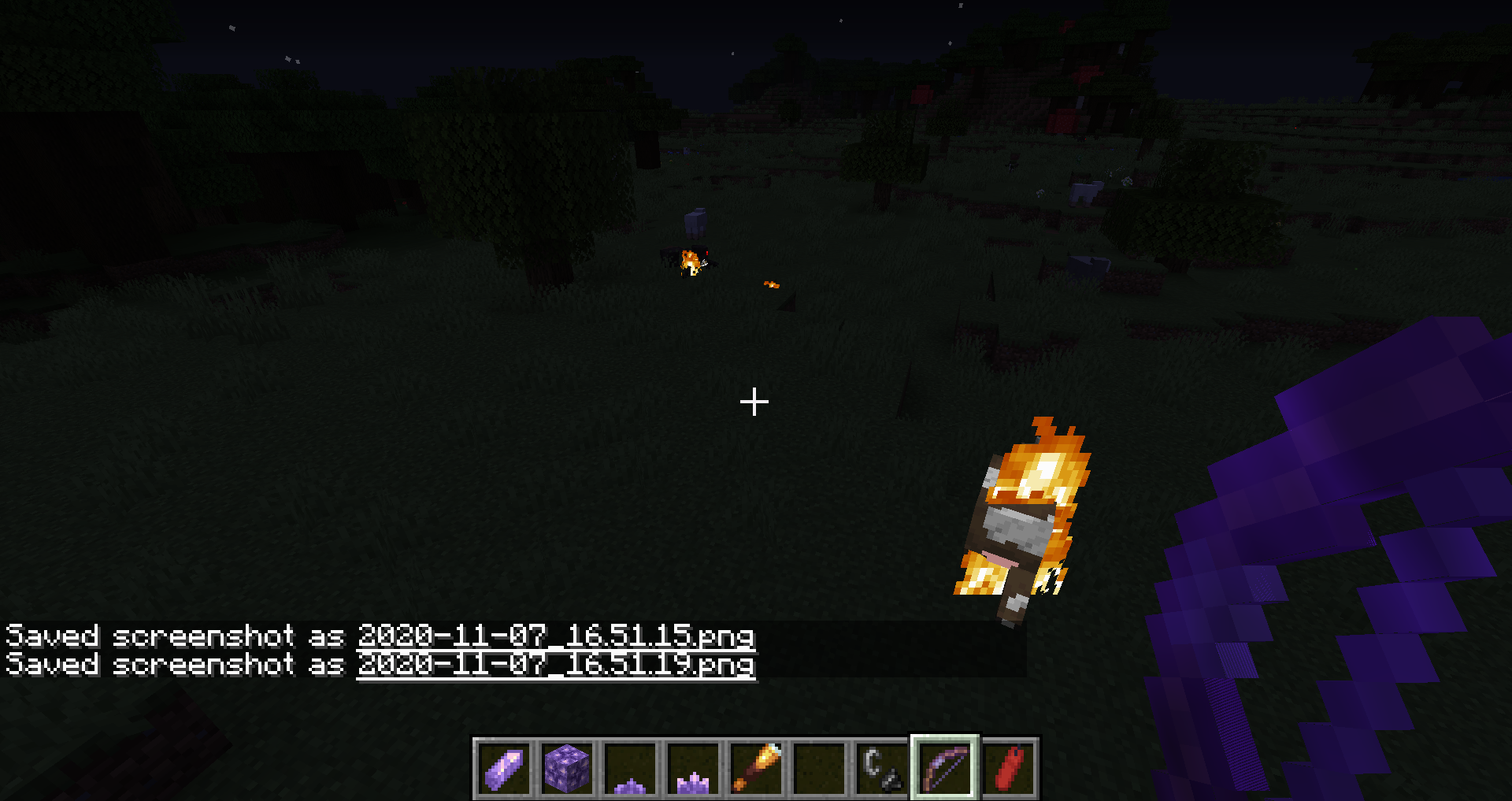


II had to do this because it wouldn't let me put is in attachment
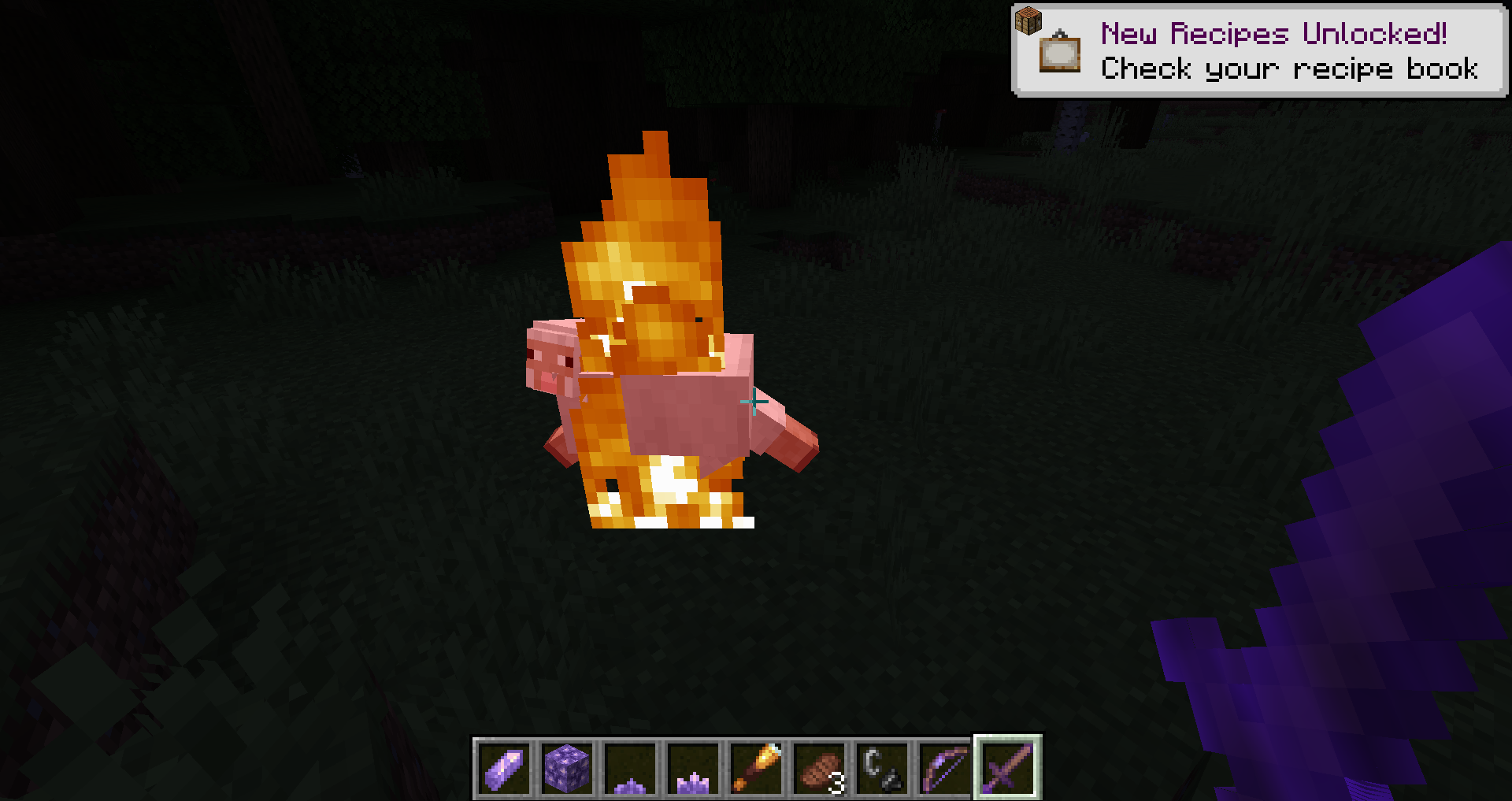
works with both flint and steel(fire on the ground) fire aspect and flame
mine had one leg missing not 3 legs missing
It is hard to catch so you don't have to fix it until 20w
50a or something but when a sculk sensor changes from clicking too not clicking it goes back wards when it is going forwardsIt is hard to catch so you don't have to fix it until 20w60a or something but when a sculk sensor changes from clicking too not clicking it goes back wards when it is going forwards
distorted text in crafting tableknowledge book
distorted text in crafting table knowledge book
Distortedtext in crafting table knowledge bookoverlaping text in crafting table knowledge book
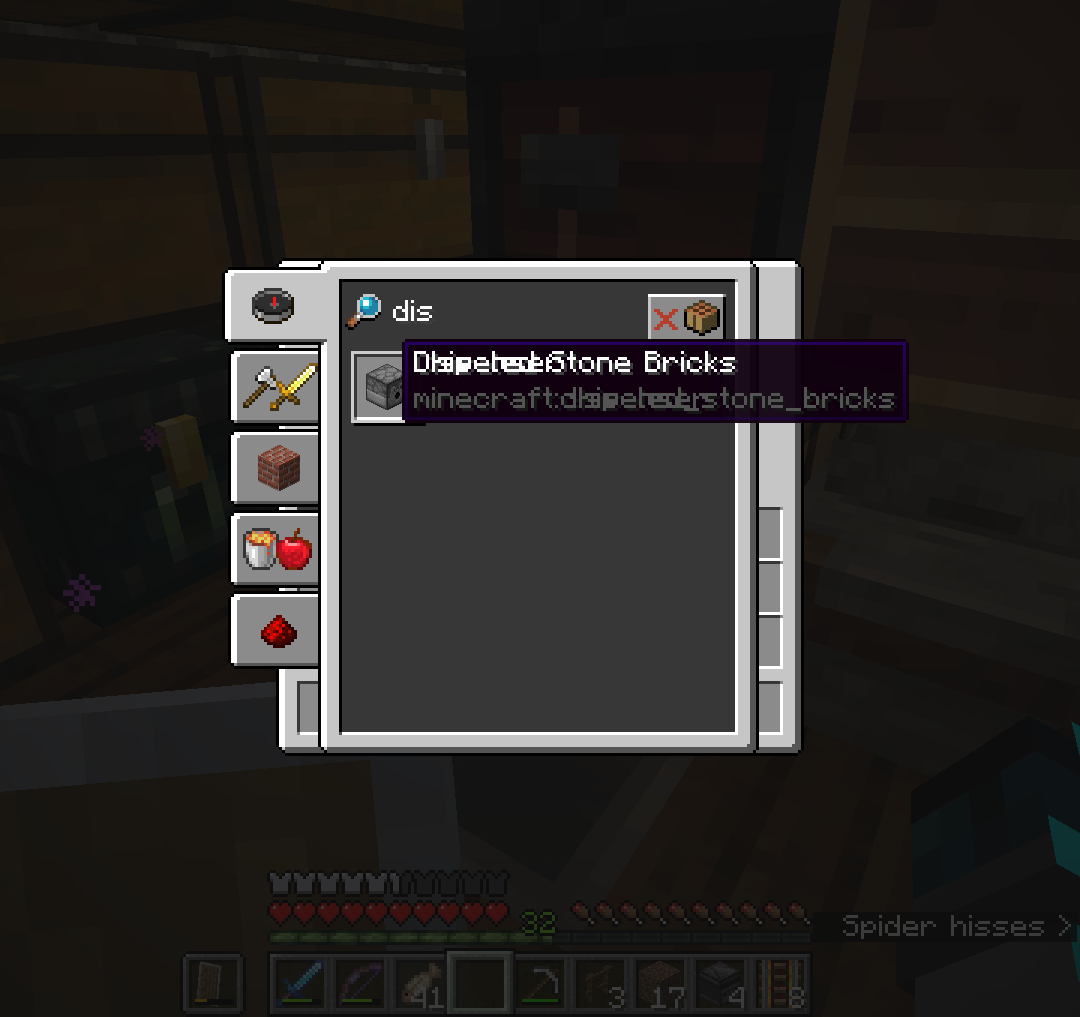
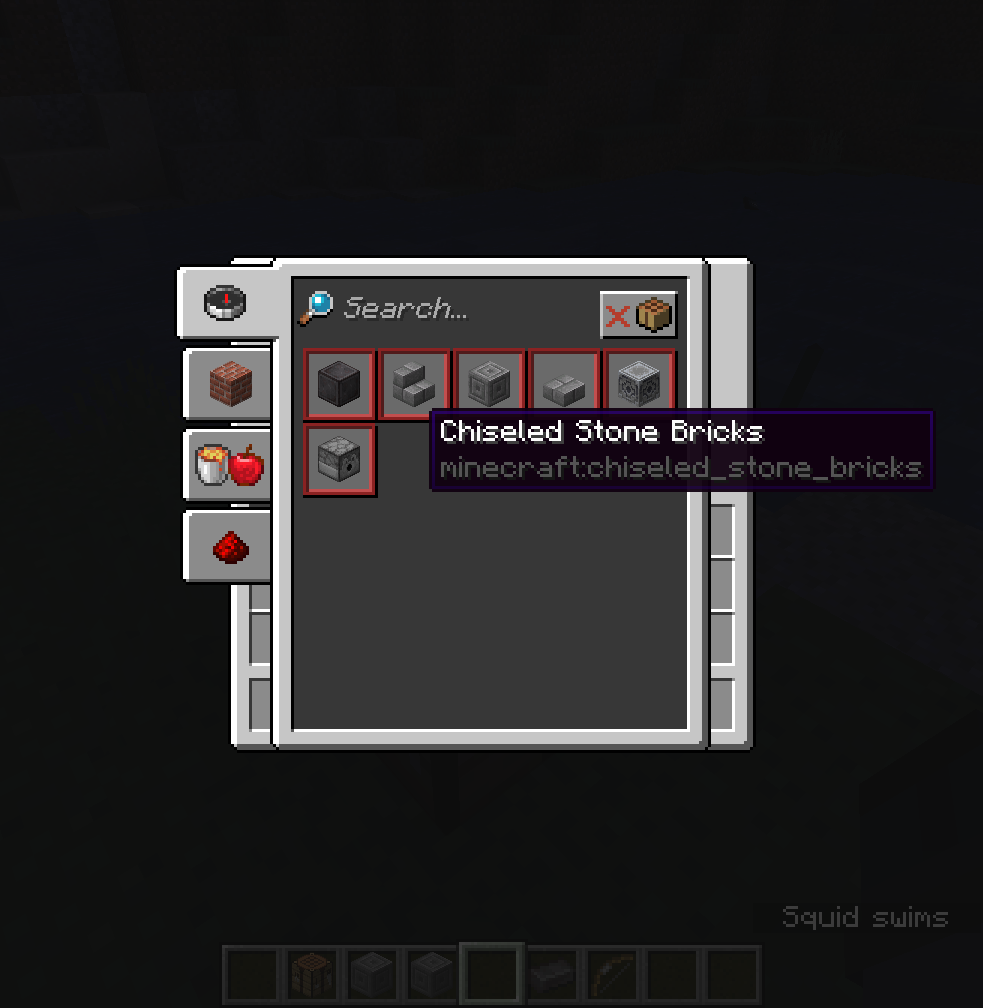
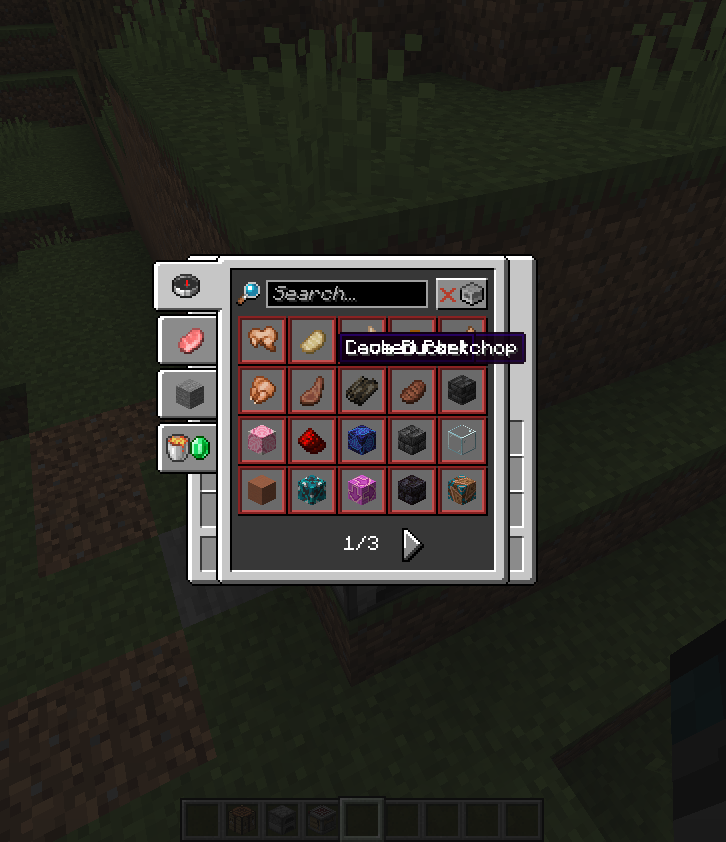
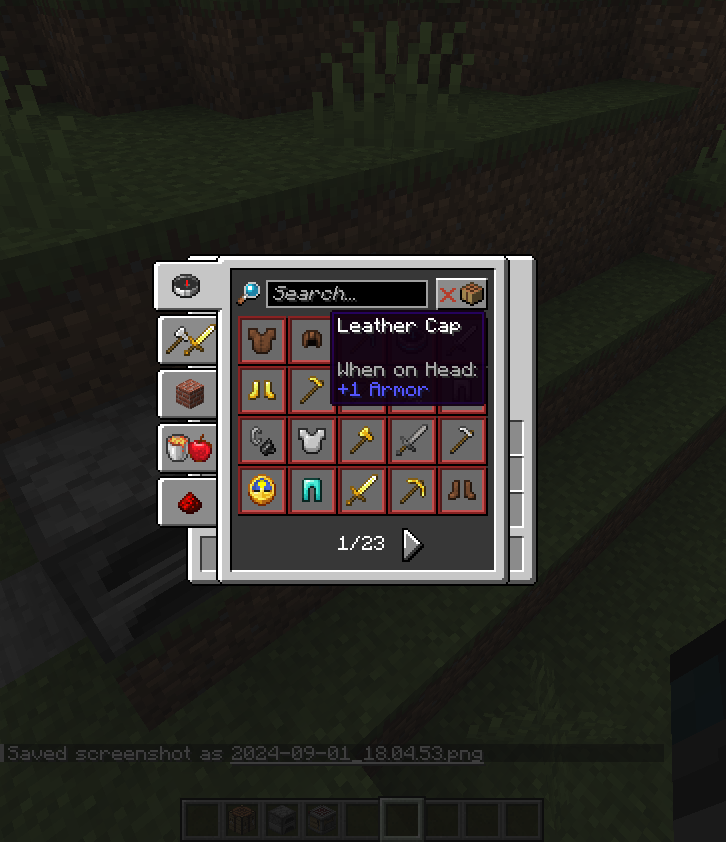
In the crafting table knowledge book if you select something you can not craft and then go back in the knowledge book if you hover over were the grid would is you can see the word box and if you hover over something you can or can't craft it gives you distorted text.
*2 of 3 screenshots were taken in 1.16 but I tested in 1.17.
MC-117308 is a very related but NOT the same bug
In the crafting table knowledge book if you select something you can not craft and then go back in the knowledge book if you hover over were the grid would is you can see the word box and if you hover over something you can or can't craft it gives you distorted text.
*2 of 3 screenshots were taken in 1.16 but I tested in 1.17.MC-117308 is a very related but NOT the same bug
In the crafting table knowledge book if you select something you can not craft and then go back in the knowledge book if you hover over were the grid would is you can see the word box and if you hover over something you can or can't craft it gives you distorted text.
Step by step guide because it seems everyone is confused;
- Open any GUI with a recipe book icon. (Survival inventory,
- Shrink game border to force game into having recipe book and said inventory overlap.
- Open Recipe Book.
*2 of 3 screenshots were taken in 1.16 but I tested in 1.17.
MC-117308 is a very related but NOT the same bug
In the crafting table knowledge book if you select something you can not craft and then go back in the knowledge book if you hover over were the grid would is you can see the word box and if you hover over something you can or can't craft it gives you distorted text.
Step by step guide because it seems everyone is confused;
- Open any GUI with a recipe book icon. (Survival inventory,
- Shrink game border to force game into having recipe book and said inventory overlap.
- Open Recipe Book.
*2 of 3 screenshots were taken in 1.16 but I tested in 1.17.
MC-117308 is a very related but NOT the same bug
In the crafting table knowledge book if you select something you can not craft and then go back in the knowledge book if you hover over were the grid would is you can see the word box and if you hover over something you can or can't craft it gives you distorted text.
Step by step guide because it seems everyone is confused;
- Open any GUI with a recipe book icon. (Survival inventory, Crafting table, Furnace, Blast Furnace, Smoker)
- Shrink game border to force game into having recipe book and said inventory overlap.
- Open Recipe Book.
- Select a recipe which you CANNOT complete
MC-117308 is a very related but NOT the same bug
In the crafting table knowledge book if you select something you can not craft and then go back in the knowledge book if you hover over were the grid would is you can see the word box and if you hover over something you can or can't craft it gives you distorted text.
Step by step guide because it seems everyone is confused;
- Open any GUI with a recipe book icon. (Survival inventory, Crafting table, Furnace, Blast Furnace, Smoker)
- Shrink game border to force game into having recipe book and said inventory overlap.
- Open Recipe Book.
Select a recipe which you CANNOT completeMC-117308 is a very related but NOT the same bug
In the crafting table knowledge book if you select something you can not craft and then go back in the knowledge book if you hover over were the grid would is you can see the word box and if you hover over something you can or can't craft it gives you distorted text.
Step by step guide because it seems everyone is confused;
- Unlock a decent amount of recipes.
- Open any GUI with a recipe book icon. (Survival inventory, Crafting table, Furnace, Blast Furnace, Smoker)
- Shrink game border to force game into having recipe book and said inventory overlap.
- Open The Recipe Book.
- Select a recipe which you CANNOT complete.
- Reopen The Recipe Book.
MC-117308 is a very related but NOT the same bug
In the crafting table knowledge book if you select something you can not craft and then go back in the knowledge book if you hover over were the grid would is you can see the word box and if you hover over something you can or can't craft it gives you distorted text.
Step by step guide because it seems everyone is confused;
- Unlock a decent amount of recipes.
- Open any GUI with a recipe book icon. (Survival inventory, Crafting table, Furnace, Blast Furnace, Smoker)
- Shrink game border to force game into having recipe book and said inventory overlap.
- Open The Recipe Book.
- Select a recipe which you CANNOT complete.
- Reopen The Recipe Book.
MC-117308 is a very related but NOT the same bug
In the crafting table knowledge book if you select something you can not craft and then go back in the knowledge book if you hover over were the grid would is you can see the word box and if you hover over something you can or can't craft it gives you distorted text.
Step by step guide because it seems everyone is confused;
- Unlock a decent amount of recipes. (/recipe give @s *)
- Open any GUI with a recipe book icon. (Survival inventory, Crafting table, Furnace, Blast Furnace, Smoker)
- Shrink game border to force game into having recipe book and said inventory overlap.
- Open The Recipe Book.
- Select a recipe which you CANNOT complete.
- Reopen The Recipe Book.
- Hover mouse over location of the previously selected Unfinishable recipe and a unlocked recipe.
MC-117308 is a very related but NOT the same bug
In the crafting table knowledge book if you select something you can not craft and then go back in the knowledge book if you hover over were the grid would is you can see the word box and if you hover over something you can or can't craft it gives you distorted text.
Step by step guide because it seems everyone is confused;
- Unlock a decent amount of recipes. (/recipe give @s *)
- Open any GUI with a recipe book icon. (Survival inventory, Crafting table, Furnace, Blast Furnace, Smoker)
- Shrink game border to force game into having recipe book and said inventory overlap.
- Open The Recipe Book.
Select a recipe which you CANNOT complete.Reopen The Recipe Book.- Hover mouse over location of the previously selected Unfinishable recipe and a unlocked recipe.
MC-117308 is a very related but NOT
the same bugIn the crafting table knowledge book if you select something you can not craft and then go back in the knowledge book if you hover over were the grid would is you can see the word box and if you hover over something you can or can't craft it gives you distorted text.
Step by step guide because it seems everyone is confused;
- Unlock a decent amount of recipes. (/recipe give @s *)
- Open any GUI with a recipe book icon. (Survival inventory, Crafting table, Furnace, Blast Furnace, Smoker)
- Shrink game border to force game into having recipe book and said inventory overlap.
- Open The Recipe Book.
- Turn crafting filter to uncraftable.
- Select a recipe which you CANNOT complete.
- Reopen The Recipe Book.
- Hover mouse over location of the previously selected Unfinishable recipe and a unlocked recipe.
Is duplicated by
MC-263911. Please update descriptions of both bug reports.MC-117308 is a very related but NOT a Duplicate!
MC-86172is not a duplicate however it is relatedCan confirm in 1.20.4
Since many people are confused
MC-230244 (This one) and MC-117308 are related however, they are NOT THE SAME.
This bug says when you select a crafting recipe in the knowledge book that you can't make then without clicking anywhere else click the knowledge book once again, and hover where the over the crafting area would be. If done correctly you should be able to see overlapping text.
MC-117308 says that in any case if you open the knowledge book any items or blocks that should render behind to the side it do not show.
This works as intended
Patch Notes from 24w06a;
Experimental Features
Wind Charge
Duplicates MC-230244, is not resolved.
Does not Duplicate MC-124961.
Confirmed in 1.21.1