 Ian Starkey
- HateCreepersMan
- hatecreepersman
- Europe/London
- Yes
- No
 MCPE-145463
 BDS-19414


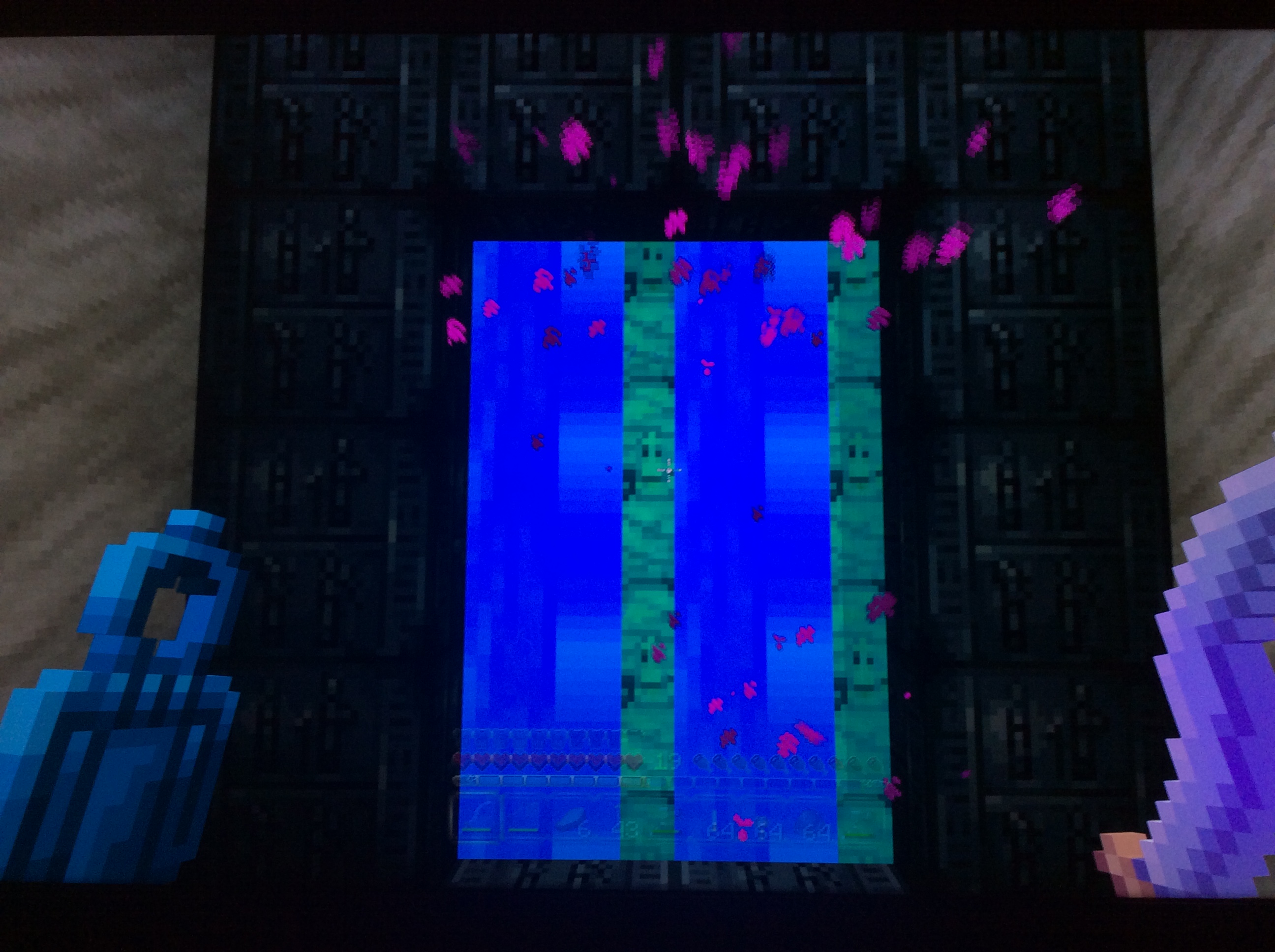


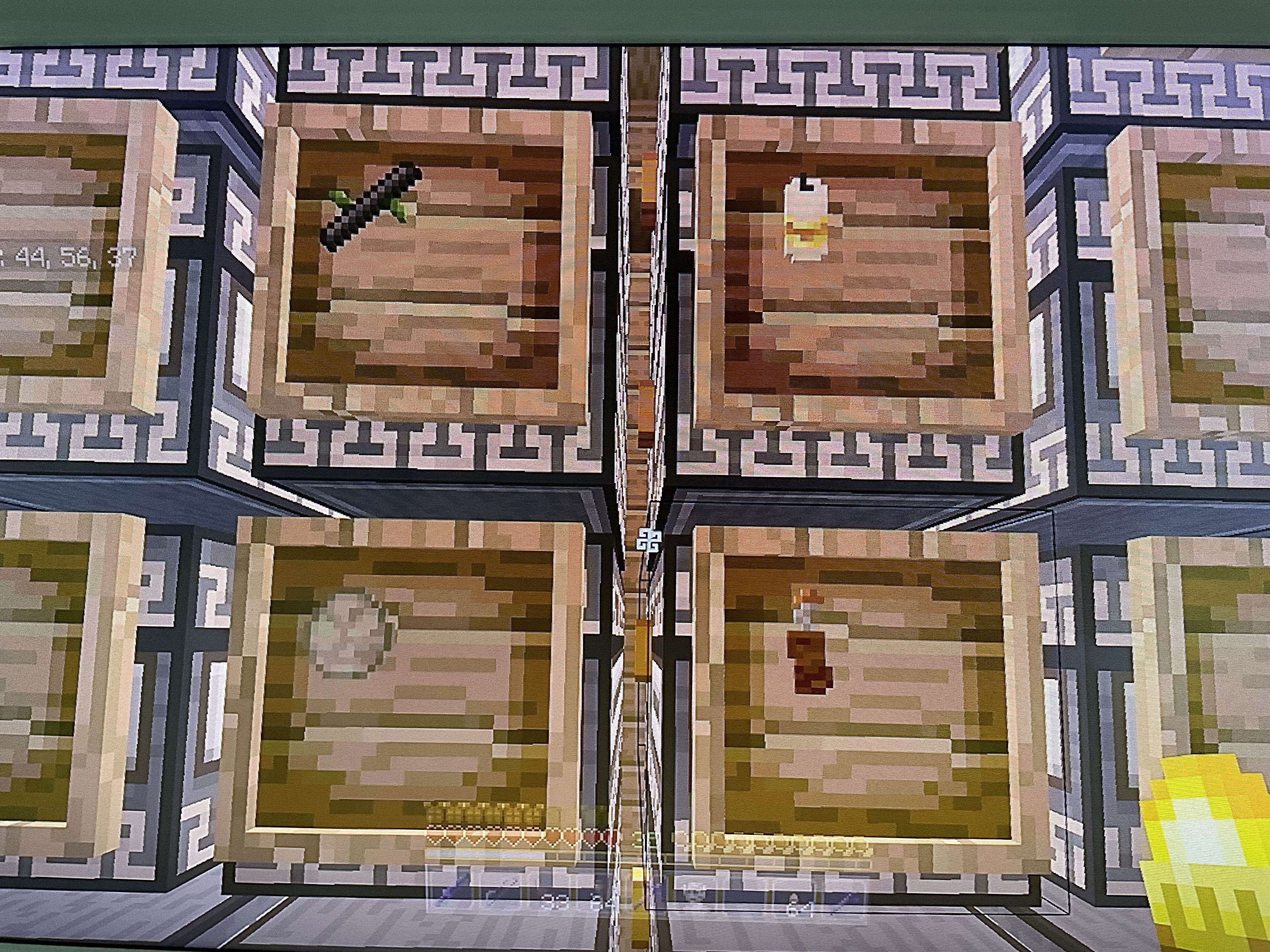


BFE8CB4D-D078-408B-B42B-DC107B6DBCEF.jpeg
Worlds won't transfare from Xbox One to Xbox OnxXWorlds won't transfare from Xbox One to Xbox One X
Treasure chest not at the location of the treasure map, Xbox one bedrock, natural texture pack v.1.4.2
I have found 9 chests upto now and 2 have had no chest at the location
Treasure chest not at the location of the treasure map, Xbox one bedrock, natural texture pack v.1.4.2
I have found 9 chests upto now and 2 have had no chest at the location after digging the whole area plus more at least 25-30 blocks down.
Unable to sync data with the cloudp
Unable to sync data with the cloudp
Store / market place downloads not working
Store /marketplace downloads not workingIn game marketplace downloads not working
Previous purchases (re download
s) and new purchases won’t download fromstore,,,,they are sticking on download, See pics
Previous purchases (to re download) and new purchases won’t download from marketplace in game
they are sticking on download, See pics
Can you please fix the market place, can’t believe how long it is taking.
STILL Can’t download ,purchased items in marketplace texture packs etc. Been such a long time and still not fixed ????
STILL Can’t download
,purchaseditems in marketplace texture packs etc. Been such a long time and still not fixed ????
STILL Can’t download purchased items in marketplace texture packs etc. Been such a long time and still not fixed ????
STILL Can’t download purchased items in marketplace texture packs etc. Been such a long time and still not fixed ???? Xbox one X
Snow covered leavesAll snow covered leaves
If you set block a lit furnace, blast furnace or smoker then quit and reload the world there not lit anymore.
Lit furnace, blast furnace and smoker placed with /setblock are not litanymoreafter reloading world
AllSnowy Leaf Blocks
I have an area where boats are lined up close together in a row with one trained horse in each of them,
if you go to the nether then back to the overworld the horses are either out of the boats walking around, or some boats have two horses in them.I have an area where boats are lined up close together in a row with one trained horse in each of them, each horse is on a lead tied up. If you go to the nether then back to the overworld the horses are either out of the boats walking around, or some boats have two horses in them.
Survival world on hard,,,, When the final wave starts it gives you 'Hero of the village' and there is no progress bar for the final wave so not showing how many
isleft to kill, also no horn sound on final wave.Survival world on hard,,,, When the final wave starts it gives you 'Hero of the village' and there is no progress bar for the final wave so not showing how many are left to kill, also no horn sound on final wave.
When clocks are in your inventory they look ok but when held or placed in an item frame they show multiple clocks,,, depending on texture pack some show 4 and some show 1
2,,, also the clock displays the wrong time in the frame and hand according to the sun/moon position,,, the inventory clock seems to be the correct time.When clocks are in your inventory they look ok but when held or placed in an item frame they show multiple clocks,,, depending on texture pack some show 4 and some show 16,,, also the clock displays the wrong time in the frame and hand according to the sun/moon position,,, the inventory clock seems to be the correct time.
When editing an existing sign,, it automatically deletes all of the tex leaving a blank sign,,,, so having to re-write the whole sign again,,,, Xbox series x
[^IMG_1103.mov]
It happens on realms and single play,,, please find videos attached,,,, thanx

Zombiefied Piglins spawn on rail tracks in the nether
Works fine, sorry
Is this issue being looked into, thanx
I can’t believe how long Its been and my world still won’t transfare,,, after buying an Xbox one X I’m still playing on the Xbox one,,, please sort it ????
Same in my Chinese pack although these new items have the same texture in my Egyptian pack and natural texture pack, i don’t know why, I’m hoping they are going to have there individual textures.
This is still happening
I haven’t been able to play my worlds on my other Xbox (Xbox one) since last April as I’m still getting the same cloud sync problem,,, that’s never been resolved.
Not an account issue, other dlc for various games download and work fine upto a couple of days ago,,, minecraft dlc not working either thru in-game marketplace or thru store direct on Xbox one x, either not recognising I have bought it, for example the Chinese mythology mash up or recognising it’s purchased but won’t download for example the natural texture pack. I have been in touch with microsoft, who were very helpful but told me to contact you, so where do I go from here to use my purchased dlc
Thank you for your detailed reply, it’s much appreciated
Fixed thank you
Ye looks like, I’ve got an experimental word and a skyblock world,,, there only around a couple of meg each,, my main world is over 400 meg. It just won’t sync at all from cloud,,, but on the odd occasion it does (as I do try every now and then) it recognises the worlds from the cloud but when i click on my main world it syncs to about 97% then the screen goes black and you get kick from game and end up at the Xbox home screen. I’m scared of it corrupting the word when it kicks you out, I lost a 5yr old world when the better together came out and I transferred the world from Xbox one over to bedrock,, it got lost ? It’s crazy that every time you load your world in it’s always in your mind that something could go wrong and corrupt or lose it. But ye it probably is to do with the size of the world.
I play survival infinitive world, started the world when bedrock came to Xbox one, so around June 2018, and I have only ever had one woodland mansion 40,000 blocks away, I’ve tried so many times with different cartographers levelling them up but I always get the same map to the one mansion I have explored,, disappointing especially on an infinitive world.
Thomas after your comment I went to my mansion and the cartographer did give me a different map, wow after all this time, thanx for that,,, but it got me thinking so I created a creative world and done some tests,,, I found 12 mansions in that world. The cartographer will only give you the map to the mansion nearest to him,,, I went back into my survival world and travelled 40,000 block in the opposite direction to my located mansions, so I was about 80,000 from the known mansions and when I traded with the cartographer I got a third location,,, my advice to people would be to travel a good 40 to 50 thousand blocks from your spawn,, trade for a map and then trade within that mansion to see if there is any more locations, I found in the creative world that when you get a map you already have, that’s the time to travel again in another direction,,, but thank you again for your comment as that got me to look more into it.
Since reporting this issue i have created a new world and loaded my exciting world both with caves and cliffs enabled and both worlds had no issues and worked fine, my exciting world in 1.17.41 the issue still exists.
Same issue on xbox,,, i play on series x all my texture packs and mash ups say they need to be downloaded,,, says will download to device and percentage bar runs but on importing,,,, stage 2 of 2 just freezers and you have to close game,,,
Weather cycle on, in survival. My world seed is -374799057 but i have started a number of new worlds to test in creative, found a snowy biome, built a portal and it can be observed in them all.
For 2 weeks all ive done is breed goats,,, when i got to 3 shulkers full of each of the 8 horns so approx 650 horns i started throwing them away,,,, at the moment i have approx 80 normal goats half with one horn and 60 screamers with about 20 with one horn,,, ive killed many once ive took the horns or the one horned type aren't what i need,,, i would say ive bread approx 800-900 goats and have had well over 200 one horned goats but the one horned are always the same 4 types,,, i was just wondering if im wasting my time trying to get the other 4 horns as one horned goats,,, hope this helps,,, thanx
Initially after the 1.19.31 update my worlds transferred ok and I could play on them, but because I create a couple of backups of my main world the save file was around 3.5gb and it started to say,,,, as above, can’t sync to cloud,,, out of space,,, then eventually greyed out with the file string of characters with a 0.01 mb size, no matter what I tried everything was corrupted,,, I bit the bullet,,,, in manage game I deleted the saves from everywhere not just local as it gives you that option now, then I opened Minecraft it showed no worlds at all, like when you play for the very first time,,, I had no saves on the cloud or console (or so I thought) then I deleted Minecraft completely from the console,,, I reloaded Minecraft,, then it updated and when I opened the game my worlds where all there,, but at the same save point as the 5th October,, so I lost any progress from the 5th after the update, which shows after the update the files in the worlds folder weren’t getting updated with any progress,, I lost progress and stuff I’ll have to do again,, but I’ll take that any time,,,, I got my world back,, I now only keep one backup of world and delete that before making a new backup,,, keeping the save file under 2gb ish,,, it seems to be saving ok although you do get a quick flash of the can’t save to cloud,,, then says ‘done’ I’m not saying do what I did,,, but it worked for me and thought I would share it as it might help someone.
Initially after the 1.19.31 update my worlds transferred ok and I could play on them, but because I create a couple of backups of my main world the save file was around 3.5gb and it started to say,,,, as above, can’t sync to cloud,,, out of space,,, then eventually greyed out with the file string of characters with a 0.01 mb size, no matter what I tried everything was corrupted,,, I bit the bullet,,,, in manage game I deleted the saves from everywhere not just local as it gives you that option now, then I opened Minecraft it showed no worlds at all, like when you play for the very first time,,, I had no saves on the cloud or console (or so I thought) then I deleted Minecraft completely from the console,,, I reloaded Minecraft,, then it updated and when I opened the game my worlds where all there,, but at the same save point as the 5th October,, so I lost any progress from the 5th after the update, which shows after the update the files in the worlds folder weren’t getting updated with any progress,, I lost progress and stuff I’ll have to do again,, but I’ll take that any time,,,, I got my world back,, I now only keep one backup of world and delete that before making a new backup,,, keeping the save file under 2gb ish,,, it seems to be saving ok although you do get a quick flash of the can’t save to cloud,,, then says ‘done’ I’m not saying do what I did,,, but it worked for me and thought I would share it as it might help someone.
Ye it is a texture pack bug,,, it started with the Realistic Textures HD by Square Dreams,,, then when I changed to other texture packs like The Natural and Greek Mythology it carried on but them two seem to have corrected themselves now.
Im not on split screen, not sure if it happens on split screen, i play on xbox series x and the only resource pack i have are texture packs from the store, mostly use the natural texture pack, but have tried it with other packs, like the mythology packs, thanx
Hi, I have just gone to the snowy area in my survival world with just the default texture pack on and waited for it to snow, it is still happening as described in my first comment, hope this helps, thanx
The only nether portal near is on the surface above the stronghold, then i have steps leading down to the portal inside the stronghold, this was the first portal i found in my world and has been like this for about 5 years,,, altho it happens using any portal to the end. There is no slime or pigmen in the overworld, only on the obsidian platform you spawn in on in the end.
Yes it’s still the same in 1.19.51 PLEASE don’t mark as resolved because of time,,, I have spent the last week breading hundreds of goats just to see if it is still an issue,,,, PLEASE, PLEASE just fix it,,, I don’t understand if it’s an issue, you must know if it has been fixed or not, thank you.
Can’t believe how long it takes to resolve an issue like this,,,, still happening in 1.21.1
[^IMG_1104.mov]900F8FFC-279C-4EEE-BE9F-766EBE57C329.mov
A733209B-606A-4525-80FD-79C7F96C4877.mov
Ye sorry for late reply,,, they are zombiefied Piglins and I’ve just noticed that Piglins I have in minecarts in the nether have all changed to zombiefied aswell
This is not resolved as of 1.21.31 hotfix
This is not resolved as of 1.21.31 hotfix i have just tried again in a copy with the same results as my video. The dupelicated link has been marked as resolved, please re-open