 Alvin Yousef
- iAlwayscombo
- JIRAUSER613589
- Europe/Stockholm
- Yes
- No
4 issues
Key
Summary
Status
Reporter
Assignee
Created
 MCL-17056
 MC-259150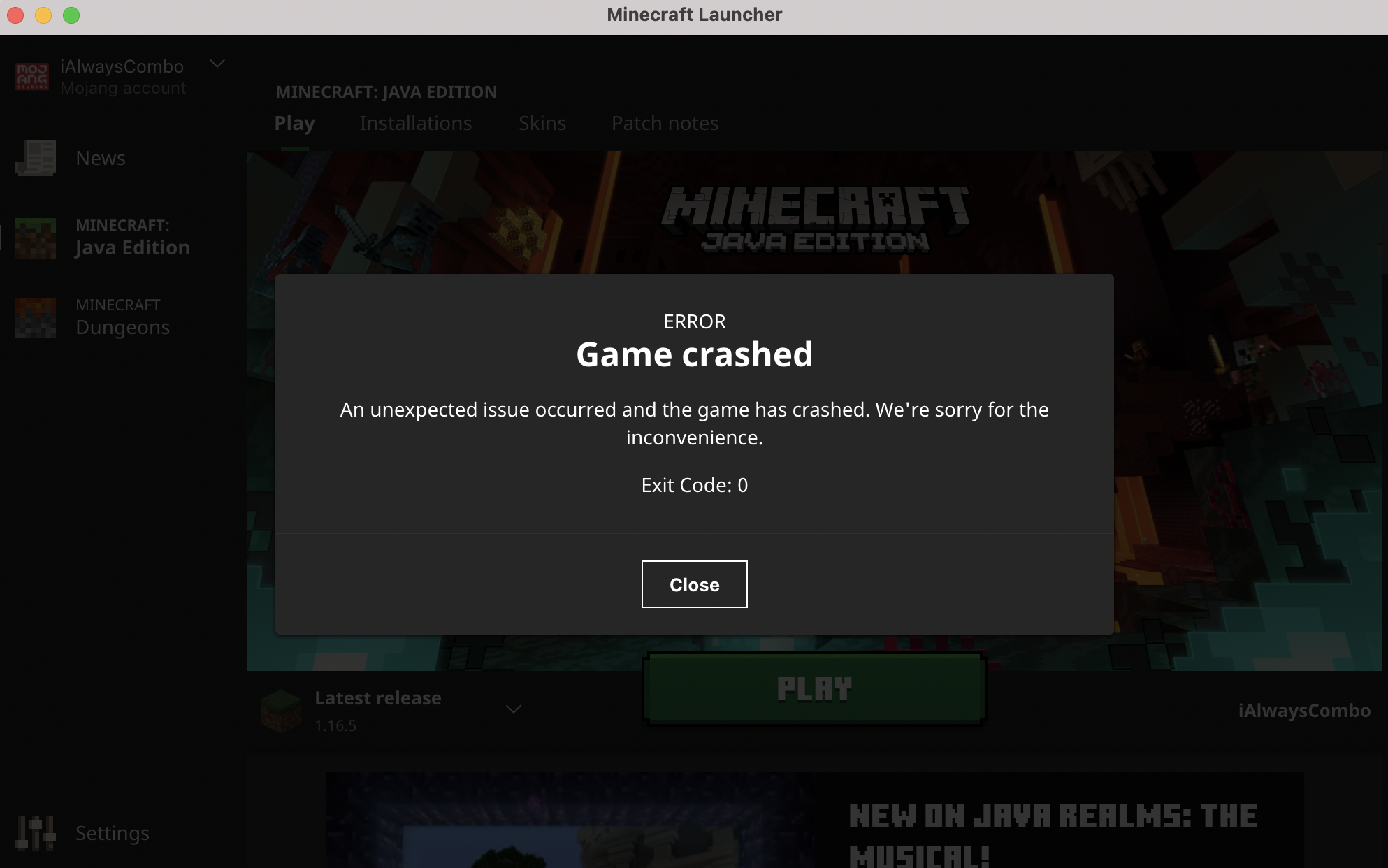
Changed Description:
Whenever I click 'play', it will say "An unexpected issue occurred and the game has crashed. We're sorry for the inconvenience." I have tried 1.8, 1.16.4, 1.16.5, and 1.17 snapshots. I even deleted it then downloaded it again to see if I messed up the code somehow but it still doesn't work.
Changed Description:
My Minecraft keeps crashing so I want to wipe all of the data from my Minecraft so that I can reinstall it and it would be fixed, but when I reinstall Minecraft, all the folders and the crashing didn't change. I've gone to lots of websites and they all say to uninstall then reinstall but it never works. Can you tell me how to wipe ALL data from Minecraft?
Edit: I have moved the .minecraft folder into the bin but when I reinstalled it, it still crashes. Any other suggestions?
Btw I play on MacOS