 Niels Hakkers
- ilxmine
- ilxmine
- Europe/Stockholm
- Yes
- No
 MC-4163
![[Mojang] Nathan Adams](../../../data/assets/gravatar/dinnerbone.png)
 MCL-1049
![[Mojang] Grum (Erik Broes)](../../../data/assets/gravatar/grum.png)


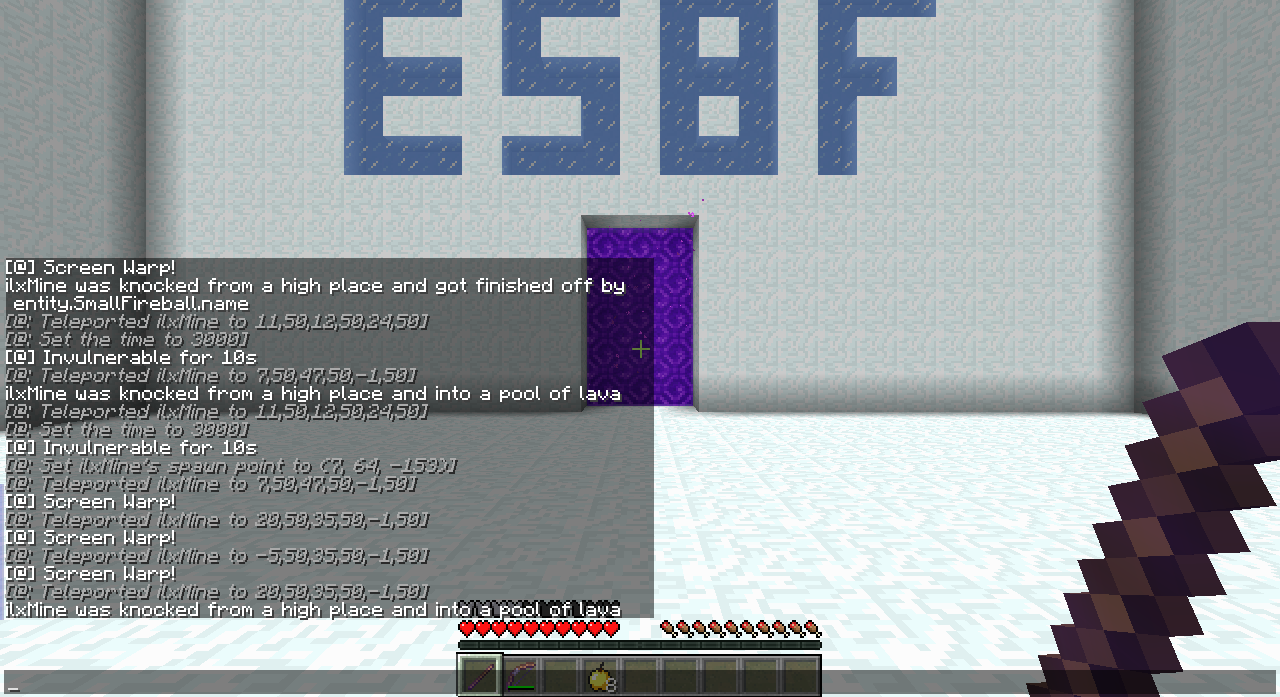

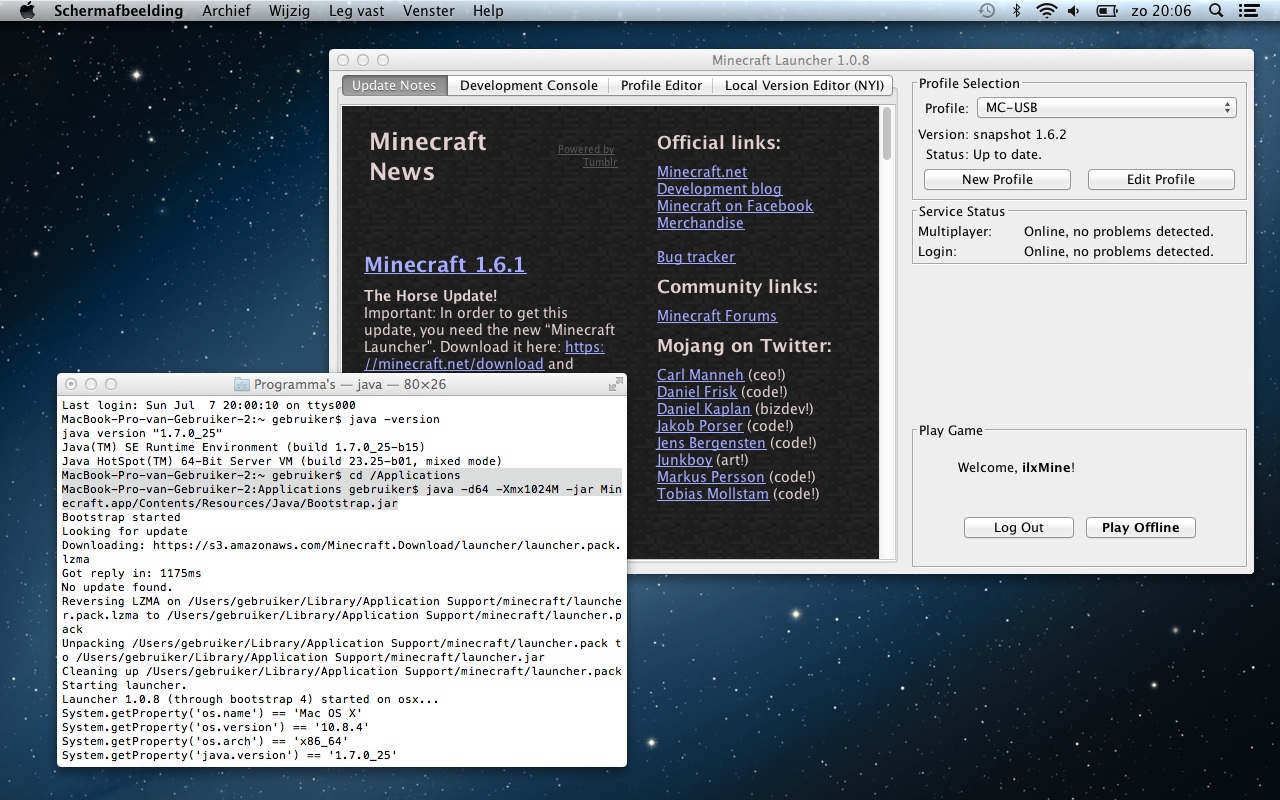
I confirm this hovering thing, but the thing is, it's probably only on Mac's.
I installed Java 7 on my Mac but the launcher still does not recognizes the Java install.
The installation path of Java on my mac is:
{{/Library/Java/JavaVirtualMachines/jdk1.7.0_25.jdk/Contents/Home}}There is a workarround to start the game with Java 7, what you do is this:
1.) Start Terminal.app
2.) {{ cd /Applications }}(to the location of the launcher)3.) {{java -d64 -Xmx1024M -jar Minecraft.app/Contents/Resources/Java/Bootstrap.jar}} (as which {{ -d64 }} forces it open 64 bits)
And then the launcher will start with Java SE 7If you do install Java SE 6 and start the launcher, it will use Java SE 6. But using my workarround you will boot it Java SE 7 (depending on the standard Java version on the Mac)
Translation of the first screenshot of the middle screen: "To run 'Minecraft', you will nee Java SE 6-Runtime. Would you like to install now?"
I installed Java 7 on my Mac but the launcher still does not recognizes the Java install.
The installation path of Java on my mac is:
/Library/Java/JavaVirtualMachines/jdk1.7.0_25.jdk/Contents/HomeThere is a workarround to start the game with Java 7, what you do is this:
1.) Start Terminal.app
2.) cd /Applications (to the location of the launcher)
3.) java -d64 -Xmx1024M -jar Minecraft.app/Contents/Resources/Java/Bootstrap.jar (as which -d64 forces it open 64 bits)
And then the launcher will start with Java SE 7If you do install Java SE 6 and start the launcher, it will use Java SE 6. But using my workarround you will boot it Java SE 7 (depending on the standard Java version on the Mac)
Translation of the first screenshot of the middle screen: "To run 'Minecraft', you will nee Java SE 6-Runtime. Would you like to install now?"
Launcher does not detect Java 7 while it is present - Mac OS X
Mac OS 10.
8.4
Java SE Runtime Environment 1.7.0_25-b15 ( http://www.oracle.com/technetwork/java/javase/downloads/jdk7-downloads-1880260.html )Mac OS 10.9
Java SE Runtime Environment 1.7.0_25-b15 ( http://www.oracle.com/technetwork/java/javase/downloads/jdk7-downloads-1880260.html )
Yes, this also is a bug to me. And quite annoying.
I also confirm this. It also happens that if you stare to the sky, it gets darker when hovering over a item
Upside down does the same, Etho has accoutered the problem too: /watch?v=1qcxJClC99w
This occurs to you in SSP too?
SMP is just the lagg causing it.
Confirmed, only when you place a TNT block right next to a Block of Redstone, it will trigger.
If only Java SE 7 is installed it wont start the launcher out itself
In first instance I didn't got anything back when running echo $JAVA_HOME. But after some google-ing it appears that you have to bind /usr/libexec/java_hom to $JAVA_HOME by running export JAVA_HOME=$(/usr/libexec/java_home) so that when you run echo $JAVA_HOME, you get /Library/Java/JavaVirtualMachines/jdk1.7.0_25.jdk/Contents/Home.
Google source: http://www.mkyong.com/java/how-to-set-java_home-environment-variable-on-mac-os-x/
And no, Minecraft still wants you to download Java SE-6 Runtime
Maybe Mod could change the status to confirmed?