 Imred_Gemu
- imred_gemu
- imred_gemu
- America/New_York
- Yes
- No
 MC-4600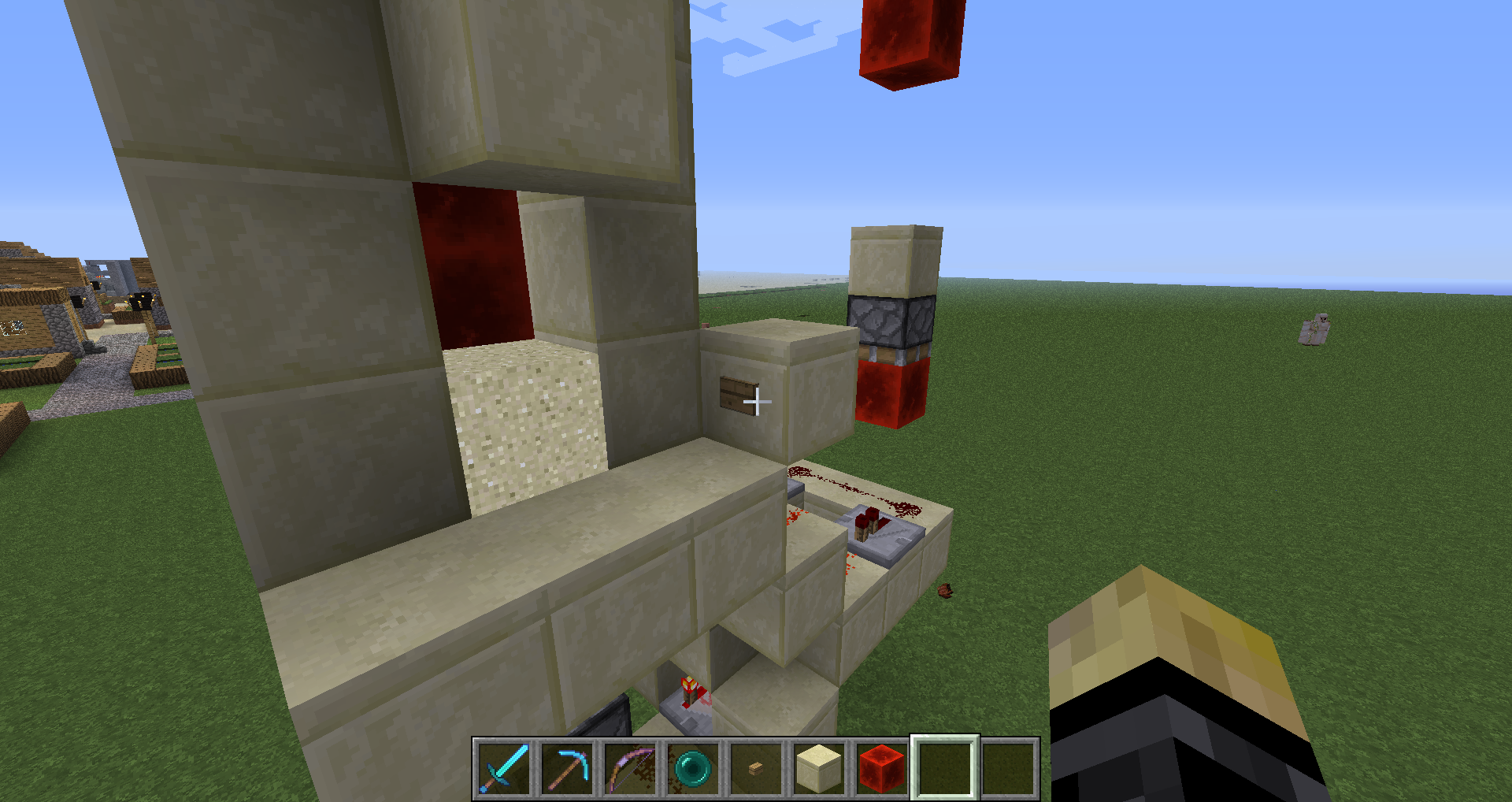



Mojang has a server system that keeps track of everyones account information, if the server or its ability to access the internet fails then you won't be able to log into your account, don't worry about it though, the Mojang team keeps this server running as best they can and should have it back up soon, this isn't the first time it has been down and is most likely not the last. Just play offline for now, but if you have dogs don't attack them or they will become agro against you and will try to kill you if they are standing.
Double logging on the same account and starting a lan world on single player on one account, then accessing the same world in single player mode, causes the game to load save data from the last logout of the account in single player mode, caus
eing any progress on the world in lan mode to be lost.
Double logging on the same account and starting a lan world on single player on one account, then accessing the same world in single player mode, causes the game to load save data from the last logout of the account in single player mode even though the actual last logout occured on the world opened in lan, causing any progress on the world in lan mode to be lost.
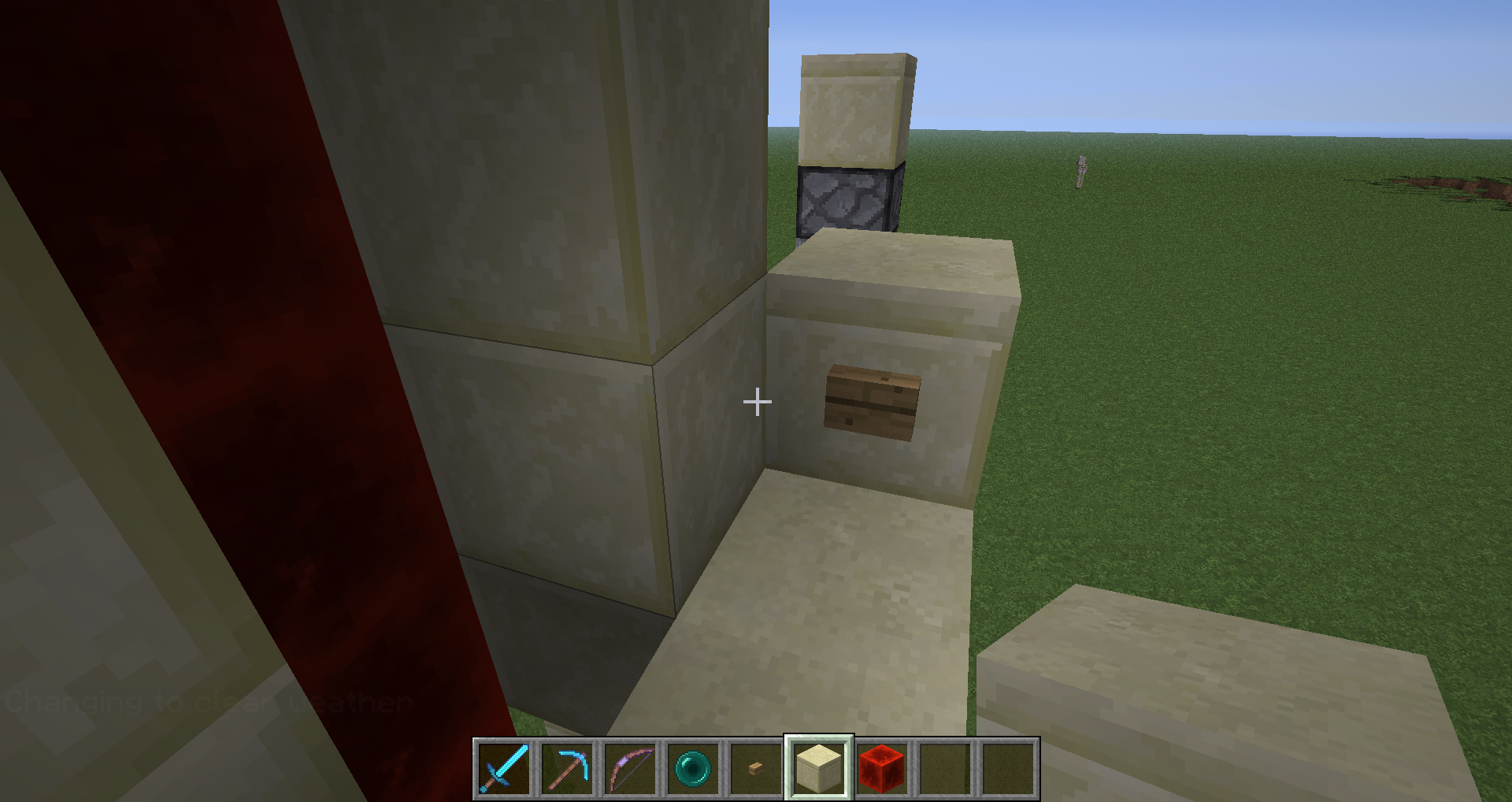
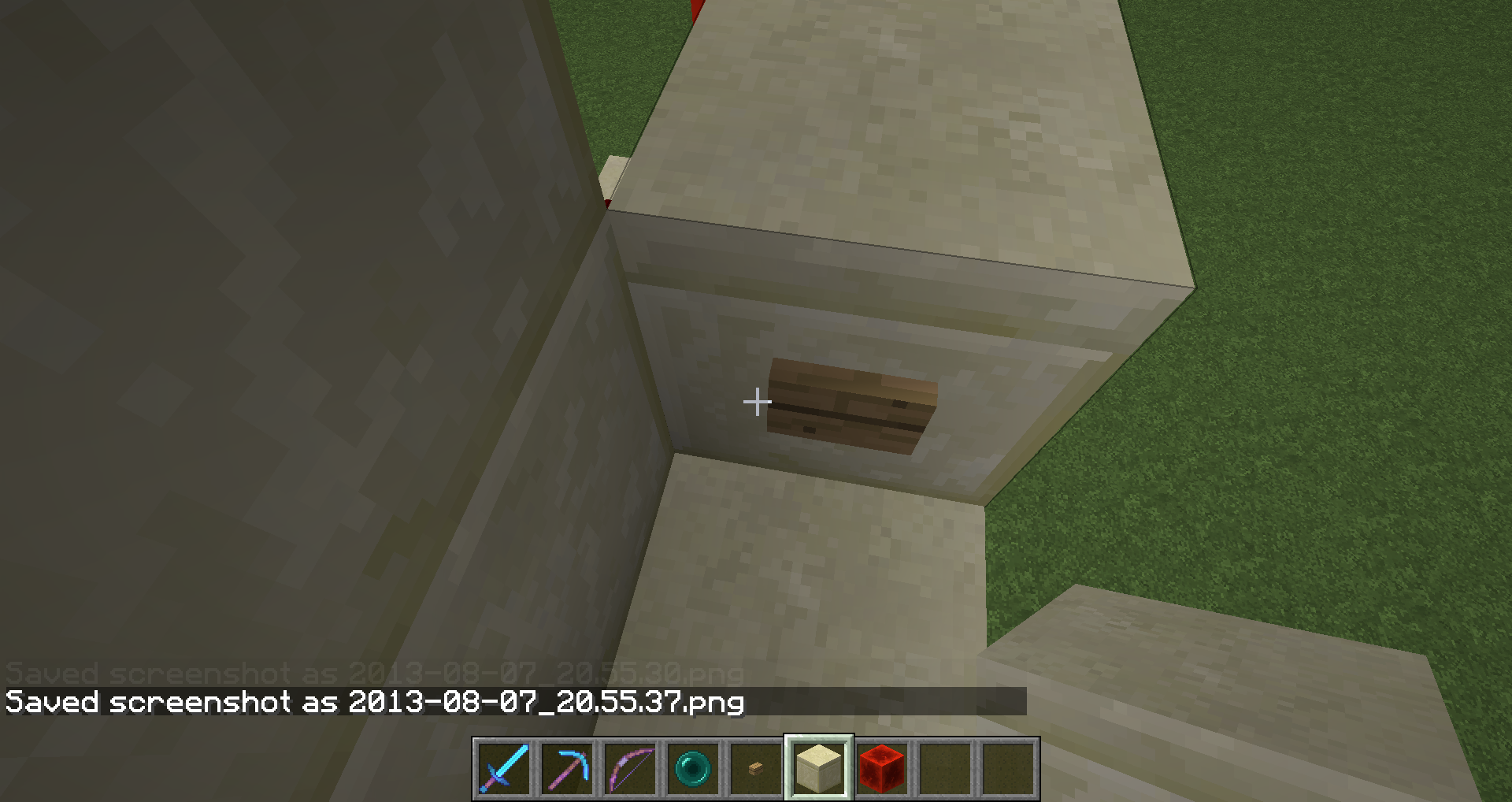
When messing around with some redstone in creative I came across a strange bug, when I pressed a wooden button down it remained pressed until I broke it, when I replaced it it was no longer active but after pressing it again it again remained pressed, after messing with it to try to figure out why this was happening I moved my player into the same block space as the button and it activated without me pressing it like how a pressure plate does, it also remained pressed after this. I do not know how to reproduce this bug, it happened at random to one single button in my test world and doesn't seem to affect any other buttons besides that specific one, the only thing I can think of that may have triggered this was that I shot a moving block in the machine with an arrow, but it never occupied the same block space as the button and landed several blocks away so it could not have moved from the block to the button. I have screenshots and a forced crash report to show that I'm using vanilla.
I'm guessing this is what your asking for, this is a copy of the console output after a forced crash while the glitch was occurring. I noticed something in there about an arrow being in the wrong location (line 58 I believe), maybe that could be related?