 george Lafeen
- InvincibleLeo
- JIRAUSER613063
- Europe/Stockholm
- Yes
- No
 MCPE-159097










5EB5B37B-3560-41E8-9428-9D0C399FFB9E.png
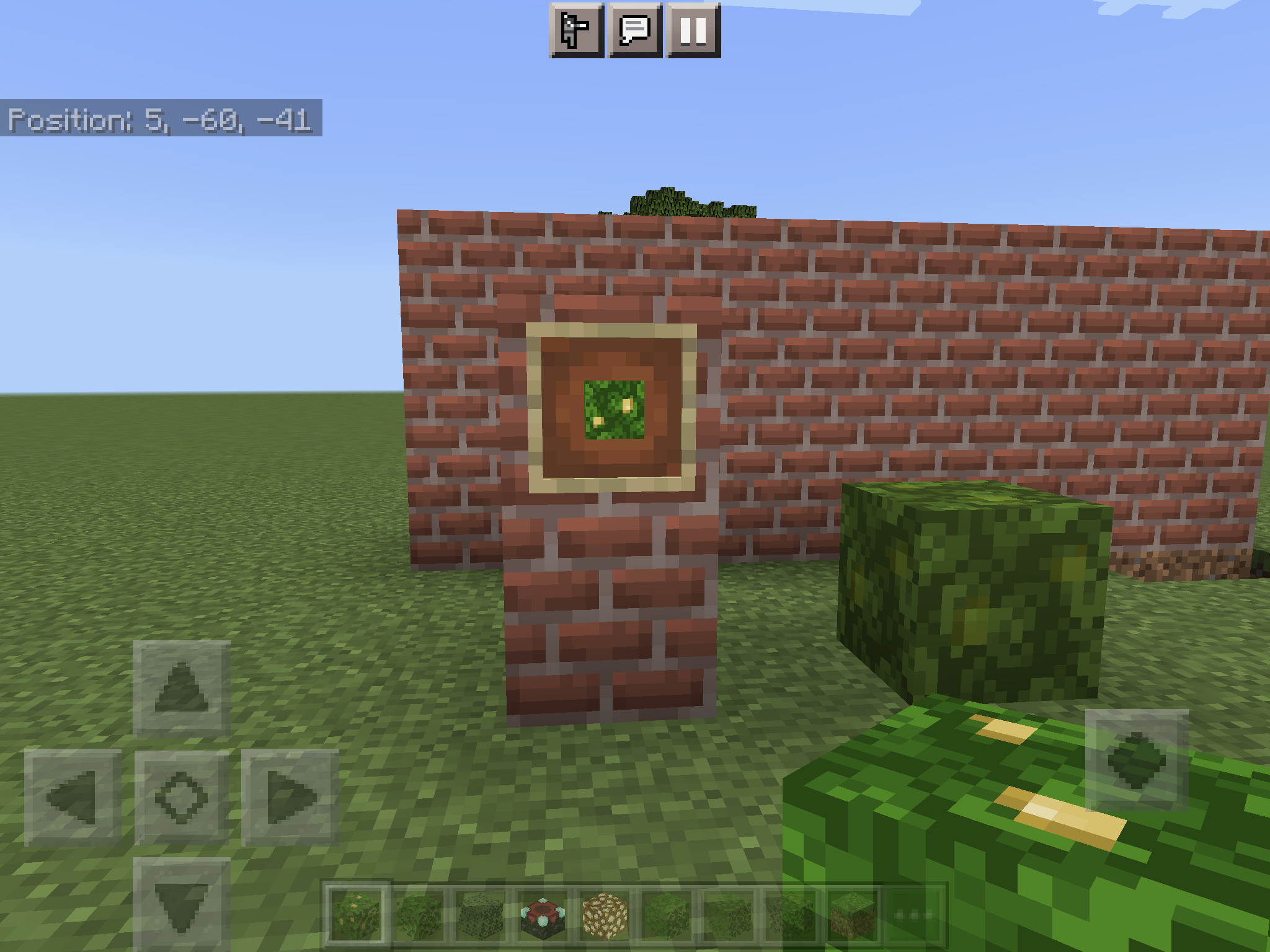
The item block texture is not the same as the actual block, the block has no holes in it, and the item has holes in it, it can cause confusion also.
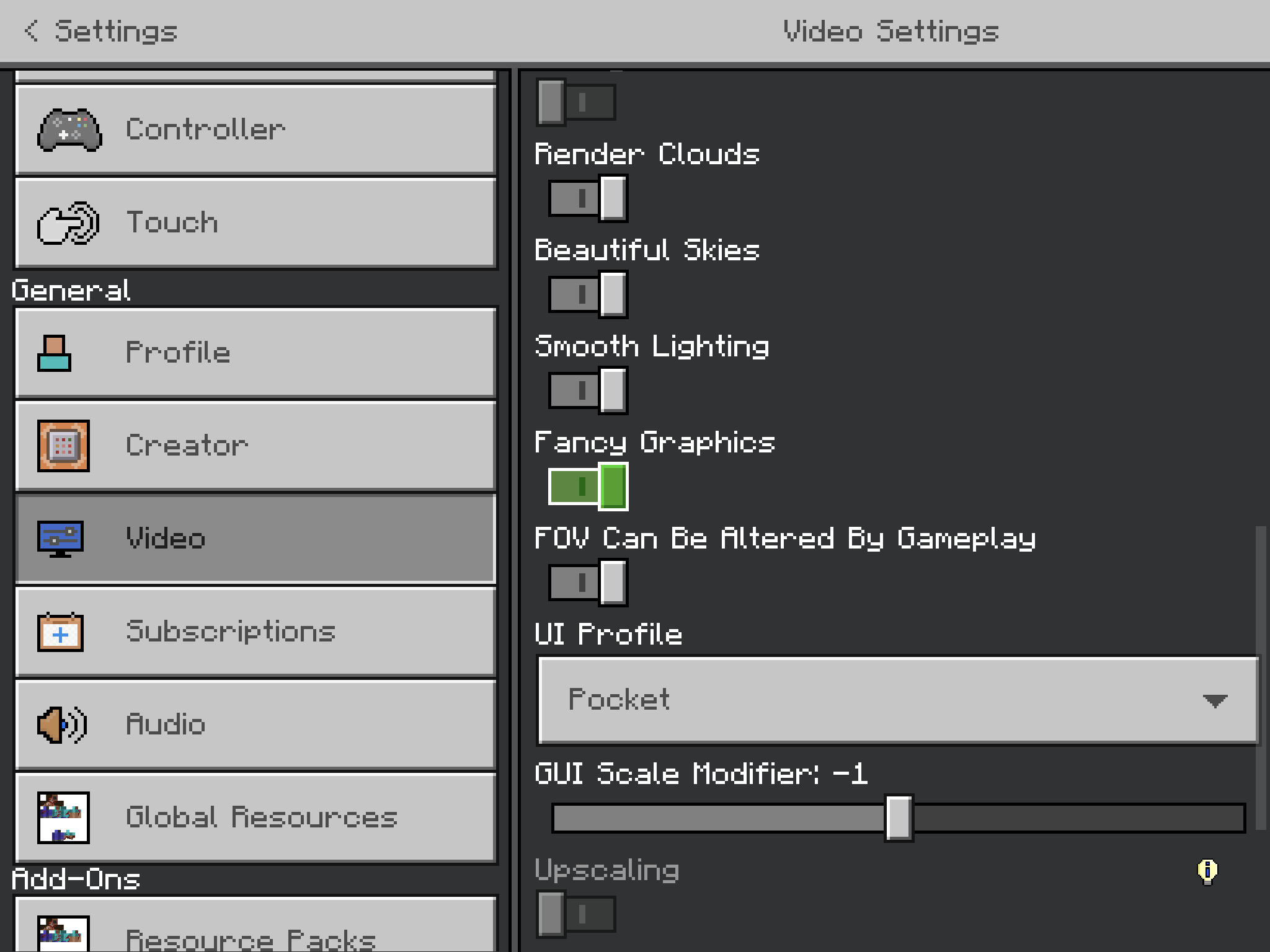
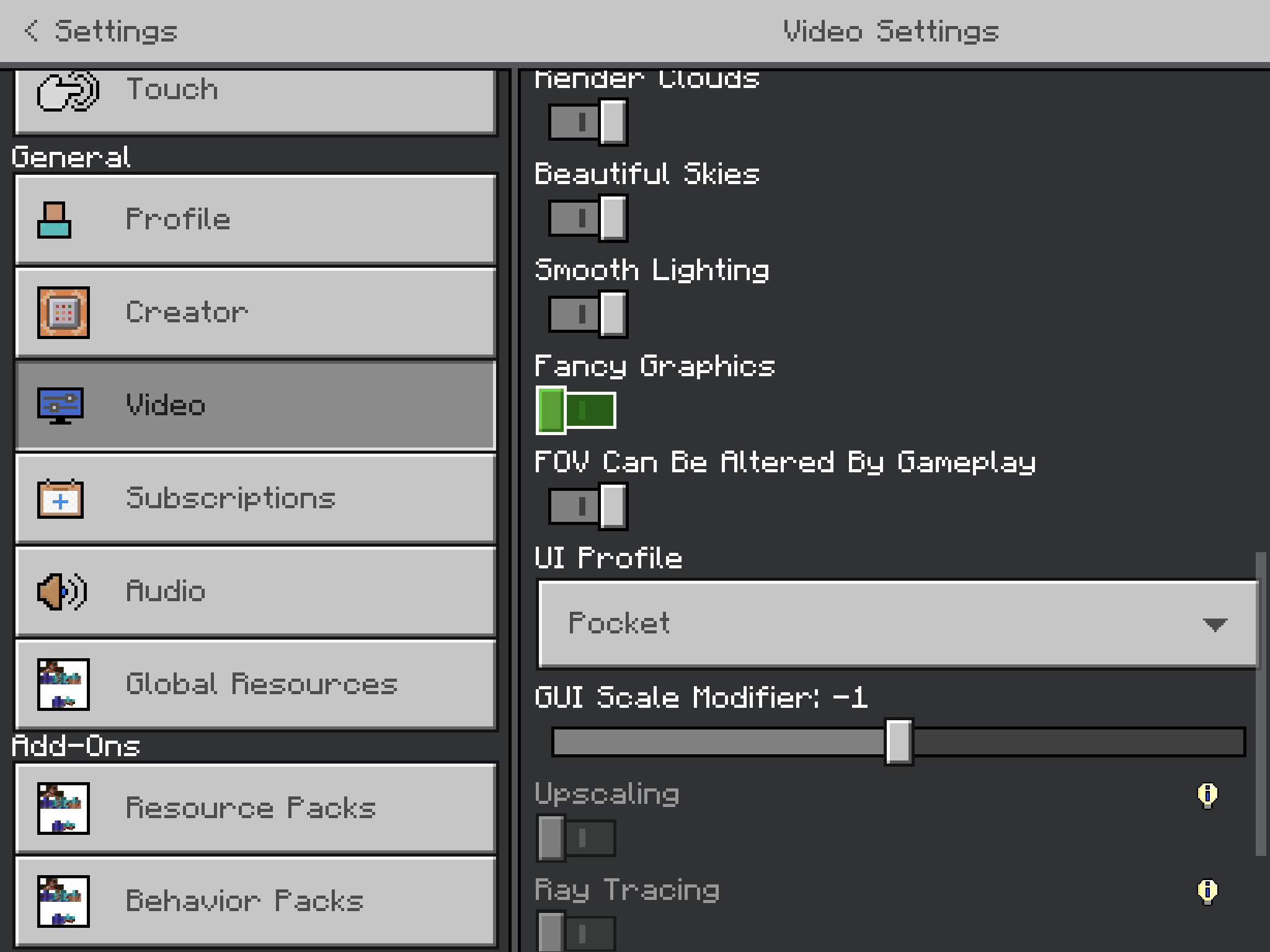
Extra: When you turn fancy graphics off, the jungle leave item block texture is correct, it has no holes, but when it’s on it has holes.
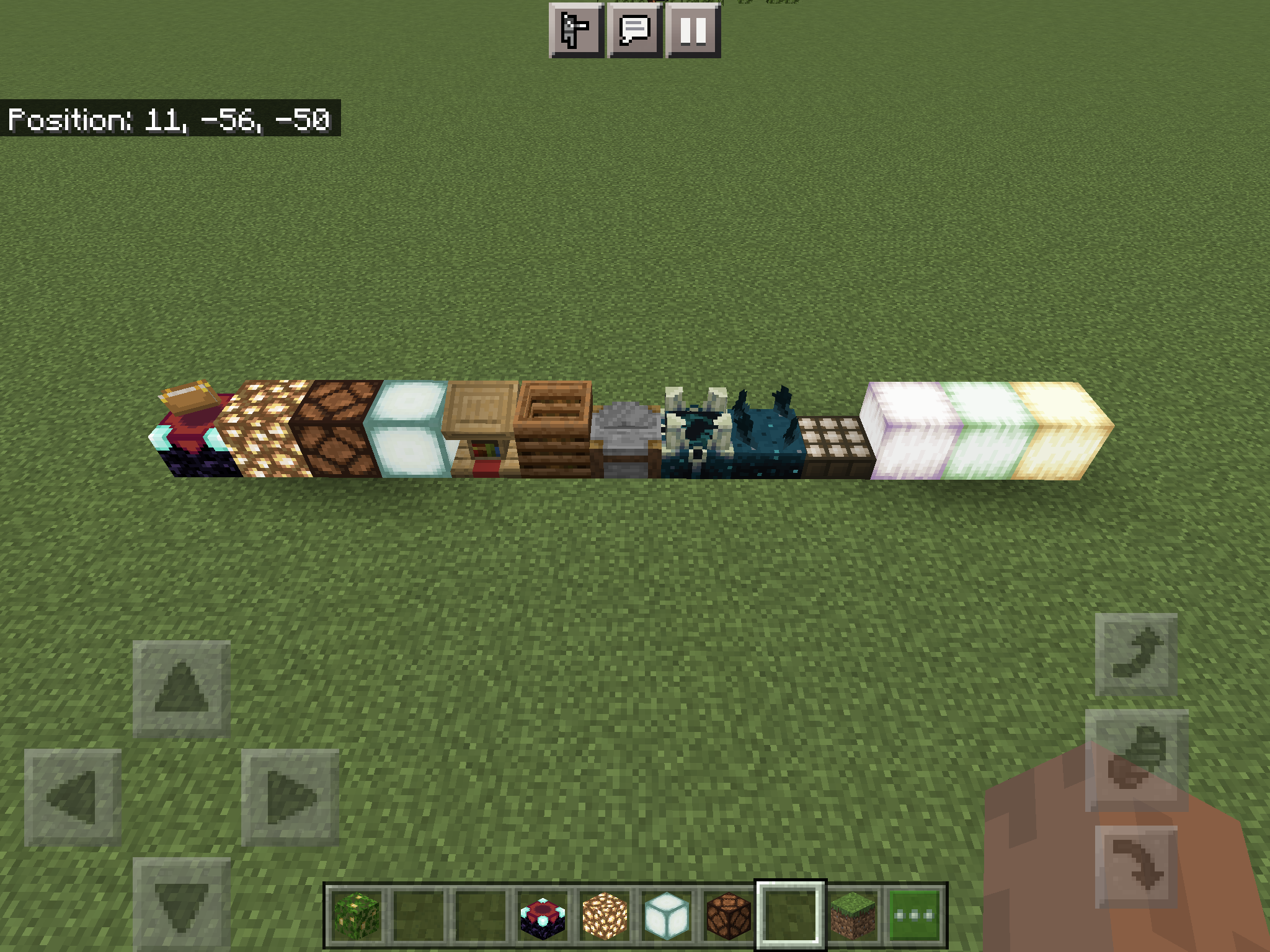
Enchantment table, glowstone, redstone lamp, sealamp,
sticky piston, piston,lectern, barrel, stonecutter, sculk shrieker, sculk sensor, daylight sensor, pearlescent froglight, verdant froglight, Ochre froglight: ALL don’t cause grass to die and replace it with dirt, they are all full blocks.How to re-produce:
1: Place all these blocks mentioned in a flat world.
2: Put your ticking speed from 1 to 9999, exit out, then go in again and put it back to 1.
3: Break all these blocks in a row, see how the grass is still there.
Blocks don’t causedirt under itBlocks which don't cause grass to turn into dirt
Enchantment table, glowstone, redstone lamp, sealamp, lectern, barrel, stonecutter, sculk shrieker, sculk sensor, daylight sensor, pearlescent froglight, verdant froglight,
Ochre froglight: ALL don’t cause grass to die and replace it with dirt,they are all full blocks.How to re
-produce:1: Place all these blocks mentioned in a flat world.
2:
Put your ticking speed from 1 to9999, exit out, then go inagain and put it back to 1.3: Break all these blocks in a row, see how the grass is still there.
Enchantment table, glowstone, redstone lamp, redstone repeater, redstone comparator, sealamp, lectern, barrel, stonecutter, sculk shrieker, sculk sensor, calibrated sculk sensor, daylight sensor, pearlescent froglight, verdant froglight, ochre froglight, all shulker boxes: ALL don’t cause grass to die and replace it with dirt, even when visibly fully covering grass block below.
How to reproduce:
1: Place all these blocks mentioned in a flat world.
2: Go to settings, put your ticking speed from 1 to 4029 (max), then go to settings again and put it back to 1.
3: Break all these blocks in a row, see how the grass is still there when it should be dirt beneath.
Oh sorry, have a nice day.
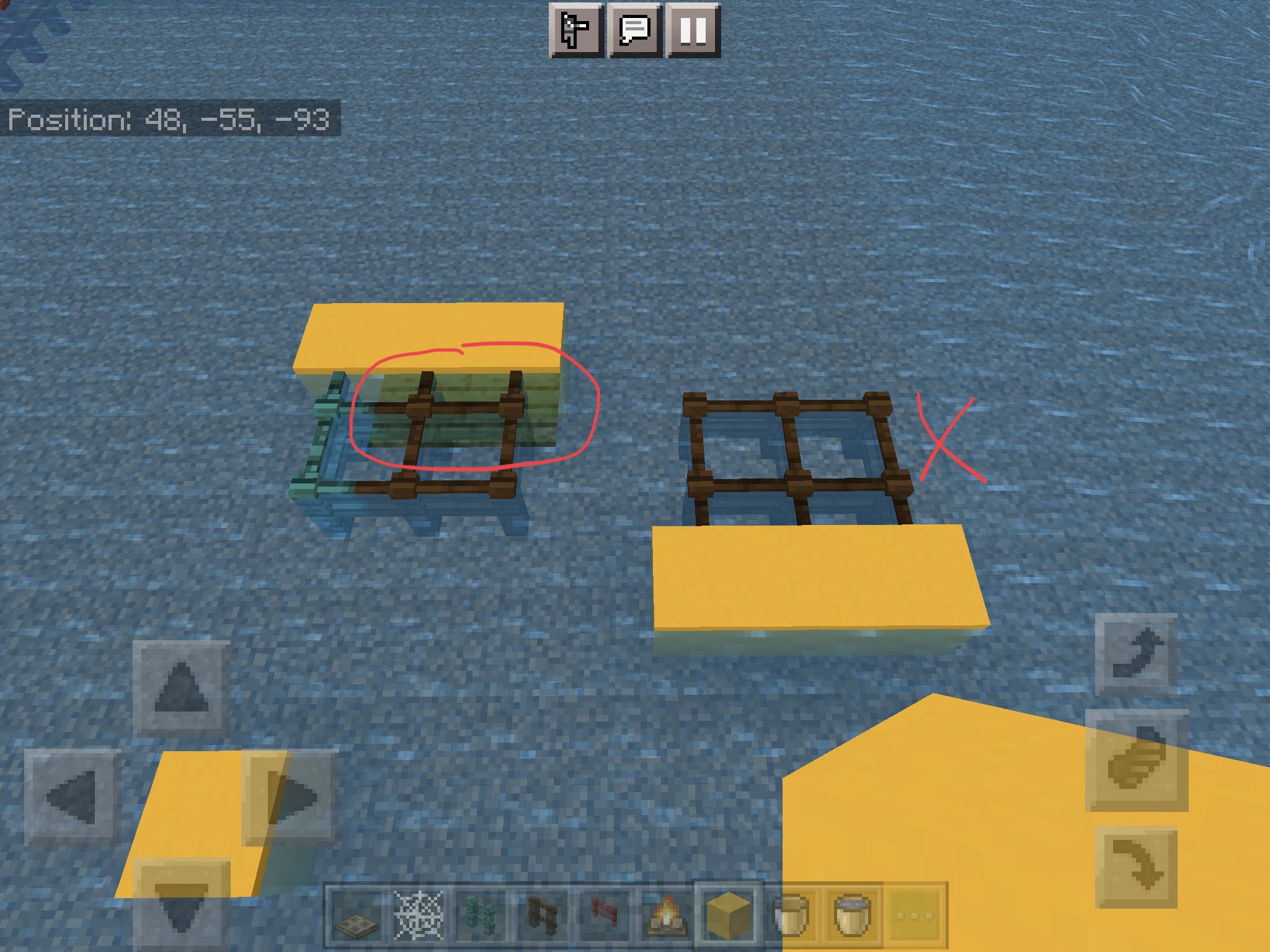
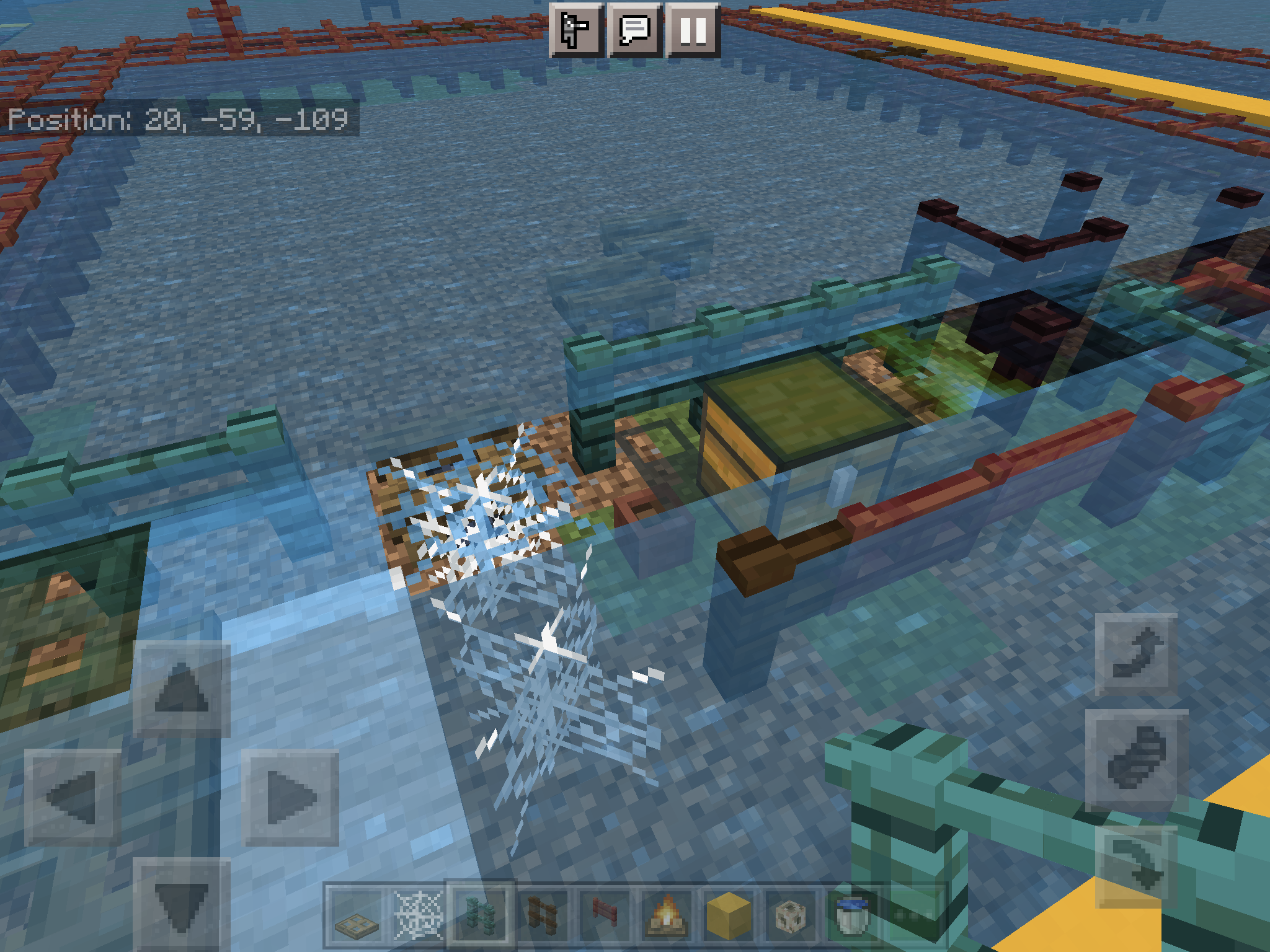
When 2 waterlogged blocks are next to each other in 1 block high water, it casts the blocks texture ontop of the water. Happens to the blocks closest in the -z direction, near chunk borders and also acts strangely near full blocks aswell.
Sorry if this is too vague, this is the only explanation I can think of.
I’ll answer any questions/concerns.
How to re-produce:
1: Create a flat world, game mode to creative, make a 2x2 hole in the ground.
2: Get waterloggable block + a water bucket.{}
3: Place all 4 waterloggable blocks in the hole, waterlog them all, you’ll notice atleast 1 of the block’s texture ontop of a water block.
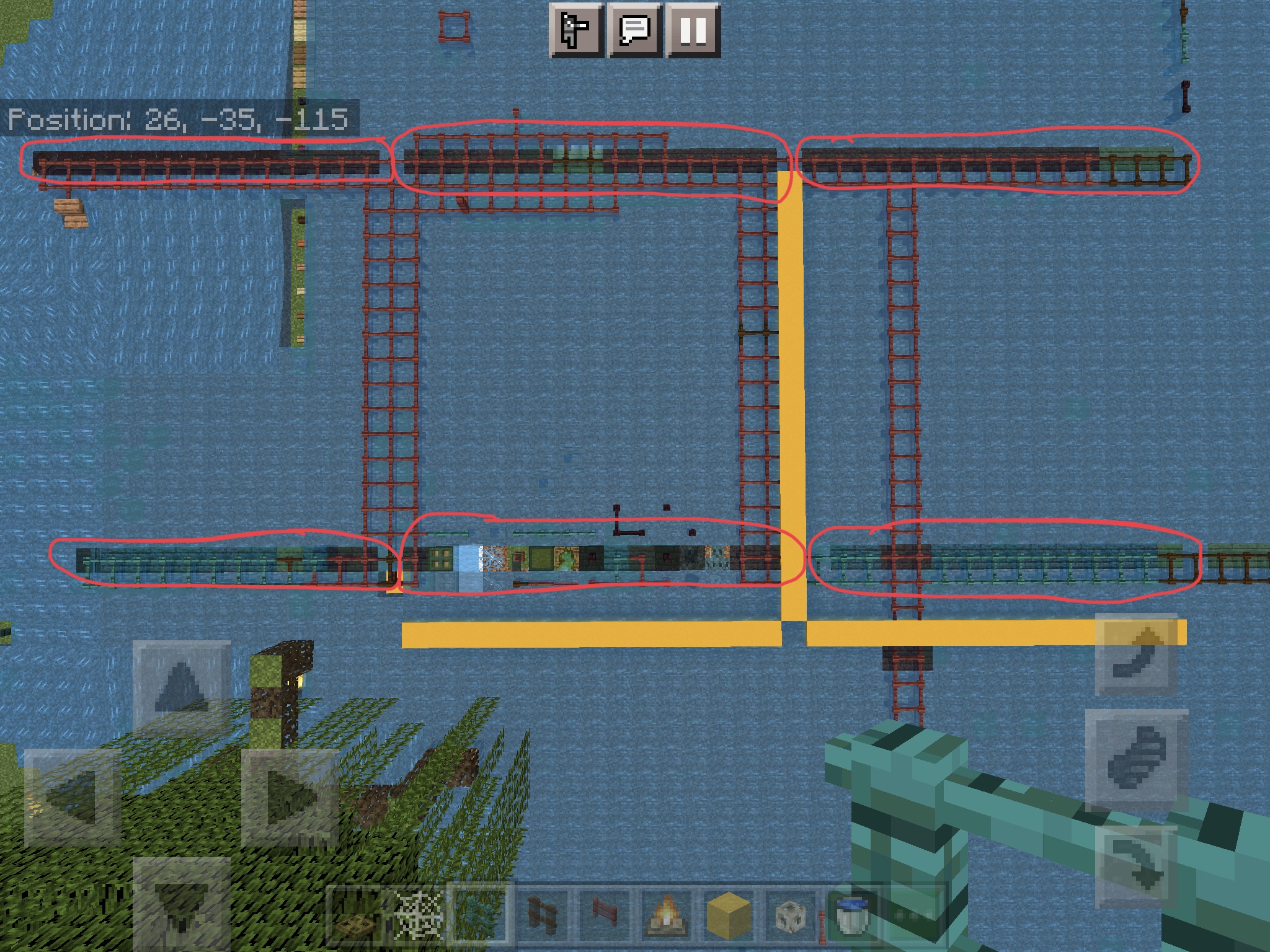
4(Extra): Do this similarly but in long lines, bordering an entire chunk like in my picture.
Un-expected result: Placing waterloggable blocks in 1 block high water next to eachother near chunk borders and blocks causes some of the waterlogged block’s textures to be displayed on top of water blocks.
Expected result: No matter how much waterloggable blocks you place in water next to eachother, nor the location like near borders and blocks, it should not display their textures on top of water blocks.
When 2 waterlogged blocks are next to each other in 1 block high water, it casts the blocks texture ontop of the water. Happens to the blocks closest in the -z direction, near chunk borders and also acts strangely near full blocks aswell.
Sorry if this is too vague, this is the only explanation I can think of.
I’ll answer any questions/concerns.
How to re-produce:
1: Create a flat world, game mode to creative, make a 2x2 hole in the ground.
2: Get waterloggable block + a water bucket.{}
3: Place all 4 waterloggable blocks in the hole, waterlog them all, you’ll notice atleast 1 of the block’s texture ontop of a water block.
4(Extra): Do this similarly but in long lines, bordering an entire chunk like in my picture.
Un-expected result:Placing waterloggable blocks in 1 block high water next to eachother near chunk borders and blocks causes some of the waterlogged block’s textures to be displayed on top of water blocks.
Expected result: No matter how much waterloggable blocks you place in water next to eachother, nor the location like near borders and blocks, it should not display their textures on top of water blocks.
When 2 waterlogged blocks are next to each other in 1 block high water, it casts the blocks texture ontop of the water. Happens to the blocks closest in the -z direction, near chunk borders and also acts strangely near full blocks aswell.
Sorry if this is too vague, this is the only explanation I can think of.
I’ll answer any questions/concerns.
How to re-produce:
1: Create a flat world, game mode to creative, make a 2x2 hole in the ground.
2: Get waterloggable block + a water bucket.{}
3: Place all 4 waterloggable blocks in the hole, waterlog them all, you’ll notice atleast 1 of the block’s texture ontop of a water block.
4(Extra): Do this similarly but in long lines, bordering an entire chunk like in my picture.
Observed results: Placing waterloggable blocks in 1 block high water next to eachother near chunk borders and blocks causes some of the waterlogged block’s textures to be displayed on top of water blocks.
Expected result: No matter how much waterloggable blocks you place in water next to eachother, nor the location like near borders and blocks, it should not display their textures on top of water blocks.
When 2 waterlogged blocks are next to each other in 1 block high water, it casts the blocks texture ontop of the water. Happens to the blocks closest in the -z direction, near chunk borders and also acts strangely near full blocks aswell.
Sorry if this is too vague, this is the only explanation I can think of.
I’ll answer any questions/concerns.
How to re-produce:
1: Create a flat world, game mode to creative, make a 2x2 hole in the ground.
2: Get waterloggable block + a water bucket.{}
3: Place all 4 waterloggable blocks in the hole, waterlog them all, you’ll notice atleast 1 of the block’s texture ontop of a water block.
4(Extra): Do this similarly but in long lines, bordering an entire chunk like in my picture.
Observed results: Placing waterloggable blocks in 1 block high water next to eachother near chunk borders and blocks causes some of the waterlogged block’s textures to be displayed on top of water
blocks.
Expected result: No matter how much waterloggable blocks you place in water next to eachother, nor the location like near borders and blocks, it should not display their textures on top of water blocks.
When 2 waterlogged blocks are next to each other in 1 block high water, it casts the blocks texture ontop of the water. Happens to the blocks closest in the -z direction, near chunk borders and also acts strangely near full blocks aswell.
Sorry if this is too vague, this is the only explanation I can think of.
I’ll answer any questions/concerns.
How to re-produce:
1: Create a flat world, game mode to creative, make a 2x2 hole in the ground.
2: Get waterloggable block + a water bucket.
3: Place all 4 waterloggable blocks in the hole, waterlog them all, you’ll notice atleast 1 of the block’s texture is on top of a water block.
4(Extra): Do this similarly but in long lines, bordering an entire chunk like in my picture.
Observed results: Placing waterloggable blocks in 1 block high water next to eachother near chunk borders and blocks causes some of the waterlogged block’s textures to be displayed on top of water.
Expected result: No matter how much waterloggable blocks you place in water next to eachother, nor the location like near borders and blocks, it should not display their textures on top of water blocks.
When 2 waterlogged blocks are next to each other in 1 block high water, it casts the blocks texture ontop of the water
. Happens to the blocks closest in the -z direction, near chunk borders and also acts strangely near full blocks aswell.
Sorry if this is too vague, thisistheonly explanation I can think of.
I’ll answer any questions/concerns.
How to re-produce:
1: Create a flat world, game mode to creative, make a 2x2 hole in the ground.
2: Get waterloggable block + a water bucket.
3: Place all 4 waterloggable blocks in the hole, waterlog them all, you’ll notice atleast 1 of the block’s texture is on top of a water block.
4(Extra): Do this similarly but in long lines, bordering an entire chunk like in my picture.
Observed results: Placing waterloggable blocks in 1 block high water next to eachother near chunk borders and blocks causes some of the waterlogged block’s textures to be displayed on top of water.
Expected result: No matter how much waterloggable blocks you place in water next to eachother, nor the location like near borders and blocks, it should not display their textures on top of water
blocks.When 2 waterlogged blocks are next to each other in 1 block high water, it casts the blocks texture ontop of the waterlogged water.
This happens to the blocks closest in the -z direction, near chunk borders and also acts strangely near full blocks aswell.
Sorry if this is too vague, this is the only explanation I can think of.
I’ll answer any questions/concerns.
How to re-produce:
1: Create a flat world, game mode to creative, make a 2x2 hole in the ground.
2: Get waterloggable block + a water bucket.
3: Place all 4 waterloggable blocks in the hole, waterlog them all, you’ll notice atleast 1 of the block’s texture is on top of a waterlogged water block.
4(Extra): Do this similarly but in long lines, bordering an entire chunk like in my picture.
Observed results: Placing waterloggable blocks in 1 block high water next to eachother near chunk borders and blocks causes some of the waterlogged block’s textures to be displayed on top of the waterlogged water.
Expected result: No matter how much waterloggable blocks you place in water next to eachother, nor the location like near borders and blocks, it should not display their textures on top of the waterlogged water.
Waterlogged block’s textures display on top of the waterlogged water
Waterlogged block’s textures display on top ofthewaterlogged water
Yes.
It’s turned on.
I don’t have a Fancy Leaves option.
Only Fancy Graphics.
Farmland blocks also behave like this.
I can confirm it’s in 1.19.10 it’s a bit different, the tail is still not connected.
Affects 1.19.10
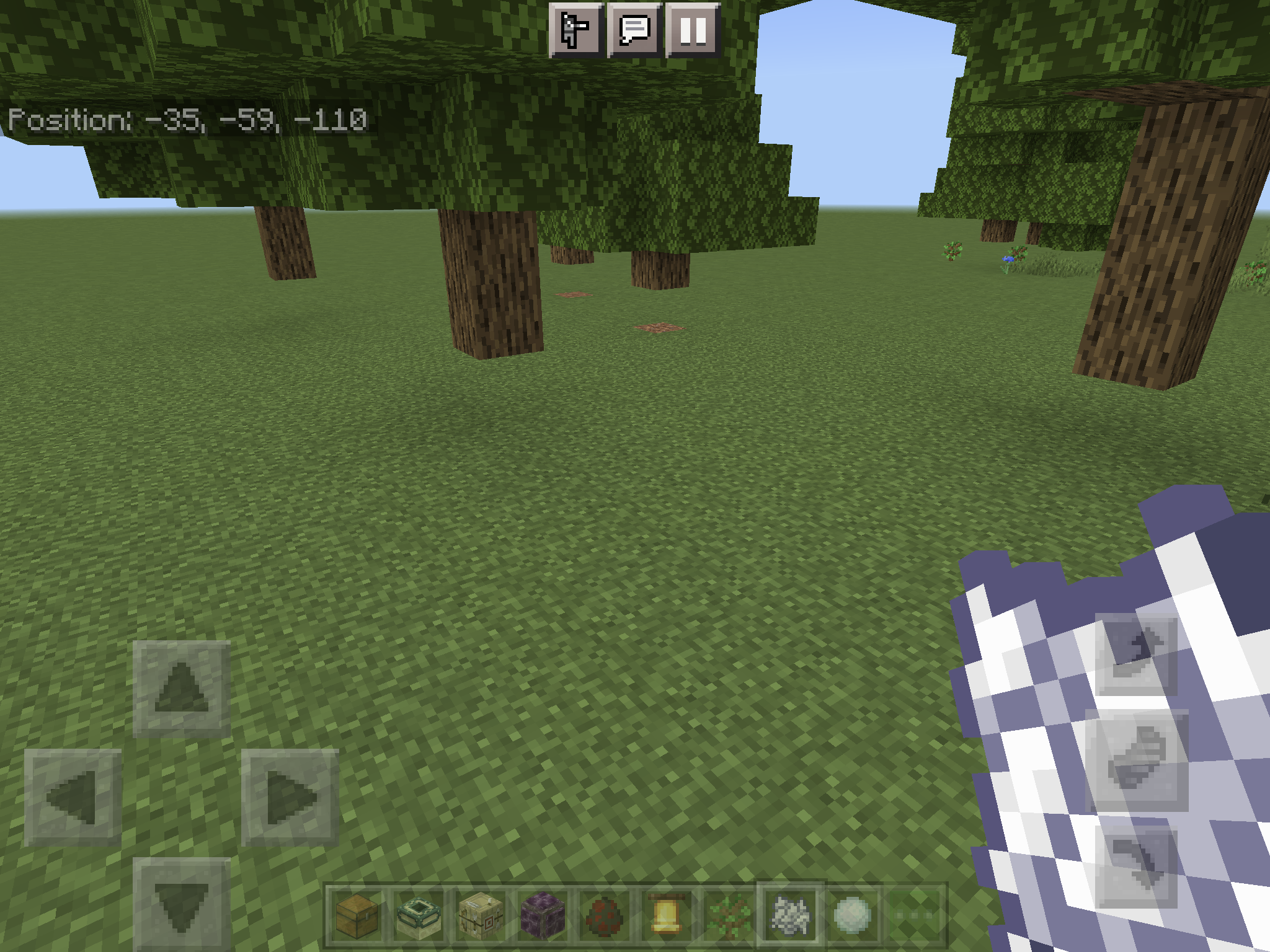
3 Giant oak trees with no grass under them right after I grew them.
(I broke the bottom logs)