I tried this and it worked fine. Try Force Updating or reinstalling the snapshot?
It is supposed to do this. It shows the log of what is happening.
The log says,
---- YOU CAN CLOSE THIS LAUNCHER IF THE GAME STARTED OK ---- ---- YOU CAN CLOSE THIS LAUNCHER IF THE GAME STARTED OK ---- ---- YOU CAN CLOSE THIS LAUNCHER IF THE GAME STARTED OK ---- ---- (We'll do this automatically later ;D) ----
https://mojang.atlassian.net/browse/MC-13799
can someone please confirm?
Can you link the resource pack?
I can confirm this
This isn't resolved. It still happens D:
This still happens in 13w47c
Tails, this isn't fixed...
This video is showing how the bug has not been fixed.
Issue still occuring. Running Windows 10 Edition - 1.2.0.31.
Good question! I'm running a 144hz monitor. I've tried limiting it to 144hz with no avail. Even changing it to 60 is troublesome!
2013-04-19, 12:22:02 AM UTC
2013-11-21, 08:54:27 PM UTC
2017-09-22, 11:03:04 PM UTC
2019-12-20, 03:02:12 AM UTC
MC-30300.mp4
 Cade Mellein
 MC-13868
 MCPE-25992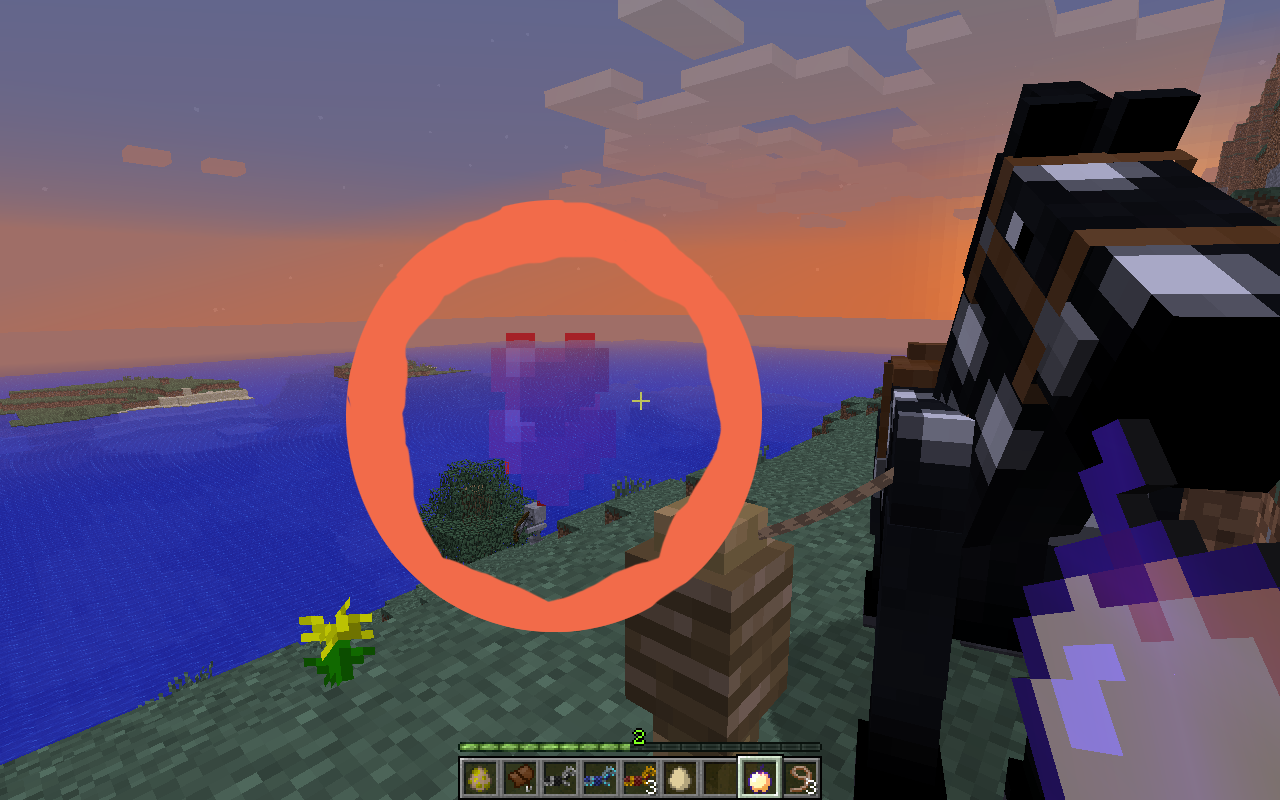


I tried this and it worked fine. Try Force Updating or reinstalling the snapshot?
It is supposed to do this. It shows the log of what is happening.
The log says,
---- YOU CAN CLOSE THIS LAUNCHER IF THE GAME STARTED OK ----
---- YOU CAN CLOSE THIS LAUNCHER IF THE GAME STARTED OK ----
---- YOU CAN CLOSE THIS LAUNCHER IF THE GAME STARTED OK ----
---- (We'll do this automatically later ;D) ----
https://mojang.atlassian.net/browse/MC-13799
can someone please confirm?
Can you link the resource pack?
I can confirm this
This isn't resolved. It still happens D:
This still happens in 13w47c
Tails, this isn't fixed...
This video is showing how the bug has not been fixed.
Issue still occuring. Running Windows 10 Edition - 1.2.0.31.
Good question! I'm running a 144hz monitor. I've tried limiting it to 144hz with no avail. Even changing it to 60 is troublesome!