 jonny75904
- jonny75904
- JIRAUSER723461
- Europe/Stockholm
- Yes
- No
 MCPE-157517
 BDS-18211
 REALMS-11504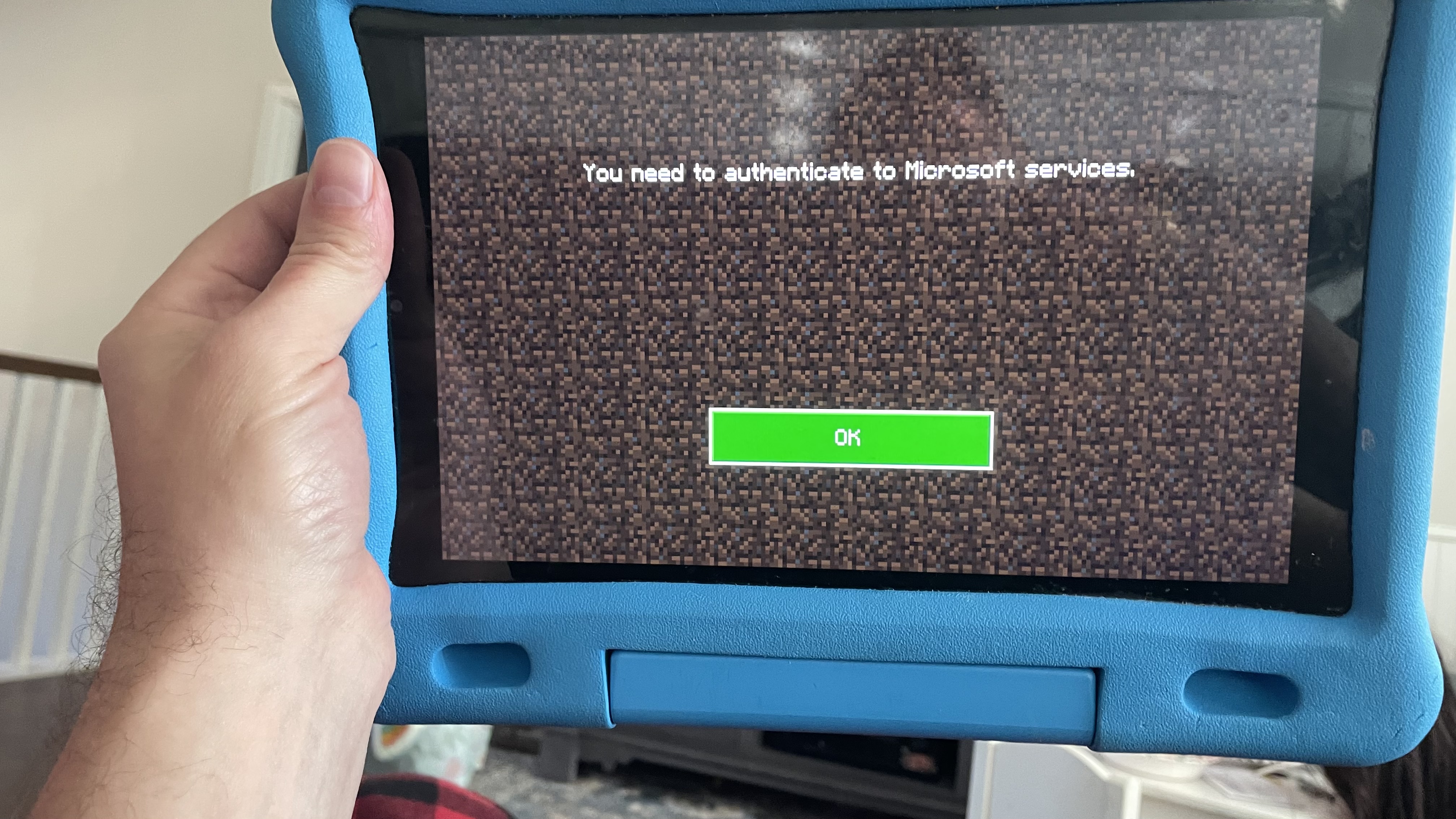
Starting with 1.19.5x, my xbox no longer pops up the on-screen kb for text prompts such as search bars, chat windows, commands, etc.
It is worth noting the on-screen keyboard works outside of the game, just not in the game itself. I have checked accessibility settings, keyboard settings, etc and have found no config options that might be causing this - at least, no INTUITIVE settings options. I have tried the basic options of quitting the game, power cycling the xbox, santaria, and other schools of sorcery, none of which have successfully conjured the keyboard out of the shadow realm. 😒
Starting with 1.19.5x, my xbox no longer pops up the on-screen kb for text prompts suchassearch bars, chat windows, commands, etc.
It is worth noting the on-screen keyboard works outside of the game, just not in the game itself. I have checked accessibility settings, keyboard settings, etc and have found no config options that might be causing this - at least, no INTUITIVE settings options. I have tried the basic options of quitting the game, power cycling the xbox, santaria, and other schools of sorcery, none of which have successfully conjured the keyboard out of the shadow realm. 😒
UPDATE: I plugged in a USB keyboard. The keyboard controls work just fine, but when it comes time to type into the chat or a search box, it does not work.
Starting with 1.19.5x, my xbox no longer pops up the on-screen kb for text prompts such as search bars, chat windows, commands, etc.
It is worth noting the on-screen keyboard works outside of the game, just not in the game itself. I have checked accessibility settings, keyboard settings, etc and have found no config options that might be causing this - at least, no INTUITIVE settings options. I have tried the basic options of quitting the game, power cycling the xbox, santaria, and other schools of sorcery, none of which have successfully conjured the keyboard out of the shadow realm. 😒
Xbox’s software keyboard (onscreen kb)does notworkXbox’s software (and hardware) keyboard (onscreen kb) is not allowed to type
Hi @GoldenHelmet,
I can do you one even better, I have a video link that shows my workaround. The workaround I found is to use two players so both the source and target chunks are loaded. So, please keep in mind this video shows my working stopgap solution, and because I am playing two accounts on two systems, there are moments in the video where my player is stationary while I work with the second account.
This occurs on a realm. I am happy to privately share the invite code with you as well. It is a private realm, so I will not publicly share it here.
World Seed: 761549642
Video
https://www.xbox.com/play/media/8FALHH4S
Portal Issue 1 (timestamp 1:50) : Villagers gitch into the target portal's back wall, or have simply disappeared when I arrive at the target portal.
Portal Issue 2 (timestamp 3:19) : Villagers gitch into the target portal's back wall, OR have simply disappeared when I arrive at the target portal (unclear as to which is occurring).
The target portal is high up in the air and part of a Raid Farm (Silentwisperer's design), as part of a "panic room" / strongbox to protect the villager from raiders. The target portal's back wall is occluded by cobbled deepslate. Villagers disappear and are not present when I arrive through the target portal. My theory WAS they glitch through the cobbled deepslate and fall to their death. I removed the wall and replaced it with an open air platform of cobbled deepslate, but villagers still did not appear. My workaround was to put my second player account at the target portal so the chunk is loaded. That makes it work.
I'm not sure I understand your question about relogging when I lose villagers? My respawn point was quite likely to be far away at the world spawn chunk - at least initially. Perhaps it works better when I sleep at the village first, but I don't recall. I believe though, when I first discovered issue #1 I had come from a long distance with intent to transport a villager.
I can try the nuances with respawn and the minecart this evening and let you know.
@GoldenHelmet, hm... well last night I was able to consistently reproduce issue #1, both on XBox and on Switch.
It is as you predicted, if I send an empty cart through the portal first then I send a villager through, they get hosed up in the target portal.
The second villager issue I reported is a little bit trickier, as I have no way of diagnosing target portal behavior due to the location in the sky,
I imagine it's probably related to the first issue so I'm not overly concerned with reproducing it.
My copy of minecraft was also updated when I reproduced issue #1. Same workflow as before: Set a respawn point in the overworld, travel through nether, return to overworld, send empty cart though portal, send villager through portal, teleport myself and find suffocating villager behind the portal.
But tonight let me reconfirm the specific version I'm running.
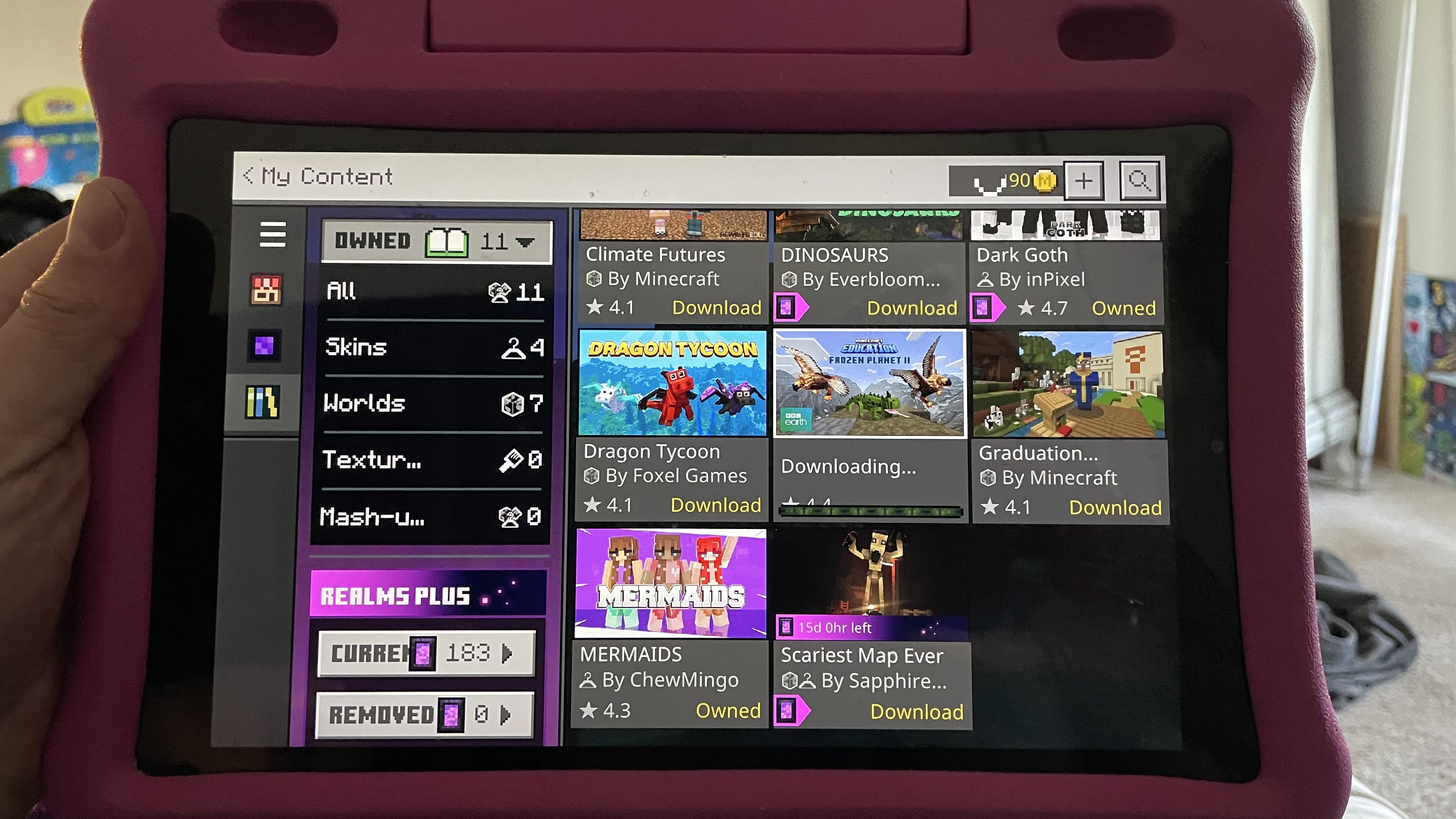
This is happening on my kindle fire tablets, mc version 1.19.51
So what is the solution for this? It is happening on my realm.
I am able to connect to my realm from any device EXCEPT Android devices. Android devices work on player worlds, but NOT my realm.
When I sign out and back in on the android devices, I do NOT get the prompt for “Save to MS Account” vs “Leave on Device.”
The Marketplace button is disabled and shows error message “playfab environment mismatch - Discovery=prod/20CA2, Playfab=Production/“
Signing out and in does not resolve the problem.
Restarting the device does not resolve the problem
Fully uninstalling and reinstalling minecraft does not resolve the problem.
Can someone PLEASE provide the solution to this? Otherwise, why am I even paying for a realm if I cannot play on it??
What is the solution? This is going on three weeks, and no solutions have been posted that actually work.
SOLUTION:
If you're looking for the solution to this problem on an ANDROID device, and ESPECIALLY if the marketplace button doesn't work ("playfab" error), here's how to fix it.
There are several parts to this fix, please do not skip over anything. Skipping steps invalidates my suffering.
PREREQUISITE (there's more to it than just this)
IF IT WORKED ON ANOTHER NETWORK (MOBILE ESPECIALLY)
IF IT STILL DOES NOT WORK...
I can't help you past this point. This worked for me. This was three weeks of nightmares and ineffective solutions on the internet, and nothing seems to be posted here, so I hope this helps someone!
I am having this same issue
KINDLE FIRE SOLVED: 1.19.70
If you have a child’s profile (ir Amazon Kids Plus), the problem is due to Amazon’s Content Filtering features.
So there are two parts to the solution: The Amazon filter settings, and the Minecraft settings.
Amazon Settings:
Log in to the parent / device admin account on the Kindle Fire and follow these steps:
Now for the Minecraft side of the solution.
RESTART THE TABLET AGAIN
disabling all resource packs fixed the issue
@Juoles_WAW it is on a world started in 1.18, hosted on a realm. Vanilla world. I believe at the time I was using Foxy’s resource packs. There had been another issue with the sniffers being invisible, and removing all packs fixed it. I dont actually recall if that fixed this as well, or if it was a separate issue. Hope this helps!