 Justin Zilahy
- justamedomz3351
- justamedomz3351
- Europe/Stockholm
- Yes
- No
 MCL-12032
 MC-160977














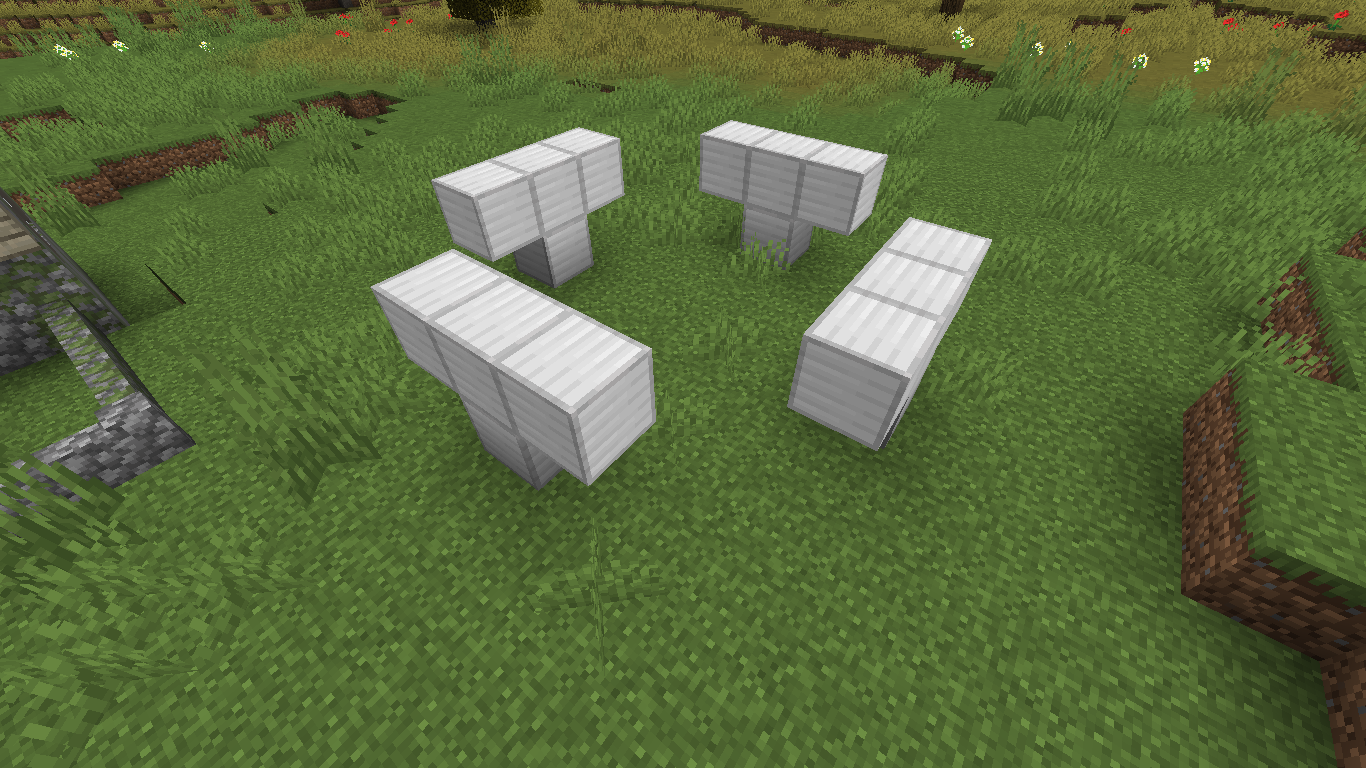

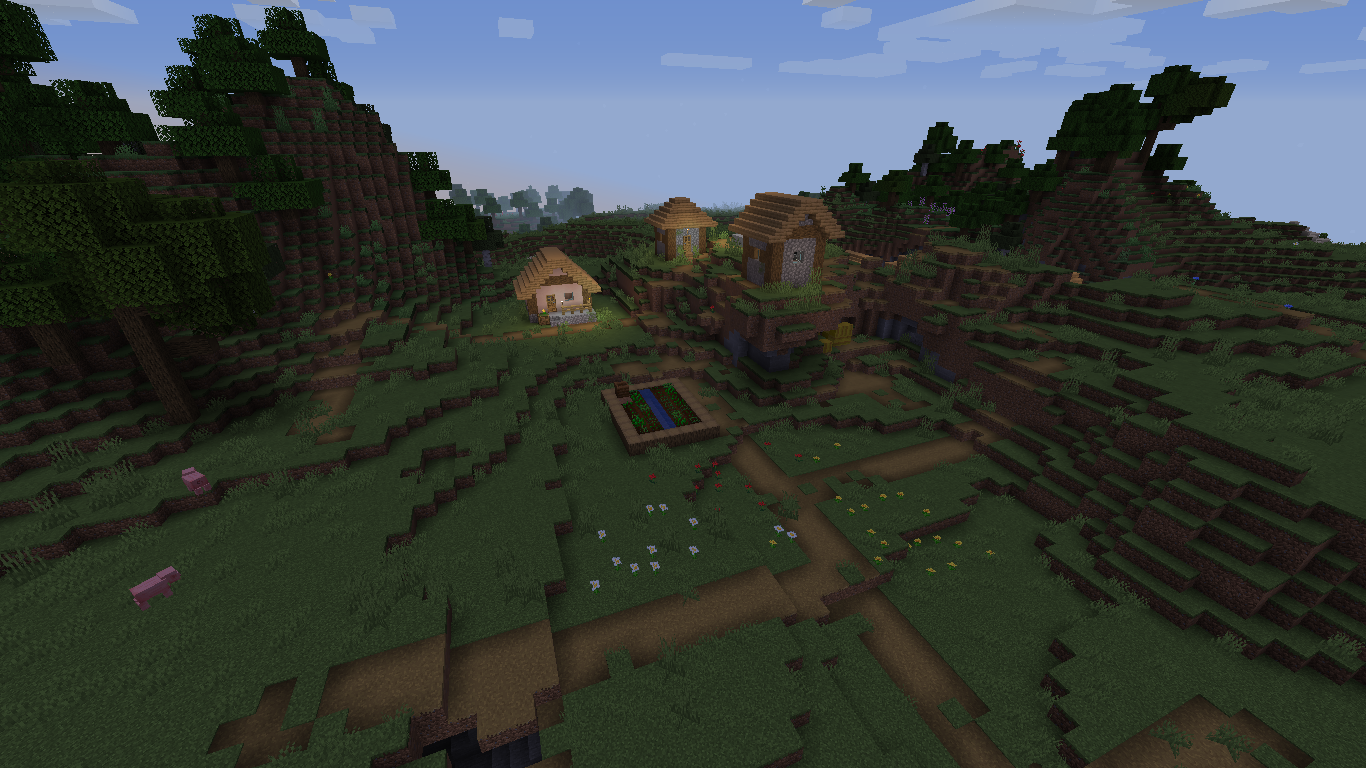



The villager is not sleeping in the center of the bed but he is stuck on the side. This has happened multiple times. I have seen this happen in versions 1.14.1-1.14.4 The game also says that the bed is occupied, so the functionality of the bed is working properly.
Windows 10
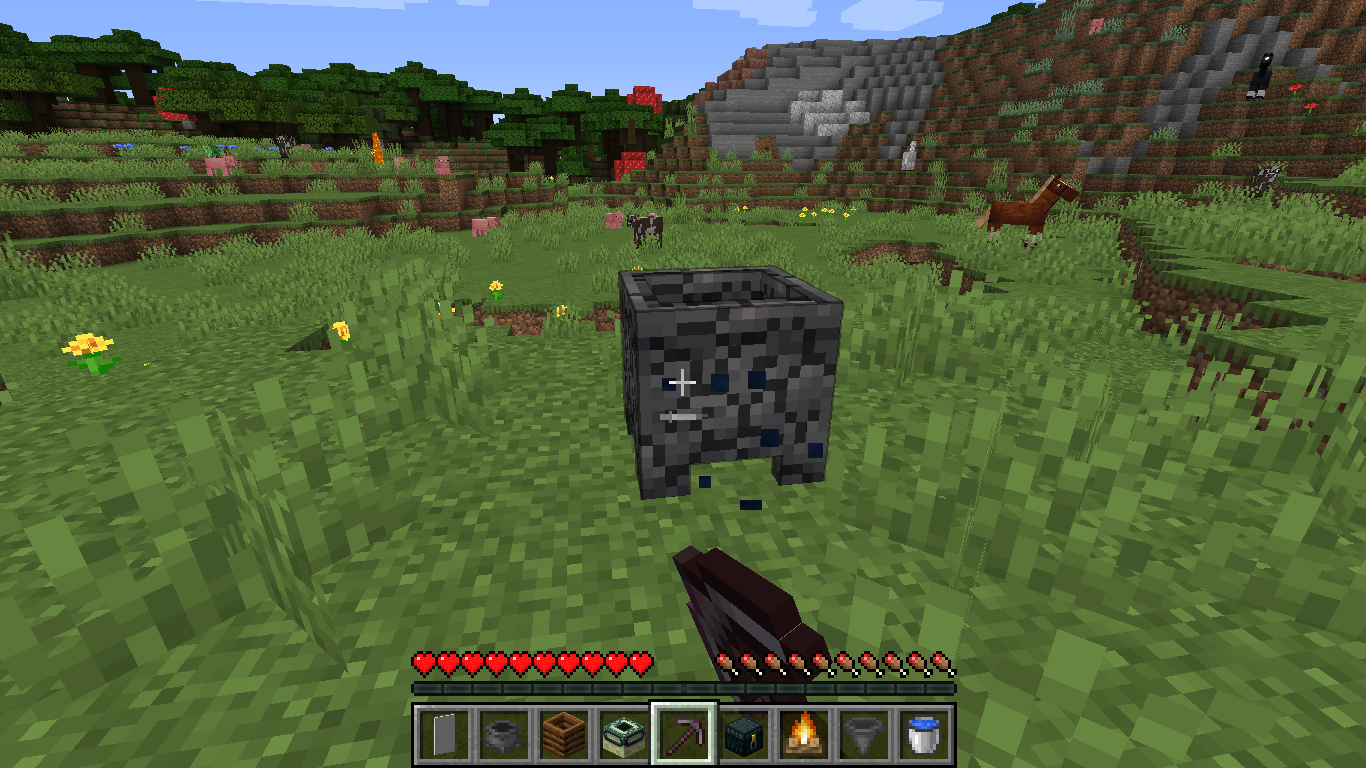
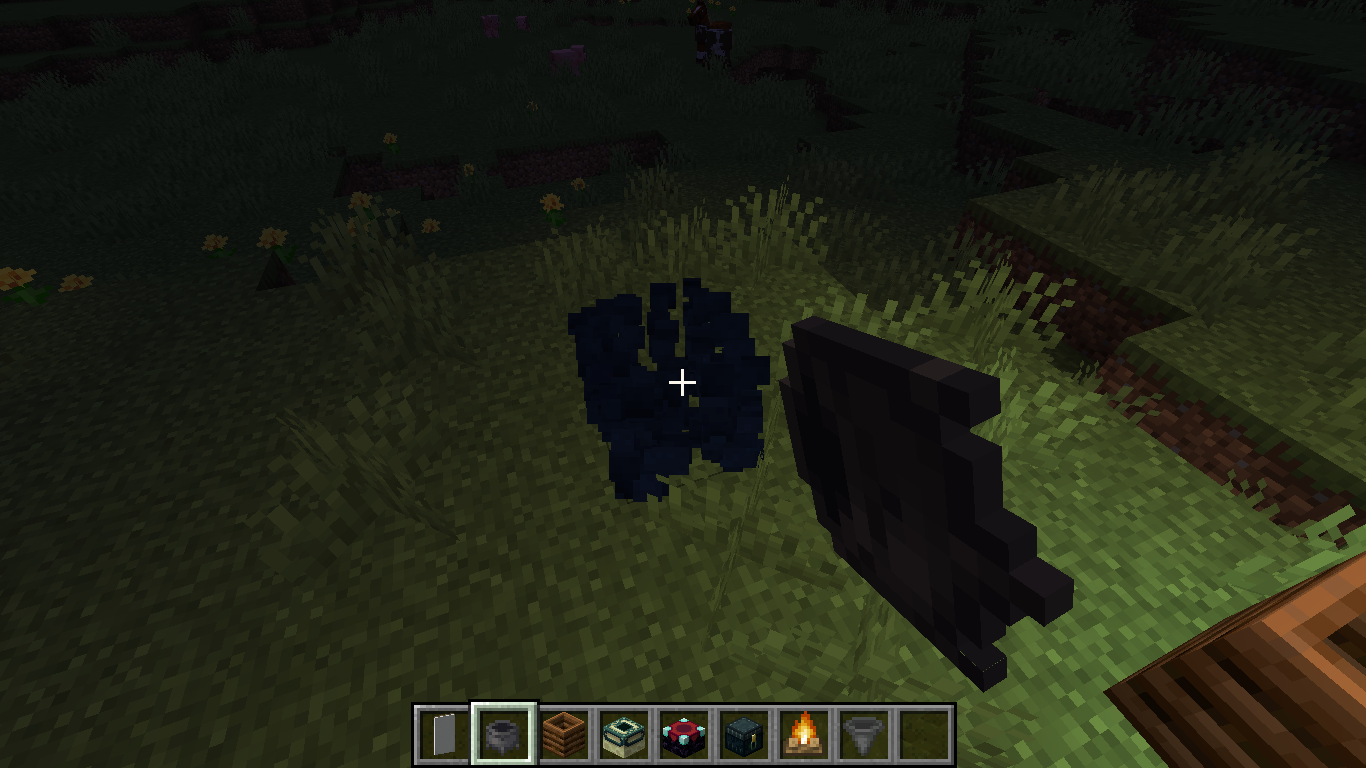
Cauldrons display dark blue particles when you break them and they aren't full of water
this effects creative and survival modeCauldrons display dark blue particles when you break them and they aren't full of water. This effects creative and survival mode.
cauldron displays blue particles when broken without water insideCauldron displays blue particles when broken without water inside
Using multiple resource packs make the game's graphics look grainy
When
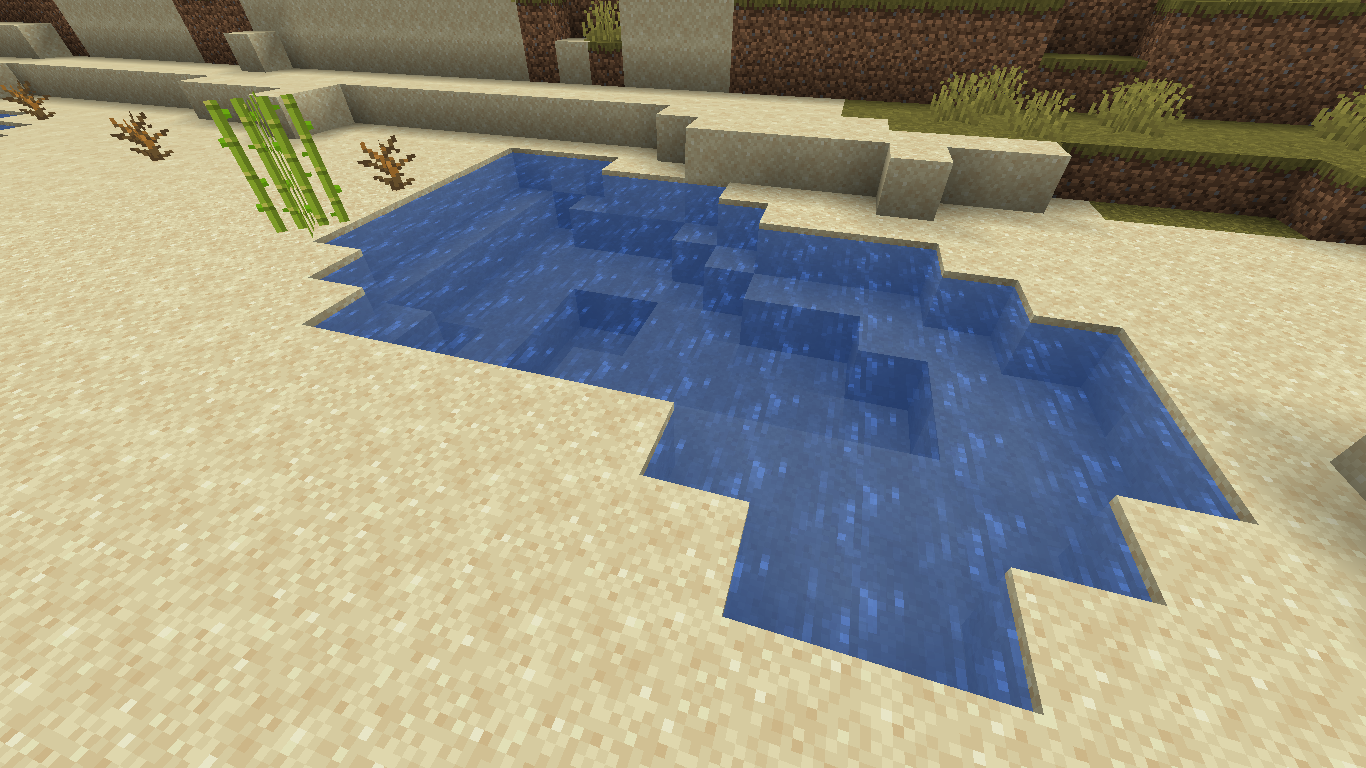
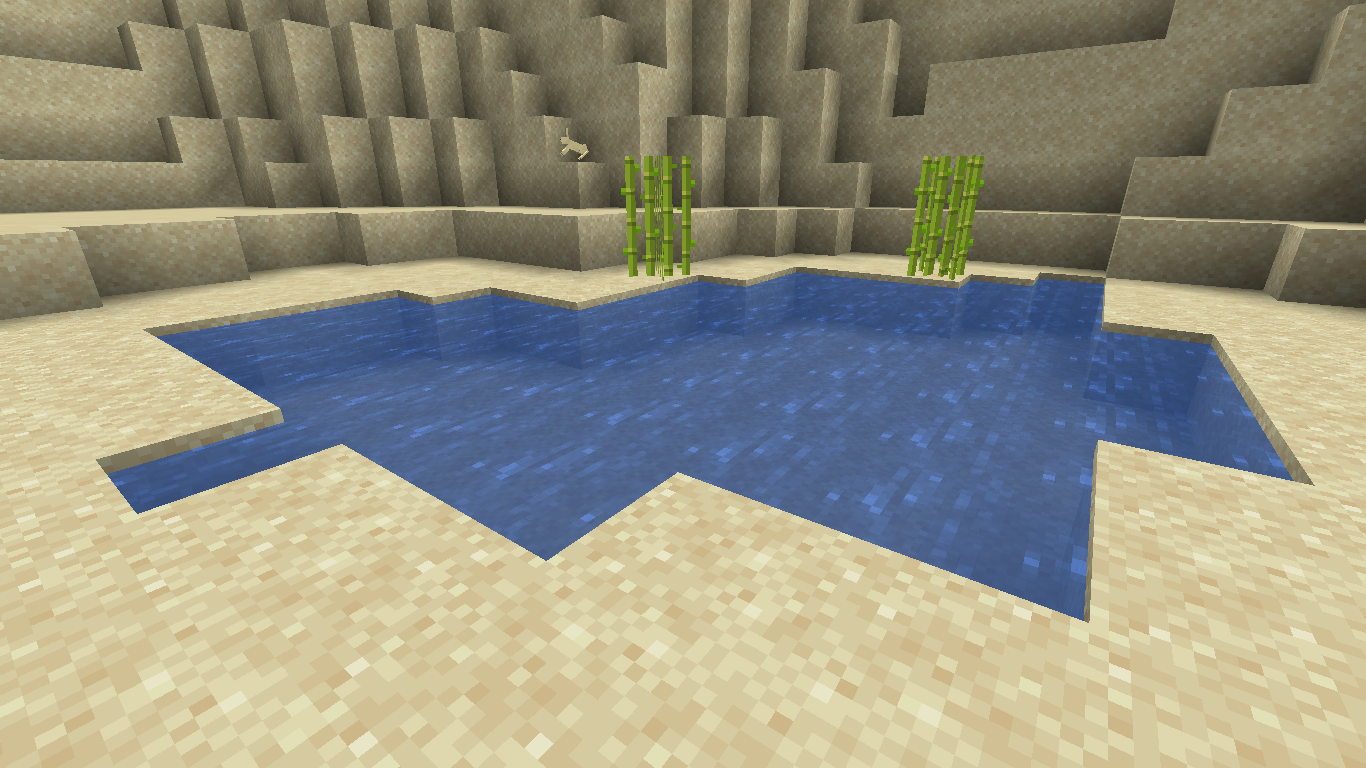
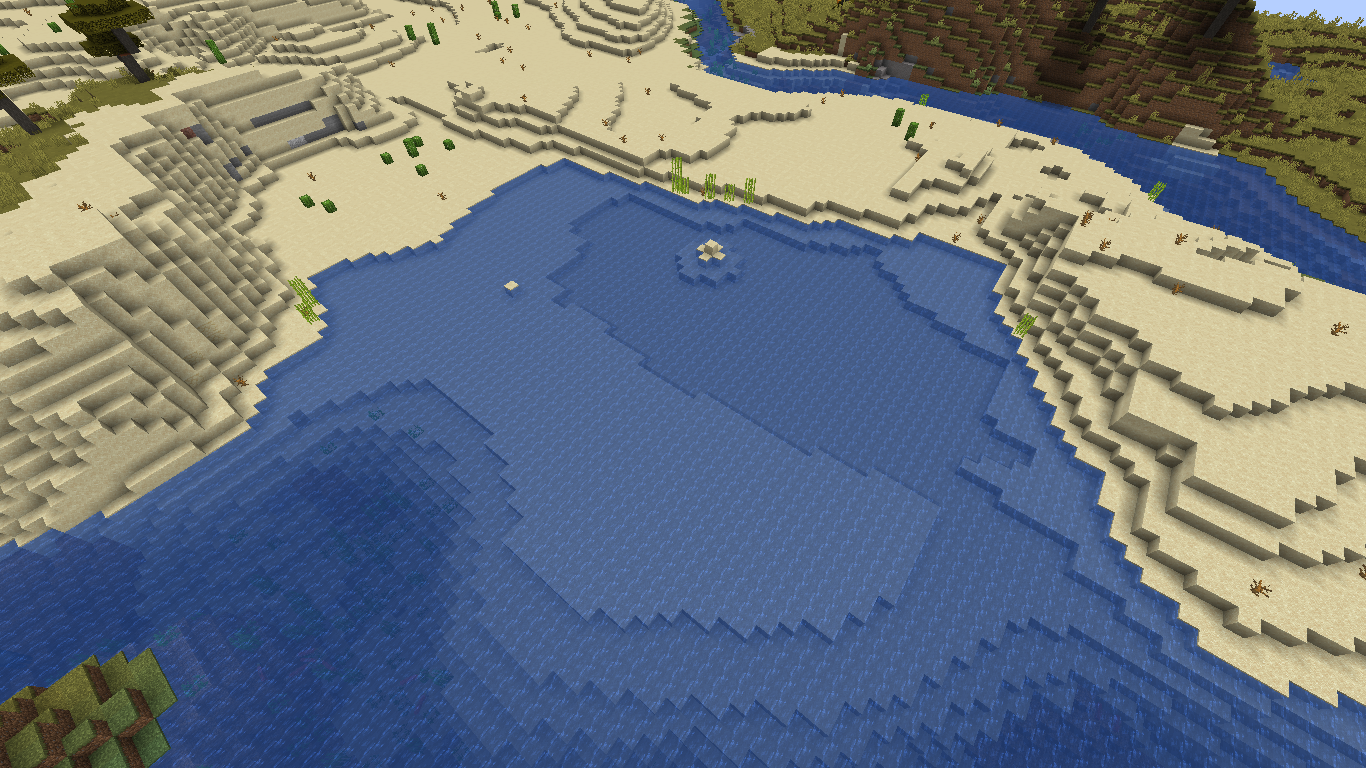
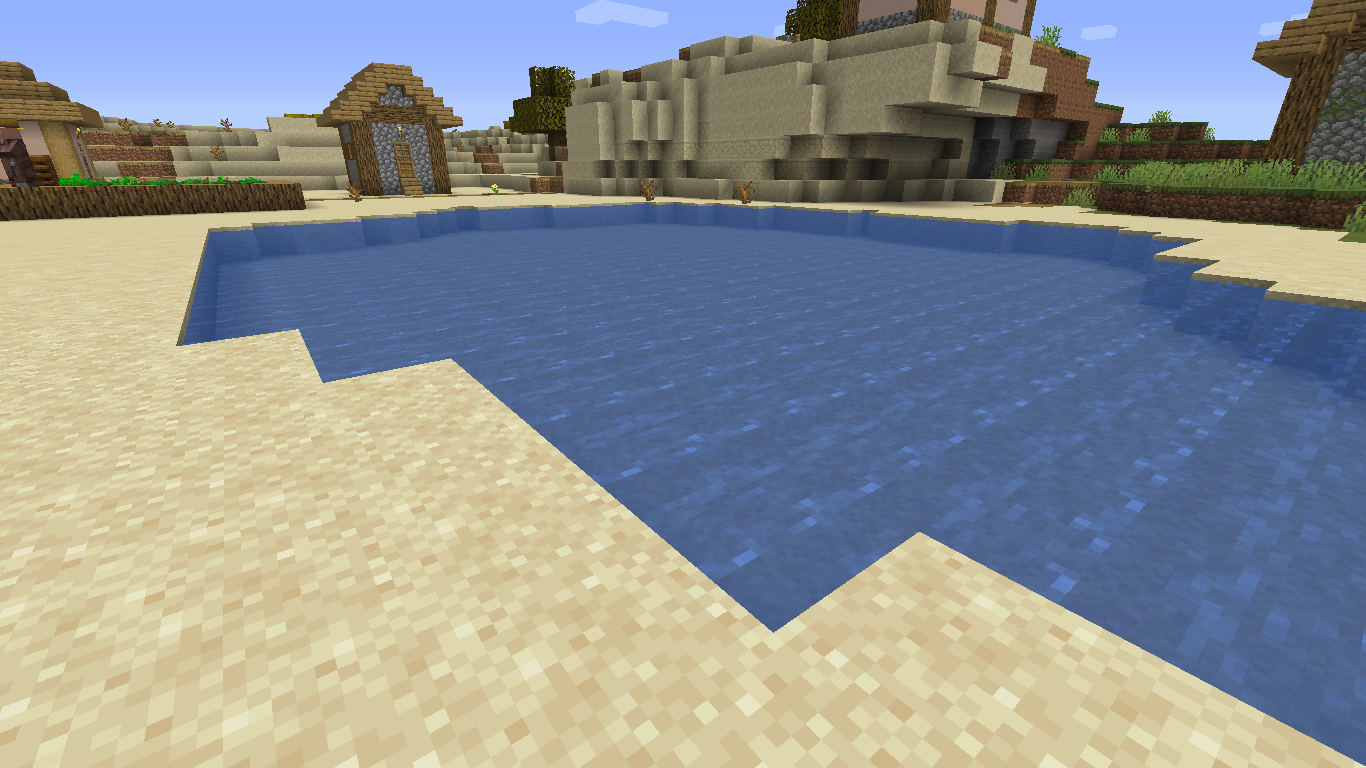
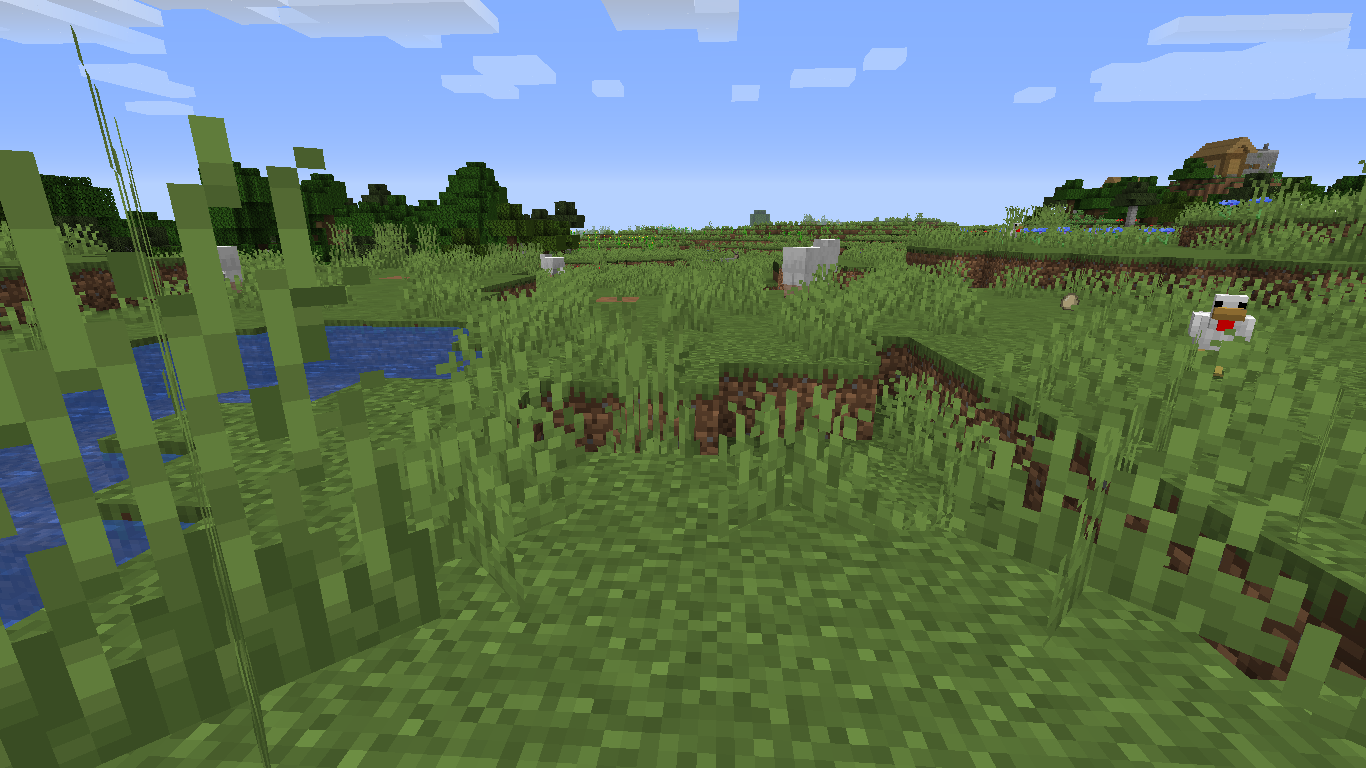
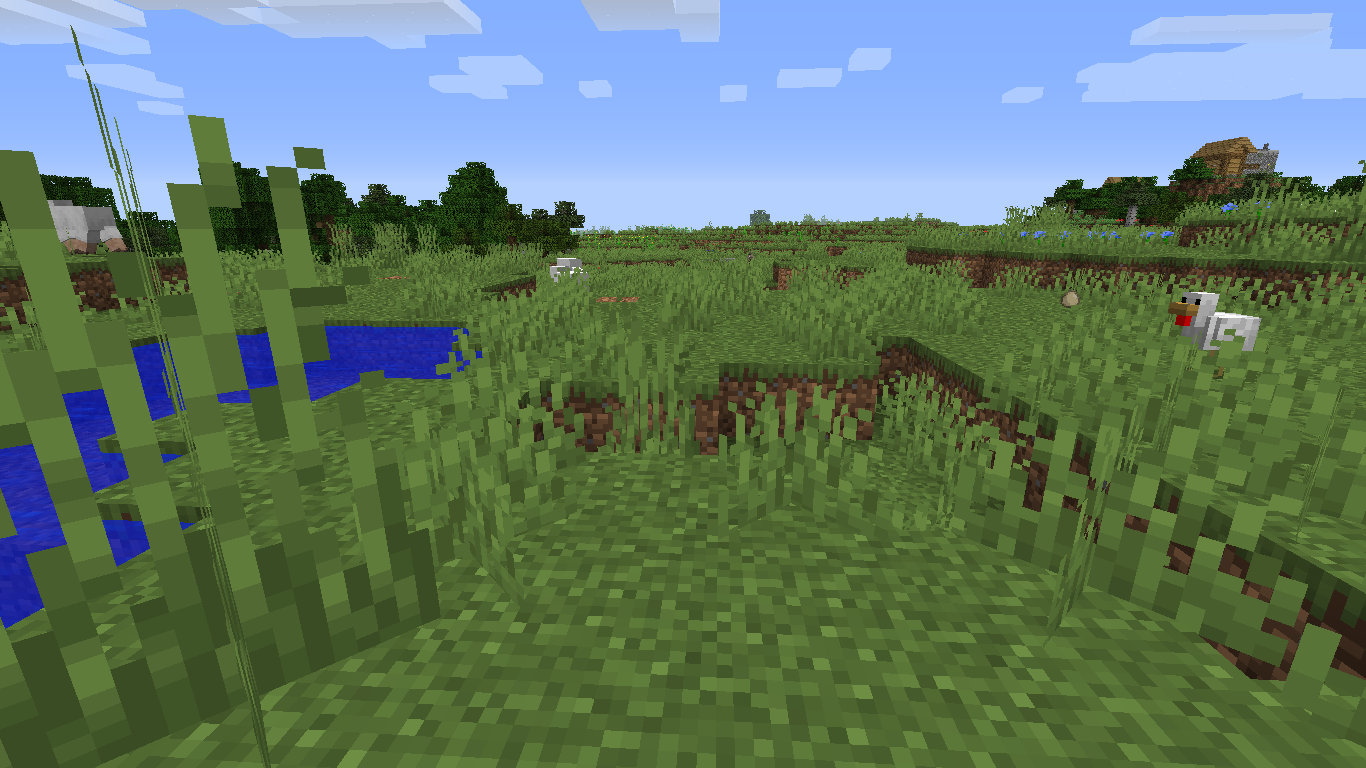
aresource packisapplied to the game the graphics look very grainy compared to the regular graphics. In the example shown the texture pack only changes leaves and water, despite that the graphics look way worse.When multiple resource packs are applied to the game the graphics look very grainy compared to the regular graphics. In the example shown the texture pack only changes leaves and water, despite that the graphics look way worse.
When multiple resource packs are applied to the game the graphics look very grainy compared to the regular graphics.
In the example shown the texture packonly changes leaves and water, despite that the graphics look way worse.When multiple resource packs are applied to the game the graphics look very grainy compared to the regular graphics. The first picture is the programmer art resource pack alone, the second one shows the same world with two resource packs loaded
When multiple resource packs are applied to the game the graphics look very grainy compared to the regular graphics. The
firstpicture is the programmer art resource pack alone, thesecondone shows the same world with two resource packs loadedWhen multiple resource packs are applied to the game the graphics look very grainy compared to the regular graphics. The more clear picture is the programmer art resource pack alone, the grainy one shows the same world with two resource packs loaded
2020-04-10_10.21.49.png
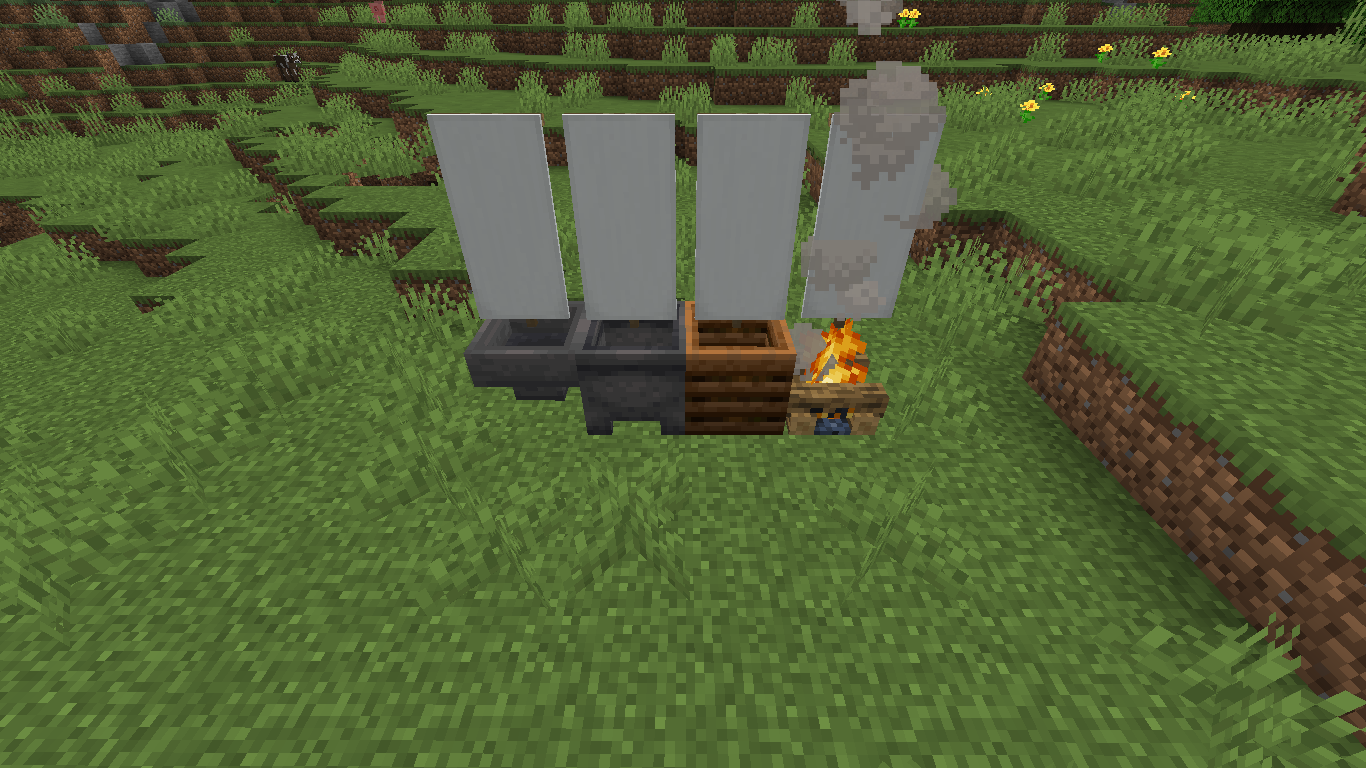
Banners and various other blocks can be placed on blocks with no visible top
The bug
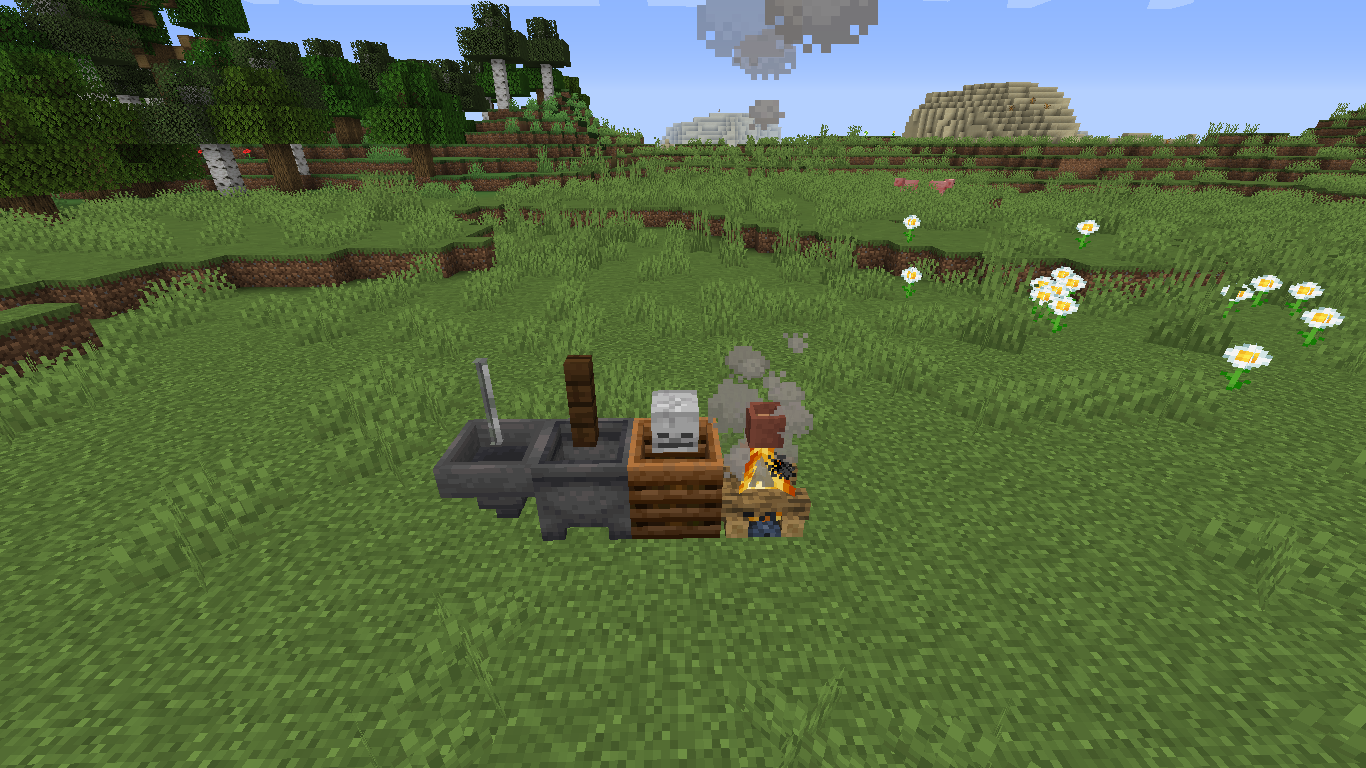
You can place banners, brewing stands, singular glass panes, fence posts, turtle eggs, sea pickles, conduits, heads, iron bars, flower pots, signs, end rods, chains, and more items which visually do not fit on blocks with no visible top (such as composters, cauldrons, hoppers, and campfires.)
The bug
You can place banners, brewing stands, singular glass panes, fence posts, turtle eggs, sea pickles, conduits, heads, iron bars, flower pots, signs, end rods, chains, and more items which visually do not fit on blocks with no visible top (such as composters, cauldrons, hoppers, and campfires.) Note: I would not be considering this a bug if every item that is like the ones I listed above could be placed on blocks with no visible top. Lanterns, torches, redstone components, and item frames.
I have a feeling it has to do with Windows. I tried plugging the computer into a second screen and the Launcher displayed everything perfectly, but when I unplugged the computer from the second screen the page went blank again.
Rabbits can be pretty broken at times...
Yes, I still experience this bug
The log textures on the bottom are also not updated
Were you in the hermitcaft season six world? if you don't have the hermitcraft datapacks you shouldn't be able to get their head.
Look at the top of the sand blocks of the first picture, compare them to the one on the right and you will see. I will also post a picture of leaf blocks, which seem to be the most affected
This has been happening to me also, I don't know why
I did have a datapack loaded but I don't think that those effect the textures. The resource pack for the datapack does not change any GUI either.
I know these are old screenshots but it still happens
The default level, Is there anything that could cause a resource pack to make the Mip map levels change?
I have attached my latest log file from yesterday
Yeah I figured that out a while ago, I had a texture in that resource pack that was 16x17, so it made that glitch happen, at least people will know how to fix it now
experiencing this issue
candles can also be placed on these blocks
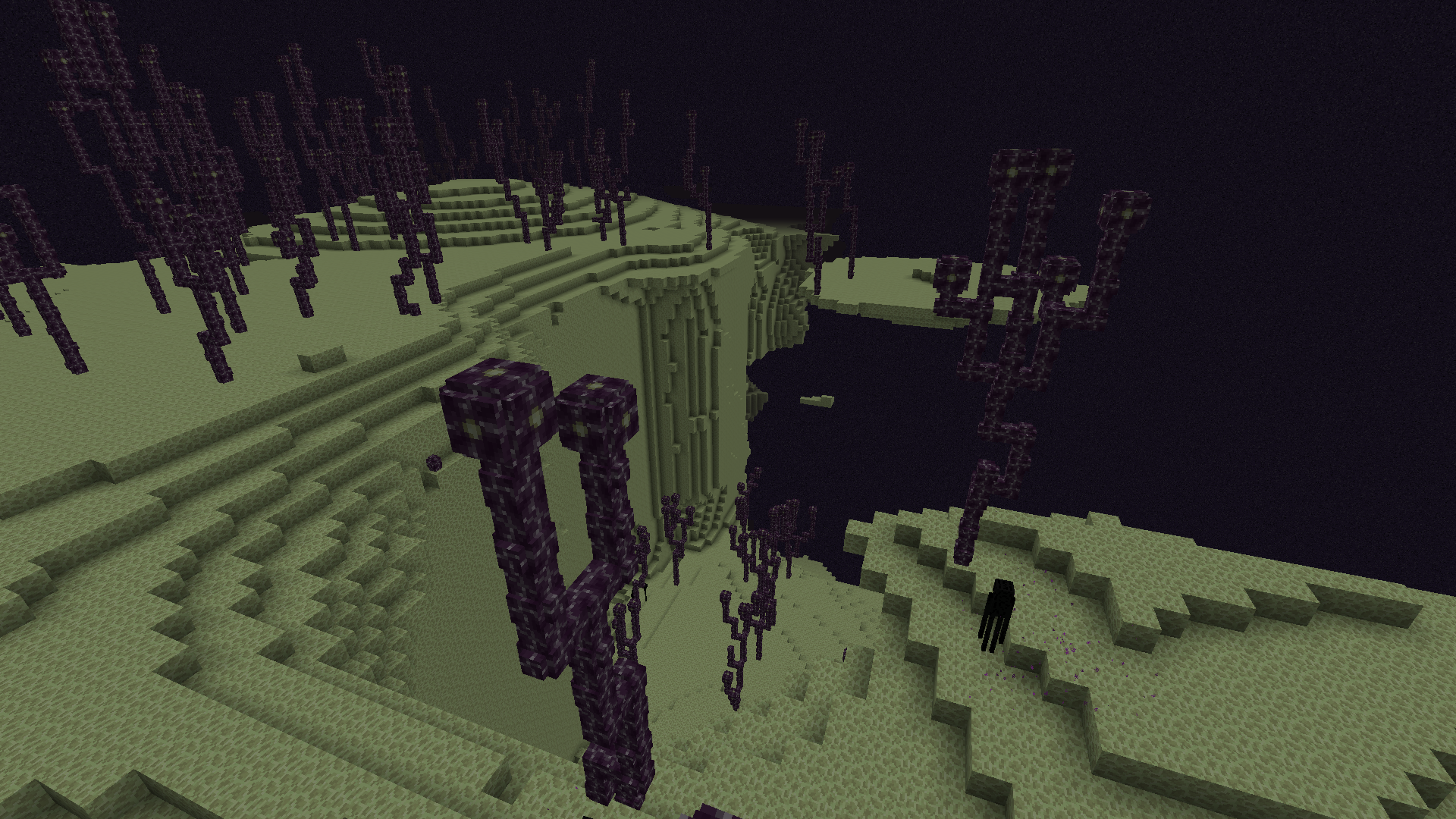
Please do not fix the generation! This is a great bug and I want to see it in the game. If you do decide to fix it, maybe you can incorporate that generation into amplified worlds while fixing the end spikes and cities. Either way, I want to see it in the game because it looks very beautiful!
Please do not fix the generation! This is a great bug and I want to see it in the game. If you do decide to fix it, maybe you can incorporate that generation into amplified worlds while fixing the end spikes and cities. Either way, I want to see it in the game because it looks very beautiful! *sorry for re-posting this, but I want you guys to be able to see it.