 Kimitsu Desu
- kimitsu
- kimitsu
- Europe/Stockholm
- Yes
- No
 MC-3588
![[Mojang] Jeb (Jens Bergensten)](../../../data/assets/gravatar/jeb.jpeg)
![[Mojang] Nathan Adams](../../../data/assets/gravatar/dinnerbone.png)

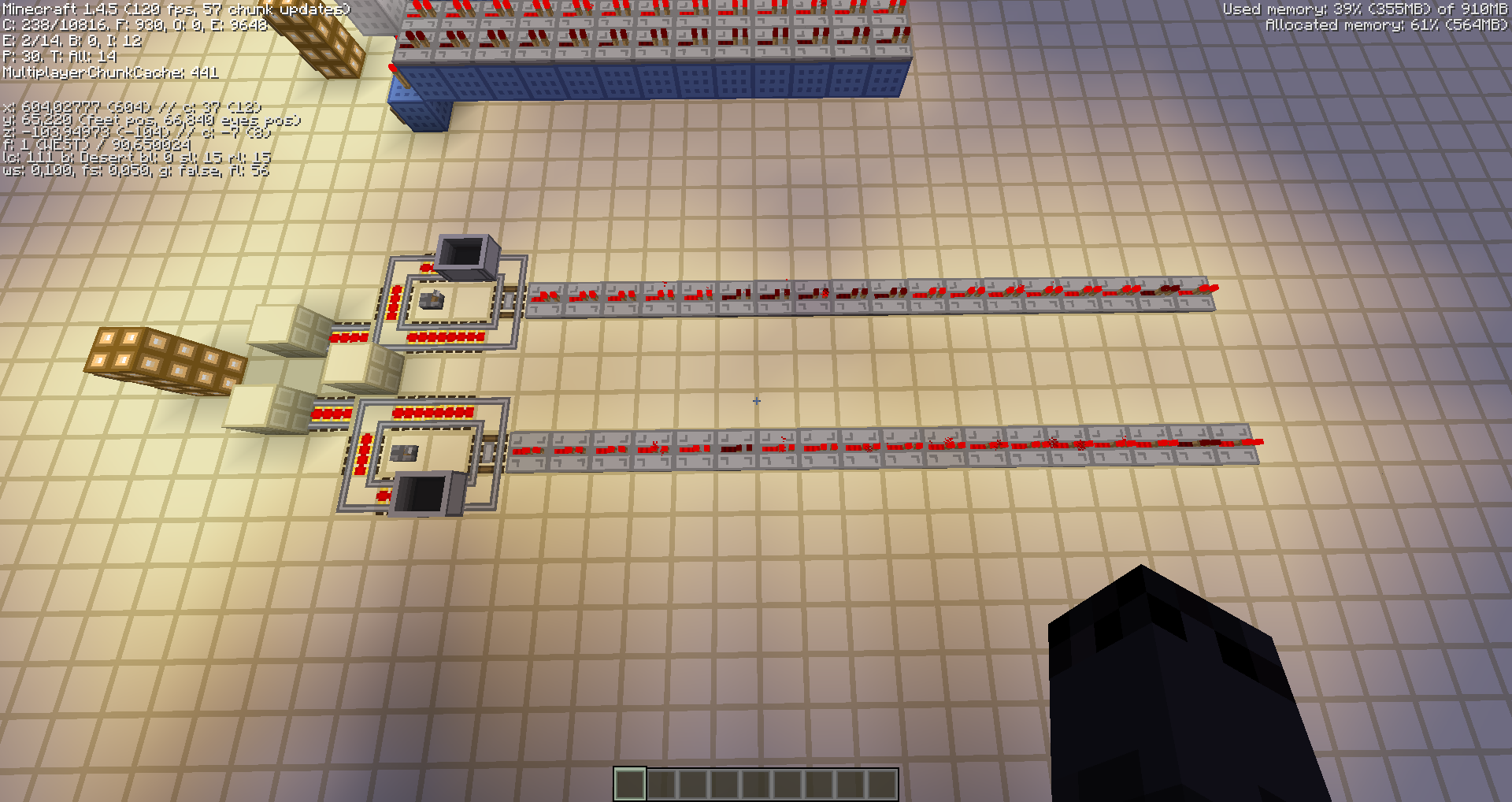


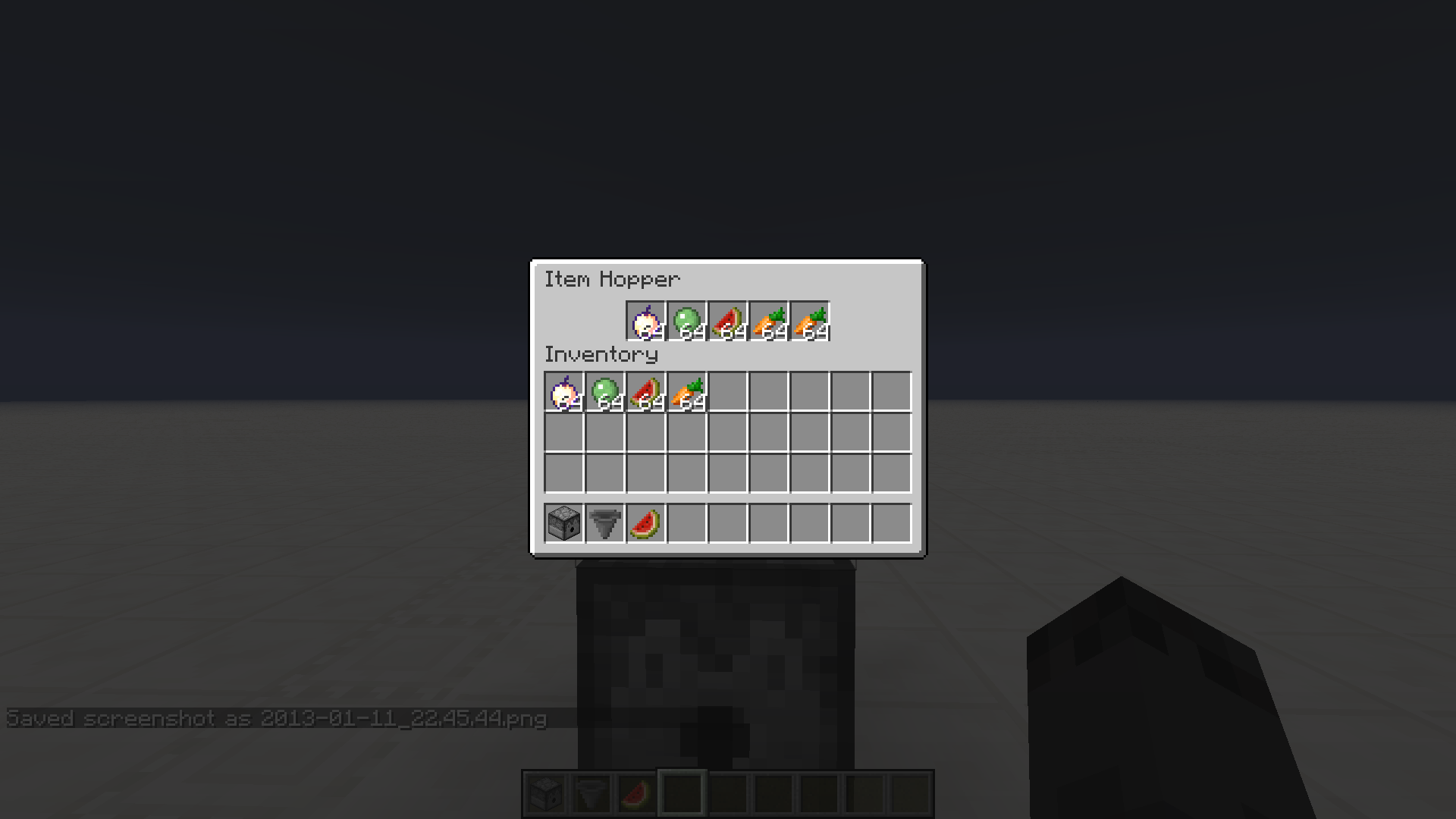
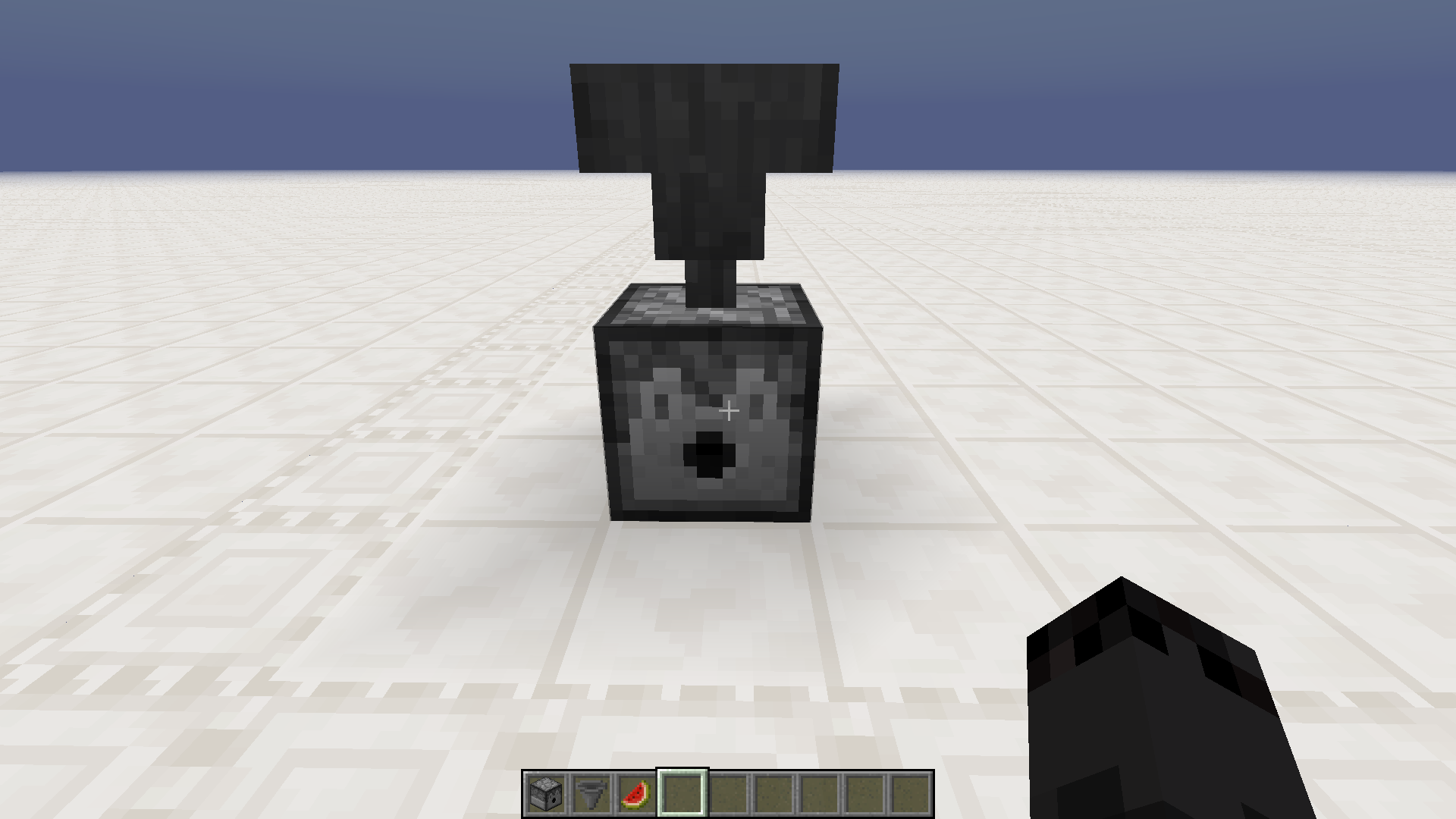

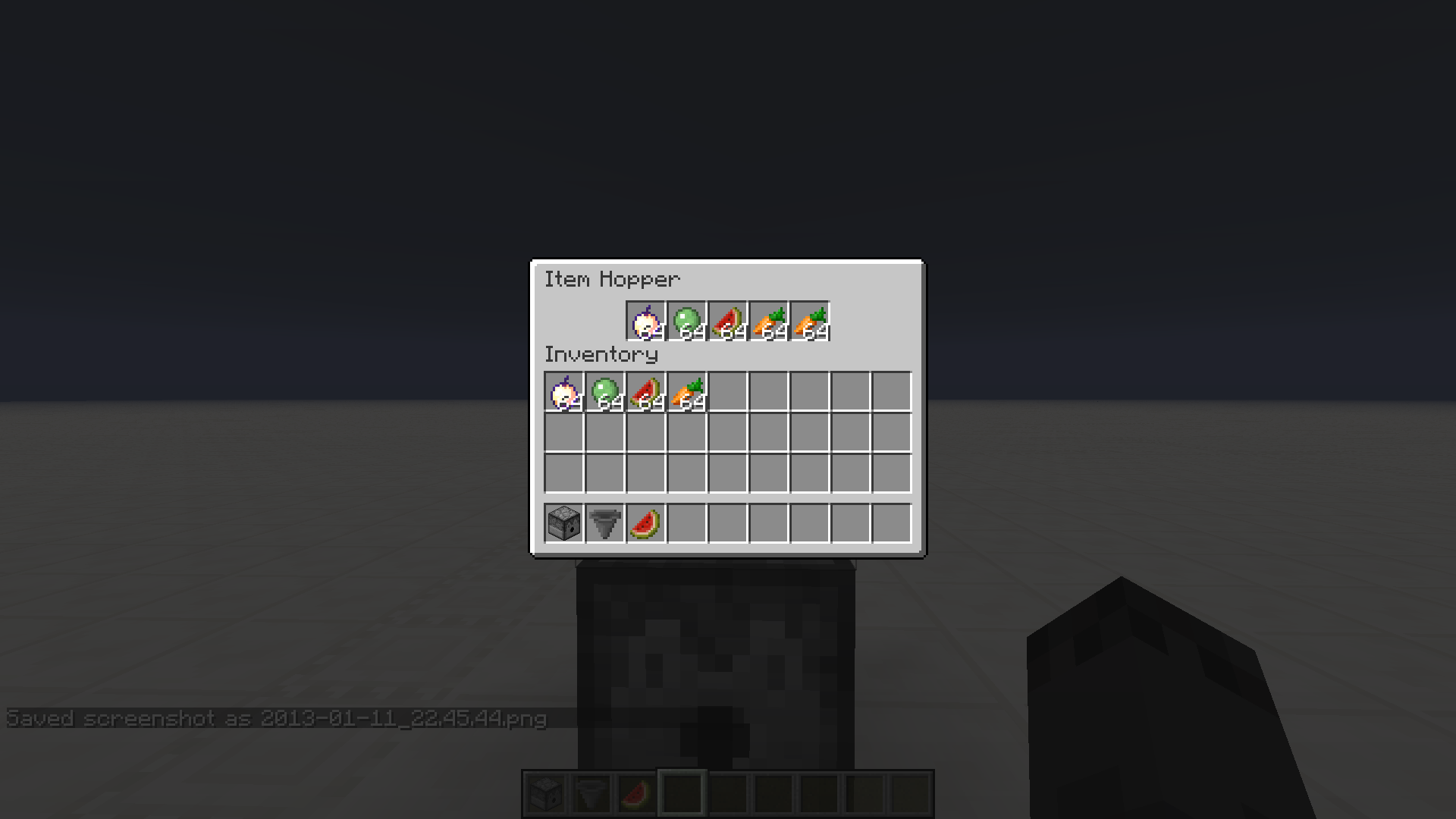


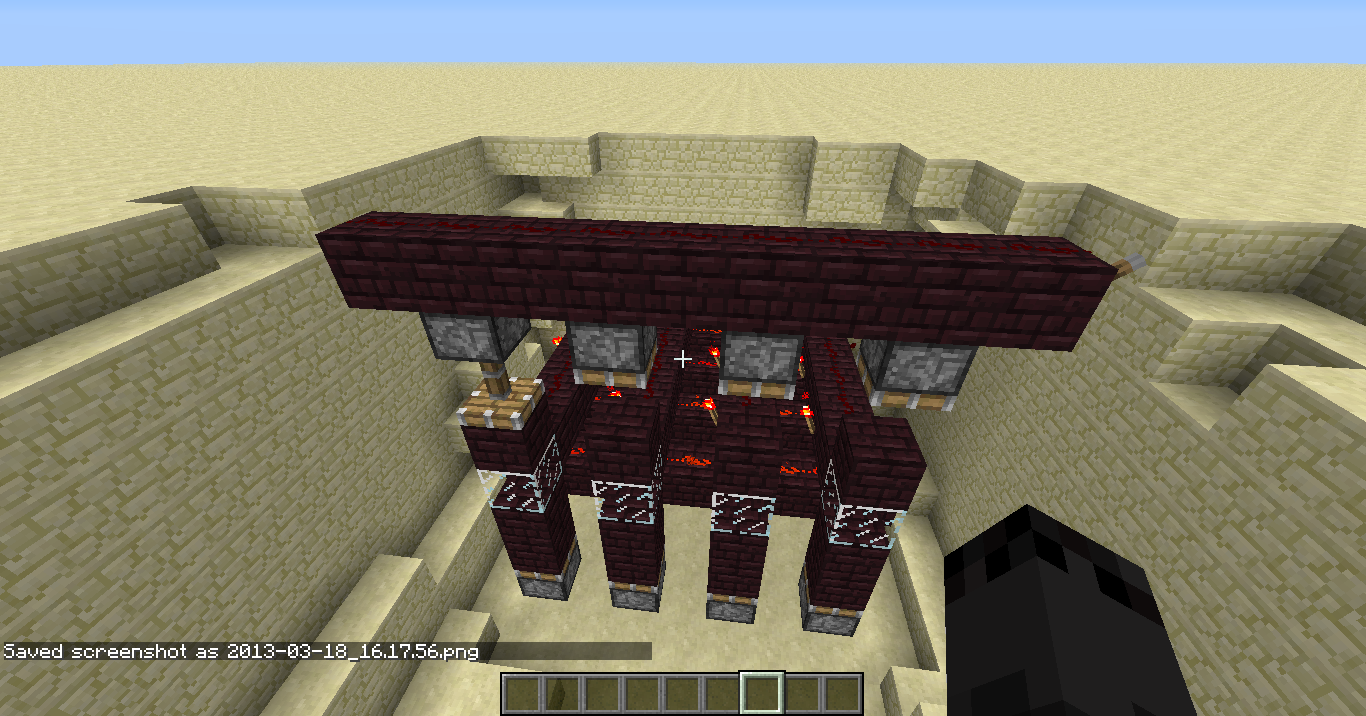
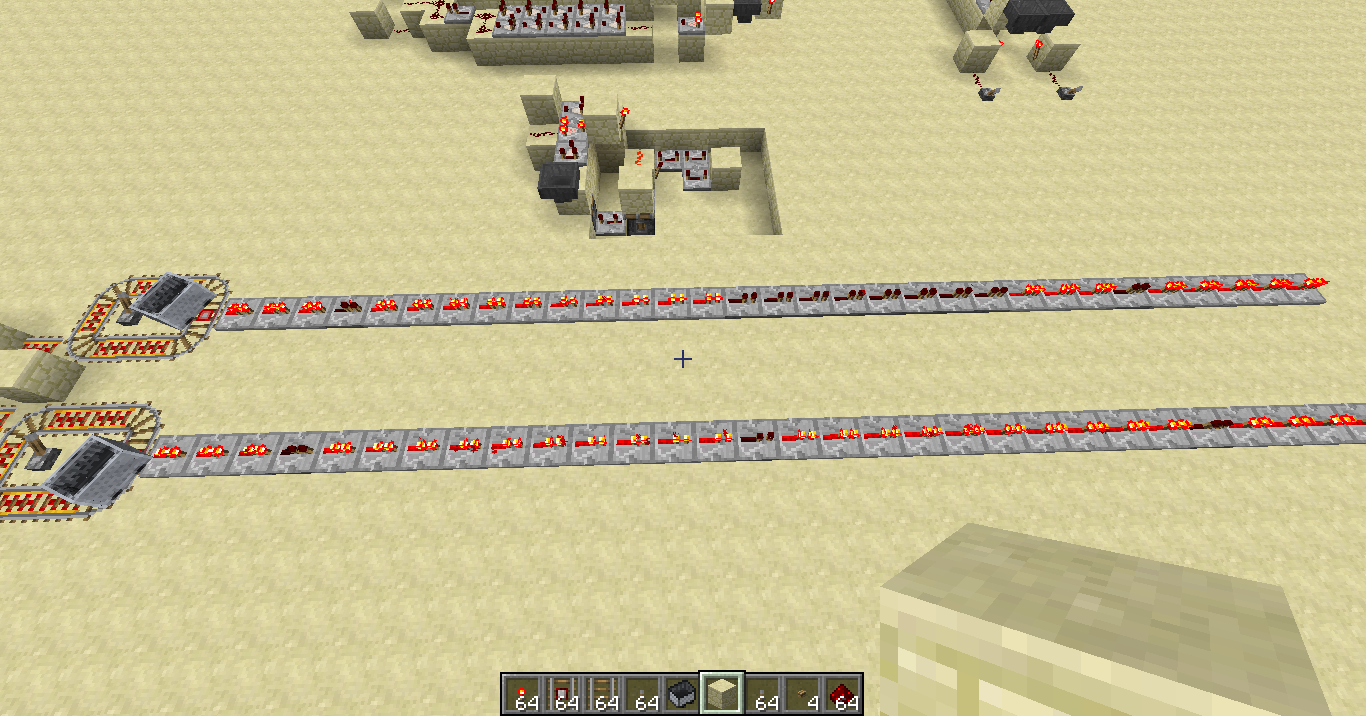
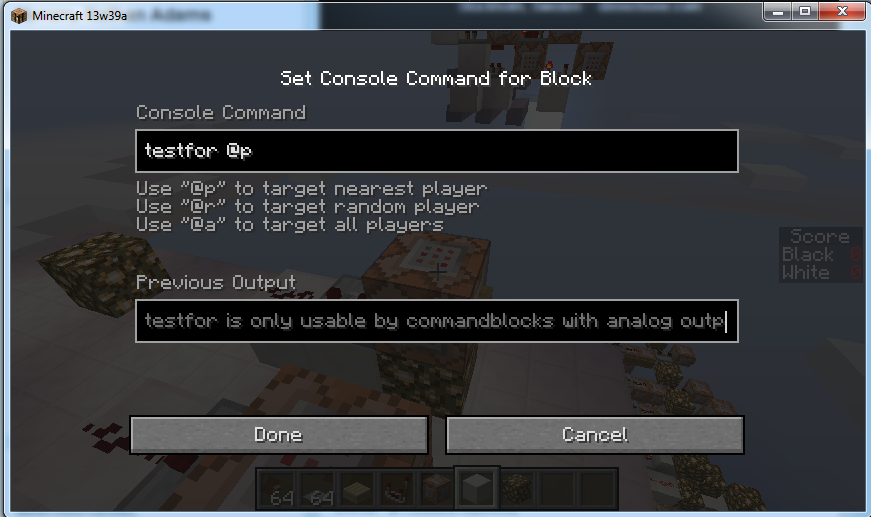

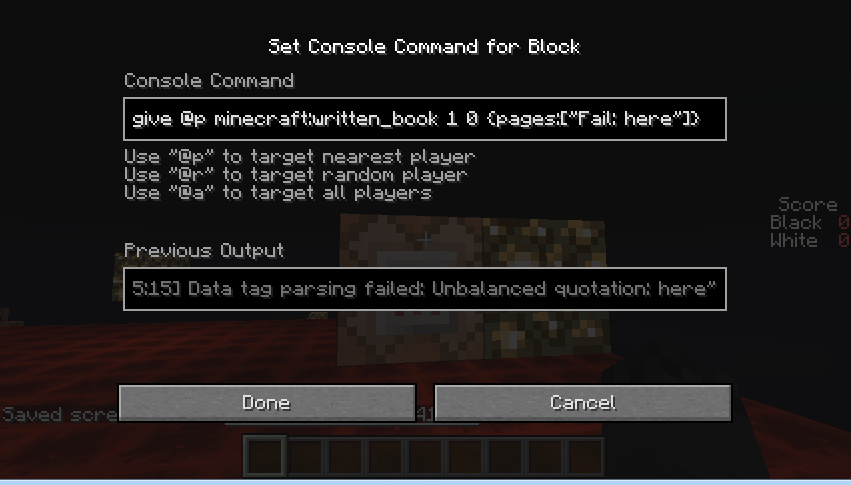
I'm trying to refill a dispenser with certain items after each shot. These items get fed from a hopper above.
I expect that when hopper is unable to place any more items of a type from the first slot, it will try other slots. It doesn't do that.
This bug might probably be related toMC-6076
clones
is cloned by
clones
MC-8427
Consistent crashes when placing/removing a certain redstone torchCrash caused by vertical wiring (half slabs / glowstone)
The timeline:
1. Placed the redstone torch on a side of a block in certain position.
2. The redstone torch appeared, in ON state (although it should be off because the block is powered, but usually they go off in a moment).
3. The game crashed before I could do anything else.
4. Reentered the world, torch was still ON, game crashed immediately.
5. Reentered the world, torch was OFF, and game didn't seem to crash.
6. Broke the torch, didn't seem to crash.
7. Placed it again, another crash.
Since the issue seems reproducable in certain configurations only, the world save file is attached, as well as crash reports. The torch in question is the one my player is facing as per save file. Try breaking it and placing again to reproduce.To reproduce:
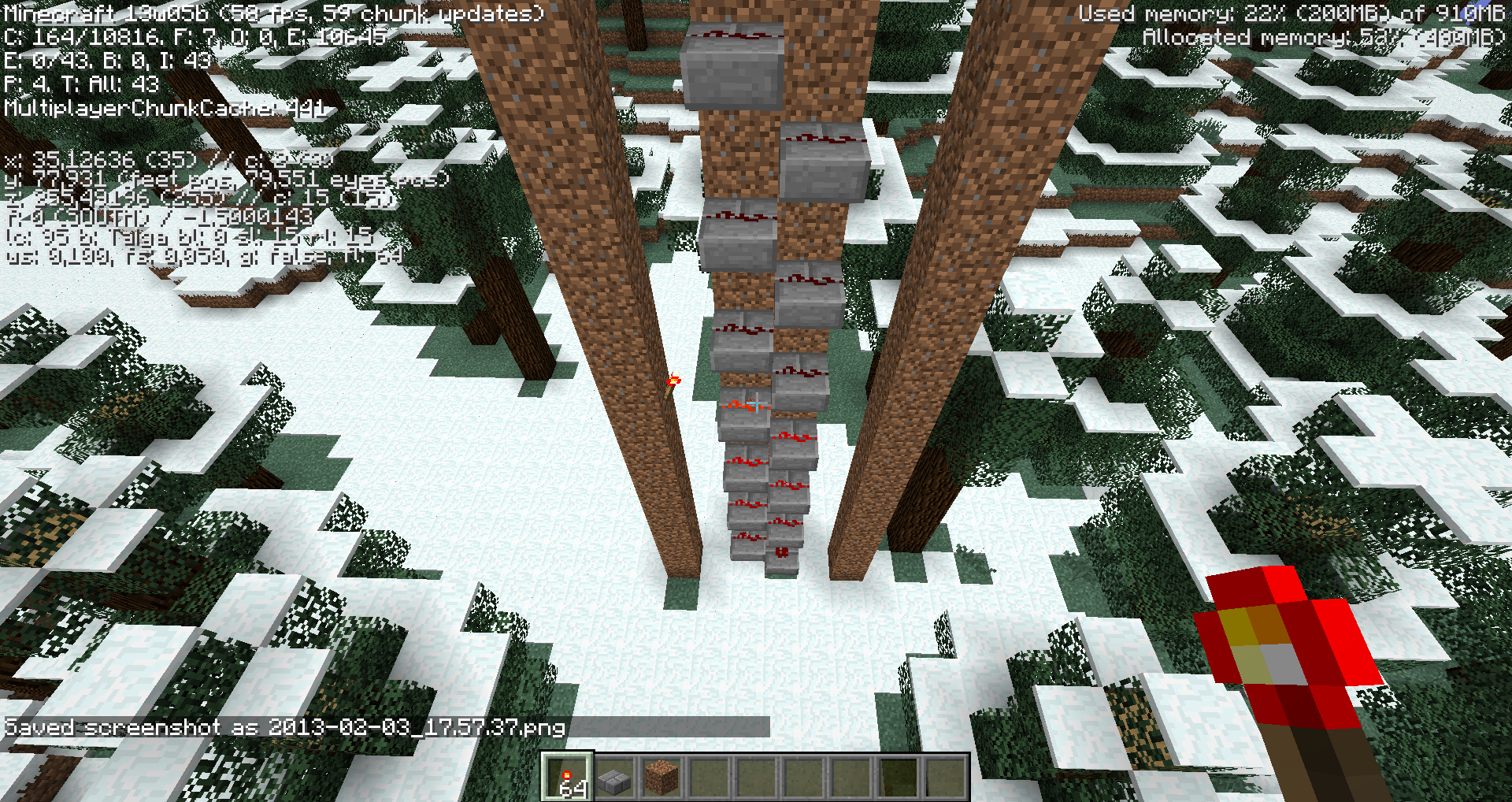
1. Build vertical wiring "stairs" using half-slabs (or glowstone, by some reports)
2. Wiring should be high enough, atleast 16 blocks total.
3. Tests show that this happens most likely when wiring is aligned along X axis.
4. Trying to input redstone signal at one of the sides (usually from where X is greater) at certain height (usually closer to the top) will crash the game.
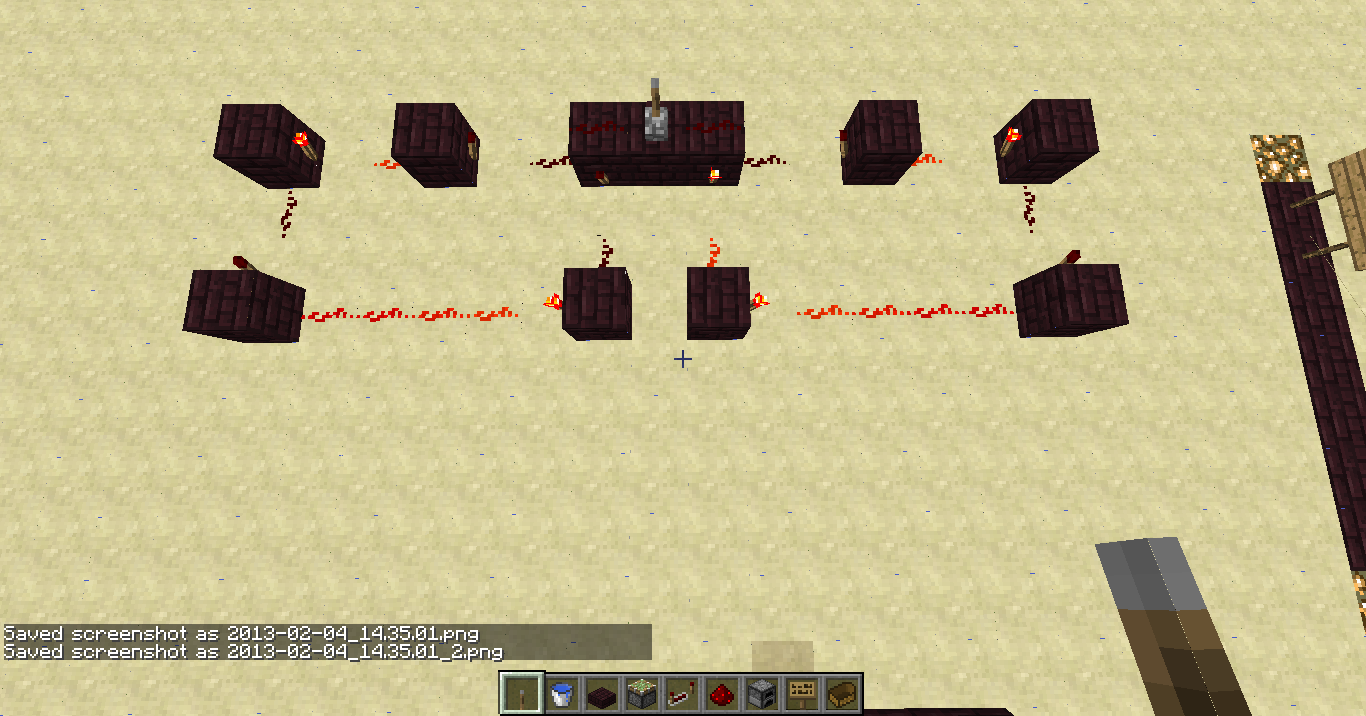
5. If you are able to relog, you will observe invalid signal travelling downwards, as in second screenshot.Video: http://youtu.be/AZPw2Cmm9DQ
Old description:
1. Placed the redstone torch on a side of a block in certain position.
2. The redstone torch appeared, in ON state (although it should be off because the block is powered, but usually they go off in a moment).
3. The game crashed before I could do anything else.
4. Reentered the world, torch was still ON, game crashed immediately.
5. Reentered the world, torch was OFF, and game didn't seem to crash.
6. Broke the torch, didn't seem to crash.
7. Placed it again, another crash.
Since the issue seems reproducable in certain configurations only, the world save file is attached, as well as crash reports. The torch in question is the one my player is facing as per save file. Try breaking it and placing again to reproduce.
The cause of this problem is clearly visible in
MC-9614.
This is not a duplicate of
MC-108, as nothing powers the piston from neiter two blocks above, nor diagonally.
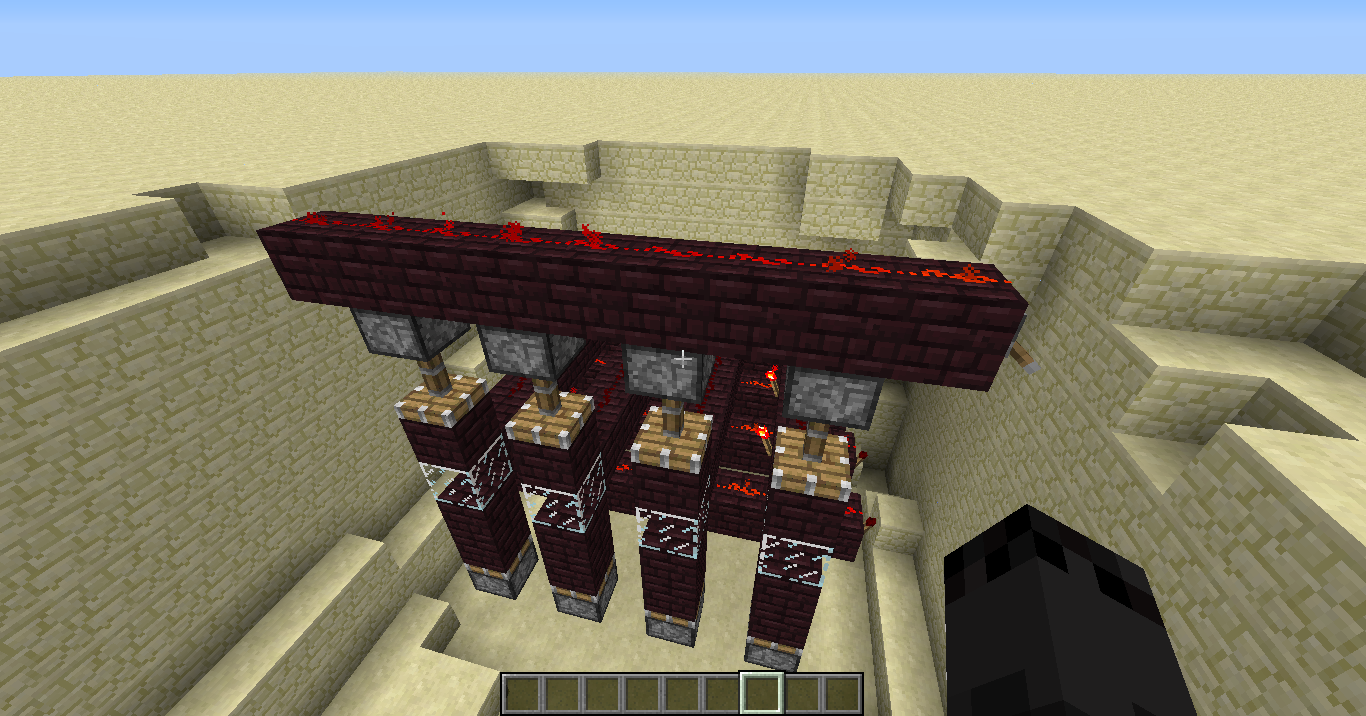
When I flip the lever off, one piston stays extended and will retract only when updated. It may relate toMC-108still, but only if the cause of the bug is that piston gets updated before another piece of wire to the left of it gets turned off.
Some pistons don't update / redstone wire doesn't schedule an update upon turning off / piston updates before redstone wire
clones
is cloned by
is cloned by
Attached a screenshot and a forced crash report.
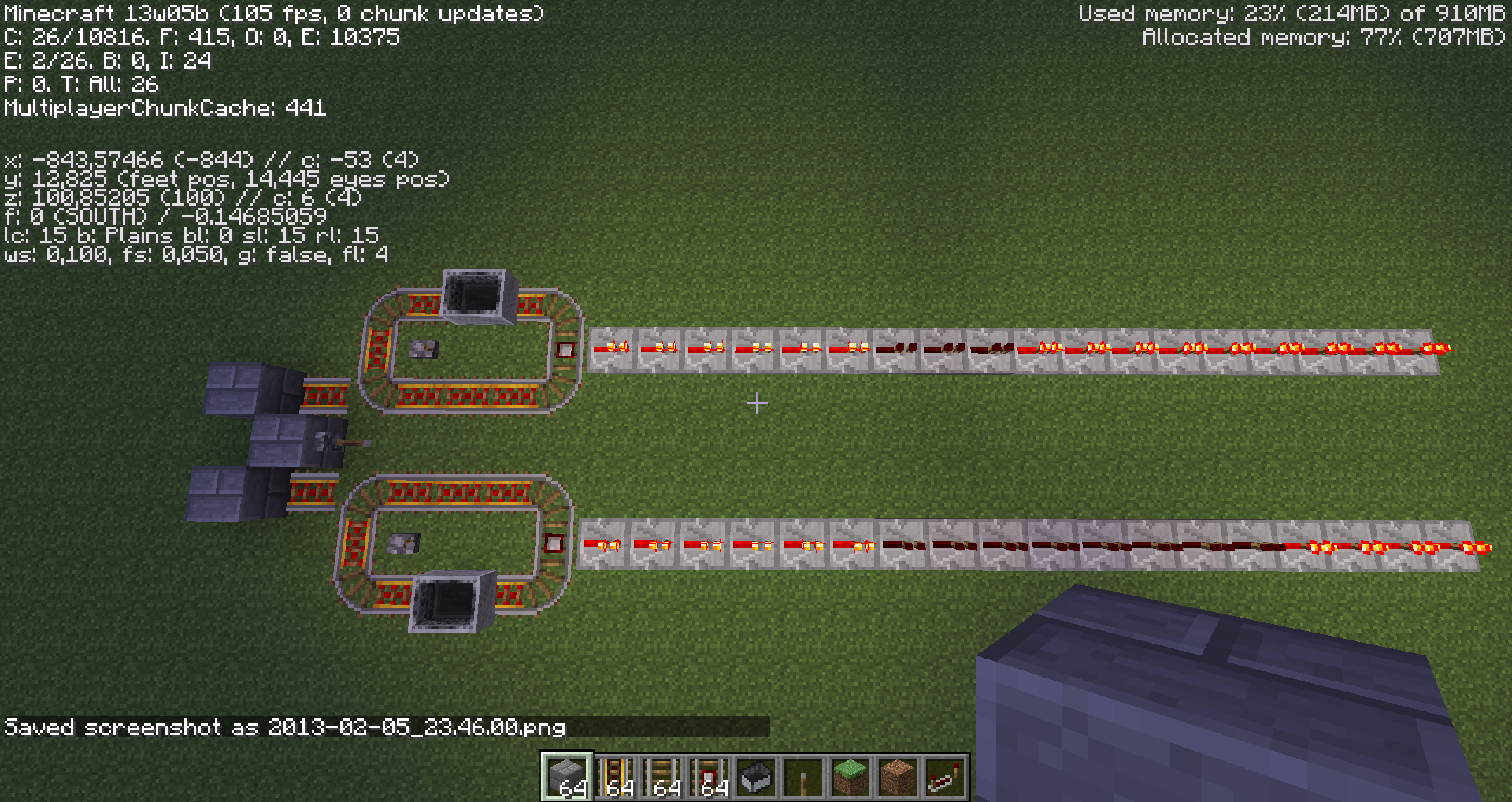
3x4 loop might be always on because of either directional stuff, or the way you start minecart, which is by pushing in your case...
It's still weird that the bug doesn't seem to show up though. I get it consistently in my setup. Should I post the world savefile?
Actually, it is downloadable at http://kimitsudesu.net/files/minecraft/sv.zip
The coordinates are shown on the screenshot.
Please reopen this issue! It may be as intended but there is an oversight. Minecarts don't seem to care about their speed when derailing or colliding, and if it derails into a fall it obviously shouldn't blow up until it lands.
Currently speed/momentum doesn't seem to matter. It's hard to figure out what kind of behaviour is really intended for these minecarts, because it doesn't make sense as of now, so it is our job to report any issue that feels buggy/wrong.
I'd like to point out that
MC-6228tells us about items not going into the hopper, while this one is about items not going out of the hopper, which might just be two different mechanics, so I'm not sure if it's really duplicate or not...As of 13w02b, you can't force update on a piston with a trapdoor or a redstone lamp, making this "feature" even less useful. Get us rid of it and give us a BUD!!!
The crash seems to be caused by half-block vertical wiring array... I can't seem to find a workaround, it keeps crashing in both of the cases:
1. When I place the torch in front of a wire.
2. When I remove the wire, place the torch, place the wire and then power the torch.
Can anyone confirm using the save file?
Can confirm for CSP, SMP. Always happens to me after server restart. For instance, automatic chicken egg dispenser stops shooting and just keeps collecting eggs (comparator pointing out of the dispenser persists in OFF state)
@Zipron Brendt, can't confirm. Still gets stuck for containers placed after 13w04a.
@Arthur Uzulin you mean
MC-6077? It is actually a bug and might be fixed in near future."Ok, so i actually checked through the code. Apparently, the comparator is updating itself + the blocks infront/behind when it gets updated."
Wow, that actually explains
MC-7771I mean, if update queue is lost after chunk unload, that is.
Can comparators receive random block updates?
@Calvin what bug are you talking about? Also, I personally don't think that solving this problem by kickstarting comparators with random block updates is a good idea. Very bad for reliability.
Happened on my server. Server's default language is English, but if someone connects with another language selected for their client, the server thinks that they try not only to combine but also to rename items, and requests more XP levels than client thinks it needs, which results in this bug. Workaround is to have player to temorarily use English(US) language while using an anvil.
I don't like minecarts in blocks, but I do like mobs in blocks - makes it easy to kill them. So I'd prefer minecart specific fix for that. Maybe minecarts should try and escape blocks like items do? **drools over minecart elevators** On the other hand, breaking them is also an option (finnaly an ability to cleanly retreive minecarts without fire), but only if it would be made sure that this doesn't happen in unexpected circumanstances...
The underlying problem is per hoppers design, they have an internal timer that counts to 7 ticks and then moves the items. This timer's initial value is set based on hopper coordinates. If two adjanced hoppers happen to have this timer go off simultaniously, the order in which they are processed depends solely on their order in some hash. That means hopper A might put items in hopper B, and hopper B will put items in hopper C, all in 1 tick. The problem manifests itself, usually, after chunk reloading, because placing hoppers by hand adds more randomness to the timer counter. I'm not sure if redstone signal will reset these timers, I personally think it will not, but it's a possibility too.
The workaround here would be to use comparator output from a hopper, invert it, and lock the same hopper with it, to make sure that hoppers go off one at a time.
On the other hand, a hopper and all his adjanced blocks count up to 7, so I can see what Mojang tried to do here, but, since it actually doesn't work, maybe it is a bug after all.
My formula for initial timer setting would be (x + y*2 + z*3) mod 7
What's their's?
Confirmed in 13w04a
if you add enough lamps, you can observe this issue even with the clock period increased by 1 redstone tick.
Rather than "Works as Intended", this is an obvious duplicate of
MC-108Doesn't seem to be an issue in 13w04a - found a proper village at x:-41400 z:40000
@Tristan, there must be atleast 2 villagers to repopulate, right?
Update java?
Wow, lighting is really wierd on these screenshots. Are you using any mods? If not, what kind of graphics card do you have?
Still present in 13w05a
Still present in 13w05a
Still present in 13w05a
GrygrFlzr: How do you know what that means? Please reopen.
Seriously? Mods, there are two bugs pointing to each other as duplicates.
Possible duplicate of
MC-8184Chunk linking tool would be cool too. For instance, a special block: once chunk is loaded that block would ensure that one specific neigbor chunk is loaded as well. This would be useful for machinery that doesn't exactly need to be loaded all of the time, but is bigger than one chunk and needs to be loaded simultaniously in order to properly work.
Mustek please learn the game features, the comparator doesn't have to update itself, but the change of redstone signal is supposed to update comparator. On the other hand, it's the bug reporters fault in naming the bug incorrectly, but if you take pride in your position as a mod, you would have noticed that after checking the bug description and changed the name.
Tip for the reporter: Make a new report, include the last screenshot only and name the bug "Change of redstone signal strength applied to the input B of a comparator doesn't updtate the output". If I understand you correctly, that is.
Nor can you place the new snow blocks on these, as of 13w05b
New easy method of recreating this bug - build a vertical half-slab wiring along X axis like in second screenshot, placing a torch next to that wiring from a certain side at a certain height is likely to produce this crash. If you are able to reload into the world you will observe invalid redstone signal travelling down, which is probably the real cause of the crash.
Bug is still present in 13w05b
Looks like redstone torches still receive random block updates.
In multiplayer, though, the issue probably lies in block update limit which can get part of your redstone updates postponed to the nex tick.
Indeed, still present in 13w05b. You have to wait for it for like 10 minutes, but it's there. Same with buttons, I beleive...
What do you mean, Dinnerbone? Shift + Double click works almost as Shift + Click but for all of the items of a type. That means that you can process the first click as normal, but if the second click arrives shortly in the same spot, repeat the same action for the whole set of items. Not to mention that using Shift + Right click is also an option.
Still present in 13w06a
@xfallxcuav, yeah it's the same. normally powered pistons cause update on diagonally powered ones and due to some underlying processing order it results in such pattern.
The upper torch powers both upper and lower piston, so they turn off simultaniously, but it is obviously a bug that the golden block is left in place. Pistons cannot move extended pistons, so the upper piston is handled as if it has already retracted, but then it should have moved the block.
Rather than in the future, can you do it asap? I'd rather play with low fps but transparent clouds..
Still an issue in 1.5.1
Please reopen the issue. Also, please explain why was it marked as invalid.
It is not the correct way to write a book. And it does not work anyway because of the same issue. Please try something yourself before proposing as a resolution.
Yes, it is.