 @lohkdesgds
- lohkdesgds
- lohkdesgds
- America/Sao_Paulo
- Yes
- No
 MC-89172
 MCPE-22904


I was playing with my friends running a server with 2048M and the following configuration:
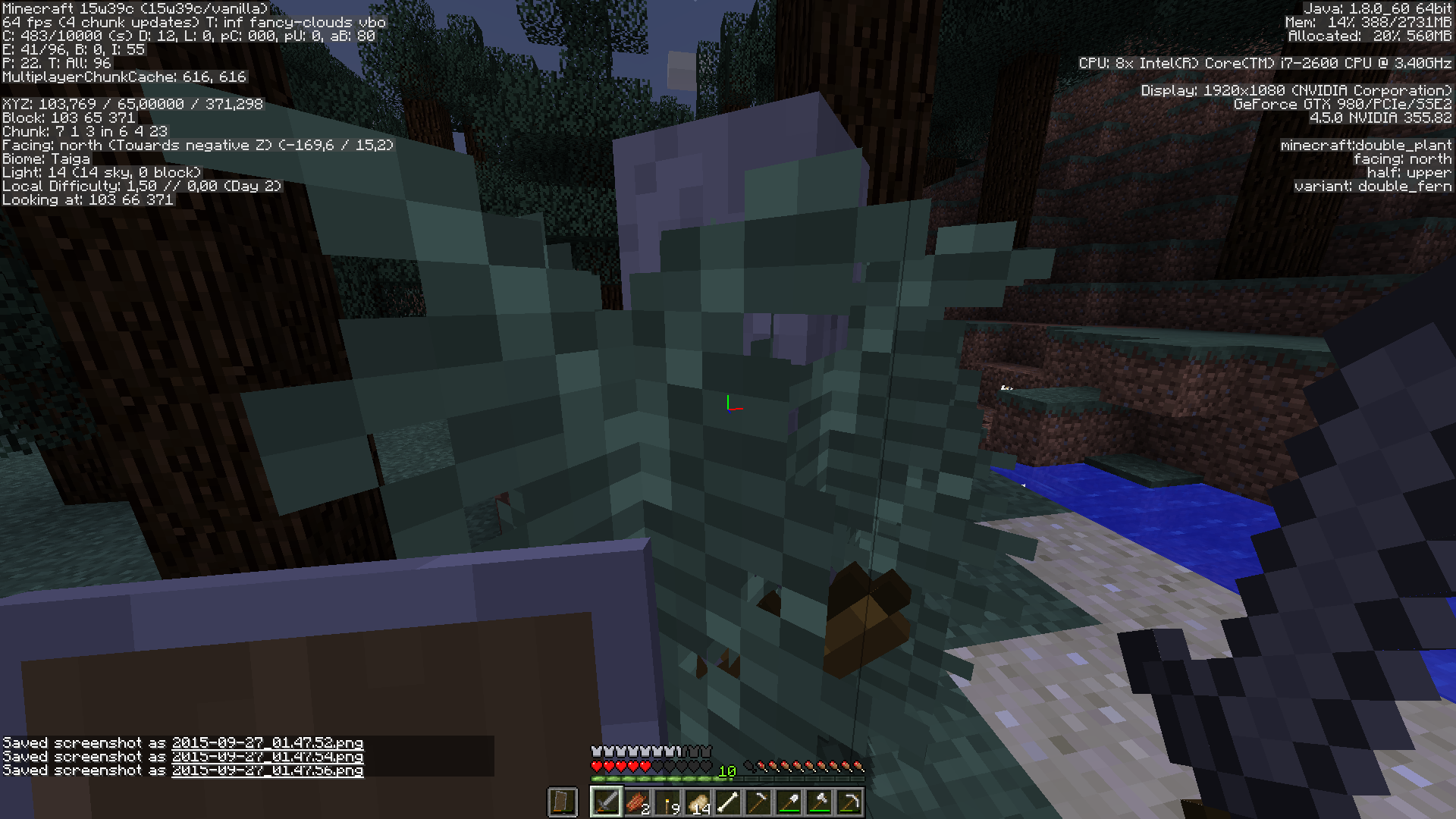
When we (3 players) walked ~250 blocks from spawn the chunks had load different and it wasn't updating blocks.
Example: We planted a tree (acacia) and we only had known it grow when we put a block next to it. Disconnecting and re-joining the server refresh as well.
Example 2: Some distant chunks doesn't load when approaching, but the blocks are there - it seems like the bug in snapshots of 1.8 (the markup is showing the block, but not the texture). Only when placing a block next to this buggy chunk it updates and load for the player (or reconnecting).
It happened when 3 players were playing. Sometimes occur "Java internal error", but I lost these messages :/
You just need to play 15 ~ 25 minutes
playing normalin survival mode. I was playing with my friend and sometimes one of us "left the game" and shows the error...
(Sorry if bad english)
You just need to play 15 ~ 25 minutes in survival mode. I was playing with my friend and sometimes one of us "left the game" and shows the error...
(Sorry if bad english)You just need to play 15 ~ 25 minutes in survival mode.
I was playing with my friend and sometimes one of us "left the game" and shows the error... (Image)
I don't know how to do this again, it just bug...
(Sorry if bad english)
Windows 10 x64
Java(TM) SE Runtime Environment (build 1.8.0_171-b11)
Single Player
CPU: i7 7700HQ
GPU: GTX 1070 8GB
Memory for the game: 12 GB of 32 GB installed.
Confirmed 1.13-pre5.
It happens when you're breaking towards north. Put a torch somewhere and start breaking to north and the bug will happen.
Chests don't have their {Lock:""} in the new format used everywhere else. I noticed that when I tried to copy a name of an item into the Lock of a chest, so then I could open it with this item.
What I expected to happen was...:
Copying the name from an item in a chest/dropper/whatever into the Lock tag of a chest should set the Lock value to the item's name so then I can use it to open the chest.
What actually happened was...:
It copied the "{\"text\":\"<name here>\"}" into the Lock tag and requires an item named {"text":"<name here>"} to open instead of <name here>.
Steps to Reproduce:
- Put a chest/dropper/dispenser somewhere you know with a named item inside (example: a torch named 'potato' in the first slot);
- Put a chest somewhere else;
- Run the command:
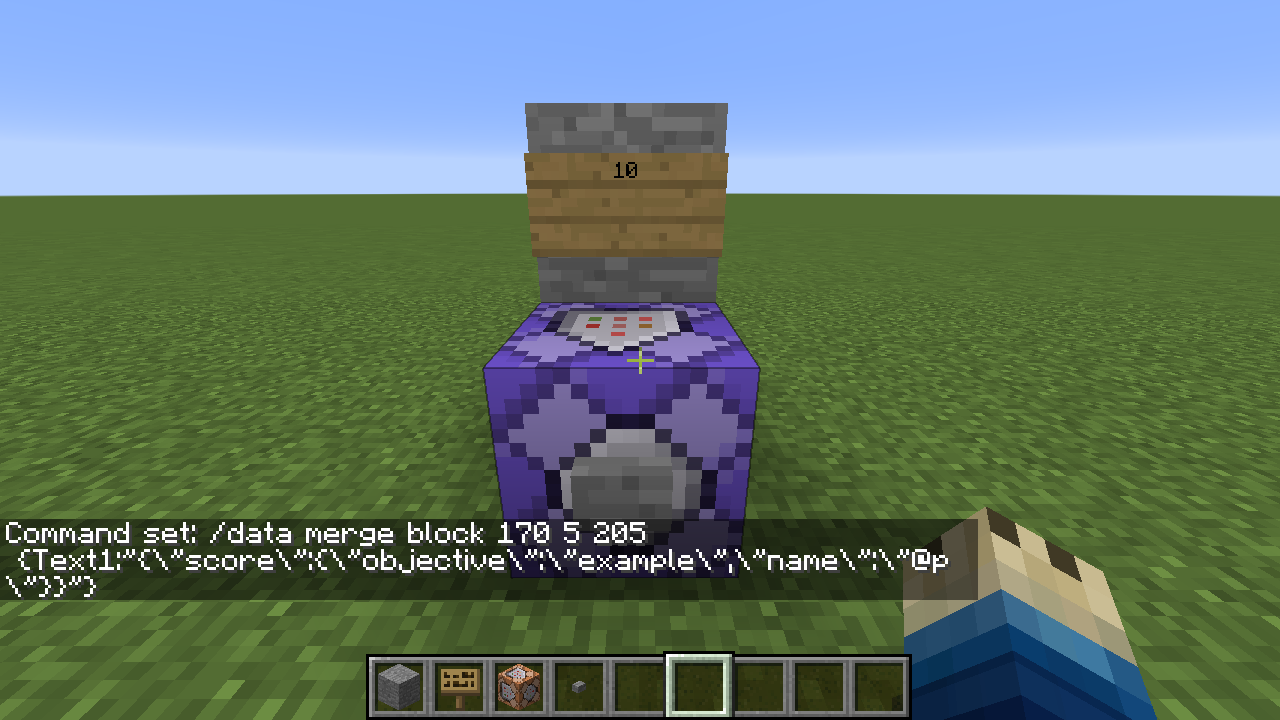
/data modify block <pos of the chest> Lock set from block <pos of the chest/dropper/dispenser with the item> Items[0].tag.display.Name
- It will set to {Lock:" {\"text\":\"potato\"}
"} and will require an item named {"text":"potato"} instead of 'potato'
Chests don't have their {Lock:""} in the new format used everywhere else. I noticed that when I tried to copy a name of an item into the Lock of a chest, so then I could open it with this item.
What I expected to happen was...:
Copying the name from an item in a chest/dropper/whatever into the Lock tag of a chest should set the Lock value to the item's name so then I can use it to open the chest.
What actually happened was...:
It copied the "{\"text\":\"<name here>\"}" into the Lock tag and requires an item named {"text":"<name here>"} to open instead of <name here>.
Steps to Reproduce:
1. Put a chest/dropper/dispenser somewhere you know with a named item inside (example: a torch named 'potato' in the first slot);
2. Put a chest somewhere else;
3. Run the command:/data modify block <pos of the chest> Lock set from block <pos of the chest/dropper/dispenser with the item> Items[0].tag.display.Name4. It will set to {Lock:"
{\"text\":\"potato\"}"} and will require an item named {"text":"potato"} instead of 'potato'
Lock tag in chestsarenot in the "{\"text\":\"name\"}" format (/data modify won't work with Lock)Lock tag in chests is not in the "{\"text\":\"name\"}" format (/data modify won't work with Lock)
Lock tag in chests is not in the "{\"text\":\"name\"}" format(/data modify won't work with Lock)
Chests don't have their {Lock:""} in the new format used everywhere else. I noticed that when I tried to copy a name of an item into the Lock of a chest, so then I could open it with this item.
What I expected to happen was...:
Copying the name from an item in a chest/dropper/whatever into the Lock tag of a chest should set the Lock value to the item's name so then I can use it to open the chest.
What actually happened was...:
It copied the "{\"text\":\"<name here>\"}" into the Lock tag and requires an item named {"text":"<name here>"} to open instead of <name here>.
Steps to Reproduce:
1. Put a chest/dropper/dispenser somewhere you know with a named item inside (example: a torch named 'potato' in the first slot);
2. Put a chest somewhere else;
3. Run the command:/data modify block <pos of the chest> Lock set from block <pos of the chest/dropper/dispenser with the item> Items[0].tag.display.Name{\"text\":\"potato\"}
4. It will set to {Lock:""} and will require an item named {"text":"potato"} instead of 'potato'
Chests don't have their {Lock:""} in the new format used everywhere else. I noticed that when I tried to copy a name of an item into the Lock of a chest, so then I could open it with this item.
What I expected to happen was...:
Copying the name from an item in a chest/dropper/whatever into the Lock tag of a chest should set the Lock value to the item's name so then I can use it to open the chest.
What actually happened was...:
It copied the "{\"text\":\"<name here>\"}" into the Lock tag and requires an item named {"text":"<name here>"} to open instead of <name here>.
Steps to Reproduce:
1. Put a chest/dropper/dispenser somewhere you know with a named item inside (example: a torch named 'potato' in the first slot);
2. Put a chest somewhere else;
3. Run the command:/data modify block <pos of the chest> Lock set from block <pos of the chest/dropper/dispenser with the item> Items[0].tag.display.Name4. It will set to {Lock:"
{\"text\":\"potato\"}"} and will require an item named {"text":"potato"} instead of 'potato'
It only bugs this way when you load complex and/or too far (32 chunks or amplified worlds in 16+chunks) O.o
I have something like that. I saw chunks glitching/reloading in my server when playing in this new version. Sometimes it seems to lag, but when I turn down the render and try again it stops (luck?)...
Still on 1.11....
It works a little better now, but if you have more than ~20 servers in your list and you "spam" F5 it thinks as much as you press, so updates this amount of time (shouldn't it ignore new F5 or forget the old ping request?)
I guess it pings every server and then think "oh, he pressed F5, let me try ping again" << if you pressed 20 times, it will loop 20 times the list, so if there's offline servers maybe it will take more time to do.
I lost my old list, made a new one with 18 servers. It was hard to test because when I reported I guess the offline servers helped me with the test (I guess, just thinking about the timing for pinging).
Sorry being offline that time, I had lost my acc ;-; ~ Now it's ok
Since 16w32a...
https://youtu.be/SolIU2jf5lA?t=8m10s
I tested, and it's possible if you do " /recipe give @p * ". In survival without that command I didn't get that recipe for 2x2.
Confirmed
Still on 1.13-pre5
Can confirm in 1.13-pre5.
It happens when you're breaking towards north. Put a torch somewhere and start breaking to north and the bug will happen.
Can confirm for 1.13-pre5
Opening the 1.13-pre5 server, giving op and running "/effect give @a minecraft:absorption" will kick an op.
Running the same command on console will return "An unexpected error occurred trying to execute that command" but will work.
It doesn't happen if you wait some seconds, but still a bug if you want to teleport an amor stand faster. Used "/tp @e[type=minecraft:armor_stand] @s" for testing.
Can confirm on 1.13-pre5
I downloaded from https://minecraft.net/pt-br/article/minecraft-113-pre-release the server.jar, opened, changed the eula.txt to true, opened again and then joined localhost on Minecraft. Then I just "/op <me>" and tried the command "/effect give @a minecraft:absorption" in game.
Maybe it's an op thing because non-op cannot use /effect. I cannot test it right now with more than one op, maybe it's just a return bug from the command.
I am creating a datapack. It should work with any name. How am I gonna do this? There's a way to copy a name to Lore, there's a way to copy name from one to another, but I can't copy its name as a key for a chest because it doesn't copy the name itself / Lock doesn't work with this format of name ( {"text":"key"} ). That's the thing.
I know just using commands like that knowing the name is easy, but it is not possible to do this automatically with a datapack / function / commandblock
So what is it? What should I do?
It's bizarre that you can copy anything to anything but not a text into a Lock tag.
Should I call it a suggestion to a new feature?
I called it a bug because this is the only one tag that doesn't follow the new format :/