 NotLinkRob
- LuisRobert54
- luisrobert54
- America/Adak
- Yes
- No
 MCPE-145831MCPE-153152MCPE-153607MCPE-153608MCPE-155807MCPE-158228MCPE-158661MCPE-164416MCPE-164749MCPE-165203MCPE-168235














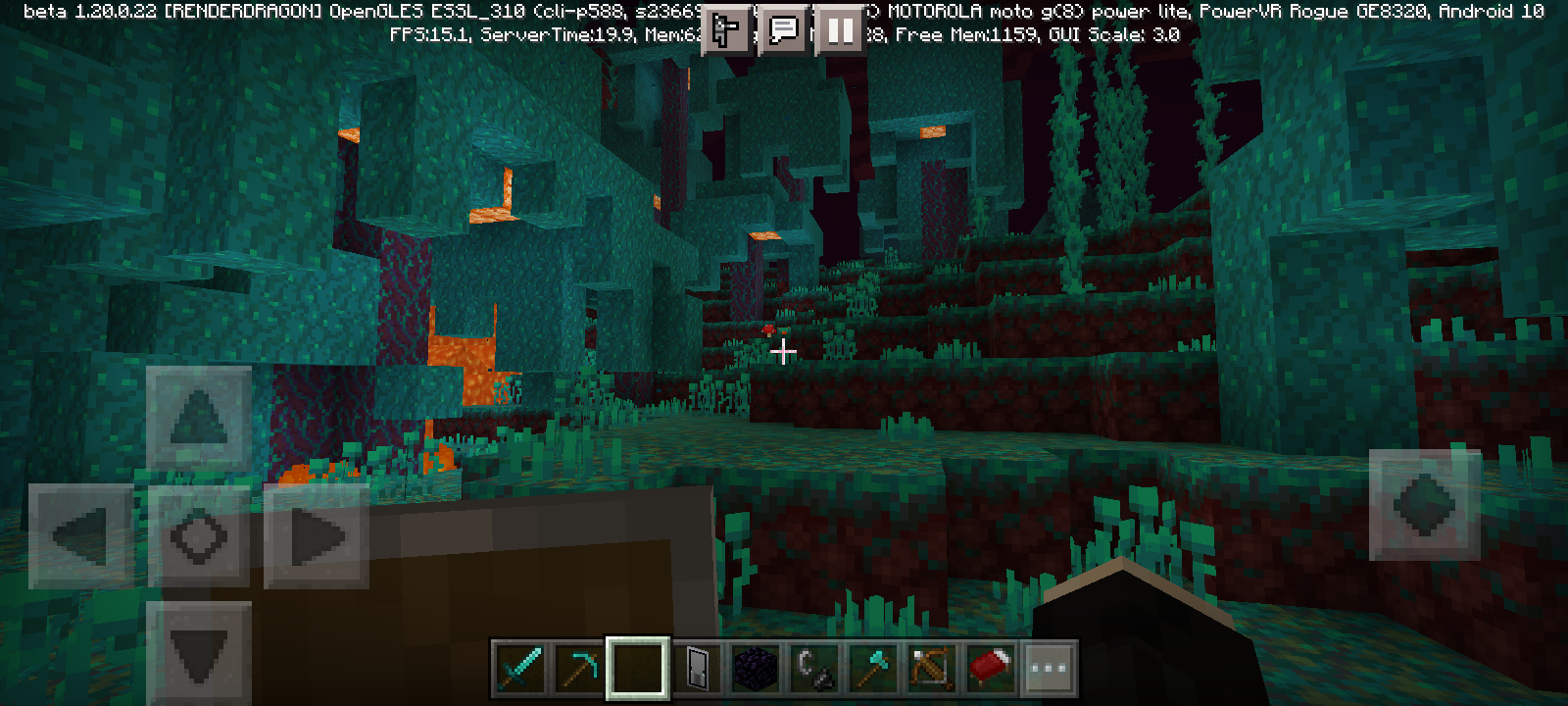


When you
arefighting with a mob and you hit it with a critical hit the game crashes within 2-3 critical hits.When you fight a hostile mob or kill a peaceful mob the game crashes, it also happens with /kill @e command
whentrying to do critical hitsthe game crashesWhen you kill a mob, the game crashes.
You can't create mud with a bottle of water
.You can't create mud with a bottle of water on grass block
You can't create mud with a bottle of water on grass block
Camera is switched when experimental short sneaking mode is active.
The first image is without the experimental short sneaking lever
The second is with the short sneaking experimental lever active
Screenshot_20230318-234500.png
The Ender Dragon
sometimesloses a lot ofhealth when hit by players, especiallywhen takingdamage from melee player after being regenerated by Ender crystals.
However, his death animation doesn't work perfectly, causing the dragon to freeze on death.The Ender Dragon loses a lot of life when attacking in melee. However, this can be reproduced by shooting the dragon and upon landing you have to attack it with weapons like swords etc.
If the dragon is not shot, it will not lose life as if it were hit by arrows.
However, his death animation doesn't work perfectly, causing the dragon to freeze on death.
Ender Dragonsometimes loses too much lifeand death animation doesn't workEnder Dragon loses a lot of health after receiving projectile attacks and death animation doesn't work
The Ender Dragon lose
sa lot oflife when attacking in melee. However, this can be reproduced by shooting the dragon and upon landing you have to attack it with weapons like swords etc.
If the dragon is
notshot, it will not lose life as if it were hit by arrows.
However, his death animation doesn't work perfectly, causing the dragon to freeze on death.
The Ender Dragon starts to lose a lot of health after being shot just before it lands on the exit portal.
If the dragon is shot just before landing, its damage calculation is altered which makes it easily defeated.
However, his death animation doesn't work perfectly, causing the dragon to freeze on death.
When the dragon dies it staysin theplace where it died, making its animation static.Usually killing the dragon produces a levitation animation and it begins to disappear, however in the latest beta/preview versions the animation of levitating after dying is not played.
In the video the dragon reaches the exit portal, but even if it dies in the exit portal or in the air, there is no levitation in the animation and the dragon remains frozen at its point of death
Usually killing the dragon produces a levitation animation and it begins to disappear, however in the latest beta/preview versions the animation of levitating after dying is not played.
In the video the dragon reaches the exit portal, but even if it dies in the exit portal or in the air, there is no levitation in the animation and the dragon remains frozen at its point of death
In the following videos we can see the bug in the video with the title "EnderDragon_Death_bug", while in the "EnderDragon_Death_No_Bug" It is the video that shows what the correct animation should be like
NoteThis report is tracking lag when performing actions like opening inventories, and brief freezes during gameplay, on Android devices. Please do not comment here about issues on other platforms.
For overall slowing down of the game specifically when villagers are loaded on any device see
MCPE-175100.This problem is present
in both the betas/preview 1.20.40.XX and the full release 1.20.30.What happens is that objects and blocks sometimes cause terrible performance
onmobile deviceslike Android.Take for example, grabbing a block of any type, weapon or tool with or without enchantments, custom banners, and custom shields.
Entities stay frozen until after being hit, see the creative inventory being more specific to the "items" tab. Do these examples lead to the same problem "Bad performance"
Maybe on computers this is less serious but on phones it is almost impossible to play. So please Mojang fix this, the fate of Minecraft depends on the mobile version
NoteThis report is tracking lag when performing actions like opening inventories, and brief freezes during gameplay, on Android devices. Please do not comment here about issues on other platforms.
For overall slowing down of the game specifically when villagers are loaded on any device see
MCPE-175100.This problem is present since full release 1.20.X
What happens is that objects and blocks sometimes cause terrible performance in Mobile devices.
Take for example, grabbing a block of any type, weapon or tool with or without enchantments, custom banners, and custom shields.
Entities stay frozen until after being hit, see the creative inventory being more specific to the "items" tab. Do these examples lead to the same problem "Bad performance"
NoteThis report is tracking lag when performing actions like opening inventories, and brief freezes during gameplay, on Android devices. Please do not comment here about issues on other platforms, or other unrelated bugs. Comments that do not add useful information may be removed.
For overall slowing down of the game specifically when villagers are loaded on any device see
MCPE-175100.Please only comment if you have new information related to reproducing this issue.
To discuss this or any other bug, or to request adding affected versions, please use the Mojira DiscordThis problem is present since full release 1.20.X
What happens is that objects and blocks sometimes cause terrible performance in Mobile devices.
Take for example, grabbing a block of any type, weapon or tool with or without enchantments, custom banners, and custom shields.
Entities stay frozen until after being hit, see the creative inventory being more specific to the "items" tab. Do these examples lead to the same problem "Bad performance"NoteThis report is tracking lag when performing actions like opening inventories, and brief freezes during gameplay, on Android devices. Please do not comment here about issues on other platforms, or other unrelated bugs. Comments that do not add useful information may be removed.
For overall slowing down of the game specifically when villagers are loaded on any device see
MCPE-175100.Please only comment if you have new information related to reproducing this issue.
To discuss this or any other bug, or to request adding affected versions, please use the Mojira DiscordThis problem is present since full release 1.20.X
What happens is that objects and blocks sometimes cause terrible performance in Mobile devices.
Take for example, grabbing a block of any type, weapon or tool with or without enchantments, custom banners, and custom shields.
See the creative inventory being more specific to the "items" tab. Do these examples lead to the same problem "Bad performance"
If the brightness intensity of the enchantment is decreased, part of the problem is corrected a little but the lag still occurs. Even with all graphics options turned off and at a minimum, this bug still occurs
This problem has been encountered since versions ("1.19.60.X, 1.20.0 - 1.21").
Th
e bug consists of the following. In the most recent versions of Minecraft bedrock 1.21.X the base stability is very good. However, everything starts to go downhill after performing or witnessing a specific event.Take for example mob spawning running, if the "domobspawning" game rule is turned on, the game starts to have a bad FPS rate.
To make this explanation shorter, it will be revealed what causes the poor performance.
-Mob spawning.
-Enchant items such as bows, crossbows, tridents, andshields.
-Creating and maintaining equipped banners on shields. This, for example, causes a considerable drop in FPS.
-Create, select, and place banners in the world, such as having banners placed, crafting them, or taking them from the creative inventory.
-Sometimes taking blocks causes an FPS drop.
If you perform these examples on an Android device, you will be able to see the poor performance even if the device is high-end.
It is more notable that mob spawning in the world affects more in this case.
This problem has been encountered since versions ("1.19.60.X, 1.20.0 - 1.21").
This occurs possible when crafting a banners & Banner shields from 2X2 Crafting, Crafting table.
Relates to
MCPE-175116(First part of performance issues)
Steps to reproduce
This only reproduce with Android
Crafting testing:
Crafting in 2x2 banner shields
Create a new world
Open your inventory with 2x2 crafting, Take 1 Shield to left or right grid
Place a 1 banner to shield ------> The performance is down upon the placing 1 banner
Click the custom banner shield in crafting output -----> Another performance down
Crafting in 3x3 banner
Take Crafting table, Stick and Wools
Open the crafting table and create a banner shown the following recipe -----> The 1 wool filling into 2x3 grid can lead to performance down
Mob Spawning:
Create a new world with Mob spawning is disabled, Start the mob spawning by using /gamerule domobspawing true and Wait for mobs spawning -----> The performance will down upon the mobs spawned.
This occurs possible when crafting a banners & Banner shields from 2X2 Crafting, Crafting table.
Relates to
MCPE-175116(First part of performance issues)
My Mobile device is: Motorola Moto g8 Power Lite, Ram: 4gb, 8 inner cores, Processor: Mediatek Helio P35.
Steps to reproduce
This only reproduce with Android
Crafting testing:
Crafting in 2x2 banner shields
Create a new world
Open your inventory with 2x2 crafting, Take 1 Shield to left or right grid
Place a 1 banner to shield ------> The performance is down upon the placing 1 banner
Click the custom banner shield in crafting output -----> Another performance down
Crafting in 3x3 banner
Take Crafting table, Stick and Wools
Open the crafting table and create a banner shown the following recipe -----> The 1 wool filling into 2x3 grid can lead to performance down
Mob Spawning:
Create a new world with Mob spawning is disabled, Start the mob spawning by using /gamerule domobspawing true and Wait for mobs spawning -----> The performance will down upon the mobs spawned
This occurs possible when crafting a banners & Banner shields from 2X2 Crafting, Crafting table.
Relates to
MCPE-175116(First part of performance issues)
My Mobile device is: Motorola Moto g8 Power Lite, OS: Android 10, Ram: 4gb, 8 inner cores, Processor: Mediatek Helio P35.
Steps to reproduce
This only reproduce with Android
Crafting testing:
Crafting in 2x2 banner shields
Create a new world
Open your inventory with 2x2 crafting, Take 1 Shield to left or right grid
Place a 1 banner to shield ------> The performance is down upon the placing 1 banner
Click the custom banner shield in crafting output -----> Another performance down
Crafting in 3x3 banner
Take Crafting table, Stick and Wools
Open the crafting table and create a banner shown the following recipe -----> The 1 wool filling into 2x3 grid can lead to performance down
Mob Spawning:
Create a new world with Mob spawning is disabled, Start the mob spawning by using /gamerule domobspawing true and Wait for mobs spawning -----> The performance will down upon the mobs spawned
Steps to reproduce:
1. Create a new creative or survival world.
2.Take two shields and a banner.
3. Make a shield have the banner and place it in any slot.
4. Move the
shield without a bannerto the slot where the shield withabanner was.
Results:
The shield that does not have a banner receives one
insidethe inventory,since outside the inventory this visual bug does not happen.Steps to reproduce:
1. Create a new creative or survival world.
2.Take two shields and a banner.
3. Make a shield have the banner and place it in any slot.
4. Move the normal shield to the slot where the shield with banner was.
Results:
The shield that does not have a banner receives one banner in the inventory, but this no happen if you close inventory
Visual bugs with Shieldsin inventoryShield bug in inventory screen
Steps to reproduce:
1. Create a new creative or survival world.
2.Take two shields and a banner.
3. Make a shield have the banner and place it in any slot.
4. Move the normal shield to the slot where the shield with banner was.
Results:
The shield that does not have a banner receives one banner in the inventory, but this no happen if you close inventory.
Also, if you close the world and reopen it again the bug disappears until you replay the steps to see the bug.


When browsing through the inventory tabs using mobile devices, whether in creative or survival, it becomes difficult to find a block, item, etc.
Observed results: Moving tabs up and down prevents a comfortable search.
Expected results: Navigating through inventory and between items should be comfortable.
Navigating through inventory tabs in mobile is uncomfortable
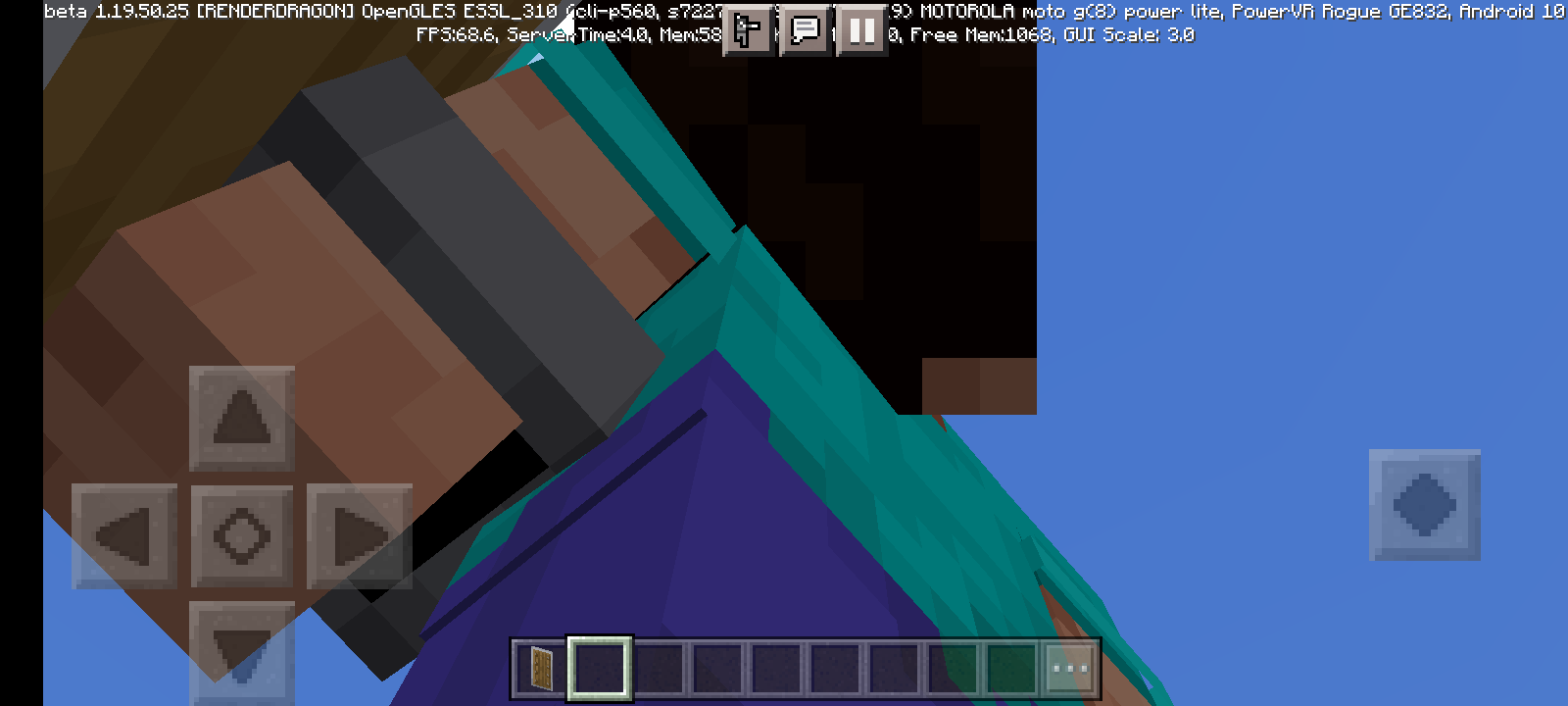
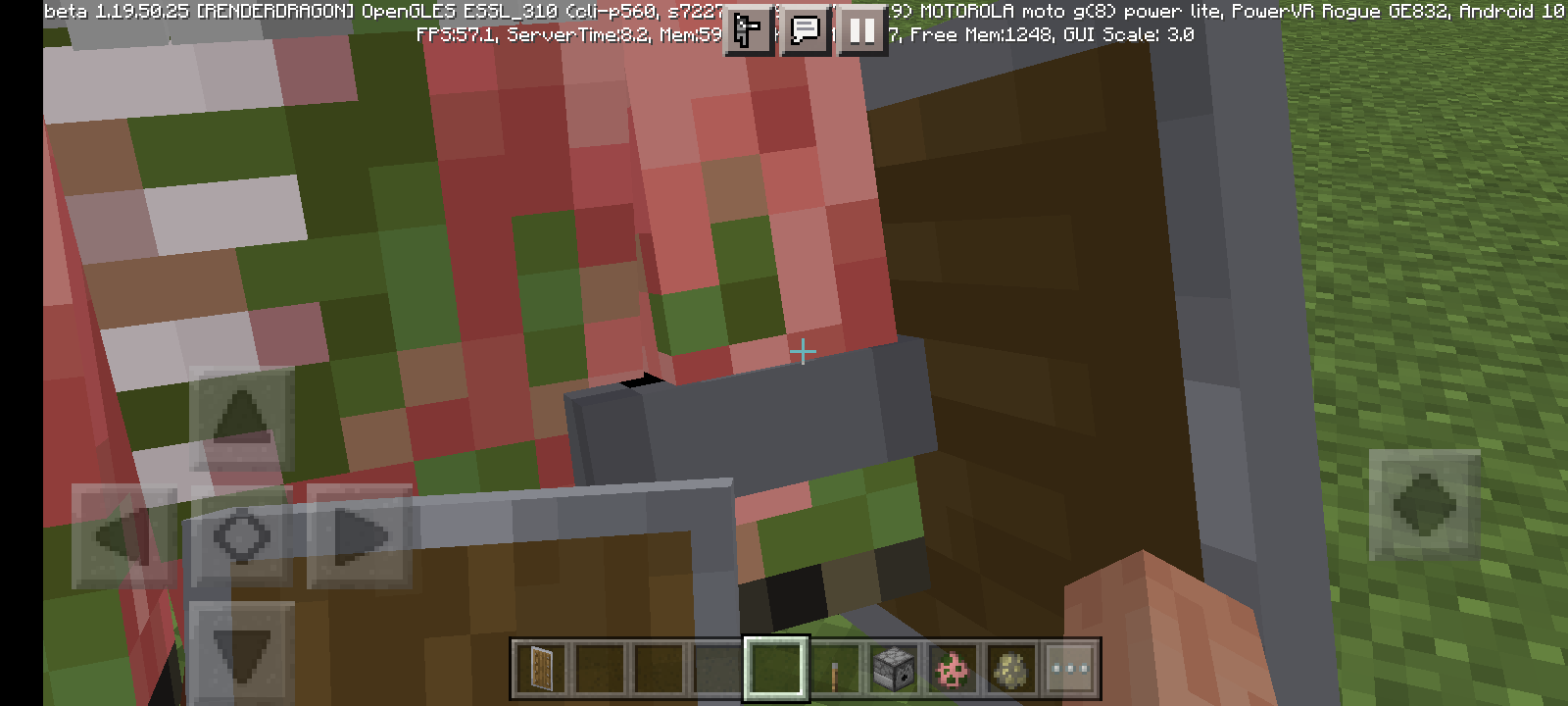
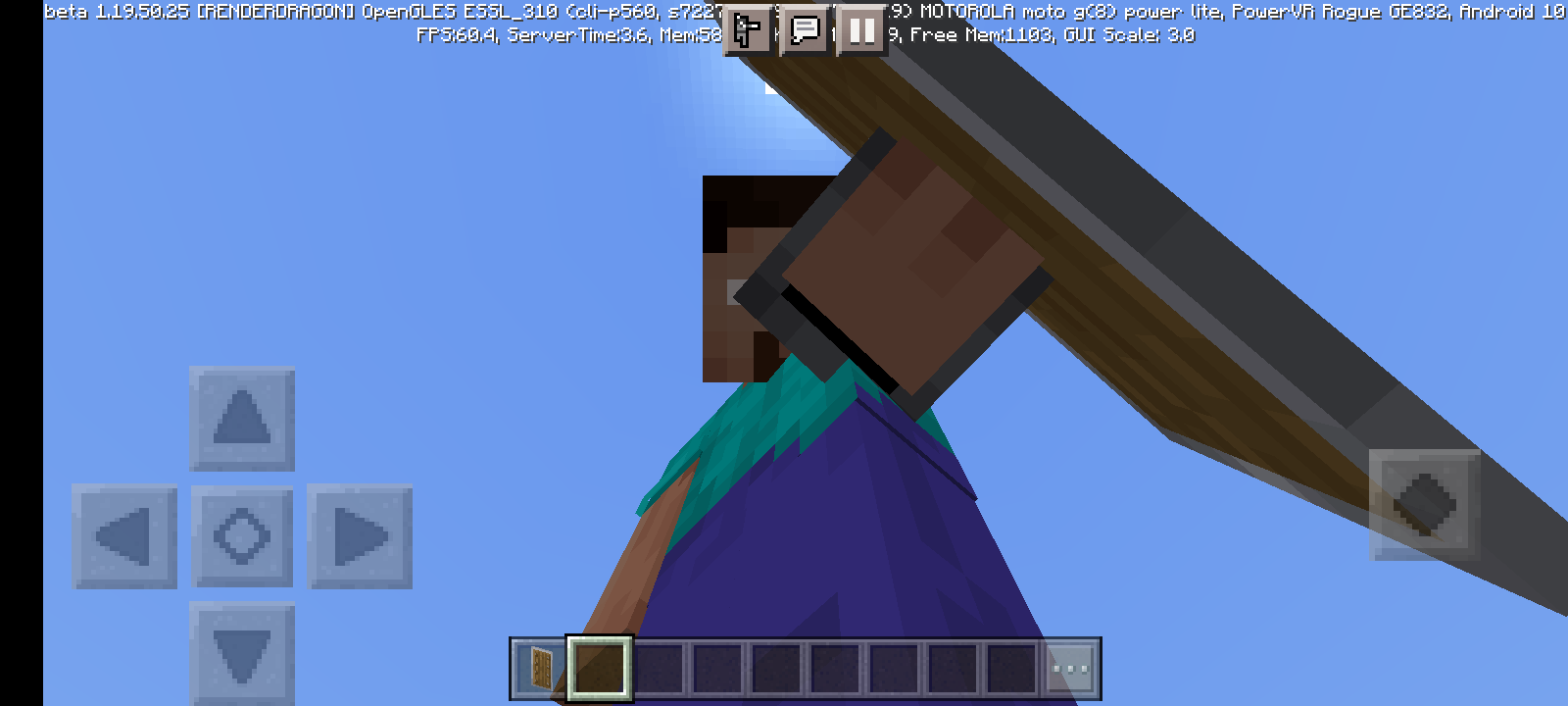
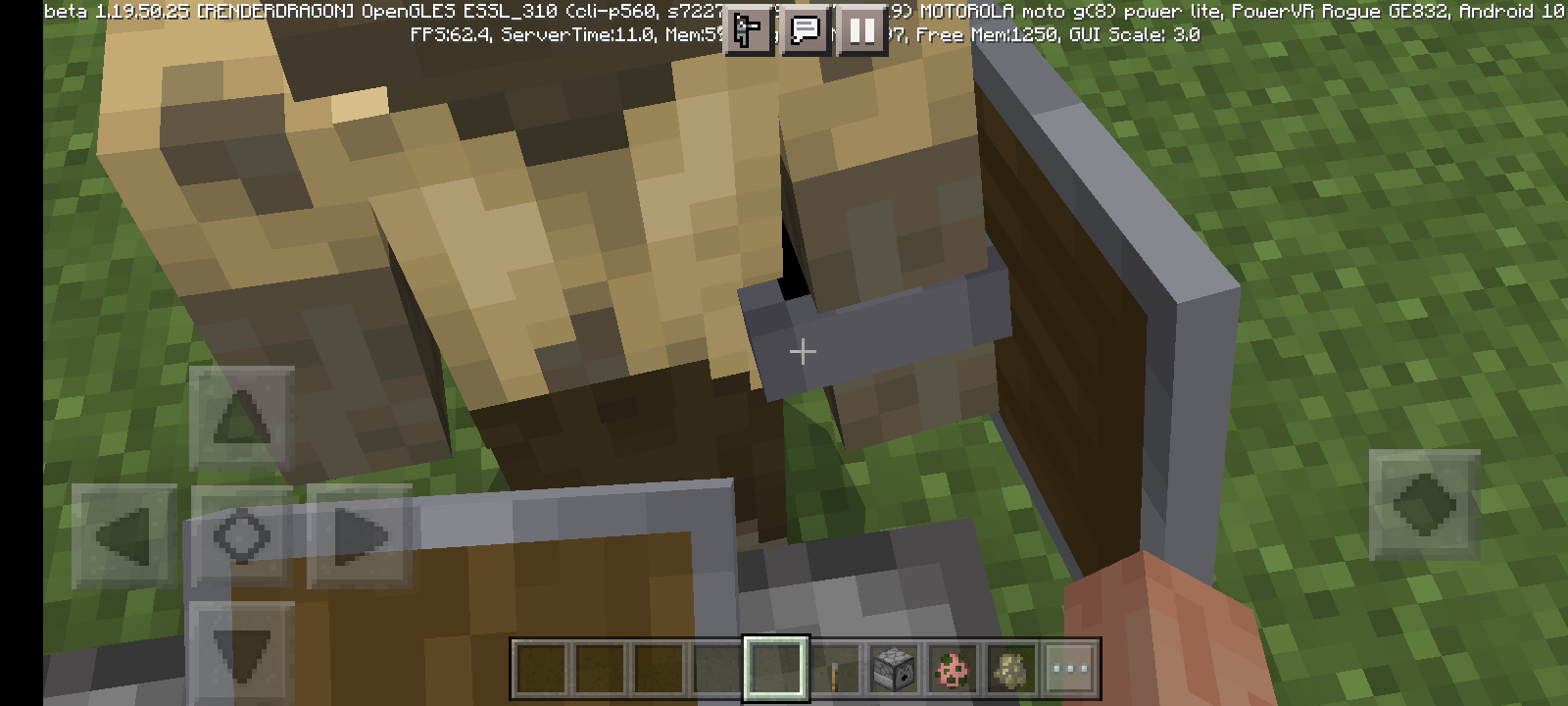
Player modelcrasheswhen pause game option is activePlayer model bug when pause game option is active

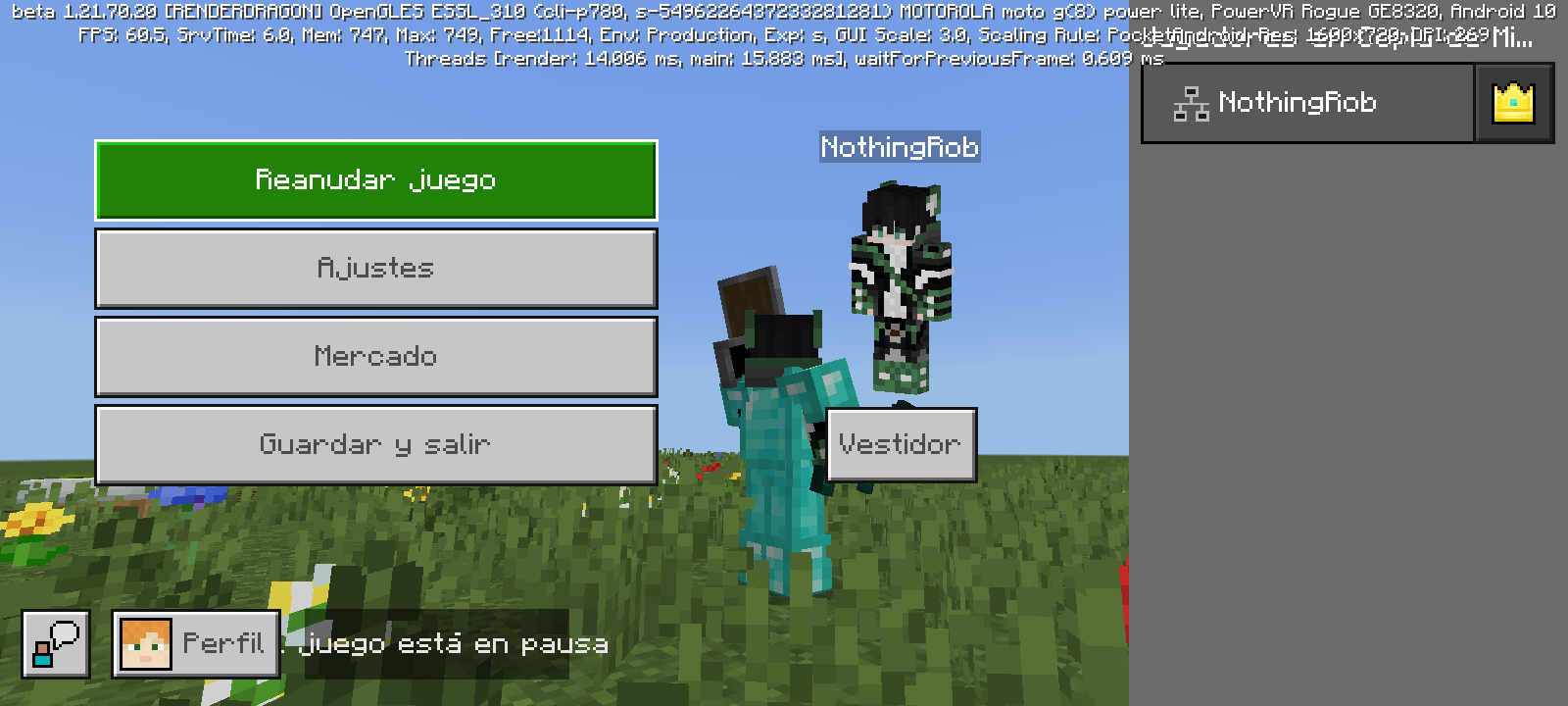
the device is a Motorola moto g(8) power lite, android 10
Yes, both the world and the banner with patterns, were created from beta 1.19.80.22
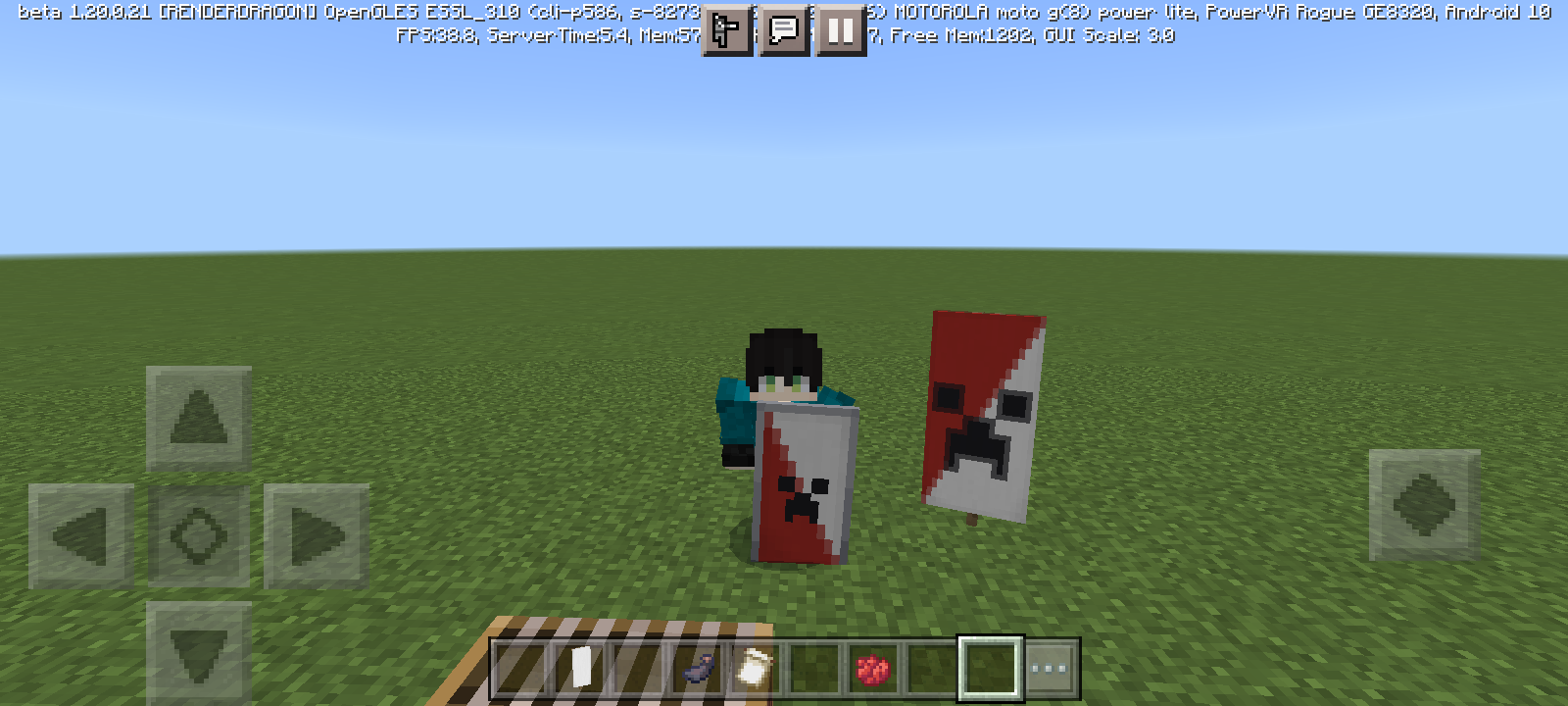
The reason why the diagonal patterns on banner shields are different is because the banners use the wrong patterns, causing the inverted effect.
As for the shields with banners, their patterns are correct.
In summary. banner patterns are wrong, shield patterns are perfectly fine.
Using a bow that breaks after its last use causes the bug to occur as well.
I agree even having blocks and tools or weapons makes it go very badly.
In my case, making custom banners or enchanted tools causes it to crash.
Mojang please think about mobile devices, without us Minecraft will die
Here I have evidence about this bug
https://youtu.be/LGxlyiPBNV0?si=CD0VR_sU9fbPyRa9
https://youtu.be/npJtZF9QX9U?si=GwF0JCmSeH28NHnP
The game starts to freeze if you have things in your inventory, in the hotbar, offhand, etc.
There are several examples: having a banner with patterns or shields with banners.
However, even if you do not have an object that has these kinds of details, it freezes.
Even if you have blocks, weapons, etc. The game freezes for a few seconds and then goes "normal" and then freezes again and repeats itself all the time
Okay, in the recent beta/preview version this problem continues to occur, however in the full release 1.20.32 it seems that the problem persists only a little, but it is an improvement if we compare it with previous versions, for example betas/previews and full release of "1.20.3X" and betas/previews of "1.20.4X", If things continue their course, this will probably disappear sooner or later.
In the most recent Beta/Preview (1.20.60.26) there was a great improvement in performance. However, the bug is still present, although its presence has decreased
In the latest Beta/Preview 1.21.0.20, this bug is no longer present. That is, the shield works again, this could have been resolved without problems and not been mentioned in the changelog
I was playing since 1.21.0.x beta and well, the situation is this:
Having enchanted items causes performance to be drastically reduced, this includes creating items with textures or customization. Doing the math, the fps drop ranges from 4-7 fps for each enchanted object, example:
Also, it should be mentioned that when doing the following there may be a freezing between 4 - 10 seconds approx. This may include the action of selecting an object from the list with the Main hand, equipment, block placement, interactions, block destruction, etc.
"Enchanted full armor": -10 fps.
"Armor trims on full armor": -15 fps.
"Enchanted items": -7 fps.
"Enchanted Bows, crossbows, tridents, mace, etc.": -8 fps.
"Banners with or without patterns placed on the wall, or on the floor": -7 fps.
"Banners held in the Main hand with or without patterns": -15fps
"Shields banners with or without patterns": -14 fps + "Enchanted Shields" -16 fps, in total: -30 fps in this.
It has also been seen that mobs spawned that have armor and items with or without enchantment, Wolves with dyed and untinted armor also affect.
Hello everyone. As you know, this bug has been happening for months and has not yet been resolved. However, I took the task of creating a part 2 of this report.
This is the second part. MCPE-183609
It is necessary that you visit the second part of this report to be able to collect more information about the affected devices, just as they have done here, but now in the second part.
So, please make sure to support the second report and then we could be more efficient in possibly fixing this bug.
What I've noticed with this bug is that the blocks are placed but they are placed after 2-4 seconds. Having a small, almost imperceptible drop in fps.
One theory is that when the bug occurs, you might notice blocky transparency, as if the chunk couldn't load properly.
For example, the Overworld, Nether, and End all have this issue every 40-60 seconds. Which makes it a problem in construction, for example making a small bridge in the Nether or End is dangerous.
Diagnosed since 1.16 and still present in 1.21.40-41
In theory it was fixed, but it only happens if the game is connected to the internet.
So logically the devs should make it like in the previous Betas/Previews, that is.
It comes installed in the game by default, without the need to activate the internet or log in to Xbox Live.