 One-One
- rainfur
- rainfur
- America/Chicago
- Yes
- No
 MC-7311
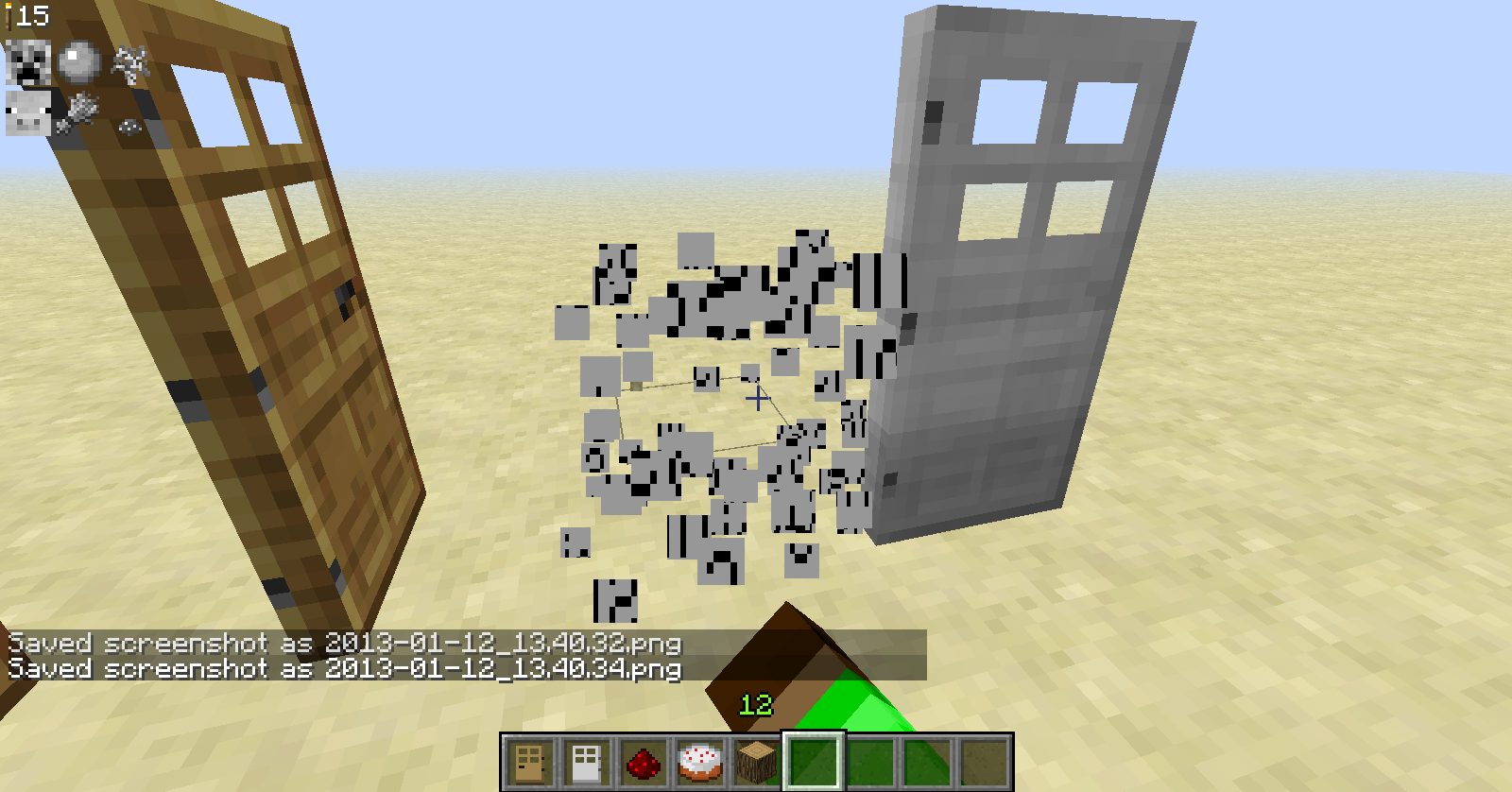

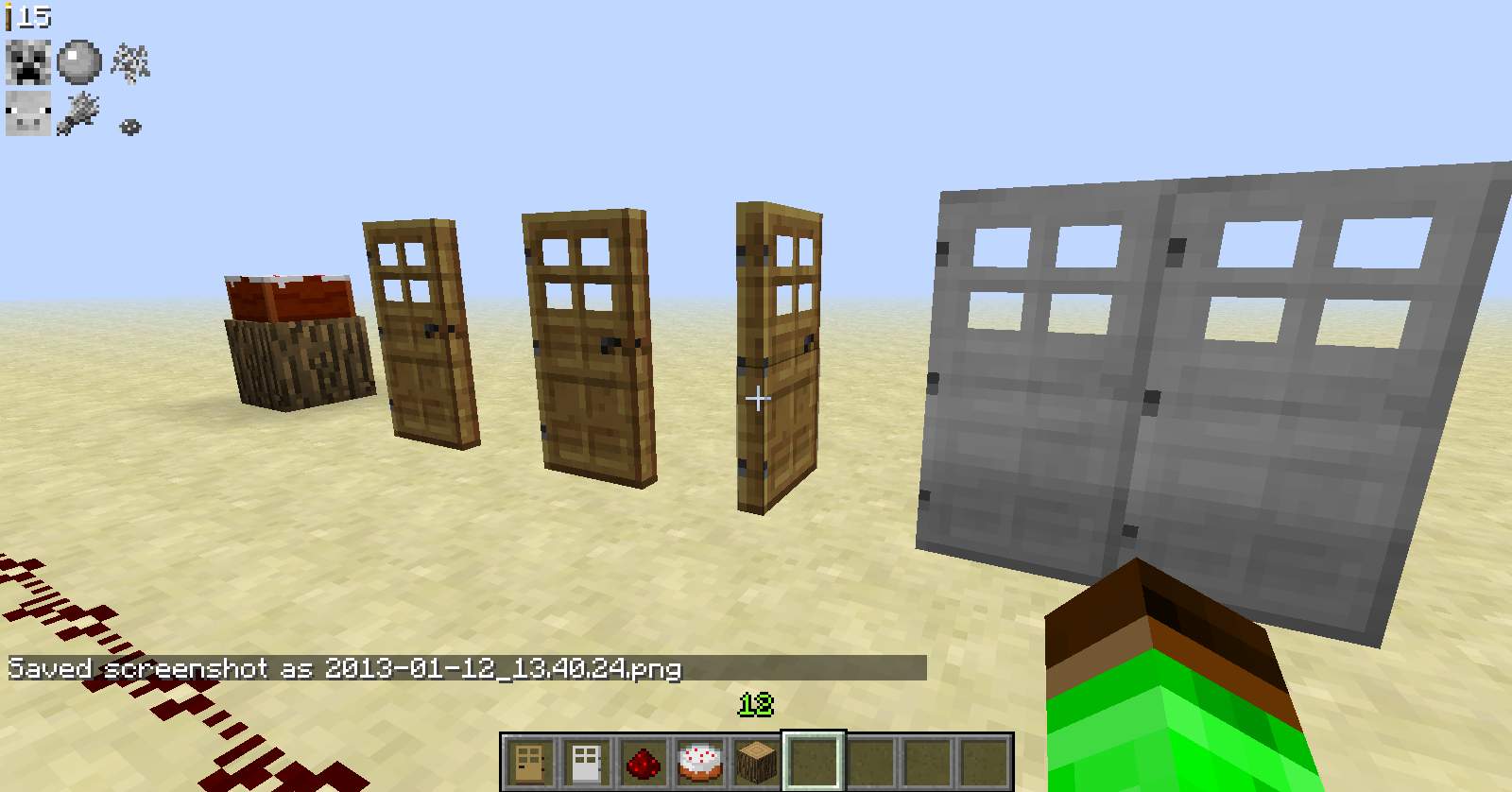
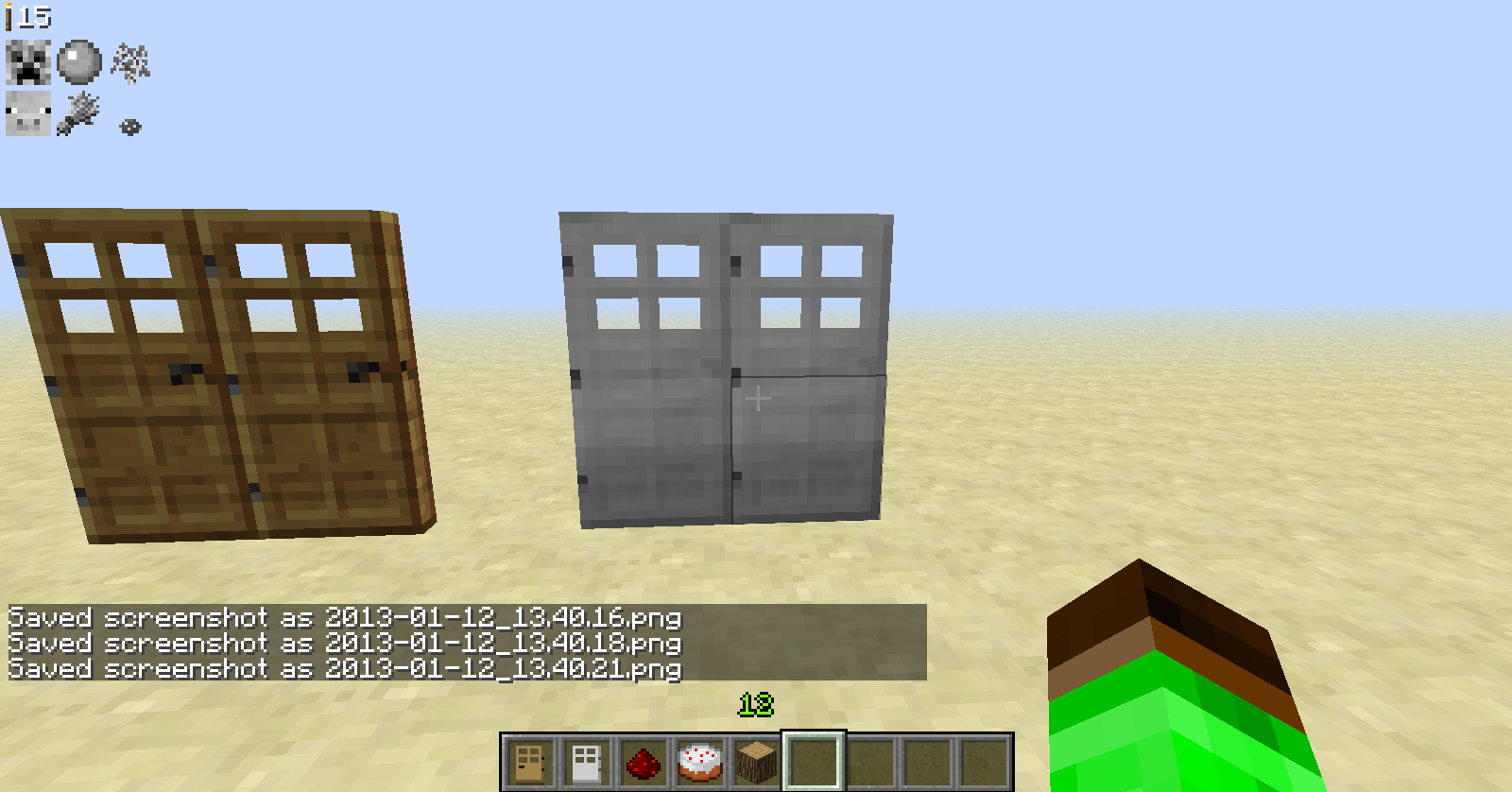
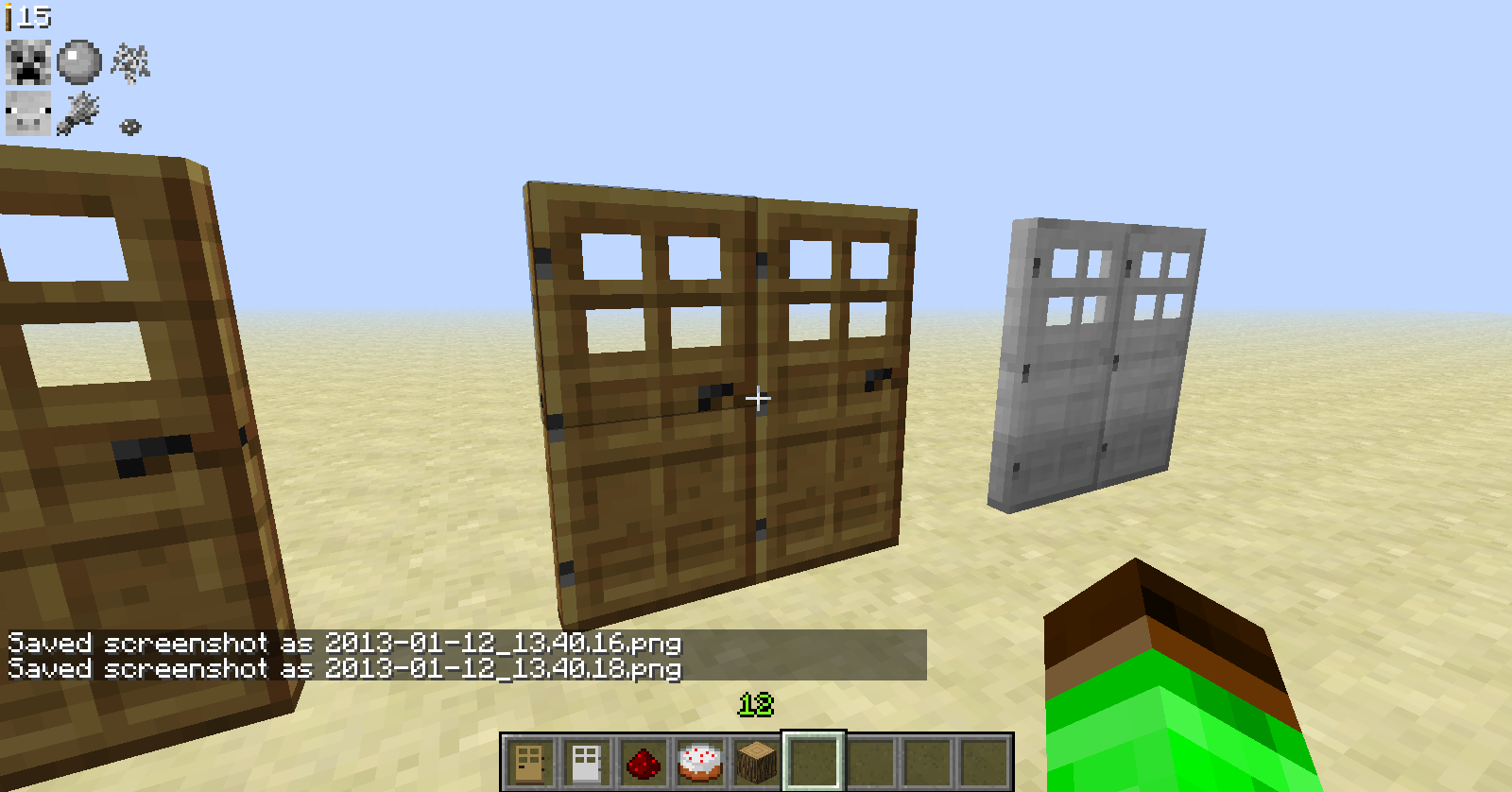
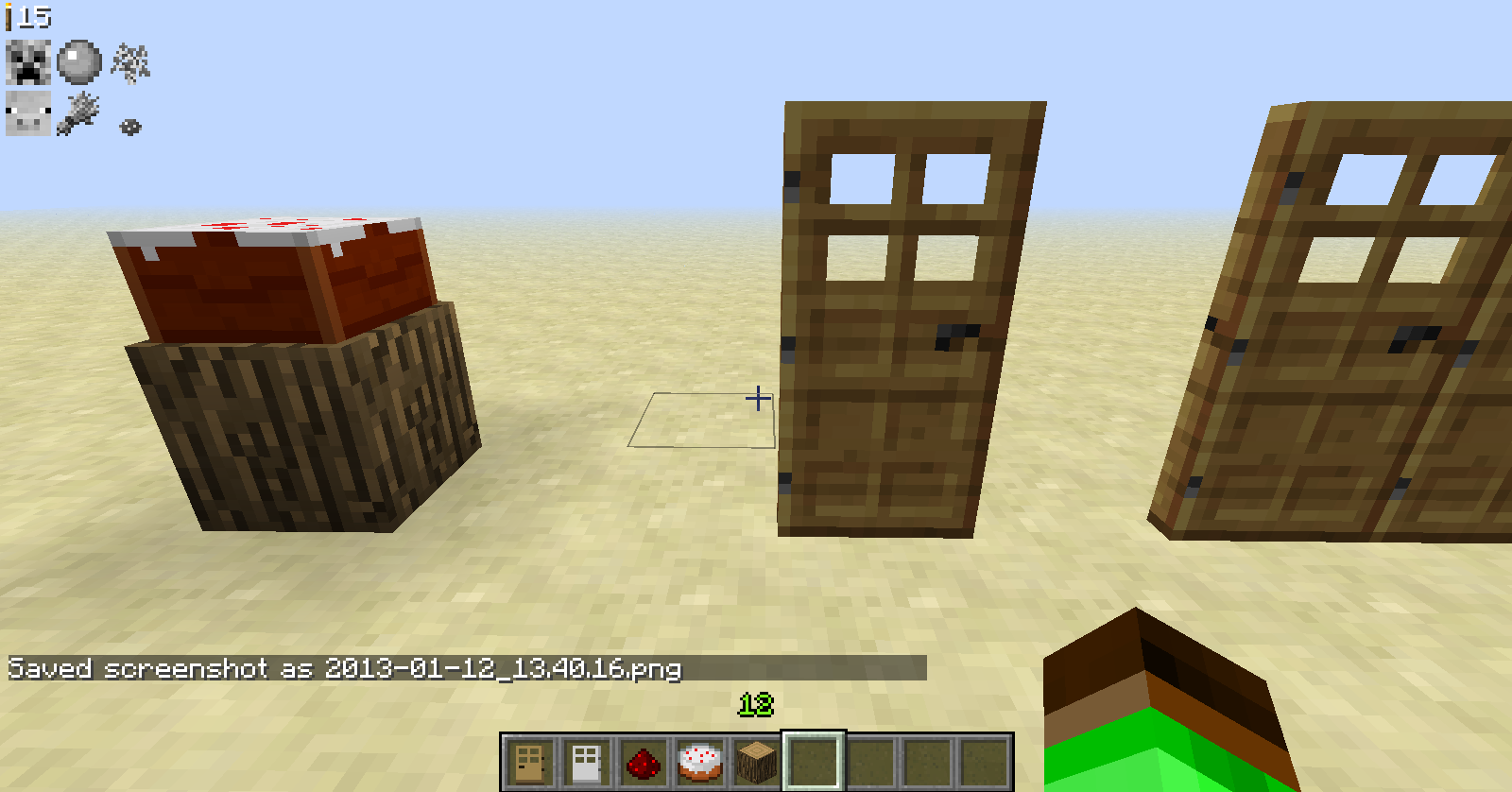
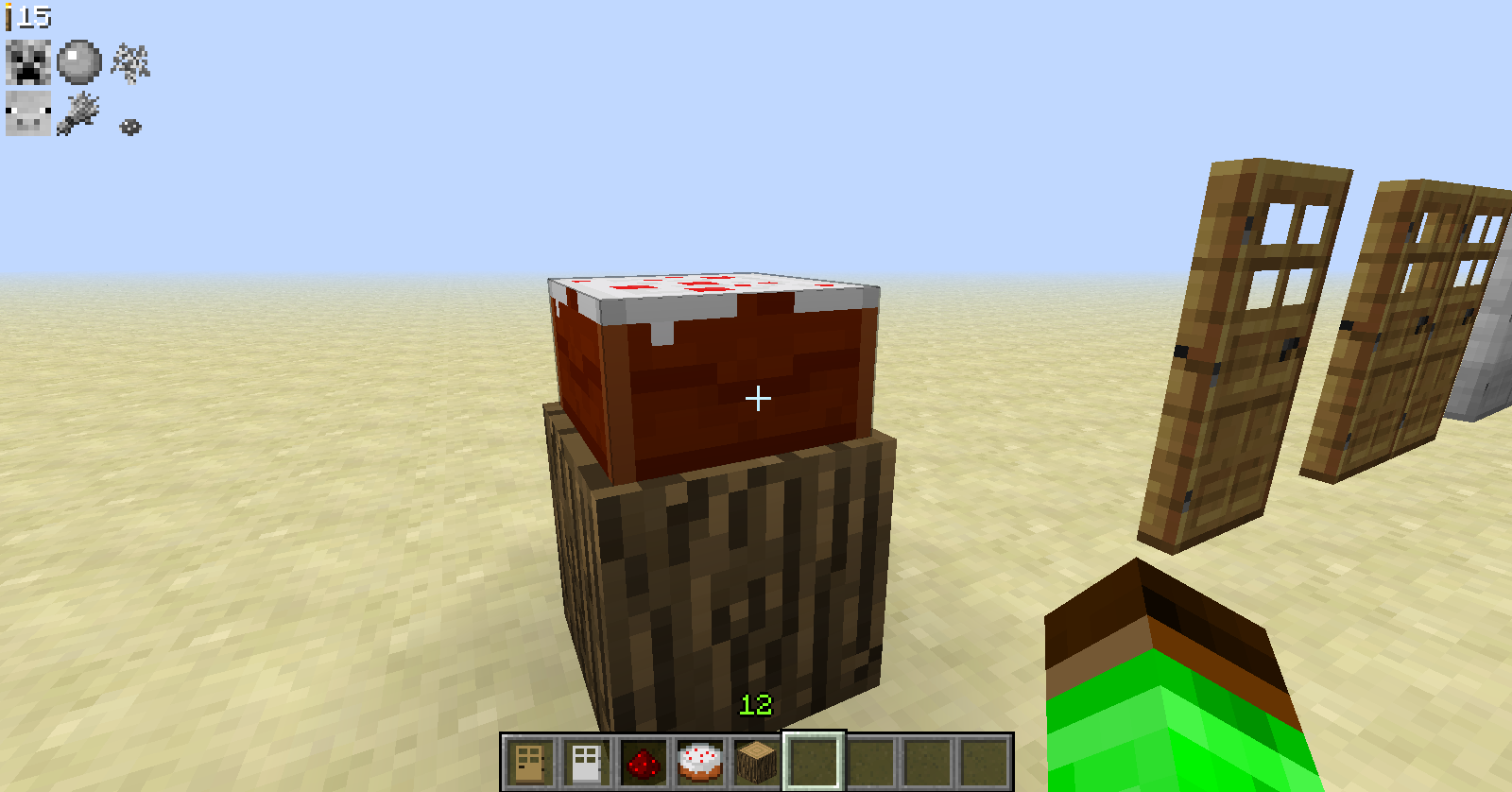


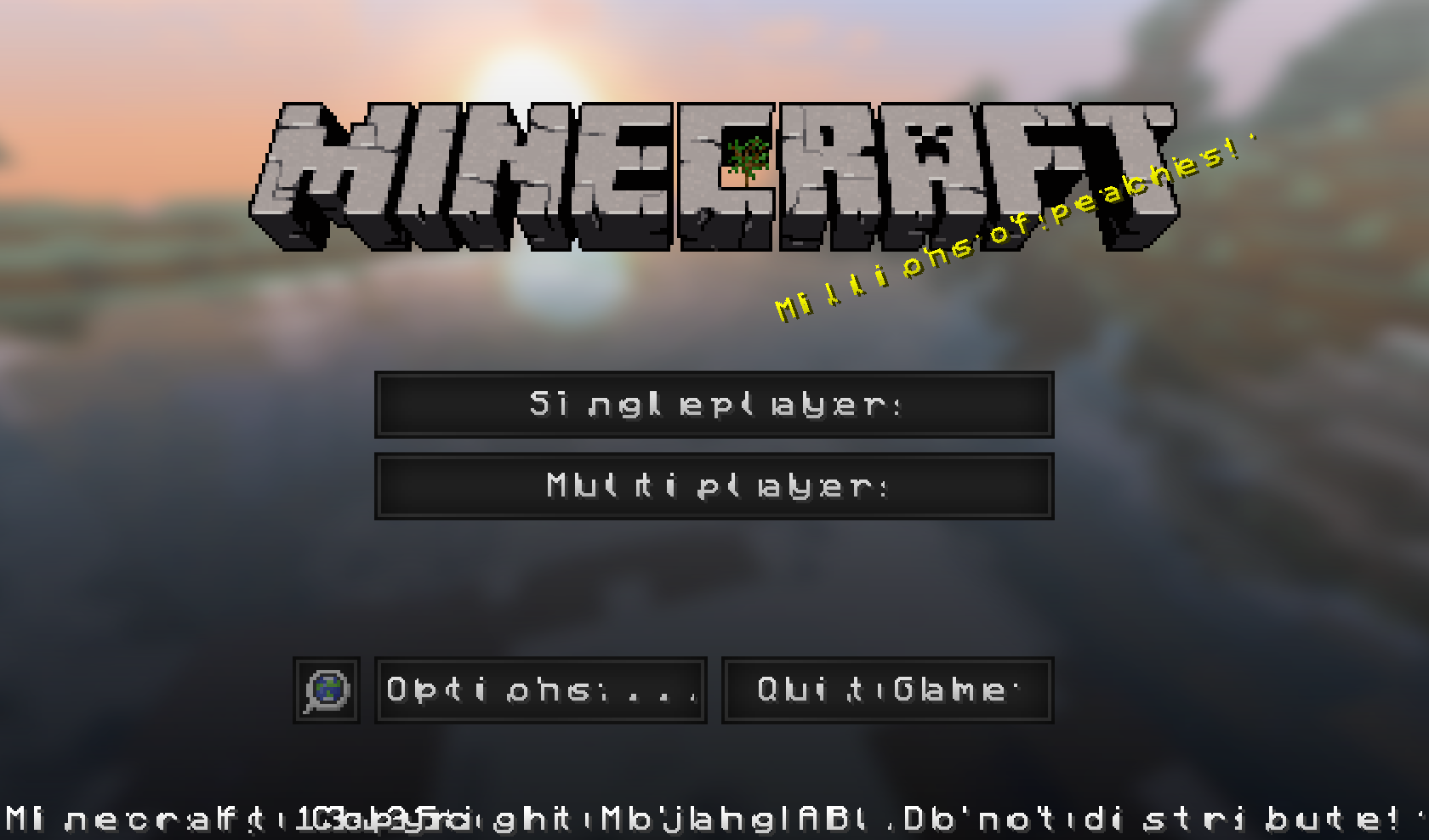


It just violently crashes.
---- Minecraft Crash Report ----
// Surprise! Haha. Well, this is awkward.Time: 2/27/13 6:03 PM
Description: Updating screen eventsjava.lang.VerifyError: (class: axa, method: a signature: (Lavx;)V) Incompatible argument to function
at bjw.a(SourceFile:231)
at axi.a(SourceFile:72)
at bjw.a(SourceFile:470)
at axi.d(SourceFile:127)
at axi.m(SourceFile:111)
at net.minecraft.client.Minecraft.l(SourceFile:1076)
at net.minecraft.client.Minecraft.K(SourceFile:572)
at net.minecraft.client.Minecraft.run(SourceFile:524)
at java.lang.Thread.run(Unknown Source)A detailed walkthrough of the error, its code path and all known details is as follows:
---------------------------------------------------------------------------------------– Head –
Stacktrace:
at bjw.a(SourceFile:231)
at axi.a(SourceFile:72)
at bjw.a(SourceFile:470)
at axi.d(SourceFile:127)
at axi.m(SourceFile:111)– Affected screen –
Details:
Screen name: bjw
Stacktrace:
at net.minecraft.client.Minecraft.l(SourceFile:1076)
at net.minecraft.client.Minecraft.K(SourceFile:572)
at net.minecraft.client.Minecraft.run(SourceFile:524)
at java.lang.Thread.run(Unknown Source)– System Details –
Details:
Minecraft Version: 13w09b
Operating System: Windows 7 (x86) version 6.1
Java Version: 1.7.0_09, Oracle Corporation
Java VM Version: Java HotSpot(TM) Client VM (mixed mode), Oracle Corporation
Memory: 382056576 bytes (364 MB) / 518979584 bytes (494 MB) up to 1037959168 bytes (989 MB)
JVM Flags: 2 total; -Xms512m -Xmx1024m
AABB Pool Size: 0 (0 bytes; 0 MB) allocated, 0 (0 bytes; 0 MB) used
Suspicious classes: No suspicious classes found.
IntCache: cache: 0, tcache: 0, allocated: 0, tallocated: 0
LWJGL: 2.4.2
OpenGL: Intel(R) HD Graphics GL version 2.1.0 - Build 8.15.10.2202, Intel
Is Modded: Very likely; Jar signature invalidated
Type: Client (map_client.txt)
Texture Pack: Default
Profiler Position: N/A (disabled)
Vec3 Pool Size: ~ ERROR ~ NullPointerException: null
Grass is not colored/coloured...
Update:It only affected that one world,when I changed worlds and reenetered it,it was back to normal.
Grass is not colored/coloured...
Update:It only affected that one world,when I changed worlds and reenetered it,it was back to normal.
Grass is not colored/coloured...
Edit:@
Grass is not colored/coloured...
Edit:@
Grass is not colored/coloured...
Edit:@qmagnet "I can confirm this bug exists. I was about to add it but found it here first.
With various testing, here is what is causing it.
When you START minecraft in a non-default texture pack (I used Soartex Fanver), then switch to default, the grass texture is wrong (greyish in that case).
Also, the block is visibly wrong in the creative menu.
However, the grass loads properly if you start minecraft in DEFAULT texture pack, then switch back and forth.
But not if you start on a non-default texture pack.
Also, it's not always grey. It depends on the texture pack. With Sonic Reloaded started, the default grass was a much deeper green.
I have confirmed this bug in snapshots 13w18b, 13w18c, 13w19a."I have added this as an edit,this is your quote,and you deserve full credit for explaining what has happened.
I go mining a lot,and during the 1.8 snapshots,I've noticed that when some items get left behind in the shaft/quarry branch,they manage to somehow make their way above ground.
HOW TO RECREATE:
Mine underground,or under another block,
item will disappear,such as it looks when decaying,
item appears above ground,or block.
Oh and just to be sure,I uninstalled the mods and checked.It's the same...
There are no mods,I did install it off of MultiMc though...I'll try to work through it,but my other save instance,still works.
No mods,but I fixed it anyway,thanks for nothing...
Do you think I'm lying!?
My jar isn't modded...
Please stop acting like a bot,there's another bug here that you didn't even mention...
Sorry,I've been checking for another version of this,but I couldn't find it.