 Connor Griggs
- Sevenworsts
- sevenworsts
- Europe/Stockholm
- Yes
- No
 MC-45969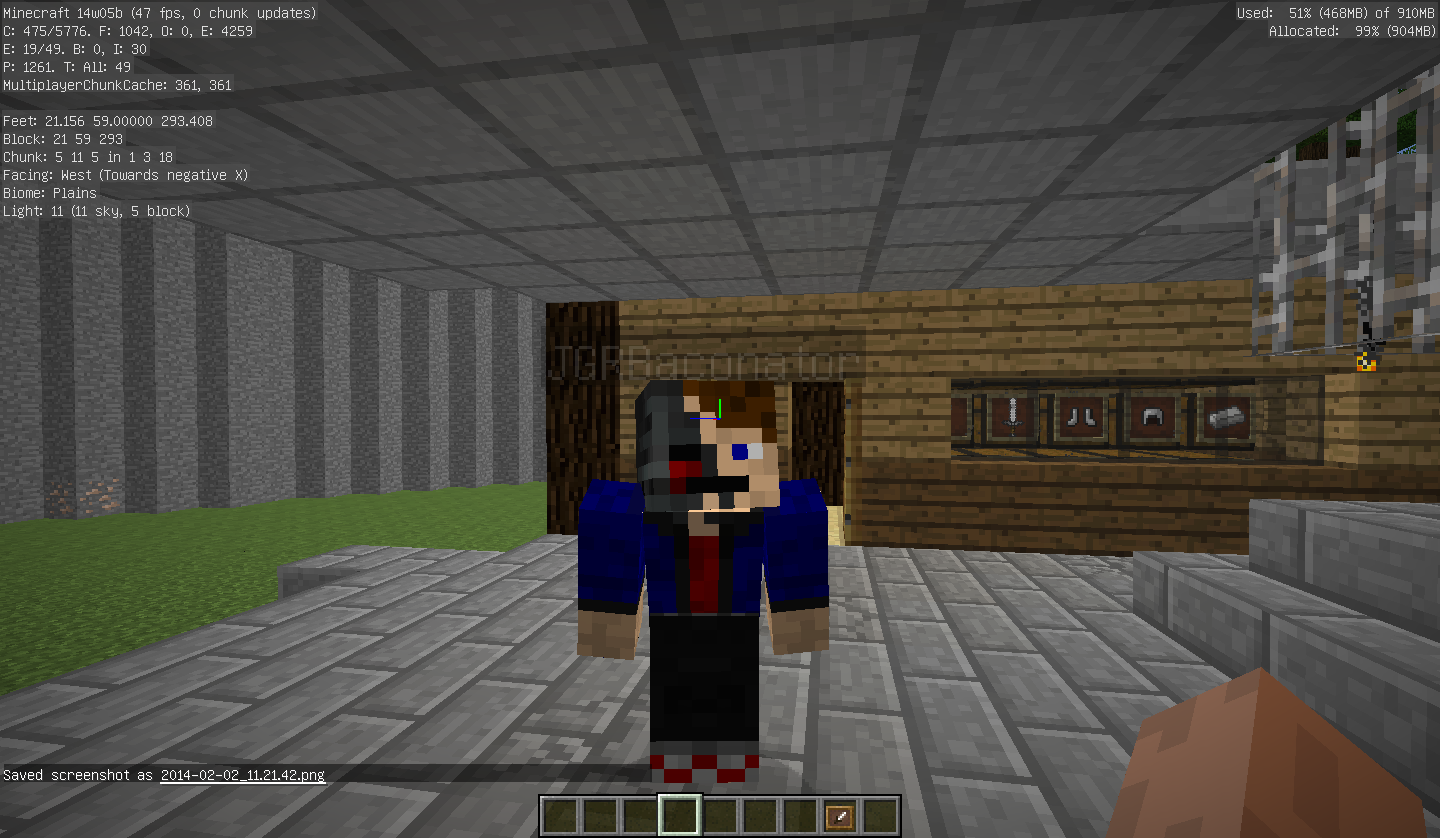





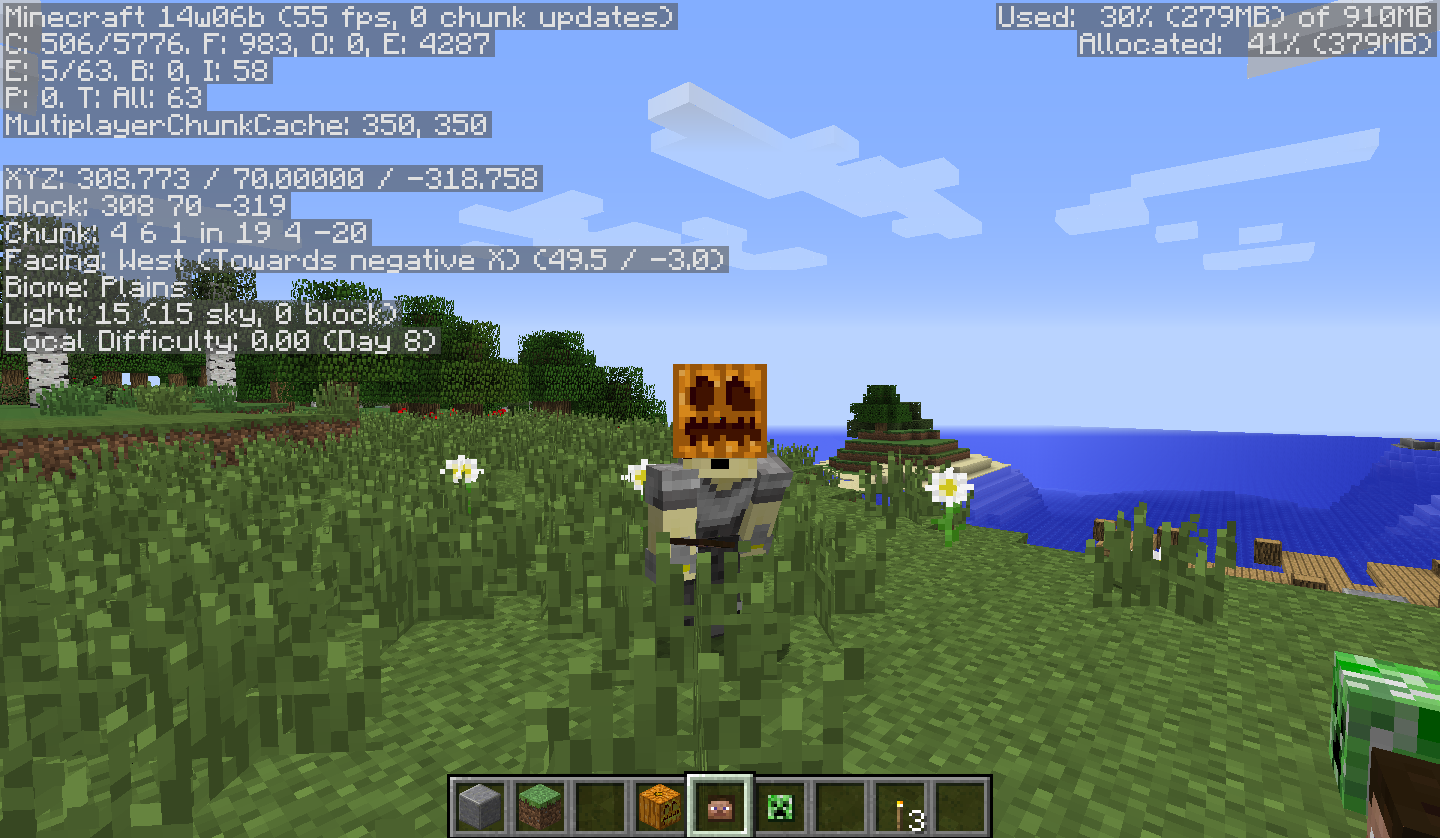

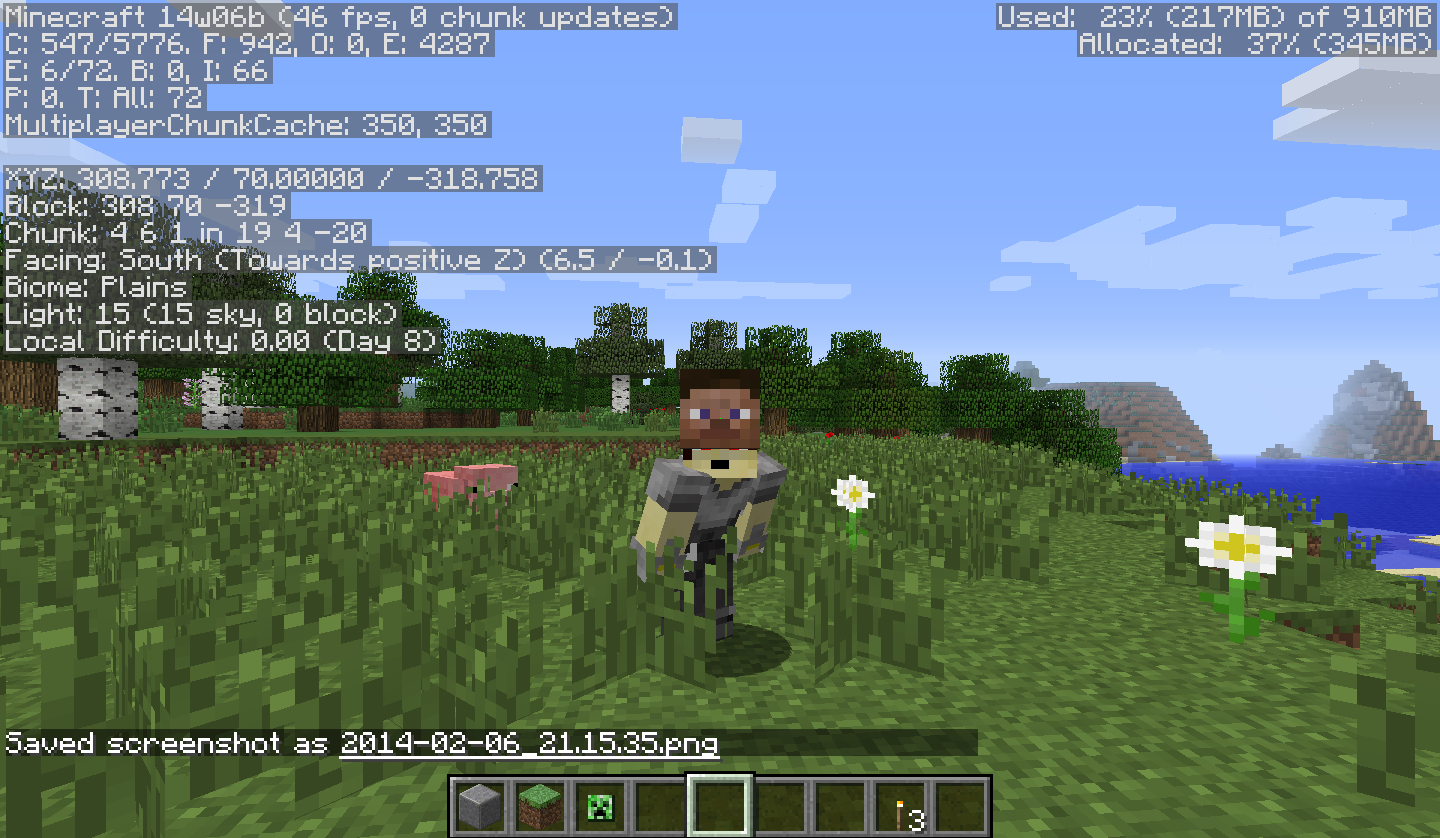
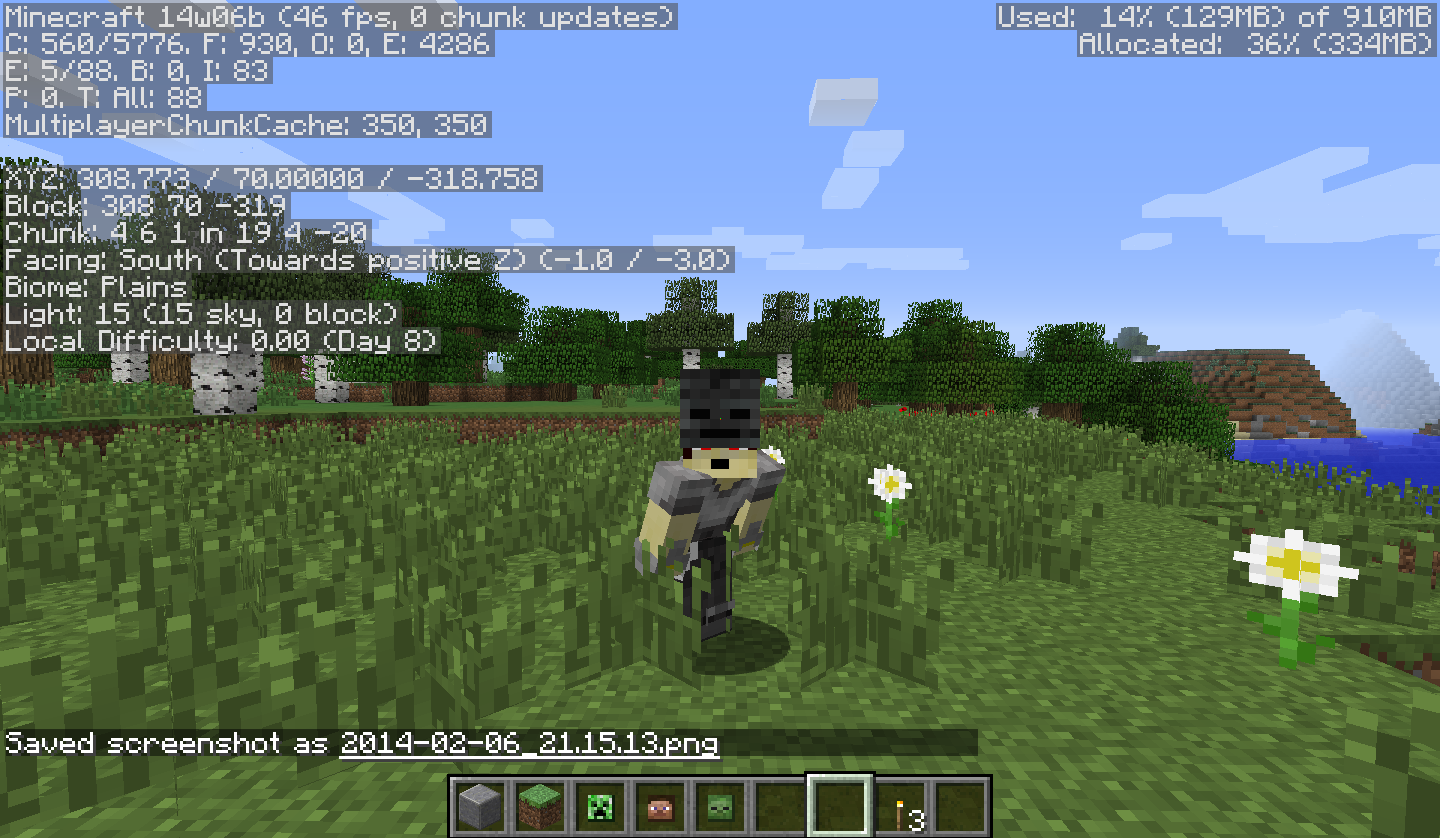
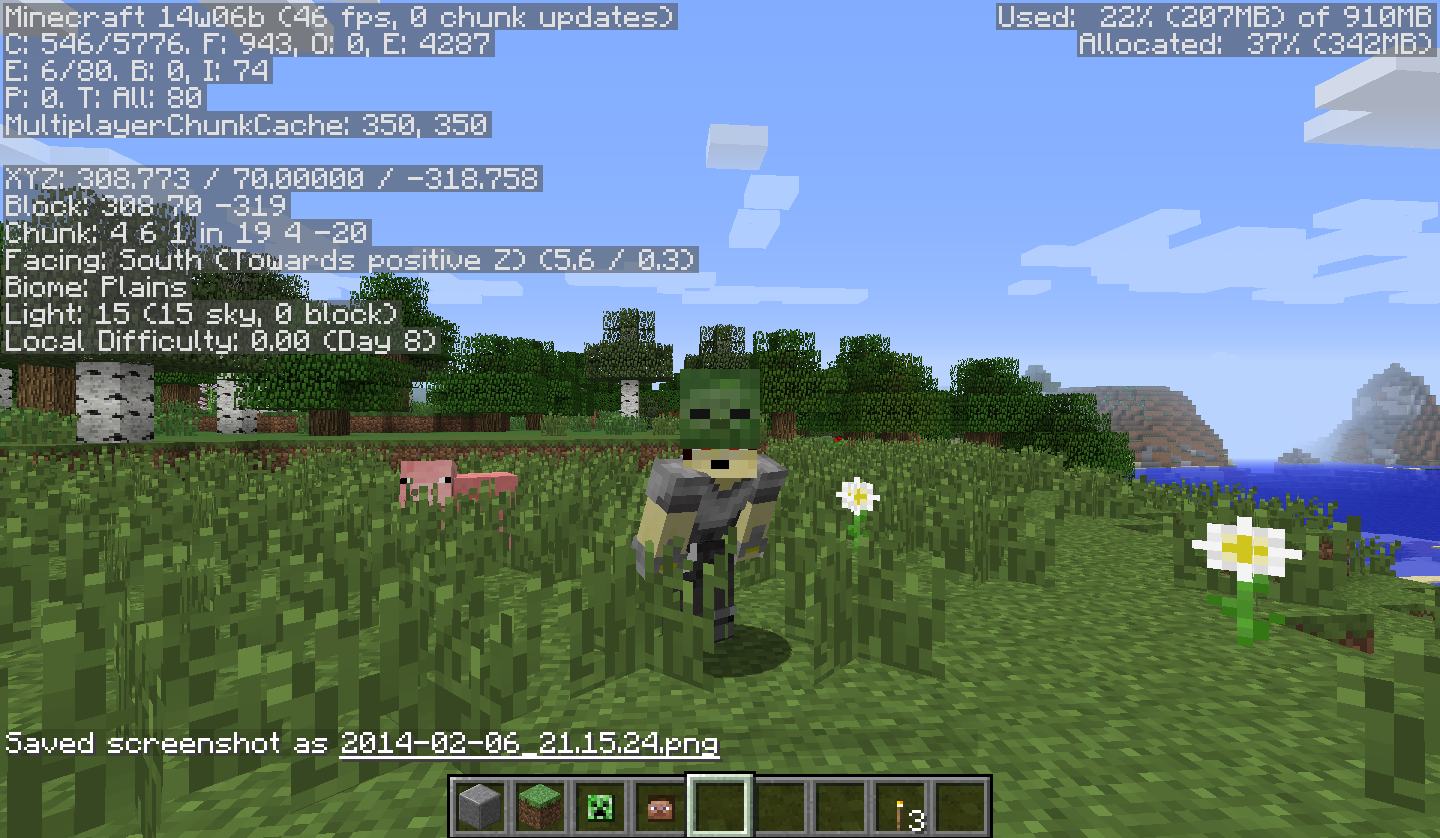

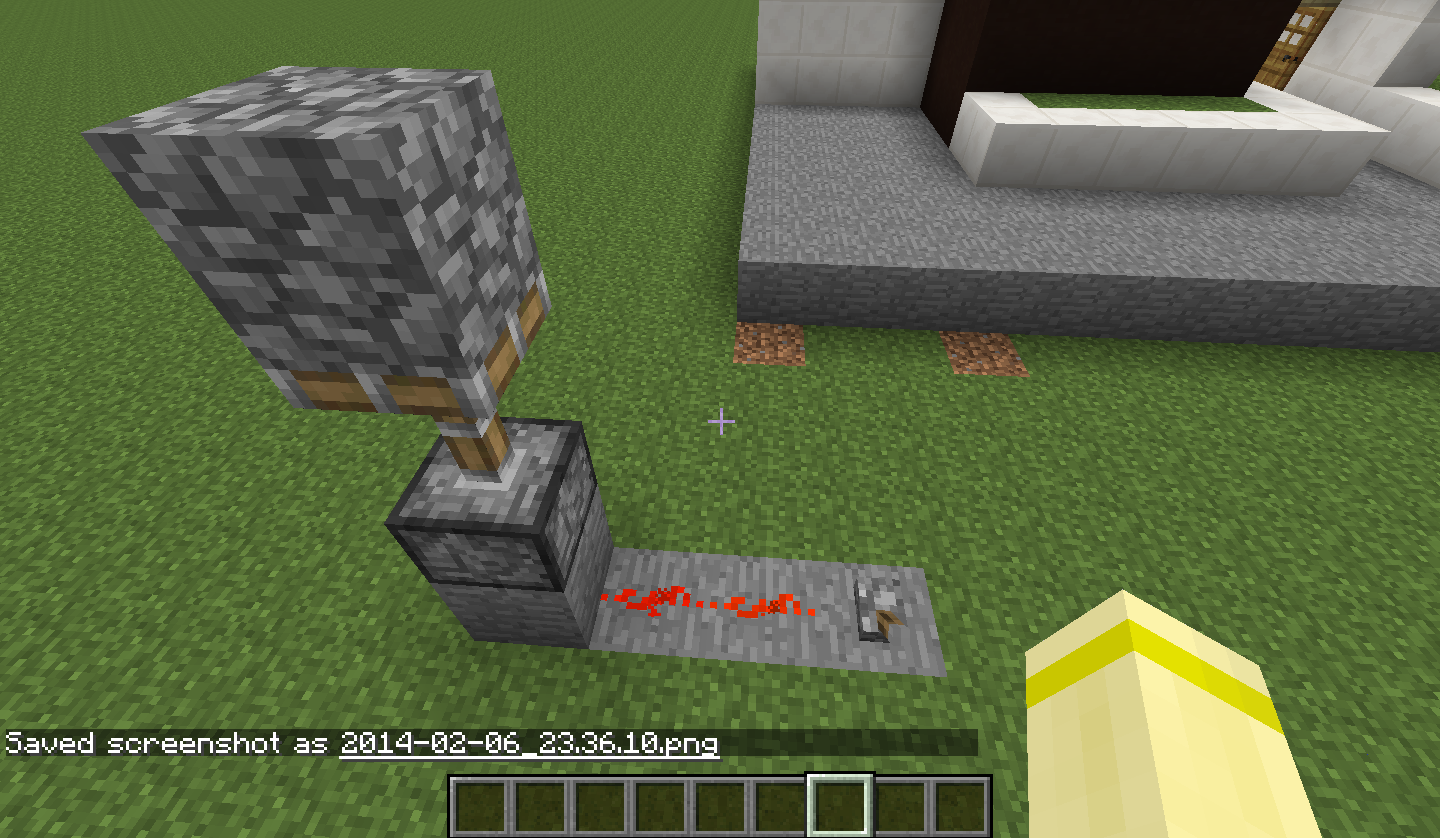

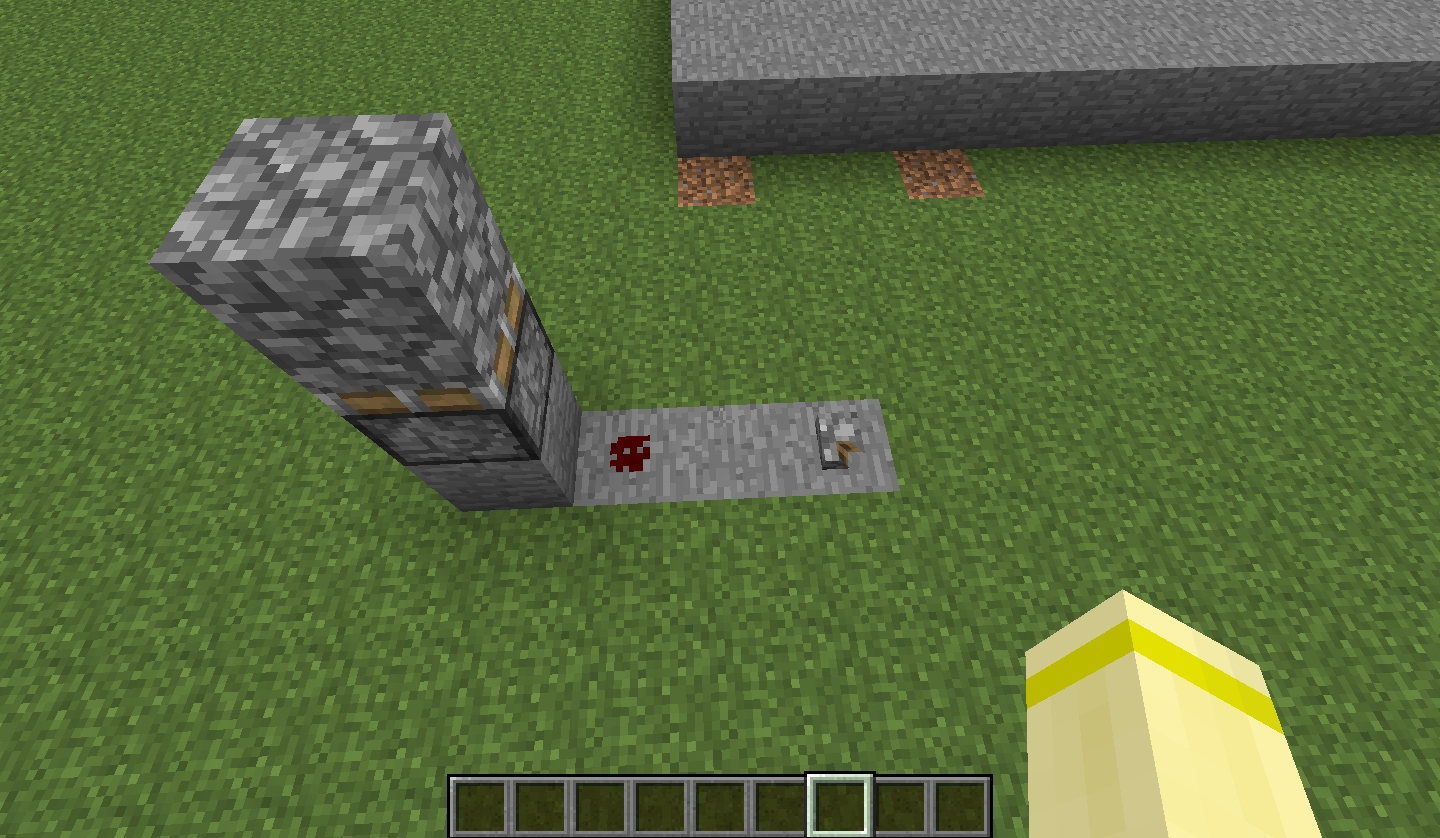
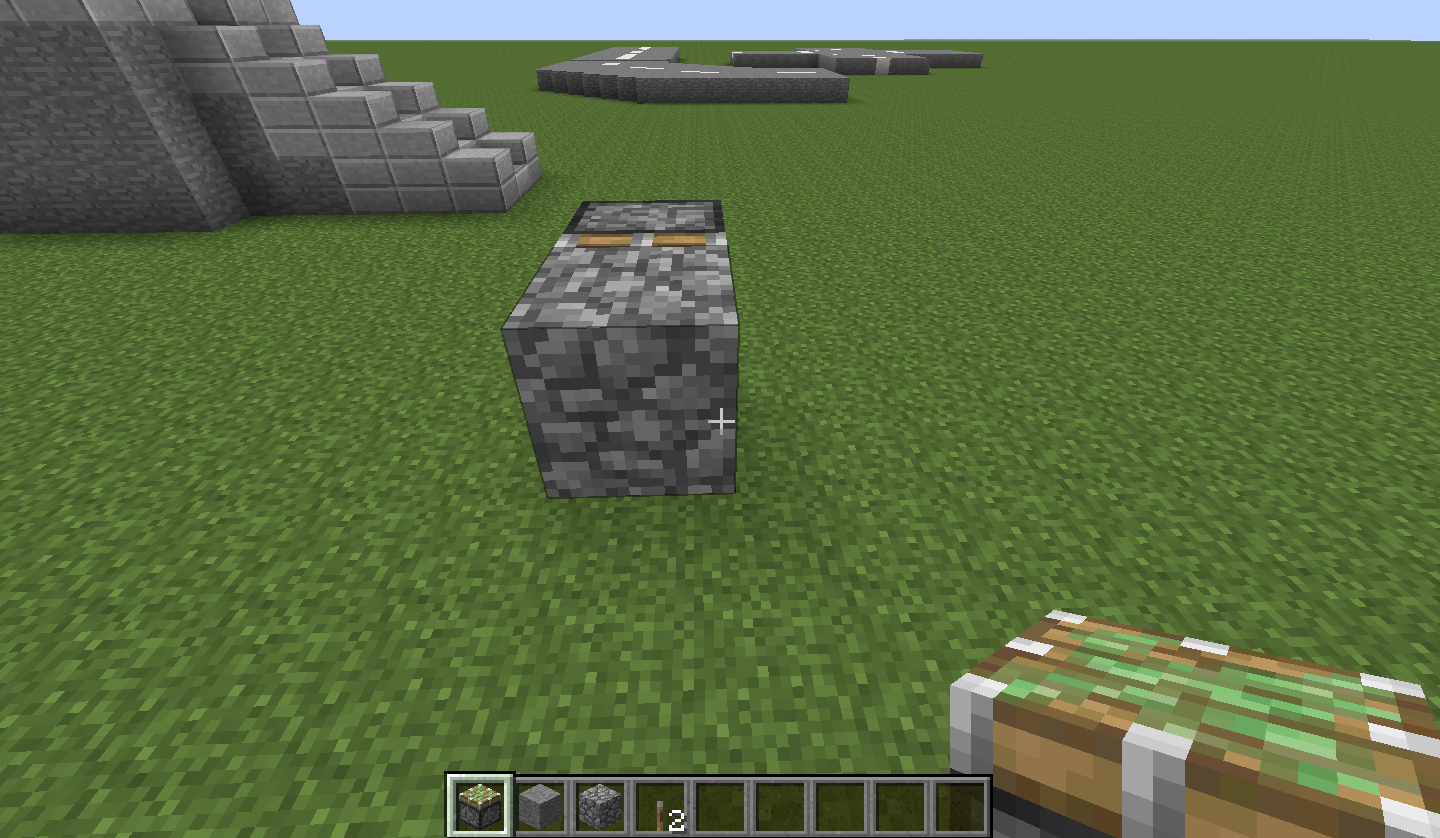



MC Ocean Brightness Alternating *Mobs
(Currently affecting mobs) - Unsure to if this bug is mob specific
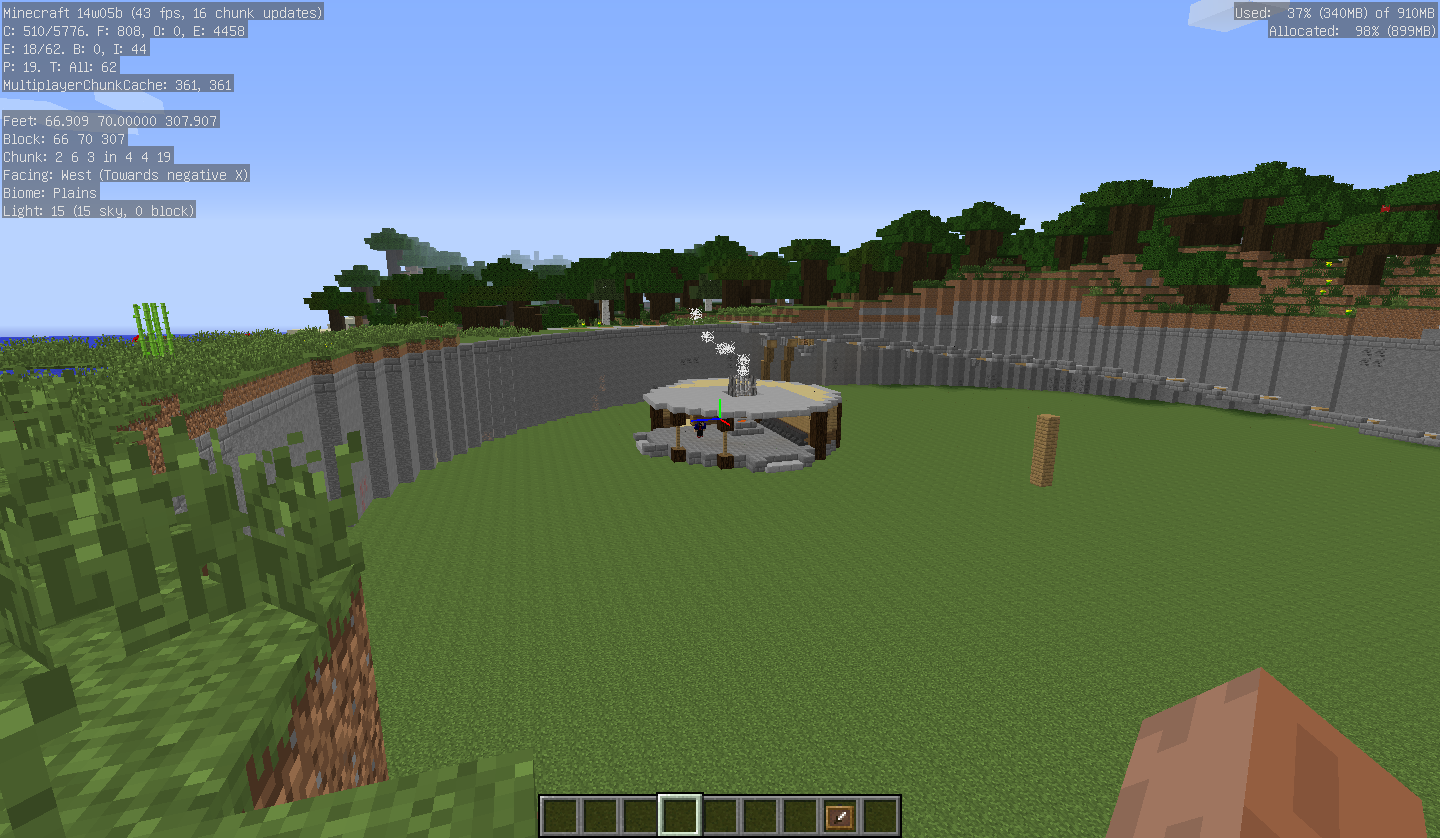
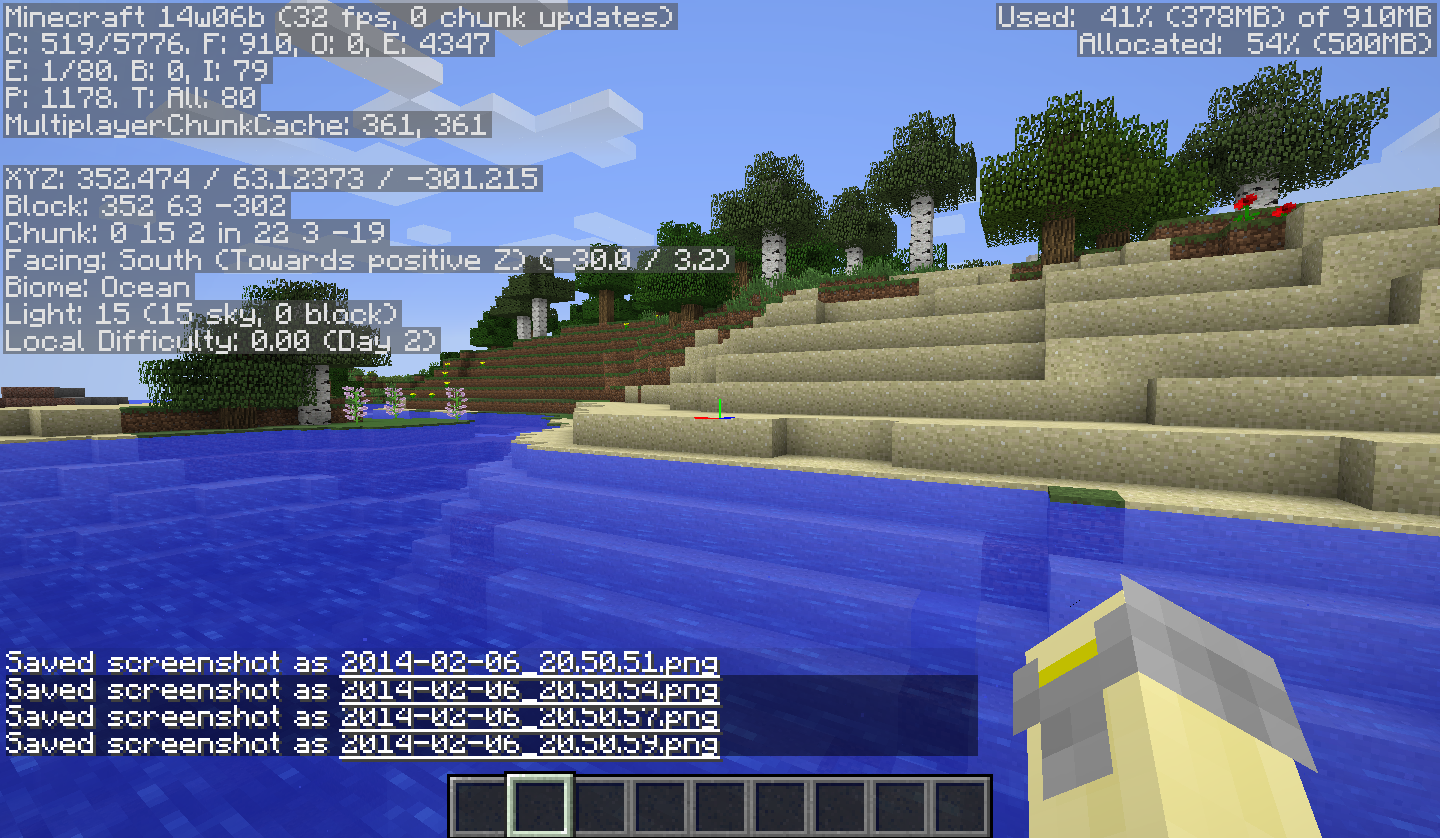
When something is floating/bobbing within the Ocean or River Biomes, the entity will alternate between full brightness and the current environment brightness.
It appears when an entity has bobbed out of the water and back into it again.
Once the tree's logs have been destroyed, the leaves start to decay (as normal). But when the leaves do decay they, instead of dropping usual loot,
drop eitherthe wrong saplingor they drop seeds.This, so far, has only occurred to decay oak leaves.
Only tested in LAN multiplayer
Problem:
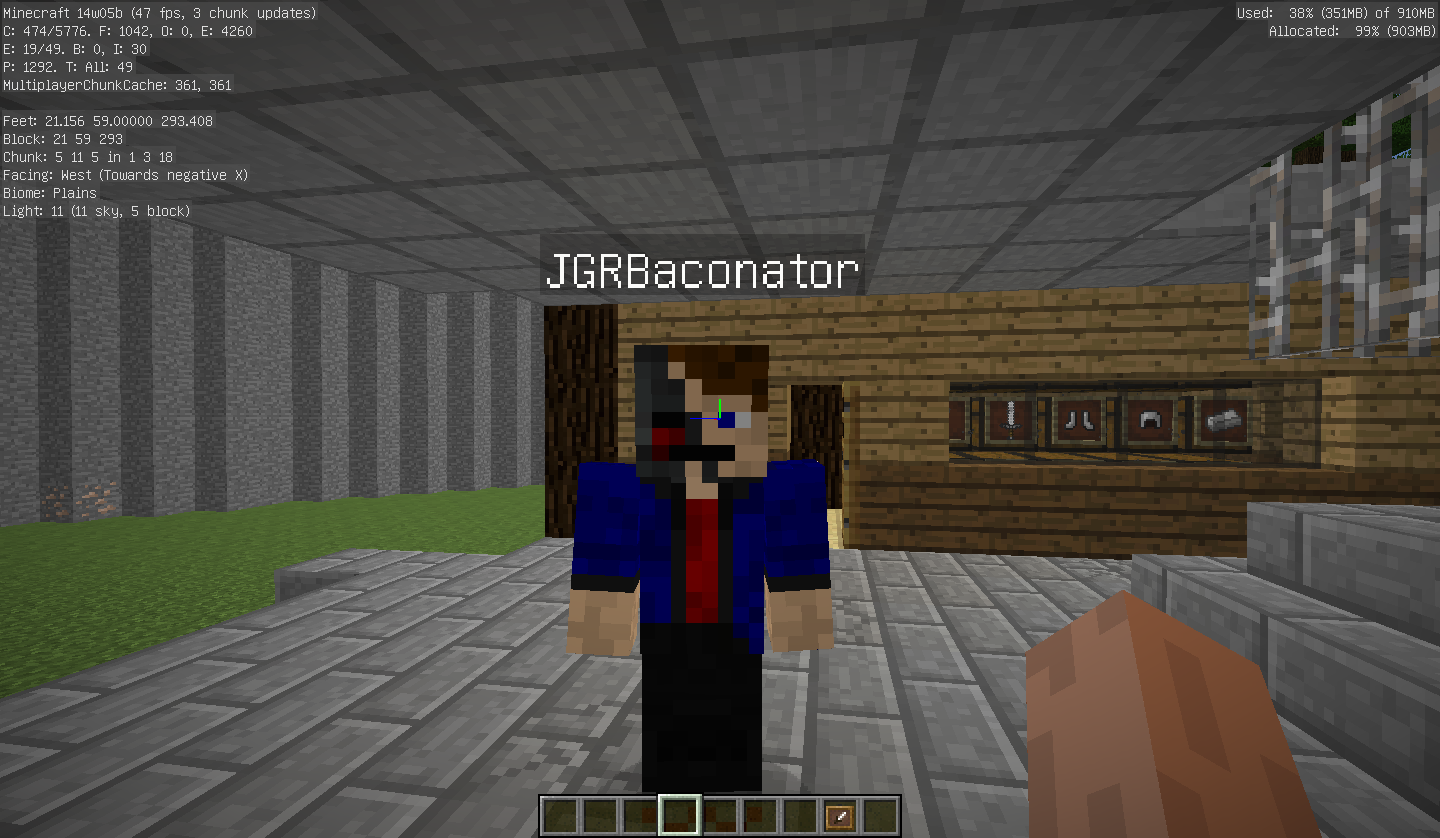
When the other player(s) equip an item or crouch your character's hands move. This only occurs when you can see the other player(s) in your screen (field of vision).
Attachments:
2014-02-02_11.21.35 = Normal; no-one is holding anything or crouching (default)
2014-02-02_11.21.42 = Other player is holding an Item (affecting your character's hand position)
2014-02-02_11.21.50 = Other player is crouching (affecting your character's hand position)
2014-02-02_11.22.36 = Other player is crouching (affecting your character's hand position at a distance)
Only tested in LAN multiplayer
Problem:
When the other player(s) equip an item or crouch your character's hands move. This only occurs when you can see the other player(s) in your screen (field of vision). A direct line of sight is not required as long as you're pointing towards another player.
Attachments:
2014-02-02_11.21.35 = Normal; no-one is holding anything or crouching (default)
2014-02-02_11.21.42 = Other player is holding an Item (affecting your character's hand position)
2014-02-02_11.21.50 = Other player is crouching (affecting your character's hand position)
2014-02-02_11.22.36 = Other player is crouching (affecting your character's hand position at a distance)
Only tested in LAN multiplayer
Problem:
When the other player(s) equip an item or crouch your character's hands move. This only occurs when you can see the other player(s) in your screen (field of vision). A direct line of sight is not required as long as you're pointing towards another player.
Attachments:
2014-02-02_11.21.35 = Normal; no-one is holding anything or crouching (default)
2014-02-02_11.21.42 = Other player is holding an Item (affecting your character's hand position)
2014-02-02_11.21.50 = Other player is crouching (affecting your character's hand position)
2014-02-02_11.22.36 = Other player is crouching (affecting your character's hand position at a distance)
Only tested in LAN multiplayer
Problem
When the other player(s) equip an item or crouch your character's hands move. This only occurs when you can see the other player(s) in your screen (field of vision). A direct line of sight is not required as long as you're pointing towards another player.
Attachments
2014-02-02_11.21.35 = Normal; no-one is holding anything or crouching (default)
2014-02-02_11.21.42 = Other player is holding an Item (affecting your character's hand position)
2014-02-02_11.21.50 = Other player is crouching (affecting your character's hand position)
2014-02-02_11.22.36 = Other player is crouching (affecting your character's hand position at a distance)
Wolves (untamed) don't attack player in peaceful mode when attacked by player
Unsure if this is a new feature with the recent snapshot; did some research about wolves not attacking and found nothing.
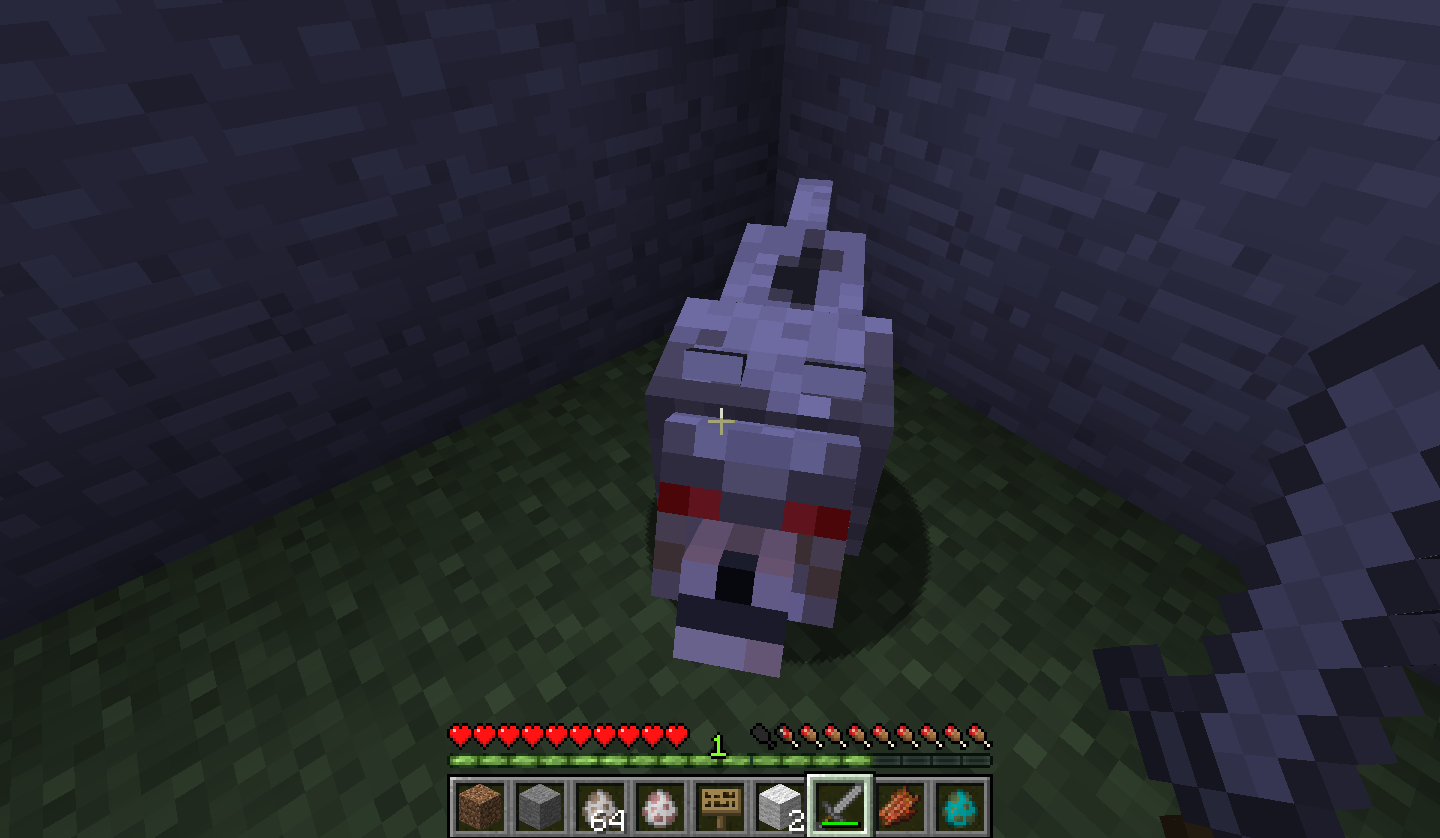
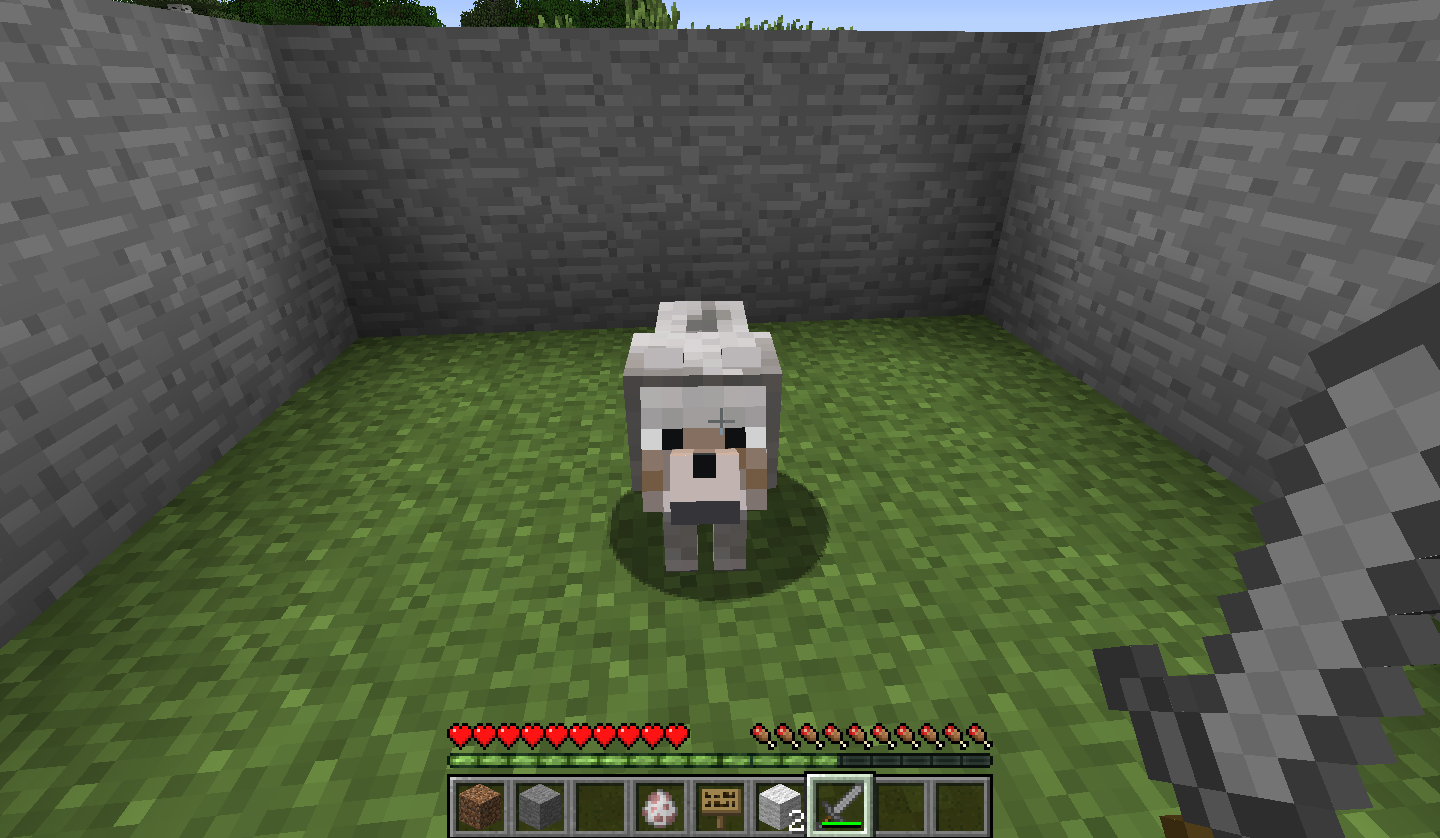
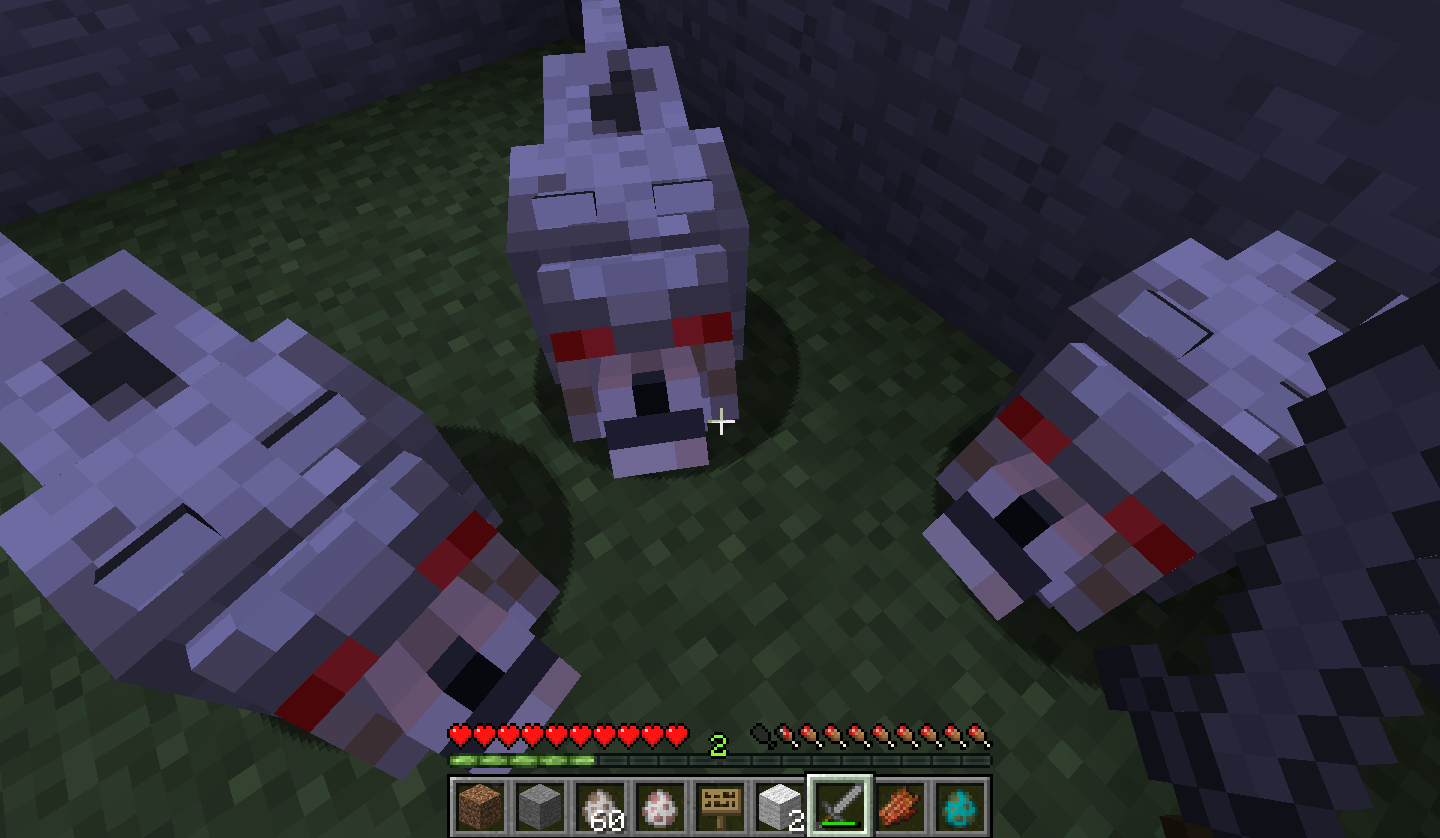
ProblemIn the recent snapshot (14w06b) wolves, in peaceful difficulty, do not attack the player when attacked by the player. Instead, the wolf attack will go up to the player and just stand besides the player, doing nothing.
Steps to reproduce
1. Spawn a wolf (be in peaceful difficulty)
2. Attack the wolf (in survival mode)Other notes
The wolf, that has been attacked, will continue to follow the player. In other difficulties, the wolf will attack the player as expected. This also affects wolves in a pack (group) in peaceful difficulty.
Attachments
2014-02-06_20.03.03 - Wolf, as described, not attacking player
2014-02-06_19.48.32 - Normal wolf
2014-02-06_19.48.34 - Wolf following player (peaceful mode)Unsure if this is a new feature with the recent snapshot; did some research about the issue or looking if it was a new feature, but found nothing relating to this issue.
ProblemIn the recent snapshot (14w06b) wolves, in peaceful difficulty, do not attack the player when attacked by the player. Instead, the wolf attack will go up to the player and just stand besides the player, doing nothing.
Steps to reproduce
1. Spawn a wolf (be in peaceful difficulty)
2. Attack the wolf (in survival mode)Other notes
The wolf, that has been attacked, will continue to follow the player. In other difficulties, the wolf will attack the player as expected. This also affects wolves in a pack (group) in peaceful difficulty.
Attachments
2014-02-06_20.03.03 - Wolf, as described, not attacking player
2014-02-06_19.48.32 - Normal wolf
2014-02-06_19.48.34 - Wolf following player (peaceful mode)
Unsure if this is a new feature with the recent snapshot; did some research about the issue or looking if it was a new feature, but found nothing relating to this issue.
ProblemIn the recent snapshot (14w06b) wolves, in peaceful difficulty, do not attack the player when attacked by the player. Instead, the wolf attack will go up to the player and just stand besides the player, doing nothing.
Steps to reproduce
1. Spawn a wolf (be in peaceful difficulty)
2. Attack the wolf (in survival mode)Other notes
The wolf, that has been attacked, will continue to follow the player. In other difficulties, the wolf will attack the player as expected. This also affects wolves in a pack (group) in peaceful difficulty. Wolves will still attack other mobs.
Attachments
2014-02-06_20.03.03 - Wolf, as described, not attacking player
2014-02-06_19.48.32 - Normal wolf
2014-02-06_19.48.34 - Wolf following player (peaceful mode)
Unsure if this is a new feature with the recent snapshot; did some research about the issue or looking if it was a new feature, but found nothing relating to this issue.
ProblemIn the recent snapshot (14w06b) wolves, in peaceful difficulty, do not attack the player when attacked by the player. Instead, the wolf attack will go up to the player and just stand besides the player, doing nothing.
Steps to reproduce
1. Spawn a wolf (be in peaceful difficulty)
2. Attack the wolf (in survival mode)Other notes
The wolf, that has been attacked, will continue to follow the player. In other difficulties, the wolf will attack the player as expected. This also affects wolves in a pack (group) in peaceful difficulty. Wolves will still attack other mobs.
Attachments
2014-02-06_20.03.03 - Wolf, as described, not attacking player
2014-02-06_19.48.32 - Normal wolf
2014-02-06_19.48.34 - Wolf following player (peaceful mode)
2014-02-06_20.09.42 - Wolves not attacking player, as described
Unsure if this is a new feature with the recent snapshot; did some research about the issue or looking if it was a new feature, but found nothing relating to this issue.
ProblemIn the recent snapshot (14w06b) wolves, in peaceful difficulty, do not attack the player when attacked by the player. Instead, the wolf attack will go up to the player and just stand besides the player, doing nothing.
Steps to reproduce
1. Spawn a wolf (be in peaceful difficulty)
2. Attack the wolf (in survival mode)Other notes
The wolf, that has been attacked, will continue to follow the player. In other difficulties, the wolf will attack the player as expected. This also affects wolves in a pack (group) in peaceful difficulty. Wolves will still attack other mobs
.Attachments
2014-02-06_20.03.03 - Wolf, as described, not attacking player
2014-02-06_19.48.32 - Normal wolf
2014-02-06_19.48.34 - Wolf following player (peaceful mode)
2014-02-06_20.09.42 - Wolves not attacking player, as describedUnsure if this is a new feature with the recent snapshot; did some research about the issue or looking if it was a new feature, but found nothing relating to this issue.
ProblemIn the recent snapshot (14w06b) wolves, in peaceful difficulty, do not attack the player when attacked by the player. Instead, the wolf attack will go up to the player and just stand besides the player, doing nothing.
Steps to reproduce
1. Spawn a wolf (be in peaceful difficulty)
2. Attack the wolf (in survival mode)Other notes
The wolf, that has been attacked, will continue to follow the player. In other difficulties, the wolf will attack the player as expected. This also affects wolves in a pack (group) in peaceful difficulty. Wolves will still attack other mobs regardless of difficulty.
Attachments
2014-02-06_20.03.03 - Wolf, as described, not attacking player
2014-02-06_19.48.32 - Normal wolf
2014-02-06_19.48.34 - Wolf following player (peaceful mode)
2014-02-06_20.09.42 - Wolves not attacking player, as described
Are you using a texture pack?
New Attachment Wolves in a pack, in peaceful mode, not attacking the player.
On previous versions of minecraft (pre 14w06b), I found that wolves also show this type of behavior. I hadn't noticed this before on the more recent versions. It appears that this isn't a bug.
It appears that the player, when in the bed, is about 2 blocks higher than it should be.
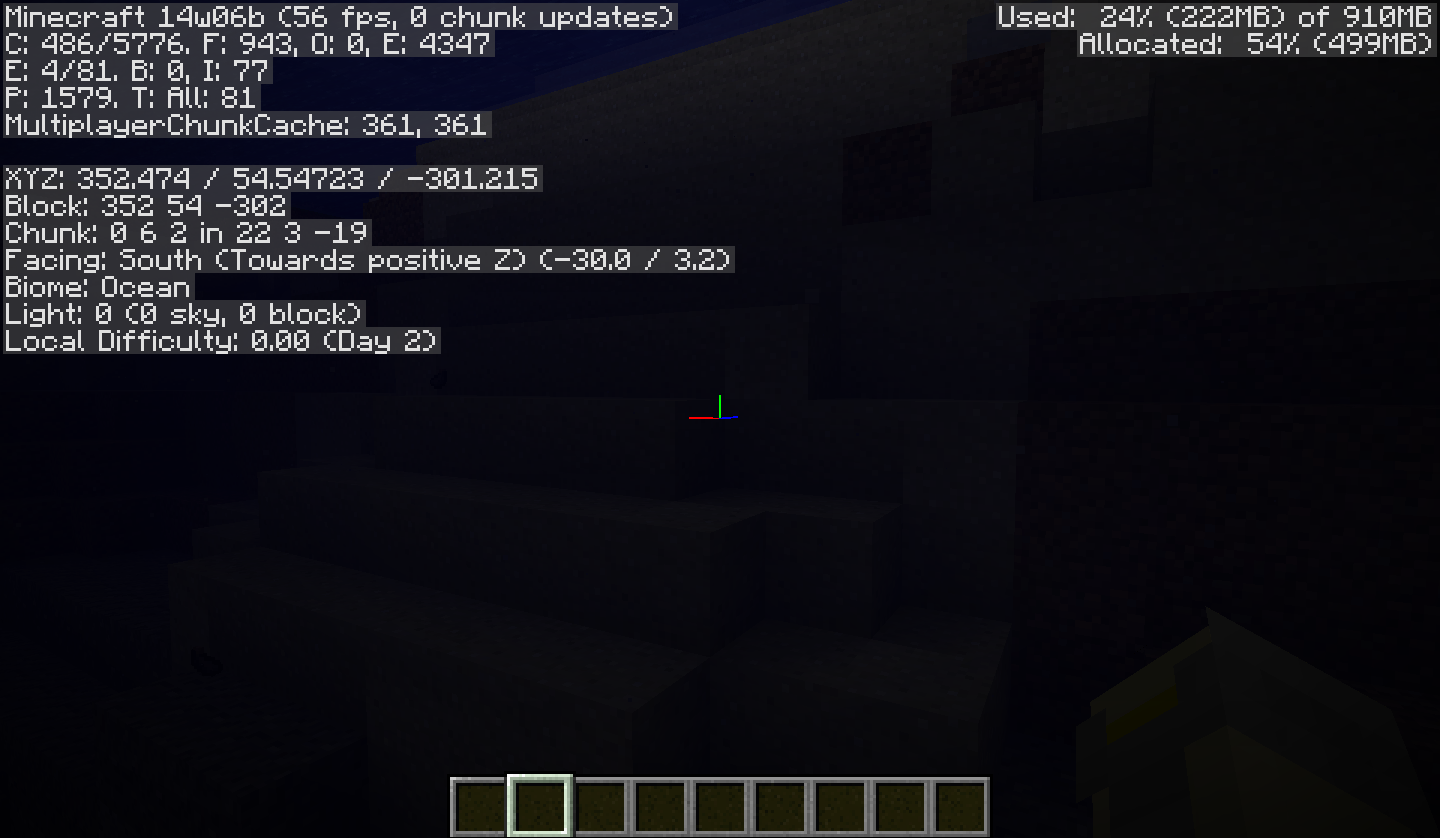
It seems that the light levels drop by 3 depending on far down in the ocean you are.
Also, on replication, it appears the underwater fog affect disappears between the light levels of 6-9 (in the ocean) and the position of the player's arm is further away from the screen (as if the player was on land).
I think the light levels may be a feature; however, the transition between these light levels+loss of water fog/effect may actually be a bug.
This 'bug' also features on the Windows version (Java 64-bit)
I Agree. It appears, when crouching, the decoration heads and pumpkin (when placed on the player's head) floats at the height of normal standing position.
Armor helmets & caps are not affected.
Any replication methods or screenshots?
Did you place the torch before or after switching texture pack?
I cannot reproduce the same results as your screenshot.
This is duplicates
MC-47568Well that is odd! Just tested it on another computer and attempted to replicate your screenshot but I haven't acquired the same results. Have you tried re-downloading your 14w06b.jar file? Maybe that may solve the problem?
This duplicates
MC-47585This duplicates
MC-47647Oh right, I'm using JAVA 1.7 Update 45. I still cannot replicate these results. I know it may sound silly but have you tried removing the resource pack from your resource pack folder that you were using in your screenshot?
Apologies, not really sure what is going on then. But, I still cannot reproduce those results.
Found the problem, sort of
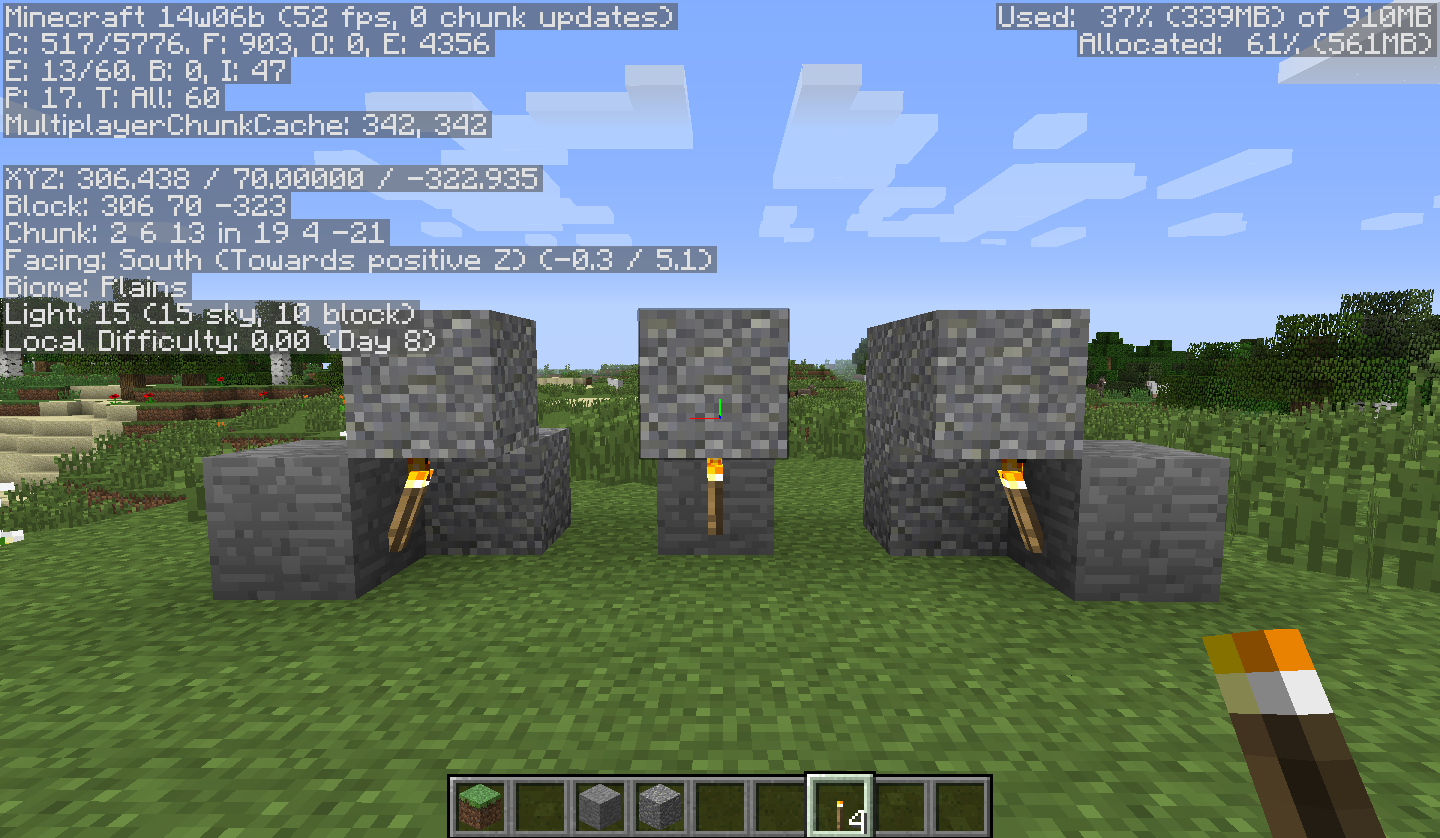
When placing a torch down on a surface that is non-applicable, for example; a cactus, the torch will be placed onto an adjacent block as expected but, a missing texture box (shown in the screenshots) flashes before the torch's model is shown
Cannot produce a screenshot as the process happens too quickly and I don't have video recording capabilities.
The missing texture box doesn't show if a torch is placed directly onto a applicable surface, for example; a stone block.
The missing texture box doesn't stay like it is shown in the screenshots
If you place the torch on grass from an aerial view, the torch will replace the grass with the torch model and no missing texture box is shown. But if you place the torch on grass at an angle or looking right at it from 1st person the missing texture box flashes.
Also affects Redstone torches
Cannot reproduce