 Skyler Spark Schneider
- SkylerSpark
- skylerspark
- Europe/Stockholm
- Yes
- No
 MC-142705
 MCL-11213
 WEB-1330




Put the summary of the bug you're having hereWhat I expected to happen was...:
Describe what you thought should happen hereWhat actually happened was...:
Describe what happened hereSteps to Reproduce:
1. Put a step by step guide on how to trigger the bug here
2. ...
3. ...OS Name: Microsoft Windows 7 Home Premium
System Type: x64-based PC
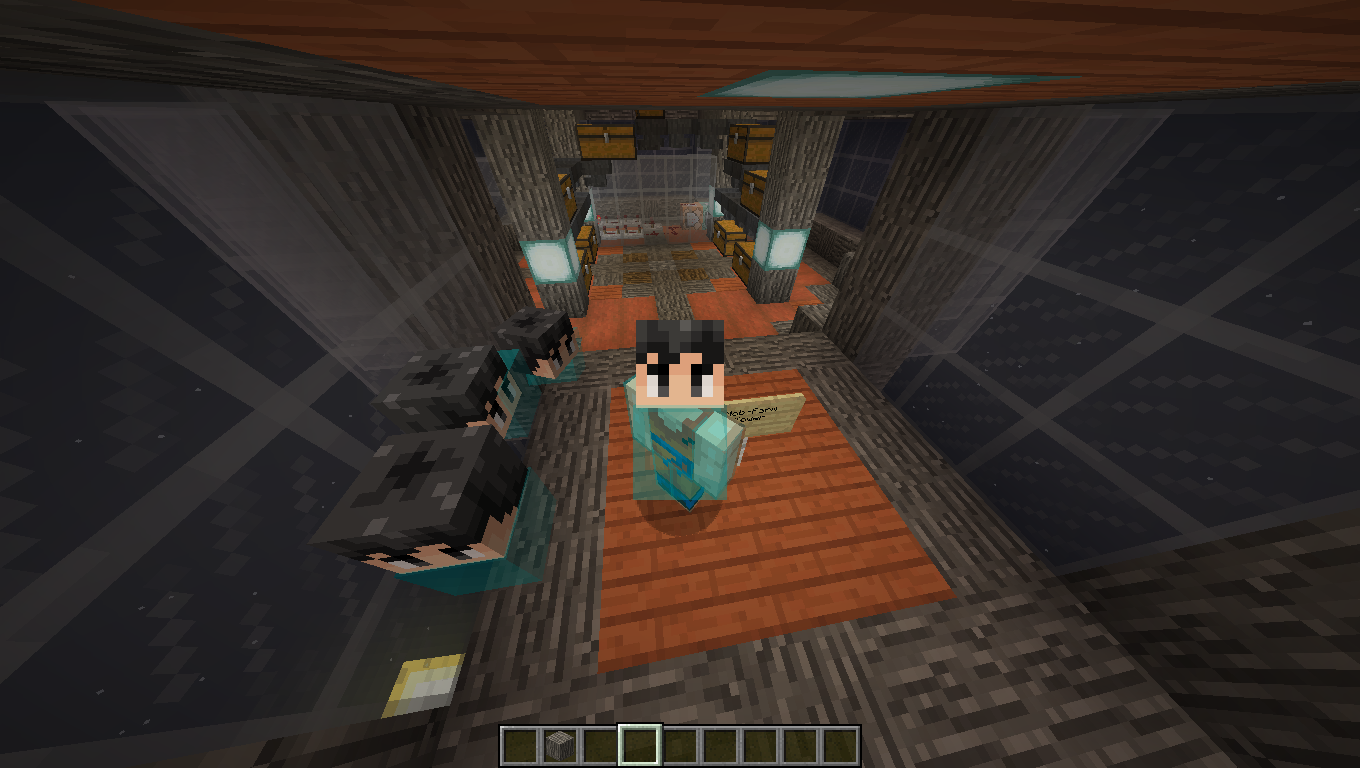
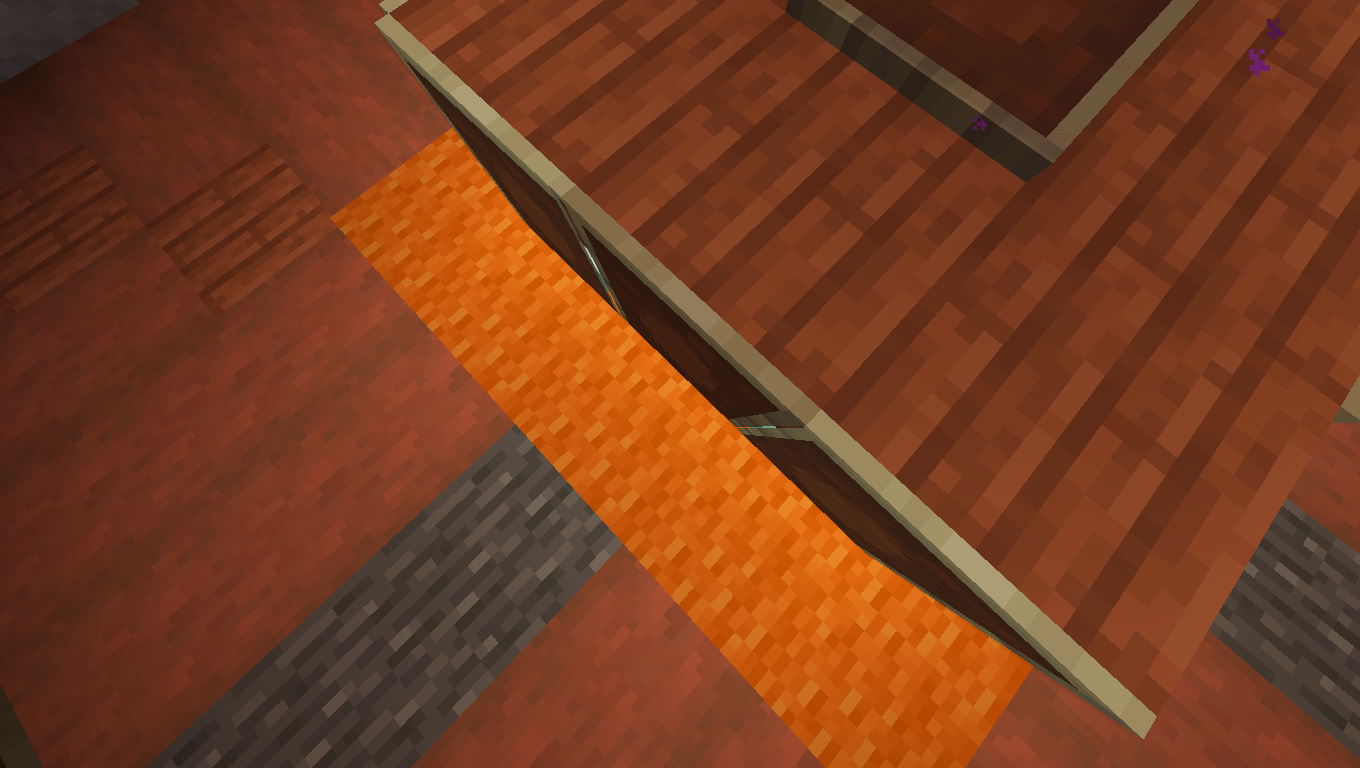
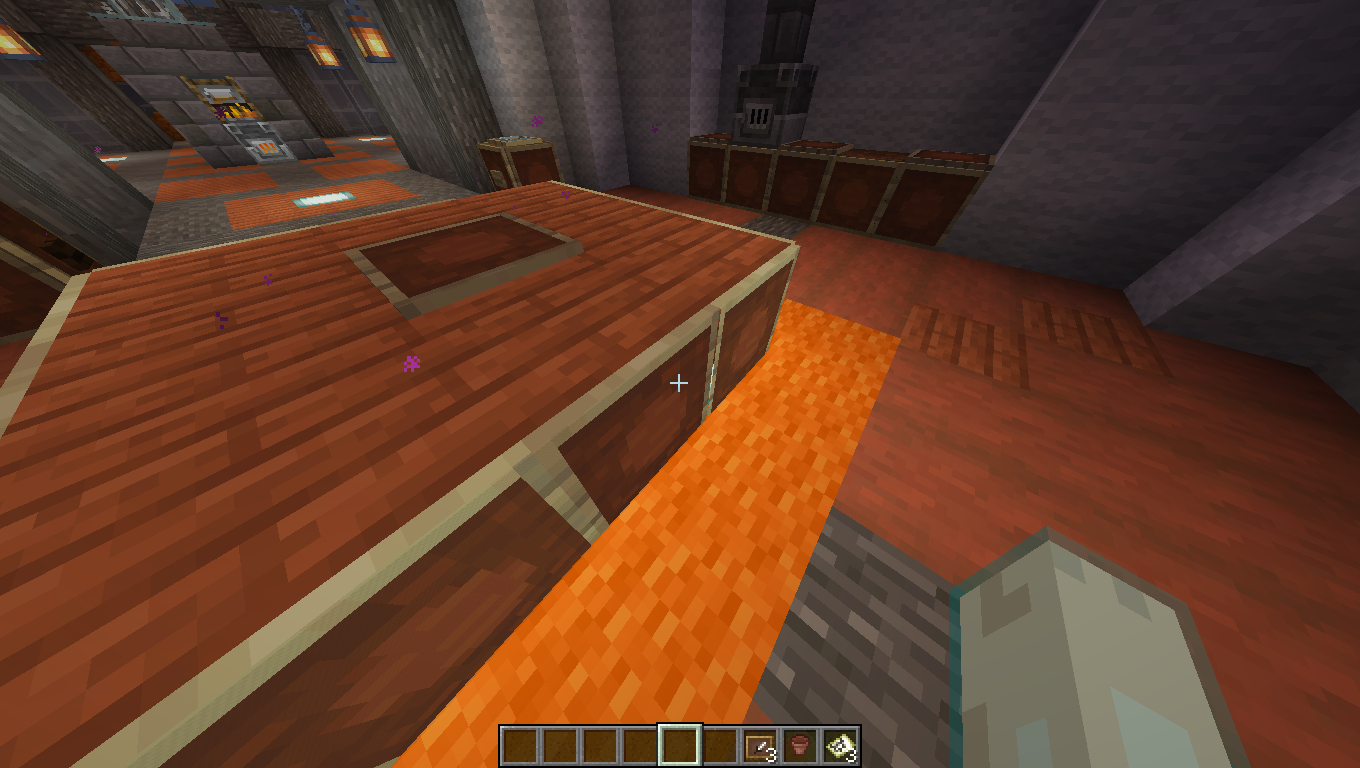
I was testing an empty map with some item frames hanging over Staircases, and then I noticed the borders of the item frames were turning invisible, and it became visually annoying to me, so I decided to post here. I have attached Images of the Issue below.
To Recreate:
- Place Upsidedown Stairs and Get a Map (preferably empty)
- Place it on the item frame.
- Move your camera angle around the frame.
OS Name: Microsoft Windows 7 Home Premium
System Type: x64-based PC
I was testing an empty map with some item frames hanging over Staircases, and then I noticed the borders of the item frames were turning invisible, and it became visually annoying to me, so I decided to post here. I have attached Images of the Issue below.
To Recreate:
- Place Upsidedown Stairs and Get a Map (preferably empty)
- Place it on the item frame.
- Move your camera angle around the frame.
OS: Windows 7 Home Premium x64
When Beacons Base is tampered with (IE: You break a piece of the base, or add a missing piece back that was removed) The beacon can take up to 1-2 Minutes to Update
Is this a feature or a Bug? I hope it isn't a feature because using beacons is an important part of building.
EDIT: Also, Beacons placed by command blocks seem to not activate at all, similar reaction if you remove/add part of the base using /fill or /setblock
To Recreate:
Create the normal 3x3 or bigger base for the Beacon out of specified material
Place the beacon
Wait about a minute and it should activate
OR, use an already created Beacon with Base
Then break a piece of the base, it takes up to a minute for the beacon to deactivate
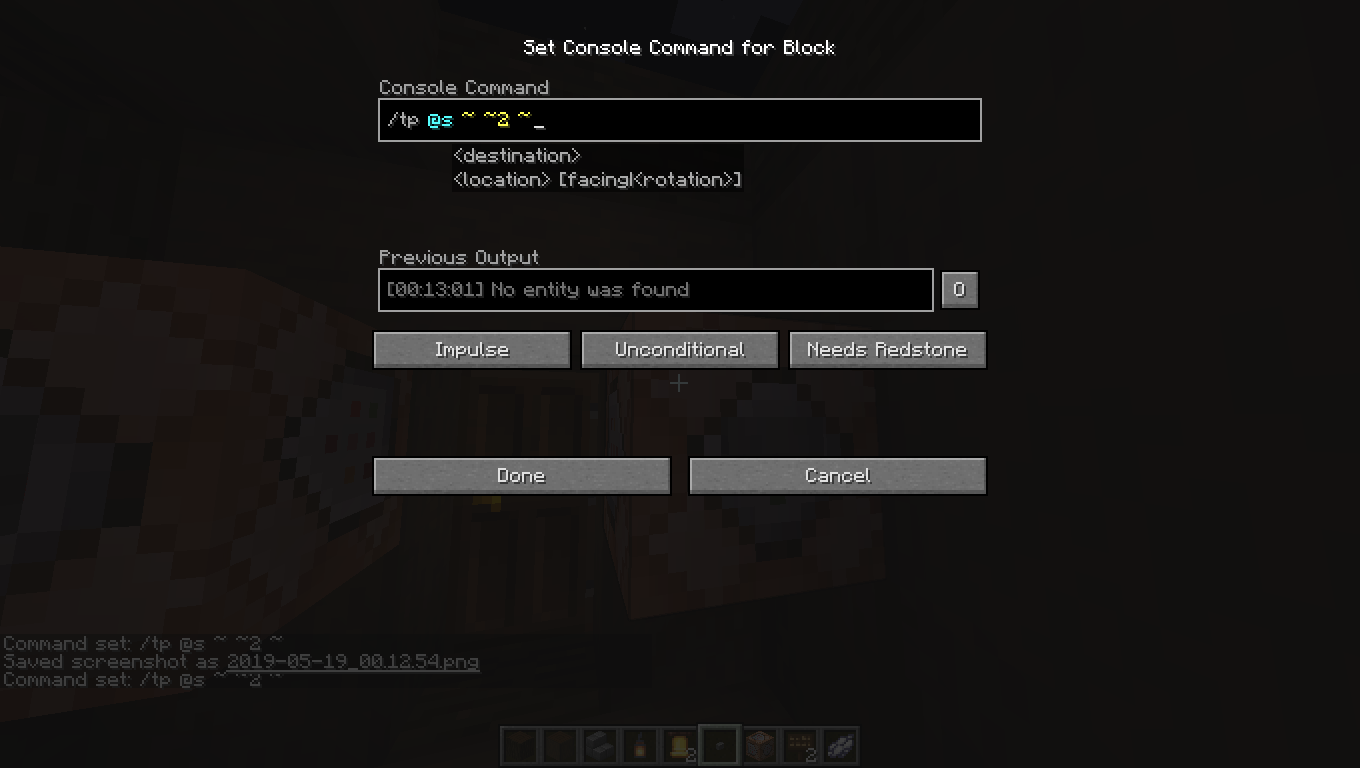
Ive noticed that when using @s in Signs (Command Signs) and Command Blocks, It doesnt correctly Select the entity that is activating it, it just says "couldnt find entity" and only works when using a command in chat. I get this may be built into the game by default, Im not sure, but its extremely annoying, as Im running a realms with command blocks to activate and teleport the player that activates it, and players that are nearest to it get teleported, so with other players, I guess you can see how annoying it could get not being able to select and use the command on the one who clicks the sign/command block...
If this bug is Built into the game by default (works as intended) then why? Why is this feature not a thing... its very mentally painful to me that the command dialogue would show @s as a viable selector, and yet it doesnt work.
As you can see, it doesnt seem to show up in the login page.
Same thing occurs if you try to login in via account.mojang.net or try to hit the forgot password button in the new OR beta launchers.I noticed this after my password and email stopped working (I havent been able to play minecraft for nearly 2 weeks now, Im a bit angry) I tried the switching to latest beta trick, but it is still giving me the same issue, so I clicked the forgot password button because I thought maybe my account got exposed..
I tried logging in via mojang AND minecraft.net and both went to that blank page... Please help me, I just want to play the game!
Ive attached what the website looks like along with the Javascript console output
As you can see, it doesnt seem to show up in the login page.
Same thing occurs if you try to login in via account.mojang.net or try to hit the forgot password button in the new OR beta launchers.I noticed this after my password and email stopped working (I havent been able to play minecraft for nearly 2 weeks now, Im a bit angry) I tried the switching to latest beta trick, but it is still giving me the same issue, so I clicked the forgot password button because I thought maybe my account got exposed..
I tried logging in via mojang AND minecraft.net and both went to that blank page... Please help me, I just want to play the game!
Perhaps it was just lag on my side? I wasnt using any mods.... (I cant even use mods on 1.14 anyways) and it was just a simple command block change in the block
yet it did that whole "not activating/deactivating for like 1-2 minutes" thing
Is there any way we can select what entity activates the command block then? This is really important to me...
@violine1101 What about the MC Website? the forgot password site is still down! I cant connect
You need more information, and this isnt the place to post this. This is most likely something wrong on your end, not minecraft, post the console log on r/minecraft on reddit with the correct flair or whatnot
or just post it somewhere else besides the bug tracking site..
This is an intended feature.
Please research something before posting it to the BUG reporting site. If you want the feature removed, suggest it on the suggestion forum (On reddit, r/minecraftsuggestions)
1.15.2 is an early release, its not guaranteed to be perfectly optimized, also, it could also be something on your end causing the issue.
Even a "God pc" Can get lower fps based on how the resources on your computer are being shared, there could be other programs using up too much resources and minecraft cant keep up.
I recommend just switching back to 1.14 until 1.15 reaches its final release (most servers haven't even upgraded to 1.13 yet)
On a personal note, 1000 fps isnt really a thing, sorry bud, and the human eyes see at about 30fps on average (based on online studies), so your 50-100 fps and "insane" stuttering, that shouldnt exist. I think your overreacting a bit...
Thats just a mix of sprinting and walking, dont press it 3 times, to sprint, either hold control (or whatever your sprint key is) or just double tap W
thats been happening for years