 John S.
- SlapDashMC
- slapdashmc
- Europe/Stockholm
- Yes
- No
 MCPE-16067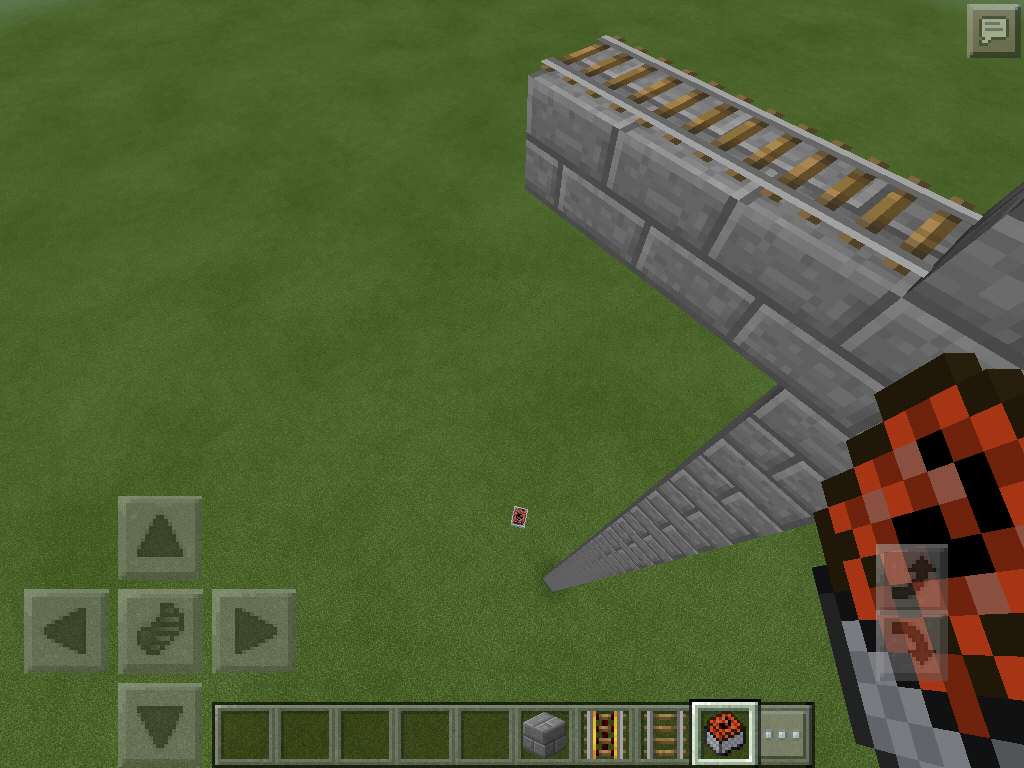


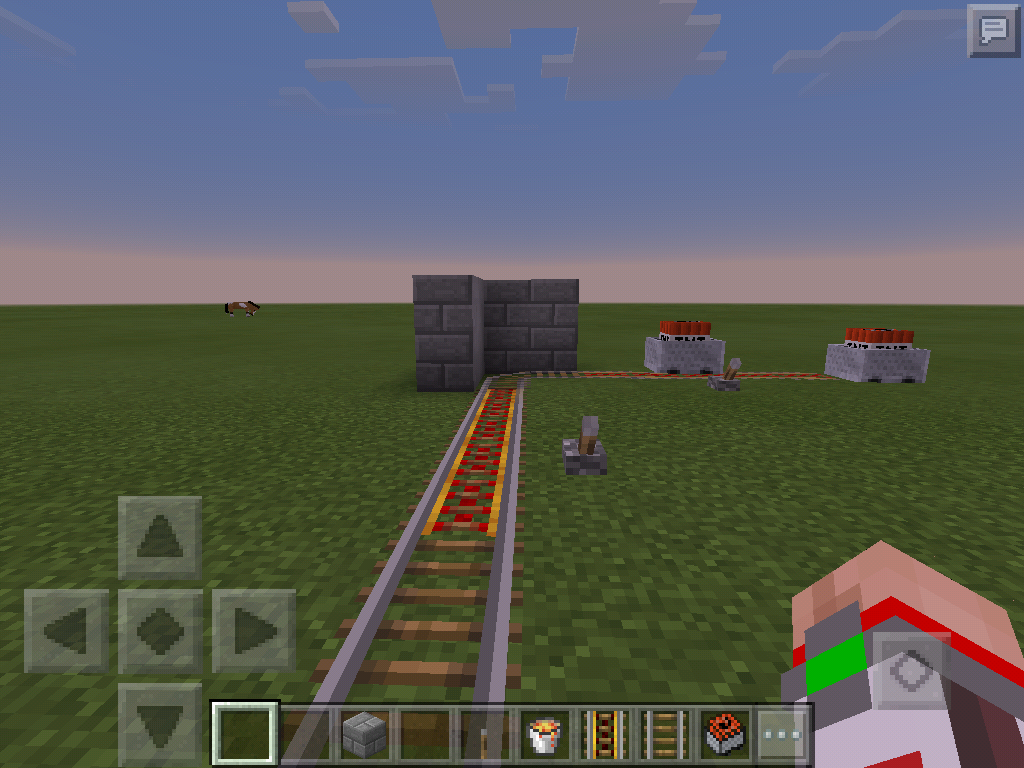


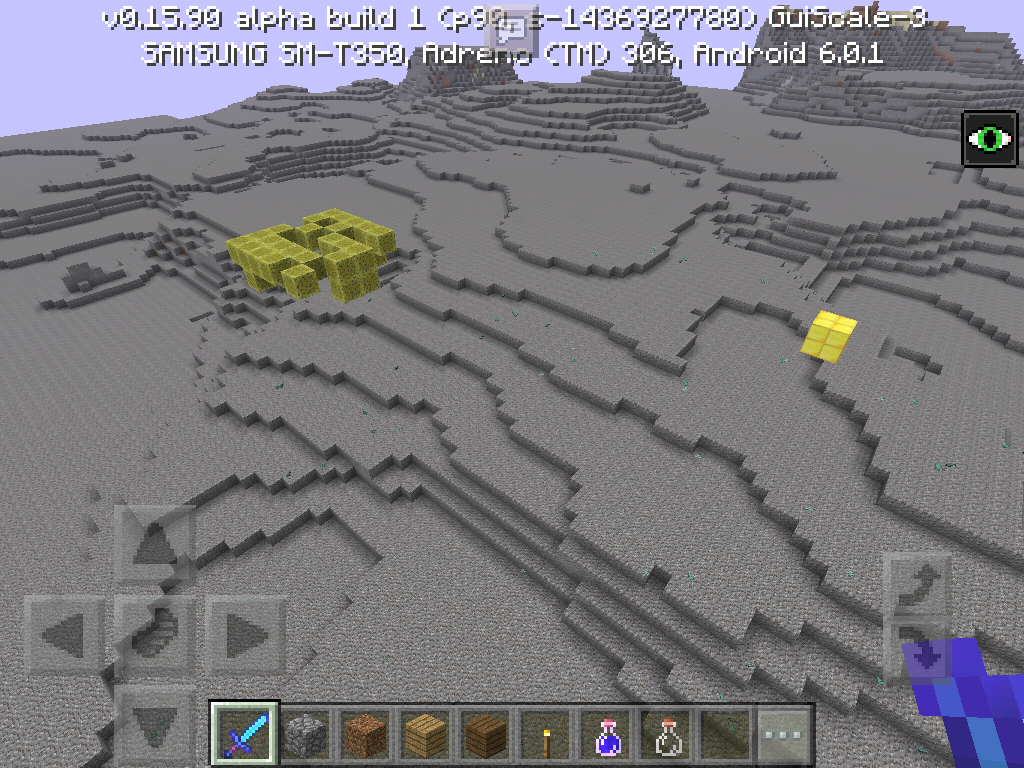

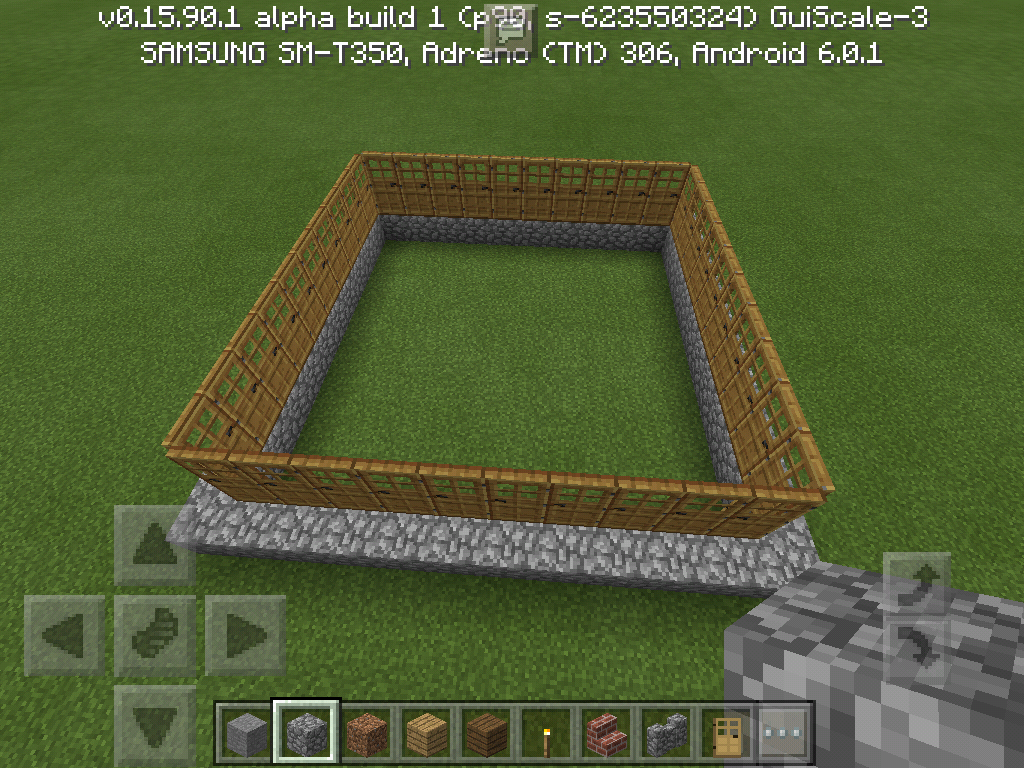

TNT Minecarts never instantly explode even under the right (PC Edition) conditions. For instance: (Examples match screenshots)
1. TNT Minecarts do not instantly detonate after falling more than 3 blocks. (I believe it's 3...)2. TNT Minecarts do not instantly detonate when destroyed while in motion.
3. TNT Minecarts do not instantly detonate when destroyed by fire, lava, or another explosion.
4. TNT Minecarts do not instantly
ingwhen they turn on a curved track too fast, with a solid block or entity located beside the track (in the previous movement direction)TNT Minecarts never instantly explode even under the right (PC Edition) conditions. For instance: (Examples match screenshots)
1. TNT Minecarts do not instantly detonate after falling more than 3 blocks. (I believe it's 3...)2. TNT Minecarts do not instantly detonate when destroyed while in motion.
3. TNT Minecarts do not instantly detonate when destroyed by fire, lava, or another explosion.
4. TNT Minecarts do not instantly detonate when they turn on a curved track too fast, with a solid block or entity located beside the track (in the previous movement direction)
DEVICE: Samsung Galaxy Tab A
TNT Minecarts never instantly explode even under the right (PC Edition) conditions. For instance: (Examples match screenshots)
1. TNT Minecarts do not instantly detonate after falling more than 3 blocks. (I believe it's 3...)2. TNT Minecarts do not instantly detonate when destroyed while in motion.
3. TNT Minecarts do not instantly detonate when destroyed by fire, lava, or another explosion.
4. TNT Minecarts do not instantly detonate when they turn on a curved track too fast, with a solid block or entity located beside the track (in the previous movement direction)
PistonExtensionBug
Device: Samsung Galaxy Tab A
When a piston or sticky piston is positioned to have over the limit (13 or more) blocks in front of it, it will not extend when powered. That is perfectly normal. (As demonstrated in the 1st picture.) But when you destroy the 13th block to reduce it to 12 again, the piston does not extend even though it is still being powered (as demonstrated in 2nd picture.)
This bug renders useless many redstone creations that would work in the PC Edition.
Device: Samsung Galaxy Tab A
BUG
When a piston or sticky piston is positioned to have over the limit (13 or more) blocks in front of it, it will not extend when powered. That is perfectly normal. (As demonstrated in the 1st picture.) But when you destroy the 13th block to reduce it to 12 again, the piston does not extend even though it is still being powered (as demonstrated in 2nd picture.)This bug renders useless many redstone creations that would work in the PC Edition.
STEPS TO REPRODUCE
1. Place a piston or sticky piston.
2. Place 13 blocks in front of the piston and then power it.
3. Destroy the 13th block so that now there are only 12. As you will see, the piston does not extend even though it is now only 12 (The highest push able number).
Device: Samsung Galaxy Tab A
BUG
When a piston or sticky piston is positioned to have over the limit (13 or more) blocks in front of it, it will not extend when powered. That is perfectly normal. (As demonstrated in the 1st picture.) But when you destroy the 13th block to reduce it to 12 again, the piston does not extend even though it is still being powered (as demonstrated in 2nd picture.)This bug renders useless many redstone creations that would work in the PC Edition.
STEPS TO REPRODUCE
1. Place a piston or sticky piston.
2. Place 13 blocks in front of the piston and then power it.
3. While stull powering the piston, Destroy the 13th block so that now there are only 12 blocks in front of the piston. As you will see, the piston does not extend even though it is now only 12 blocks in front of it (The highest push able number).
Device: Samsung Galaxy Tab A
BUG
When a piston or sticky piston is positioned to have over the limit (13 or more) blocks in front of it, it will not extend when powered. That is perfectly normal. (As demonstrated in the 1st picture.) But when you destroy the 13th block to reduce it to 12again, the piston does not extend even though it is still being powered (as demonstrated in 2nd picture.)This bug renders useless many redstone creations that would work in the PC Edition.
STEPS TO REPRODUCE
1. Place a piston or sticky piston.
2. Place 13 blocks in front of the piston and then power it.
3. While stull powering the piston, Destroy the 13th block so that now there are only 12 blocks in front of the piston. As you will see, the piston does not extend even though it is now only 12 blocks in front of it (The highest push able number).Device: Samsung Galaxy Tab A
BUG
When a piston or sticky piston is positioned to have over the limit (13 or more) blocks in front of it, it will not extend when powered. That is perfectly normal. (As demonstrated in the 1st picture.) But when you destroy the 13th block to reduce it to 12 blocks, the piston does not extend even though it is still being powered (as demonstrated in 2nd picture.)This bug renders useless many redstone creations that would work in the PC Edition.
STEPS TO REPRODUCE
1. Place a piston or sticky piston.
2. Place 13 blocks in front of the piston and then power it.
3. While still powering the piston, Destroy the 13th block so that now there are only 12 blocks in front of the piston. As you will see, the piston does not extend even though it is now only 12 blocks in front of it (The highest push able number).
DEVICE: Samsung Galaxy tab A
In the most recent build of the 0.16.0 update (0.15.9.2), I have noticed that guardians will continue to sink while they are firing their beam. I believe they are supposed to remain stationary while attacking even if in the open water. Because they sink while attacking, they often lose their target while attacking before any damage can be inflicted. I watched as a squid was repeatedly locked on to by a guardian that was below it but the Guardian would sink out of range then swim back up to attack again then sink out of range again. This would continue for a while. It would also happen when I was above a guardian and it tried to attack me (unsuccesfully). Because of this, guardians can only sustain a damaging attack while they are resting on the ocean floor or on the side of the monument. This bug makes guardians ridiculously easy to escape now. Thanks for reading and hopefully fixing!
No screenshot needed. If it would be helpful, I could try to add a video but you could always observe it yourself if possible.DEVICE: Samsung Galaxy tab A
In the most recent build of the 0.16.0 update (0.15.9.2), I have noticed that guardians will continue to sink while they are firing their beam. I believe they are supposed to remain stationary while attacking even if in the open water. Because they sink while attacking, they often lose their target while attacking before any damage can be inflicted. I watched as a squid was repeatedly locked on to by a guardian that was below it but the Guardian would sink out of range then swim back up to attack again then sink out of range again. This would continue for a while. It would also happen when I was above a guardian and it tried to attack me (unsuccesfully). Because of this, guardians can only sustain a damaging attack while they are resting on the ocean floor or on the side of the monument. This bug makes guardians ridiculously easy to escape now. Thanks for reading and hopefully fixing!
STEPS TO REPRODUCE:
1. Enter a new world in creative
2. Place a guardian and a squid together in a body of water.
3. Watch as the Guardian sinks down while it is locked on to the squid. It is supposed to remain still (without sinking) while it is locked on to a target.
DEVICE: Samsung Galaxy tab A
In the most recent build of the 0.16.0 update (0.15.9.2), I have noticed that guardians will continue to sink while they are firing their beam. I believe they are supposed to remain stationary while attacking even if in the open water. Because they sink while attacking, they often lose their target while attacking before any damage can be inflicted. I watched as a squid was repeatedly locked on to by a guardian that was below it but the Guardian would sink out of range then swim back up to attack again then sink out of range again. This would continue for a while. It would also happen when I was above a guardian and it tried to attack me (unsuccesfully). Because of this, guardians can only sustain a damaging attack while they are resting on the ocean floor or on the side of the monument. This bug makes guardians ridiculously easy to escape now. Thanks for reading and hopefully fixing!
STEPS TO REPRODUCE:
1. Enter a new world in creative
2. Place a guardian and a squid together in a body of water.
3. Watch as the Guardian sinks down while it is locked on to the squid. It is supposed to remain still (without sinking) while it is locked on to a target.DEVICE: Samsung Galaxy tab A
In the most recent build of the 0.16.0 update (0.15.9.2), I have noticed that guardians will continue to sink while they are firing their beam. I believe they are supposed to remain stationary while attacking even if in the open water. Because they sink while attacking, they often lose their target while attacking before any damage can be inflicted. I watched as a squid was repeatedly locked on to by a guardian that was below it but the Guardian would sink out of range then swim back up to attack again then sink out of range again. This would continue for a while. It would also happen when I was above a guardian and it tried to attack me (unsuccesfully). Because of this, guardians can only sustain a damaging attack while they are resting on the ocean floor or on the side of the monument. This bug makes guardians ridiculously easy to escape now. Thanks for reading and hopefully fixing!
STEPS TO REPRODUCE:
1. Enter a new world in creative
2. Place a guardian and a squid together in a body of water.
3. Watch as the Guardian sinks down while it is locked on to the squid. It is supposed to remain still (without sinking) while it is locked on to a target.
DEVICE: Samsung Galaxy tab A
In the most recent build of the 0.16.0 update (0.15.9.2), I have noticed that guardians will continue to sink while they are firing their beam.
I believe they are supposed to remain stationary while attacking even if in the open water. Because they sink while attacking, they often lose their target while attacking before any damage can be inflicted. I watched as a squid was repeatedly locked on to by a guardian that was below it but the Guardian would sink out of range then swim back up to attack again then sink out of range again. This would continue for a while. It would also happen when I was above a guardian and it tried to attack me (unsuccesfully). Because of this, guardians can only sustain a damaging attack while they are resting on the ocean floor or on the side of the monument. This bug makes guardians ridiculously easy to escape now. Thanks for reading and hopefully fixing!STEPS TO REPRODUCE:
1. Enter a new world in creative
2. Place a guardian and a squid together in a body of water.
3. Watch as the Guardian sinks down while it is locked on to the squid. It is supposed to remain still (without sinking) while it is locked on to a target.DEVICE: Samsung Galaxy tab A
In the most recent build of the 0.16.0 update (0.15.9.2), I have noticed that guardians will continue to sink while they are firing their beam. They are supposed to remain stationary while attacking even if in the open water. Because they sink while attacking, they often lose their target while attacking before any damage can be inflicted. I watched as a squid was repeatedly locked on to by a guardian that was below it but the Guardian would sink out of range then swim back up to attack again then sink out of range again. This would continue for a while. It would also happen when I was above a guardian and it tried to attack me (unsuccesfully). Because of this, guardians can only sustain a damaging attack while they are resting on the ocean floor or on the side of the monument. This bug makes guardians ridiculously easy to escape now. Thanks for reading and hopefully fixing!
STEPS TO REPRODUCE:
1. Enter a new world in creative
2. Place a guardian and a squid together in a body of water. (Make sure the Guardian is not resting on a block)
3. Watch as the Guardian sinks down while it is locked on to the squid. It is supposed to remain still (without sinking) while it is locked on to a target.
DEVICE: Samsung Galaxy tab A
In the most recent build of the 0.16.0 update (0.15.9.2), I have noticed that guardians will continue to sink while they are firing their beam. They are supposed to remain stationary while attacking even if in the open water. Because they sink while attacking, they often lose their target while attacking before any damage can be inflicted. I watched as a squid was repeatedly locked on to by a guardian that was below it but the Guardian would sink out of range then swim back up to attack again then sink out of range again. This would continue for a while. It would also happen when I was above a guardian and it tried to attack me (unsuccesfully). Because of this, guardians can only sustain a damaging attack while they are resting on the ocean floor or on the side of the monument. This bug makes guardians ridiculously easy to escape now. Thanks for reading and hopefully fixing!
STEPS TO REPRODUCE:
1. Enter a new world in creative
2. Place a guardian and a squid together in a body of water. (Make sure the Guardian is not resting on a block)
3. Watch as the Guardian sinks down while it is locked on to the squid. It is supposed to remain still (without sinking) while it is locked on to a target.EDIT: Just added a video of the bug!
DEVICE: Samsung Galaxy tab A
In the most recent build of the 0.16.0 update (0.15.9.2), I have noticed that guardians (and Elder Guardians) will continue to sink while they are firing their beam. They are supposed to remain stationary while attacking even if in the open water. Because they sink while attacking, they often lose their target while attacking before any damage can be inflicted. I watched as a squid was repeatedly locked on to by a guardian that was below it but the Guardian would sink out of range then swim back up to attack again then sink out of range again. This would continue for a while. It would also happen when I was above a guardian and it tried to attack me (unsuccesfully). Because of this, guardians can only sustain a damaging attack while they are resting on the ocean floor or on the side of the monument. This bug makes guardians ridiculously easy to escape now. Thanks for reading and hopefully fixing!
STEPS TO REPRODUCE:
1. Enter a new world in creative
2. Place a guardian and a squid together in a body of water. (Make sure the Guardian is not resting on a block)
3. Watch as the Guardian sinks down while it is locked on to the squid. It is supposed to remain still (without sinking) while it is locked on to a target.EDIT: Just added a video of the bug!
DEVICE: Samsung Galaxy Tab A
I noticed in the the 0.16.0 beta that when attempting to use the /give skull command to give yourself a mob skull that is not already in the inventory, such as a spider head, it gives you a glitchy skeleton head instead. I understand in the PC Edition, you ARE able to get these heads through commands. And as the /give command is in PE, I was wondering why it doesn't work and often crashes the game. Thanks!
STEPS TO REPRODUCE:
1. Do the command: /give (your name here) skull 64 40
This command is supposed to give you 64 spider heads. But instead you get glitchy skeleton heads. This happens with the other mobs too.EDIT: Could the developers have forgotten to add the textures for the other mob heads?
DEVICE: Samsung Galaxy Tab A
The Wither does not regenerate health like it is supposed to when it is hurt.
STEPS TO REPRODUCE:
1. Spawn a wither.
2. Hurt it and pay attention to the health bar.
3. It does not regenerate like it should. I believe it should be regenerating a half heart every 20 ticks.EDIT: It is not supposed to regenerate once below half health but it still doesn't regenerate before then (Hence the bug.)
DEVICE: Samsung Galaxy Tab A
Guardians do not respawn in and around Ocean Mouments like they are supposed to. I noticed this when raiding a monument in MCPE.
STEPS TO REPRODUCE:
1. Use the seed: -1436927780
2. Go to the Ocean Monument that is in the ocean to the right.
3.Youthe /fill command toremoveall of theblocks that make up the Ocean Monument by replacing them with water.
4. Now use the /kill command to kill all of the guardians.
5. None will respawn like they are supposed to.DEVICE: Samsung Galaxy Tab A
Guardians do not respawn in and around Ocean Mouments like they are supposed to. I noticed this when raiding a monument in MCPE.
STEPS TO REPRODUCE:
1. Use the seed: -1436927780
2. Go to the Ocean Monument that is in the ocean to the right.
3. Now use the /kill command to kill all of the guardians.
4. None will respawn like they are supposed to.
DEVICE: Samsung Galaxy Tab A
Guardians do not respawn in and around Ocean Mouments like they are supposed to. I noticed this when raiding a monument in MCPE.
STEPS TO REPRODUCE:
1. Use the seed: -1436927780
2. Go to the Ocean Monument that is in the ocean to the right.
3. Now use the /kill command to kill all of the guardians.
4. None will respawn like they are supposed to.EDIT: In the screen shot, I used commands to remove the blocks of the Ocean Monument. This is not required to test the bug however, I just did it after the fact to make sure there were none inside that I hadn't found.
DEVICE: Samsung Galaxy Tab A
Guardians do not respawn in and around Ocean Mouments like they are supposed to. I noticed this when raiding a monument in MCPE.
STEPS TO REPRODUCE:
1. Use the seed: -1436927780
2. Go to the Ocean Monument that is in the ocean to the right.
3. Now use the /kill command to kill all of the guardians. /kill @e
4. None will respawn like they are supposed to.EDIT: In the screen shot, I used commands to remove the blocks of the Ocean Monument. This is not required to test the bug however, I just did it after the fact to make sure there were none inside that I hadn't found.
DEVICE: Samsung Galaxy Tab A
Guardians do not respawn in and around Ocean Mouments like they are supposed to. I noticed this when raiding a monument in MCPE.
STEPS TO REPRODUCE:
1. Use the seed: -1436927780
2. Go to the Ocean Monument that is in the ocean to the right.
3. Now use the /kill command to kill all of the guardians. /kill @e
4. None will respawn like they are supposed to.EDIT: In the screen shot, I used commands to remove the blocks of the Ocean Monument. This is not required to test the bug however, I just did it after the fact to make sure there were none inside that I hadn't found.
EDIT: In 0.15.90.8, Ocean Monuments don't generate for some reason. So will have to wait until that is fixed to reconfirm.
Can confirm bug still exists in 0.15.1 It actually is kinda game changing considering how ,many devices people try to copy from PC Edition that require instant detonation.
Can confirm bug still exists in 0.15.1
Fixed in version 0.15.90.7
Confirmed on Samsung Galaxy Tab A
Jeez will they ever fix this one? lol
Read the edit. And there is water. That's what underwater looks like when wearing Respiration 3 on a helmet and after drinking a night vision potion.
Still in 0.15.90.8
Fixed in 0.15.90.8
Fixed in 0.16.0!
Fixed in 0.16.0
Still affects 0.16.0
Still exists in 0.16.0
Affects 0.16.0
Still affects 0.16.0 here is an updated report:
DEVICE: Samsung Galaxy Tab A
TNT Minecarts never instantly explode even under the right (PC Edition) conditions. For instance: (Examples match screenshots)
1. TNT Minecarts do not instantly detonate after falling more than 3 blocks. (I believe it's 3...)
2. TNT Minecarts do not instantly detonate when destroyed while in motion.
3. TNT Minecarts do not instantly detonate when destroyed by fire, lava, or another explosion.
4. TNT Minecarts do not instantly detonate when they turn on a curved track too fast, with a solid block or entity located beside the track (in the previous movement direction)
Confirmed on a Samsung Galaxy Tab A running 0.16.0
Missing on Samsung Galaxy Tab A
Fixed in 0.17.0.2