 Jed Harvey
- solomon_97
- solomon_97
- Europe/Stockholm
- Yes
- No
7 issues
Key
Summary
Status
Reporter
Assignee
Created
 MC-9532









Changed Environment:
Windows 8, Java 7
(latest update) 32 bitWindows 8 64 bit, Java 7 Update 13
Added Attachments:
Added Attachments:
Added Affects Versions: 13w19a
Added Attachments:
Added Attachments:
Added Attachments:
Added Attachments:
Deleted Comment:
The trick I posted earlier doesn't work with launcher 7.1 OR 13w19a. Too bad.
Added Labels: 1.6.4 13w38c chunk chunkerror glitch loading
Deleted Comment:
I'm having this problem also while trying to play on my friend's server (which is hosted by another company). What should I do to resolve this issue? i can only ever play for about 20 seconds at a time, and it seems to accompany a large lag spike in my internet.
I saw the issue report about something like this earlier, and I think it said to copy and paste something into a notepad document and save it in the .minecraft file, but I tried that and it seemed to make the problem worse. I very well might have done something wrong, or the problems might be totally different, but I did go and take the file I created out. It might not matter though.
This one happened recently.
As in RAM? 6 Gigs
or as in hard drive, around 600 gigs
I did yet I didn't see it. What would the one before me be called?
Oh its right there never mind sorry
I remember the bed setting your spawn point near it, but it seems to work fine now too. I have slept in my bed then died, and I popped right back up at my bed, yet the compass always points to your original spawn point, even though its not really your spawnpoint anymore. I wouldn't say yet that this is resolved, unless it is intended that the compass points at something that really isn't your spawnpoint. The spawnpoint is at the bed, so the compass should point to the bed, too, yet it doesn't. I would call this a rather annoying bug that pretty much ruins the point of a compass.
I think this also happens with /spawnpoint
for now I at least will be content with fixing it with /spawnpoint while waiting for a fix
Yes, in 13w07a /spawnpoint seems to work, but the bed doesn't.
I couldn't find Dinnerbone, but it isn't a copy. This one only starts after I have been playing a while. After it happens a couple times sometimes it will freeze on start, but usually then either it never stops freezing on start or it crashes minecraft entirely.
what is api
:/ not what I mean. This would take away all effects. But thanks for the link to the forum!
This also happens with other blocks when opposing pistons push them at each other, except the block disappears. Pistons cant get pushed by others though, that is true.
If you try this type of thing with TNT it lights the TNT, blowing your awesome redstone piston machine to... item drops.
Ya I have a Bow with every single enchantment possible and the best part is the Fire Aspect and Fire both work! So my arrows are lit on fire, and mobs are lit on fire when I hit them with my bow!
That one was counted as invalid. Does that mean you fixed it? Probably not. Is it even fixable?
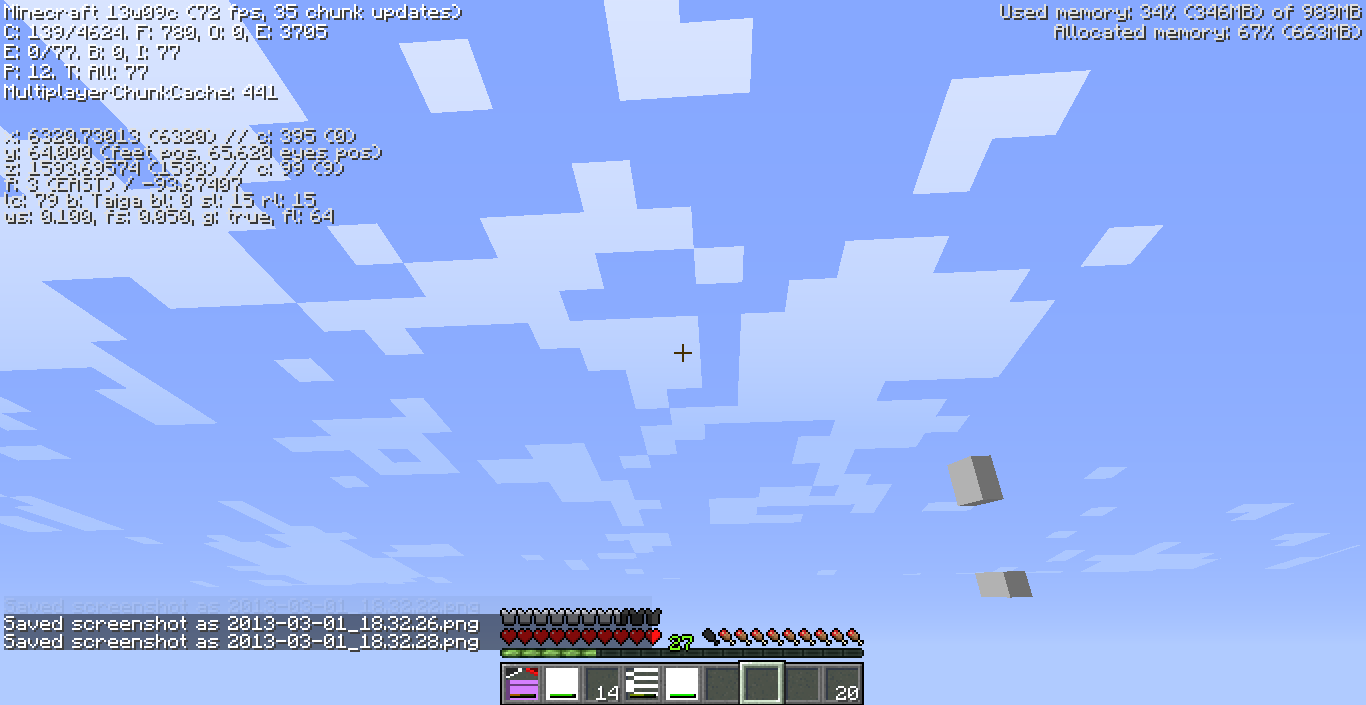
I haven't seen it yet in 13w09c, granted I haven't played a whole lot. Was it fixed?
Ok so mine is better?
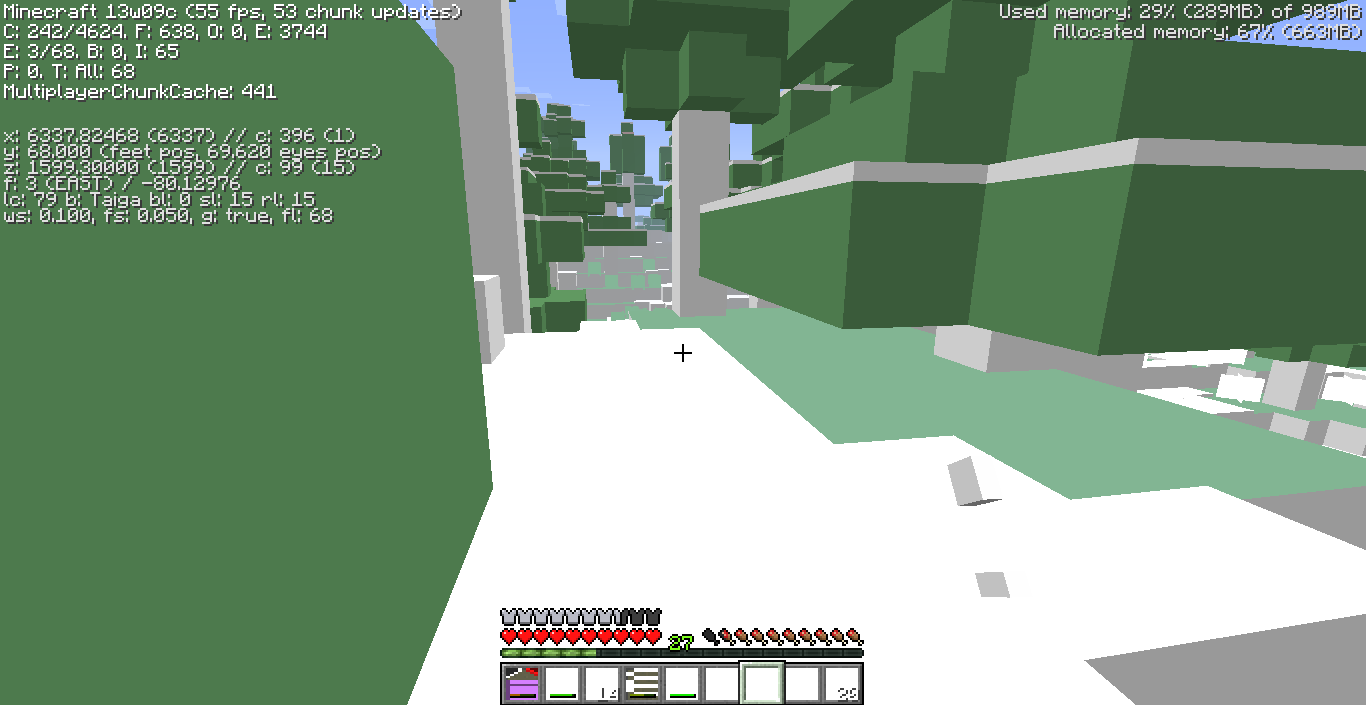
Confirmed for 13w09c
I have both of the flame enchantments on my bow, and by just whacking a mob with my bow it catches them on fire. Maybe the wrong fire enchantment...?
Confirmed for 1.5pre. It wasn't bad enough to cause the game to crash, but it did kick me out of my world back to the start screen and said what it did before. I guess it wasn't fixed. But it isn't with the same frequency as before, so maybe it was lessened a little with all the bug fixes.
I see that they just go to the northwest no matter what direction you face. Not tested a whole lot though. Cam be seen from a distance, too.
In that one the mobs are affected and they change their graphics, too. This glitch does not affect mobs. They are very similar though.
I did a little testing with the bow (I'm no expert at testing though) and found generally the more you let the bow get pulled back, the more of a dramatic and instantaneous change in the visual arrow happens. Generally if you just pull back the minimum amount (more or less), the arrow shifts in position just a tiny but, after waiting about a half a second (more or less). If you let the bow pull back all the way or almost all the way, the arrow will almost instantly jump back a couple blocks. Also, I don't think the technical "arrow" is affected by this always, or near as much as the visual arrow. When you pull the bow back all the way, the arrow will jump back, and you can walk straight through the visual arrow you see on the screen, but you don't pick it up until you go to where the arrow was supposed to hit. This was tested in creative with a bow with all enchantments (weapon and armor) and in survival with a plain bow. Again, I'm no expert, and I am sure you have already figured most of this out, but that is what I found.
Does the amount of RAM allocated to Minecraft really affect the graphics card?
I found minecraft to go anywhere from 40 fps to 7. Allocated memory is reduced, too. it was 50, now 34. What does playing on a laptop or with integrated graphics do with this? (humor me cause I know little about computers)
Windows 8, Java 7 update 21, 1.5.1 and 13w16a survival and creative but more of creative
This happens for me very frequently in LAN multiplayer. I don't know if this would affect it but I was playing with my friend, no internet, and 2 computers hooked through an ethernet cable.
Are you asking if it has been fixed or if it generally happens in 1.5.2 because we are still in 1.5.1
This .jar file is different from what the normal one is. Do I treat is as a regular snapshot and delete the old minecraft.jar file or do I just place it in the .minecraft or what?
I was playing 1.5.2 on the new browser and I put my render distance to far and immediately it said, "Minecraft Has Run Out of Memory!" and then it kicked me back to the start screen. Then I tried to get back into the world and Minecraft crashed.
Still a problem with 1.5.2 on new launcher, ranged from 95-110 looking up, and 5-10 or 15 looking straight or down. Very low fps. never got this low before.
Again
This has become a very common thing lately, just as bad as before. It won't even let you reopen the world it booted you out of because it crashes automatically.
I found a weird trick to get your fps up for a few minutes. It might not work for everyone. I found that if you go into the video settings while playing and change from your current render setting to it again (clicking through all others) it will pop your fps up to around 30 or so for a while. I was using "max fps" setting and "far" render distance.
Also seems to effect mycelium particles. Its hard to tell because they are small, there are less of them and they disappear faster than void particles (I think).
This has become more and more frequent lately even since I put the comment about it being common. It is very irritating.
I'm certain you have noticed this but it appears to be connected with a "native thread".
Happens almost daily (when I play), and sometimes more.
How would I find what video card I have, or what my Minecraft is using? And how would I find out what the other one is?
That raises another question. Why did the old launcher pick the right one but now the new one can't?
I have been looking around on my computer and I have found I on my computer I only have one graphics card. I also, just to make sure my theory was right, compared some crash reports from before the new launcher to some after (one was today, I forced a crash for this) and both use the same graphics card I believe (Intel(R) HD Graphics 4000 GL version 4.0.0 - Build 9.17.10.2817). This means, unless my graphics card has 2 graphics processing units (which I bet it doesn't), the reduced FPS is because of Minecraft, or something Minecraft is doing. Maybe it is relying on the GPU a lot more with the new launcher and our Integrated cards can't handle it, or there is something about Minecraft that has been made or set up (maybe accidently) so that it works better with a dedicated or non-integrated graphics card. But we can say that generally the FPS drop is NOT because of the copmuter picking the wrong graphics card. It is because of Minecraft in someway.
Do you have any other graphics cards? As in non-integrated ones?
My Intel HD 4000 is an integrated card. I don't know about your system but yours is probably an integrated card also. But this is proof that it is at least partly Minecraft's fault. And also it is probably something that can be fixed.
How is this a duplicate? This one was made first. Just resolved because you figured it out on another. Hasn't seemed 2 have been happening lately though. I read the other one and don't really understand it or how it was worked out. Please explain?
PS I really didn't mean to say that in my last post I just was mad and not thinking. Sorry
Ok understood! thanks!
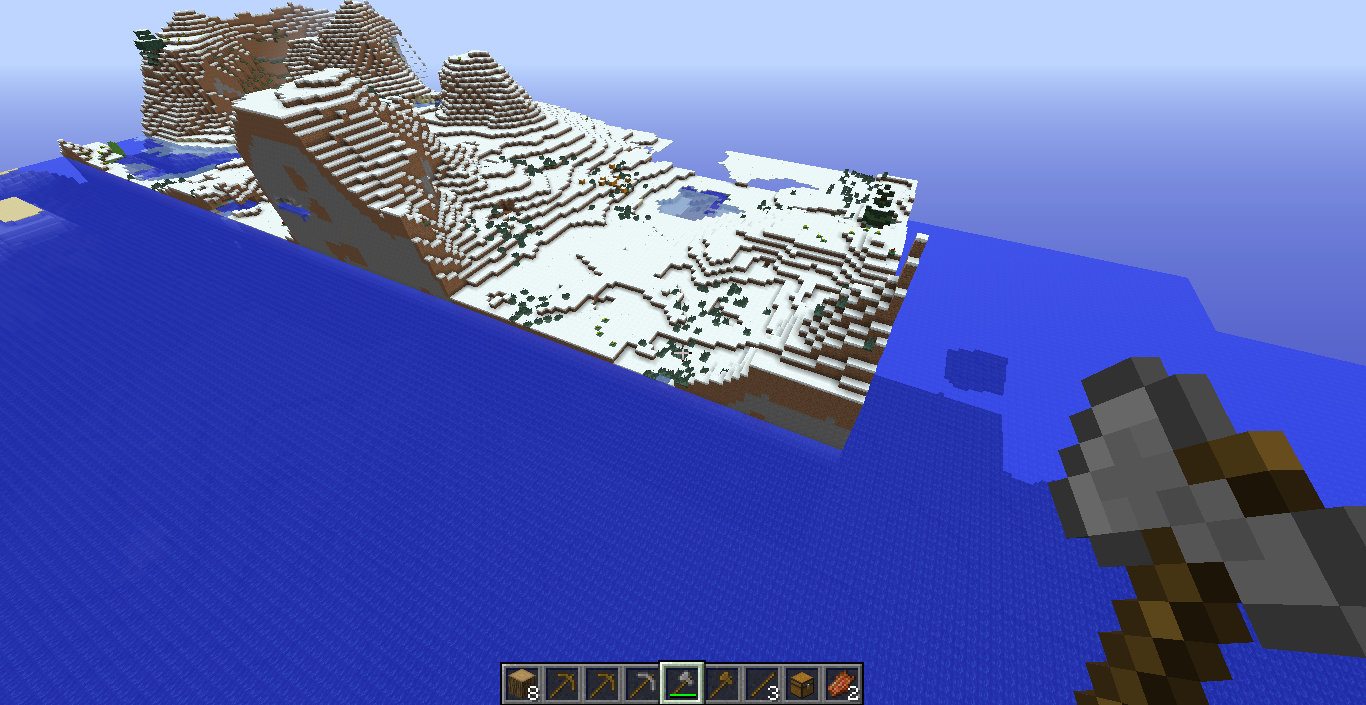
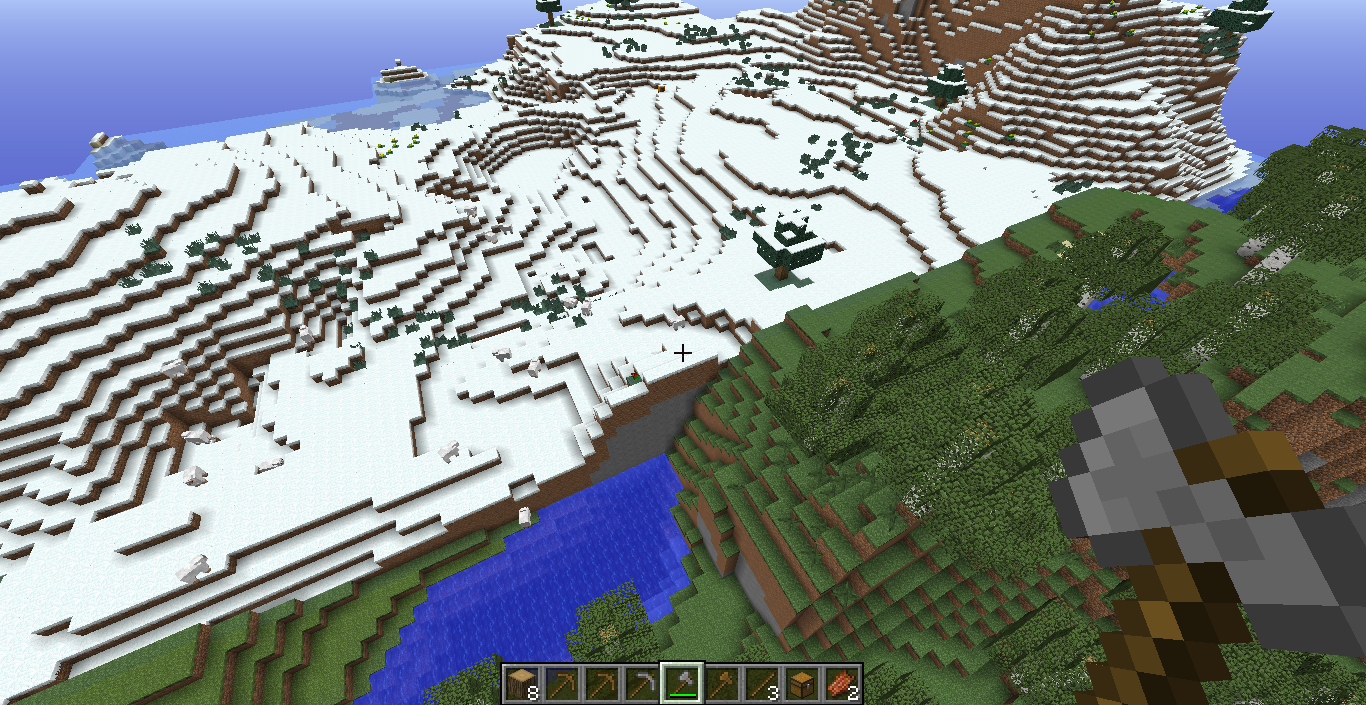
ok well it makes for some fairly cool worlds with their own sense of extra uniqueness, and it makes exploring extra fun!