 Jordon Moss
- StrikerTheHedgefox
- strikerthehedgefox
- America/Halifax
- Yes
- No
 BDS-847
 MCPE-159848
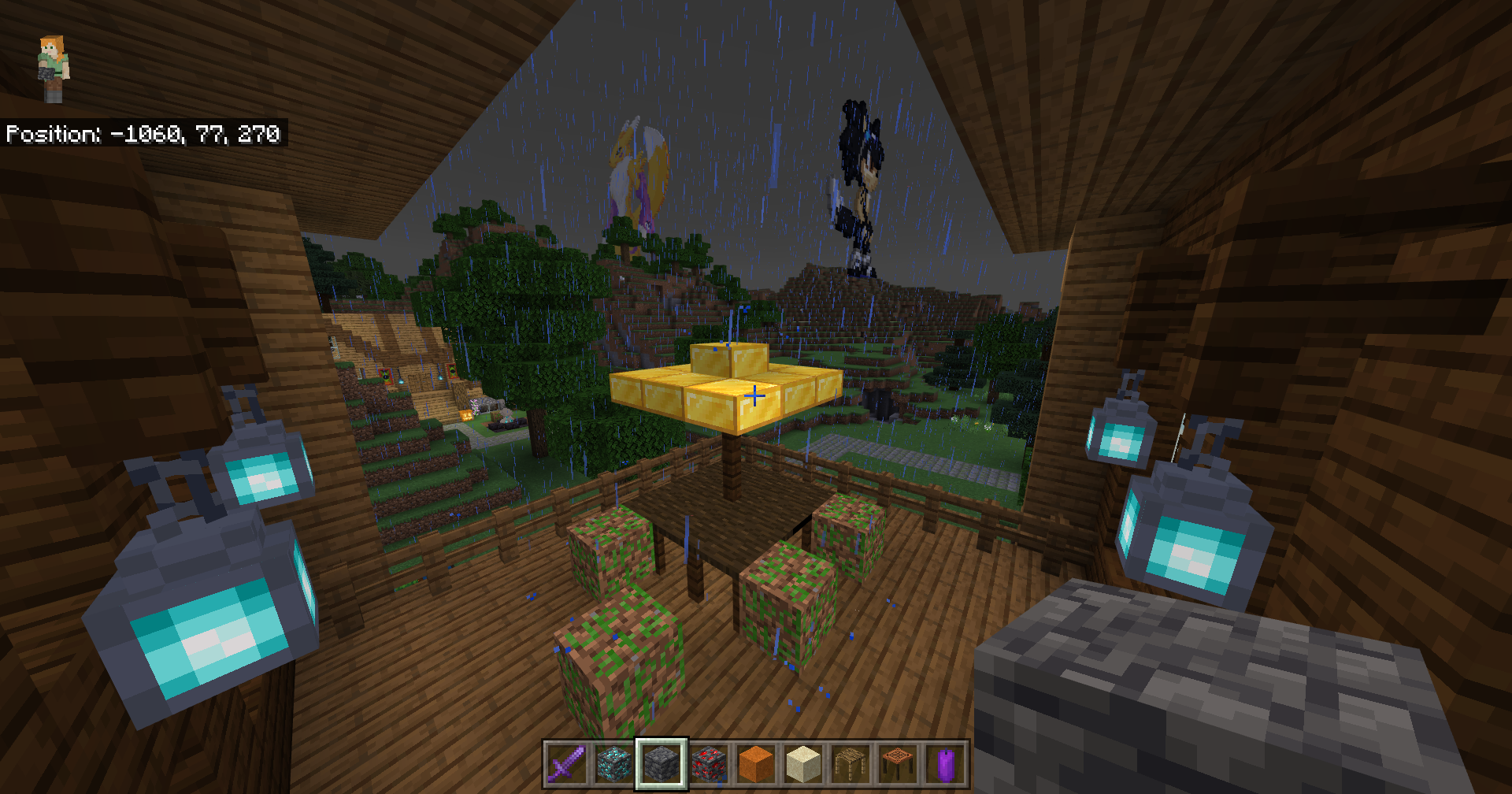


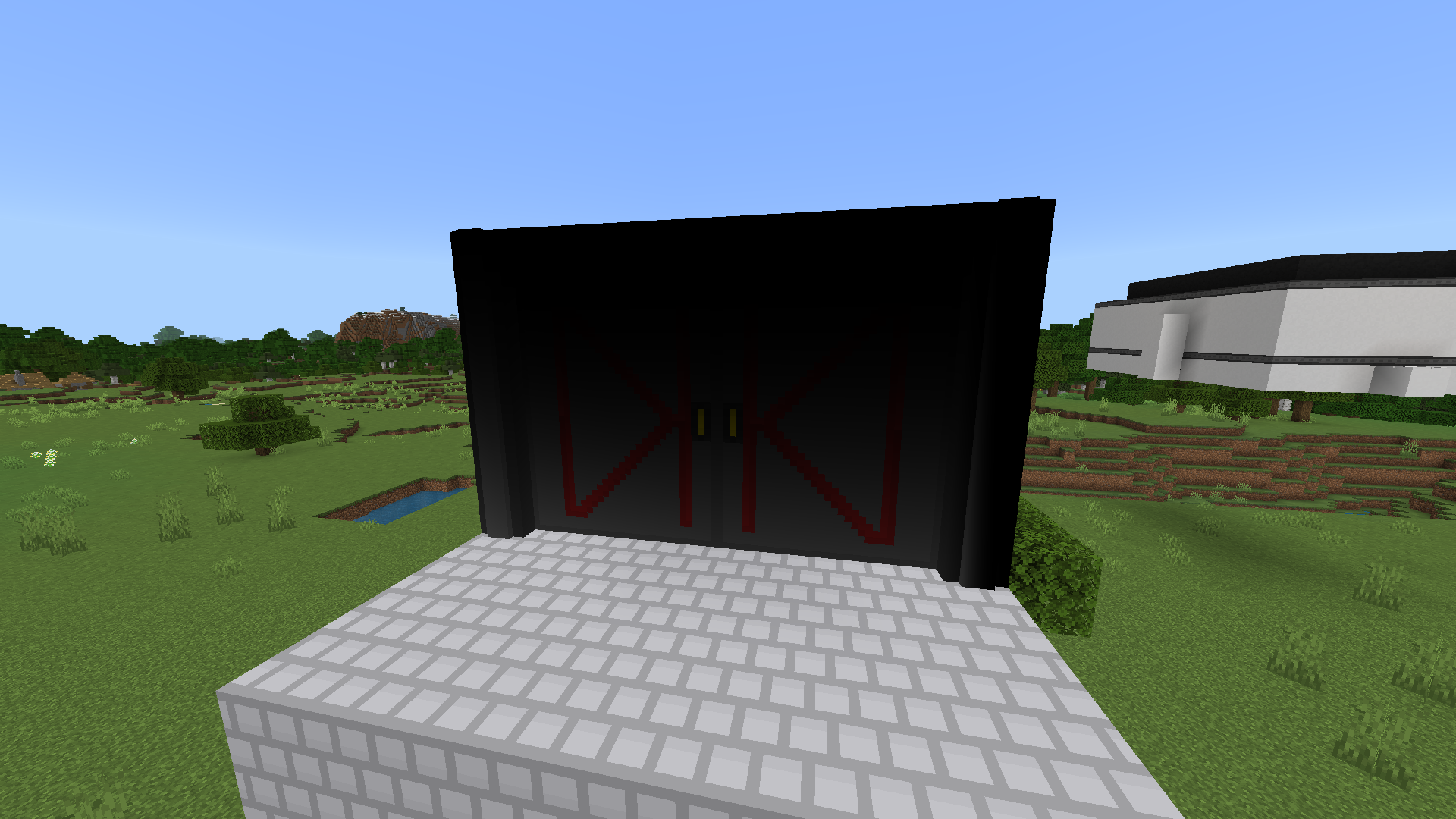


ApplicationFrameHost_2022-03-06_13-53-52.png
Tried the above BlockGeoFi mcpack. Doesn't fix anything for me. From what I gather, it needs something from the marketplace to work?
EDIT: Correction, I was able to get it to fix some... but not others.

Same as this issue, which was closed despite not being fixed.
MCPE-144060Any model that is placed on the odd 16th block on the Y coordinate (15, 31, 63, 79, etc.) has broken shading.
Seems to be most prevalent with models that are larger than one block.
Same as this issue, which was closed despite not being fixed.
MCPE-144060Any model that is placed on the odd 16th block on the Y coordinate (15, 31, 63, 79, etc.) has broken shading.
Seems to be most prevalent with models that are larger than one block.
If this has something to do with it not getting light because it crosses the chunk boundary, perhaps it should try to get the light from the adjacent chunk once it's loaded in?
Same as this issue, which was closed despite not being fixed.
MCPE-144060Any model that is placed on the odd 16th block on the Y coordinate (15, 31, 63, 79, etc.) has broken shading.
Seems to be most prevalent with models that are larger than one block.
If this has something to do with it not getting light because it crosses the chunk boundary, perhaps it should try to get the light from the adjacent chunk once it's loaded in? (Just a suggestion for a possible fix.)
Same as this issue, which was closed despite not being fixed.
MCPE-144060Any model that is placed on the odd 16th block on the Y coordinate (15, 31, 63, 79, etc.) has broken shading.
Seems to be most prevalent with models that are larger than one block.
If this has something to do with it not getting light because it crosses the chunk boundary, perhaps it should try to get the light from the adjacent chunk once it's loaded in? (Just a suggestion for a possible fix.)
Same as this issue, which was closed despite not being fixed.
MCPE-144060Any model that is placed on the odd 16th block on the Y coordinate (15, 31, 63, 79, etc.) has broken shading.
Seems to be most prevalent with models that are larger than one block.
Turning Smooth Lighting off mostly fixes it, though you might get one black piece of geo here and there.
If this has something to do with it not getting light because it crosses the chunk boundary, perhaps it should try to get the light from the adjacent chunk once it's loaded in? (Just a suggestion for a possible fix.)
Same as this issue, which was closed despite not being fixed.
MCPE-144060Any model that is placed on the odd 16th block on the Y coordinate (15, 31, 63, 79, etc.) has broken shading.
Seems to be most prevalent with models that are larger than one block.
Turning Smooth Lighting off mostly fixes it, though you might get one black piece of geo here and there.
If this has something to do with it not getting light because it crosses the chunk boundary, perhaps it should try to get the light from the adjacent chunk once it's loaded in? (Just a suggestion for a possible fix.)
Attached is an .mcworld file with a test resource pack inside, and a map with a few placements of the block in question demonstrating the bug.
Same as this issue, which was closed despite not being fixed.
MCPE-144060Any model that is placed on the odd 16th block on the Y coordinate (15, 31, 63, 79, etc.) has broken shading.
Seems to be most prevalent with models that are larger than one block.
Turning Smooth Lighting off mostly fixes it, though you might get one black piece of geo here and there.
If this has something to do with it not getting light because it crosses the chunk boundary, perhaps it should try to get the light from the adjacent chunk once it's loaded in? (Just a suggestion for a possible fix.)
Attached is an .mcworld file with a test resource pack inside, and a map with a few placements of the block in question demonstrating the bug. Just load it up to reproduce the issue.
Same as this issue, which was closed despite not being fixed.
MCPE-144060Any model that is placed on the odd 16th block on the Y coordinate (15, 31, 63, 79, etc.) has broken shading.
Seems to be most prevalent with models that are larger than one block.
Turning Smooth Lighting off mostly fixes it, though you might get one black piece of geo here and there.
If this has something to do with it not getting light because it crosses the chunk boundary, perhaps it should try to get the light from the adjacent chunk once it's loaded in? (Just a suggestion for a possible fix.)
Attached is an .mcworld file with a test resource pack inside, and a map with a few placements of the block in question demonstrating the bug. Just load it up to reproduce the issue.
Same as this issue, which was closed despite not being fixed.
MCPE-144060Any model that is placed on the odd 16th block on the Y coordinate (15, 31, 63, 79, etc.) has broken shading.
Seems to be most prevalent with models that are larger than one block.
Turning Smooth Lighting off mostly fixes it, though you might get one black piece of geo here and there.
If this has something to do with it not getting light because it crosses the chunk boundary, perhaps it should try to get the light from the adjacent chunk once it's loaded in? (Just a suggestion for a possible fix.)
Attached is an .mcworld file with a test resource pack inside, and a map with a few placements of the block in question demonstrating the bug. Just load it up to reproduce the issue.
Expected result is for all of the custom paintings in the test world to be properly shaded, not having some be darkened for no reason.
BDS has been incredibly unstable for me as well. Running on Linux in this situation.
I'm getting horrible performance as well.
To add to this, it seems mobs just love to spawn inside my houses in general, even though they should not.
Performance is still pretty terrible on Linux. Much worse than Windows, even.
I don't ever recall it being this much of a pain in Java to prevent mobs from spawning indoors, or even offline in Bedrock. Areas both big and small, with plenty of light, having skeletons and creepers just randomly pop up in front of me indoors.
This is just unacceptable.
It's just not supported, which is awful.
This crippled my server. Most custom blocks do not render anymore. Many custom blocks that that have worked for well over a year are broken now.
Yeah, "engine limitation" is a straight up lie. These models used to render perfectly fine. Starting to feel like a BS cover to kneecap modding support to favor the marketplace. Gets even more suspicious when you look and see none of the marketplace stuff broken.
Attached another example of geometry that used to work perfectly but got ruined. banquet_chair.geo.json
This whole change is just awful. Ruins vanilla parity, breaks tons of mods, cites "engine limitations" when that's obviously not true. It's one thing to limit it to something reasonable, like 3x3 (like vanilla, allowing geo to pass into the neighbouring blocks, but no further), but... not like this.
If Mojang is dead set in this, a large segment of the modding community is going to die off quickly. Please, fix this.
That pack works for now, but the fact that it works, seems to make the excuse of "engine limitation" even more suspicious. It should be fixed proper.
Because it is an extremely terrible change.
Getting this same issue. Ticket really should be re-opened.
Breaks at specific Y coordinates, like mentioned in the first post. (Y=79)
Also happens at Y = 47. Bug disappears if you turn off "Smooth Lighting" so it seems to have something to do with it.
Seems the issue crops up every 16 blocks on the Y axis. (Odd-numbered, so 15, 31, 47, 63, etc.)
They should just get rid of the stupid arbitrary UUID whitelist for this (making things as they used to be), and fix this while they're at it: https://bugs.mojang.com/browse/MCPE-144060
Should try to enable the creator content logs to see if anything comes up. (Settings > Creator > Enable Content Log GUI)
But we did explain the issue and how to reproduce it? Did you even read any of this? Just place any block with > 3 block tall geo on any multiple of 16 y coord minus one. So, 15, 31, 47, etc.
And no, this isn't specific marketplace item. If it did, I would have said so. Anyway, I attached an .mcworld file, it'll have a world with a test scenario and the resource packs in question bundled inside.
Upon further inspection, this happens on X/Z coords too, if geo > 3 blocks in that direction. So it is indeed due to chunk boundaries. Hopefully the suggestion for a fix can actually be implemented.
Yeah, it would be nice to understand how certain blocks work, like the paintings, sand, etc.
Yeah, matters have got worse since the geofix no longer works, and now it's falsely blocking models that don't go outside the 3x3 block range. Honestly, instead of blocking the models, it should just give a warning, saying "you might experience visual artifacts".
PLEASE restore it to the original 3x3 block bounds, at the very least. If there's anything going out of bounds, print a warning that you may see artifacts, but allow them to work.
But I already responded? With the reproduction steps and resource packs as requested...
Yes it still happens, and the video settings don't do much, disabling smooth shading sort of helps, but not completely. And the platforms I'm playing on are PC, Xbox, and Nintendo Switch, happens on all platforms.
I pretty much haven't played Minecraft ever since this was broken. I have no reason to anymore, my worlds and mods that I have sunken hundreds, if not thousands of hours into are broken, and Mojang's silence on this is more than disappointing.
Please, just remove this arbitrary limitation. I know about, and can deal with the shading side effects. Print a warning in the log if need be, but don't forbid them. Or, fix the shading issues, like mentioned in: https://bugs.mojang.com/browse/MCPE-159848
I can't test it anymore because you guys killed > 3x3x3 blocks. The block geos in the screenshots get rejected by the game despite once being able to use them.
See: MCPE-152191
It has not. You are limited to 30 pixels, which isn't even 3x3 blocks (that's 48px). It used to be much, much larger than that, even.
This isn't resolved. It's only "resolved" in a "chopping off a leg to fix a broken knee" way. Ie: Large geos being blocked.