 Tyler Dean Fickert
- TyFick
- tyfick
- Europe/Stockholm
- Yes
- No
1 issues
Key
Summary
Status
Reporter
Assignee
Created
 REALMS-2967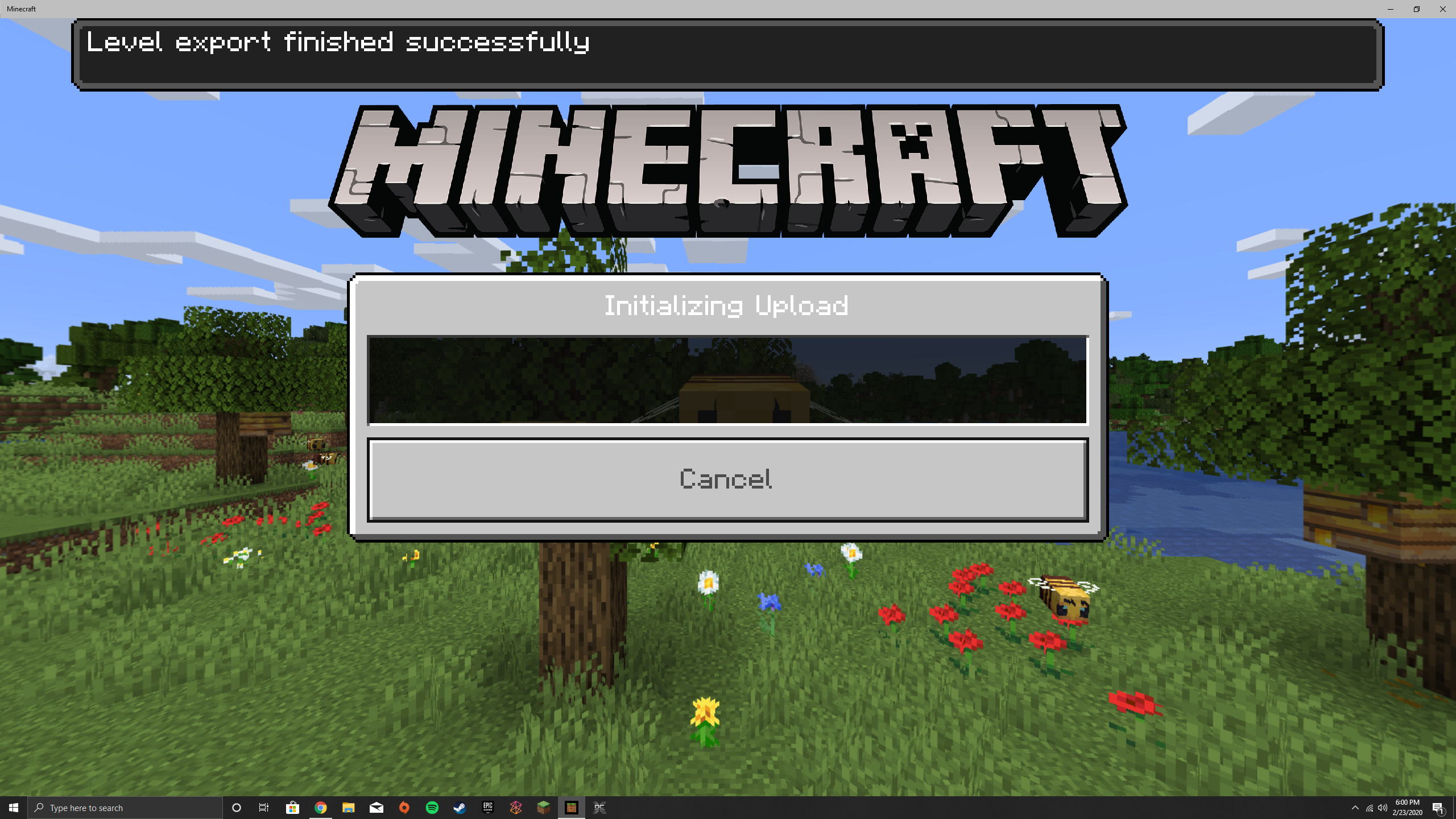
Changed Description:
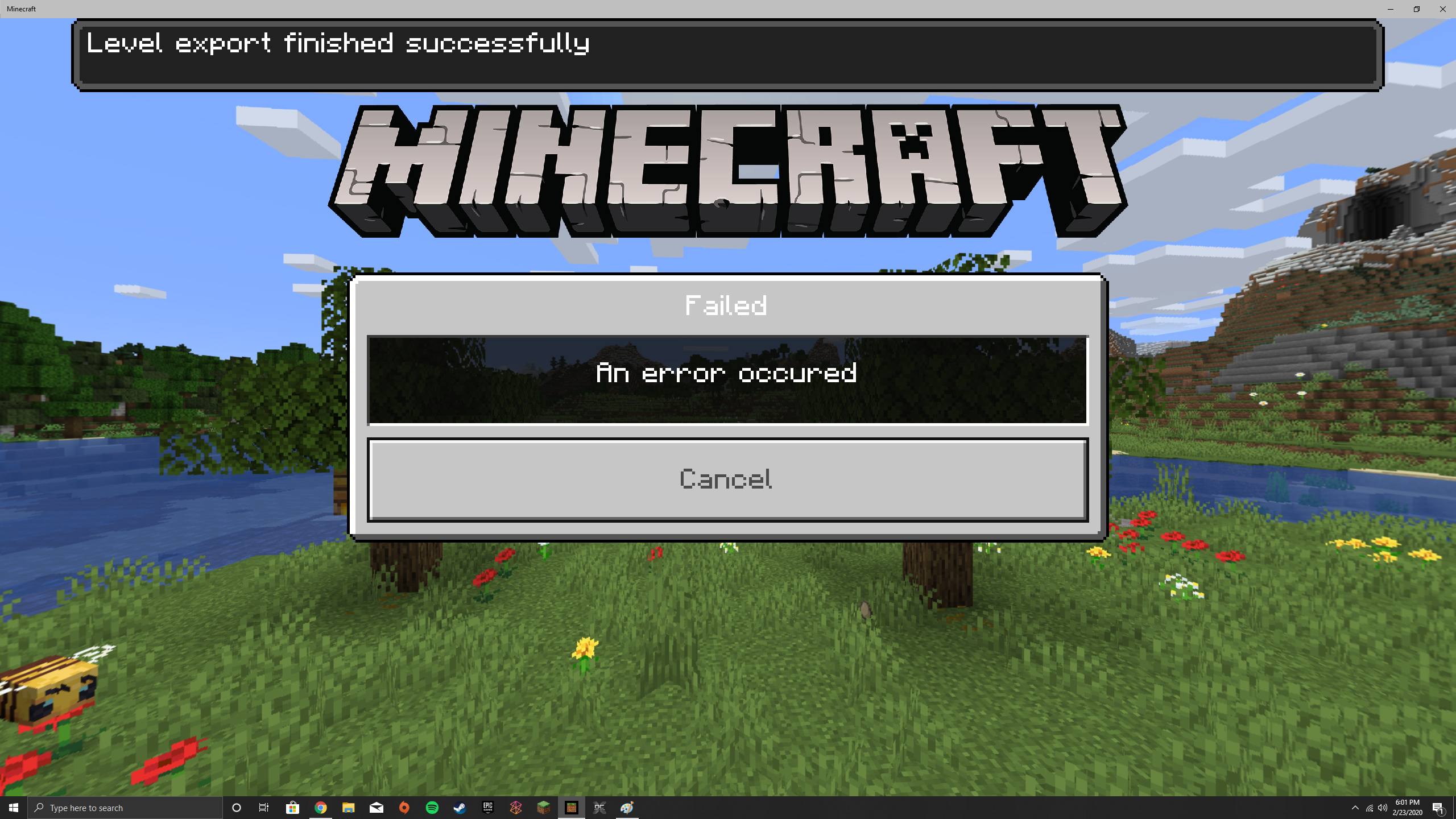
Realms are great. However, after converting my Java world, mind you, it took me 4 years to build, I want to be able to convert it to the Minecraft Realms Plus*. Here is the kicker. I can convert this world and play in it in Win 10 edition without any issue on single player mode. But as soon as I go to replace my current realm, I get to the 'Initializing World' portion of dialogs and then nothing happens. Thereafter, trying a second time, I render and error.
- I have tried exporting the world in single player mode, and then re-importing it in hopes it would allow me to replace my realm.
- I am able to upload/replace realms that are not Java.
- I did convert the world using the MCC Tool Chest PE with success.
- It does say while uploading: "Level Export Success!"
I am trying to preserve a world that my friends and I have worked so hard on. Any ideas would be helpful...
Thanks!
Added Attachments:
Removed Attachments:
Error.png
For your information, this issue also consists of copying the existing realm world and trying to replace it in the realm. Also fails the exact same way. Issue still persists.
Thanks.