 Peter Calderon
- VanillaChan6571
- vanillachan6571
- Etc/GMT+12
- Yes
- No
 MCPE-29660
 MC-131191
 MCL-17089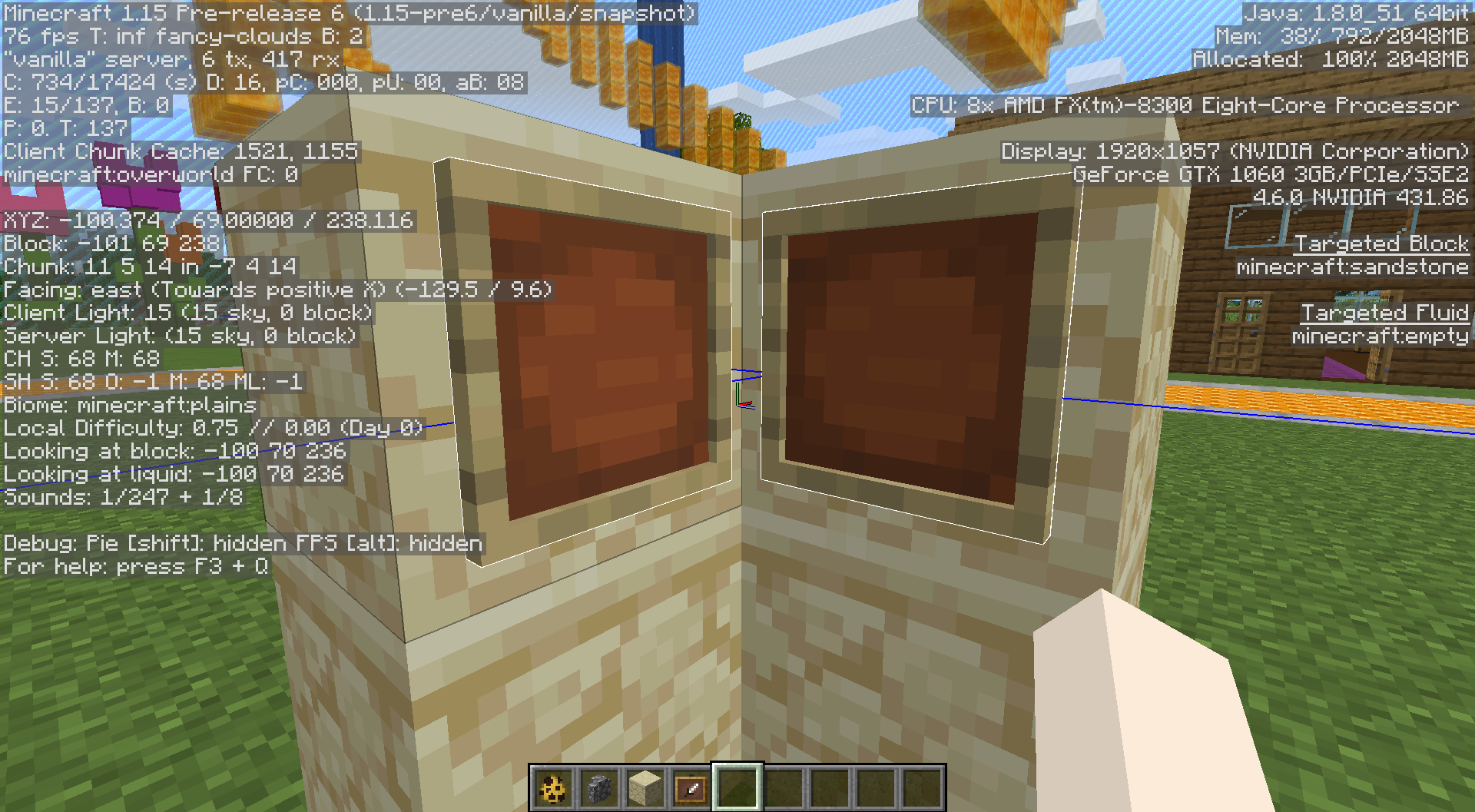

Server Ticking over 100000ms and 17,000 ticks leading to world unable to load or goes to a point where it crashes. Server does manage keep up after 7gb but break block delay seems to be there still CPU is a i7(on my brothers) and still doesn't like Minecraft new prelease. I do get crash logs when ever it ticks too long. And please fix the client it it goes from 3000 to 30 fps in a instant.
When testing this snapshot on a server. Hosted by Windows 10 Server Machine (With 24GB Ram) I have worst frame rate than 1.13-1.14 with micro stuttering and fps drops each new chunk was loaded. 4GB of ram was loaded on both server and client. Chunks loaded at 8. Getting 40-70 fps
40 when the frame drops and 70 when chunk fully loaded and this happens in a secondwhich causes freezing.When exploring the nether this was a nightmare. 20-80 fps in range. 20 fps when the fog changes color with different particle affects.andmy best when staying still was 80 fps. However this can be changed with rendering chunks at 16 which my thought was its going to be worst. Turns out NO Its actually stays stable with 40 fps in the overworld with no micro stuttering even the nether was playable at 40-50 fps this is mind blowing on how loading more chunks on client make the game stable (WHY? NOT SURE) but players would think loading 8 chunks be fine and better fps/stable which isn't happening in this snapshot.1.15.2 I run the same Windows 10 Server Machine I get in the overworld around 100-150 fps. Nether 90-120. Clearly this was a performance loss on the new snapshot.
Client System Info is in "Environment"
When testing this snapshot on a server. Hosted by Windows 10 Server Machine (With 24GB Ram) I have worst frame rate than 1.13-1.14 with micro stuttering and fps drops each new chunk was loaded. 4GB of ram was loaded on both server and client. Chunks loaded at 8. Getting 40-70 fps
40 when the frame drops and
70 when chunk fully loadedThis happens in every second of the new world chunk or previous chunk is loading, which causes freezing. Now when exploring the nether this was a nightmare. 20-80 fps in range. 20 fps when the fog changes color with different particle affects. As my best when staying still was 80 fps. However this can be changed with rendering chunks at 16 which my thought was its going to be worst. Turns out NO Its actually stays stable with 40 fps in the overworld with no micro stuttering even the nether was playable at 40-50 fps this is mind blowing on how loading more chunks on client make the game stable (WHY? NOT SURE) but players would think loading 8 chunks be fine and better fps/stable which isn't happening in this snapshot.
1.15.2 I run the same Windows 10 Server Machine I get in the overworld around 100-150 fps. Nether 90-120. Clearly this was a performance loss on the new snapshot.
Client System Info is in "Environment"

https://youtu.be/5alpT6laPMA (was streamed on mixer and cut from mixer) this is what happened. Doesn't ever do this on the now so called (Java edition)
They seem to fly fine above walls...
If you in case them with walls and leave the middle open. Yes they don't fly out due to the hit boxes.
Looks like it got worse 1.15 Pre 6
"Optifine Support tweeted this <-- does that solve the problem?"
Yes, however it still a bug for Mojang since this should not be happening at all, They manage how the launcher works.
Go here to get your Microsoft Account Privacy Resolved. https://support.xbox.com/en-US/contact-us
Seems like the launcher has 0 permissions to overwrite/read/load files
Unable to create a firewall.
This launcher was 100% rushed to Xbox and not fully tested. A single test would already solve these issues but clearly not.
Jacob Deneke
I'm having this problem when I try to open a world. Minecraft itself will launch, but when I try to open a world the game will crash and give me the same error message. I've tried turning off AntiVirus, but nothing seems to do the trick.
Your best bet since the new
Xbox Minecraft LauncherI mean (NEW Windows App) has ZERO permissions to read/write to the disk which is the CAUSE ROOT of all these issues. Use the Old Launcher instead despite the "Go to new launcher button" since you can't do of the following:Issue Resolved. The new update from the Microsoft Store fixed this particular issue and probably the read/write perm issue.
Yup, I get this too.
Found bypass from others.
1. Logout of your Accounts on the Launcher.
2. Close MC Launcher.
3. Head over to "C:\Users\NAMEHERE\AppData\Local\Mojang\products\dungeons\dungeons\Dungeons\Binaries\Win64" then Run Dungeons-Win64-Shipping.exe as Admin.
4. Your now able to login.