 wessltov
- wessltov
- wessltov
- Europe/Stockholm
- Yes
- No
 MC-11988MC-12686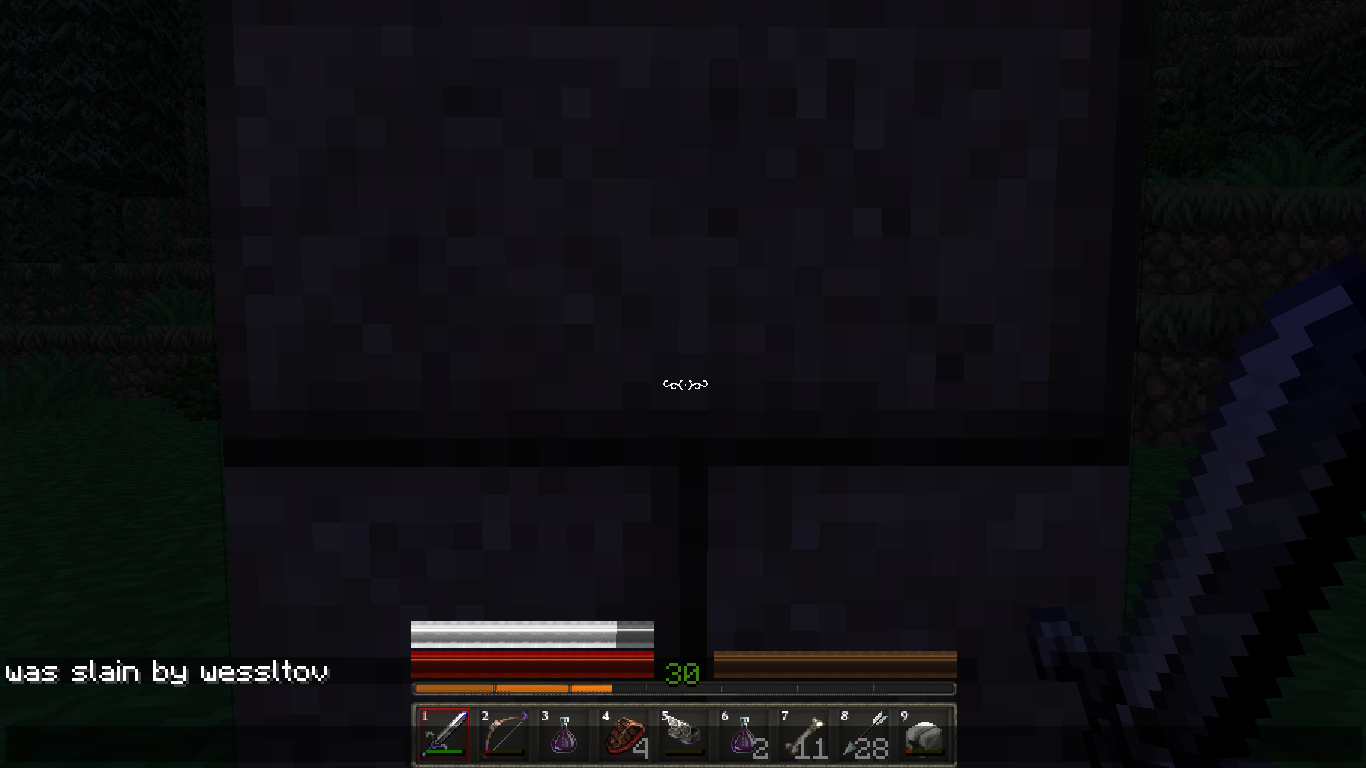


I first saw it in 1.5.0, when a skeleton shot me. But the weird thing is: sometimes it shows the RIGHT message, and sometimes, it doesn`t. The skeleton that shot me was customized to drop custom armor. In earlyer versions, it said:"<playername> was shot by skeleton". But now it (sometimes) sais:"was killed by <playername>". When I came back, I killed him and saw he dropped a custom bow. I`m not sure, but I think custom items are causing the problem. I don`t remember naturaly spawned skeletons causing this problem!
I first saw it in 1.5.0, when a skeleton shot me
I`m playing on a laptop with windows 7 and Java 64-bits version. I`m only using modloader(not forge), toommanyitems and optifine.
deathmessage "Was killed by <playername>" when that player is killed by a mob
What I expected to happen was...:
Nothing.What actually happened was...:
I died, but when I clicked respawn, I still had everything and I was still at the same location, But my character was red, as if it just died.Steps to Reproduce:
1. Create an item which increases the amount of health you can get.
2. Create a /scoreboard objective which tracks health, and have it display on the sidebar.
3. Hold the special item you just created in your hand and increase your health until it gets above 20.
4. Secect a different inventory slot (note how the scoreboard objective doesn't update!).
5. Update your health (drink a health potion or a damage potion, use the /effect command, whateverworks for you).What I expected to happen was...:
Nothing.What actually happened was...:
I died, but when I clicked respawn, I still had everything and I was still at the same location, But my character was red, as if it just died.Steps to Reproduce:
1. Create an item which increases the amount of health you can get.
2. Create a /scoreboard objective which tracks health, and have it display on the sidebar.
3. Hold the special item you just created in your hand and increase your health until it gets above 20.
4. Select a different inventory slot (note how the scoreboard objective doesn't update!).
5. Update your health (drink a health potion or a damage potion, use the /effect command, or whatever).
What I expected to happen was...:
Nothing.What actually happened was...:
I died, but when I clicked respawn, I still had everything and I was still at the same location, But my character was red, as if it just died.Steps to Reproduce:
1. Create an item which increases the amount of health you can get.
2. Create a /scoreboard objective which tracks health, and have it display on the sidebar.
3. Hold the special item you just created in your hand and let it increase your health until it gets above 20.
4. Select a different inventory slot (note how the scoreboard objective doesn't update!).
5. Update your health (drink a health potion or a damage potion, use the /effect command, or whatever).
I used this command: "/give wessltov double_plant 64 10"
It crashed my game, and I found myself unable to enter my world. I had to remove the item from my inventory using a third-party program. I commented the console output. Here's the crash report (I had to split it in 2 parts because of the character limit):---- Minecraft Crash Report ----
// This doesn't make any sense!Time: 9-3-14 19:18
Description: Rendering entity in worldjava.lang.ArrayIndexOutOfBoundsException: 10
at ajl.a(SourceFile:149)
at abf.b_(SourceFile:19)
at aby.j(SourceFile:407)
at aca.c(SourceFile:99)
at box.a(SourceFile:141)
at box.a(SourceFile:29)
at bom.a(SourceFile:208)
at bom.a(SourceFile:197)
at bmb.a(SourceFile:52)
at bln.b(SourceFile:201)
at bms.a(SourceFile:1033)
at bms.b(SourceFile:816)
at azl.ah(SourceFile:784)
at azl.f(SourceFile:711)
at net.minecraft.client.main.Main.main(SourceFile:148)A detailed walkthrough of the error, its code path and all known details is as follows:
---------------------------------------------------------------------------------------– Head –
Stacktrace:
at ajl.a(SourceFile:149)
at abf.b_(SourceFile:19)
at aby.j(SourceFile:407)
at aca.c(SourceFile:99)
at box.a(SourceFile:141)
at box.a(SourceFile:29)– Entity being rendered –
Details:
Entity Type: Item (wh)
Entity ID: 4
Entity Name: item.tile.doublePlant.sunflower
Entity's Exact location: -82,84, 11,31, 506,63
Entity's Block location: World: (-83,11,506), Chunk: (at 13,0,10 in -6,31; contains blocks -96,0,496 to -81,255,511), Region: (-1,0; contains chunks -32,0 to -1,31, blocks -512,0,0 to -1,255,511)
Entity's Momentum: 0,03, -0,14, 0,20– Renderer details –
Details:
Assigned renderer: box@25031837
Location: -0,01,-0,33,-0,01 - World: (-1,-1,-1), Chunk: (at 15,-1,15 in -1,-1; contains blocks -16,0,-16 to -1,255,-1), Region: (-1,-1; contains chunks -32,-32 to -1,-1, blocks -512,0,-512 to -1,255,-1)
Rotation: 320.625
Delta: 0.11146879
Stacktrace:
at bom.a(SourceFile:208)
at bom.a(SourceFile:197)
at bmb.a(SourceFile:52)
at bln.b(SourceFile:201)
at bms.a(SourceFile:1033)– Affected level –
Details:
Level name: MpServer
All players: 1 total; [bkl['wessltov'/2, l='MpServer', x=-82,83, y=11,62, z=506,64]]
Chunk stats: MultiplayerChunkCache: 25, 25
Level seed: 0
Level generator: ID 01 - flat, ver 0. Features enabled: false
Level generator options:
Level spawn location: World: (-90,4,495), Chunk: (at 6,0,15 in -6,30; contains blocks -96,0,480 to -81,255,495), Region: (-1,0; contains chunks -32,0 to -1,31, blocks -512,0,0 to -1,255,511)
Level time: 2117487 game time, 1 day time
Level dimension: 0
Level storage version: 0x00000 - Unknown?
Level weather: Rain time: 0 (now: false), thunder time: 0 (now: false)
Level game mode: Game mode: creative (ID 1). Hardcore: false. Cheats: false
Forced entities: 1 total; [bkl['wessltov'/2, l='MpServer', x=-82,83, y=11,62, z=506,64]]
Retry entities: 0 total; []
Server brand: vanilla
Server type: Integrated singleplayer server
Stacktrace:
at bkg.a(SourceFile:289)
at azl.b(SourceFile:1947)
at azl.f(SourceFile:720)
at net.minecraft.client.main.Main.main(SourceFile:148)– System Details –
Details:
Minecraft Version: 1.7.5
Operating System: Windows 7 (amd64) version 6.1
Java Version: 1.7.0_45, Oracle Corporation
Java VM Version: Java HotSpot(TM) 64-Bit Server VM (mixed mode), Oracle Corporation
Memory: 177330064 bytes (169 MB) / 288882688 bytes (275 MB) up to 954728448 bytes (910 MB)
JVM Flags: 2 total; -XX:HeapDumpPath=MojangTricksIntelDriversForPerformance_javaw.exe_minecraft.exe.heapdump -Xmx1G
AABB Pool Size: 0 (0 bytes; 0 MB) allocated, 0 (0 bytes; 0 MB) used
IntCache: cache: 0, tcache: 0, allocated: 0, tallocated: 0
Launched Version: 1.7.5
LWJGL: 2.9.1
OpenGL: Intel(R) HD Graphics GL version 2.1.0 - Build 8.15.10.2622, Intel
GL Caps: Using GL 1.3 multitexturing.
Using framebuffer objects because ARB_framebuffer_object is supported and separate blending is supported.
Anisotropic filtering is supported and maximum anisotropy is 16.
Shaders are available because OpenGL 2.1 is supported.Is Modded: Probably not. Jar signature remains and client brand is untouched.
Type: Client (map_client.txt)
Resource Packs: []
Current Language: English (US)
Profiler Position: N/A (disabled)
Vec3 Pool Size: 0 (0 bytes; 0 MB) allocated, 0 (0 bytes; 0 MB) used
Anisotropic Filtering: Off (1)
I downloaded a new jar (force update), but it still occured
I wish this was possible in vanilla, without bugs or glitches.
I tested the /give command (/give @ascore_pause=1,score_pause_min=1 spawn_egg 1 0 {display:{Name:"Pause / Resume",Lore:["Rightclick this to pause the game",,"please don't over-use this,","other players might get angry at you"]}}) seperately, and it turned out THAT was the problem. I used placed two comma's right next to eachother. I'm sorry I've wasted your time and thanks for the help! Happy hollidays!
I had to set the launcher visibility to "keep the launcher open". When I logged into my world, it suddenly worked again! Unfortunately, that can't be said of the launcher. There were a lot of errors showing up. When I left the world, the launcher crashed. When I tried to enter the owrld again, it immediately worked, and the launcher didn't crash either.
I copied the output of the development console anyway, because it showed weird things like: "Wrong location! uv['Bat'/218, l='ravenstein', x=452,50, y=37,00, z=507,50]".
But I'm in my house... Is there no way to fix it?
Then, how do chunks GET corrupted? The only weird thing I did was switching back and forth to 1.6.4 because chunks were replacing themselves.
It seems to have been fixed in 1.7.4. In 1.7.4, it just doesn't update your health and the scoreboard objective until you take damage.
It seems like a different way to cause the "fake death". The way I found seems to have been fixed in 1.7.4 though.
CONSOLE OUTPUT (part 1):
CONSOLE OUTPUT (part 2):
Thanks for the help! I didn't know I had to tell it "damage" is a short. But I messed up the command in the description, the command I used in-game has everything in the right place.
I don't crash, but I also get a lot of "[Client thread/WARN]: Unable to play unknown soundEvent: minecraft:mob.rabbit.hop", and it makes my game lag
I thought it was too easy...
This also makes (stained) glass and water invisible (Minecraft 14w30b)
Confirmed in 14w34d
It has been fixed. How do I delete this post?
MC-32575doesn't say anything about Minecraft version 1.10Well then, I guess I'm off to learn more about the structure and the tags that influence it. Thank you for taking the time to explain it to me. How do I delete this post?
Confirmed for 1.10.2. It only recently started affecting me, and it's kind of making the game unplayable