 Ryan Summers
- XboxBugReporter
- xboxbugreporter
- Europe/London
- Yes
- No
7 issues
Key
Summary
Status
Reporter
Assignee
Created
 MCPE-37555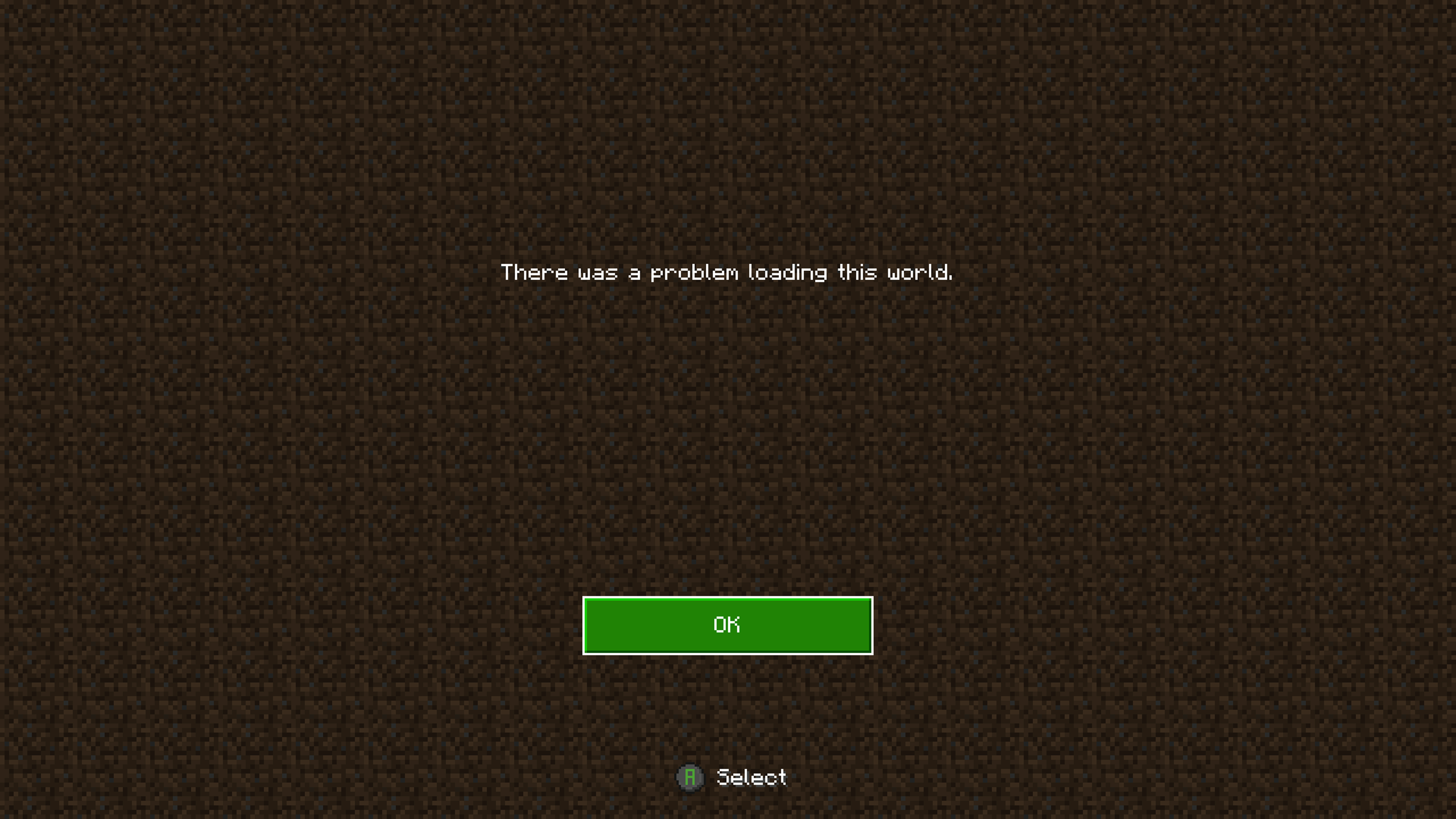

Removed Security Level: Minecraft - Private
Changed Description:
Trying to sync a old world from Minecraft console edition to Minecraft
(PE), when the world is converting it starts to freeze, then jumps up to 2% then freezes again for about 2sec then the game crashes to dashboard.
Changed Summary:
World keeps crashing onstartupWorld keeps crashing on world transfer
Changed OS Version: 2010.201102-1500 → 2011.201117-2300
Changed Description:
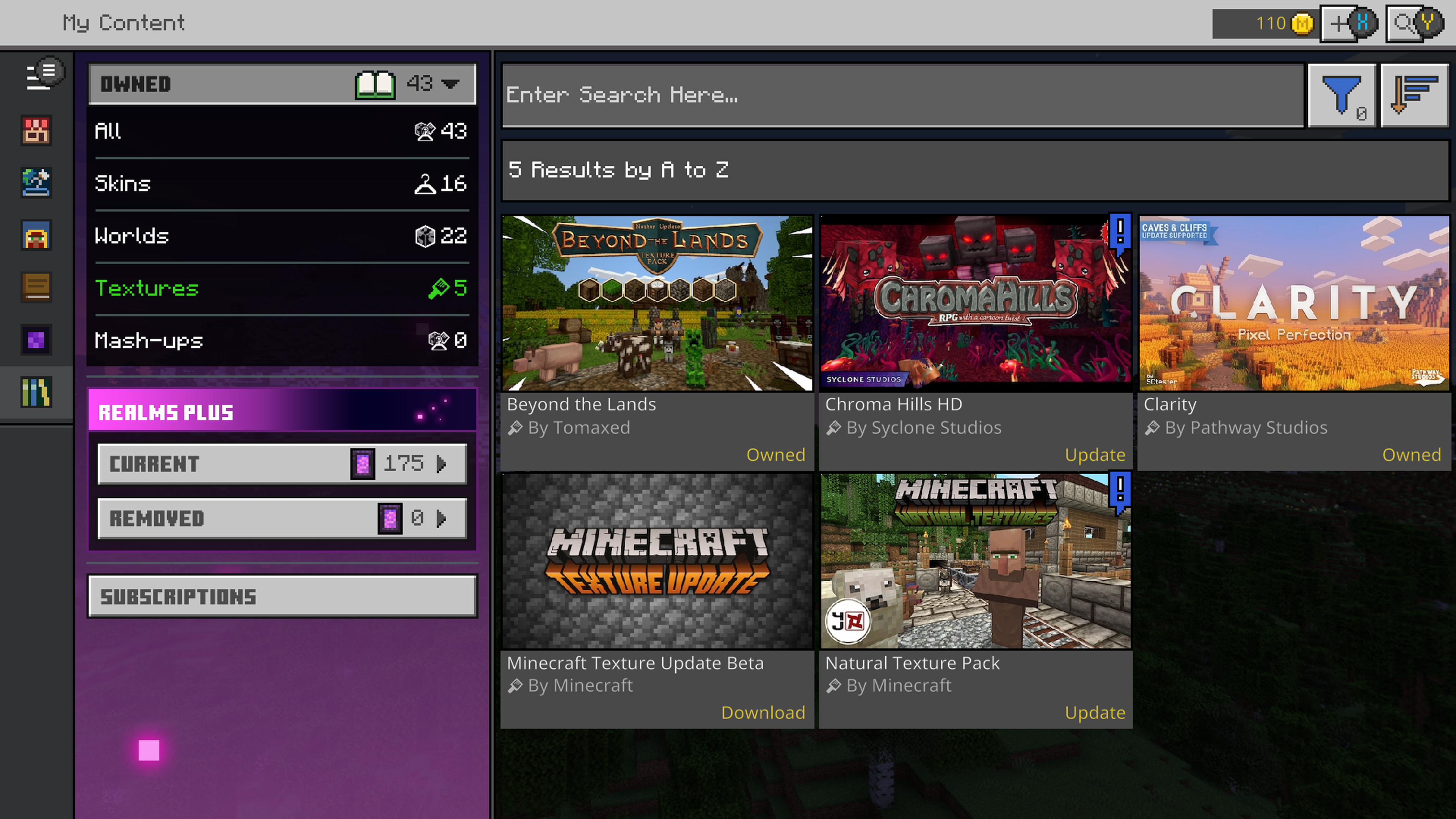
Every time I load Minecraft, it crashes without fail. When you do finally get onto the game the resource packs are corrupt and skin is set to default. If and when i get into a world it will immediately crash the console. the game was fine before 1.16.100
Update; still crashes with 1.16.200
Added Affects Versions: 1.16.200
Added Affects Versions: 1.16.201 Hotfix
Changed OS Version: 2011.201117-2300 → 2011.210105-1930
Added Affects Versions: 1.17.10
Added Labels: problem world-corruption
Changed OS Version: 2010.201102-1500 → 2011.201117-2300
Added Affects Versions: 1.16.200
Added Affects Versions: 1.16.201 Hotfix
Changed OS Version: 2011.201117-2300 → 2011.210105-1930
Added Attachments:
I have tried to copy the world but cant edit/copy the world
just tried to copy the original world and backups and yeah still broken even reinstalling the game does not fix the issue
just do some testing and it seams like 4K Resolution is the only one that has this issue, even if your offline on your own world it still crashes. In General TV & Display Options I have dropped the Resolution from 4K UHD to 1080p and the game runs fine no crashing. This is the only game I have to do this with.
yes it is still a issue but there is already a report on this which is MCPE-53665
Since the release of 1.18.12 I've had the same issue, even when trying to update a texture pack this happens. on some occasions can even crash to the dashboard. I've also had it not load the import screen properly and will not show any text whilst it keeps trying to reload the screen. I am also on the Series X.
Still broke with the latest update 1.18.30
Patch 1.18.31 is out but issue still not fixed, not for me anyway
Workaround load the game as normal until the world select, make a copy of your world, load that copy (should be at world spawn) save and quit, reload that same copy (should be where you was) save and quit again, you now should be able to load into your main world fine. You may have to do this every time you load the game.