 MC-121328
GUI scales incorrectly
The GUI scales available now are very dramatic and none are very useable.
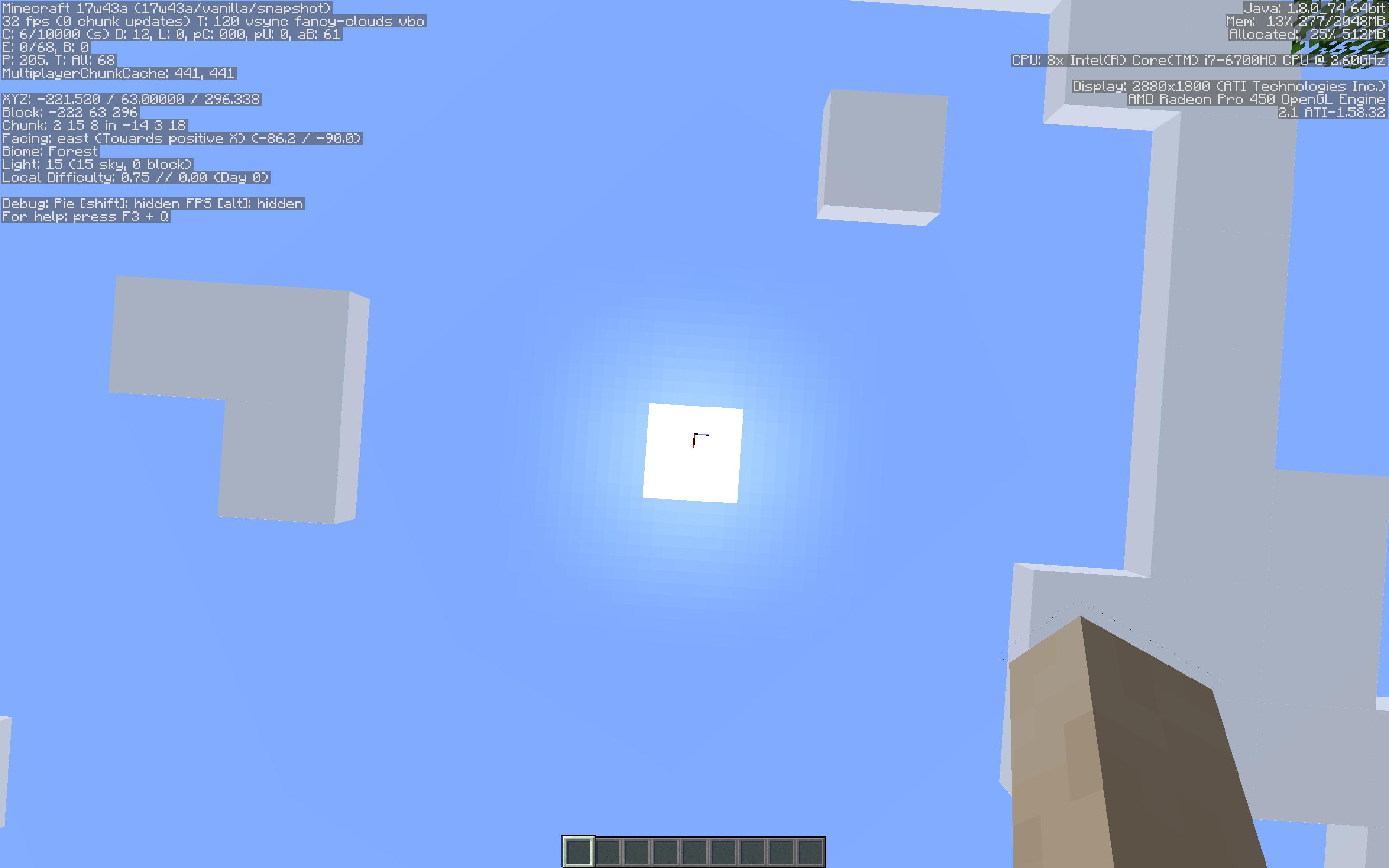
In 1.12.2, Normal scale gave buttons that were approximately 10mm tall. In 17w43a, Normal scale now gives buttons that are about 5mm tall. All the scales see the same changes except Auto. Auto in 1.12.2 uses the "large" scale (for better or for worse) in 1.12.2, however in 17w43a, the buttons are even larger.
The following screenshots fill up a 15" laptop screen, in windowed mode. To me, the 1.12.2 Normal view is the most easily read view.
Environment
macOS 10.13.1 17B45a
MacBook Pro (15.4-inch (2880 x 1800), Late 2016)
Attachments9

![[Mod] Ezekiel (ezfe)](../../../data/assets/gravatar/ezekielelin.jpeg)


Created Issue:
GUI Scales Incorrect
The GUI scales available now are very dramatic and none are very useable.
In 1.12.2, Normal scale gave buttons that were approximately 10mm tall. In 17w43a, Normal scale now gives buttons that are about 5mm tall. All the scales see the same changes except Auto. Auto in 1.12.2 uses the "large" scale (for better or for worse) in 1.12.2, however in 17w43a, the buttons are even larger.
The following screenshots fill up a 15" laptop screen, in windowed mode. To me, the 1.12.2 Normal view is the most easily read view.
Environment
macOS 10.13.1 17B45a
MacBook Pro (15.4-inch (2880 x 1800), Late 2016)
Attachments9
![[Mod] Neko](../../../data/avatars/users/92901.png)
![[Mojang] Georgii Gavrichev](../../../data/avatars/users/22428.png) [Mojang] Georgii Gavrichev
[Mojang] Georgii Gavrichev
GUIScalesIncorrectGUI scales incorrectly
The LWJGL update allowed the game to use the full resolution of your monitor, so everything will be 2x smaller in your case.
null, while that is an explanation for why that occurred, this is still a bug and should be fixed.
Workaround for now: You can set the GUI scale in options.txt in your .minecraft folder to any value you want. As long as you don't change that setting in the game, it stays.