![[Mod] Ezekiel (ezfe)](../../../data/assets/gravatar/ezekielelin.jpeg) [Mod] Ezekiel (ezfe)
[Mod] Ezekiel (ezfe)
- ezekielelin
- ezekielelin
- America/New_York
- Yes
- No
 MCPE-65
 MC-4
MC-4 Low
Low![[Mojang] Nathan Adams](../../../data/assets/gravatar/dinnerbone.png)
![[Mojang] Grum (Erik Broes)](../../../data/assets/gravatar/grum.png)
 MCL-459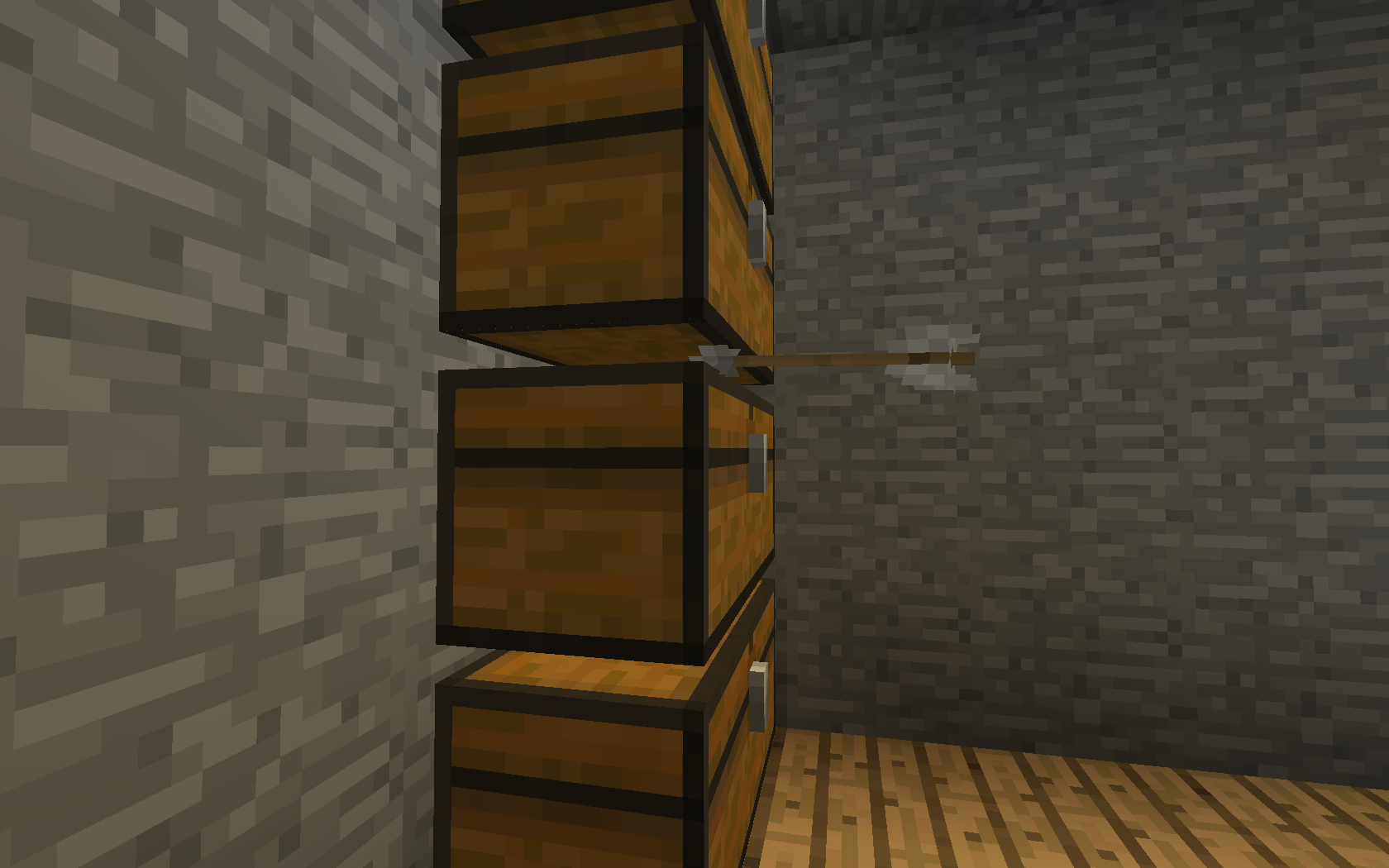


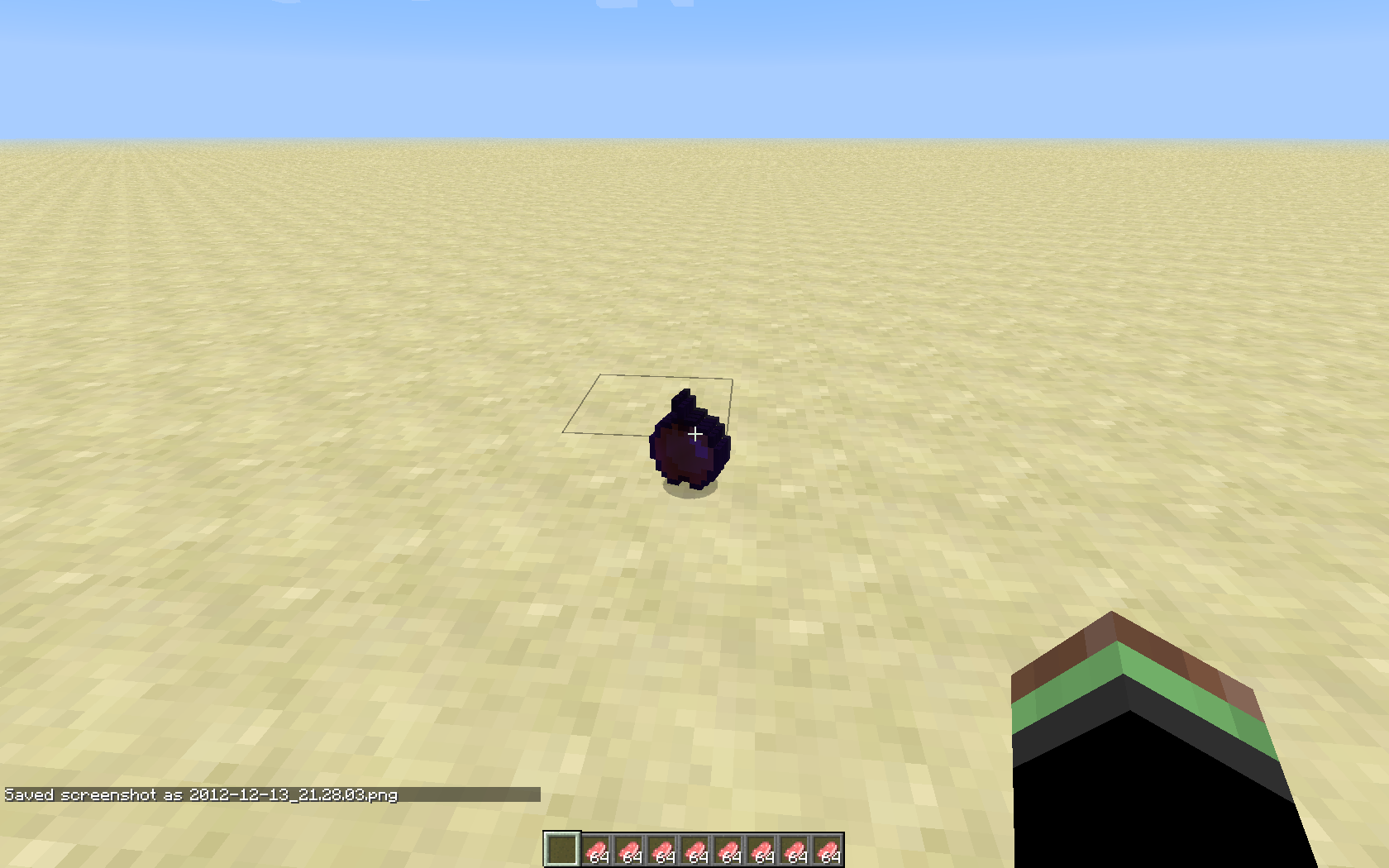


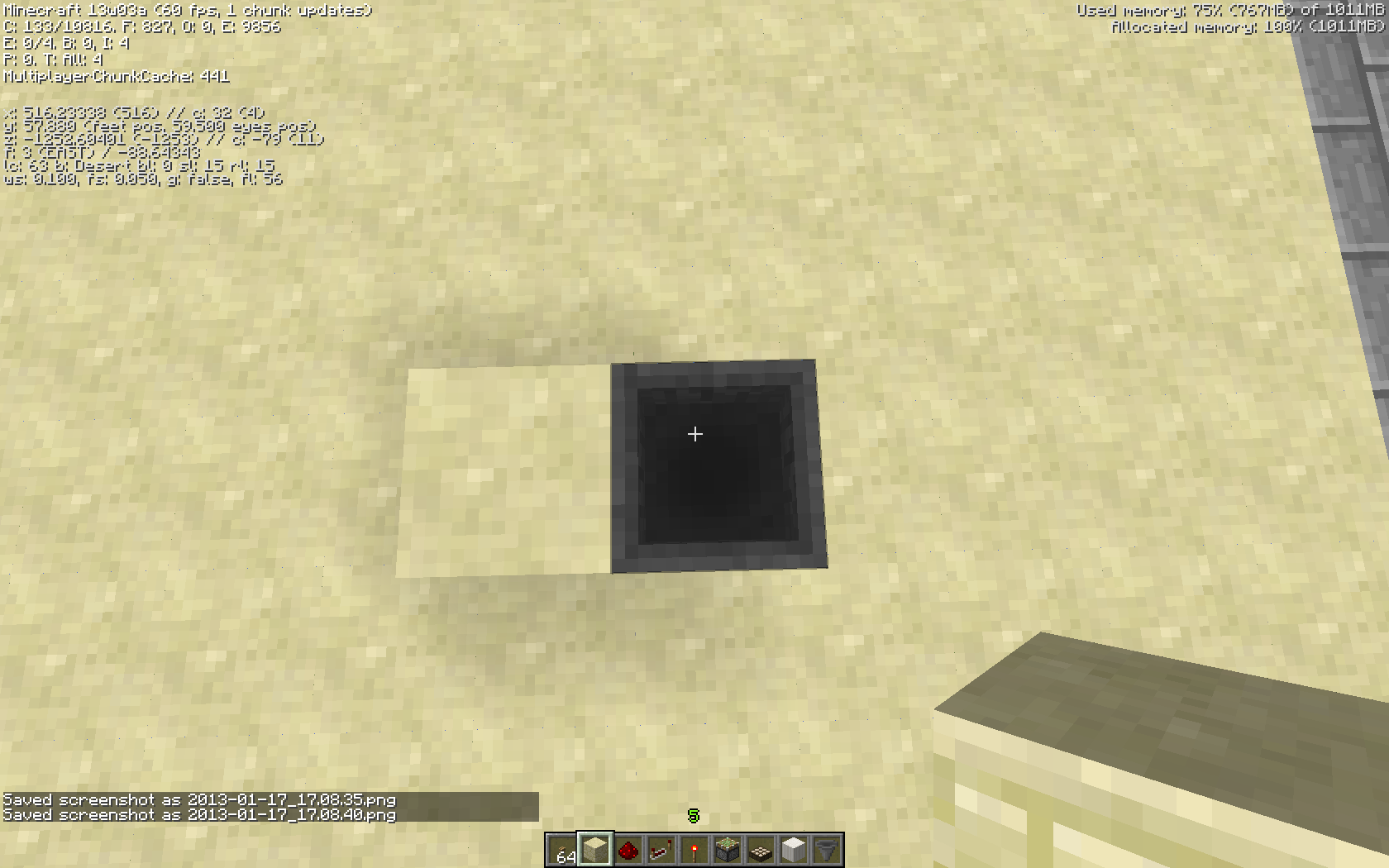
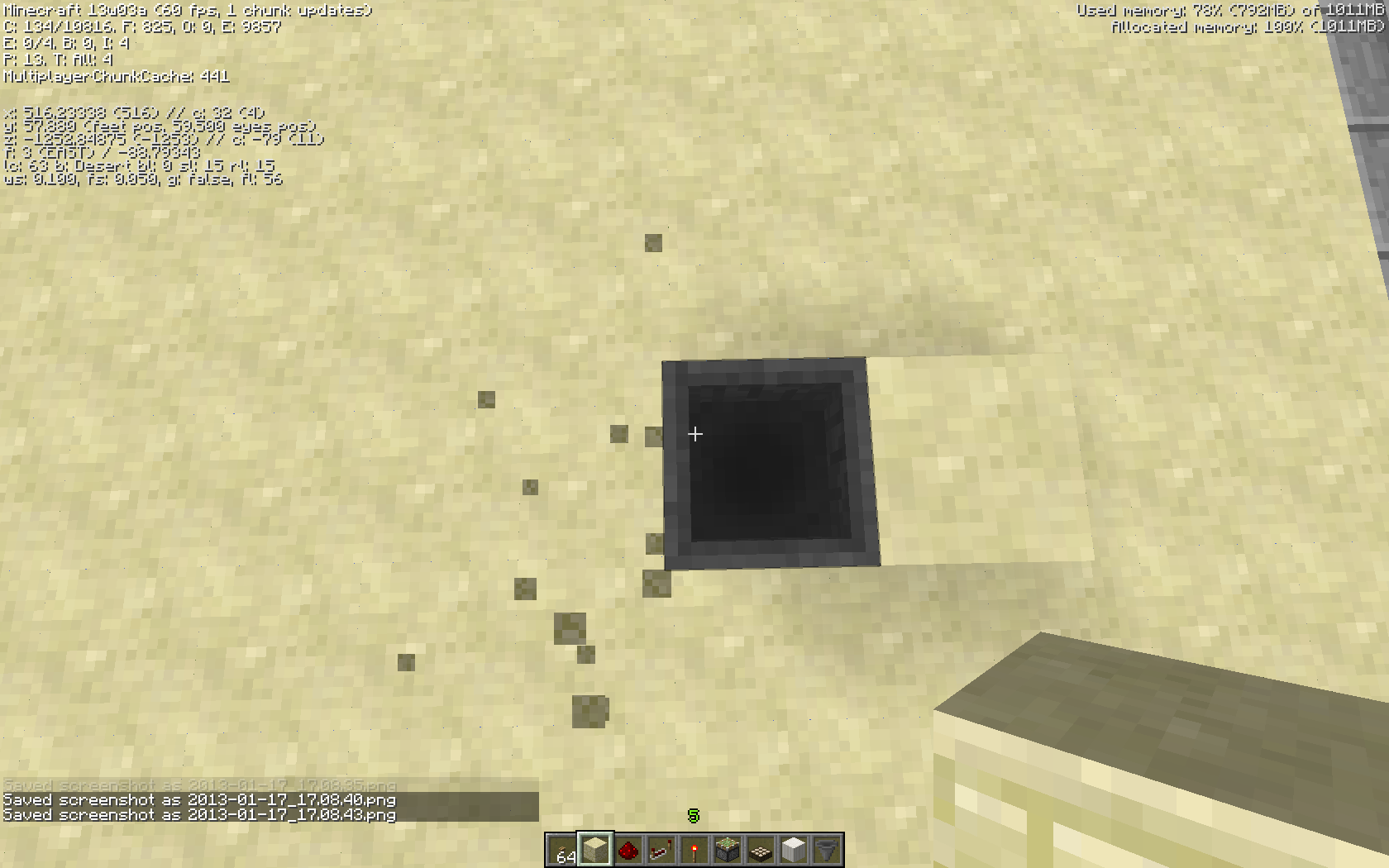
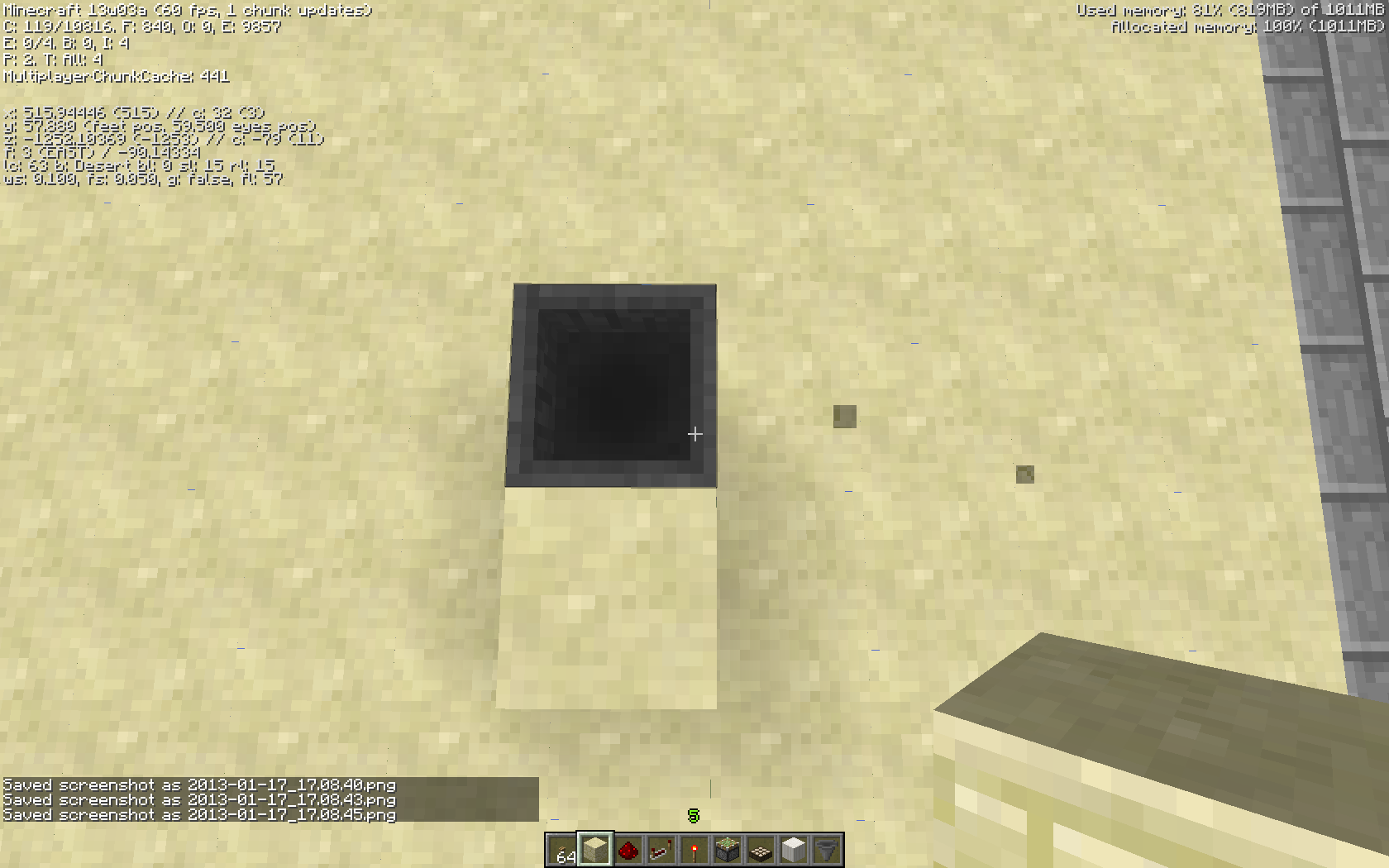


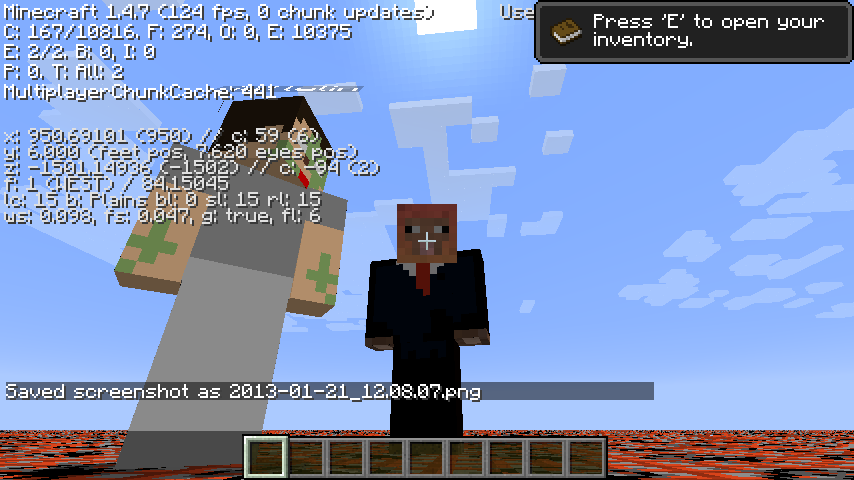
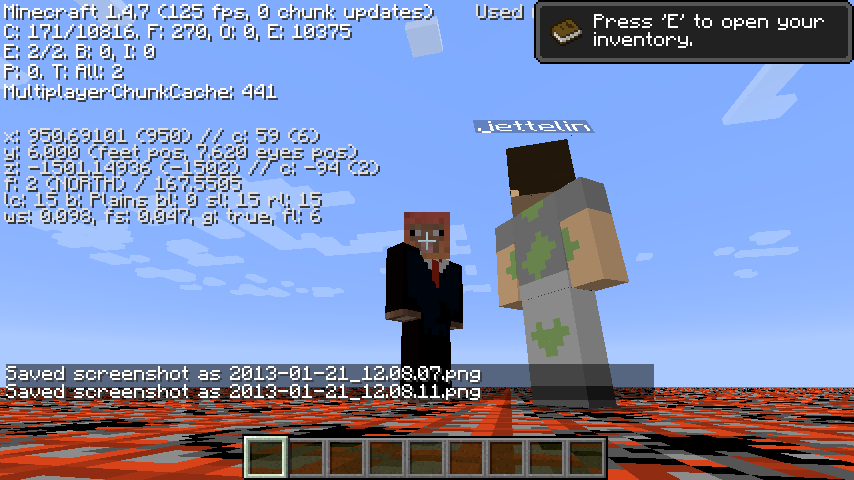
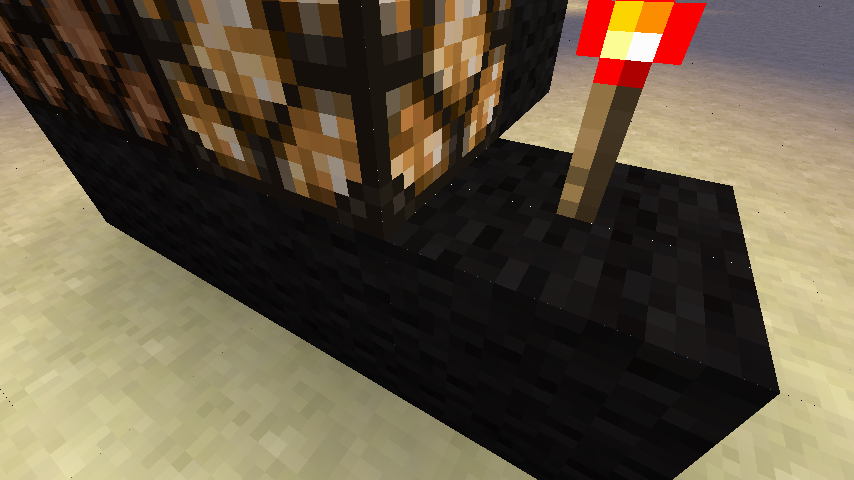
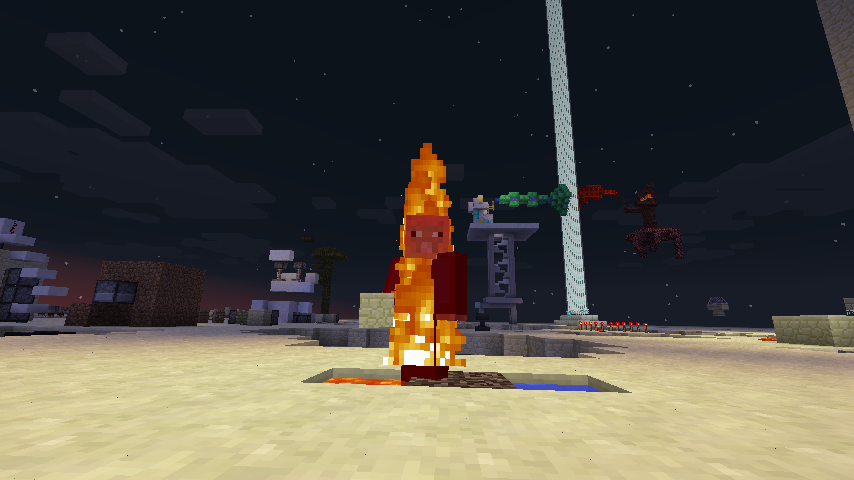
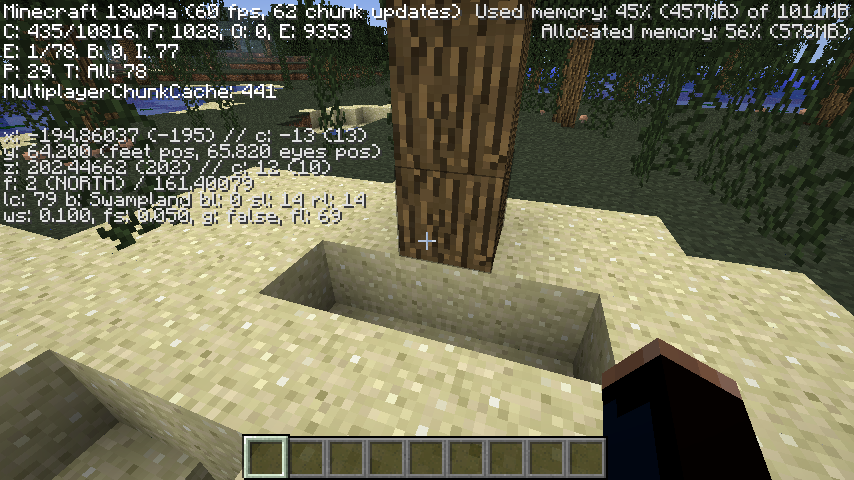
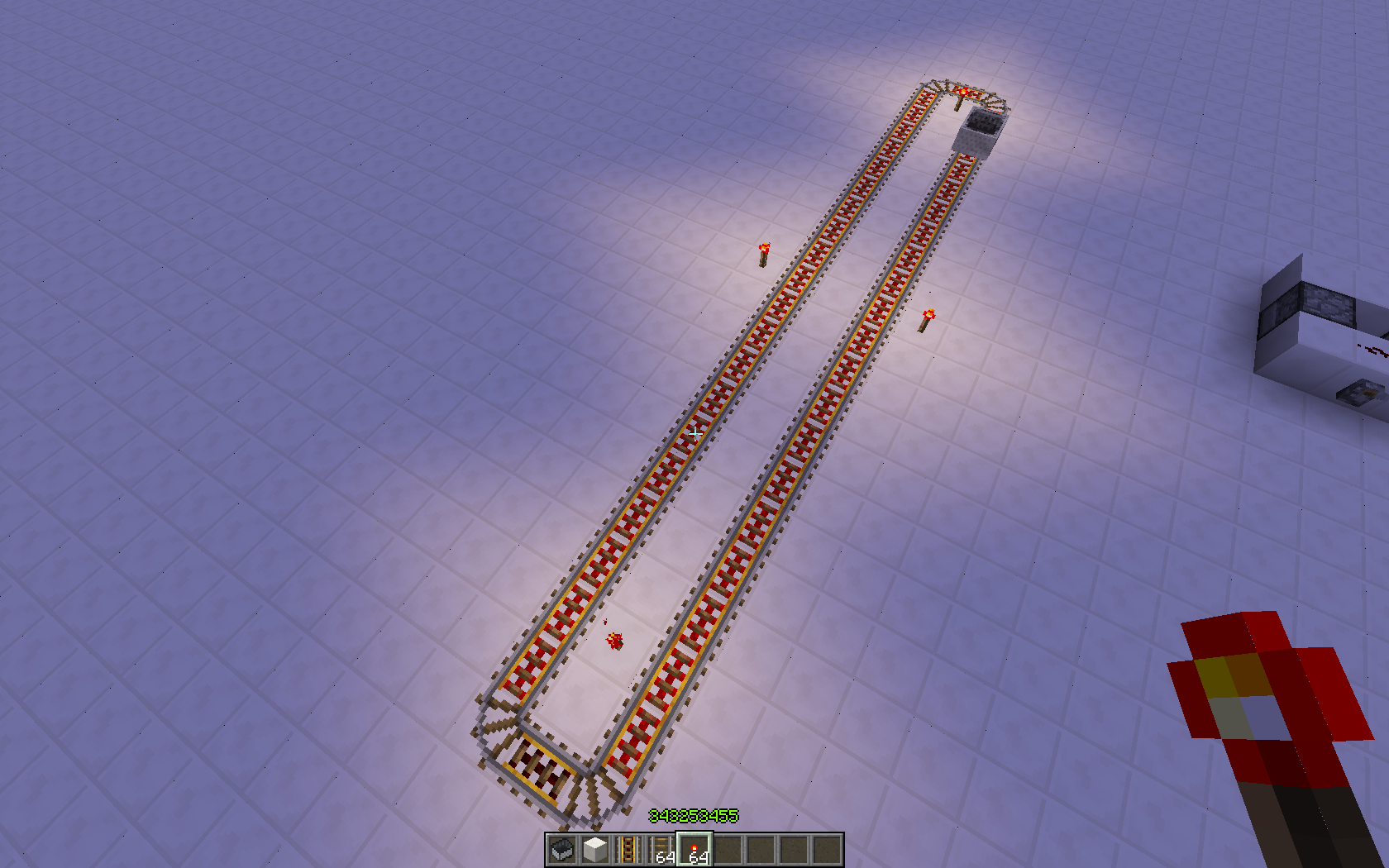



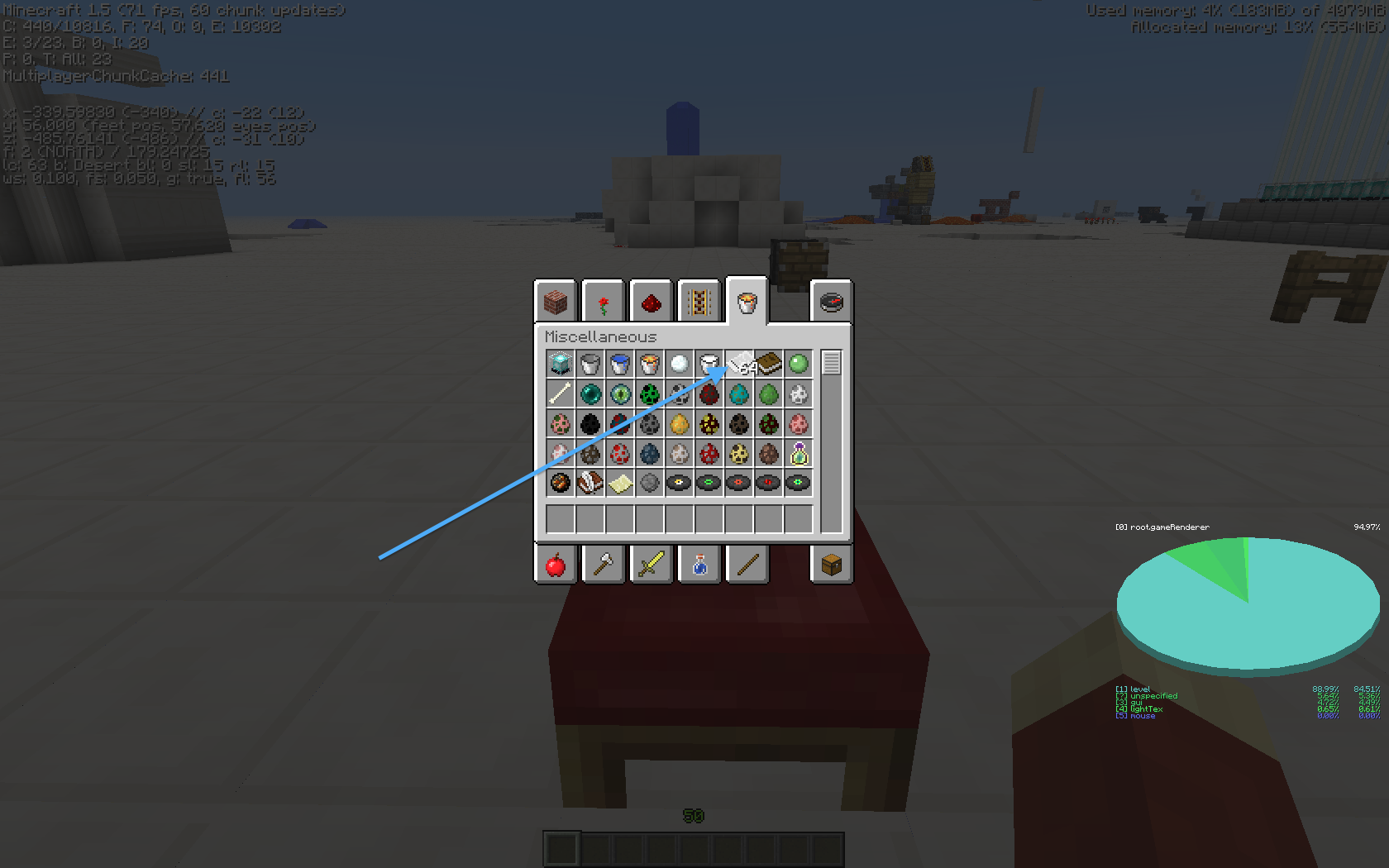

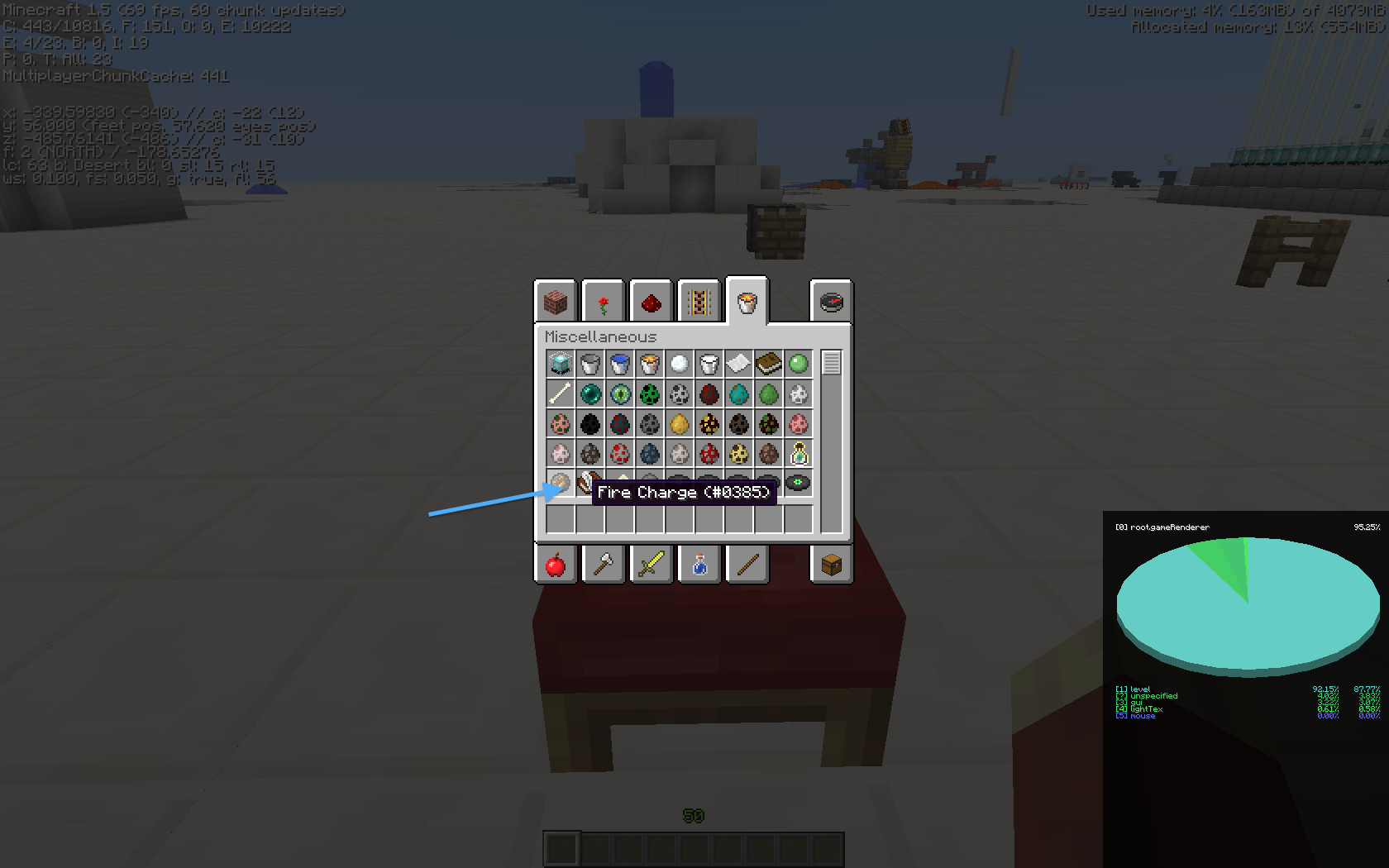








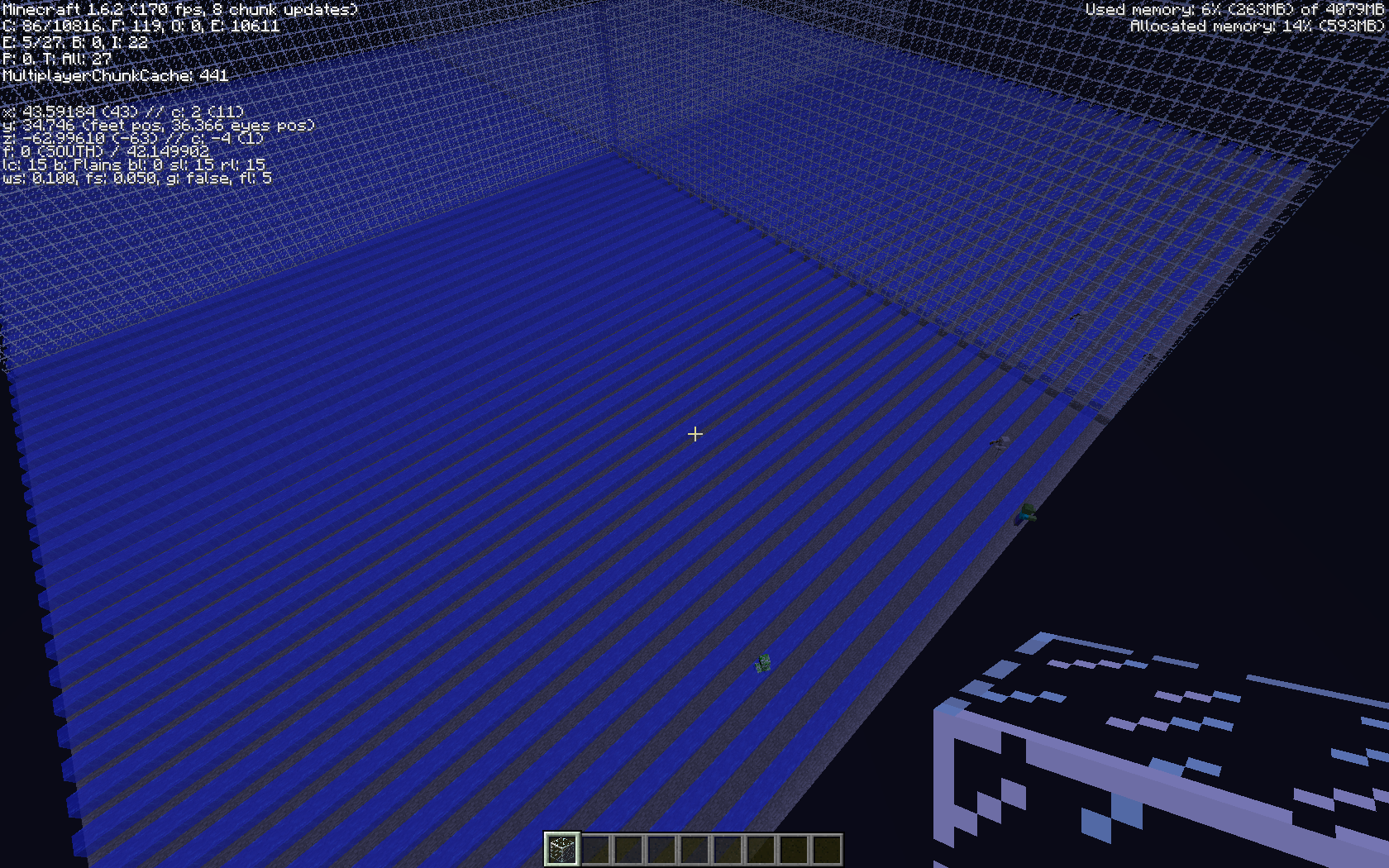


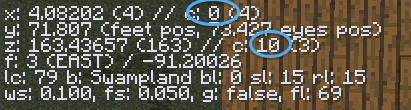
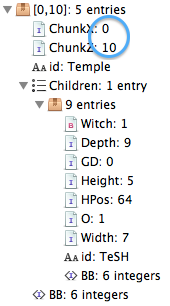


When an item is done cooking in a furnace and you use the number keys [1-9] to put it in your hotbar, it does not give you XP.
Also, breaking the furnace does not either.
Wither's despawn in creative. I don't think this should happen. The EnderDragon does not despawn in peaceful.
The player purposefully spawns it. How would you feel if you spent hours gathering the heads, placed them, only to realize you were in peaceful?
Its not like the wither ever spawns without the player's consent, therefor peaceful should not affect it.
Wither's despawn in creative. I don't think this should happen. The EnderDragon does not despawn in peaceful.
The player purposefully spawns it. How would you feel if you spent hours gathering the heads, placed them, only to realize you were in peaceful?
Its not like the wither ever spawns without the player's consent, therefor peaceful should not affect it.
An alternative is to prevent spawning the Wither and leave the blocks in the form so long as it is in peaceful.
mv ~/Library/Application\ Support/minecraft ~/DesktopThen run minecraft.
Find it in finder and right click > open (hold control and click to right click)
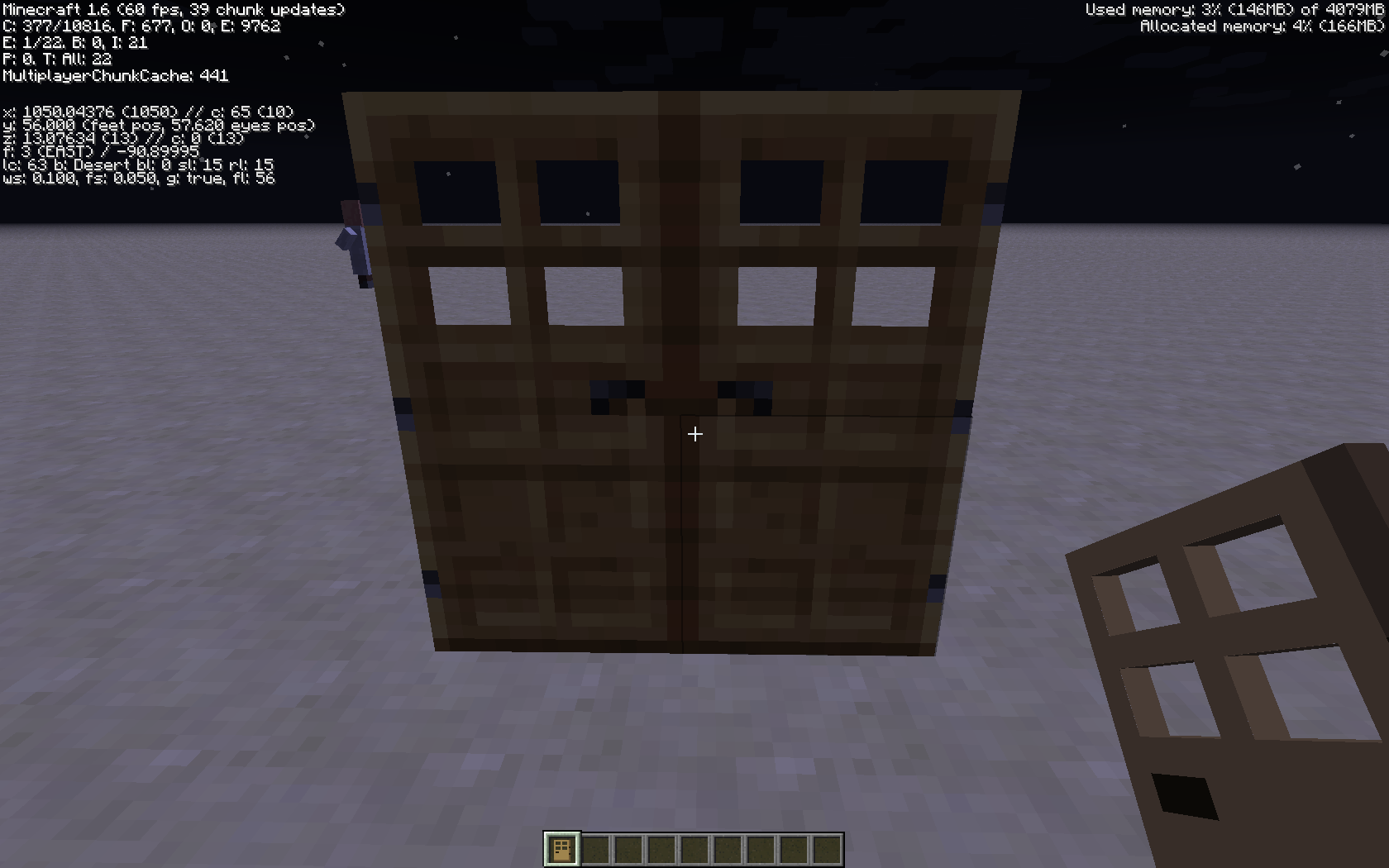
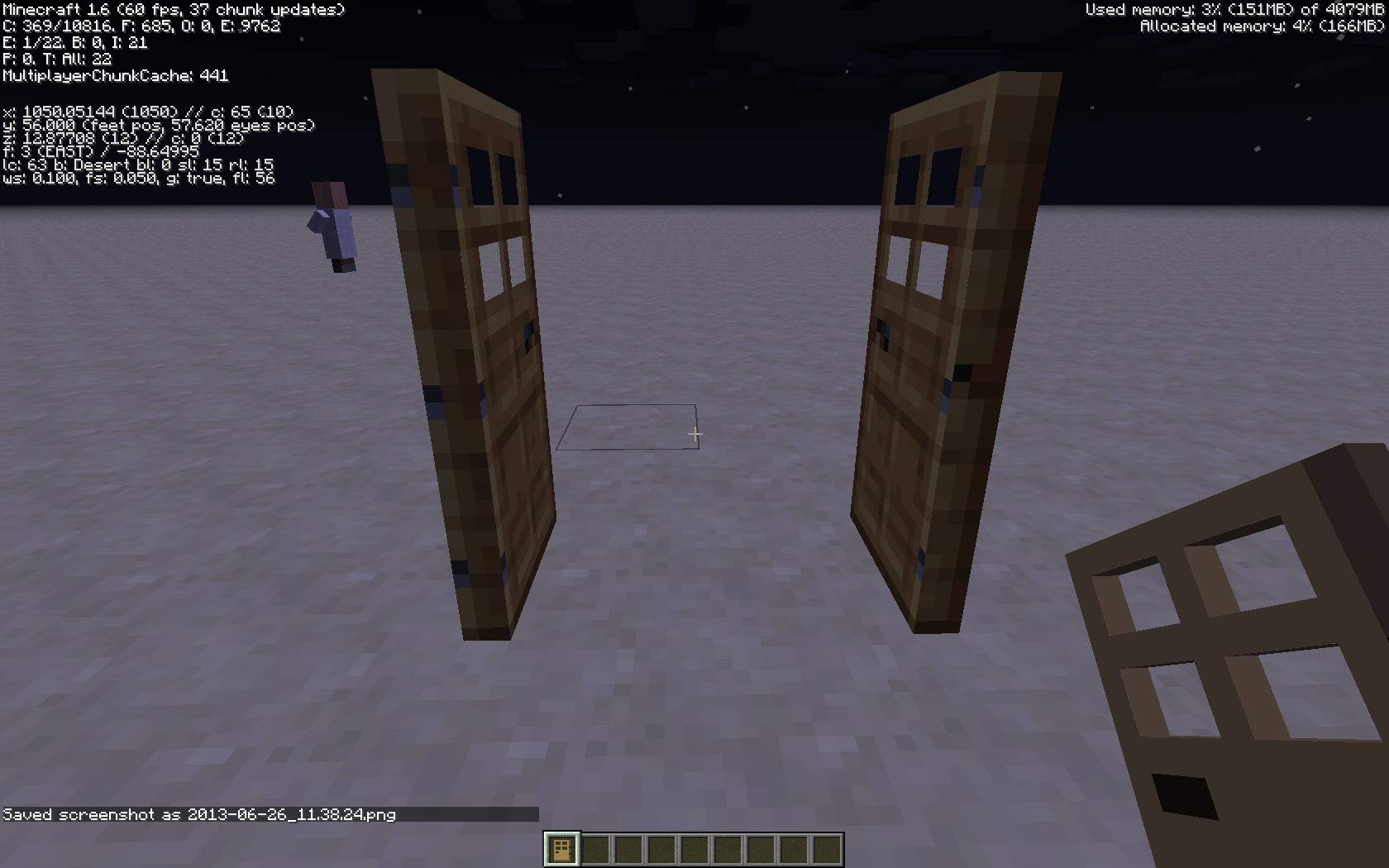
When you place either a slab or a stair on a block, sometimes the server puts it in an incorrect placement. For instance, if you place it in upside down by clicking the upper side of a block, but almost at the bottom, the client will show it correctly for a second then the server will correct the client. I know this is a bug because it is possible to place an upside down half-slab on the side of a right side up half slab.
I have not reproduced in 1.4.4 yet.
relates to
When an item drop lands on the edge of a block, the client sometimesmakes it fall over the edge, while the server leaves it on the edge. Therefor the block drop can appear up to ~250 blocks away (world height). This is caused because the client thinks the drop can fall, and attempts to predict the future incorrectly.When an item drop lands
on the edge of a block, the client sometimesmakes it fall over the edge, while the server leaves it on the edge. Therefor the block drop can appear up to ~250 blocks away (world height). This is caused because the client thinks the drop can fall, and attempts to predict the future incorrectly.
When an item drop lands
on the edge of a block, the client sometimesmakes it fall over the edge, while the server leaves it on the edge. Therefor the block drop can appear up to ~250 blocks away (world height). This is caused because the client thinks the drop can fall, and attempts to predict the future incorrectly.
When an item drop lands on the edge of a block, the client sometimes makes it fall over the edge, while the server leaves it on the edge. Therefor the block drop can appear up to ~250 blocks away (world height). This is caused because the client thinks the drop can fall, and attempts to predict the future incorrectly.
i've added a link to the discussion in the related section.
When an item drop lands on the edge of a block, the client sometimes makes it fall over the edge, while the server leaves it on the edge. Therefor the block drop can appear up to ~250 blocks away (world height). This is caused because the client thinks the drop can fall, and attempts to predict the future incorrectly.
To reproduce:
Put this command in a command block in the air, and activate it. Notice that the item appears to fall down, then teleports on top of the command block.
/summon Item ~ ~1 ~-0.6249999999 {Item:{id:"stone",Count:1b}}/summon Item 9 5 -0.1249 {Item:{id:"stone",Count:1b}}
Code analysis by Marcono1234 can be found in this comment.
When an item drop lands on the edge of a block, the client sometimes makes it fall over the edge, while the server leaves it on the edge. Therefor the block drop can appear up to ~250 blocks away (world height). This is caused because the client thinks the drop can fall, and attempts to predict the future incorrectly.
To
reproduce:Put this command in a command block in the air, and activate it. Notice that the item appears to fall down, then teleports on top of the command block.
/summon Item ~ ~1 ~-0.6249999999 {Item:{id:"stone",Count:1b}}/summon Item 9 5 -0.1249 {Item:{id:"stone",Count:1b}}
Code analysis by Marcono1234 can be found in this comment.
When an item drop lands on the edge of a block, the client sometimes makes it fall over the edge, while the server leaves it on the edge. Therefor the block drop can appear up to ~250 blocks away (world height). This is caused because the client thinks the drop can fall, and attempts to predict the future incorrectly.
To Reproduce:
Run in command block...
summon Item ~ ~1 ~-0.6249 {Item:{id:"stone",Count:1b}}
Code analysis by Marcono1234 can be found in this comment.
When an item drop lands on the edge of a block, the client sometimes makes it fall over the edge, while the server leaves it on the edge. Therefor the block drop can appear up to ~250 blocks away (world height). This is caused because the client thinks the drop can fall, and attempts to predict the future incorrectly.
To Reproduce:
Run in command block...
summon Item ~ ~1 ~-0.6249 {Item:{id:"stone",Count:1b}}
Code analysis by Marcono1234 can be found in this comment.


2012-12-30_18.55.49.png
something went wrong with the name tag, i doesnt follow the camera's y for some reasonName tags, in the second F5 mode, don't appear correctly.
is duplicated by
relates to
relates to
duplicates
is duplicated by
duplicates
is duplicated by
is duplicated by
is duplicated by
is duplicated by
You can defuse a Minecart TNT by destroying it
I thought I would not have been able to destroy an ON tnt minecart
It loots the tnt and the minecart in two different Items
Steps to Reproduce:
Put an activator rail with a redstone block
Put a minecart tnt
destroy the minecaryYou can defuse a Minecart TNT by destroying it
I thought I would not have been able to destroy an ON tnt minecart
It loots the tnt and the minecart in two different Items
Steps to Reproduce:
Put an activator rail with a redstone block
Put a minecart tnt
destroy the minecart
duplicates
is duplicated by
duplicates
is duplicated by
is duplicated by
relates to
is duplicated by
duplicates
is duplicated by
relates to
relates to
Delete Server Button doesn't show correct text
Redstone elements that are in a chunk that is very far away behave strangely when toggled on or off while the chunk containing those elements is not loaded.
See this video for more details: http://www.putlocker.com/file/0F3BA12F2AD4257F (Sorry for the ads; please click them away if you don't have an ad blocker.)
Just for clarification: I do know that no game elements will be updated in unloaded chunks. I do know that - by default - only the chunks in a radius of 10 chunks around a player are usually loaded. However, the video will show that something about my last two statements cannot be right.
Redstone elements that are in a chunk that is very far away behave strangely when toggled on or off while the chunk containing those elements is not loaded.
See this video for more details: [link removed] (Sorry for the ads; please click them away if you don't have an ad blocker.)
Just for clarification: I do know that no game elements will be updated in unloaded chunks. I do know that - by default - only the chunks in a radius of 10 chunks around a player are usually loaded. However, the video will show that something about my last two statements cannot be right.
Redstone elements that are in a chunk that is very far away behave strangely when toggled on or off while the chunk containing those elements is not loaded.
See this video for more details: [link removed] (Sorry for the ads; please click them away if you don't have an ad blocker.)
Just for clarification: I do know that no game elements will be updated in unloaded chunks. I do know that - by default - only the chunks in a radius of 10 chunks around a player are usually loaded. However, the video will show that something about my last two statements cannot be right.
Redstone elements that are in a chunk that is very far away behave strangely when toggled on or off while the chunk containing those elements is not loaded.
See this video for more details: [link removed] (Sorry for the ads; please click them away if you don't have an ad blocker.)
Just for clarification: I do know that no game elements will be updated in unloaded chunks. I do know that - by default - only the chunks in a radius of 10 chunks around a player are usually loaded. However, the video will show that something about my last two statements cannot be right.
duplicates
is duplicated by
Duplicate of
MC-8199, please use the search function to see if your bug has already been submitted. Currently over 49% of tickets are being closed as duplicate.
duplicates
is duplicated by
duplicates
duplicates
is duplicated by
is duplicated by
1.You can't get information about a spezific player with commandBlock.
For example:/testfor Marcono1234[source_money_min=5]wont give a redstone signal output with a comparator.
2.Comparator now works always like a repeater too
(look screenshot)1.You can't get information about a spezific player with commandBlock.
For example:/testfor Marcono1234[score_money_min=5]wont give a redstone signal output with a comparator.
2.Comparator now works always like a repeater too
(look screenshot)
duplicates
is duplicated by
MCPE-1188
ihave a server wiht 3 people and the server crach all 5minuts. crachreportin theattachmentI have a server with 3 people and the server crashes every five minutes. crash report attached.
clones
duplicates
duplicates
is duplicated by

@[Mod] Ezekiel (ezfe)
Tails already has put them up, he just hasn't taken off the fix version, probably because it was confirmed in multiplayer in 1.4.3 (but I haven't tested it yet, it could still be a bug in multiplayer)
I have tested this in 14w05b. It seems like things are a bit better now – the behaviour seems more predictable – when up to four markers are to be displayed on the map (including all item frames and all players holding the map), everything is ok (in 1.7.4 the problems used to appear even if only one or two markers where shown).
But the fifth marker to be displayed won't show – if another player gets a copy of the map, or the map is placed in another item frame, the new marker won't be visible. Additionally the map previously installed on an item frame by one player won't be visible by the other player (maps disappearing from the item frames seem related to the markers disappearing from the map).
When more than four markers are displayed then it is not longer obvious which four will be visible – this changes when players pick-up, drop or install the map copies on item frames.
The bug still may be quite annoying.
[Mod] Ezekiel (ezfe): My version of this bug (MC-27362) is completely reproducible in 14w08a.
I'm afraid that I will have to close this ticket as I can't find any workaround that we can perform, and that it also appears to be entirely out of our control. From research, and feedback here, it appears to be an issue specific to OSX and Java 6 which may be triggered by Log4j2 (possibly through no fault of its own).
You can perhaps try to reproduce the issue with the latest version of log4j2, confirm it exists and report it to them - but as it is ultimately caused by a bug in java 6 for OSX it is possible they would not be able to do anything about it neither.
Though it is true that the launcher requires Java 6 on OSX, as [Mod] Ezekiel (ezfe) points out, the launcher is graphical by nature and it is not logical that you would run that (and thus impose the requirement) on a headless system. We recommend the use of java 7+ for server usage.
Can the title be changed? Something like: OS X: fullscreen on Retina display zooms to bottom left 1/16th. More descriptive and captures the absolute brokenness better. Right now it looks like a minor bug that affects 8 people. But it's totally broken for us, and if it's released in this state the floodgates will open.
[Mod] Ezekiel (ezfe): You can't decide for others what looks best. I even have a hard time deciding for myself. F11 interpolates pixels, ⤢ just doubles them and kills a few pixels in the corners. Both have pros and cons. But for the time being, definitely use the one that isn't broken.
Mason Glaves: Performance is the same for me.

use [Mod] Ezekiel (ezfe)'s Tellraw Generator : http://ezekielelin.com/tellraw/
Will ping [Mod] Ezekiel (ezfe) to take a look.
Can confirm, but only using the given command. My command book (made with [Mod] Ezekiel (ezfe)'s generator) works fine.
[Mod] Ezekiel (ezfe) But what if someone searches for "air pocket" and doesn't find this report?
[Mod] Ezekiel (ezfe), you added the affected version without actually reopening the report.
Nothing found, [Mod] Ezekiel (ezfe)? It's doing it again. 

@[Mod] Ezekiel (ezfe): That repo seems to be abandonned. To fix this, Minecraft needs to update to LWJGL 3.
![[Mojang] Panda](../../../data/avatars/users/41658.png)
I don't see through it completely yet, but to me it looks like the problem mainly is how the data is handled on the client side.
When summoning an item with the command by [Mod] Ezekiel (ezfe)
summon Item ~ ~1 ~-0.6249 {Item:{id:"stone",Count:1b}}
there shouldn't be any reason for it be be affected by relative movements as it never moved.
From the looks of it the client keeps track of the position it believes the entity has on the server with 3 longs which store an encoded position.
Even when an absolute position update is send the accurate information gets thrown away when encoding it into the long-fields.
So as soon as the next relative position update is send the inaccurate values show again, even if the entity didn't move.
I think if the client would keep track of the accurate server position instead of the encoded ones and an absolute position update would be send each time an entity stops moving in x, y or z most cases would be solved.
An other thing I noticed is that on absolute position updates the client side entity position is only set to the values of the server if the change to the last client value is greater than 0.03125.
This doesn't make sense to me as the client just got to know the exact position of the entity on the server side and chooses to ignore it if he has it close to it already.
This kind of code would rather make sense for the inaccurate relative position updates where small changes might just be due to rounding errors.
As I said I don't see through 100% yet, so I'm ready to be corrected 
(The comment is based on the code found in MCP 1.10, not the snapshots)

[Mod] Ezekiel (ezfe), would love to get an update soon on what's going on?
1.14 was released on 23. april and people confirm that this has been a problem on earlier snapshots before it was even released. It's 13. may!! The newest release of the game is not playable at all. 23 people has voted for this and there are over 50 comments here now.
Please, we would like to play 1.14.
When you hoe grass, it sometimes drops a seed. If you see one drop but it disappears, break the block you got it from as it fell down below the block. I will report this as a bug.
It is not supposed to
The ability to mine bedrock has always been in the PC edition. I am glad it has been added in PE, as it is just interesting. It is not a bug. Also the fact you die is not a bug.
Duplicate, and no apparent way to remove it. Sorry.
Tap the bed itself
Duplicate of
MCPE-11It has not been added yet.
Never seen that. Probably Android's fault.
It makes a lot more sense just to pause the game like on the desktop edition. It makes a lot more sense then making a new button graphic which would be confusing.
This is because the name can't be stored in the block data without making it a tile entity. If it was a tile entity then pistons could not interact with it, among other things. Current blocks only support damage values not strings of information embedded in them.
Not technically a bug, more like a feature request.
This behavior is because the client tries to guess the action of the mob. For some reason it guesses incorrectly.
Water simply does not exist in the nether. It is too complicated to do this and serves no purpose.
yeah, you can name the item, but similar to how when you place a sign in vechs map and it looses the custom enchantments, (I can find a video showing this if you want), the name is lost when you place it.
This is not just with signs. Sometimes it occurs with the sky.
Just an FYI: placing a light source above these blocks will remove the glitch. However I am aware that it is still a bug.
So when you type /stop does this happen? if your not typing /stop, then its not a bug.
Just a note, the player will appear at a location (sometimes where they entered the vehicle) and float until they exit the vehicle.
Ok, just checking.
> Basically every single update mincraft ever has they seem to give a better fps but then no it all goes downhill from there
So you mean when the game updates it starts out better then slowly decreases? Is this per world, or does the lag transfer between worlds?
A workaround is resetting your rendering distance.
The title of this issue is incorrect.
Erm. No.
The description does not match the title. What does renaming blocks and placing them have to do with fire and lighting.
Its fine
No
Chickens use seeds and pigs use carrots. Not a bug, intended.
Intended.
Not a bug.
Should be noted that this creates a ghost TNT. From my tests the second tnt never explodes
Yeah, the cooldown timer just needs to be increased.
Are there any mobs around. Its not OS X.
The game TP's to the coordinates, but does not change your dimension. I think the crash is because your computer can't handle the creation of the chunks in the nether at that rate.
Because it hides the mob, not special effects or things it is wearing. They may choose to change this, but it currently works as expected.
Actually, yes. They are different textures. The game simply hides the mob, not the special effects applied to the mob like glowing eyes. They can't make hair show because hair is part of a texture.
Ok, so here is what I will say:
The eyes should be hidden however wool should not hide because the sheep is wearing it.
Sometimes, but you do loose your skin after death afaik
Although Gravity is technically correct, it has not technically changed.
I can confirm this and it has been present since they were added.
Yes, however the player purposefully spawns it. How would you feel if you spent hours gathering the heads, placed them, only to realize you were in peaceful?
Its not like the wither ever spawns without the player's consent, therefor peaceful should not affect it.
The F3A thing worked, thanks!
Sorry, this has always happened to some extent over most updates.
Confirmed. Screenshot above.
Please fill out the description next time.
What exactly are you doing? The fullscreen option has been in minecraft since alpha and earlier, only now there is a button. Have you previously tried to do it?
The solution is to press the right shift key. The cause is unknown.
You were right clicking
It works fine for me.
It looks like this thinks there is a block there and it is hanging from the block.
Not a bug
Confirmed. By the way, to teleport to this location, type /tp 0.0 y 0.0 (remember the .0)
SMP only. Thats a first :O
This happens with other blocks where you change your Y by a very small amount
Put water within four blocks to hydrate the soil
label this desync please
It has always been present as far as I know
Uhh beta 1.7 was a beta, and may have produced undesirable problems on the map.
This is a duplicate of
MC-304,MC-92, andMC-363This is working as expected. Firewall blocks this exact thing, communication. Its a WALL.
This is because the wolf obtained a new texture. No other mob does this, therefor it is specific to the wolf, which looks wet when in the water.
Actually, there is a difference between this and what Dinnerbone fixed.
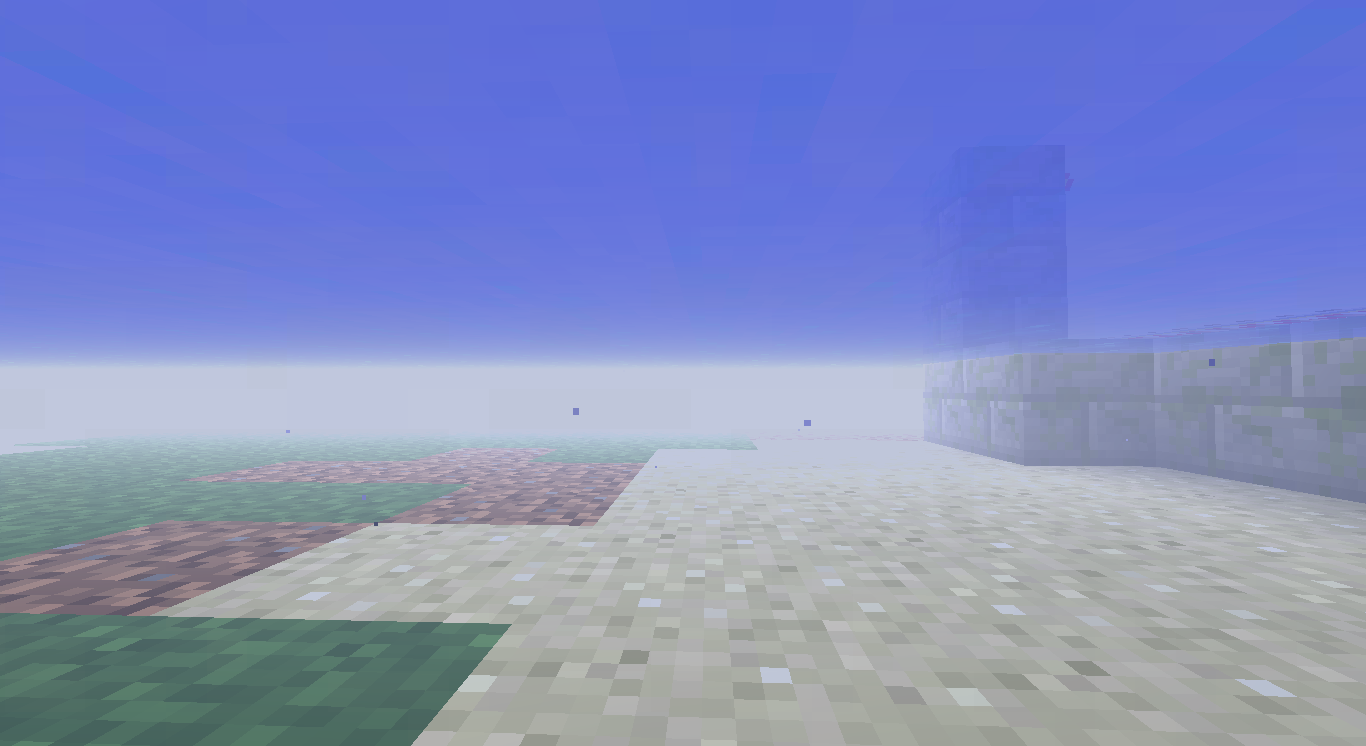
World Holes occur on servers in 1.2.5 and earlier. They are chunks that have no blocks on the client side. You can jump in, but the server won't let you fall. Relogging fixes.
What we see here is a rendering problem, and it usually fixes when you approach the chunk.
can you direct connect to the IP shown?
Seems as though it may be a duplicate of
MC-470Whats wrong
Just checking
Yeah. If you load up a 1.7 Beta world, chunks load as far as you can see in all directions, it actually works.
Please use a clean minecraft JAR and try with English
Wut
Not a bug, however they may decide to change it.
I believe it is because you can't get into a bed from 12 feet away IRL. Logic. However I do think this could be a feature request.
It might hurt you with solid blocks. Does it?
@David Delete your minecraft folder or move it to another location. Then try.
Does it work in 1.3? If not, then its a problem with the track pad. Make sure it is turned on in System Preferences > Trackpad. Also, does it work when holding down the control key, which forces a right click?
On OS X 10.8.2, No problems. Try restarting your computer
Intended Behavior
Confirmed
The rendering engine is being rewritten for 1.5. This will be fixed.
That would a cloud. You can turn them off off in video settings.
Confirmed
Thought as much, but when I found it I had simply been adding a lot of random bits and pieces then noticed it
Its not a chunk issue, however it is per client. If you press F3+A to force a chunk refresh it will work. I know its not a connection issue because it occurs in a localhost as well
Is your minecraft modded?
I have not experienced this
Have you tried a superflat world? Does the FPS issues transfer with worlds? If you close a world and reload it does it remain or reset?
Use a vanilla copy of minecraft and the default texturepack. Does it still happen?
This is somewhat serious, however I can not confirm because I don't have access to a copy of Minecraft at the moment. It makes sense, however.
Nothing that can be done because the game simply does not recognize the fortress. The 1.3 Snapshot is probably the culprit as Etho still gets spawns in his 1.8beta world
This is a GUI issue.
This is how it is supposed to work. In adventure mode you can place blocks and mine them if you have the correct tool.
This is a duplicate of many other reports.
Are you using a texture pack?
Works for me: http://cl.ly/image/2K0J3e2X330m
It is supposed to only allow a certain number of trades, which is slightly random. However for some reason the X won't appear, but the trade does stop. Closing and opening should show the X, no?
Trades remain because they can come back.
When you do enough trades they will all unlock again
Benjamin, this is correct, however I have experienced trouble sending mobs/entities back because they don't spawn in a specific location, rather they spawn at there spawn location. I have never sent something from the end successfully.
Hmm that has not been working for me. Will take a look at it again later.
This is not a bug because it is similar to breaking a chest in creative.
The frame holds an item, like a chest right? When you break a chest it drops the item, same as when the frame drops. The reason they can't assume your in creative is because in multiplayer, you might be deleting something that a survival player has.
This is not specifically going to the nether, its loading the world. The client forgets what slot its in when it leaves the world, and the server sends the client the player profile, but does not store the current slot in the inventory you are using.
It seems to work for me
The pad should be bedrock or unmineable obsidian
Works here, the text is not offset http://cl.ly/image/2h0t3g3w1Z11
My idea would be infinite strongholds, and island in the end for each
What?
Clouds man, get over it
May not be a bug, but not intentional.
The code is in the heads. When you place a head, it checks for a configuration of soulsand and other heads.
Joshua, Dinnerbone already implemented it.
Please don't use caps.
What are the specs: for your computer?
You can't use the name, use the ID. (356)
-
This is a duplicate-Hmm, can't seem to find another report for this. Thought I saw one
CubeTheThird, its not the java installation, happens to me to, I have Oracle Java and Apple Java, happens on both
It seems the blocks were mis-oriented. Probably not a reproducible glitch.
ooh wow, F3C now ehh? cool
Ok, did a little more poking, yes its Mojang's fault. Here is a working application copy in the meantime
http://cl.ly/0N1t3W010D3w
This is not a bug. The only reason painting's and item frames are not affected by water is because they are not blocks
It is intended, but should be changed.
Not being helpful, but any mods trolling you? I love doing this to my players sometimes.
To shut down a spawner you need to make it so that the conditions for that entity to spawn are not met. In the case of a creeper, thats a solid block with light level 7<. An item drop has no such requirements.
Confirmed
Cannot reproduce.
Probably related to the signs issue, which has been fixed. Did relogging fix it?
Ahh gotcha
This is a duplicate of
MC-1621Confirmed
This is because it is generating the terrain. After that you should have no issues.
Um what?
Please provide more details.
Mojang knows it is awesome, no need to use excessive caps and long titles to explain that to them.
I agree with this
This is related the general GUI issue where things don't line up.
A simple fix is to regenerate FOOD in peaceful.
This is not a bug
Ryan, chests have the correct hitboxes. Please check the latest version of minecraft before claiming a feature is missing.
This happens to me sometimes.
This is just because thats how entities currently work. The 1.2.5 functions caused problems involving entities being pushed out of an enclosed place.
usage: ipconfig <command> <args>
where <command> is one of waitall, getifaddr, ifcount, getoption, getpacket, getv6packet, set, setverbose
I agree with the OP, this is a bug report, not a feature request. CubeTheThird, can you explain?
Still getting these flickerings.
It fixes it for me. I am on a Mac.
editWhoops, saw your other screenshot.
Also, unable to reproduce
Unable to reproduce, when I load the new world, it goes to survival automatically.
Atlassian was being weird, so I didn't see it, but I found the original report. This is a duplicate of
MC-4612Grum, its a bug because Minecraft appears to be closing the firewall dialogue, which other applications don't do.
I believe this is related to general UI interference that does occur elsewhere (f3 Pie graph does the same thing, but instead of lighting up, doesn't render shading.)
What texturepack are you unstitching?
Confirmed. It is being pulled from terrain.png. (Which still exists. Im guessing the transistion is not 100% finished.)
This is fixed as of 12w02b. The file names are
netherquartz.png
quartzblock_bottom.png
quartzblock_chiseled_top.png
quartzblock_chiseled.png
quartzblock_lines_top.png
quartzblock_lines.png
quartzblock_side.png
quartzblock_top.png
You can download the default files here: https://dl.dropbox.com/u/26179871/Minecraft%20Texture/Textures.zip
It is partially fixed, I think. For instance, the seed text file doesn't reset when toggling, but the chat field does.
Nope, it works fine for me. What operating system (Windows, Mac, Linux) are you running?
Did you actually test it with the snapshots?
Endermen and Spiders aren't affected by the new Texture system, that is Old Faithful doing that, not Minecraft.
I have never experienced this issue. I am using a Mac running OS X 10.8.x.
Yeah, it is known that they can create "nuclear" explosions capable of breaking blocks that are out of the range of normal TNT.
Unable to reproduce in 1.4.7
Unable to reproduce in 12w02b
Confirmed /give [user] 95 will crash the game
This appears to be correct functionality.
Unable to reproduce.
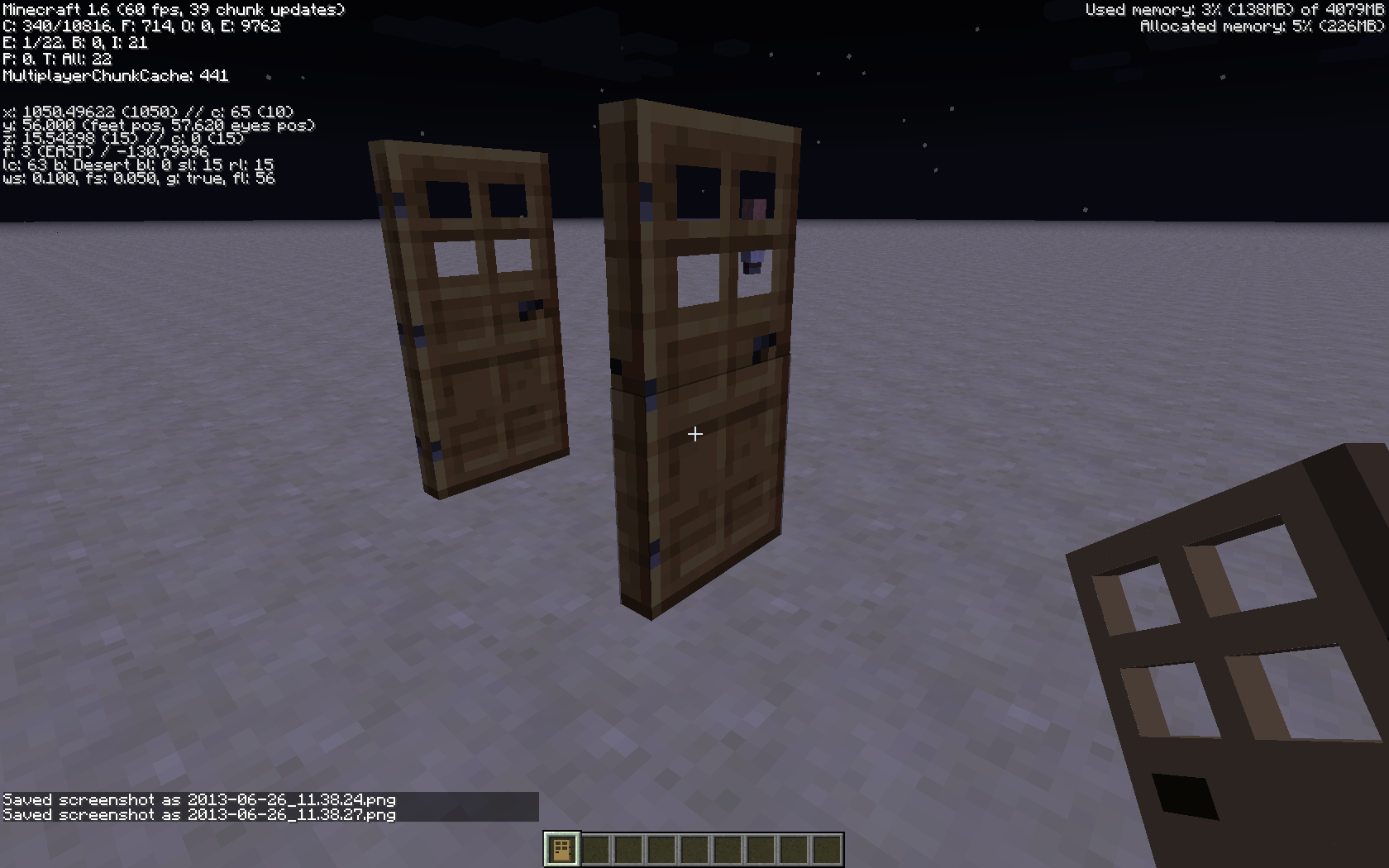
Technically incorrect, its just that doors sometimes apply the wrong texture. Nothing is broken in functionality sense.
Confirmed
This is an old bug, and desired
Please attach the server crash report .txt file
Confirmed.
Hmm shouldn't slabs use the same textures as the blocks? (Which they do)
Nether Quartz Block, unlike sandstone, uses the same texture on all four sides.
Assuming your not vanilla texturepack, open the pack your using and delete the files in textures/items and textures/blocks that appear as missing.
Ok, I see. Just confirmed it. Attached screenshot.
This isn't a bug because the hopper isn't supposed to be able to control who interacts with it. The redstone prevents the hopper from performing actions, but does not prevent other hoppers from performing actions.
You are running 12w02b right?
It seems like the world save is corrupting.
They are clearly not set up correctly, because they say Incompatible. I am going to attempt to set up Misa right now.
edit: no problems.
Are you sure PokeCanada? How do you know this.
This is a duplicate of
MC-6851I have a mac. Does this work:
download misa, run unstitcher program on misa. Can you use the converted zip it created?
Can someone confirm that this still occurs in the snapshots?
I don't see anything indicating an inability to read text, although it isn't great, the text is fine...
Firstly, monsters don't spawn in creative.
Second, is it night time and still no monsters?
Third, check your options page and make sure the button item, Peaceful, is OFF
Oops, this is a 1.4 report.
Well this now happens in 13w02b
Confirmed.
This is most likely intended. Third person view shouldn't change where the sounds play to. The sound is configured around the player.
This is not technically a bug, but could be fixed.
When the game loads, unrecognized settings are reset / removed (in options.txt). When you load the snapshot back up, it recreates them with the default settings. This has always happened in the past, however I don't know wether its intended behavior or not.
If the world is still broken, could you possibly upload it?
Confirmed. This actually applies to any solid block that isn't a 1meter x 1meter x 1meter.
Not sure I understand whats wrong here.
The JAR in ~/Library/Application Support/minecraft/bin doesn't know how to display login information. I don't know why. The JAR in /Applications/Minecraft.app/Contents/Resources/Java/MinecraftLauncher.jar doesn't actually contain the game. At all.
This needs to be reopened. Its a valid vanilla issue.
Someone tried that today. @Tails already marked it as a duplicate of this.
I reproduced this you need to be in the second F5 mode. Screenshots coming
These are taken from a LAN server. One of these proves its "LAN, Vanilla"
@Anon Ymus, what isn't "vanilla" in the above image?
I will make a video if you guys aren't convinced. Try it your selves, you lazy people.
Unable to reproduce
Server side doesn't change client rendering...
You can link to, say, a dropbox download link if you wish to upload the world.
Furnace Minecarts have never had a GUI
Duplicate of
MCPE-586, please use the search function to see if your bug has already been submitted. Currently over 45% of tickets are being closed as duplicate.Confirmed
Duplicate ofMC-7133, please use the search function to see if your bug has already been submitted. Currently over 45% of tickets are being closed as duplicate.Please refrain from reporting multiple bugs in one report.
Reopened
Duplicate of
MC-6903, please use the search function to see if your bug has already been submitted. Currently over 45% of tickets are being closed as duplicate.