 MC-20155
Invisible blocks create a visual bug on the block beneath it
What happened:
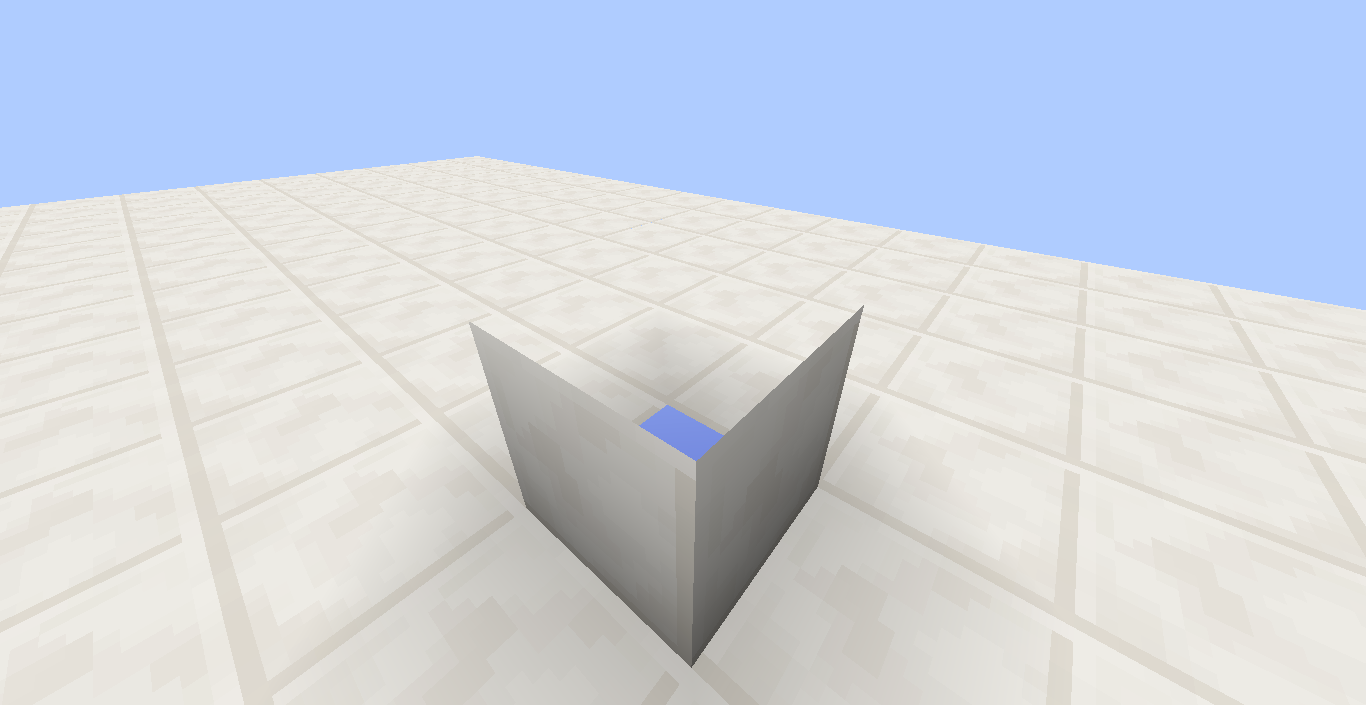
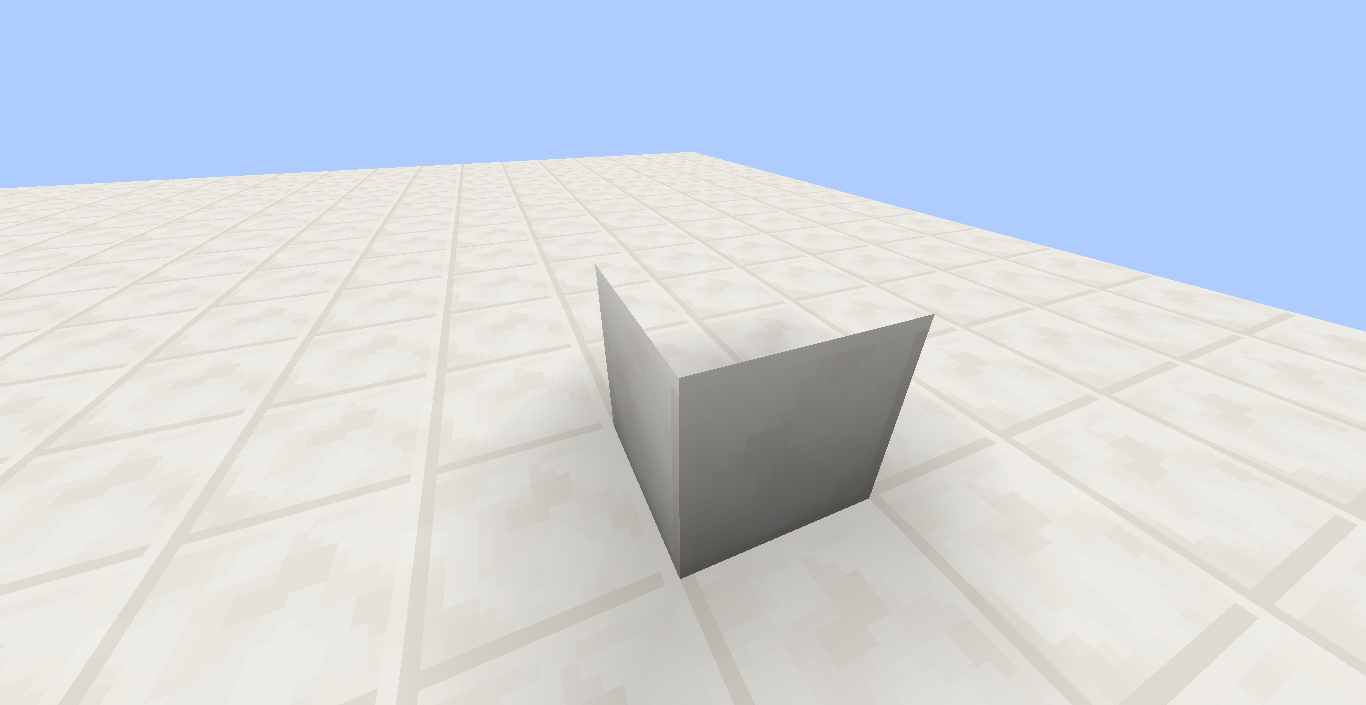
When you re-texture a block to completely transparent, it creates a visual bug on the block beneath it.
Steps to reproduce:
1-Retexture a block to completely transparent. (CTRL+A, Delete, CTRL+S and done.) (Recommended using a resource pack.)
2-Go to your world.
3-Place that (transparent) block on another block.
This should happen (see the images.)



Created Issue:
Transparent blocks leave a hole on the block beneath it
What happened:
When you re-texture a block to completely transparent, it creates a visual bug on the block beneath it.Steps to reproduce:
1-Retexture a block to completely transparent. (CTRL+A, Delete, CTRL+S and done.) (Recommended using a resource pack.)
2-Go to your world.
3-Place that (transparent) block on another block.
This should happen (see the images.)
Attachments4
Transparentblocks leave a hole on the block beneath itInvisible blocks leave a hole on the block beneath it
Invisible blocksleave aholeon the block beneath itInvisible blocks create a visual bug on the block beneath it
bump
bump.
bump.
bump
bump???
![[Mojang] Grum (Erik Broes)](../../../data/assets/gravatar/grum.png)
bump.
why is this work as intended? GRUM I'm going to call you now grumtended!
Making a block invisible with a texture doesn't automagically make the faces below it render.