 MC-26764
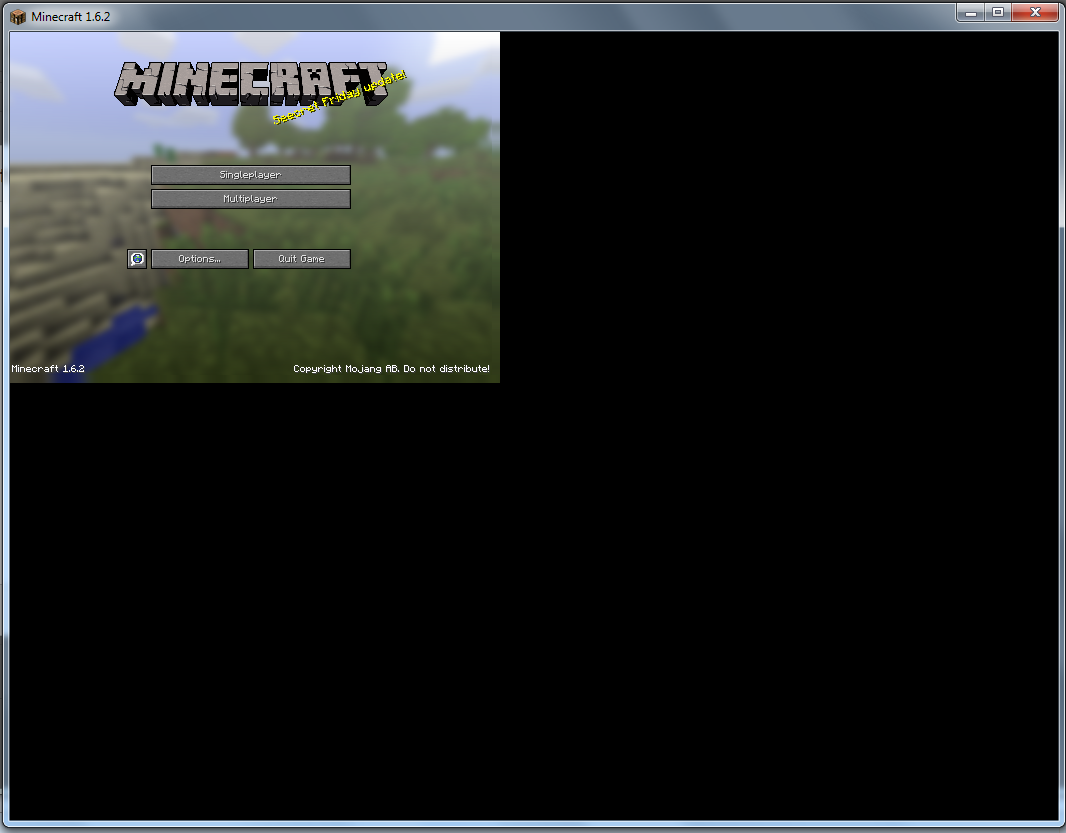
The minecraft window doesn't adjusts itself when dragging
What I was expected to happen was:
The window would adjust itself.
What actually happened:
The window doesnt'..
Steps to reproduce.
1-Resize to a small dimension.
2-Resize out.
You can see what it doesn't do.
Notes:
- Try to do that to the launcher and compare to the game itself. You see that the launcher adjusts itself (not fast but it does) while the game doesn't until I stop dragging.
Environment
Java 7
Windows 7



Created Issue:
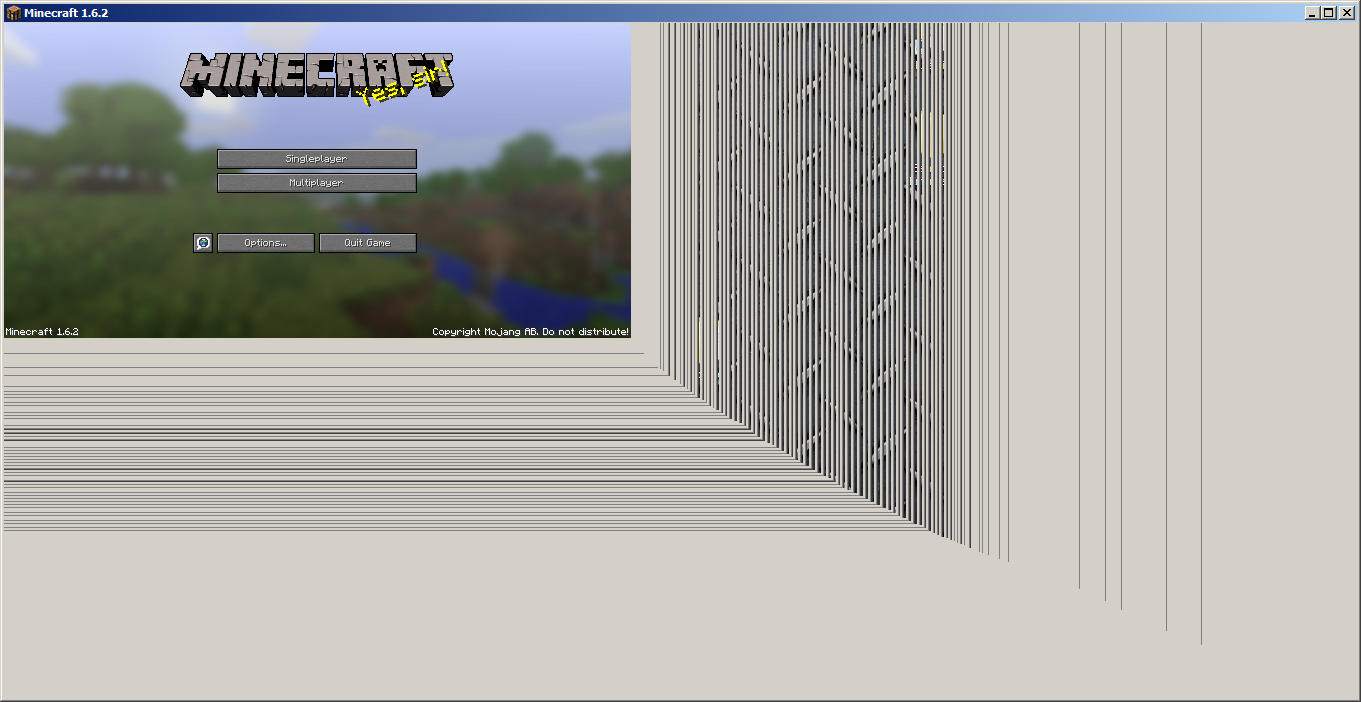
Resizing the minecraft window out, causes to appear grey and transparent bars while dragging.
What I was expected to happen was:
The window would adjust itself.What actually happened:
The window created grey and transparent bars.Steps to reproduce.
1-Resize to a small dimension.
2-Resize out.
You can see what it creates.Environment
Java 7
Windows 7
Attachments1
What I was expected to happen was:
The window would adjust itself.What actually happened:
The window created grey and transparent bars.Steps to reproduce.
1-Resize to a small dimension.
2-Resize out.
You can see what it creates.Notes:
Try to do that to the launcher and compare to the game itself. You see that the launcher adjusts itself (not fast but it does) while the game doesn't until I stop dragging.
What I was expected to happen was:
The window would adjust itself.What actually happened:
The window created grey and transparent bars.Steps to reproduce.
1-Resize to a small dimension.
2-Resize out.
You can see what it creates.Notes:
Try to do that to the launcher and compare to the game itself. You see that the launcher adjusts itself (not fast but it does) while the game doesn't until I stop dragging.What I was expected to happen was:
The window would adjust itself.What actually happened:
The window created grey and transparent bars.Steps to reproduce.
1-Resize to a small dimension.
2-Resize out.
You can see what it creates.Notes:
- Try to do that to the launcher and compare to the game itself. You see that the launcher adjusts itself (not fast but it does) while the game doesn't until I stop dragging.
Resizing the minecraft windowout, causes to appear grey and transparent bars whiledragging.The minecraft window doesn't adjusts itself when dragging
What I was expected to happen was:
The window would adjust itself.What actually happened:
The windowcreated grey and transparent bars.Steps to reproduce.
1-Resize to a small dimension.
2-Resize out.
You can see what itcreates.Notes:
- Try to do that to the launcher and compare to the game itself. You see that the launcher adjusts itself (not fast but it does) while the game doesn't until I stop dragging.
What I was expected to happen was:
The window would adjust itself.What actually happened:
The window doesnt'..Steps to reproduce.
1-Resize to a small dimension.
2-Resize out.
You can see what it doesn't do.Notes:
- Try to do that to the launcher and compare to the game itself. You see that the launcher adjusts itself (not fast but it does) while the game doesn't until I stop dragging.
Stop bumping.
ok. But nobody confirms or marks as something.
Maybe because nobody can confirm this ?
Please force a crash by pressing F3 + C for 10 seconds while ingame and attach the crash report here.
Added.
EDIT: I don't think the crash report can help because it only says what's in the game, the information about the machine, operating system and the Java version.
Also try to do that to the launcher and compare to the game itself. You see that the launcher adjusts itself while the game doesn't until I stop dragging.
Cannot confirm.
Try the latest drivers: http://www.geforce.co.uk/drivers/results/63470
Ok so the issue here is different. The minecraft window doesn't adjusts itself when dragging.
But that's no bug.
What if I cannot close the game, isn't that a bug?
Sure. But what has that to do with not-refreshing-while-resizing ?
Because it's a function for every window.