 Kumasasa
- kumasasa
- kumasasa
- Europe/Berlin
- Yes
- No
![[Mojang] Grum (Erik Broes)](../../../data/assets/gravatar/grum.png)
![[Mojang] Nathan Adams](../../../data/assets/gravatar/dinnerbone.png)
![[Mojang] Jeb (Jens Bergensten)](../../../data/assets/gravatar/jeb.jpeg)
 MCL-72
 Low
Low MC-13435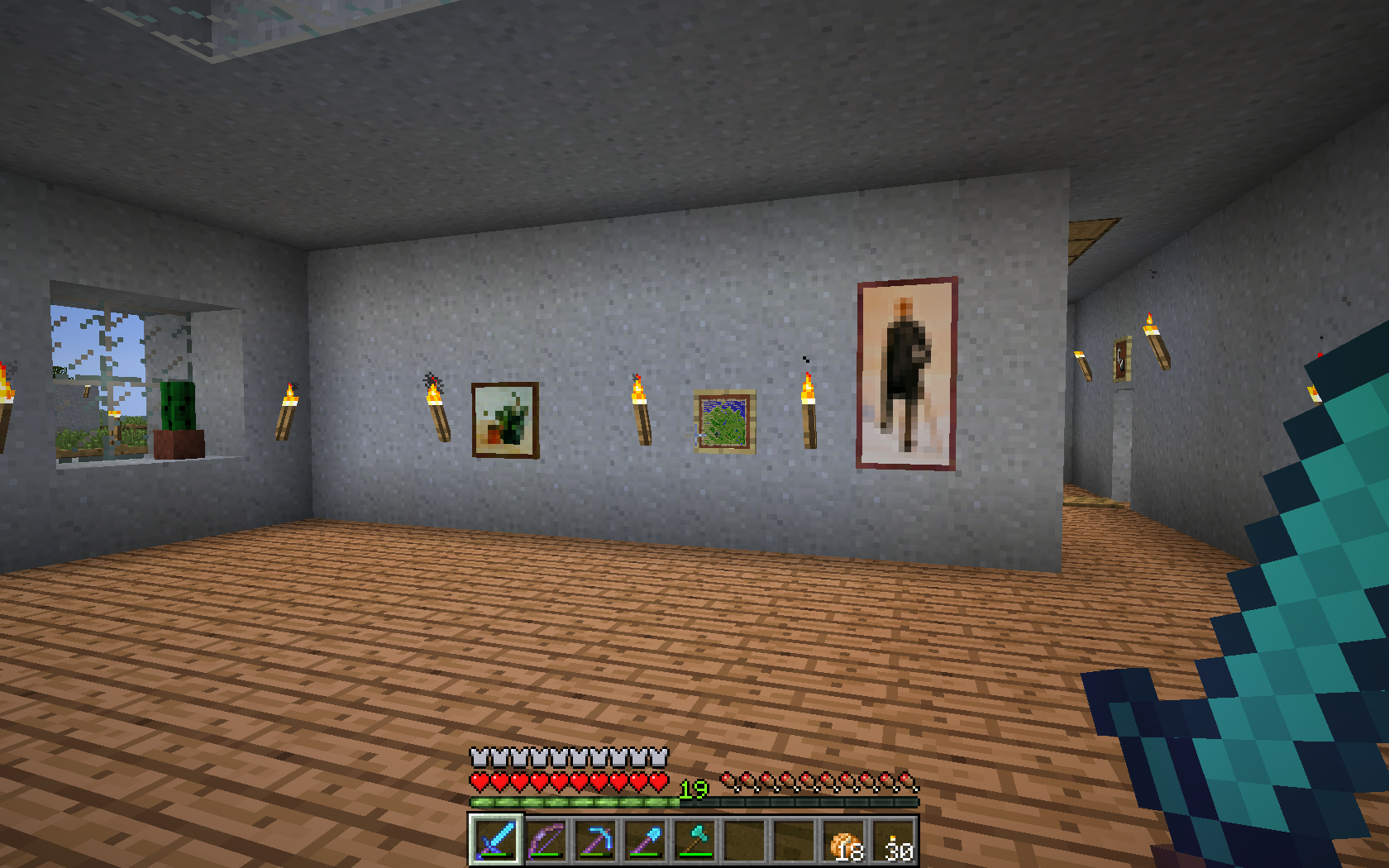















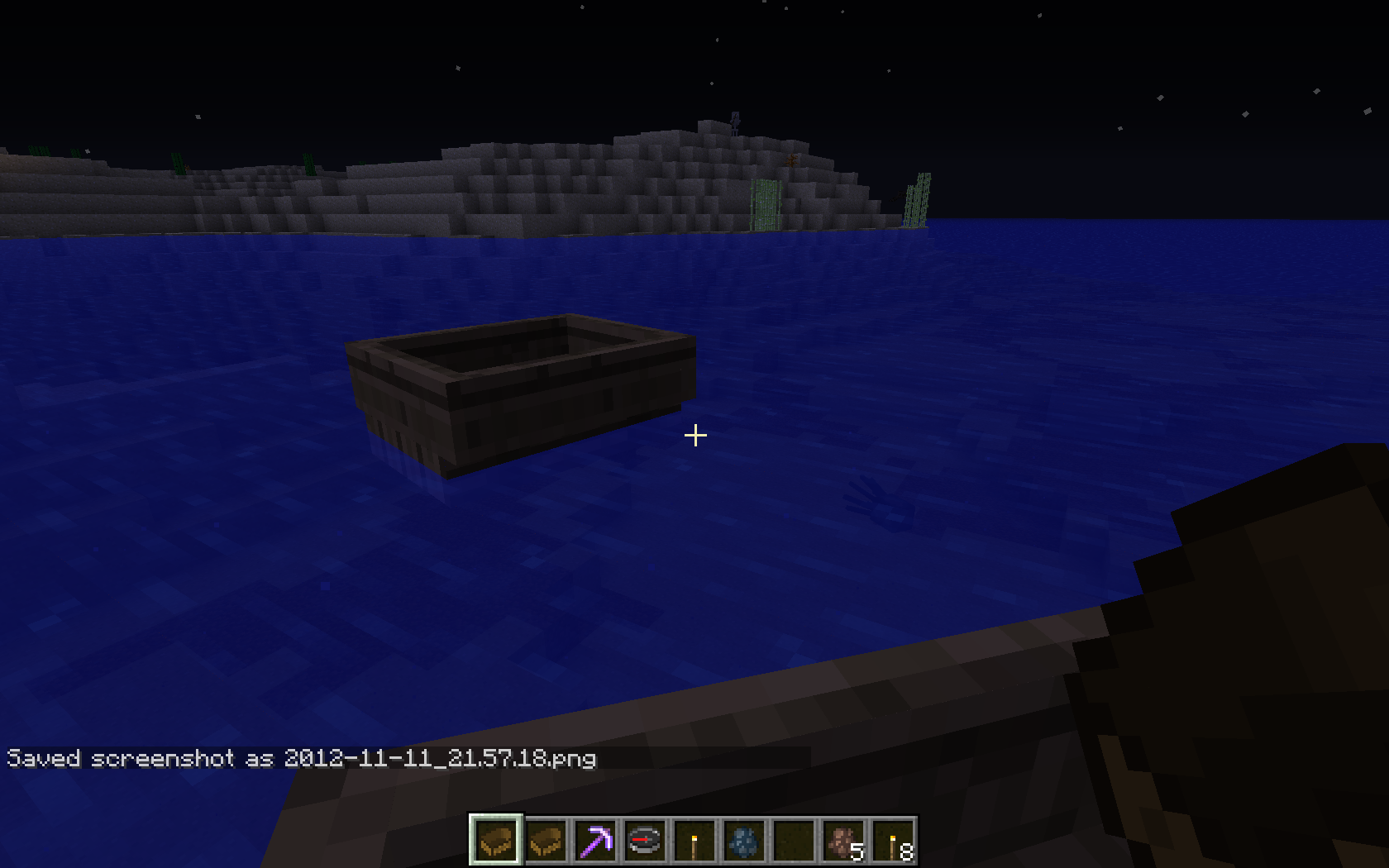
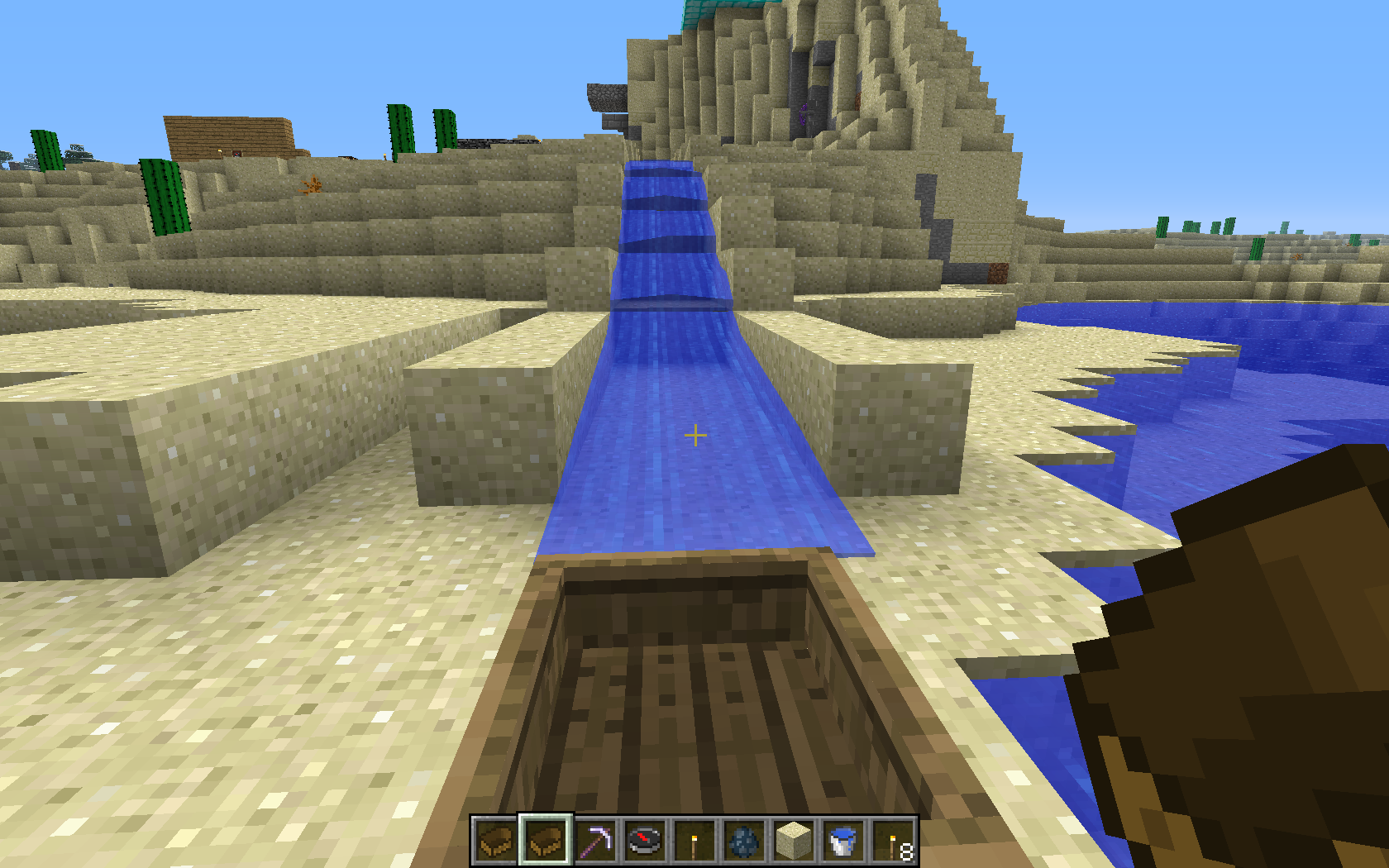
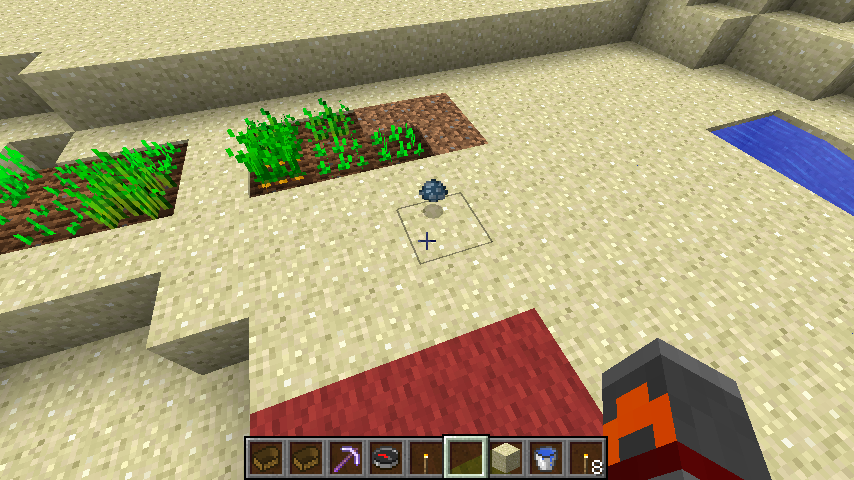
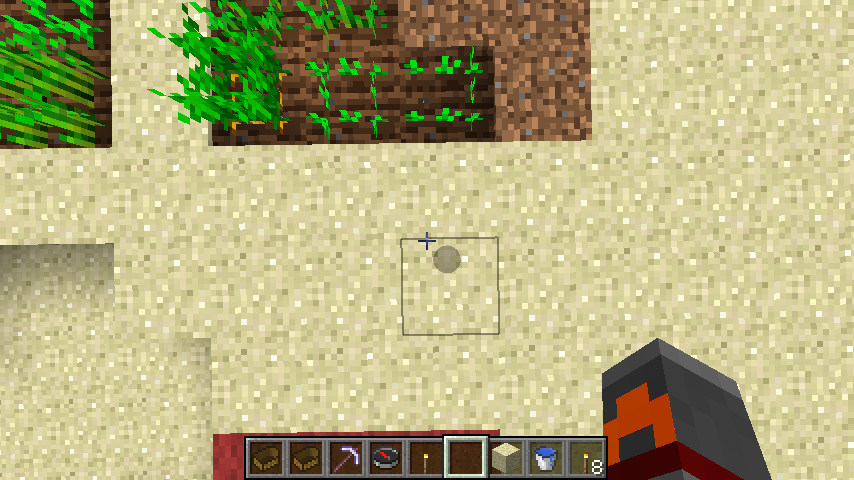
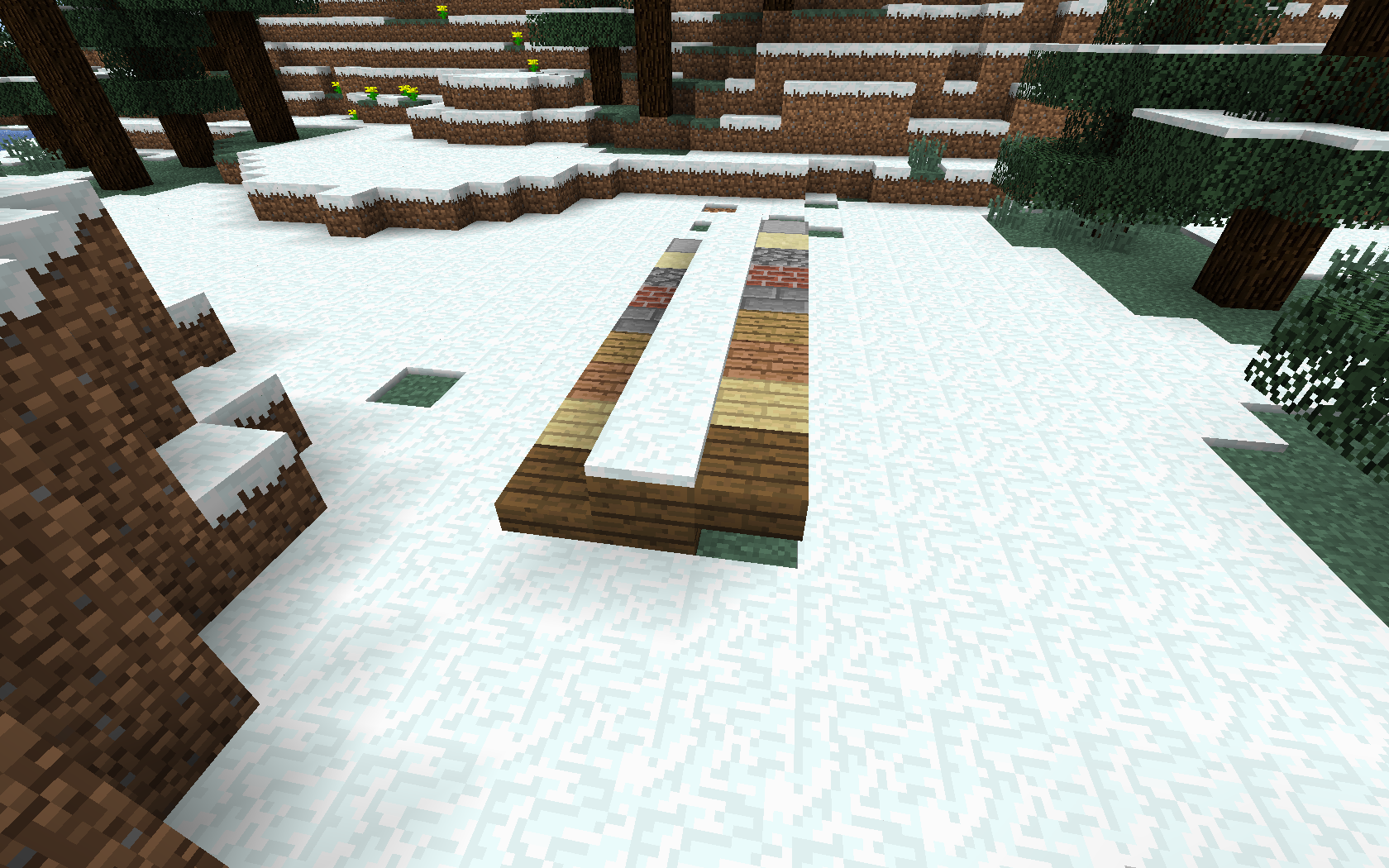




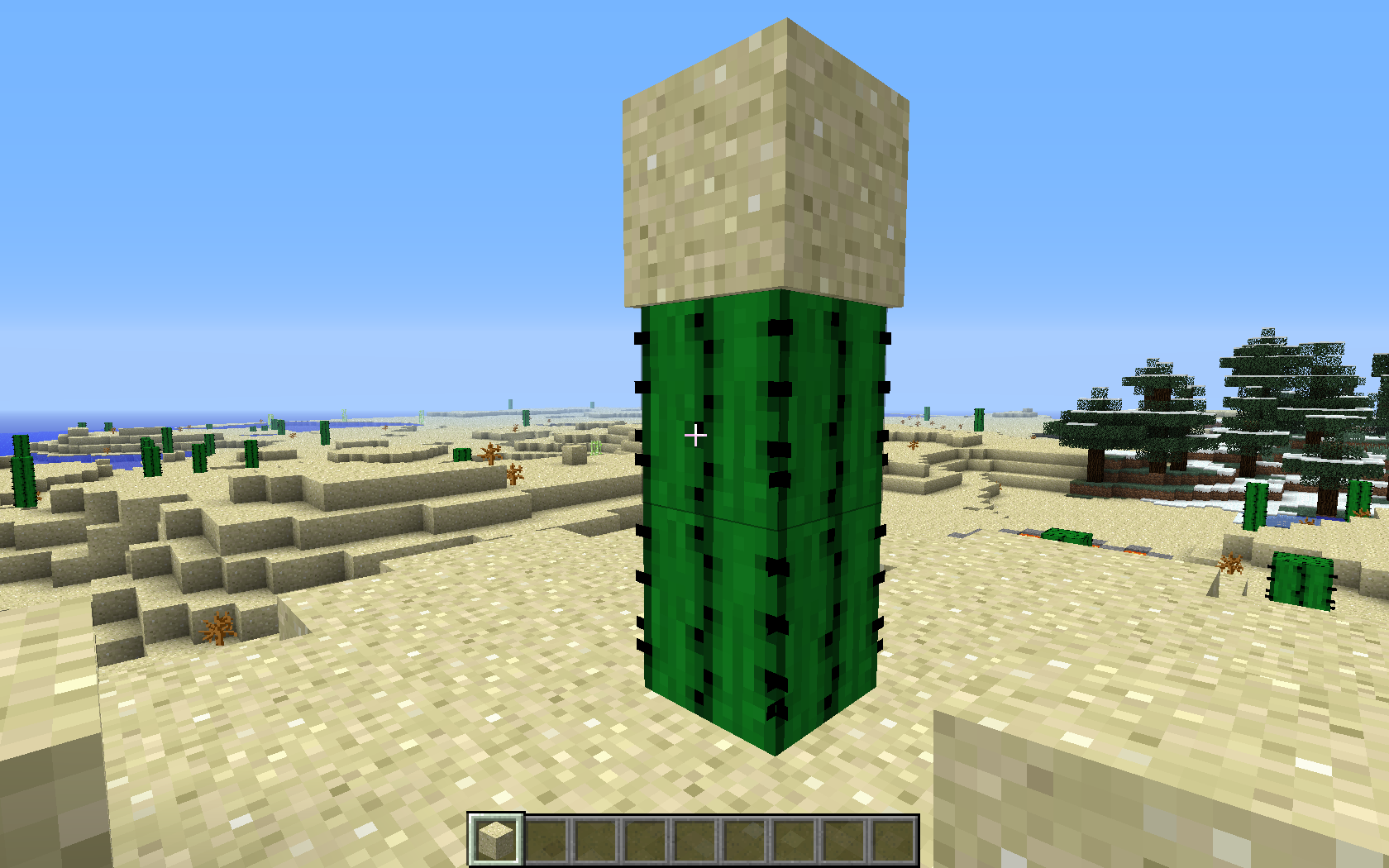

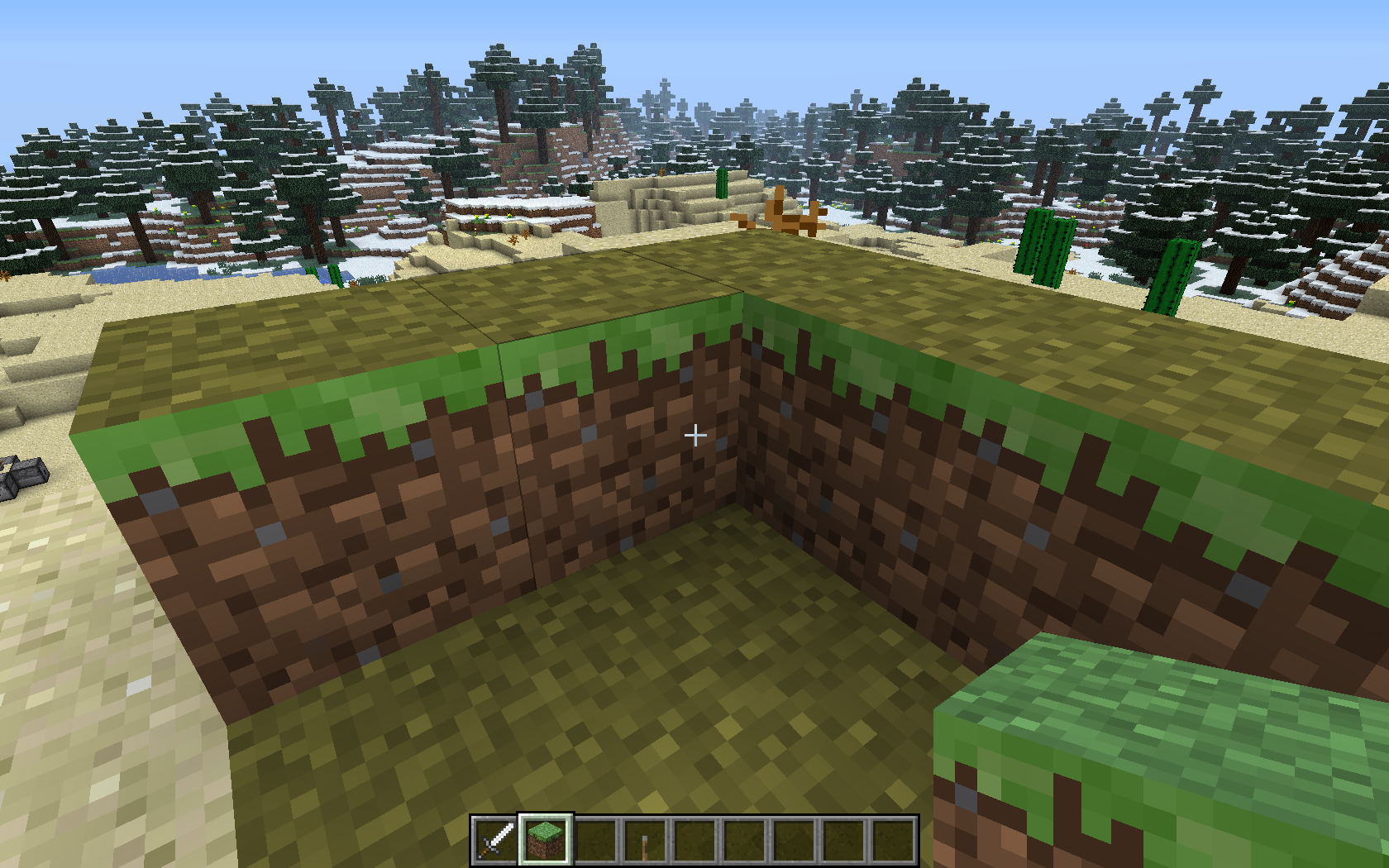
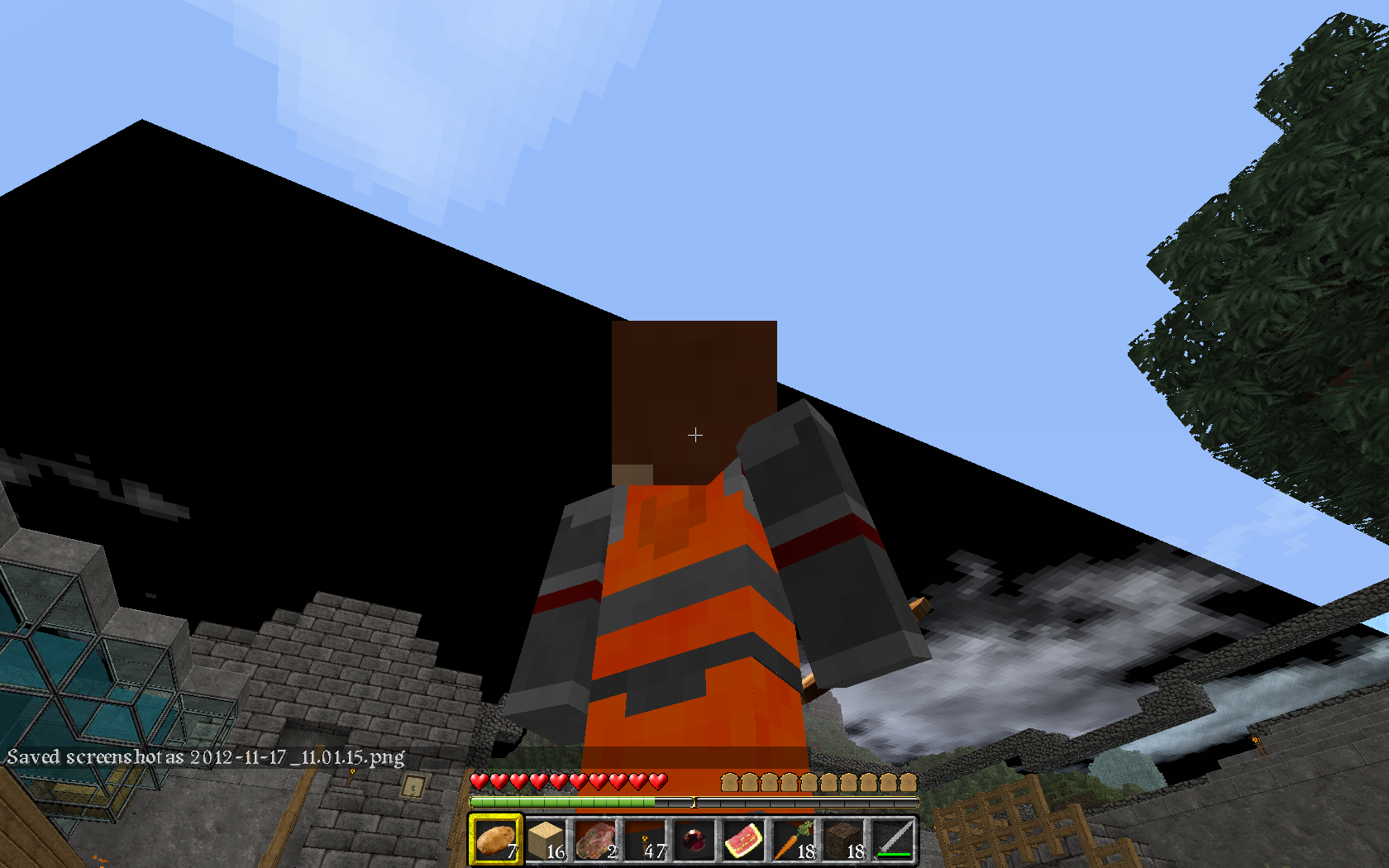
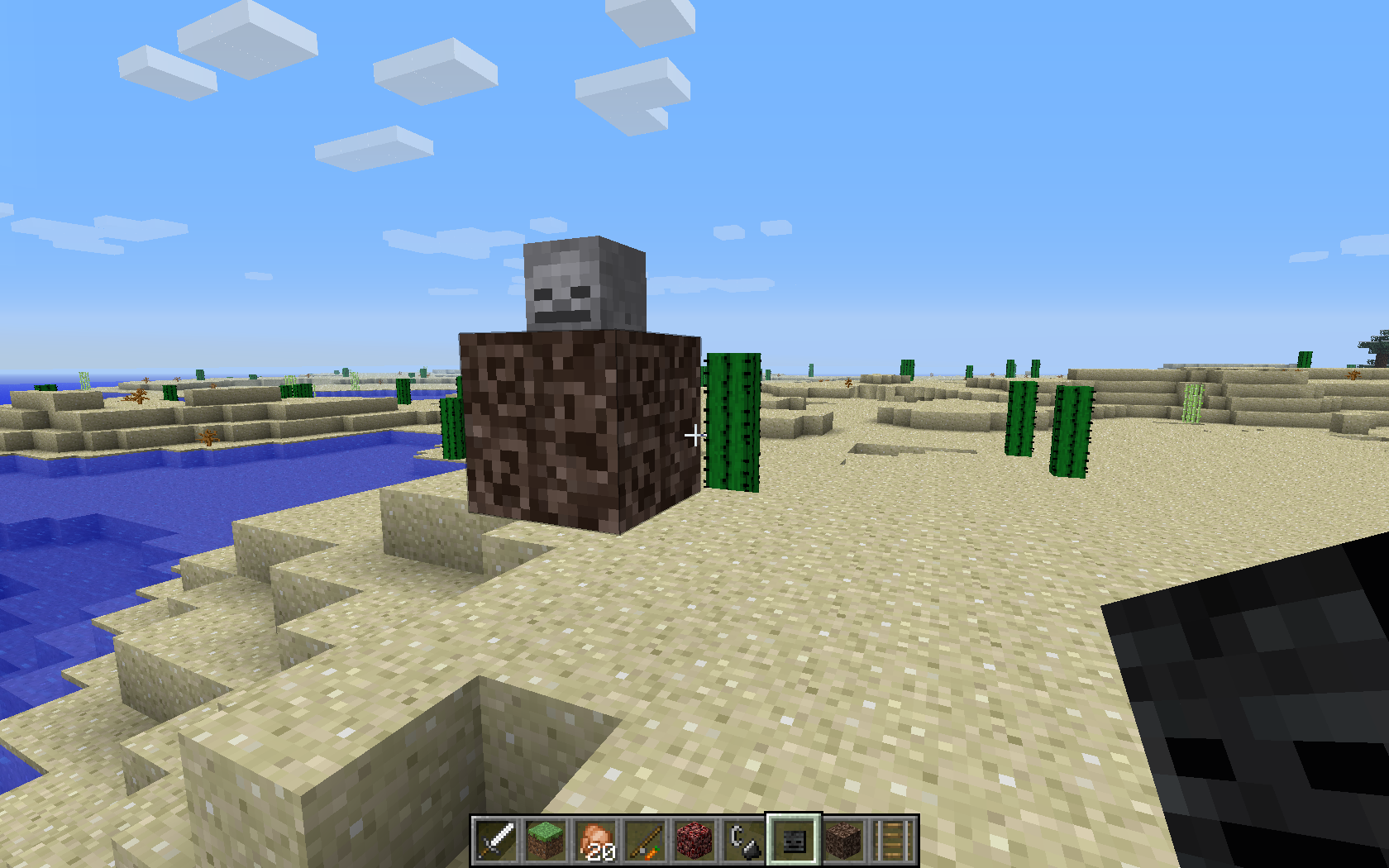

clones
Java 7U9-64, Win 7-64, Survival Multiplayer
relates to
is duplicated by
Java 7U7 64bit, Windows 7 64bit, Multiplayer (but alone on the server)
Java 7U
764bit, Windows 7 64bit, Multiplayer (but alone on the server)Java 7U9 64bit, Windows 7 64bit, Multiplayer (but alone on the server)
Java 7U9-64, Windows 7-64, Multiplayer (but alone on the server)
relates to
relates to
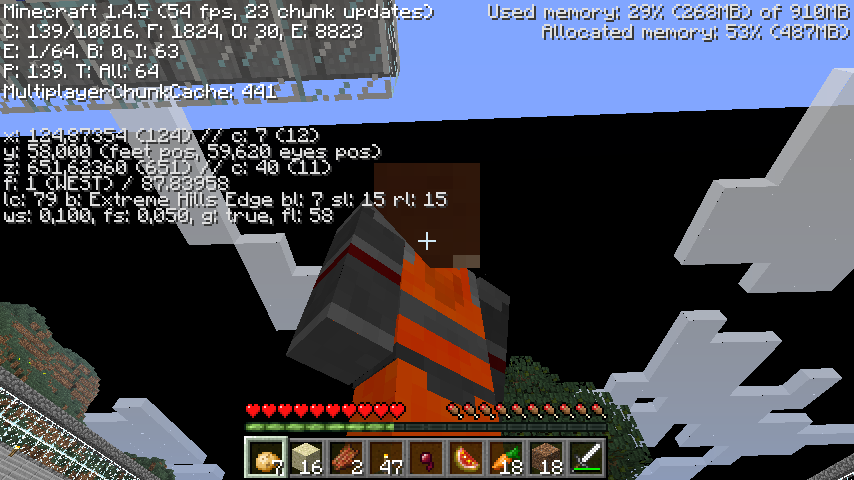
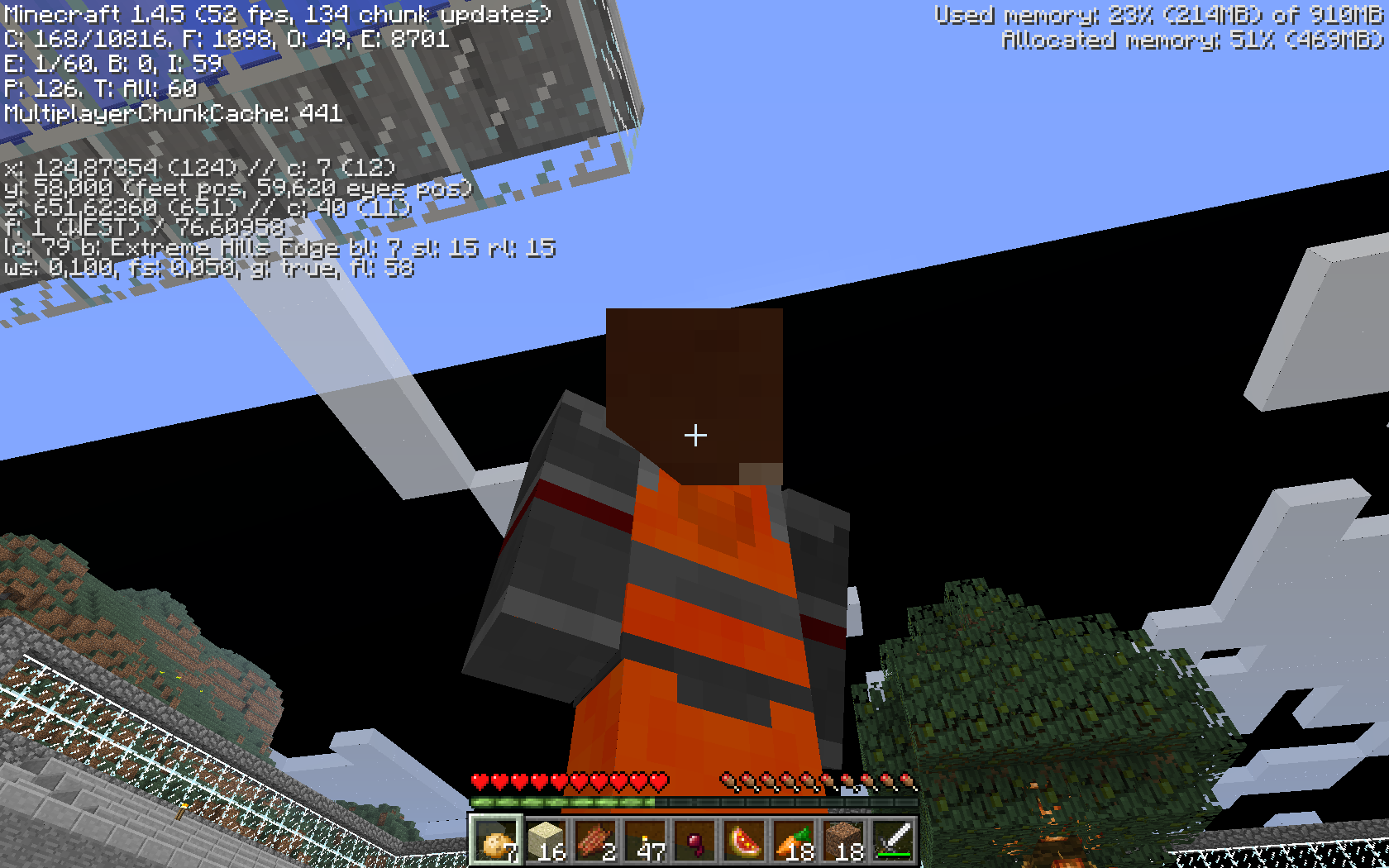
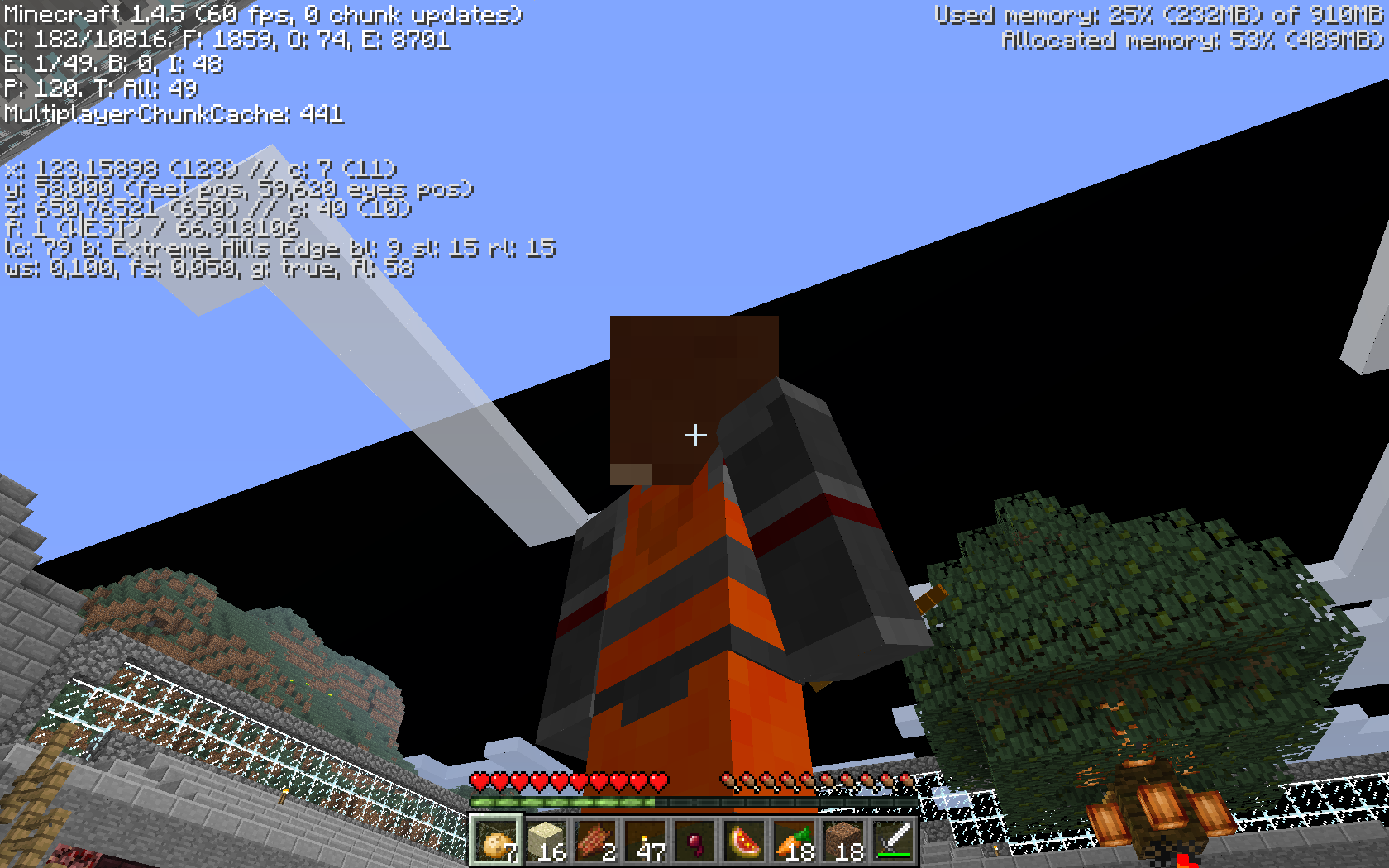
When leaving and re-entering the game the player
- glitches trough the minecart and the block below, if just one block below the tracks
- or sinks into the block when there are more blocks below the tracks. The minecart is invisible then.
Minecart is st
ill-standing.When leaving and re-entering the game the player
- glitches trough the minecart and the block below, if just one block below the tracks
- or sinks into the block when there are more blocks below the tracks. The minecart is invisible then.
Minecart is standing still.
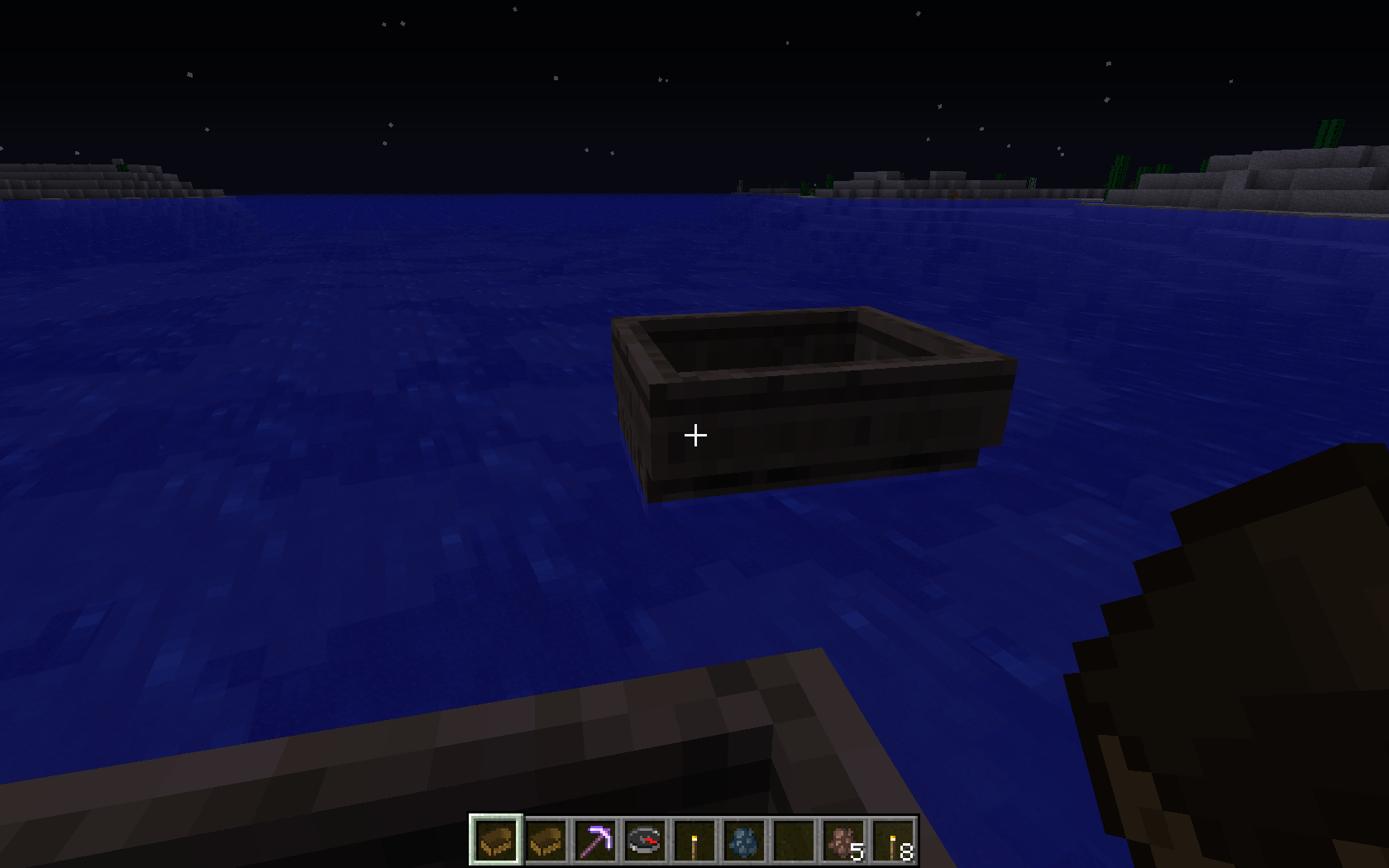
Update: This applies to all ridden entities Minecarts, Boats and Pigs.
Player falls out out boat / glitches through block when leaving and re-entering game while sitting in minecart
is duplicated by
relates to
relates to
Player and Mobs falls out out boat upon reload / glitches through block when leaving and re-entering game while sitting in minecart
When leaving and re-entering the game the player and other mobs
- glitches trough the minecart and the block below, if just one block below the tracks
- or sinks into the block when there are more blocks below the tracks. The minecart is invisible then.
Minecart is standing still.
Update: This applies to all ridden entities Minecarts, Boats and Pigs.
is duplicated by
is duplicated by
Player and Mobs falls out out boat uponreload/glitchesthrough blockwhen leaving and re-entering game while sitting in minecartPlayers and Mobs fall off vehicles and other ridden entities upon world reload, glitching through blocks
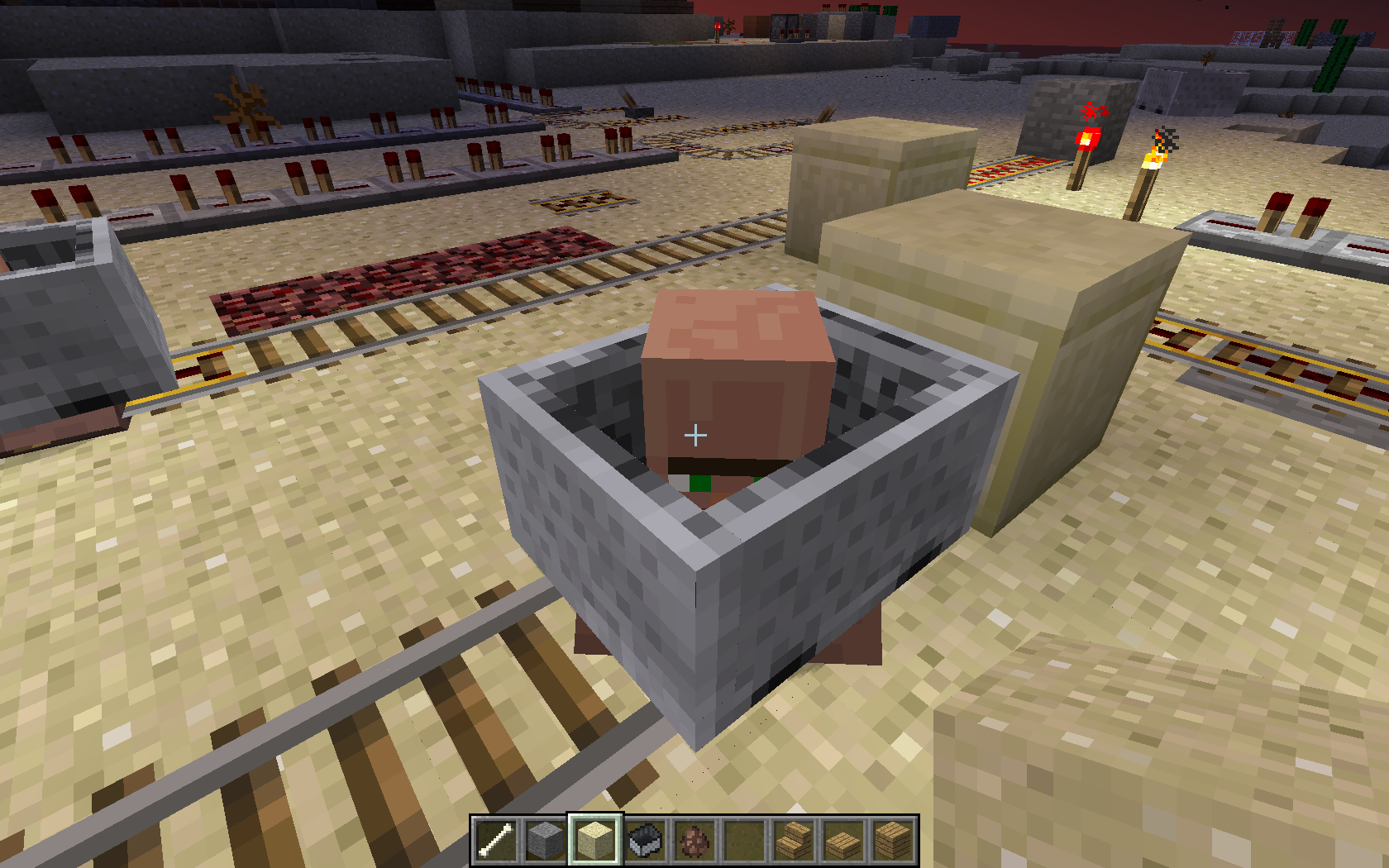
is duplicated by
I tried to use a minecart, right clicked the minecart and pressed the launch button of the railway.
At first glance nothing happened except the minecart has disappeared.
A nearby door opened without anything on the pressure plate.
Attempts to close the door failed, the door reopened immediately.
Breaking the pressure plate didn't help.
While trying do destroy the malfunctioning door suddenly the chunks around me dissolved, eventually the chunk under my feet and I fell into the void, I quitted the game immediately.
After re-entering I found me driving in the minecart quite far away from the starting point.
When driving back to the starting point, everything was like nothing happened: The pressure plate was in-place, the door was shut.I assume that the server did all right and drove the minecart with me in a correct manner, but the client desynched and did it's own game. Eventually the chunks were unloading and I fell into the void.
The server log has no entries around that time. No Client crash report, no logfile. No screenshot. Issue not reproducible.
is duplicated by
is duplicated by
is duplicated by
relates to
is duplicated by
relates to
Java 7U9-64, Win 7-64, Survival
MultiplayerJava 7U9-64, Win 7-64, Survival Singleplayer
is cloned by
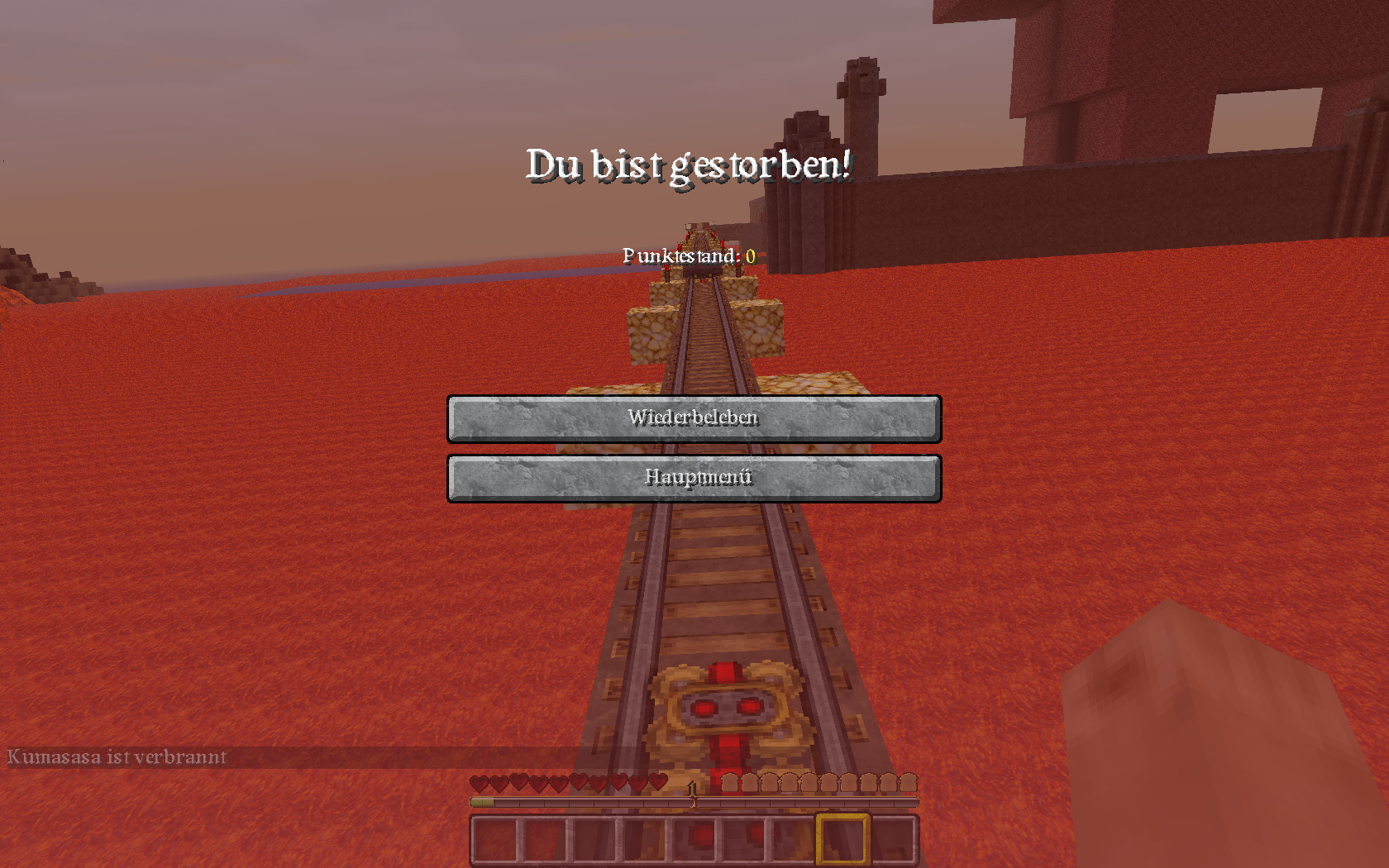
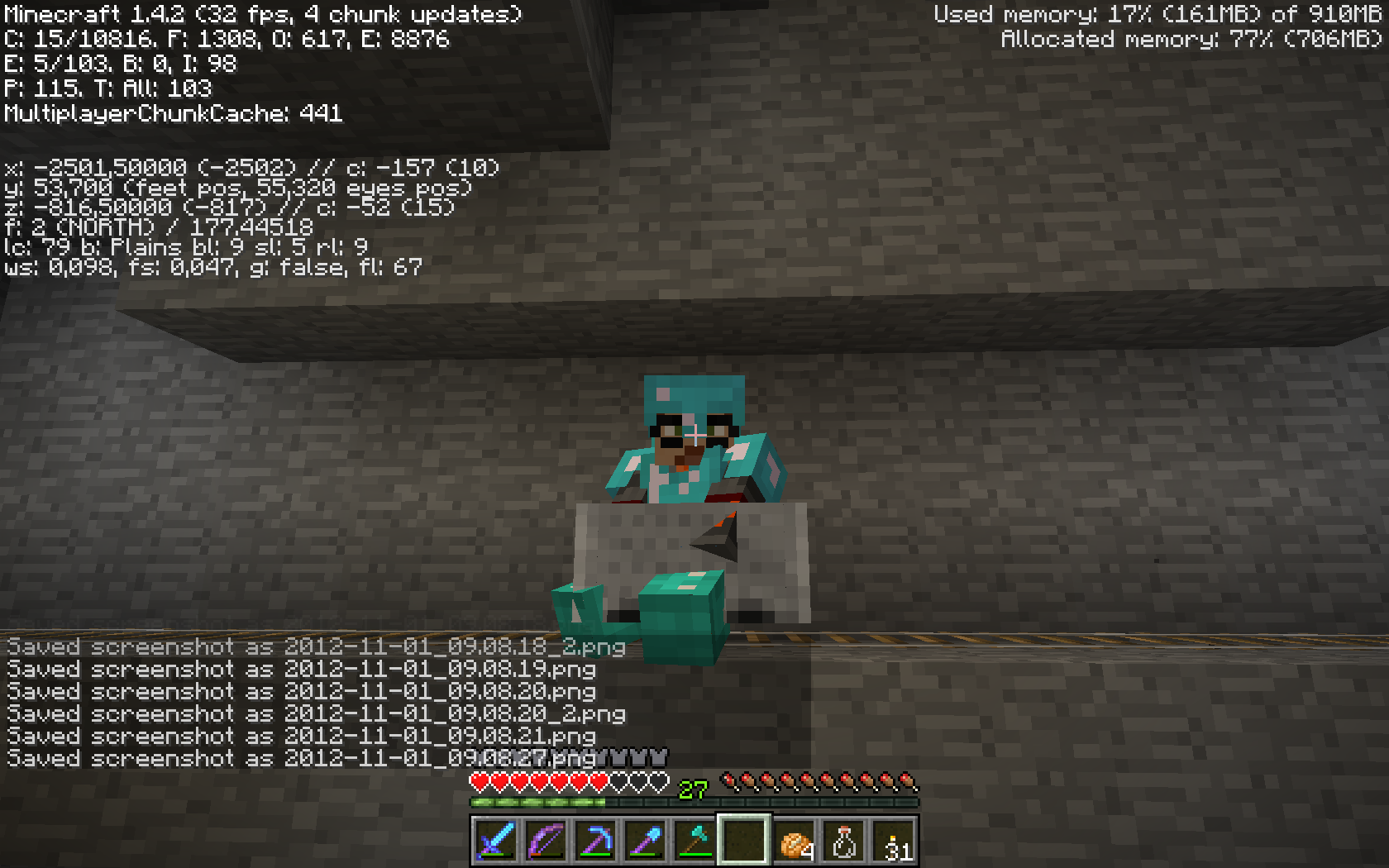
CLONE - Player gets hurt while sitting in minecart and taking screenshots or minimizing / maximizing the screen
screenshot-damage1.png
relates to
duplicates
duplicates
Th
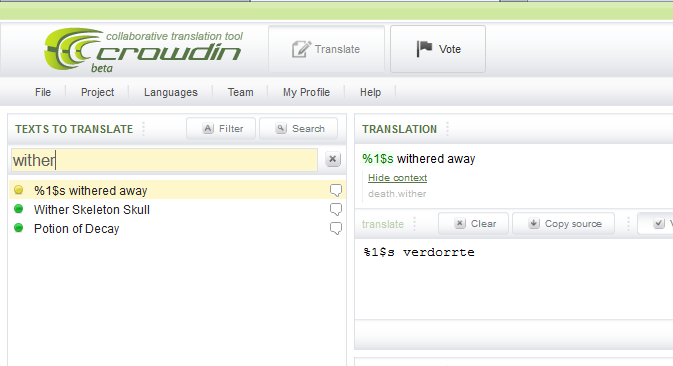
e name of the Wither is in German Withern (should be of course Wither). In crowdin.nettheentryentity.WitherBoss.name has vanished.The name of the Wither in German is Withern (should be of course Wither ).
In crowdin.net the entry entity.WitherBoss.name is missing, so the translation cannot be fixed by the community .In [MC-126] Nathan Adams wrote:
[Mojang] Dinnerbone (Nathan Adams) resolved MC-126 - Wither as 'Invalid'
Please fix (anyone can do it!) translation issues at http://crowdin.net/project/minecraftWe would like to do so, but since the entry is missing (see the attached screenshot), we cannot translate.
That's not a German-only issue, also in several other languages that entry is missing.
is cloned by
MC-126
relates to
CLONE -crowdin.net: Entry entity.WitherBoss.name is missing - German translation is "Withern"
is duplicated by
is cloned by
relates to
relates to
relates to
relates to
relates to
relates to
duplicates
relates to
is cloned by
is duplicated by
is duplicated by
duplicates
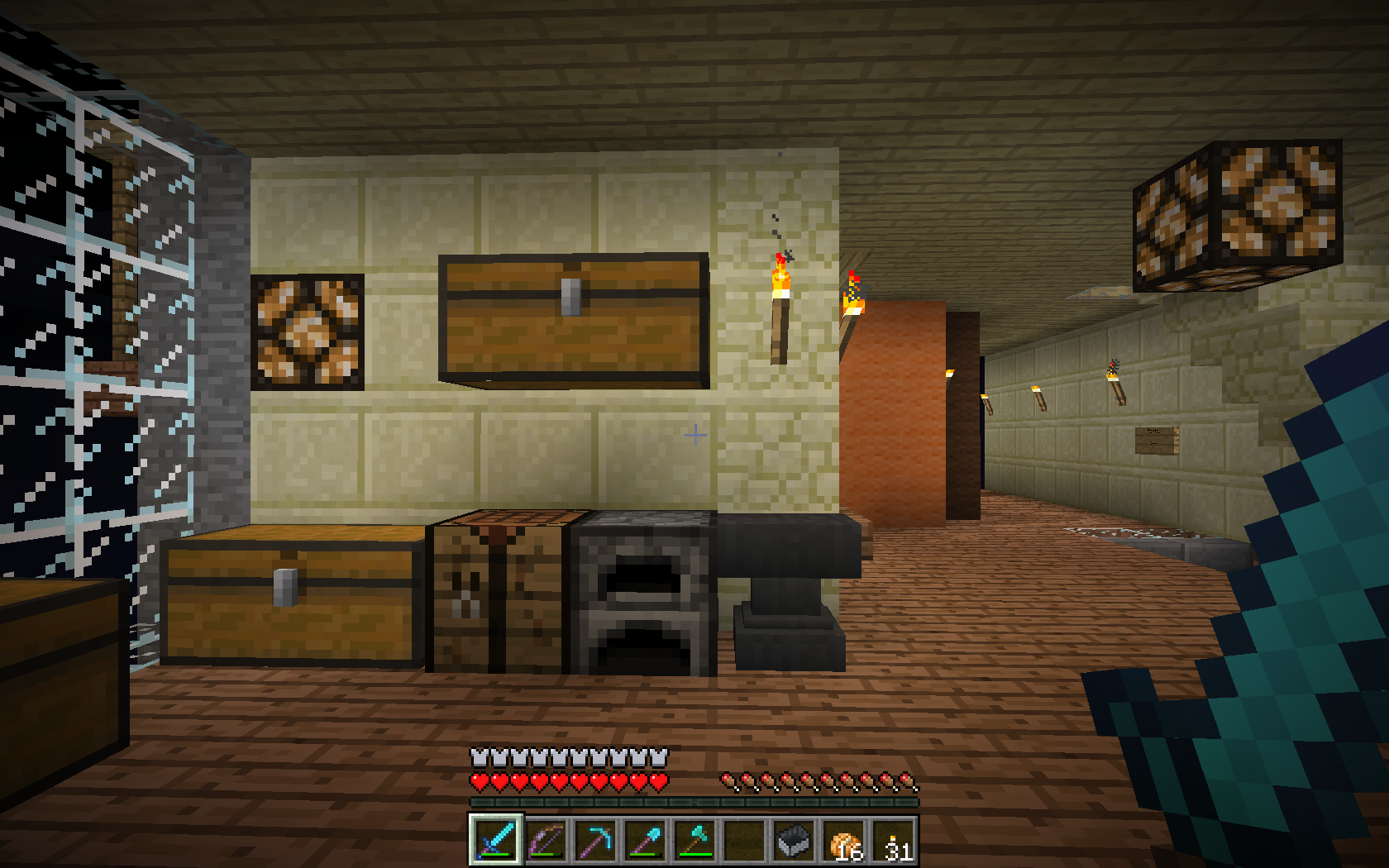
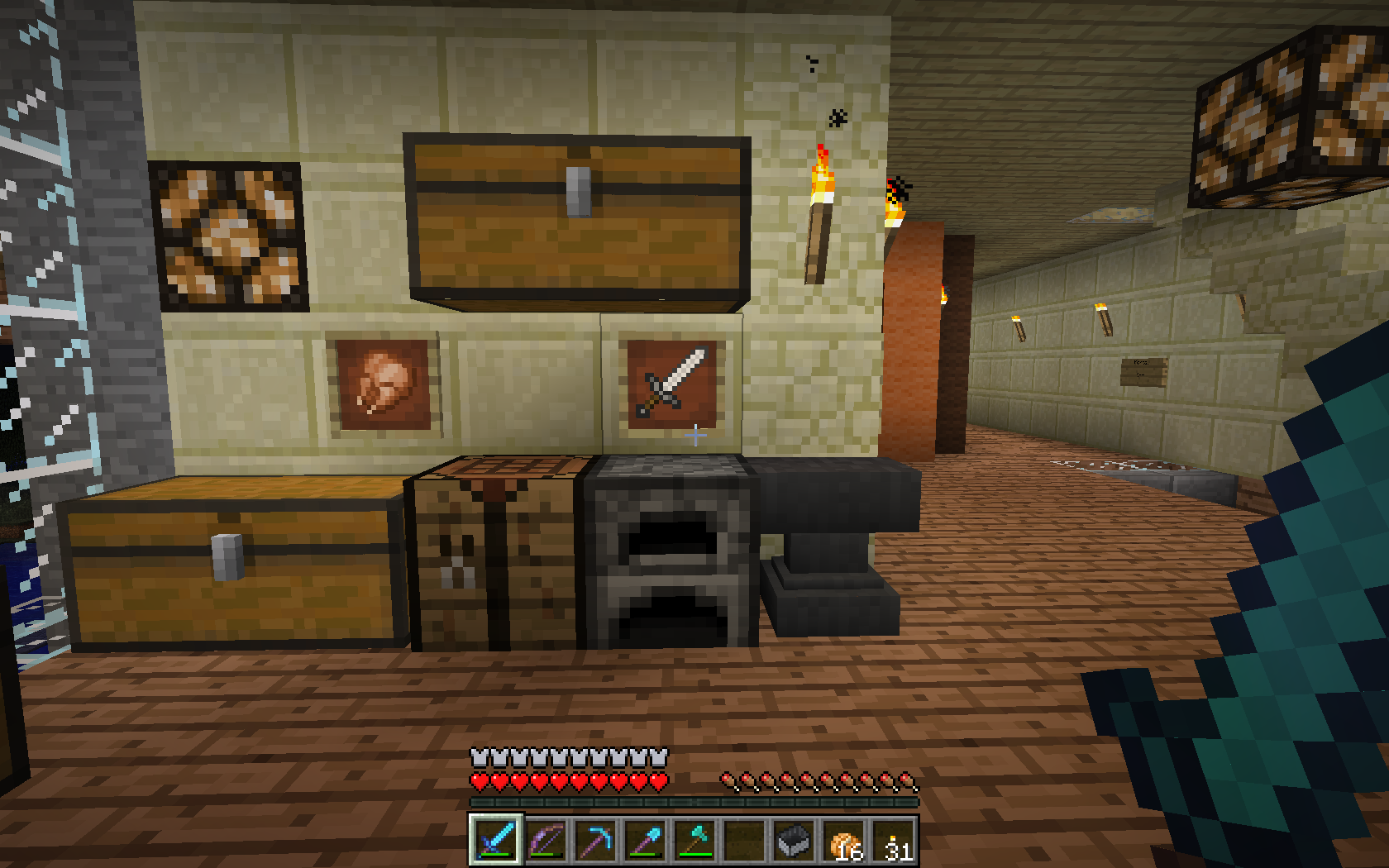
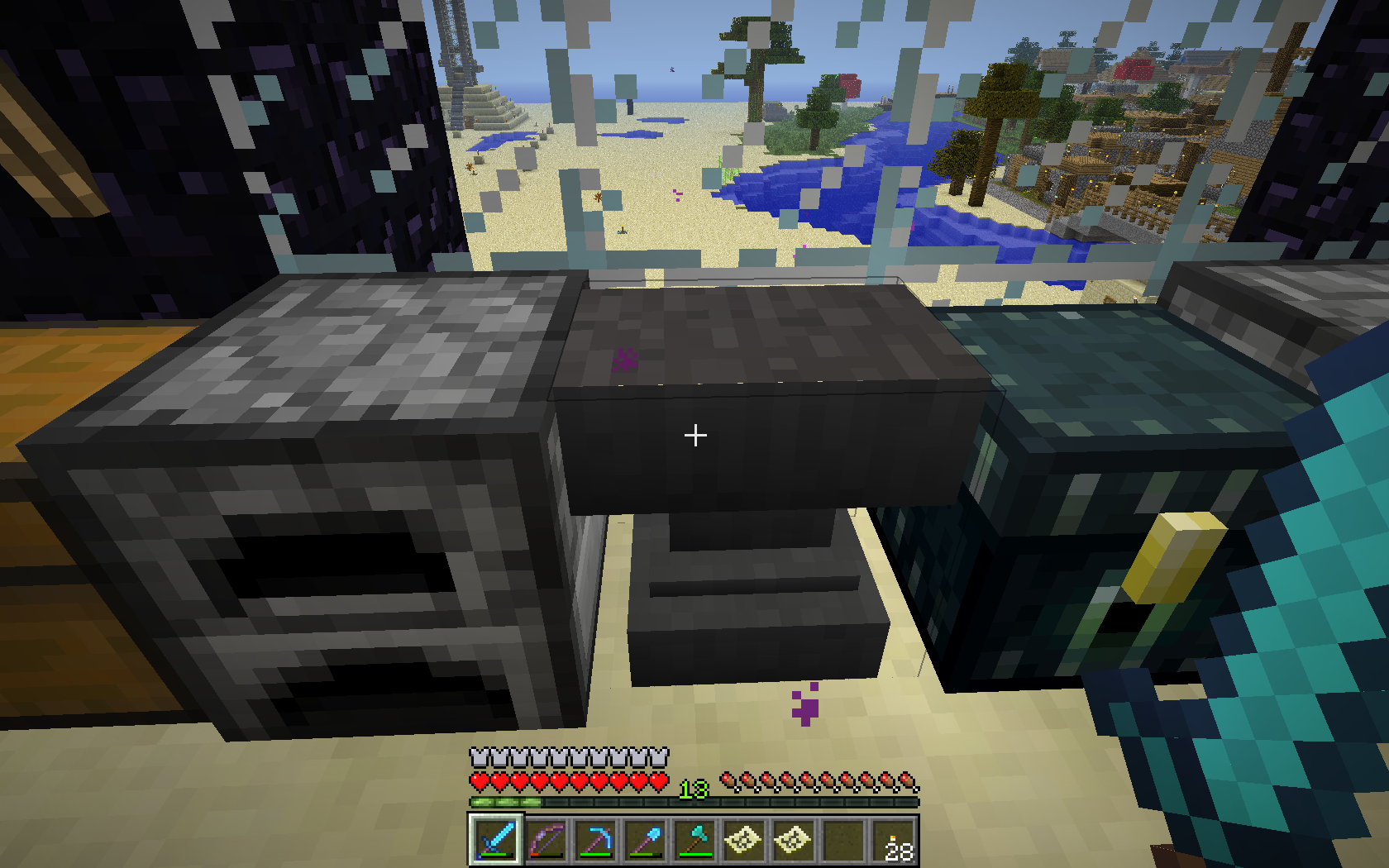
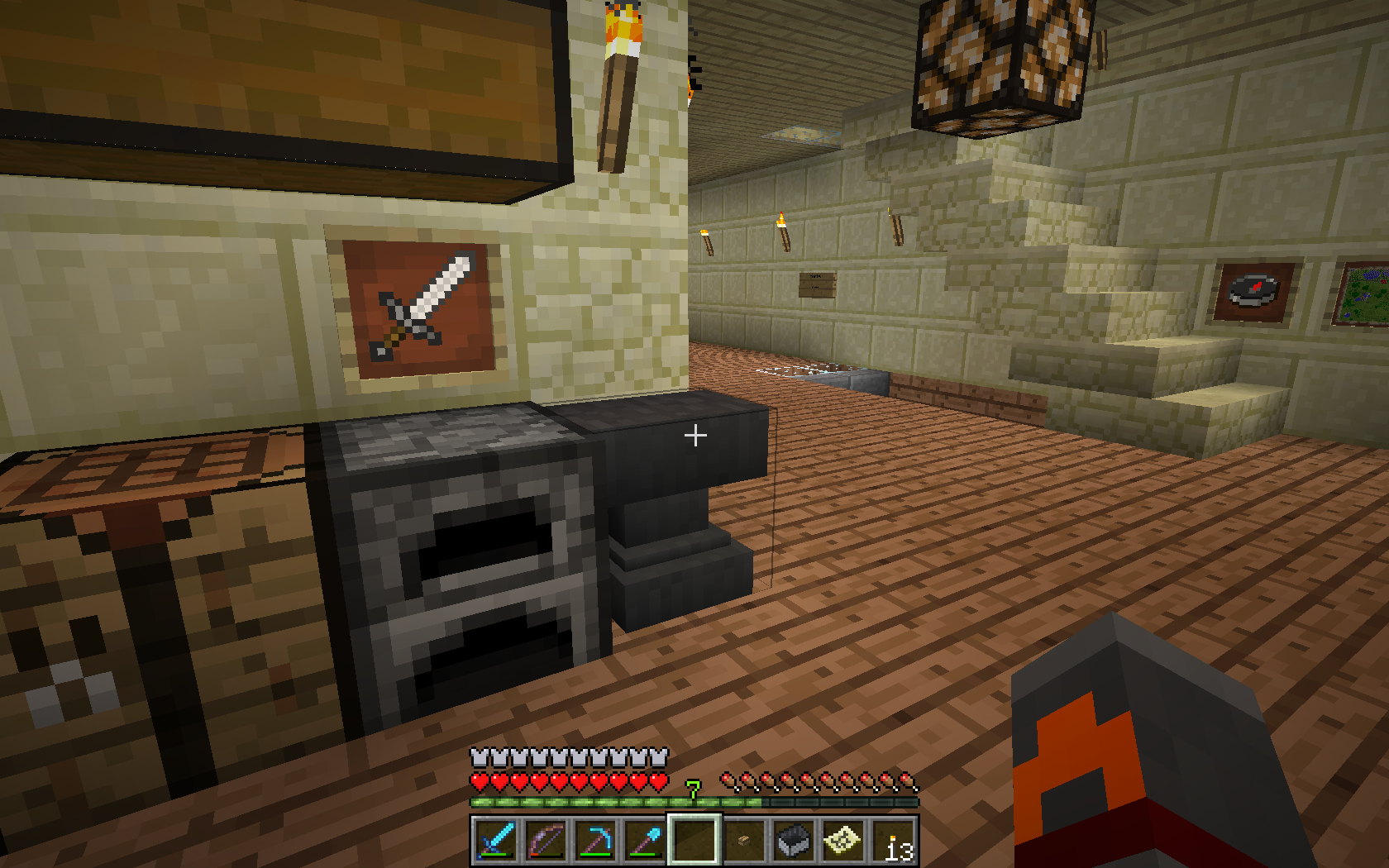
When running diagonally against an anvil the player hangs bumping back and forth instead of strafing along the front of the anvil and finally running in the original direction.
Maybe related: When running straight into the front of an anvil, the player bumps back and forth a few times.
Speculation: The hitbox of the anvil is bigger than the model...
duplicates
Here is the difference of both screenshots
relates to
is duplicated by
relates to
Transparent blocksraise the light level of the block they're in visually by oneTransparent blocks visually use the brighter light level that they are NEXT to


is duplicated by
duplicates
is duplicated by
is duplicated by
is duplicated by
is duplicated by
relates to
Pack of wild Wolves not becoming aggressive at one hit kill
If you manage to one hit kill an untamed wolf by any means, other wild wolves around you won't become aggressive.
Steps to reproduce
1 - Give yourself effect 5 level 100 for 30 seconds
2 - spawn two or more wolves
3 - hit-kill one
4 - Notice that the other wolves do not became agressive
is duplicated by
is duplicated by
Pack of wild Wolves / Pigmen not becoming aggressive at one hit kill
is duplicated by
is duplicated by
Pack of wild Wolves / Pigmen / Silverfish not becoming aggressive at one hit kill
is duplicated by
is duplicated by
is duplicated by
is duplicated by
duplicates
is duplicated by
is duplicated by
is duplicated by
is duplicated by
is duplicated by
is duplicated by
is duplicated by
is duplicated by
is duplicated by
is duplicated by
relates to
is duplicated by
is duplicated by
duplicates
relates to
is duplicated by
relates to
is duplicated by
relates to
is duplicated by
is duplicated by
is duplicated by
is duplicated by
relates to
is duplicated by
relates to
relates to
is duplicated by
is duplicated by
is duplicated by
is duplicated by
relates to
is duplicated by
is duplicated by
is duplicated by
relates to
relates to
is duplicated by
is duplicated by
is duplicated by
is duplicated by
is duplicated by
is duplicated by
is duplicated by
is duplicated by
relates to
is duplicated by
relates to
duplicates
Minecart noise gets stuck on long cart rides. | Bumping, choppy sound
relates to
is duplicated by
is duplicated by
is duplicated by
relates to
is duplicated by
is duplicated by
is duplicated by
clones
is duplicated by
duplicates
is duplicated by
duplicates
is duplicated by
is duplicated by
is duplicated by
is duplicated by
relates to
duplicates
is duplicated by
is duplicated by
relates to
is duplicated by
is duplicated by
is duplicated by
is duplicated by
is duplicated by
relates to

@ Kumasasa Yeah, I know. :/ I used my friend's server. I don't like hosting them, but I guess it is my only option.
Kumasasa: Can't get it to work right now, I'll try again tomorrow.
Kumasasa: Can't get it to work right now, I'll try again tomorrow.
Re-opened and attached screenshot in 14w04b.
Edit: Kumasasa: Whoops, sorry.
![[Mod] Torabi](../../../data/assets/gravatar/torabi.png)
Aww, you beat me, Kumasasa. I have never seen a more appropriate time to post that than what I just read.
Disabling Advanced OpenGL solves this issue (Options -> Video Settings -> Advanced OpenGL -> Off)
If you don't have that option in your video settings, please check your .minecraft/options.txt for the entry
advancedOpengl:false
If it's true, change it to false (Quit Minecraft, edit this file, restart Minecraft)
Affected:
NVIDIA GeForce GT 750M Yegor Wienski
Nvidia GeForce 650 Ti Boosted, latest drivers Justin
Nvidia GTX 460 with latest drivers (337.88) [Mod] Torabi
NVidia GeForce 680 Michael Turner
ATI Radeon HD 2600 XT GL version 3.3.9901 Compatibility Profile Context, ATI Technologies Inc. jeremy branscum
GeForce GTX 660M/PCIe/SSE2 GL version 4.4.0, NVIDIA Corporation Kyle
OpenGL: NVIDIA GeForce GT 750M OpenGL Engine GL version 2.1 NVIDIA-8.26.21 310.40.35f08, NVIDIA Corporation Yegor Wienski
AMD Radeon HD 6520G GL version 4.2.12422 Compatibility Profile Context 13.152.0.0, ATI Technologies Inc. Anon Ymus
Not affected:
AMD Radeon HD 6700 Series GL version 4.4.12874 Compatibility Profile Context 14.100.0.0, ATI Technologies Inc. (AMD Catalyst 14.4, no Advanced OpenGL Switch) Kumasasa
Entire chunks do not visually render, however, their blocks can still be mined/pick blocked/broken like normal. Block updates do not cause the chunk to render.
Relogging does fix the problem, however new chunks will then be visually unloaded.

Disabling Advanced OpenGL solves this issue (Options -> Video Settings -> Advanced OpenGL -> Off)
Or just simply press F3+A to reload the nearest chunks.
If you don't have that option in your video settings, please check your .minecraft/options.txt for the entry
advancedOpengl:false
If it's true, change it to false (Quit Minecraft, edit this file, restart Minecraft)
Affected:
ATI Radeon HD 4300/4500 Series GL version 3.3.11653 Compatibility Profile Context, ATI Technologies Inc. Thijmen F
ATI Radeon X1600 OpenGL Engine GL version 2.0 ATI-1.5.48, ATI Technologies Inc. Simons Mith
Nvidia GTX 460 with latest drivers (337.88) [Mod] Torabi
AMD Radeon HD 6800 Series , Driver version: 9.12.0.0 & Driver version: 14.100.0.0 Marcono1234
GeForce GTX 660M/PCIe/SSE2 GL version 4.4.0, NVIDIA Corporation Kyle
Not affected:
AMD Radeon HD 6700 Series GL version 4.4.12874 Compatibility Profile Context 14.100.0.0, ATI Technologies Inc. (AMD Catalyst 14.4, have no Advanced OpenGL switch) Kumasasa
pillar up from the bottom of the sea all the way up. keep stacking until the blocks turn invisible (about two blocks above water)
This is cancelled when mipmapping is turned on/off
/me wonders if Legofan Minifig has ever colours IRL...
Dark brown + gray = light brown
http://minecraft.gamepedia.com/Stained_Clay
It is available in the same 16 colors that wool can be dyed, although the shading of the color is less vibrant.
@Kumasasa
I understand that you are not a testing bot. I just thought that one of the things you are doing here is to pass on ways people have found to replicate bugs. (And probably confirming that the replications actually work before doing so). Sorry for assuming to much. My intention was not to tell you how to do your job or what to do.
Guess I got a bit frustrated by no feedback on what I had posted aswell, but thats totally on me since I understand that this is not a place for feedback. 
Once again. I am sorry.
Anyway. This is the same bug as MC-61586 that was fixed in the last snapshot. So I guess that this could be regarded as a duplicate of that bugreport? (Atleast everything that I have written here). I have since tested it in 14w29b and can confirm it to be solved.
However, the fix seem to have given some side effects, that are not really big issues and might even be the intended way to solve it (or not related to this change at all, but to some other change and still appears using the same testing conditions). Should I report those side effects in a new bugreport, in this one, or in MC-61586?
Kumasasa added a comment - 13/Jul/14 12:52 PM
Most probably server in offline mode
The big question then becomes:
Will switcing from offline mode to online mode (or the other way around) reset player inventories and spawn points due to how the server handles UUIDs?
Because if you have a server that you use on LAN parties, you would not be able to keep player progression otherwise.
If player progression/inventory/spawn locations are changed when switching between offline/online mode on the server, I think that not beeing able to show skins for players (that obviously own the game, since they have skins) is a flaw.
Shouldnt playes only be required to be connected as "online" in the launcher to be able to confirm this to the server (even if the server is in offline mode)?
Too Kumasasa,
It does not always happen. I will try to trigger it.
Kumasasa:
I would say that that one is a duplicate of this one.
If you have read my previous posts in this thread, you can see that NONE of the bugs set as duplicates to this one have anything to do with this bug. We have said that several times here if you read it all.
Also the change you made in the title from "Invisible Mobs" to "Invisible Mobs / body parts of mobs missing" on 24/Aug/14 didnt make any sense (as we also have pointed out here before)
To be honest it seems like the changes you have made here have only dragged the description of the bugreport away from what it initially was a report for. The confusion you have here (that the rest of us doesn't have) is totally on you, since its you that have put things as duplicates that aren't duplicates, and also changed the title of the bugreport to something that the report is not related to.
It is totally clear what this bug is as I have described previously here both in posts in this bugreport, and in my blogpost (that I linked in a previous post here). It is 100% reproducible and I have gone in to details of how to do it. The bug you linked t as a possible cause is not just a "possible cause", it is 100% a duplicate of this one.
As StevenNL2000 wrote 06/Sep/14, the bug MC-67608 should probably be reopened because it is NOT a duplicate of this one. Neither are any of the other bugs that you have put as duplicates here.
What you should do is:
1.) Revert back to the original title of the bugreport "Invisible Mobs" or change it to "Mobs become invisible when chunk gets out if render distance while still beeing loaded" (or something like that)
2.) Remove all the faulty duplicates that have just been put in here faulty to just die because they are not related.
3.) Set that thread you found as a duplicate of this one, since it the exact same bug.
Also, as someone said at some point 50% are duplicates on this board, so I sugest that you dont put more things as duplicates when they are not..
Sorry if I seem irritated here, but it is hard to reach anywhere when no one reads what is written.
Spending time reporting bugs kind of seems pointless when the conversation goes like this:
reporter: Bug is "A"
more people: Confirmed..
MOD: Oh.. Bug is "B", then it must be duplicated by all other "B".
Everyone else: No... Bug is "A" and is not related to "B" at all.
MOD: Ok I will change the title so that it says that the bug is "B".
Everyone else: Why? It is not "B".
Mod: It seems that all these other bugs are duplicates of B, lets close them.
Reporter of bug B: Why have you marked "B" as duplicate of "A"? They are not related.
MOD: No response
Everyone: We have now done a detailed analysis of "A", and it is still not related to "B", could you remove it?
Time passes.....
Mod: Oh I might have found a possible cause for this. LINK TO duplicate of "A"
Everyone else: Sigh... Well that is what this bug have been about all along.
Yes.. We have in MC-65040 done a total analysis of this with over 1000 tests of different sorts.
It is the exact same bug. Video in this report confirms that.
and.. Kumasasa As we have explained several times in MC-65040, the invisible part is the only part that should be in that bugreport. The other parts are introduced by you.
@Kumasasa Thank you for clearing everything up, and I am sorry for maybe being a bit to harsh in my previous post. I got a bit tired and the frustration just boiled over.  I know that you mods are doing the best you can.
Regarding the issue.. I don't have that much time today, but I will try to as soon as possible make the bug description to contain all the vital information and details to make the bug report as clear as possible as soon as I can.
In the meanwhile: For everyone that got details on this or tests that you have done that I have not already written about, please post them here, and I will add those details to the summary when I update it.
Still affects the 1.8 release.
I think the summary should be edited, changing all the capital letters except the first letter to lowercase and replacing "Torch Flames" with "particles" (as this affects all particles).
EDIT: Thanks, Kumasasa.
![[Mod] Sonicwave](../../../data/avatars/users/94627.png)
Title should be changed to Command Blocks summon entities 1/2 a block too high when using relative coordinates to be more clear.
Edit: Thanks Kumasasa.
Kumasasa: Thanks
[~ericz1]:
I read through all of those reports and I agree in some cases, but it is quite hard to say in other cases. (Those cases probably dont matter, since the info on those reports are so thin). Anyway.. This is what I think regarding those that you posted:
The ones that is dupe of MC-68403:
MC-66136
MC-68504
MC-70949
Not enough info, but probably this one:
MC-68086
Not enough info, but probably MC-68403:
MC-72865
Not enough info (Could still be either one):
MC-68693
MC-72620
MC-71487
Paul Smith, in the words of Kumasasa:
Then finally attach an affected world here
Kumasasa: Yeah that sounds reasonable. Thanks.
I confirmed this ticket yesterday:
Kumasasa made changes - Yesterday 8:24 PM
Confirmation Status Unconfirmed [ 10300 ] Confirmed [ 10303 ]

@Kumasasa You're the bestestest bad cop in the world <3

This report was closed as "Invalid" because the affected characters are the ones from the assets/minecraft/textures/font/ascii.png file.
The problem that the other unicode characters like "³" are not that big might be MC-2488.
Many unicode characters appear as bold even there would be a way to create them with a normal font size.
This seems to affect only the "ascii.png"
Examples:
- ² (there is already a report about that, but I can't find it; also ³ is not bold)
- ÷
- ≤ and ≥ (well maybe with a normal font size they would look strange)
- √
- Σ
- °
- ∞
- ∩
- ∈
- ∅
- ± (but ∓ isn't like this)
and probably many more
Some that are also "messed up":
- \u00aa -> ª
- \u00ae -> ®
- \u00bc -> ½
- \u00bd -> ¾
- \u00f8 -> ø
These are too big. They do not appear bold but you cannot read them
How to reproduce: (from Kumasasa's comment)
Type
ABCDäöüß ² ³ ÷ ≤ ≥ √ Σ ° ∞ ∩ ∈ ∅ ± ∓ test
in the chat
All of these characters have a bold form, but this form is very hard to differentiate from the normal form or you cannot really read it anymore.
I am sorry if this report is invalid because these characters are made like this to differentiate from other characters

Hey, Kumasasa, just noticed that this also happens in the Music/Sounds screen (duh). Do I need to open a new ticket for this? I think so, and both of them would be related.
Kumasasa do you still think it is a duplicate?

I've attached a debug pack which shows the issue better by applying a solid texture to the slime block. It also shows another affect of the issue, which are the rendering issues in the player's hand.
@Kumasasa I don't feel like the reporter right now, you might have forgot to confirm the change.
Kumasasa: First time I've ever seen anyone use the "Done" resolution
Kumasasa, just tested it in a whole new world and the issue remained. But I'm only getting the result I got in my second test in the comment above: the song stops after the first note plays, and the credits remain silent. All the other cases are not happening, but still, there is a bug somewhere.
Also, even if it worked correctly in a new world, are you telling me it's only "fixed" for new worlds?? That sounds a bit weird.
Anyway, there's a download for the world here. Hope you can take anything useful out of it!
Kumasasa the hitboxes of all glass panes and iron bars are wrong.But I don't know if this affects the block model and how it is displayed in any way
This affects also fences. Probably the game doesn't create the hitbox correctly because there is actually no other glass pane connected so the way it gets displayed would be "impossible" in a normal world

Kumasasa Have you can see public video ?
I place a chest empty with a tnt near of it.
In the chest, i place my item.
Then i active tnt and i place my cursor on chest's item, whereas i'm spamming touch [1].
If i m synchro, after explosion, i obtain in my inventory the item with count 0, and the chest's item drop on the ground.
[Mod] CubeTheThird Public Video added.
Use the link in Kumasasa's comment above, choose Minecraft, then click on the first link on that page.
@Kumasasa I looked a little more into it and it might be that java cannot open or write to the file because of some sort of permission issue i.e. read-only or protected directory. This makes it a different, though similar bug; if its even a bug at all.
Steven Clark, I think the reason you are seeing this is because either:
- Your modded client and/or launcher messed with the game directory settings; shouldn't happen, but who knows.
- Your game directory is set in a location that java doesn't currently have access to, make sure your game directory actually exists and is not "Read-Only" nor "Admin-Only".
![[Mod] Pokechu22](../../../data/avatars/users/92931.png)
So far this only seems to happen to me when flying in creative. Specifically when I press ESC while moving and press Save and Quit while the character is still gliding.
Edit: Which is also to say as long as I always make sure my feet are on the ground in my local LAN game it doesn't freeze on quit.
I can continuously reproduce that in a superflat world with Open To Lan. I think that it has to deal with new chunks being loaded and not yet generated. The reason why you need to be moving in creative is to start loading new chunks, it seems. (Obviously, in a more intensive custom world, gamemode 1 wouldn't be needed because you can just walk a chunk and the new area takes a while to load).
If I'm standing still (even if flying), there isn't any problem. Again, this is on a generic superflat world – Seed manually set to 0, and it's the default grass at layer 4 one. (Also, Game Mode 1)
I cannot reproduce this in an AMPLIFIED world, however. Odd, because I can find unloaded chunks.
I'll investigate further later.
@Kumasasa:
Customized worlds may take some minutes until being saved (chunks are still generated and saved at the same time)
Are you sure about this? 100% sure? Because if they weren't getting generated and saved at the same time, the game would hang forever like it is.
Also, what's the relationship between this ticket and MC-72943? Are they duplicates? Does Minecraft actually make it to the saving chunks screen in this one? (the other one explicitly states it doesn't, but this one I can't tell for sure).
In MC-84778:
Kumasasa: Are you using Windows 10 (as in the Environment field) or Windows 8.1 (as in the Crash report) ?
Victor: I'm using windows 10, i already noticed the game detects it as Windows 8.1 when launching game, in snooper settings and in crash reports.
-- System Details -- Details: Minecraft Version: 15w31c Operating System: Windows 8.1 (amd64) version 6.3 Java Version: 1.8.0_51, Oracle Corporation Java VM Version: Java HotSpot(TM) 64-Bit Server VM (mixed mode), Oracle Corporation

@Kumasasa: First of all, the ticket you are linking to is closed as invalid due to modding. I am not using mods. Also, more importantly, I am on the latest driver, since graphics driver updates for OS X are distributed through the App Store, and the App Store shows no available updates.
That's true:
Kumasasa made changes - an hour ago
Summary Crash on this command: /title @a title [] Server kicks client when executing: /title @a title []
he said it before it was resolved as duplicate, do your research
Marcono1234 said Probably duplicates , IDontKnow confirmed that it's in fact a duplicate.
Slightly related: This ticket was already resolved as duplicated:
Kumasasa made changes - Yesterday 6:21 AM: Link This issue duplicates
MC-51053

Kumasasa we don't know yet, if it actually resolves his issue, that's why it was in awaiting response

Thanks Kumasasa.
i cannot confirm for the snapshots for version 1.9 (though i didn't played them yet), but the latest 1.8-version. leads clearly aren't connected to the horses and lying on the ground when i "get home". and this is clearly another bug than the one fixed. maybe it has the same cause and therefore could be fixed now, but, as i said, i cannot confirm for the snapshots as i haven't played them. maybe i can in a few days, but maybe someone else is quicker than me
to be clear, Kumasasa : yes, you understood right. though the fixed/not fixed cannot be said (by me).
@Kumasasa : I haven't been able to recreate it since yesterday actually. It seems that it only happens in certain circumstances which I've been trying to replicate with no success. It has definitely happened twice, on "old" Nether portals in a world generated in a previous 1.9 snapshot. Will update with more information if it happens again.
If you can reproduce the issue with a world generated on a release version and only opened in the latest snapshot it is valid, otherwise, as Kumasasa explained, no.
@Kumasasa: I didn't test fresh worlds and have no interest in doing it, but it definitely affects old worlds in 15w42a. The affected world can be downloaded at http://api.wurstmineberg.de/v2/world/wurstmineberg/backup/latest.tar.gz
It occasionally happens while entering the end. It also happened to Fenhl (Max Dominik Weber) as described in the comments to MC-90605 while entering and exiting the nether.
@Kumasasa: So you're saying it is fixed in 15w42a although I have this bug in 15w42a since our world wasn't created in 15w42a? That's a funny definition of fixed.
Missing comment imported from MC-90456 by John Hughes
Kumasasa added a comment - 12/Oct/15 10:04 PM
No need to fix pre-1.8, but your fix works also with the 1.9 snapshots 15wXX
Kumasasa added a comment - 14/Aug/15 7:02 AM
This is due to the temporary Ender Drageon Respawn Mechanism. Will be changed later.

Psst, Kumasasa, 15w45b doesn't exist, 15w45a does
It also depends on local difficulty, see Kumasasa's comment
@[Mod] redstonehelper for me in the "Transitions Summary" tab only Kumasasa and [Bot] Arisa are listed
Hey Kumasasa,
Thanks for checking in, but I've kinda lost interest in Minecraft. I don't care to further persue replicating the bug, nor do I have the resources. (It's marked as Resolved, anyway.) That all being said, I'm quite confident this style of bug will still manifest itself occasionally, but I no longer wish for the responsibility of tracking it.
Should I catch smell of the issue again during the 1.9 release and influx of players, I will happily re-open the bug.
Kumasasa the thing is, if this one is fixed (survival mode) then it is most likely also fixed for creative
Could be graphics card depending? [Mod] redstonehelper and I both have a graphics card from ATI, whereas Kumasasa has one from NVIDIA
Kumasasa although they are the same, this one is diffrent and minecraft:none, is put in the code, than no sound plays at all, the sound will also never be added, it shouldn't put a error message about that one in the log
Kumasasa I have Uploaded 2 different instances of the same anomaly. Also, please see the description field for additional information.
Kumasasa I'm aware of that, that's exactly what my last comment said, that Mr. Broes said it would return empty if not each line is referenced.
I'll use more direct words to make myself clear:
I was pointing out that it doesn't seem like a >>>real fix<<< to me, but more like a "hack".
And was asking if "strict JSON" means each line MUST be referenced - which would make the "fix" not seem a "hack", but the sole possible solution of that bugfix.
That's the only thing I'd like to know - if there'd be a better bugfix solution which is not done yet due to time or general issues, hence that seemingly "hack".
E.g. preferred outcome: Not all lines have to be referenced, like it was in 1.8.x - or if that's not possible as it would conflict with what "strict JSON" means (about which I don't have a clue at all minecraftcodingwise; I'm only an user of it).
Your attached minecraft.txt is a log file, not a crash report, I don't judge fast on this tracker (at least not so much)
that's why I said that this report is incompleteand will crash when you quit
Kumasasa It would be great to receive some feedback on what might the root cause be, or how to solve it locally. The game is not playable at all ever since, and it would be great to enjoy it. As a user I feel ripped off here.
Kumasasa user-f2760 as I don't have insight in Minecraft's sourcecode itself, and neither on the workflow Mojang works with, or Microsoft introduced, nor the software architecture, it may be a silly assumption ... but I'm not convinced, that a minecraft server related bug can be noted as a duplicate for a Single Player game strictly on the client.
If possible, I would like to kindly ask for elaboration, to understand the relationship, if permitted.
It's resoled as incomplete because Kumasasa asked for a crash report (forced) but got no reply back
Kumasasa me too
Kumasasa I think it works as intended because some programs also use the same line termination
Kumasasa I said intended for the skeleton not raising its hand, not for the skeleton not sitting on the spider
Kumasasa it is, after I set my world time to 0 (with a NBT editor) they started moving with the wind again
Hi Kumasasa,
Please read my original description.
I did have the due diligance to search for the other bug you linked me, as I stated in the description, I had ensured my drivers are up to date before opening a new bug. I opened the bug due to the fact that the game now crashes the JVM on the latest Intel Drivers while the old version of the game still works. The JVM should not crash; if the game is using features unsupported by current drivers, it should refuse to run.
I understand you have thousands of bugs to manage, but please don't close them so hastily.
@Kumasasa Actually, only 255MB of 1011MB is really used. I didn't get an OutOfMemoryError, but a ClassCastException, which means there's a bug in the code of class awj at one of these lines:
for(☃3 = 1; ☃3 <= 7; ++☃3) {
☃4 = ((akm)this.a).g(); // <-- This one
int ☃5 = ☃4 / 3;
this.a(☃, this.a.a(on.a(☃1, ☃5, ☃4)), 1, 1, ☃3, ☃2);
this.a(☃, this.a.a(on.a(☃1, ☃5, ☃4)), 2, 1, ☃3, ☃2);
int ☃6 = ((akm)this.b).g(); // <-- Or this one
int ☃7 = ☃6 / 3;
this.a(☃, this.b.a(on.a(☃1, ☃7, ☃6)), 4, 1, ☃3, ☃2);
this.a(☃, this.b.a(on.a(☃1, ☃7, ☃6)), 5, 1, ☃3, ☃2);
}
Kumasasa When you're in spectator mode you can get faster when you use your scrollwheel - so they probably mean the maximum available/allowed speed there is possible in GM3 on their server? Maybe they're not native English speakers and just phrased it a tad strangely? Maybe they can fly unicorns on their server ;-;?
Sorry for any meta-blabbering, but I need to hold back to not spill my water over my screen, don't expect me to make any serious assumptions, I'm on the edge of my composure
Please do, perhaps we can spot the issue/diffrence
Kumasasa I think you provided the wrong link (it links to this post)
Look at Kumasasa's last comment :|
![[Mod] violine1101](../../../data/avatars/users/92858.png)

Kumasasa the TCP behavior is by design, but I think the issue is real and could be avoided if the server did not send a packet per entity but instead batched up the entity updates each tick, yes? I am sure there are various performance and logistical trade-offs with different wire formats, but at a glance it smells to me like there could be a better Minecraft wire format which would do some amount of batching. I feel this bug should be re-opened.
Kumasasa But it would seem to be a bug, since many players (although apparently not that many) had no problem in 1.8.9, but do in 1.9+. So many of us are having pretty much the exact same issue, at the exact same interval in the version history.
Unless some of the additions from 1.8.9 to 1.9.4 have put something of a strain on the rendering? Because some of my friends with beefed up computers seem to have no problem.
All I know is this 'issue' is beyond irritating, makes exploring or really anything requiring movement of more than 5 chunks near impossible, even when just walking in a straight line as I have tried doing with my distance on 2 chunks... I always run into the invisible chunks.
I'm just hoping to get a solid answer, even if it means getting a better computer etc. I've been searching for something that works and so far, nothing.
**EDIT: What's funny, actually, is I don't seem to get this glitch in the Nether, nor the End.

Mobs unable to jump on stairs from grass path / farmland.
Quoted from Kumasasa
This issue will kill all Villagers in villages instantly at the first night since they cannot enter their houses.
Kumasasa I said to use my skin because the part of the eyes are really transparent
You must've selected it by accident then.
Field Original Value New Value Affects Version/s Future Version - 1.10+ [ 15627 ] Affects Version/s Minecraft 16w21b [ 15626 ]
ha, Kumasasa

This bug tracker is only for MC:PE and Windows 10 Edition.
Kumasasa, Husks and Strays already implemented on 0.15.0.
Kumasasa added a comment - Yesterday 11:50 PM
This ticket is invalid as it relates to a modified or 3rd party client, server, or launcher.
- Any non-standard client/server/launcher build needs to be taken up with the appropriate team, not Mojang.
- Any plugin issues need to be addressed to the creator of the plugin or resource pack.
- This site is for addressing issues related to the base unmodded Minecraft; Bukkit, Spigot, Forge, Optifine, or any other modded system invalidates your ticket, unless it can be shown to happen in Vanilla.
- Additionally, if you have problems on large-scale modded servers, please report it to their site. It's probably not a bug in Vanilla Minecraft.
fienxjox Kumasasa user-f2760 the bug is not resolved at all. See the attached recent log.
Java HotSpot(TM) 64-Bit Server VM warning: Using incremental CMS is deprecated and will likely be removed in a future release Completely ignored arguments: [--nativePath, /Applications/Minecraft.app, --nativeStartupPath, /Applications/Minecraft.app/Contents, --nativeExecutable, /Applications/Minecraft.app/Contents/MacOS/launcher, --nativeLauncherVersion, 302, --nativeLauncherVersion, 308] [12:41:58] [Client thread/INFO]: Setting user: adam_rocska [12:41:59] [Client thread/INFO]: LWJGL Version: 2.9.2 [12:41:59] [Client thread/INFO]: Reloading ResourceManager: Default [12:42:00] [Sound Library Loader/INFO]: Starting up SoundSystem... [12:42:00] [Thread-5/INFO]: Initializing LWJGL OpenAL [12:42:00] [Thread-5/INFO]: (The LWJGL binding of OpenAL. For more information, see http://www.lwjgl.org) 2016-08-28 12:42:00.492 java[36296:12982416] 12:42:00.491 WARNING: 140: This application, or a library it uses, is using the deprecated Carbon Component Manager for hosting Audio Units. Support for this will be removed in a future release. Also, this makes the host incompatible with version 3 audio units. Please transition to the API's in AudioComponent.h. [12:42:00] [Thread-5/INFO]: OpenAL initialized. [12:42:00] [Sound Library Loader/INFO]: Sound engine started [12:42:01] [Client thread/INFO]: Created: 1024x512 textures-atlas [12:43:44] [Server thread/INFO]: Starting integrated minecraft server version 1.10.2 [12:43:44] [Server thread/INFO]: Generating keypair [12:43:44] [Server thread/INFO]: Preparing start region for level 0 [12:43:45] [Server thread/INFO]: Preparing spawn area: 11% [12:43:46] [Server thread/INFO]: Preparing spawn area: 27% [12:43:47] [Server thread/INFO]: Preparing spawn area: 46% [12:43:48] [Server thread/INFO]: Preparing spawn area: 59% [12:43:49] [Server thread/INFO]: Preparing spawn area: 71% [12:43:50] [Server thread/INFO]: Preparing spawn area: 88% [12:43:51] [Server thread/INFO]: Changing view distance to 32, from 10 [12:43:53] [Server thread/INFO]: adam_rocska[local:E:75610817] logged in with entity id 2757 at (121.5, 71.0, 256.5) [12:43:53] [Server thread/INFO]: adam_rocska joined the game [12:43:56] [Server thread/WARN]: Can't keep up! Did the system time change, or is the server overloaded? Running 2665ms behind, skipping 53 tick(s) [12:44:14] [Server thread/INFO]: Saving and pausing game... [12:44:14] [Server thread/INFO]: Saving chunks for level 'New Worldasdqweyxc'/Overworld [12:44:14] [Server thread/INFO]: Saving chunks for level 'New Worldasdqweyxc'/Nether [12:44:14] [Server thread/INFO]: Saving chunks for level 'New Worldasdqweyxc'/The End [12:44:27] [Server thread/WARN]: Can't keep up! Did the system time change, or is the server overloaded? Running 3702ms behind, skipping 74 tick(s) [12:45:18] [Server thread/WARN]: Can't keep up! Did the system time change, or is the server overloaded? Running 34579ms behind, skipping 691 tick(s) [12:45:24] [Server thread/WARN]: Can't keep up! Did the system time change, or is the server overloaded? Running 6380ms behind, skipping 127 tick(s) [12:46:04] [Server thread/WARN]: Can't keep up! Did the system time change, or is the server overloaded? Running 16069ms behind, skipping 321 tick(s) [12:46:06] [Server thread/WARN]: Can't keep up! Did the system time change, or is the server overloaded? Running 2157ms behind, skipping 43 tick(s) [12:47:00] [Server thread/INFO]: Saving and pausing game... [12:47:00] [Server thread/INFO]: Saving chunks for level 'New Worldasdqweyxc'/Overworld [12:47:00] [Server thread/INFO]: Saving chunks for level 'New Worldasdqweyxc'/Nether [12:47:00] [Server thread/INFO]: Saving chunks for level 'New Worldasdqweyxc'/The End [12:48:19] [Server thread/INFO]: adam_rocska has just earned the achievement [Taking Inventory] [12:48:19] [Client thread/INFO]: [CHAT] adam_rocska has just earned the achievement [Taking Inventory]
Kumasasa, that happened very likely because JSON was strict in 15w35e. Adding double quotes around text shows
An unknown error occurred while attempting to perform this command
Kumasasa I'm not the one that discovered that problem. Tell Logan Langrish.
That's not the bug anyway. Mojang should let us texture pack the bar, since that's a solution that will please everyone.
Kumasasa can you reopen this per my last comment? This isn't the same thing as the ticket it's marked duplicate as.
I was asked by Kumasasa on my previous ticket to create a separate one on this issue, since they are considered separate problems. The previous one can be found here: MCL-5837
The day the new launcher was released a change took place in the 1.5.2 (and older versions) .json file from "id": "1.5.2" to "id": "legacy", of course that's not the only difference, but it is the first and most notable change, and it must have something to do with the problems people are getting when installing modded versions of the game on those versions.
Now, of course mods are not officially supported, but the problem here is with the new launcher and the changes it brought (the old launcher did not have these problems).
When creating a new profile for a modded version, of course, the first step is to create a copy of the version needed to install the mod in the .minecraft/versions file. After that it is required to make the following changes:
1. The user has to change the version (in my case 1.5.2) name to something else, as well as the .jar and .json
2. After that, the "id": "(version)" right at the beginning of the .json file needs to match the versions' name as well.
The problem here lies in the fact that some sort of change was made that screwed up this process, One of the changes being the alteration of the "id": "1.5.2" into "id": "legacy" in the new launchers' version of the .json file.
This can't be ignored as a non-Launcher issue, because as soon as the update took place, the change I described earlier happened, and no modded versions would show up in the new Launcher's versions list, even though they've worked for years with the previous launcher.
I'm well aware the problem isn't just (probably) with the .json file, but this change needs to be addressed since things worked perfectly before, and I've seen other people unable to use modded versions of 1.5.2 with the new launcher.
![[Mod] bemoty](../../../data/avatars/users/50554.png)
![[Mod] Michael Wobst](../../../data/avatars/users/37868.png)
Can confirm for MC 1.12.1.
Fabian Röling, when you type in " google.com" in the URL bar of your web browser, your browser won't tell you that the URL is invalid because it omits trailing and leading whitespaces by default. It does that because there are people out there in the vastness of the internet who are very good at making typos. Since whitespaces are invisible, those people probably wouldn't notice it when there was a whitespace at the beginning or at the end of the URL they just typed in and would very likely complain why they can't reach that URL. The same goes for Minecraft servers.
Kumasasa's quote is very fitting here.
Make something idiot proof and nature will create a better idiot.


Early Reflections Since this bug with this error is resolved, I suggest maybe to contribute your information to the ticket suggested by VideoklipBG, MC-118106 the description there is very close to yours. Although as Kumasasa said this could a be new issue. I would search and create a new ticket if needed. The previous error (crash report) and the new issue you're experiencing are not the same per title as this bug here.
As soon as I free up today, I'll try to recreate what you're experiencing.
Kumasasa, the bug here is the Minecraft Launch Wrapper, not the modification. Note that Minecraft Launch Wrapper is a Minecraft library.
Java 10 will soon take over Java 8, so if this bug won't get fixed, mods will not be able to be played.
(Take note of at net.minecraft.launchwrapper.Launch.<init>(Launch.java:34))
Kumasasa [Mod] md_5 [Mojang] Searge (Michael Stoyke) This issue has not been resolved at all. Why is it marked as resolved? My world is still unplayable. I have it uploaded to a Google Drive folder – if you send me an email to share it with, I can add you as a collaborator to download the world.
Again, this issue is not resolved, please do not mark it as such. This is still a game breaking update for server owners and single player owners alike.
- This issue is caused by Razer cortex's overlay, and nvidia gamecaster
- See also other incompatible software may cause this effect.
I was so excited to try the new aquactic update but the main menu and not only that,all the menus are glitchy, the strange thing is that not affects the in-game performance I make my way to create a new world and is all normal 120 fps but when i pressed Esc the game instanly crashes. I tried to see te process with the task manager a nothing happends, it just closes
This only is for the 1.13, i test it in the 1.12.2 and its all ok
PD: The texture glitching appears in the 1.13-pre6 and it comes with a different font for some reason
But it appears that the Esc crashing is older, it appears in the first snapshot of 1.13, the 18w05a
I tried reinstaling minecraft and java and nothing happends
C [nvoglv64.dll+0xaff490]
Java frames: (J=compiled Java code, j=interpreted, Vv=VM code)
J 6758 org.lwjgl.system.JNI.invokePV(JJ)V (0 bytes) @ 0x0000000003aac884 [0x0000000003aac840+0x44]
j org.lwjgl.glfw.GLFW.glfwSwapBuffers(J)V+17
j cfs.a(Z)V+17
J 6762 C1 cfi.c(Z)V (878 bytes) @ 0x0000000003dfb564 [0x0000000003df9040+0x2524]
j cfi.a()V+75
j net.minecraft.client.main.Main.main([Ljava/lang/String;)V+1168
Collection of graphics drivers:
| Ticket | Reporter | Driver |
|---|---|---|
| Nolan ross | OpenGL: GeForce GTX 1060 3GB/PCIe/SSE2 GL version 4.6.0 NVIDIA 398.36, NVIDIA Corporation | |
| rubick | OpenGL: GeForce GT 540M/PCIe/SSE2 GL version 4.6.0 NVIDIA 391.35, NVIDIA Corporation | |
| Daniel Ryan | OpenGL: GeForce GTX 1060 6GB/PCIe/SSE2 GL version 4.6.0 NVIDIA 398.36, NVIDIA Corporation | |
| Andres Lopez | OpenGL: GeForce GTX 1060 6GB/PCIe/SSE2 GL version 4.6.0 NVIDIA 398.36, NVIDIA Corporation | |
| n/a | Kumasasa | OpenGL: GeForce GTX 1050 Ti/PCIe/SSE2 GL version 4.6.0 NVIDIA 398.36, NVIDIA Corporation |
last one for comparison, Kumasasa doesn't have this issue
The bug
When Minecraft loads a custom superflat preset, the game can crash. This will happen if a semicolon ( ; ) is placed before the id of a block (eg. "minecraft:stone")
What I expected to happen was:
Minecraft would not crash, and revert to the "Classic Flat" preset, as it did in previous versions.
What actually happened was:
Minecraft crashed.
How to reproduce
- Click "Create New World"
- Select "Superflat" world type
- Go into the the superflat customization settings
- Put in the block id of a block (eg. "minecraft:stone")
- Place a semicolon, as you would if you were going to specify a biome id
- Specify another block id instead
- Click "Use Preset"
->  Minecraft crashes
Crash report
---- Minecraft Crash Report ---- // Why is it breaking :(Time: 7/19/18 5:50 PM Description: mouseClicked event handleri: Non [a-z0-9_.-] character in namespace of location: 56*minecraft:stone at pc.<init>(SourceFile:35) at pc.<init>(SourceFile:43) at btu.a(SourceFile:369) at cjb.a(SourceFile:70) at cjp$1.a(SourceFile:170) at cgj.mouseClicked(SourceFile:103) at chf.mouseClicked(SourceFile:46) at cfk.b(SourceFile:83) at cfk$$Lambda$932/348480093.run(Unknown Source) at cjs.a(SourceFile:430) at cfk.a(SourceFile:83) at cfk$$Lambda$779/1863346936.invoke(Unknown Source) at org.lwjgl.glfw.GLFWMouseButtonCallbackI.callback(GLFWMouseButtonCallbackI.java:36) at org.lwjgl.system.JNI.invokeV(Native Method) at org.lwjgl.glfw.GLFW.glfwPollEvents(GLFW.java:3029) at cfs.a(SourceFile:308) at cfi.c(SourceFile:872) at cfi.a(SourceFile:392) at net.minecraft.client.main.Main.main(SourceFile:144) A detailed walkthrough of the error, its code path and all known details is as follows: ----------------------------------------------------------------------------------------- Head -- Thread: Client thread Stacktrace: at pc.<init>(SourceFile:35) at pc.<init>(SourceFile:43) at btu.a(SourceFile:369) at cjb.a(SourceFile:70) at cjp$1.a(SourceFile:170) at cgj.mouseClicked(SourceFile:103) at chf.mouseClicked(SourceFile:46) at cfk.b(SourceFile:83) at cfk$$Lambda$932/348480093.run(Unknown Source)-- Affected screen -- Details: Screen name: cjp Stacktrace: at cjs.a(SourceFile:430) at cfk.a(SourceFile:83) at cfk$$Lambda$779/1863346936.invoke(Unknown Source) at org.lwjgl.glfw.GLFWMouseButtonCallbackI.callback(GLFWMouseButtonCallbackI.java:36) at org.lwjgl.system.JNI.invokeV(Native Method) at org.lwjgl.glfw.GLFW.glfwPollEvents(GLFW.java:3029) at cfs.a(SourceFile:308) at cfi.c(SourceFile:872) at cfi.a(SourceFile:392) at net.minecraft.client.main.Main.main(SourceFile:144)-- System Details -- Details: Minecraft Version: 1.13 Operating System: Windows 10 (amd64) version 10.0 Java Version: 1.8.0_51, Oracle Corporation Java VM Version: Java HotSpot(TM) 64-Bit Server VM (mixed mode), Oracle Corporation Memory: 416502584 bytes (397 MB) / 704643072 bytes (672 MB) up to 1073741824 bytes (1024 MB) JVM Flags: 9 total; -XX:HeapDumpPath=MojangTricksIntelDriversForPerformance_javaw.exe_minecraft.exe.heapdump -Xss1M -Xmx1G -XX:+UnlockExperimentalVMOptions -XX:+UseG1GC -XX:G1NewSizePercent=20 -XX:G1ReservePercent=20 -XX:MaxGCPauseMillis=50 -XX:G1HeapRegionSize=16M Launched Version: 1.13 LWJGL: 3.1.6 build 14 OpenGL: GeForce GTX 460M/PCIe/SSE2 GL version 4.5.0 NVIDIA 369.09, NVIDIA Corporation GL Caps: Using GL 1.3 multitexturing. Using GL 1.3 texture combiners. Using framebuffer objects because OpenGL 3.0 is supported and separate blending is supported. Shaders are available because OpenGL 2.1 is supported. VBOs are available because OpenGL 1.5 is supported. Using VBOs: Yes Is Modded: Probably not. Jar signature remains and client brand is untouched. Type: Client (map_client.txt) Resource Packs: Current Language: English (US) Profiler Position: N/A (disabled) CPU: 8x Intel(R) Core(TM) i7 CPU Q 740 @ 1.73GHz
Other
Doesn't necessarily seem to be a duplicate of MC-124123 (although probably strongly related). I reported this issue upon the recommendation of Kumasasa.


Kumasasa, the bug is that it looks strange. Why should the advancements be placed this way? They should be instead placed in a normal chain, one right after the other. That's probably what the related issue was trying to say as well. This is just a recreation of that issue, so I'm not sure what the devs intended to fix with that, but didn't.
Kumasasa , there are more reports like this and they're all resolved as it's a technical support issue.
Confirmed for 18w30b.
Mobs are damaged if you throw more than one potion.
Kumasasa, no, survival mode does not fix this.
![[Helper] Misode](../../../data/avatars/users/93314.png)
Kumasasa Sorry for this late response but I wasn't able to test this until now. I can indeed confirm that this is fixed in the major version 1.13.
![[Mod] Asteraoth](../../../data/avatars/users/92886.png)

Kumasasa I was on vacation all the month of July and I did not really have an internet connection
Seed: 5810358736862867128
Region: r.0.0
Try this one too if you're particularly keen =)
Seed: 7452477466514423488
Possible but the 1.12.2 version (same seed) had a good number. The other seed I listed above is also dungeon poor in 1.13.
Thanks!
Kumasasa: That's one of the Alpha version of Minecraft. Alpha versions were named rd-XXXXXX. See this screenshot.

![[Mod] Avoma](../../../data/avatars/users/86198.png)

Confirmed with 1.20.2 and 23w40a
Roy Sajima
"Maybe, WAI"
I don't think we should write these things.
(I have priorities, but just in case.) It may really be "Works As Intended".
Kumasasa
It is not your decision. It is the developer's decision.
In fact, the priority is given to Low. In other words, the developer has acknowledged it as a bug.
Also, please do not ever impersonate [Mod]! (The real ones are green with white text.)
![[Mod] Jiingy](../../../data/avatars/users/91802.png)
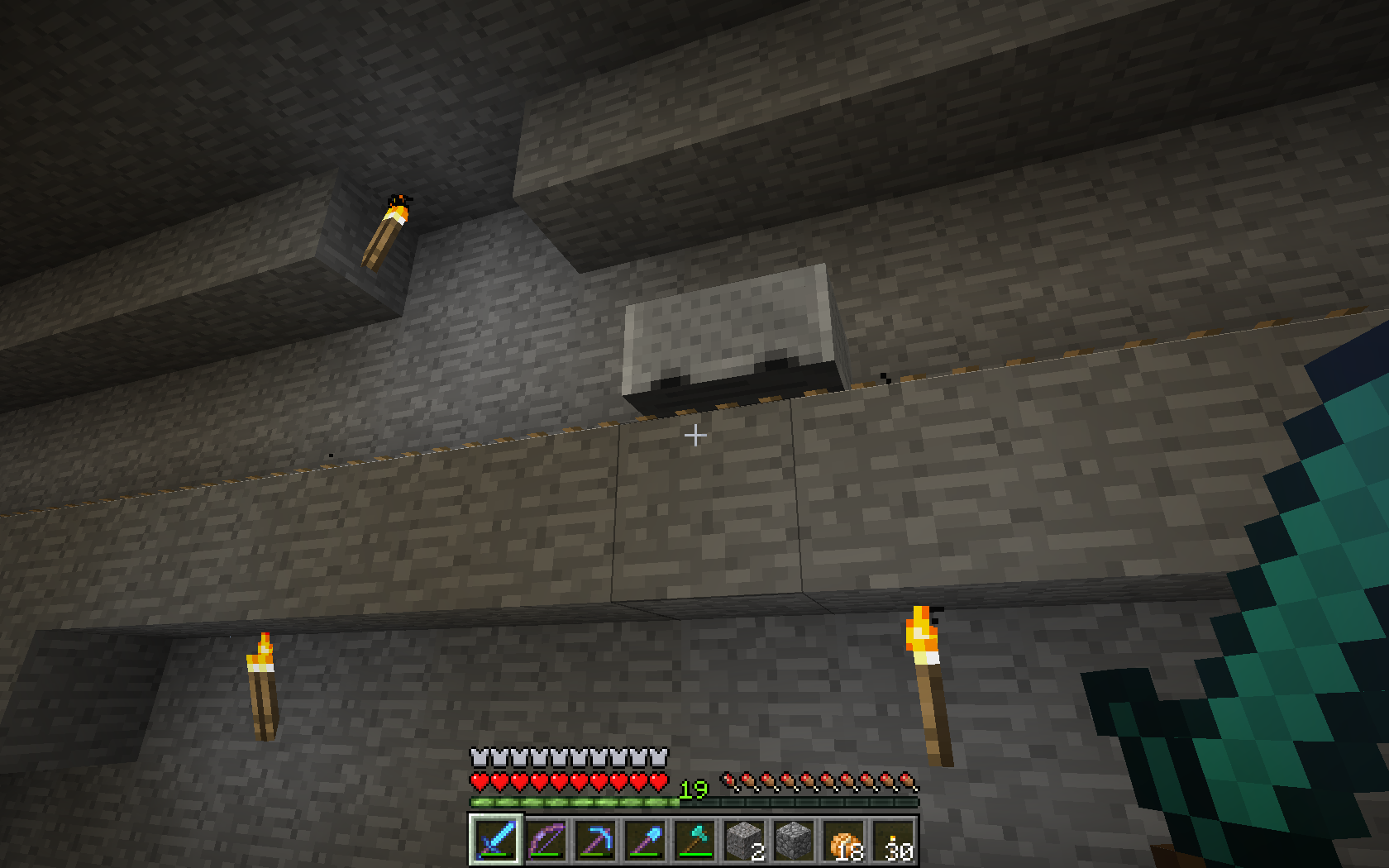
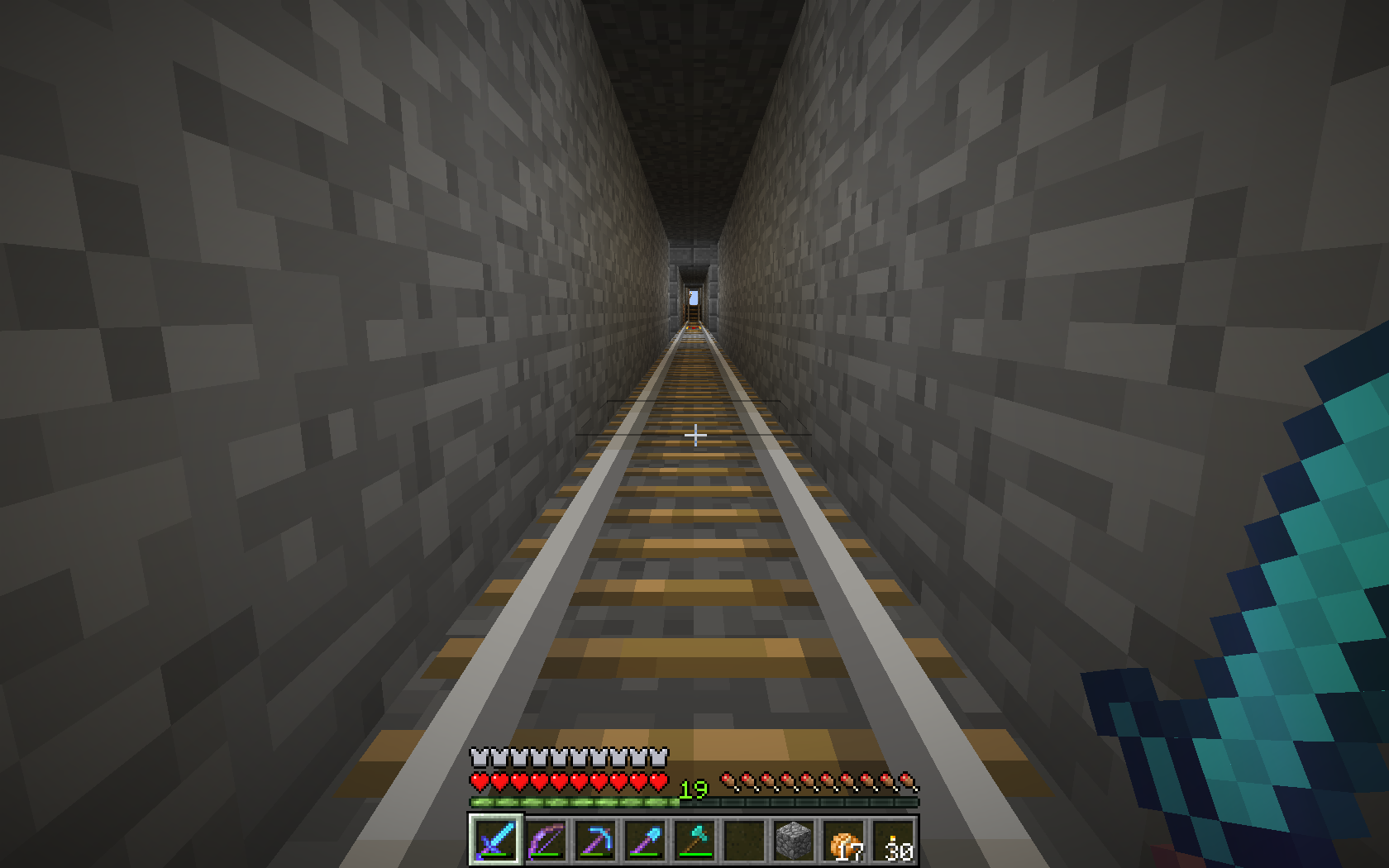
That effect shows while riding underground 1x2 tunnels, sometimes on straight tracks, often when riding around corners (yes, the blocks in the corner are removed)
No, look at the screenshot, the map in the item frame (in the center of the screenshot) shows horizontal lines which flicker when moving the mouse.
Visible just under certain distances and viewing angles.
Z-fighting occurs when the two planes are on the same Z-axis, here the plane of the map item and the background of the item frame.
Happens quite often in long, 1x2 underground tunnels
Yes, very old bug.
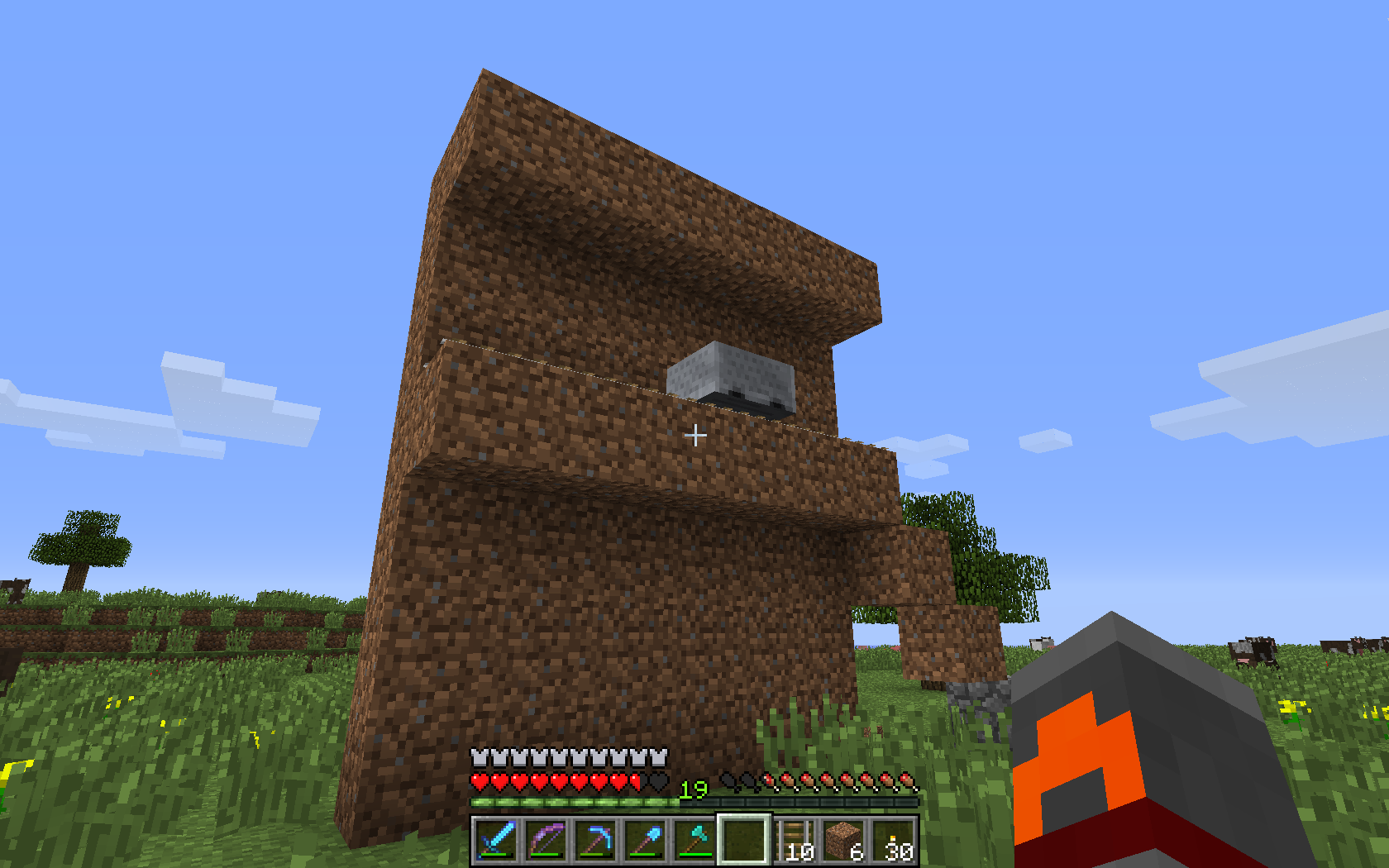
Yes, multiplayer. Just me alone on the server. I don't really know what's so special at that specific location. Taking screens in a 1x2 tunnel on the same track some blocks further doeesn't yield damage.
The lag is low because 1G LAN, the minecart was standing still or slowly moving. Every press of F2 caused damage.
Rebuild the underground structure and the effect was reproducible
Can regular skeletons drop their heads yet ?
-> Player was in Creative and dropped some skeleton heads
Duplicate of
MC-100Duplicate of
MC-100I can confirm that issue.
The world here was generated with V1.0 and every version and snapshot was installed.
In both of our fortresses there are spawning a lot of blazes but never ever a single wither skeleton.
The first fortress was discovered with V1.1 but revisited with 12w37a and following, the second fortress was discovered with 12w39a or similar.
Someone did evaluate that the Nether fortress chunks forget to write back the "Wither Skeleton" flag when unloading, but I cannot find the text.
Some Comments of http://www.minecraftwiki.net/wiki/Talk:Wither_Skeleton
When I went further out and found a Nether Fortress in previously unspawned chunks I saw quite a few Wither Skeleton's spawn. However at my old Nether Fortress (previous to installing the snapshot) I don't see them spawn at all. Anyone else see this?
Duplicate of
MC-15Duplicate of
MC-84Typing "kill <playername>" at the server console should kill <player> not the console !
Typing "/kill" ingame should kill yourself.
The minecart is also stopped when ridden by a player. IMO at least in this case the player should pick up the item without stopping the minecart.
Duplicate of
MC-218Duplicate of
MC-223andMC-86, please search before posting new bugsDuplicate of
MC-128I can confirm this bug, here my entry of http://www.minecraftwiki.net/wiki/Issues/Weekly_12w42b
Repairing items with the Anvil sometimes doesn't work. I can reproduce that with one item: Input is a Diamondsword Sharpness II and Looting I, durability 8/1561. I'm trying to repair that sword with 3 diamonds for 24 XP levels to durability 1178/1561. I can take that repaired sword out of the Anvil GUI into my inventory, the XP is virtually substracted, and the GUI is empty. But when closing the GUI the sword and the diamonds drop - the sword is still in the old, unrepaired state (8/1561) and the XP bar resets to the old count when gaining new XP.
That procedure is not always repeatable, I suppose that bug occurs, when the repaired item is not repaired completely.
@Noah Irgens Seidler: Did the anvil-repairing-sound play as you took the leather pants out of the anvil ? I'm quite sure when the sound plays, the item is repaired, and when the sound will not be played, the item will not be repaired.
What is Tricks=ON ? Vanilla minecraft or modded ?
Both players are standing still, but the walking sound is still played.
You get the XP when you smelt the ores in the oven. Not a bug, intended.
Duplicate of
MC-223,MC-837andMC-86, please search before posting new bugs!Intended, not a bug.
Snow golems leave their trail only in certain biomes, e.g. Taiga. Read the Wiki page.
Please change the summary to something usefult.
Surely is grass not transparent, but I don't see any difference if the non-pickable item hovers over grass, stone or any transparent block. See also the first comment in
MC-15: Pretty minor, yeah, but pretty irritating too. Possibly unrelated, but sometimes when this happens I can't pick up the item at all, even if I dig all around it, relog, etc.Duplicate of at least
MC-6,MC-123,MC-143,MC-179,MC-317andMC-381. Why can't you use the search function ?We are all new to Jira... BTW if I put your words in a query it returns a nice list of duplicates of your issue...
Confirmed.
Maybe related to a similar issue with Minecarts
MC-221Do you use a texture pack or any mods ?
Very old bug, since Minecraft 1.1 or so
Nevermind. (I tagged this as Duplicate, because I misread "Minecraft" in the title as "Minecart". Sorry)
The current bat sounds are IMO quite realistic and well fitting.
For the sake of searchability: " Pyramid "
Duplicate of
MC-44("Works as intended")Confirmed.
Steps to reproduce:
--> Carrot will be eaten
Duplicate of
MC-378Duplicate of
MC-767Do the glitches also occur without optifine and default texture pack (if yes -> don't use optifine and blame the author) ?
Duplicate of
MC-86Maybe a similar issue to
MC-766?If your PC has 192.168.1.56 than is 127.0.0.1 the same, because the latter means localhost
Duplicate of
MC-897It doesn't matter to what IP the server is bound, from the server-hosting PC itself the server is reachable at 192.168.1.56, 127.0.0.1 or localhost, for the rest of the LAN the server is reachable at 192.168.1.56
Same issue as
MC-766?See also
MC-820Ok.
Duplicate of
MC-766In Nether fortresses there are also spawning regular skeletons. In the dim light both skeletons can be mistaken for each other.
Update: In my old V1.1 created fortress there are spawning wither skeletons. The second fortress is buried in netherrack and has no open areas, maybe that's influencing the spawning of wither skeletons.
Old bug, occuring also on vanilla servers
The message death.mob is in english %1$s was slain by %2$s and in czech %2s zaříznul hráče %1$s . The message death.player is in english too %1$s was slain by %2$s but in czech %2s zardousil hráče %1$s . Does that help ? (I pulled the translation out of crowdin.net, you may take a look in the czech .lang file in minecraft.jar/lang/ )
No, I think not.
MC-814fits better.Ok, maybe releated to
MC-221In nether fortresses there will also spawn regular skeletons.
The error is subtle. In the czech translation the Dollar-sign in the first parameter is missing. It's
%2s zaříznul hráče %1$s but should be
%2$s zaříznul hráče %1$s
I've left a comment in crowdin.net in the czech section.
This applies too for death.player, so the message will be <player*1*> was killed by <player*1*> instead of <player*1*> was killed by <player*2*>.
I've commented that too in crowdin.net and wrote a message to the translator "dwi" of that texts.
World to reproduce
I've attached a world to reproduce that issue.
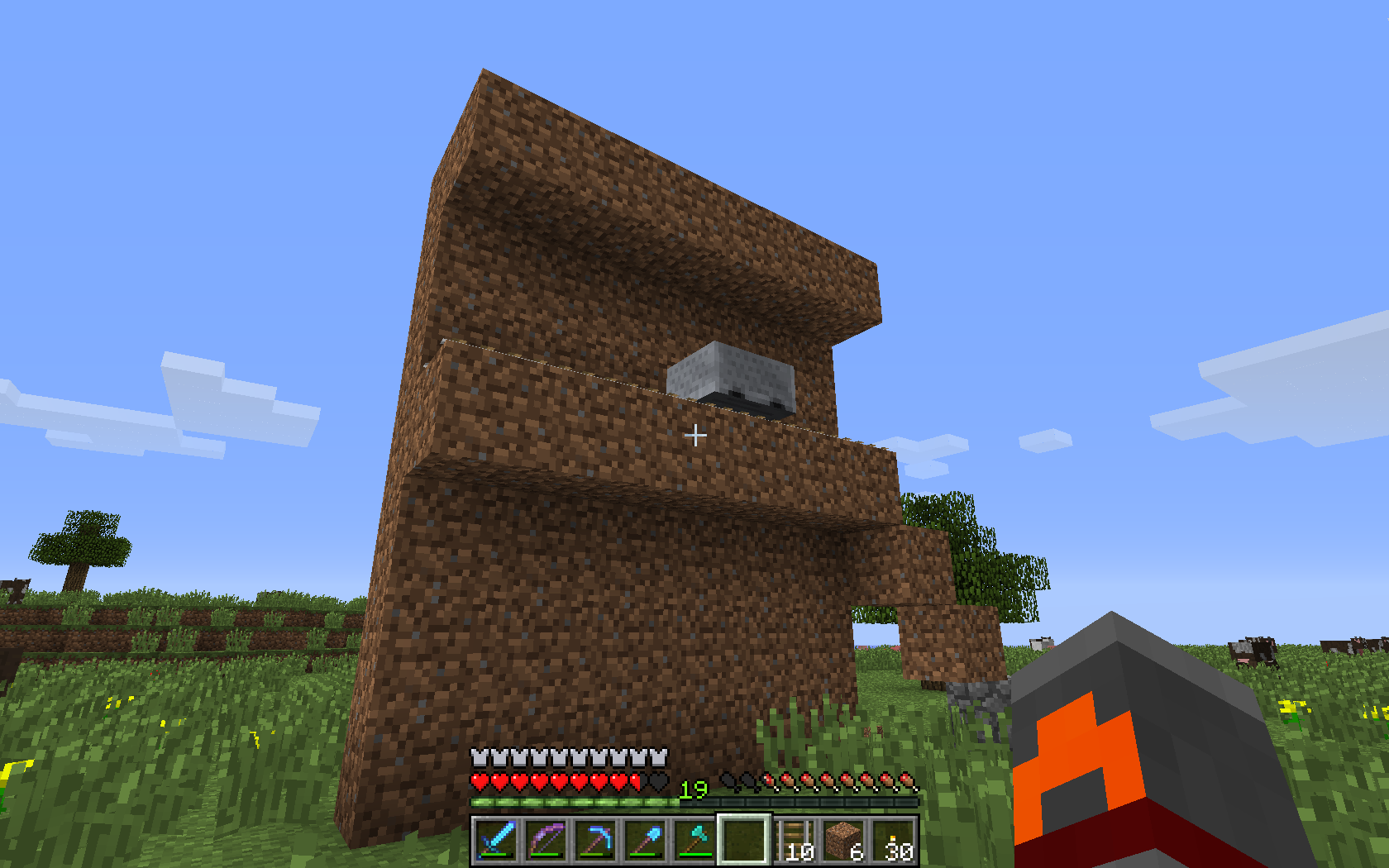
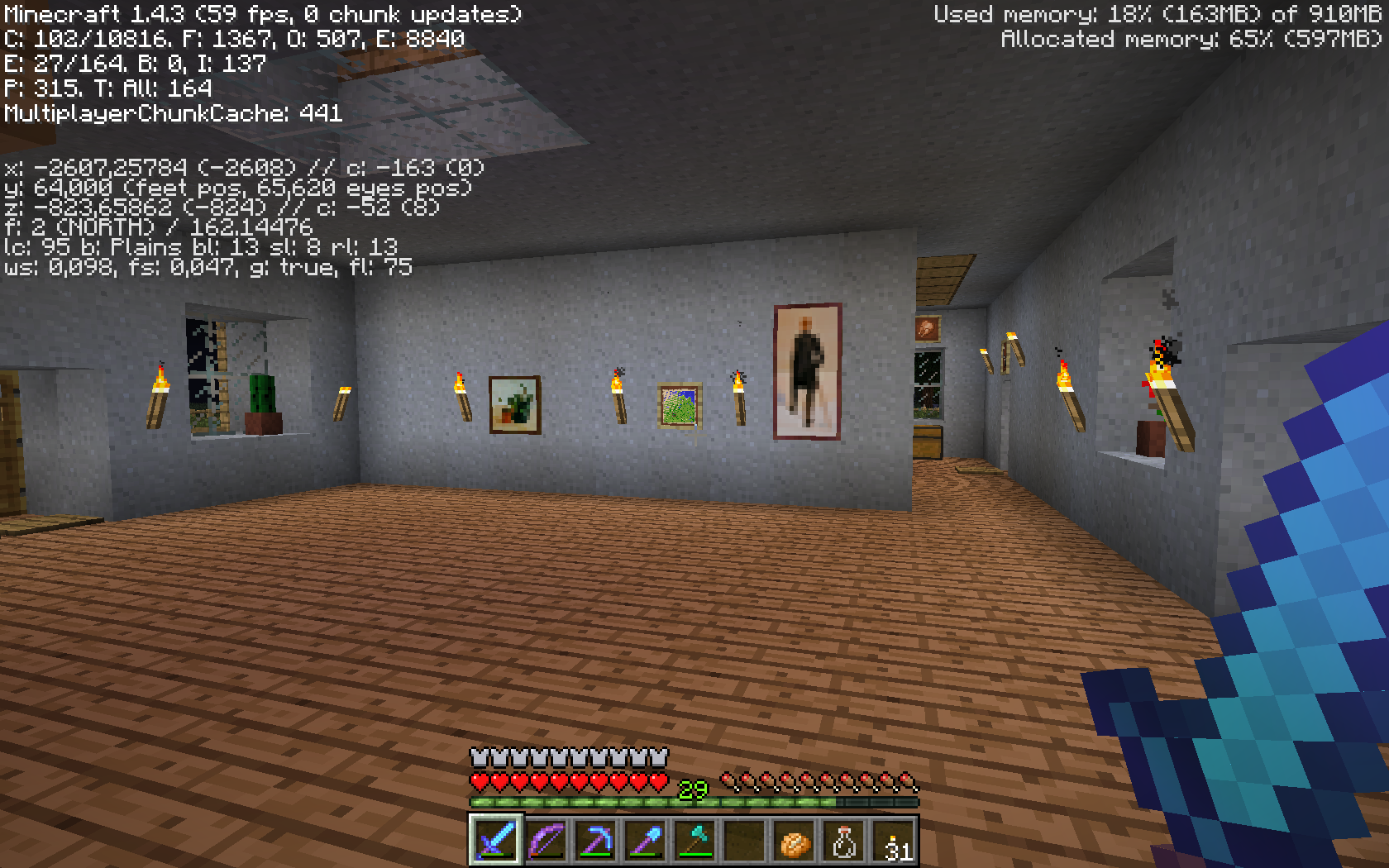
Load the world, mount the minecart and press F2 and the player will get hurt 1/2 heart.
The translations are fixed now in crowdin.net. Whenever mojang pulls the new translations from there (1.4.3 ?) that issue here can be closed.
Well, in that special case it wasn't clear at first glance if that issue is a translation issue or a game issue.
Some other issues cannot be handled at crowdin.net alone, e.g. [MC-126] because the source of the translation disappeared.
"Normal" translation issues, e.g. the "Cookie vs. Biscuit"-Discussion http://www.minecraftwiki.net/wiki/Talk:Issues/1.4pre should be handled at crowdin.net.
It's not primarily the action of taking screenshots, the damage also occurs when minimizing / maximizing the screen with F11.
Maybe that's a matter of peak CPU utilisation while taking screenshots or changing the screen, so that the internal tickers won't keep up.
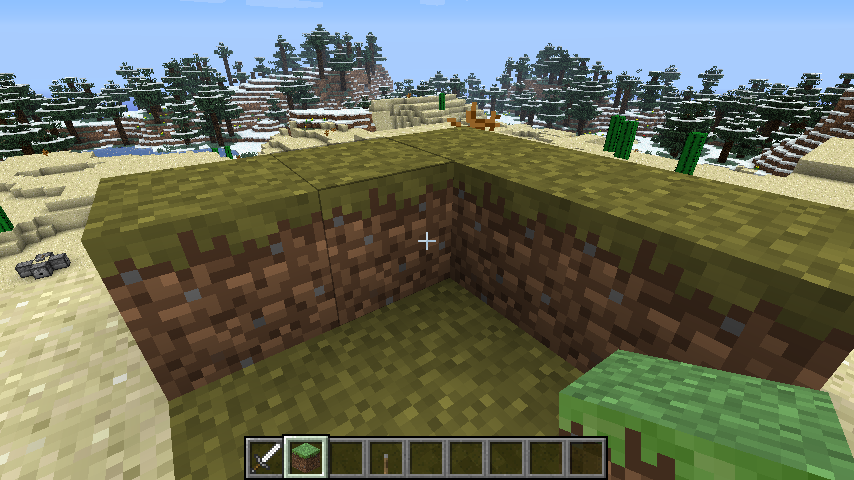
The directional dependancy Jon turned out may be cause by the render load - if the player looks at the dirt wall may be less to render compared with looking in the open areas.
Duplicate
MC-47@Selbram: Please read the new description: We cannot translate s/t in crowdin.net what's not there...
Nope, we just can translate the strings which Mojang has uploaded to crowdin.net.
In crowdin.net the current translation of the baked potatoe is Papa Horneada , but the translation was issued on Oct. 18. - Mojang does not pull the translation every day out of crowdin.net. I assume that in the next version of Minecraft that issue will be fixed automatically.
Other translations issues can you fix at http://crowdin.net/project/minecraft/es-MX
See also
MC-1352Works for me too. Do you have any mods running ?
That's intended. Only blocks are replaced in the hotbar, no tools.
That's already fixed. See
MC-767could that be related to
MC-1222?Can you make a zip of your world and attach it here ?
MC-1377related ?Confirmed.
Duplicate
MC-1281See also
MC-191, maybe it's a generic issue with ridden entities ?See also
MC-890Duplicate of
MC-600Burned to death while riding a minecart
Yes well, I suffered the same issue like you, at the very same place. BTW: Nice world !
Ok, that issue we've had on our little server while riding minecarts underground. That issue and
MC-1222seems to be related to lag spikes, in the other case by taking screenshots or changing the window, here lag spikes by the massive area of lava.Duplicate of
MC-56Tunnelers dream has 230 layers of stone, the clouds are moving on layer 128 --> The clouds are moving through your tunnels
Is it a duplicate of
MC-87? Do you shift click the map and the paper ?Not a bug, the light level decreases by one in every air block / transparent block
Sounds like a simiar (same ?) issue like
MC-305Same issue as
MC-1171?Do you water your farmland ? Or duplicate of
MC-166?Duplicate of
MC-206?Can you make a screenshot ?
Even there is for most of the parts a wooden floor, some areas still have holes.
Otherwise it would be quite boring.
The issue you've described is clearly a feature and not a bug.
Zen, thats a good explanation. This explains the issue of falling through the rails when saving & loading the game in
MC-221and the burning inMC-1377Duplicate of
MC-1204(already fixed)Duplicate of
MC-816Basic rule: Never ever put more than one bug in one issue !
Duplicate to
MC-989,MC-409Duplicate of
MC-776, [MC-743, please search before posting new issues !Not an issue with the game, go to support http://help.mojang.com/customer/portal/topics/151510-minecraft-accounts/articles
@Sycholic: Yes, I turn blackish, but the screenshots are not synchronizable between me and the viewer (always looking normal), so I took some screens in the 3rd-person mode.
Player normal and blackish when hurt while taking multiple screenshots in 3rd person view
Ok, thanks. (Regular users (non-mods) cannot reopen bugs, we have to Clone instead)
How is the procdure to reproduce that ?
Incomplete, please attach the logfiles of the clients and server
that's a duplicate of
MC-1377- there is a world attachedSince 1.4 silverfish are also spawning outside of fortresses
Duplicate ofMC-1102(already fixed). Please search before posting new issuesSorry!I mistook auo.b for aud.b (Damn obfuscated symbols )
)
Already fixed:
MC-56Not fixed in 1.4.3, the texture fighting is still there.
@Mods: How do we reopen a closed issue ? Shall we clone that ?
The hitbox for the Enderchest is not fixed in 1.4.3pre, see new screenshot (maybe the wrong version tagged for the fix ?)
@ForceablePlace: See http://www.minecraftwiki.net/wiki/Adventure_Mode : 12w34a Certain blocks can now be removed and placed again with correct tools
Fix confirmed for 1.4.3pre
Fix confirmed for 1.4.3pre
@Grum: What ? I don't get it. This issue is in the fixed issues list for 1.4.3, see above in the Details: Fix Version/s: Minecraft 1.4.3 (prerelease) , but the issue is not fixed in 1.4.3
Ok, I see. On the roadmap there is just 1.5 as the only next version.
Fix confirmed in 1.4.3 pre
Seems to be fixed now in 1.4.3pre, the frame rate drops down to 0, the sound is choppy and laggy, but no damage.
Both issues are non issues, that's just the way the game mechanic works. A block (a door is a block!) occupies a space of 1x1x1 (2x1x1 for a door), and in thae space cannot be any water.
This is a feature request, not a bug. Please go to http://www.minecraftforum.net/forum/1-suggestions/
Cannot reproduce. Shift-F3 works fine.
If the crash report states that the signatures of the jar are invalid, then redownload it again.
Please attach the crash report, otherwise that issue is useless
Please attach the crash report.
Duplicate of
MC-515Screenshot please.
Duplicate of
MC-1209and / orMC-348?Duplicate of
MC-348?Duplicate of
MC-515Your Java is outdated. The current version is 1.7 Update 9, you have running 1.6 Update 30 --> http://www.java.com/
Duplicate of
MC-1647Duplicate of
MC-38Related to
MC-1511?Screenshots please
Pour water on it
Well, you cannot overlook the "Quick search" button in the title bar. Even it's just a quick search, it will find most of the issues.
You need to have two blocks of space over your bed, but you have one block space, then a stairs block.
Remove the stairs and try again.
No, 100 % is in the middle and the settings to the right are 101%, 102%, 104%, 105% ....
BTW: 117% is missing too.
Yes, I know. Sorry.
Duplicate of
MC-1907Translations issues can be fixed by yourself at http://crowdin.net/project/minecraft/en-PT , it's not an issue for the bug tracker.
The special "pebbles-"issue is more or less fixed at crowdin.net and will be integrated in the game when Mojang pulls the translations from there.
Duplicate of
MC-1568Comment of [Mojang] Dinnerbone (Nathan Adams) there:
Please try again on a vanilla server + client.
Same issue as
MC-56? Try version 1.4.3Same as
MC-1793?Duplicate of
MC-1647This is the 10th duplicate of
MC-1608. Please use the search prior posting !BTW: Without crash report nobody can fix anything...
Duplicate of
MC-1769. Yawn...Yes. Read the comments in
MC-1769.Duplicate of
MC-73Duplicate of
MC-1275?Nether warts grow only on soul sand, not on farmland ?!
Looks like a duplicate of
MC-1661Duplicate of
MC-978?Duplicate of
MC-1685Duplicate of
MC-172010th duplicate of
MC-1611. Please search before posting !15th duplicate of
MC-1608. Search before posting!16th duplicate of
MC-1612. Search before posting !Screenshots, please.
Duplicate of
MC-984Maybe caused by
MC-310Can you please add some screenshots ?
14th duplicate of
MC-119Are you sure that this is happening on 1.4.3 ?
That should be fixed in 1.4.3 with
MC-11918th duplicate of
MC-1608(Hey, that's a new duplication world-record !) Search before posting!Nevertheless a duplicate of
MC-1839The wither skeleton is just a variant of the regular skeleton, so there is no egg.
and that issue is a duplicate of
MC-189Duplicate of
MC-1661And ? Did you try vanilla client and server ?
Try MCPatcher HD Fix instead of Optifine. Less bugs, more functions.
Duplicate of
MC-12516th duplicate of
MC-1612it doesn't work, because you mistyped the command, it should be
"clear @a[r=5]"Error 40, please close
Try to reproduce and make screenshots please.
24th duplicate of
MC-38and fixed in 1.4.3 (you did not play 1.4.3 ?)23th duplicate of
MC-1608BTW: "I don't know" as a summary is not very smart...
OK, Duplicate of
MC-1662which is a duplicate ofMC-1612Then clone either your issue or
MC-1662so that the issue is reopened, and write in the text that this issue is not a dupe ofMC-1612!(Use the menu below the title "More Actions" -> "Clone")
Duplicate of
MC-1275.Are you on vanilla server or bukkit ? That seems to be an issue with CraftBukkit or a plugin.
Duplicate of
MC-1088Please attach the crash report. It is unreadable under "Environment"
If you have Optifine, than the bug is invalid.
Try again without Optifine and post your results.
Duplicate of
MC-1612Duplicate of
MC-213023th duplicate of
MC-1608And ? Where is the crash report ?
damn copy and paste
Duplicate of
MC-1688Duplicate of
MC-61Duplicate of
MC-61Vanilla client and server ?
25th duplicate of
MC-1608You've put the keyword "decoration" in the flatland string, that's generating ores.
Not a bug, intended, please close.
Your OpenJDK is outdated, try updating: http://openjdk.java.net/install/index.html
Your OpenJDK is outdated, try updating http://openjdk.java.net/install/index.html
Duplicate of
MC-1854Whilst being moved, the diamond block is transformed into "Block 36", which is not breakable. Read http://www.minecraftwiki.net/wiki/Technical_blocks#Piston_Moving
Please attach the bug report.
Vaniila or modded server ?
Optifine ? Try vanilla client.
and see
MC-984cannot reproduce. Screenshots please.
Screenshot in better resolution
And even better resolution
Not fixed in 1.4.3 (pre)