 MC-9873
Z-Fighting on Horizontally Held Map
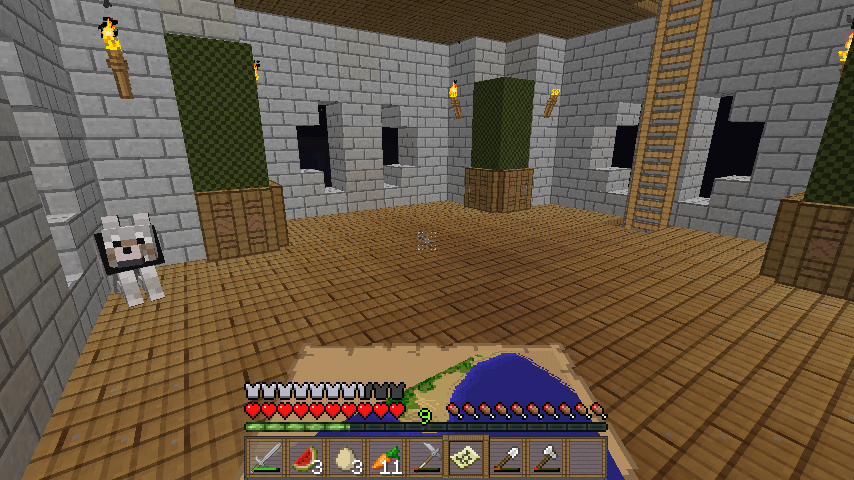
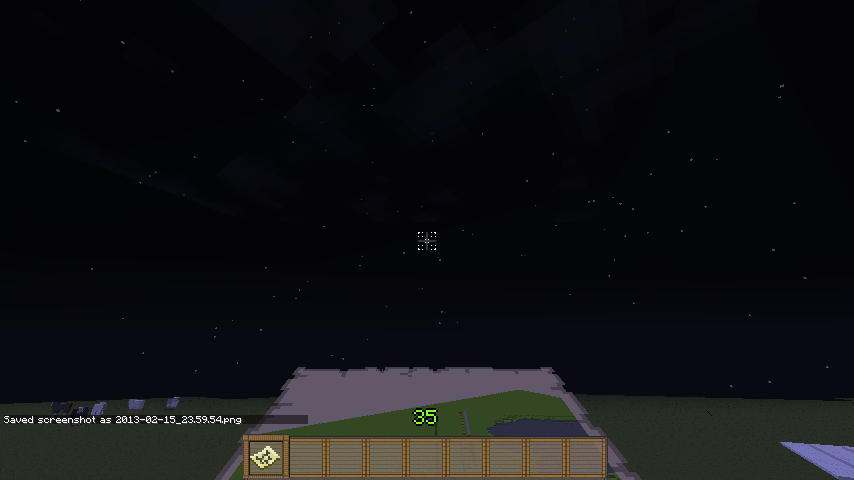
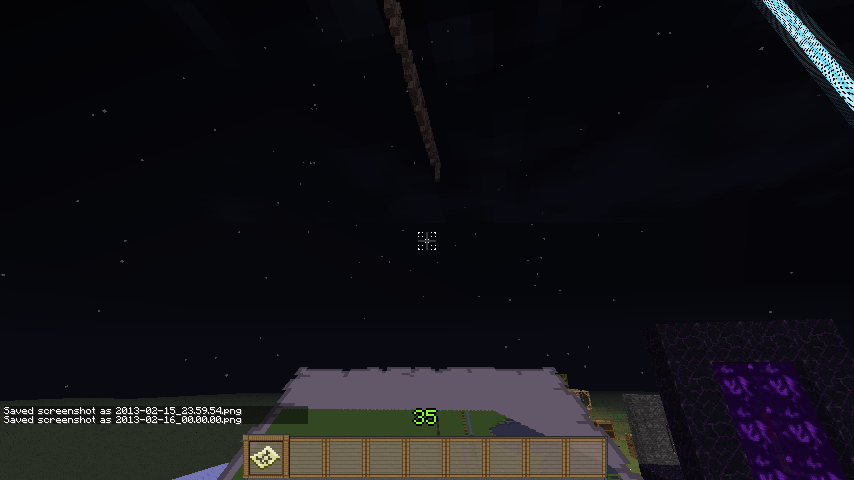
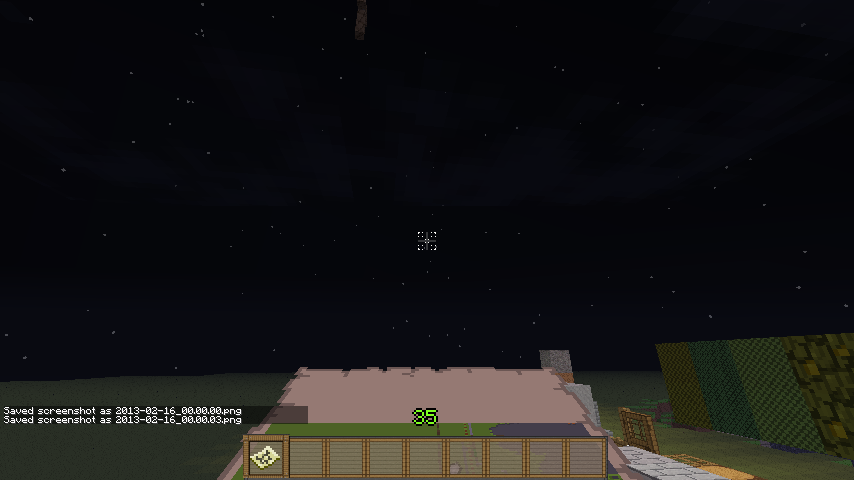
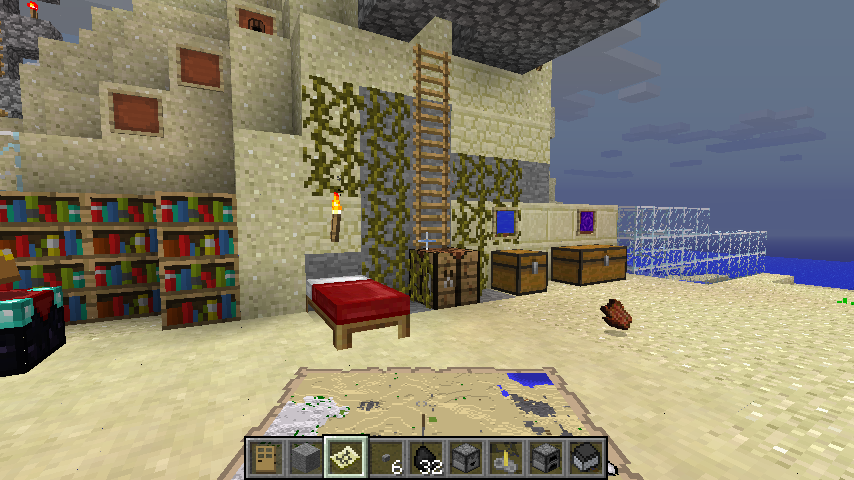
While holding a map and looking forward, the map will flicker. While this isn't a game changer, it is very distracting.
The screenshot was a bit difficult to capture, but the situation can be easily duplicated.
Environment
Windows 7 x64 with latest Java 7u13
Linked Issues
is duplicated by1




Created Issue:
Z-Fighting on Horizontally Held Map
While holding a map and looking forward, the map will flicker. While this isn't a game changer, it is very distracting.
The screenshot was a bit difficult to capture, but the situation can be easily duplicated.
Environment
Windows 7 x64 with latest Java 7u11
Attachments1
Added Attachments:
Added Attachments:
Changed Environment:
Windows 7 x64 with latest Java 7u1
1Windows 7 x64 with latest Java 7u13
Added Linked Issues:
is duplicated by
Added Labels: z-fighting
Removed Labels: Z-Fighting
Cannot reproduce, neither with default, nor with a HD texture pack, see screenshots.
Please provide screenshots in creative, the map is more visible there.
Please force a crash by pressing F3 + C for 10 seconds while ingame and attach the crash report here.
Manually crashed and attached the file. I wonder why it is you're not getting the Z-fighting. Probably because you have a graphics card, or there is some different setting in your graphics properties driver.
You have to be moving in order to see the flickering, so whether you're turning or walking, it flickers.
And Javaupdate isn't working or somethin, because apparently I didn't have 7u11, and the newest is 7u13, haha.
You may have to download the 64bit version of Java manually, check http://www.java.com/
But, this ticket is invalid as it relates to a modded or 3rd party client/server.
I use MagicLauncher, which only modifies the amount of RAM minecraft can use, and can load any .jar version seamlessly. The .jar itself is not modded. And I have just installed the latest 32 and 64-bit javas.
The issue is still present. Since it seems this is a very specific case, and is probably a fault of my computer's specifications, I'll just have to live with it.
Update your graphics drivers, OpenGL 2.1 is of somewhat 2006...