 MCD-1516
Unable to adjust display setting
Repro Steps:
- Launch PS4 build 27
- Start a game
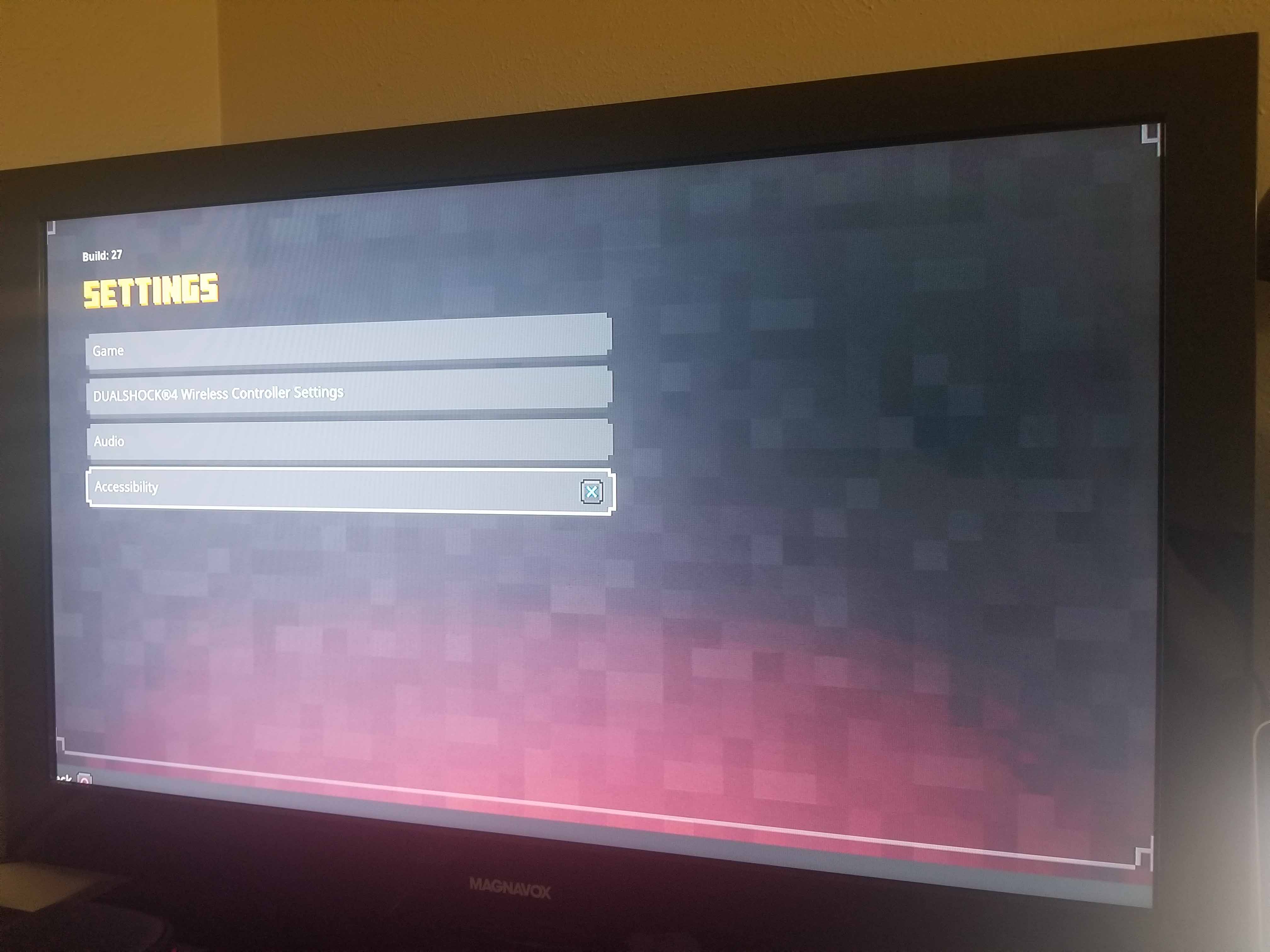
- Open settings
- Navigate through Game, Audio, Accessibility
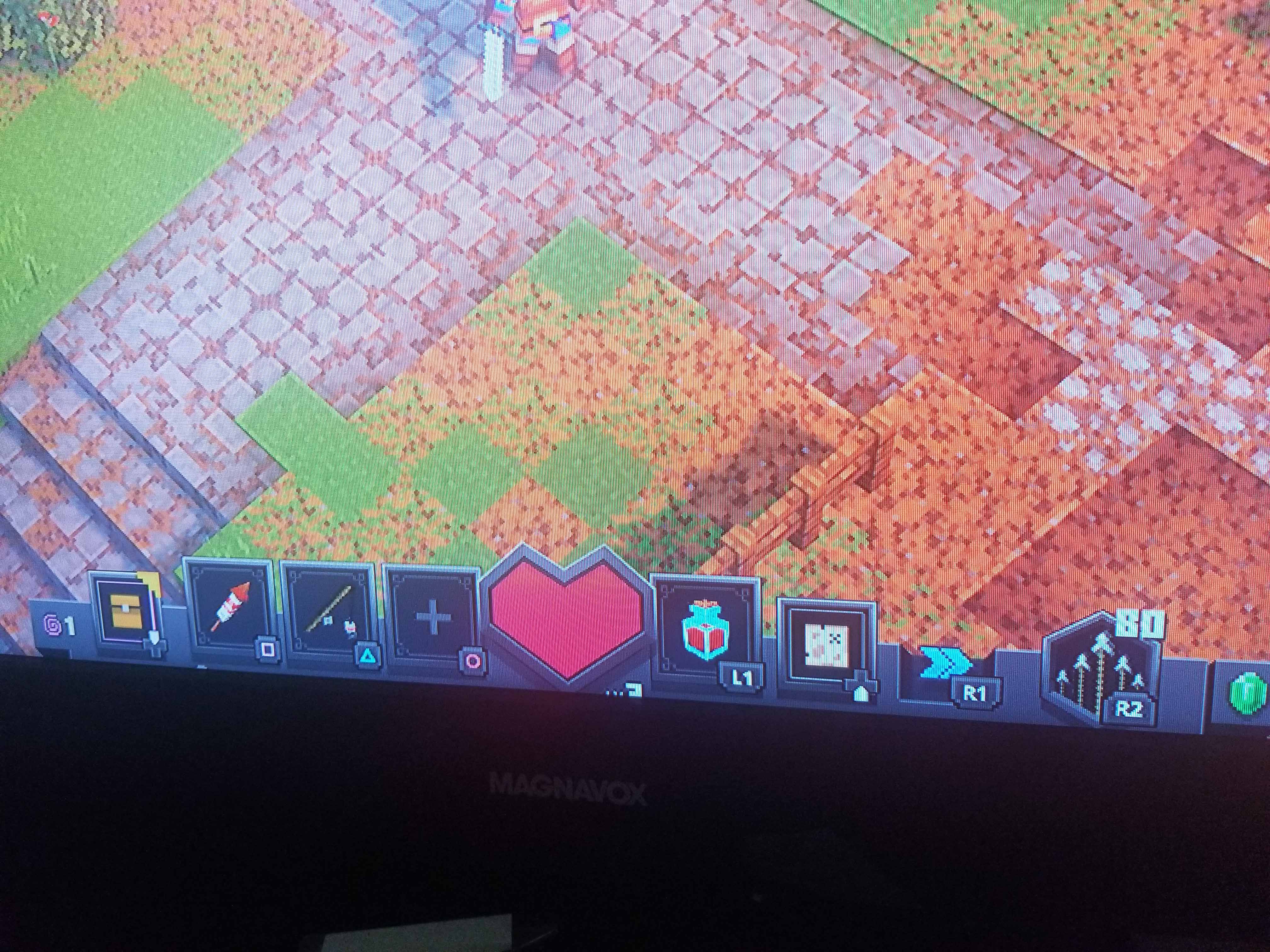
- Notice there is no option to adjust the in-game display
Important Notes:
- Repro: 10/10
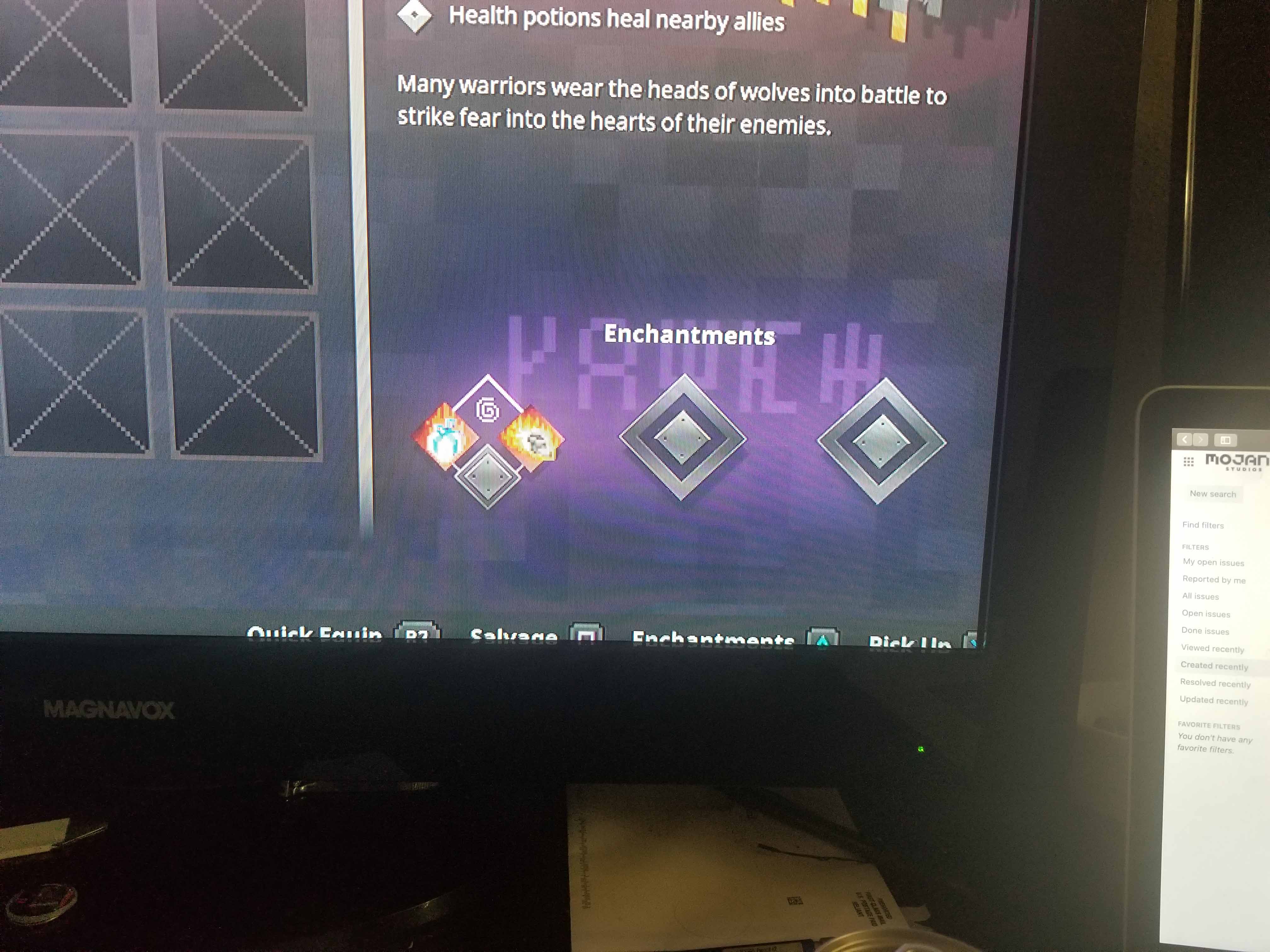
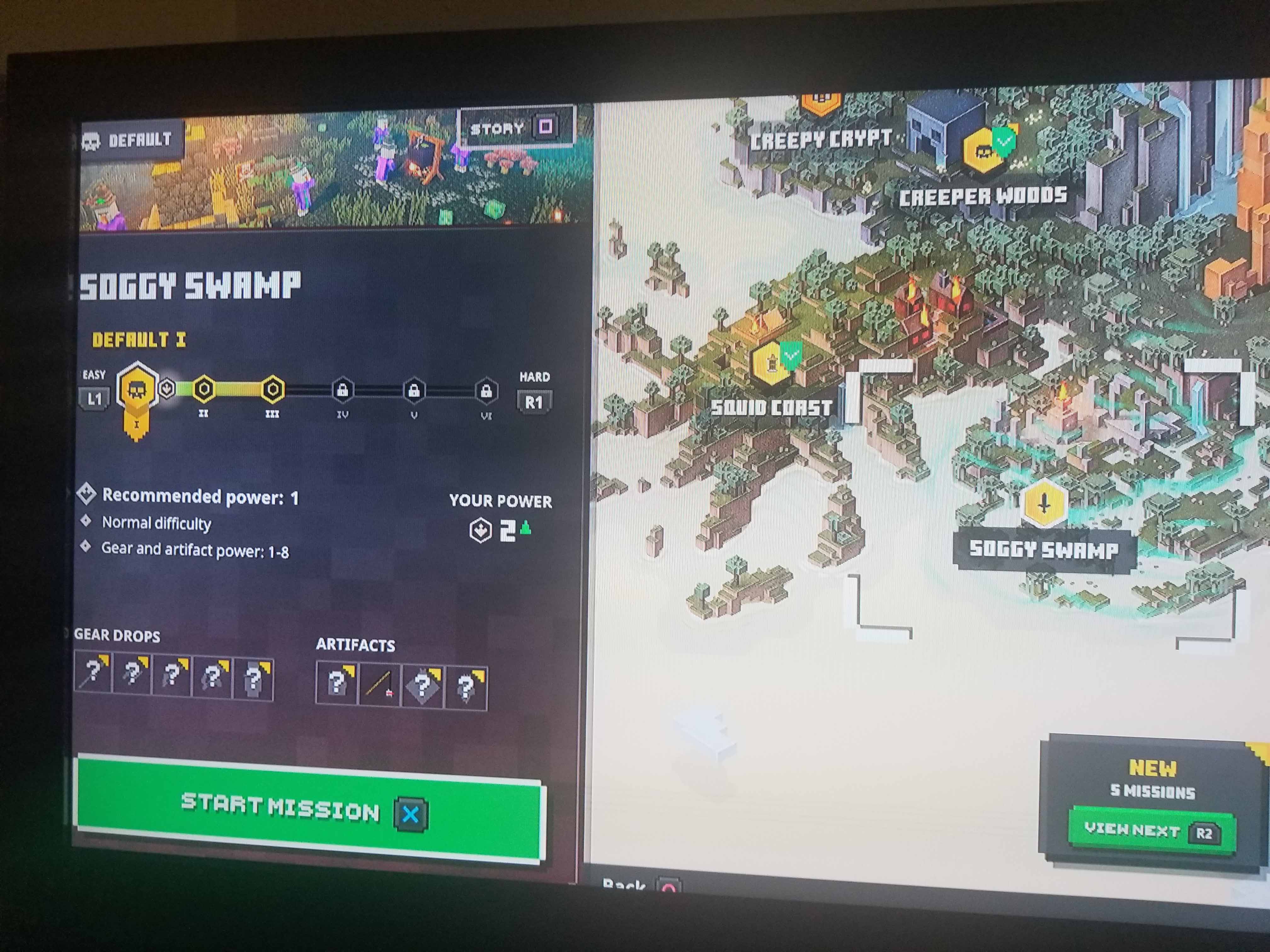
- UI elements are cut off on the edges on the screen, making changes to PS4 display settings does not effect the in-game display boundary at all.
- Adjusting HUD size does not fix the issue
Linked Issues

Created Issue:
Unable to adjust display setting
Repro Steps:
- Launch PS4 build 27
- Start a game
- Open settings
- Navigate through Game, Audio, Accessibility
- Notice there is no option to adjust the in-game display
Important Notes:
- Repro: 10/10
- UI elements are cut off on the edges on the screen, making changes to PS4 display settings does not effect the in-game display boundary at all.
- Adjusting HUD size does not fix the issue
Attachments4
![[Mod] violine1101](../../../data/avatars/users/92858.png)
Added Linked Issues:
duplicates
Thank you for your report!
We're tracking this issue in
MCD-1192, so this ticket is being resolved and linked as a duplicate.If you would like to add a vote and any extra information to the main ticket it would be appreciated.
If you haven't already, you might like to make use of the search feature in the future to see if the issue has already been reported.
Quick Links:
📓 Issue Guidelines – 💬 Community Support – 📧 Customer Support – ✍️ Feedback and Suggestions – 📖 Game Wiki – 📖 FAQs