 MCL-10821
Mojang loading screen crash
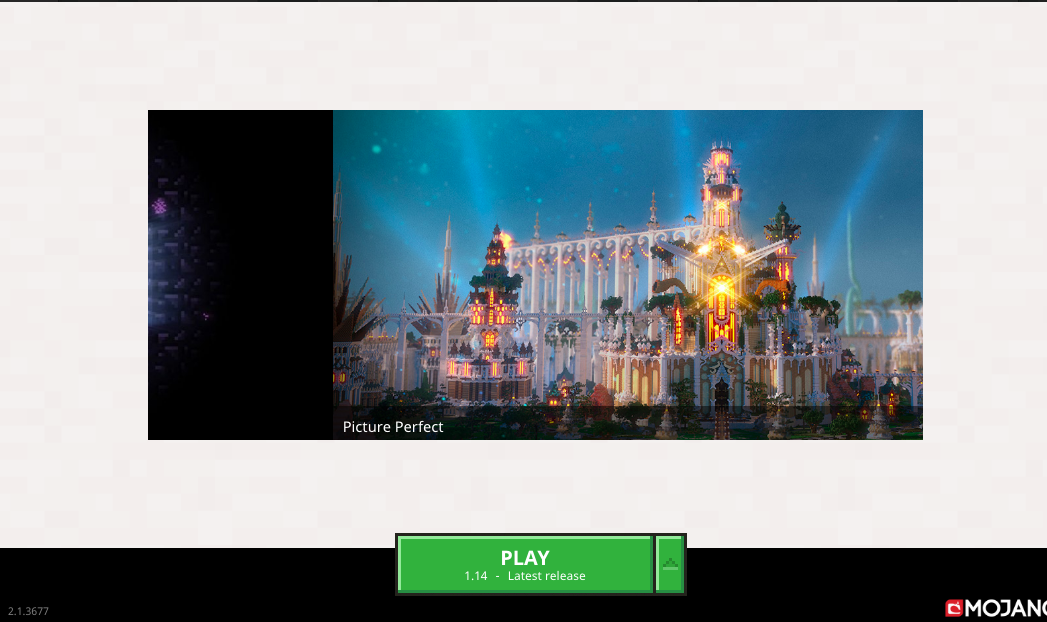
During the loading process of 1.14 and 1.13.2 (tried using a different version) my minecraft crashes during the Mojang loading screen.
in the Logs in it is only able to open the sound engine and crashes thereafter.
I've read that there is currently certain intel cores that are not supported but I,ve been able to run 1.14 recently. If an update was issued towards that direction I don't see how my friend who doesn't have an intel core wouldn't be able to log either.
Environment
I've been able to launch it a week ago before it started crashing for me and my friend who has a higher end pc then mine.
Attachments11








Created Issue:
Mojang loading screen crash
During the loading process of 1.14 and 1.13.2 (tried using a different version) my minecraft crashes during the Mojang loading screen.
in the Logs in it is only able to open the sound engine and crashes thereafter.
I've read that there is currently certain intel cores that are not supported but I,ve been able to run 1.14 recently. If an update was issued towards that direction I don't see how my friend who doesn't have an intel core wouldn't be able to log either.
Environment
I've been able to launch it a week ago before it started crashing for me and my friend who has a higher end pc then mine.
Attachments1
![[Mod] violine1101](../../../data/avatars/users/92858.png)
Please include the launcher log as well - launcher_log.txt.
I'm having the same issue. It's been very frustrating. The kids are upset and it's been two weeks.


And what happens if you click the Reset java path button?
Nothing. It takes me back to the play button. I click on play again and that window comes up again. I have a MAC and I don't know how to access Minecraft files with it. I've tried. I've also tried to reinstall the game but I get the same message. And when I click on more details I get:
ERROR
Unable to locate the Java runtime.
Filename on disk:
Path: .
Exists: directory
Copy to clipboard
I am having the same problem with my game. I recntly bought the Java version and played it as soon as it downloaded. The day after I couldn't play it. The loading screen gets near the end and then crashes. I tried using other versions of the game but it desn't work and the same thing happens. I tried restarting it and redownloading it but it doesn't work.
I am having the same issue. I run Minecraft, and typically after 10-15 seconds of loading, it crashes with an error that the Platform SE Binary is unresponsive. I've tried multiple fixes, all my drivers are up to date, and I've even tried to delete and reinstall Minecraft INCLUDING alternative downloads. Truly is just sad that I come back to a bug like this after being away from the game for 2 years.
https://gyazo.com/7b931c9bf5872a682ab4198137fe249c
Having the same issue. I downloaded the Win 10 Minecraft Master collection and have no issues. Now trying to use the JAVA edition and it wont load. Cant save the log file so I posted the end of the log as a screen shot. Getting process crashed with exit code805306369. Nvida GEFORCE GT 1030 graphics card with driver ver 430.39, Nvida doesn't think it's their driver. Using JAVA ver 8-211. I have both Win 10 version and the JAVA version on same computer, can that be a problem?
I can't find: launcher_log.txt.launcher_log.txt
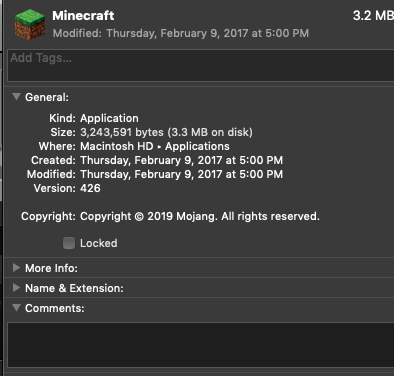
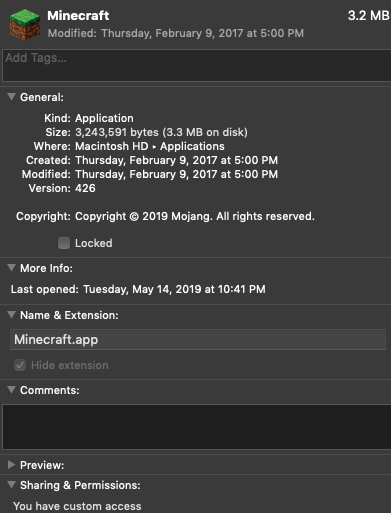
It doesn't open. The 'last open' date is that I tried to open the game and it didn't load. Please help me fix this.
this too has been happening to me for over a week. it gets like a centimeter away from the end (loading bar) the just stops ive let it it there for hours ive refreshed reinstalled ive tried everything
Exactly! I tried once and I thought it was going to load but just at the end, nope.
Same here, I bought the game when it was on sale and now it wont load after only 2 hours of playing time.
I've had the same problem, it going to around 95% and then giving me Java platform SE binary error
I have had this problem for probly a week it happened 4 out of every 10 at first and slowly changed to 10 out of 10 if I did get in the game it would kick me out after a couple minutes. Now my computer isn't the best computer but crashing every time is nothing compared.
The same thing happened to me! I try to go on 1.12.2, and the "Mojang" screen doesn't even fill the monitor. I click on it, and it says it's not responding. When I try 1.14.1, the "Mojang" screen fills the monitor, the bar fills except for this small amount. I click and it's not responding. Please, someone, fix this! I really love Minecraft and don't want it to go down the drain like this for me! I usually play a lot, and I'm an extreme fan since 2012. I don't usually complain about little bugs, but I just can't play. I'm a little disappointed it isn't solved yet with all the same complaints. I'll be honest as the rest, my computer isn't the best, it's a Windows 10 on a ThinkCentre Computer. It usually doesn't give me problems like this easily. I really would like to play again! Please let me! <3 you Minecraft.
Could this possibly have something to do with the mods that we're using?
I've not changed anything. I just did the update. And since then, it won't work and I have a very sad little boy. It's difficult to tell him that he can't play and it's been a couple of months now. I wish they could come up with a patch or another update.
So, is anyone from Mojang watching this thread? I haven't read any information on how to fix the issue. I believe I've sent in everything I could find. Now what?!
It could be the mods, but I never succeeded on activating it.
Not epic Mojang, not epic at all.
i am enjoying the same quality of service. same issues and non responsive resolutions.
Does Mojang even look at these reports? Seriously.
Every single person in this thread has posted a different issue. They all have something in common though: They aren't bugs, but caused by your system. We however cannot provide you with technical support here. Please contact the community support, linked below, if you need any assistance.
Quick Links:
📓 Issue Guidelines – 💬 Community Support – 📧 Customer Support – 📖 Game Wiki
Obviously, they do NOT take these comments seriously. I posted this looking for answers and instead of getting this resolved, I'm told to go to community support. I didn't have this issue until I did the stupid update! And now it doesn't work. Bug or system issue, they should fix this.
I've reboot my system. I've updated Java, I've tried clicking on reset java (useless), I've tried reloading the game, I've tried looking at launch options, I've tried to find the boot log on MAC (which I'm don't know how to do), I've sent screen shots, I've asked others, I've scanned through countless YouTube videos and Google articles but only found people who have the same issue or something similar but NO ANSWERS! This was my very last hope to finding help. And now I'm told to go to the community. This tells me that the Mojang Gods don't have the answer either. So my fellow frustrated, pissed off card carrying Minecrafters, we are tossed back to square one. I wish you all well. And if ANYONE finds a resolution to this issue, please post it loud and clear! Thank you!
Fixed it! Here's what I did.
Mac:
I ran Disk Utility to see if I had issues, and I did. So I watched this and it fixed all issues - https://www.youtube.com/watch?v=ZQ42-84SeYI&t=1s
Then I fixed Java with this -
https://www.oracle.com/technetwork/java/javase/downloads/jdk12-downloads-5295953.html
Then I watched the video carefully and did everything. At 8:06 you can copy the location. Then open Minecraft. Go to launch options, click on the first line, turn on the JAVA and paste text in box and SAVE. And reload and it worked! I hope that helps. All the best.
Fixed it! Here's what I did.
Mac:
I ran Disk Utility to see if I had issues, and I did. So I watched this and it fixed all issues - https://www.youtube.com/watch?v=ZQ42-84SeYI&t=1s
Then I fixed Java with this -
https://www.oracle.com/technetwork/java/javase/downloads/jdk12-downloads-5295953.html
Then I watched the video carefully and did everything. At 8:06 you can copy the location. Then open Minecraft. Go to launch options, click on the first line, turn on the JAVA and paste text in box and SAVE. And reload and it worked! I hope that helps. All the best.
Fixed it! Here's what I did.
Mac:
I ran Disk Utility to see if I had issues, and I did. So I watched this and it fixed all issues - https://www.youtube.com/watch?v=ZQ42-84SeYI&t=1s
Then I fixed Java with this -
https://www.oracle.com/technetwork/java/javase/downloads/jdk12-downloads-5295953.html
Then I watched the video carefully and did everything. At 8:06 you can copy the location. Then open Minecraft. Go to launch options, click on the first line, turn on the JAVA and paste text in box and SAVE. And reload and it worked! I hope that helps. All the best.
Fixed it! Here's what I did.
Mac:
I ran Disk Utility to see if I had issues, and I did. So I watched this and it fixed all issues - https://www.youtube.com/watch?v=ZQ42-84SeYI&t=1s
Then I fixed Java with this -
https://www.oracle.com/technetwork/java/javase/downloads/jdk12-downloads-5295953.html
Then I watched the video carefully and did everything. At 8:06 you can copy the location. Then open Minecraft. Go to launch options, click on the first line, turn on the JAVA and paste text in box and SAVE. And reload and it worked! I hope that helps. All the best.
Fixed it! Here's what I did.
Mac:
I ran Disk Utility to see if I had issues, and I did. So I watched this and it fixed all issues - https://www.youtube.com/watch?v=ZQ42-84SeYI&t=1s
Then I fixed Java with this -
https://www.oracle.com/technetwork/java/javase/downloads/jdk12-downloads-5295953.html
Then I watched the video carefully and did everything. At 8:06 you can copy the location. Then open Minecraft. Go to launch options, click on the first line, turn on the JAVA and paste text in box and SAVE. And reload and it worked! I hope that helps. All the best.