 MCL-14289
Launcher White Screen
I have just bought Minecraft and when I try to launch it, the launcher is just a white screen. I would love for some assistance on this.
EDIT: I added the Launcher Log file
Linked Issues


Created Issue:
Launcher White Screen
I have just bought Minecraft and when I try to launch it, the launcher is just a white screen. I would love for some assistance on this.

Added Attachments:
![[Bot] Arisa](../../../data/avatars/users/43007.png)
Changed Description:
I have just bought Minecraft and when I try to launch it, the launcher is just a white screen. I would love for some assistance on this.
EDIT: I added the Launcher Log file
Added Linked Issues:
duplicates
Added Attachments:

Could you please upload your launcher_log.txt file from %AppData%\.minecraft?
Launcher log added
Looks like a duplicate of
MCL-5511Might be. Rose, can you please right click shortcut or MinecraftLauncher.exe, go to compatibility tab and make sure Windows XP is not set? You should find it at C:\Program Files (x86)\Minecraft Launcher or where you have chosen to install it.
A lot of people online have mentioned that problem and sadly that isnt what is effecting my launcher. My launcher has stayed white overnight. I really want to play Minecraft on my laptop but it is just staying a white screen on the launcher. I hope that this problem can be fixed 'cause I'd really like to play Minecraft on my computer. When i checked Disk C; just to be sure I diden't find any mention of Minecraft.
Hello, I haven't gotten a response to my last comment. I would really be happy if this problem could be fixed so i can play minecraft. I've kept the launcher open for many days almost a week now.It still hasn't changed from the white screen. Could you please help me with the problem?
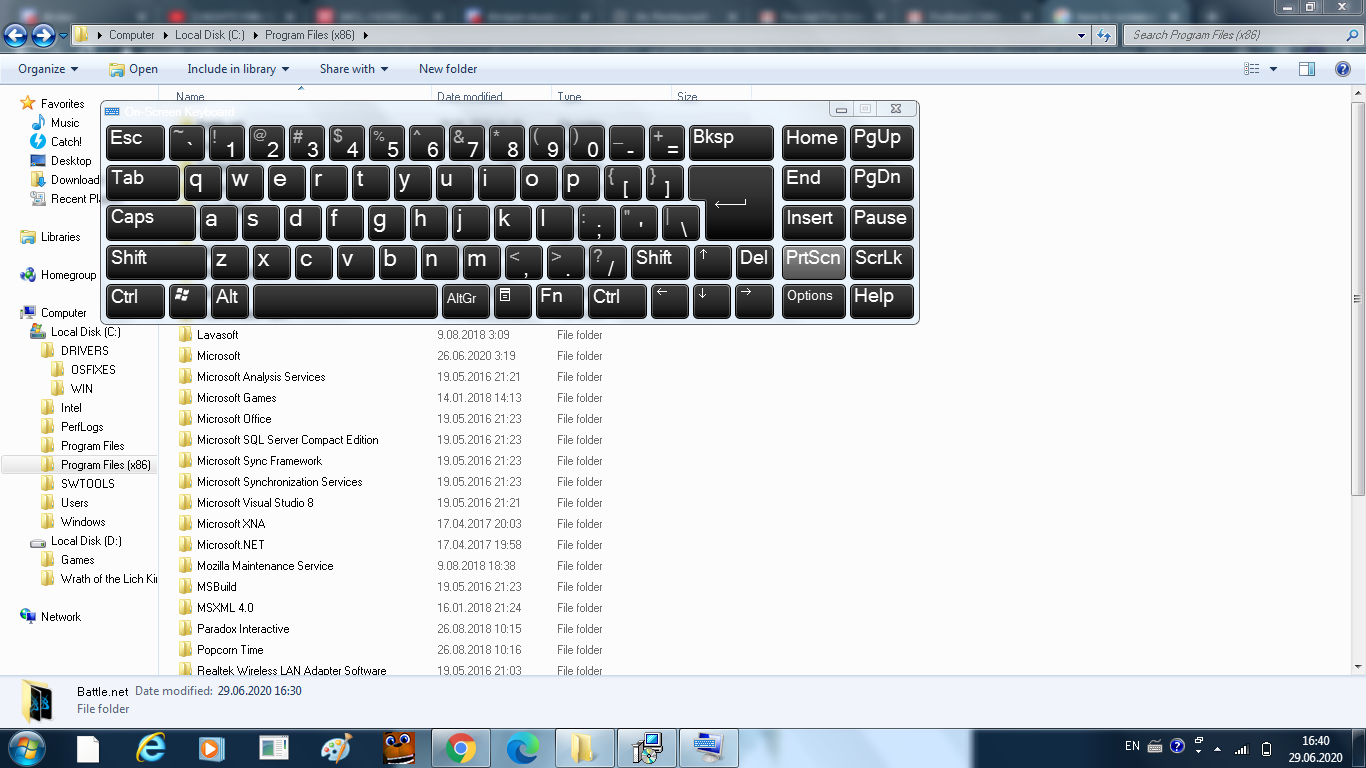
Hi. I'm not a dev but could I see a screenshot of your Program Files (x86) folder? I might be able to help figure out what you're looking for
You can blur out any information you might not want others to see.
Hello. I can't figure out how to screenshot, but I could write the names of the folders if that's okay.
Edit: I found out how now!
Hey Rose Whitehall, your bug must have slipped my mind after I commented. Did you manage to get it solved?
It seems based on your screenshots that you haven't even installed Minecraft Launcher in C:\Program Files (x86)\Minecraft Launcher - where did you install it?