 Marcono1234
- marcono1234
- marcono1234
- Europe/Stockholm
- Yes
- No
 MC-7910
![[Mojang] Jeb (Jens Bergensten)](../../../data/assets/gravatar/jeb.jpeg)





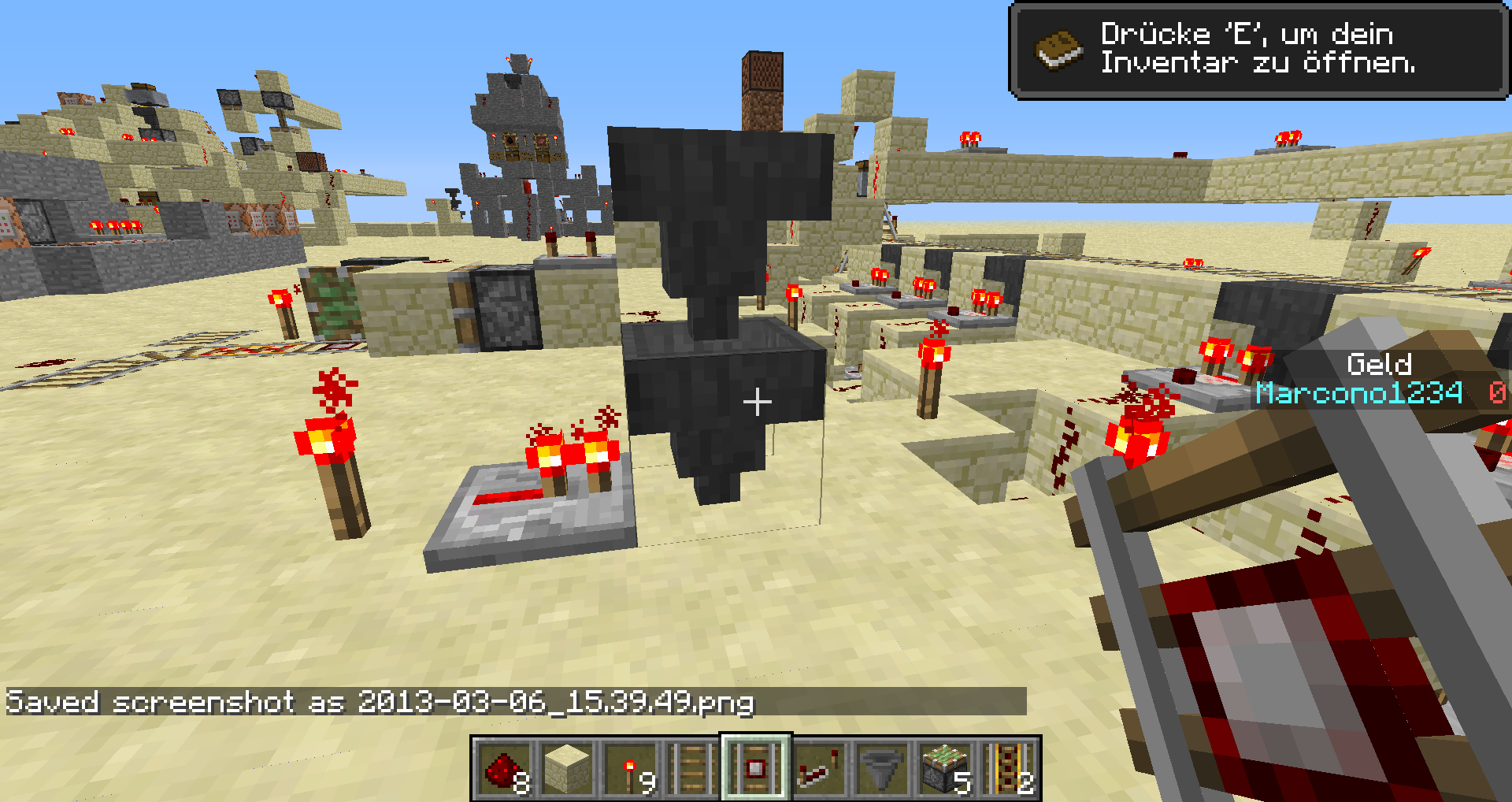




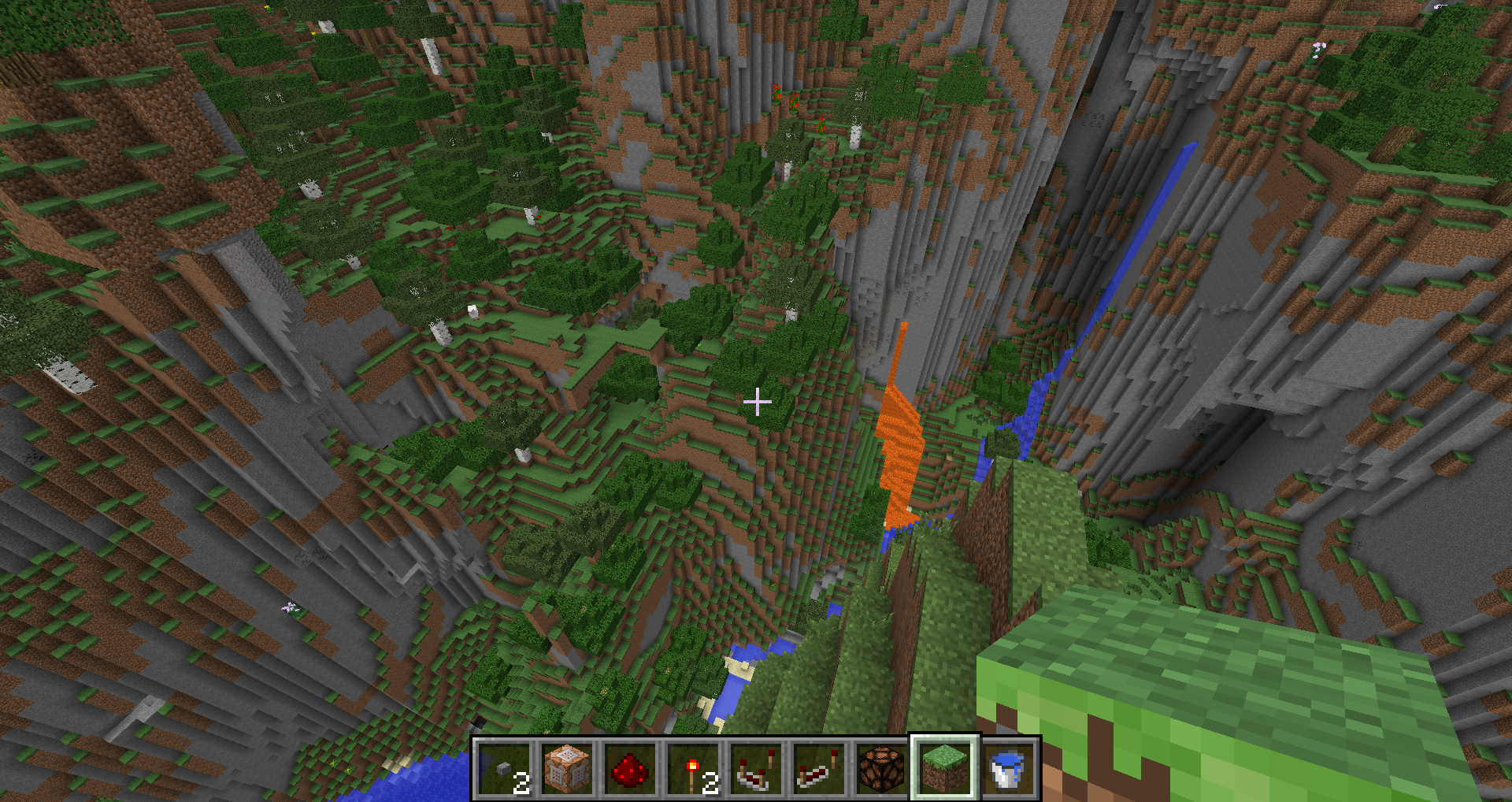


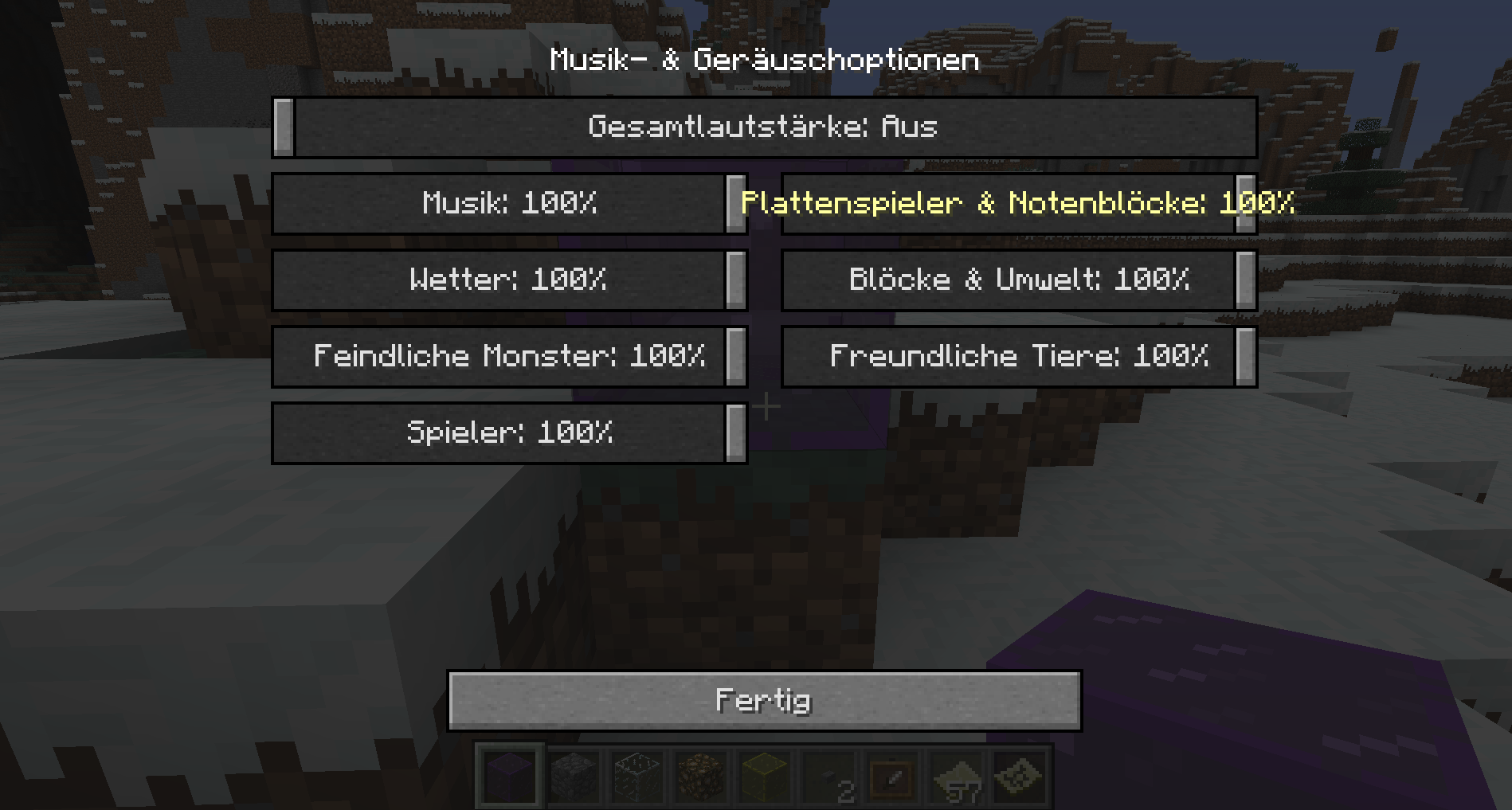
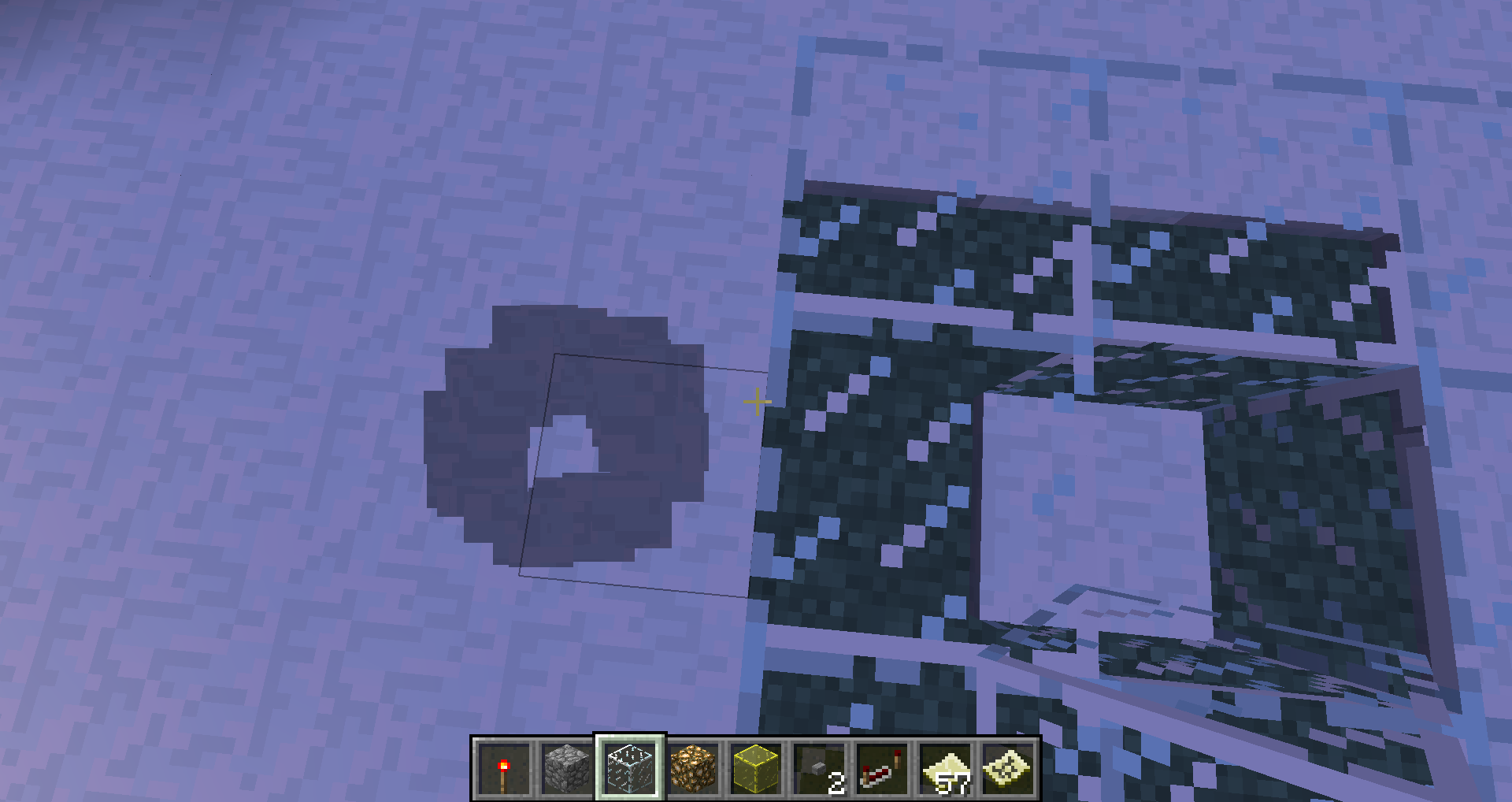
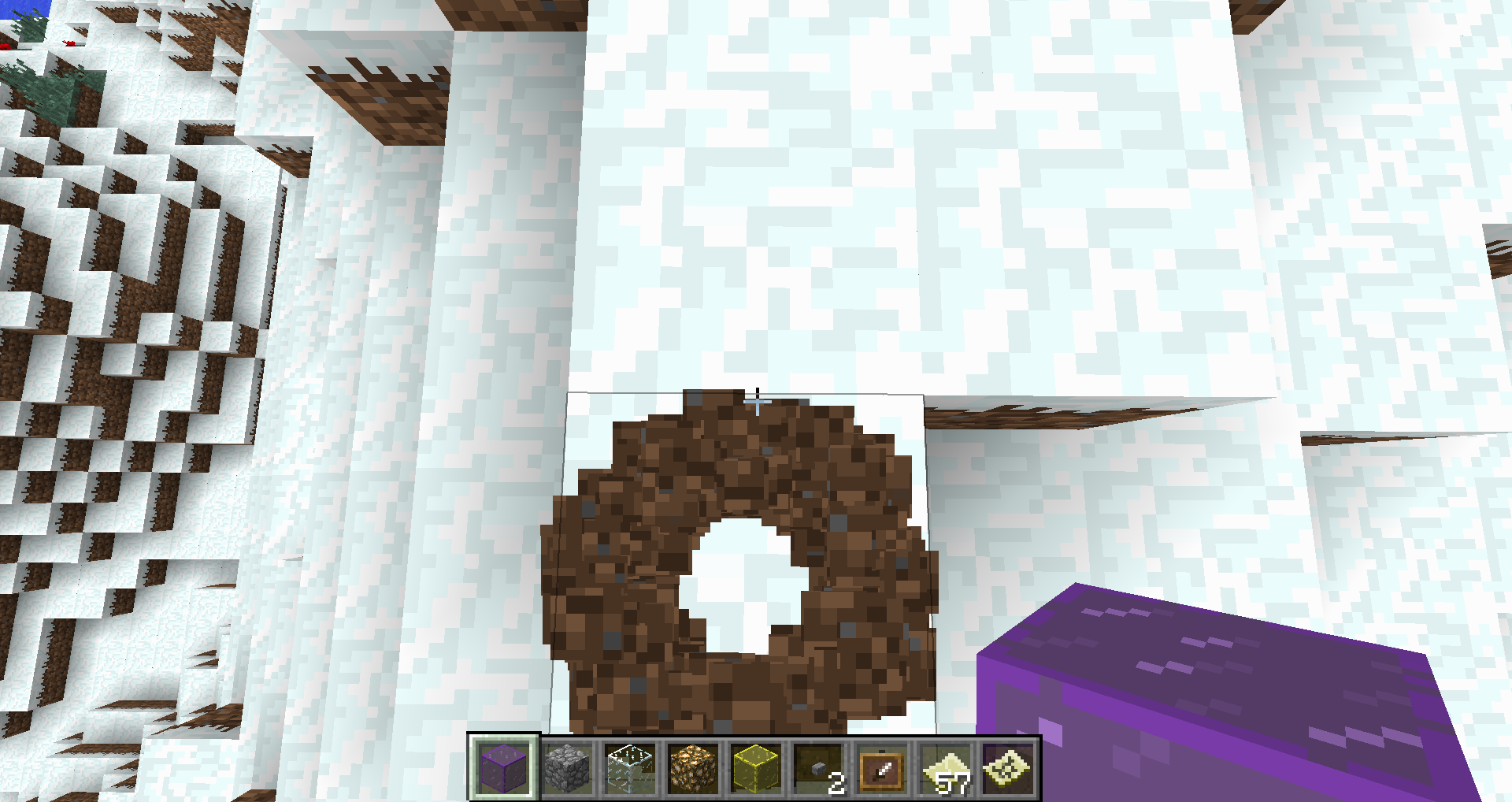

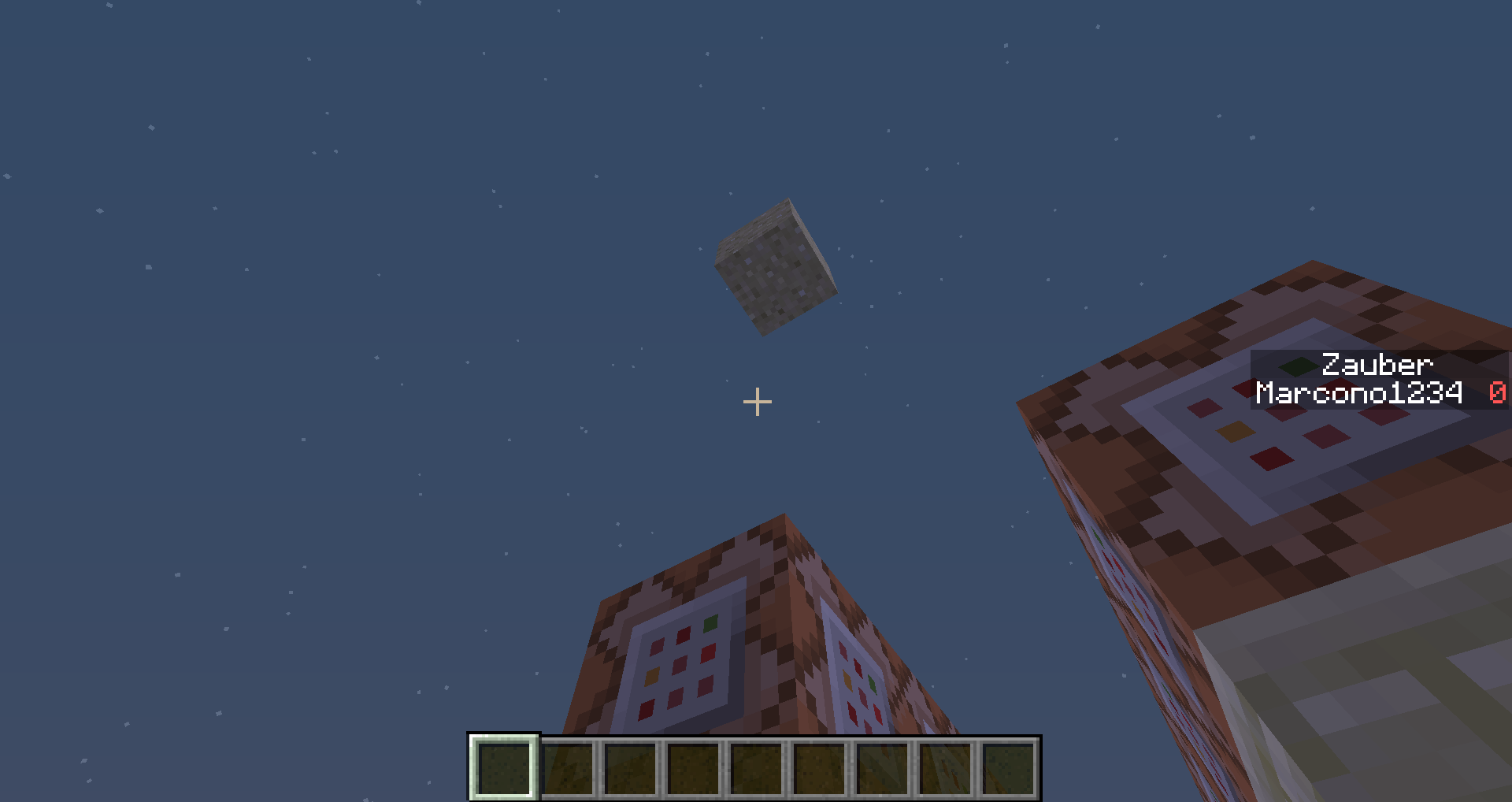
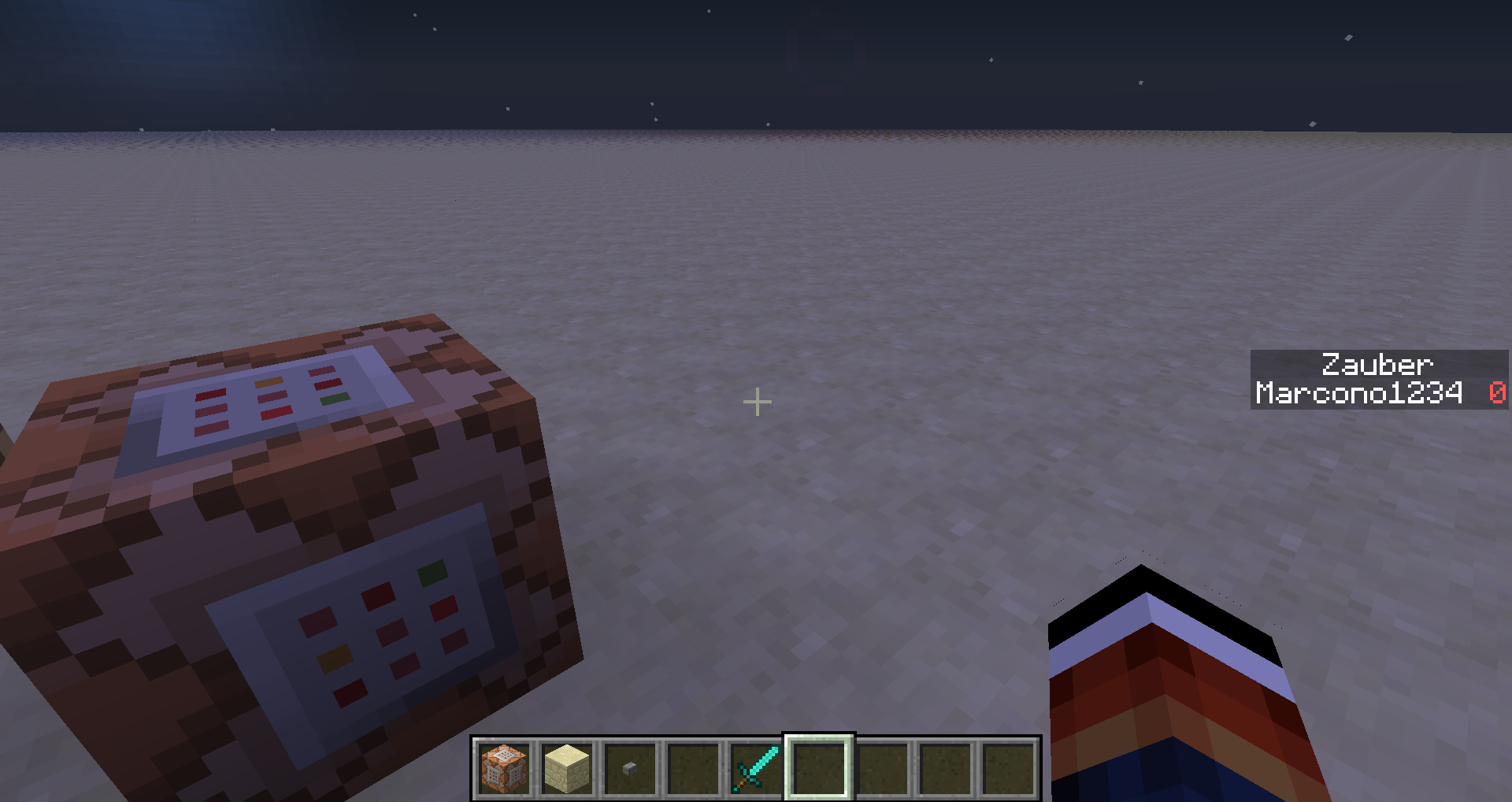
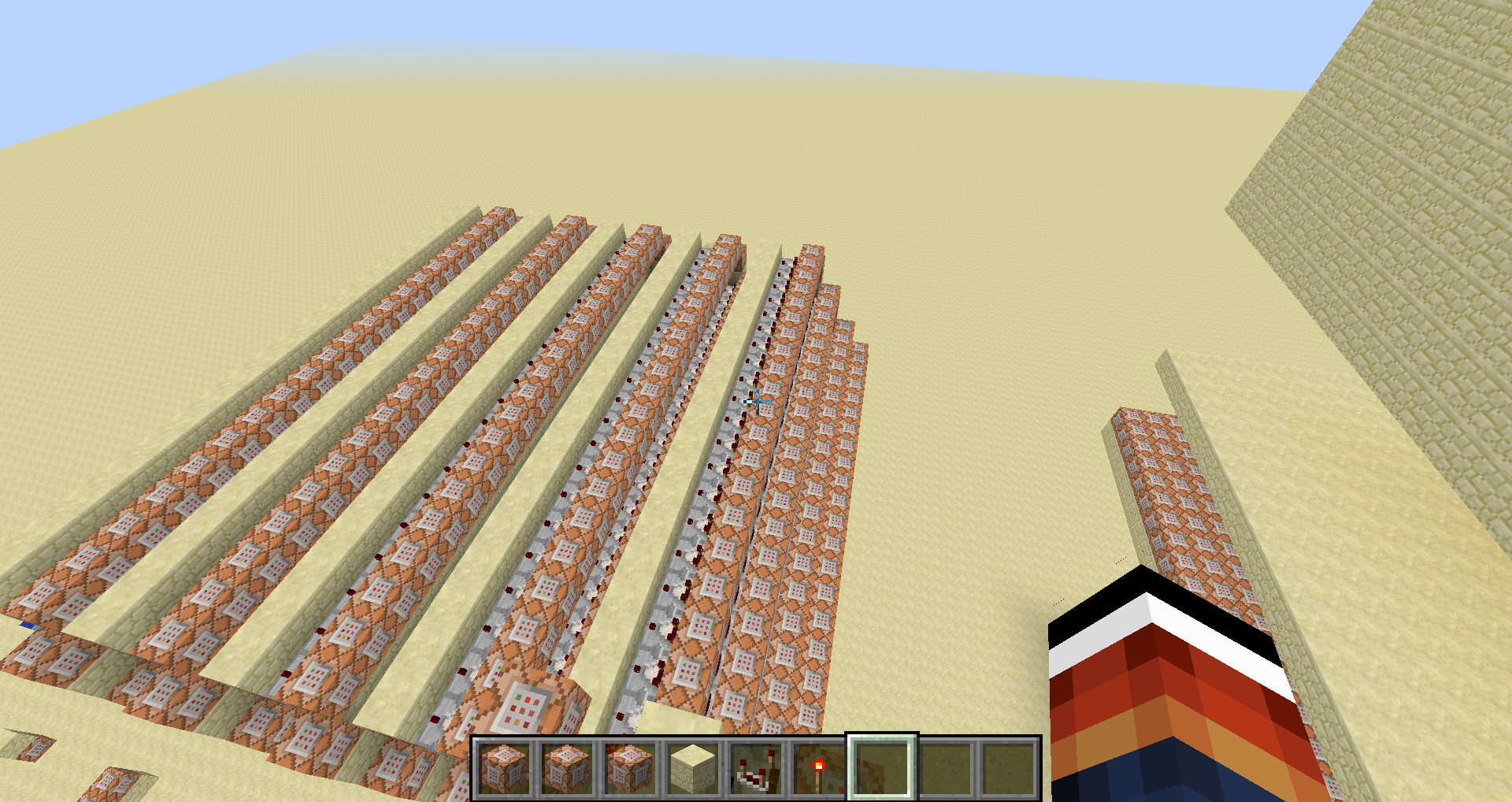
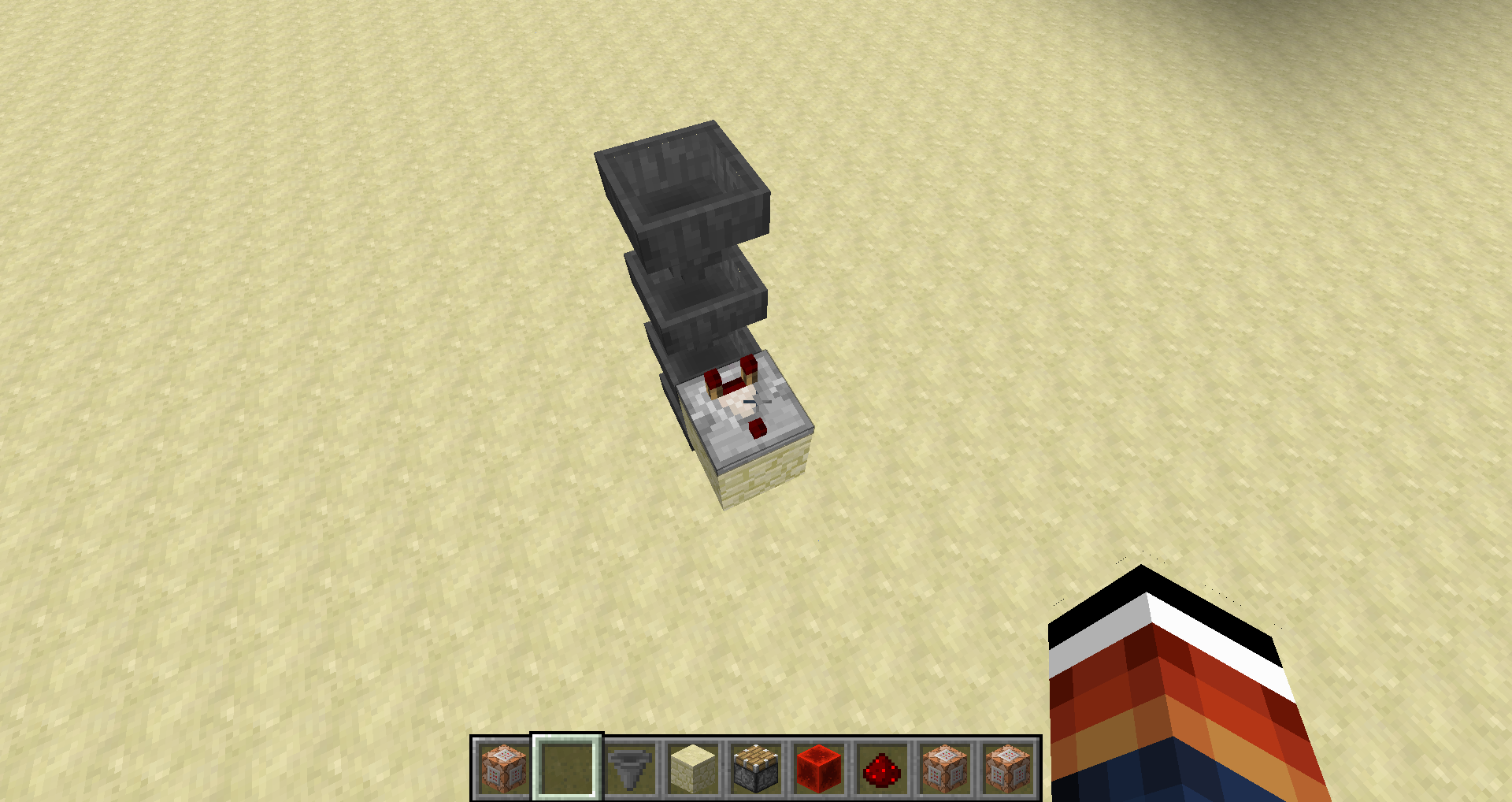








Death-message bug+Scoreboard bug
When a player, who was hurt by another before, fell from a high place, the death-message is: " [Player] fell down from a high place [weapon]
" and that doesn't make sence.When you hurt yourself and then fell down from a high place the message " [Player] was doomed to fall by null using [weapon] ."
It must say something like was doomed by himself or so
And, if you make: [code] /scoreboard teams join hhh [/code]
And there is no team called "hhh", you get the message error while using this command.
When you hurt yourself and then fell down from a high place the message "[Player] was doomed to fall by null using [weapon]."
It must say something like was doomed by himself or soAnd, if you make: [code]/scoreboard teams join hhh[/code]
And there is no team called "hhh", you get the message error while using this command.When you hurt yourself and then fell down from a high place the message "[Player] was doomed to fall by null using [weapon]."
It must say something like was doomed by himself or soAnd, if you make: "/scoreboard teams join hhh"
And there is no team called "hhh", you get the message error while using this command.
2013-05-23_15.19.27.png
*This is just with commandBlocks, when typing it in the chat it says like always when I use the "/give" ...unknown error happened... but I get the item.
If i run this command:
/give @p bone 1 0 {display:{Name:"Dinners Bone"}}An unknown error happens:
{Name:\"Dinners Bone\",}
– Chat message being added –
Details:
Raw Message: {"italic":true,"color":"gray","translate":"chat.type.admin","with":["@",{"translate":"commands.give.success","with":[{"color":"white","hoverEvent":{"action":"show_item","value":"{id:352s,Damage:0s,Count:1b,tag:{display:,},}"},"text":"Dinners Bone"},"1","Marcono1234"]}]}
{Name:"Dinners Bone",}
Reconstructed Component: TranslatableComponent{key='chat.type.admin', args=[@, TranslatableComponent{key='commands.give.success', args=[TextComponent{text='Dinners Bone', siblings=[], style=Style{hasParent=true, color=§f, bold=null, italic=null, underlined=null, obfuscated=null, clickEvent=null, hoverEvent=HoverEvent{action=SHOW_ITEM, value='TextComponent{text='{id:352s,Damage:0s,Count:1b,tag:{display:,},}', siblings=[], style=Style{hasParent=false, color=null, bold=null, italic=null, underlined=null, obfuscated=null, clickEvent=null, hoverEvent=null}}'}}}, 1, Marcono1234], siblings=[], style=Style{hasParent=true, color=null, bold=null, italic=null, underlined=null, obfuscated=null, clickEvent=null, hoverEvent=null}}], siblings=[], style=Style{hasParent=false, color=§7, bold=null, italic=true, underlined=null, obfuscated=null, clickEvent=null, hoverEvent=null}}
Stacktrace:
at bfl.a(SourceFile:535)
at fd.a(SourceFile:47)
at dz.b(SourceFile:64)
at bfl.e(SourceFile:105)– Affected level –
But I still get a bone named: "Dinners Bone"
/give bug named items WITH Commandblocks only
If you used in the laucher a snapshot profile and set let launcher open, open the snapshot version, close it and log in with your normal account (close launcher when starting the game)(1.6.4), at all multiplayer servers you get the message bad login.
If you close minecraft now and start the launcher again and choose instantly your normal profileistworks well
If you used in the laucher a snapshot profile and set let launcher open, open the snapshot version, close it and log in with your normal account (close launcher when starting the game)(1.6.4), at all multiplayer servers you get the message bad login.
If you close minecraft now and start the launcher again and choose instantly your normal profile works well*New: If you start two times the launcher and login with the same account, the first logged in account won't work for multiplayer, I don't know if this is intended (that people can't steal accounts...) but earlier (before the new launcher, it worked with two opened Minecraft windows.
*Old text:If you used in the laucher a snapshot profile and set let launcher open, open the snapshot version, close it and log in with your normal account (close launcher when starting the game)(1.6.4), at all multiplayer servers you get the message bad login.
If you close minecraft now and start the launcher again and choose instantly your normal profile works well
I was able to reproduce
Seems like different data values set different features of the tnt.Just try this and you will see:
/setblock ~ ~1 ~ tnt 7But maybe this isn't what he meant.

I think setting mipmap off or to 1 changes it
But I thought, when I read this issue, that he/she is wondering, that it DON'T drops a commandblock in a minecart but just a minecart, and if you read this issue, you will read this too. You all construe this as another bug, which is not bad, but then you should not criticize my comment rather be a friendly moderator and say that you meant another bug...
Oh sorry, I didn't read this
This is intended i think, because Survival/Adventure players should not have a commandblock because it acts like bedrock and the could not destroy it
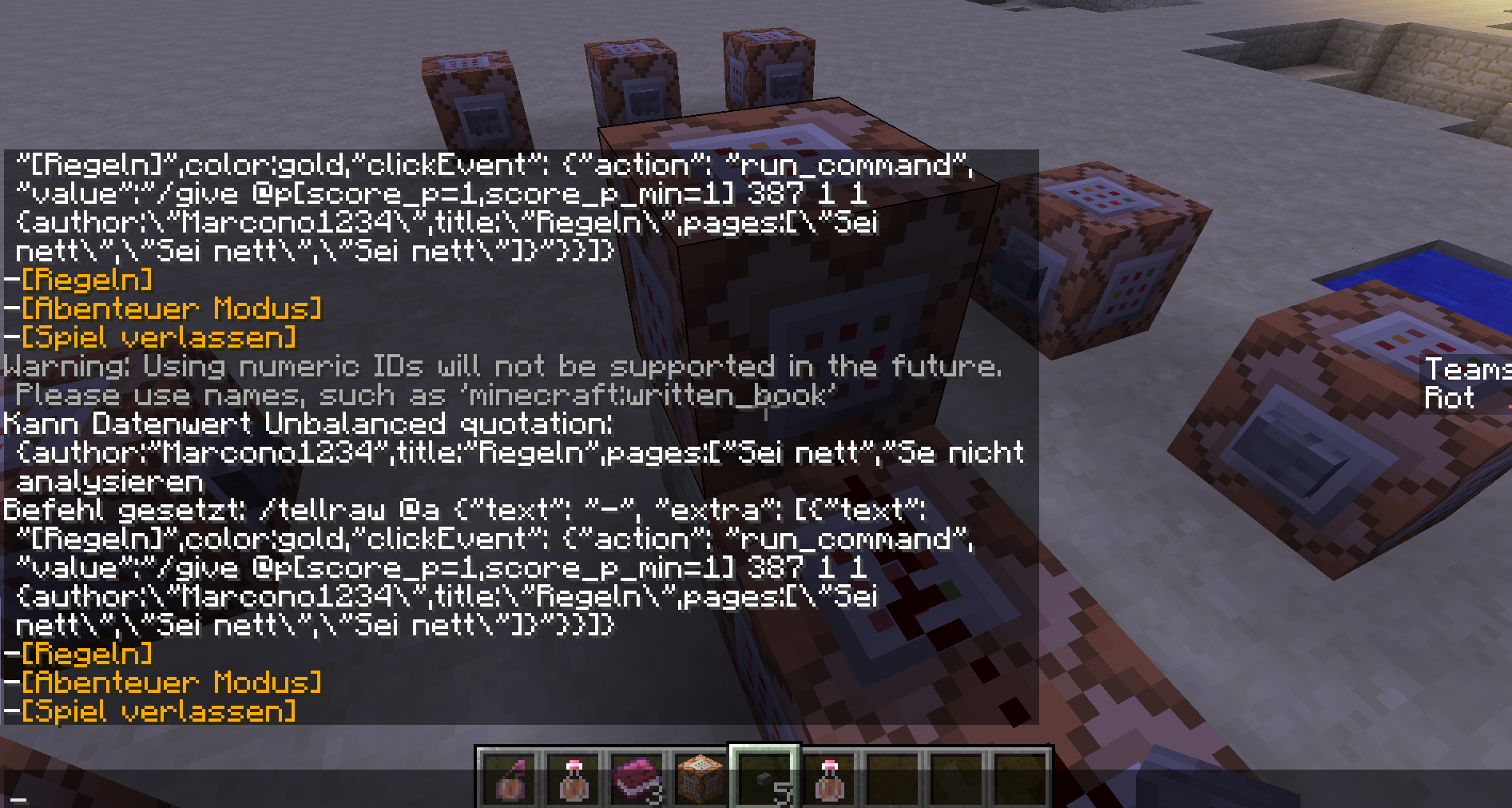
When you use this command, it doesn't work:
{author:\"Marcono1234\",title:\"Regeln\",pages:[\"Sei nett\",\"Sei nett\",\"Sei nett\"]}
[code]/tellraw @a {"text": "-", "extra": [{"text": "[Regeln]",color:gold,"clickEvent": {"action": "run_command", "value":"/give @p[score_p=1,score_p_min=1] 387 1 1"}}]}[code]
And you get this error (see screenshot) even all values are right.
When you use this command, it doesn't work:
/tellraw @a {"text": "-", "extra": [{"text": "[Regeln]",color:gold,"clickEvent": {"action": "run_command", "value":"/give @p[score_p=1,score_p_min=1] 387 1 1 {author:\"Marcono1234\",title:\"Regeln\",pages:[\"Sei nett\",\"Sei nett\",\"Sei nett\"]}"}}]}And you get this error (see screenshot) even all values are right.
When you use this command, it doesn't work:
/tellraw @a {"text": "-", "extra": [{"text": "[Regeln]",color:gold,"clickEvent": {"action": "run_command", "value":"/give @p[score_p=1,score_p_min=1] 387 1 1 {author:\"Marcono1234\",title:\"Regeln\",pages:[\"Sei nett\",\"Sei nett\",\"Sei nett\"]}"}}]}And you get this error (see screenshot) even all values are right.
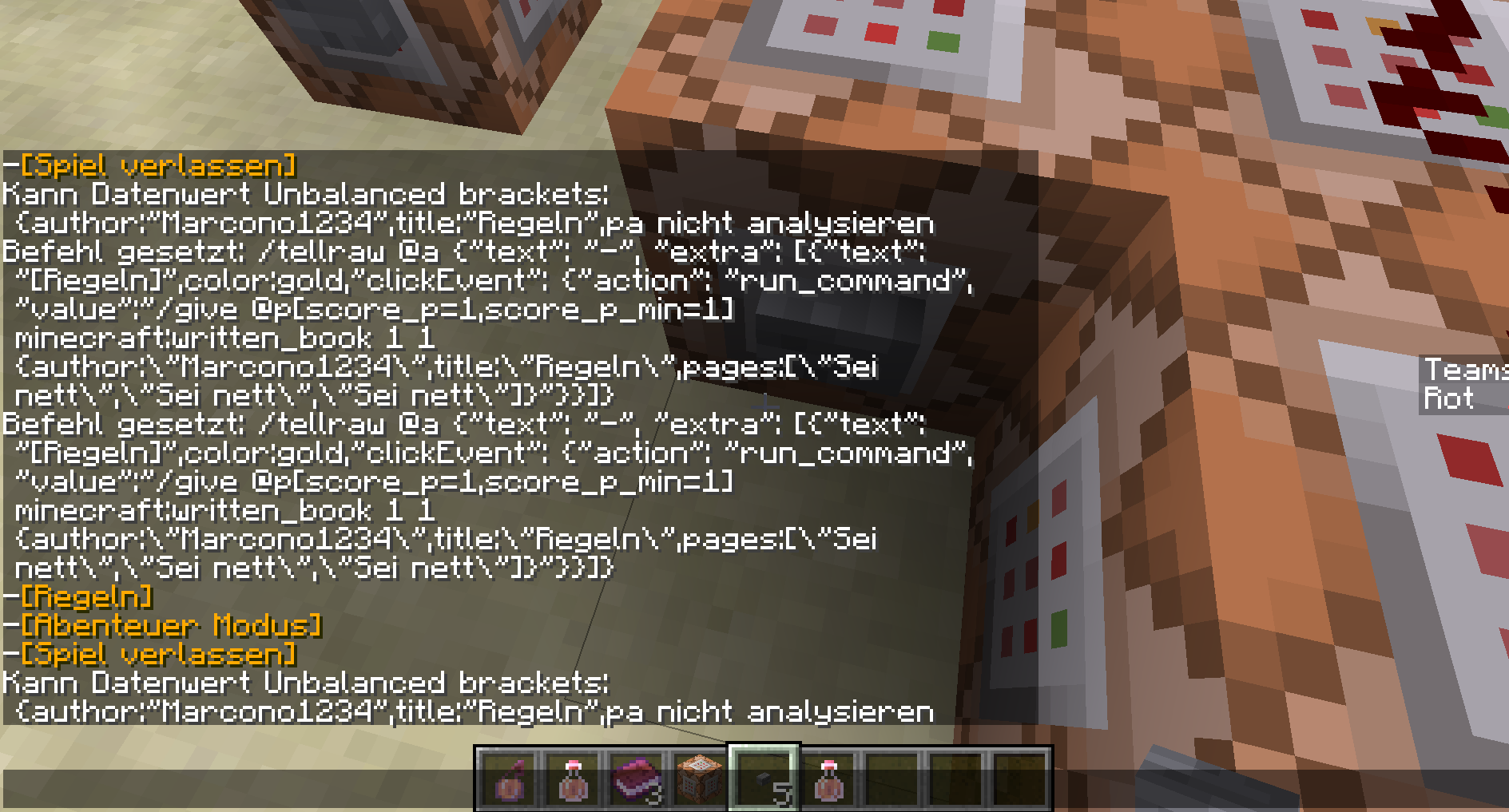
When you type:
/tellraw @a {"text": "-", "extra": [{"text": "[Regeln]",color:gold,"clickEvent": {"action": "run_command", "value":"/give @p[score_p=1,score_p_min=1] minecraft:written_book 1 1 {author:\"Marcono1234\",title:\"Regeln\",pages:[\"Sei nett\",\"Sei nett\",\"Sei nett\"]}"}}]}
When you use this command, it doesn't work:
/tellraw @a {"text": "-", "extra": [{"text": "[Regeln]",color:gold,"clickEvent": {"action": "run_command", "value":"/give @p[score_p=1,score_p_min=1] 387 1 1 {author:\"Marcono1234\",title:\"Regeln\",pages:[\"Sei nett\",\"Sei nett\",\"Sei nett\"]}"}}]}And you get this error (see screenshot) even all values are right.
When you type:
/tellraw @a {"text": "-", "extra": [{"text": "[Regeln]",color:gold,"clickEvent": {"action": "run_command", "value":"/give @p[score_p=1,score_p_min=1] minecraft:written_book 1 1 {author:\"Marcono1234\",title:\"Regeln\",pages:[\"Sei nett\",\"Sei nett\",\"Sei nett\"]}"}}]}You get that error (screenshot 2):
When you use this command, it doesn't work:
/tellraw @a {"text": "-", "extra": [{"text": "[Regeln]",color:gold,"clickEvent": {"action": "run_command", "value":"/give @p[score_p=1,score_p_min=1] 387 1 1 {author:\"Marcono1234\",title:\"Regeln\",pages:[\"Sei nett\",\"Sei nett\",\"Sei nett\"]}"}}]}And you get this error (see screenshot) even all values are right.
When you type:
/tellraw @a {"text": "-", "extra": [{"text": "[Regeln]",color:gold,"clickEvent": {"action": "run_command", "value":"/give @p[score_p=1,score_p_min=1] minecraft:written_book 1 1 {author:\"Marcono1234\",title:\"Regeln\",pages:[\"Sei nett\",\"Sei nett\",\"Sei nett\"]}"}}]}You get that error (screenshot
2):When you use this command, it doesn't work:
/tellraw @a {"text": "-", "extra": [{"text": "[Regeln]",color:gold,"clickEvent": {"action": "run_command", "value":"/give @p[score_p=1,score_p_min=1] 387 1 1 {author:\"Marcono1234\",title:\"Regeln\",pages:[\"Sei nett\",\"Sei nett\",\"Sei nett\"]}"}}]}And you get this error (see screenshot 2) even all values are right.
When you type:
/tellraw @a {"text": "-", "extra": [{"text": "[Regeln]",color:gold,"clickEvent": {"action": "run_command", "value":"/give @p[score_p=1,score_p_min=1] minecraft:written_book 1 1 {author:\"Marcono1234\",title:\"Regeln\",pages:[\"Sei nett\",\"Sei nett\",\"Sei nett\"]}"}}]}You get that error (screenshot 1):
If you have many chicken in a fence, the eggs will spawn sometime 1 till 2 blocks outside the gate and chicken sometimes stuck in the corner of the fence. Or spawn at the top of the fence.
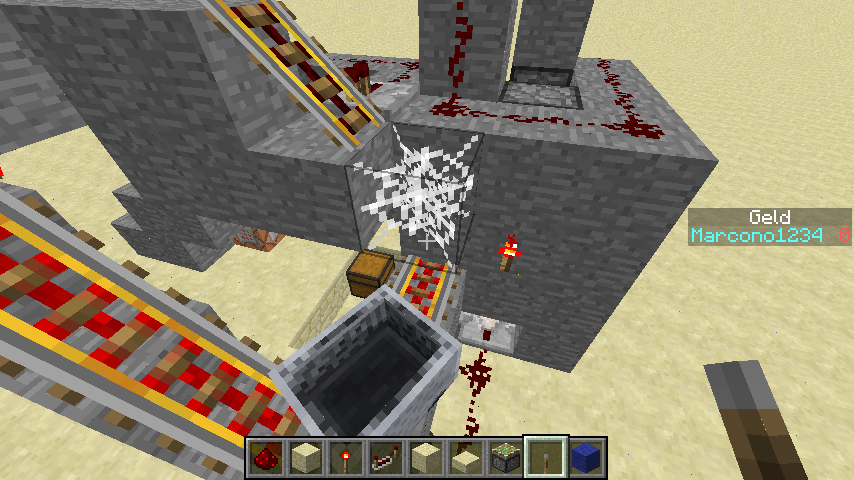
Please look at the screenshots first to understand
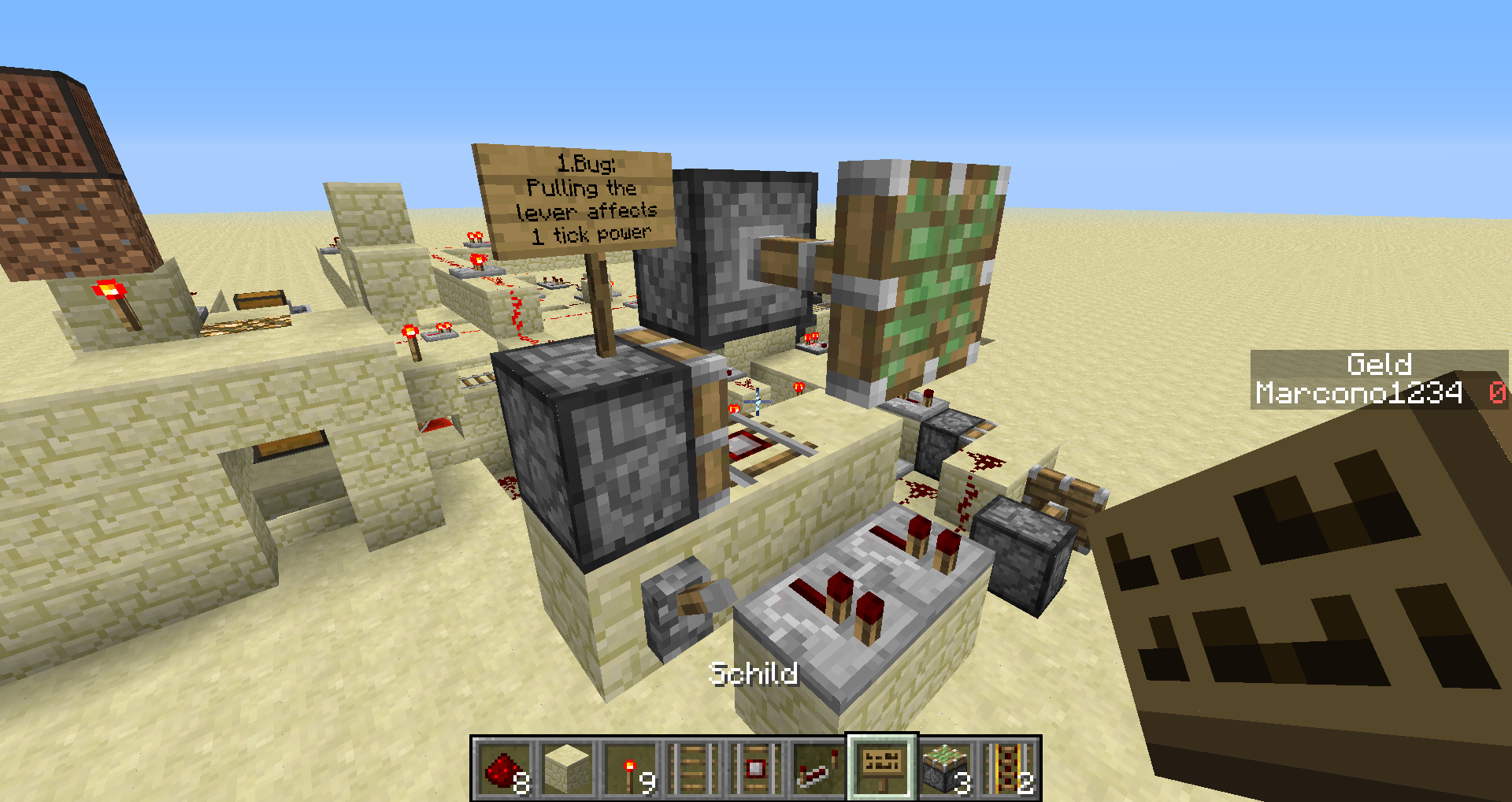
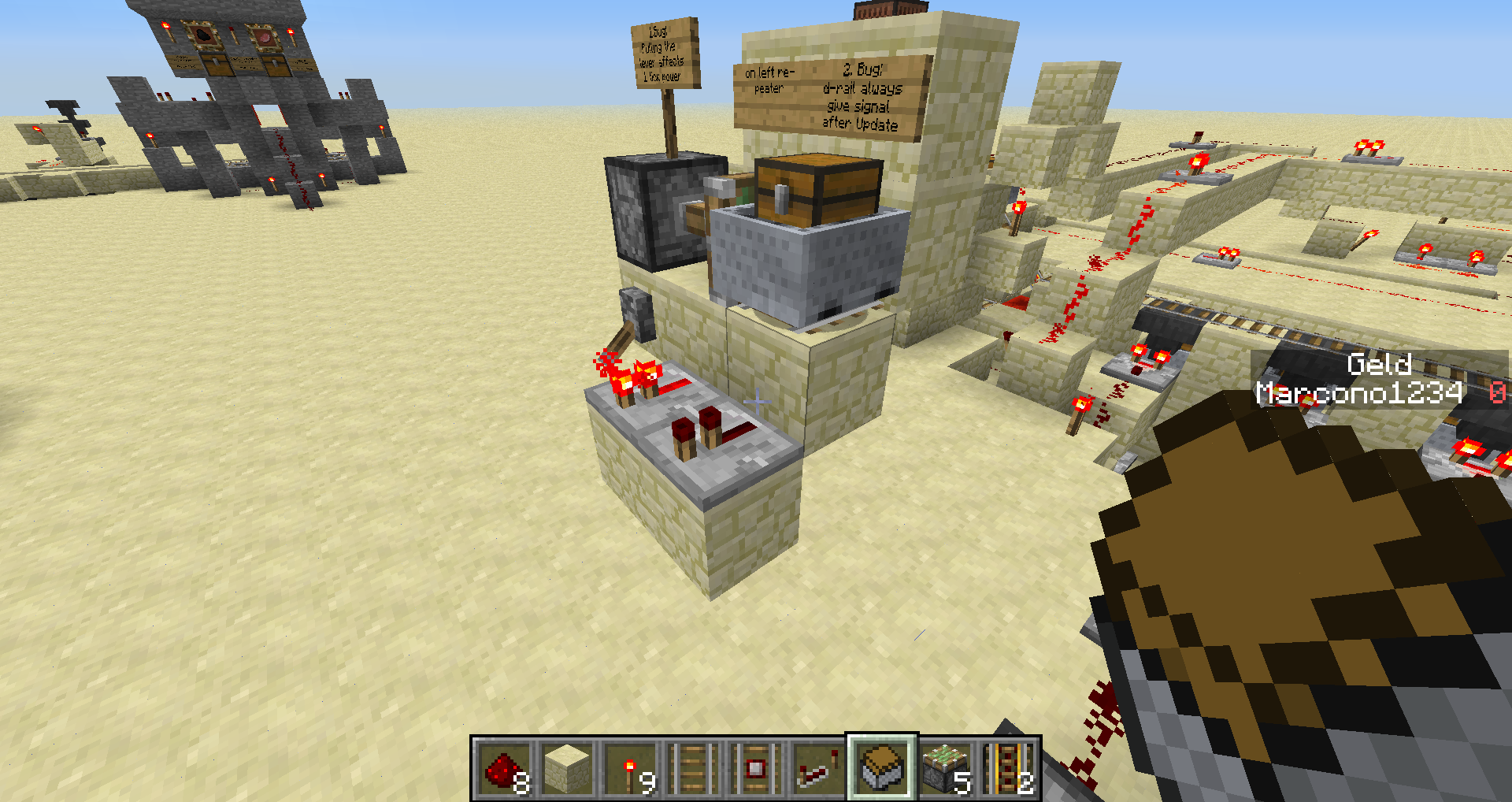
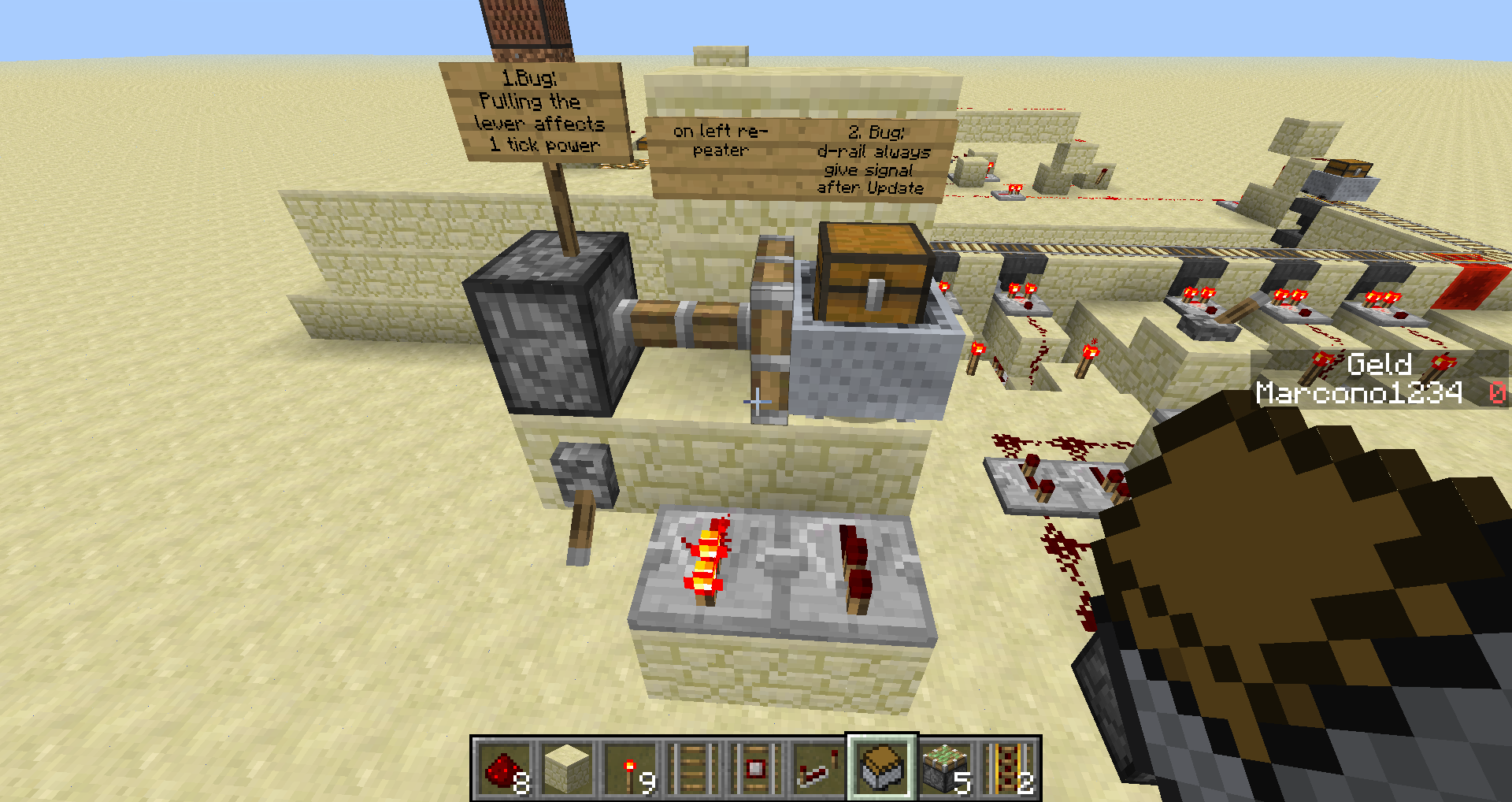
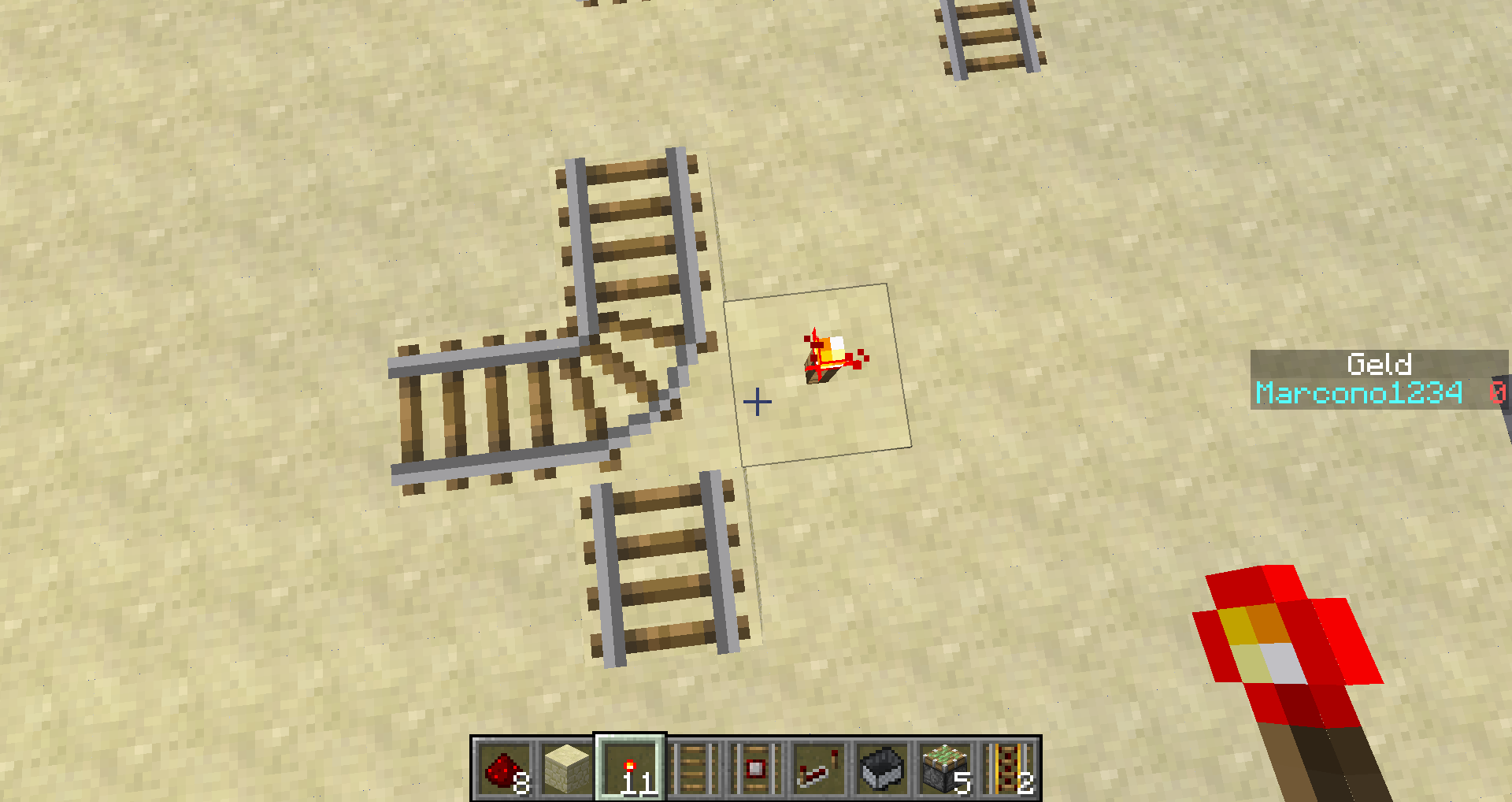
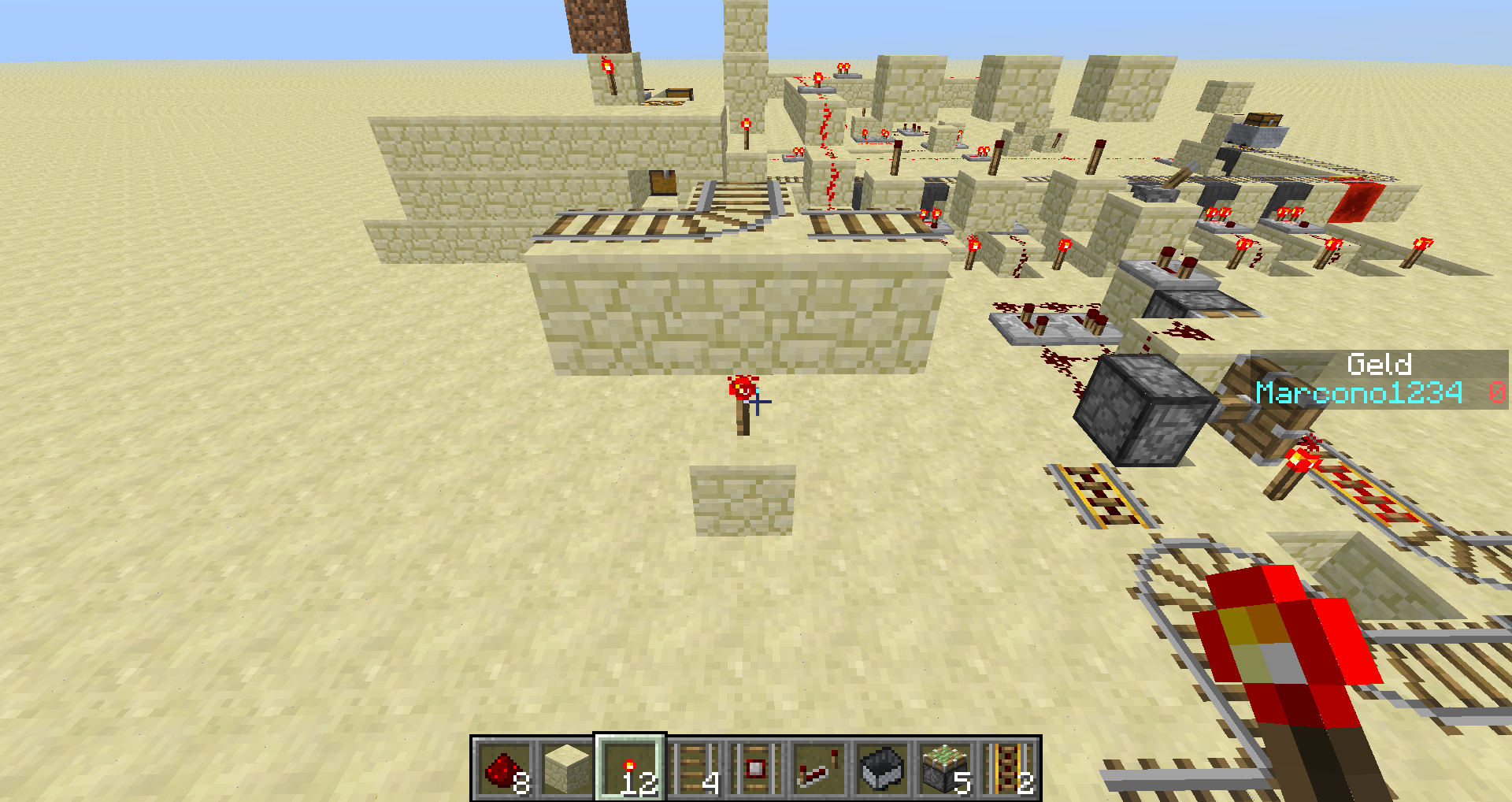
When you place three rails like I did and you place at the bifurcation a redstonetorch it w
on't update the rail, BUT when you place it under the rail it worksThe bug
Please look at the screenshots first to understand
When you place three rails like I did and you place at the bifurcation a redstone torch it will not update the rail, BUT when you place it under the rail it works
The reason
The following is based on decompiled version of Minecraft 1.9 using MCP 9.24 beta. All method and class names are the names used in the decompiled version.
The reason why this happens is very likely a wrong IBlockState being returned by the method net.minecraft.world.chunk.Chunk.setBlockState(BlockPos, IBlockState). The IBlockState it returns is the one from the block that was replaced. This means the rail is receives a neighbour update with air as source which does not update the rail.
public IBlockState setBlockState(BlockPos pos, IBlockState state) { int i = pos.getX() & 15; int j = pos.getY(); int k = pos.getZ() & 15; int l = k << 4 | i; if (j >= this.precipitationHeightMap[l] - 1) { this.precipitationHeightMap[l] = -999; } int i1 = this.heightMap[l]; IBlockState iblockstate = this.getBlockState(pos); if (iblockstate == state) { return null; } else { //... if (extendedblockstorage.get(i, j & 15, k).getBlock() != block) { return null; } else { //... this.isModified = true; // Replaced this; now returns the new state //return iblockstate; return state; } } }If this method is supposed to returns the old state, then methods like net.minecraft.block.BlockRedstoneTorch.onBlockAdded(World, BlockPos, IBlockState) are not working correctly because they pass themself which means at the end the new state is passed.
Besides that the method net.minecraft.block.BlockRail.onNeighborChangedInternal(World, BlockPos, IBlockState, Block) will still not work correctly. It should test if the new placed block state provides power and if the rail was powered before (it looks like this is currently not tracked).
The bug
Please look at the screenshots first to understand
When you place three rails like I did and you place at the bifurcation a redstone torch it will not update the rail, BUT when you place it under the rail it works
The reasonThe following is based on decompiled version of Minecraft 1.9 using MCP 9.24 beta. All method and class names are the names used in the decompiled version.
The reason why this happens is very likely a wrong IBlockState being returned by the method net.minecraft.world.chunk.Chunk.setBlockState(BlockPos, IBlockState). The IBlockState it returns is the one from the block that was replaced. This means the rail is receives a neighbour update with air as source which does not update the rail.
public IBlockState setBlockState(BlockPos pos, IBlockState state) { int i = pos.getX() & 15; int j = pos.getY(); int k = pos.getZ() & 15; int l = k << 4 | i; if (j >= this.precipitationHeightMap[l] - 1) { this.precipitationHeightMap[l] = -999; } int i1 = this.heightMap[l]; IBlockState iblockstate = this.getBlockState(pos); if (iblockstate == state) { return null; } else { //... if (extendedblockstorage.get(i, j & 15, k).getBlock() != block) { return null; } else { //... this.isModified = true; // Replaced this; now returns the new state //return iblockstate; return state; } } }If this method is supposed to returns the old state, then methods like net.minecraft.block.BlockRedstoneTorch.onBlockAdded(World, BlockPos, IBlockState) are not working correctly because they pass themself which means at the end the new state is passed.
Besides that the method net.minecraft.block.BlockRail.onNeighborChangedInternal(World, BlockPos, IBlockState, Block) will still not work correctly. It should test if the new placed block state provides power and if the rail was powered before (it looks like this is currently not tracked).The bug
Please look at the screenshots first to understand
When you place three rails like I did and you place at the bifurcation a redstone torch it will not update the rail, BUT when you place it under the rail it works
Code analysis
The following is based on decompiled version of Minecraft 1.9 using MCP 9.24 beta. All method and class names are the names used in the decompiled version.
The reason why this happens is very likely a wrong IBlockState being returned by the method net.minecraft.world.chunk.Chunk.setBlockState(BlockPos, IBlockState). The IBlockState it returns is the one from the block that was replaced. This means the rail is receives a neighbour update with air as source which does not update the rail.
public IBlockState setBlockState(BlockPos pos, IBlockState state) { int i = pos.getX() & 15; int j = pos.getY(); int k = pos.getZ() & 15; int l = k << 4 | i; if (j >= this.precipitationHeightMap[l] - 1) { this.precipitationHeightMap[l] = -999; } int i1 = this.heightMap[l]; IBlockState iblockstate = this.getBlockState(pos); if (iblockstate == state) { return null; } else { //... if (extendedblockstorage.get(i, j & 15, k).getBlock() != block) { return null; } else { //... this.isModified = true; // Replaced this; now returns the new state //return iblockstate; return state; } } }If this method is supposed to returns the old state, then methods like net.minecraft.block.BlockRedstoneTorch.onBlockAdded(World, BlockPos, IBlockState) are not working correctly because they pass themself which means at the end the new state is passed.
Besides that the method net.minecraft.block.BlockRail.onNeighborChangedInternal(World, BlockPos, IBlockState, Block) will still not work correctly. It should test if the new placed block state provides power and if the rail was powered before (it looks like this is currently not tracked).
is cloned by
 Normal
When you start a server (server.exe) and you set for example view-distance to 160, the server generates a crashfile, but the server.exe is still open.
It would make more sence if the server.exe then set the view-distance to 10 or stops itself.And the other bug is, that the player has then in the serverlist only the word "Old" which is not very helpfull to find the bug.
"Old" BugServerServer bug
When you start a server (server.exe) and you set for example view-distance to 160, the server generates a crashfile, but the server.exe is still open.
It would make more sence if the server.exe then set the view-distance to 10 or stops itself.And the other bug is, that the player has then in the serverlist only the word "Old" which is not very helpfull to find the bug.
When you start a server (server.exe) and you set for example view-distance to 160, the server
generates a crashfile, but the server.exe is still open.
It would make more sence if the server.exe then set the view-distance to 10 or stops itself.When you start a server (server.exe) and you set for example view-distance to 160, the server says you joined the game, but at the client you get after some seconds with the loading screen the message "ReadTimeoutExceptiont".
It would make more sence if the server.exe then set the view-distance to 10 or stops itself.
When you start a server (server.exe) and you set for example view-distance to 160, the server says you joined the game, but at the client you get after some seconds with the loading screen the message "ReadTimeoutExceptiont". And the server "crashes" then later.
It would make more sence if the server.exe then set the view-distance to 10 or stops itself.
Server bug / Invalid settings
This command doesn't work
/testfor @e[type=Item] {Item:{tag:{display:{Name:Test}}}}This works:
{title:Test}
/testfor @e[type=Item] {Item:{tag:}}
But the tiltle of the book is the name too or?
Usually, when you run a command, you get either the message: Killed ...
or something like: This specific player doesn't existBut now, you don't get the error message, when a specific mob isn't there.
(Also at command blocks)Commands:
/kill
/tp
Usually, when you run a command, you get either the message: Killed ...
or something like: This specific player doesn't existBut now, you don't get the error message, when a specific mob isn't there.
(Also at command blocks)Commands:
/kill
/tp
/testfor @e[score_Test=0] (when there is no objective Test or no entity has a score of 0 or higher)
Command Feedback doesn't work with @e and no mobs which fulfils criteria
Usually, when you run a command, you get either the message: Killed ...
or something like: This specific player doesn't existBut now, you don't get the error message, when a specific mob isn't there.
(Also at command blocks)Commands:
/kill
/tp
/testfor @e[score_Test=0] (when there is no objective Test or no entity has a score of 0 or higher)Usually, when you run a command, you get either the message: Killed ...
or something like: This specific player doesn't existBut when you run a command and no entity fulfils the criterias, there won't be a error message (neither in command block nor chat).
Example:
/testfor @e[score_TEST=0]No objective called TEST may exist
Usually, when you run a command, you get either the message: Killed ...
or something like: This specific player doesn't existBut when you run a command and no entity fulfills the criterias, there won't be a error message (neither in command block nor chat).
Example:
/testfor @e[score_TEST=0]No objective called TEST may exist
Command Feedback doesn't work with @e and no mobs whichfulfils criteriaCommand Feedback doesn't work with @e and no mobs which match the selector
Villager AI + Slowness/Speed Effect bug
When you summon a villager with slowness
, not necessary which level, it doesn't affectthe AI.
That causes, that the villager is still moving as quick as normal when he wants to harvest weed.When you summon a villager with slowness or speed, the villager isn't affected:
Commands:
VillagerAI +Slowness/Speed Effect bug
When you summon a villager with slowness or speed, the villager isn't affected:
{Id:1,Amplifier:50,Duration:1000000}
Commands:
/summon Villager ~ ~1 ~ {ActiveEffects:[]}
{Id:2,Amplifier:50,Duration:1000000}
/summon Villager ~ ~1 ~ {ActiveEffects:[]}
When you run this command:
/summon Item -522 65 -1071 {Item:{id:command_block,Count:1,tag:{BlockEntityTag:{Command:/clone -525 81 -1008 -525 81 -1008 -517 60 -1062 replace}}}}This just summons a command block with custom NBT tags.
*This happens at giving items and at other items with custom NBT tags tooThe command block item doesn't show the purple "+NBT"
When you run this command:
/summon Item -522 65 -1071 {Item:{id:command_block,Count:1,tag:{BlockEntityTag:{Command:/clone -525 81 -1008 -525 81 -1008 -517 60 -1062 replace}}}}This just summons a command block with custom NBT tags.
*This happens at giving items and at other items with custom NBT tags tooThe command block item doesn't show the purple "+NBT"
I don't know if this is another bug, but if you run:
/testfor @p[score_Test=score_Info]
it works, but if you use:
/testfor @p[score_Test_min=score_Info] or
/testfor @p[score_Test=score_Info_min]
You get an error message, that the provided UUID of the entity has an invalid format.For every one who says now, I don't know how to use the scoreboard, THIS IS A LIE!
But if this command, like I wrote it, isn't intended, you should also get a error message when you just run:
/testfor @p[score_Test=score_Info]But you don't.
I don't know if this is another bug, but if you run:
/testfor @p[score_Test=score_Info]it works, but if you use:
/testfor @p[score_Test_min=score_Info]or
/testfor @p[score_Test=score_Info_min]You get an error message, that the provided UUID of the entity has an invalid format.
For every one who says now, I don't know how to use the scoreboard, THIS IS A LIE!
But if this command, like I wrote it, isn't intended, you should also get a error message when you just run:
/testfor @p[score_Test=score_Info]But you don't.
You cannot use the non-numeric-id at jukeboxes:
{unnamed}/setblock ~ ~ ~ jukebox 0 replace {Record:stone}{unnamed}You cannot use the non-numeric-id at jukeboxes:
/setblock ~ ~ ~ jukebox 0 replace {Record:stone}of course you could also use record_wait etc.
But if you use:/setblock ~ ~ ~ jukebox 0 replace {Record:1}it works
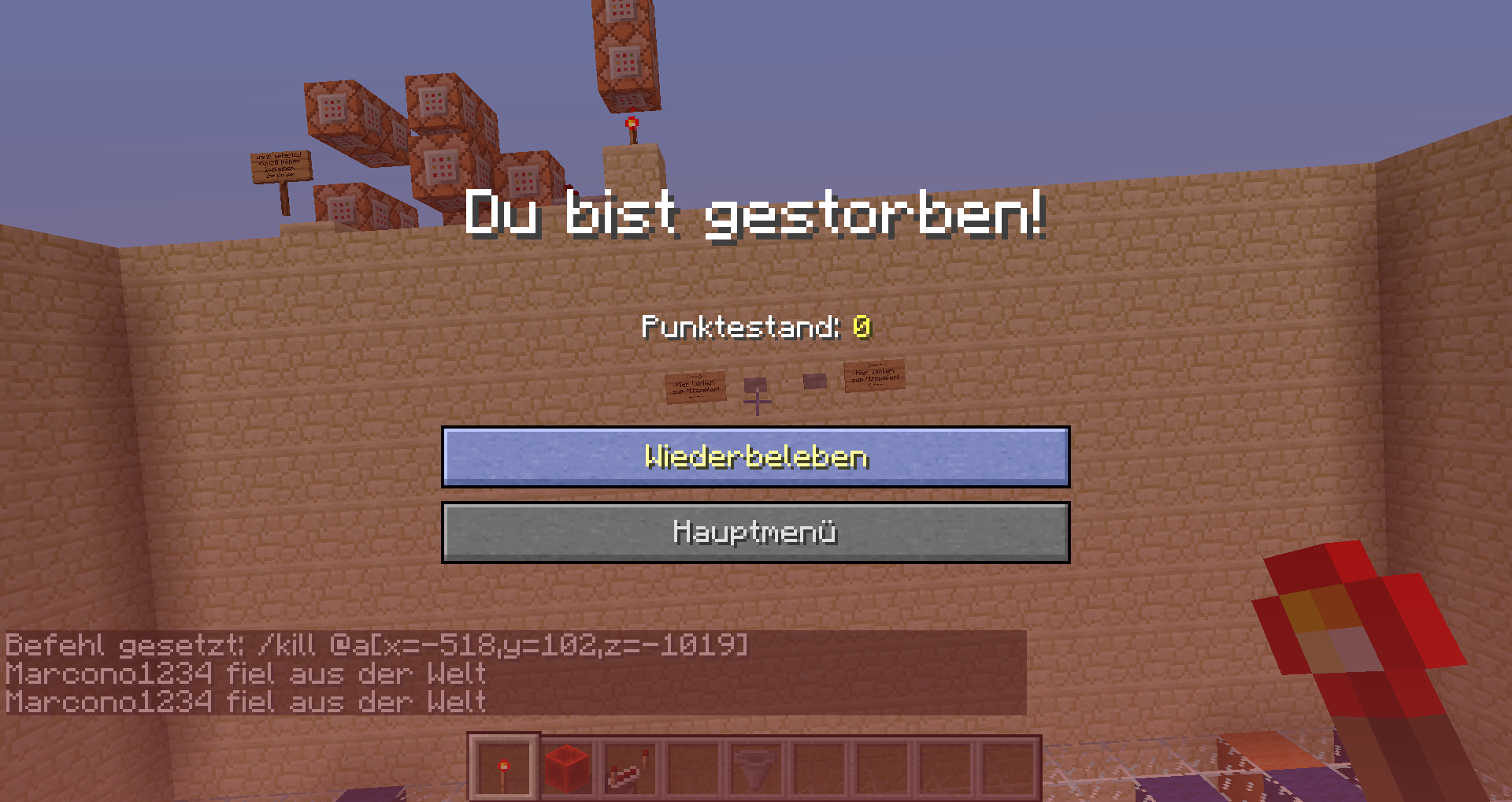
I don't know, whether I entered the command wrong, but, this won't work:
/kill @a[x=-518,y=102,z=-1019,dx=22,dy=-22,dz=22]It just seems like the game is ignoring it, the command block won't execute and when you type it into the chat nothing will happen too.
If I am right this should kill all players in the area
x:-518 -> -496
y:102 ->80
z:-1019 -> 997Stranger Wise, if I chage it to
/kill @a[x=-518,y=102,z=-1019]it kills me everywhere
I don't know, whether I entered the command wrong, but, this won't work:
/kill @a[x=-518,y=102,z=-1019,dx=22,dy=-22,dz=22]It just seems like the game is ignoring it, the command block won't execute and when you type it into the chat nothing will happen too.
If I am right this should kill all players in the area
x:-518 -> -496
y:102 ->80
z:-1019 -> 997Stranger Wise, if I change it to
/kill @a[x=-518,y=102,z=-1019]it kills me everywhere
I don't know, whether I entered the command wrong, but, this won't work:
/kill @a[x=-518,y=102,z=-1019,dx=22,dy=-22,dz=22]It just seems like the game is ignoring it, the command block won't execute and when you type it into the chat nothing will happen too.
If I am right this should kill all players in the area
x:-518 -> -496
y:102 ->80
z:-1019 -> 997Stranger Wise, if I
change it to/kill @a[x=-518,y=102,z=-1019]it kills me everywhere
Stranger Wise, if I execute
/kill @a[x=-518,y=102,z=-1019]it kills me everywhere
dx, dy, dz don't work for me/kill bug (coordinates)
Stranger Wise, if I execute
/kill @a[x=-518,y=102,z=-1019]it kills me everywhere
And also this only detects whether I am riding a minecart or not:
/testfor @p[x=-507,y=-1008] {Riding:{id:MinecartRideable}}
/kill bug (coordinates)Coordinates bugs in commands
Stranger Wise, if I execute
/kill @a[x=-518,y=102,z=-1019]it kills me everywhere
And also this only detects whether I am riding a minecart or not:
/testfor @p[x=-507,y=-1008] {Riding:{id:MinecartRideable}}And also this:
/testfor @p[x=-507,y=108,z=-1008,dy=80] {Riding:{id:MinecartRideable},SelectedItemSlot:0}always has the output: "[20:51:23] The entity UUID provided is in an invalid format"
I am not sure whether I typed the command wrong or it is a bug so please be politely
Stranger wise, if I execute
/kill @a[x=-518,y=102,z=-1019]it kills me everywhere
And also this only detects whether I am riding a minecart or not:
/testfor @p[x=-507,y=-1008] {Riding:{id:MinecartRideable}}And also this:
/testfor @p[x=-507,y=108,z=-1008,dy=80] {Riding:{id:MinecartRideable},SelectedItemSlot:0}always has the output: "[20:51:23] The entity UUID provided is in an invalid format"
When you rightclick a villager which is followed by a couple zombies (so it runs away) the trading window stays open until the villager get damage.
*The trading window in the screenshot belongs to the villager in the right corner
When you rightclick a villager which is followed by a couple zombies (so it runs away) the trading window stays open until the villager get damage.
Also it seems like the game is ignoring if the villager got damage when he is too far away, so the trading window
*The trading window in the screenshot belongs to the villager in the right corner
Still happening in 14w19a
Relates to:
MC-19764When you rightclick a villager which is followed by a couple zombies (so it runs away) the trading window stays open until the villager get damage.
Also it seems like the game is ignoring if the villager got damage when he is too far away, so the trading window
*The trading window in the screenshot belongs to the villager in the right corner
VillagerTradingWindowbugVillager trading window is not closing when villager walks away
Villager trading window is not closingwhen villagerwalks awayVillager trading window is not closed when villager leaves interaction range
Relates to:
MC-19764
When you rightclick a villager which is followed by a couple zombies (so it runs away) the trading window stays open until the villager get damage.
Also it seems like the game is ignoring if the villager got damage when he is too far away, so the trading window*The trading window in the screenshot belongs to the villager in the right corner
The bug
The trading window remains open when a villager moves outside of the interaction range.
How to reproduce
- Spawn a villager and a zombie
- Start trading with the villager
→ The window stays open even after the villager left the interaction rangeThe trading window in the screenshot belongs to the villager in the right corner
NO BUG MADE A MISTAKE
I am not 100% sure whether I made a mistake or it is a bug, but the command:
setblock ~ ~1 ~ minecraft:mob_spawner 0 replace { EntityId:FallingSand,SpawnCount:1, SpawnRange:1, MinSpawnDelay:40, MaxSpawnDelay:40, MaxNearbyEntities:32000, RequiredPlayerRange:6, SpawnData:{ Pos:[0,-10,0], TileID:minecraft:redstone_block}, SpawnPotentials:[ {Type:FallingSand, Weight:1, Properties:{ Pos:[1324.5,57.0,172.5], TileID:minecraft:redstone_block}}, {Type:FallingSand, Weight:1, Properties:{ Pos:[1325.5,57.0,172.5], TileID:minecraft:redstone_block}}, {Type:FallingSand, Weight:1, Properties:{ Pos:[1326.5,57.0,172.5], TileID:minecraft:redstone_block} } ] }Just creates falling sandblocks (I also tried it with the numeric id)
When you open the world I put in the description, and then go into the minecart (which is riding a witherskull)
Unable to render embedded object: File (You should be in creative mode) not found.
And then select slot 0 (Press "1" at on your keyboard; Slot 1 is nothing, Slot 3 is down)
You should start flying upwards (don't press "shift"!)
And then press once F5 (so you can see it better)
At one point you suddenly disappear (also the minecart)
Then wait about 10 seconds, and press "Shift" and now you are back at the ground and when you type then:/kill @e[type=!Player]You get only the message, that the minecart was killed but nothing about the witherskull,which it was riding
I could relate to the bug that entities stop rendering at 0>y>256
When you open the world I put in the description, and then go into the minecart (which is riding a witherskull)
Unable to render embedded object: File (You should be in creative mode) not found.
And then select slot 0 (Press "1" at on your keyboard; Slot 1 is nothing, Slot 3 is down)
You should start flying upwards (don't press "shift"!)
And then press once F5 (so you can see it better)
At one point you suddenly disappear (also the minecart)
Then wait about 10 seconds, and press "Shift" and now you are back at the ground and when you type then:/kill @e[type=!Player]You get only the message, that the minecart was killed but nothing about the witherskull,which it was riding
I could relate to the bug that entities stop rendering at 0>y>256
When you open the world I put in the description, and then go into the minecart (which is riding a witherskull)
Unable to render embedded object: File (You should be in creative mode) not found.
And then select slot 0 (Press "1" at on your keyboard; Slot 1 is nothing, Slot 3 is down)
You should start flying upwards (don't press "shift"!)
And then press once F5 (so you can see it better)
At one point you suddenly disappear (also the minecart)
Then wait about 10 seconds, and press "Shift" and now you are back at the ground and when you type then:/kill @e[type=!Player]You get only the message, that the minecart was killed but nothing about the witherskull,which it was riding
When a WitherSkull gets teleported above ~256 it gets killed
Strange WitherSkull behavior / WitherSkull disapears at y >~ 256
When a WitherSkull gets teleported above ~256 it
gets killedWhen a WitherSkull gets teleported above ~256 it disapears
How to reproduce:
- Summon a WitherSkull
/summon WitherSkull ~ ~ ~ {direction:[]}- Testfor the WitherSkull to make sure it is still there (This should output something like "Found ...")
/testfor @e[type=WitherSkull]- Teleport it 270 blocks up
/tp @e[type=WitherSkull] ~ ~270 ~- Test again for the WitherSkull
Now you shouldn't be able to find it
When a WitherSkull gets teleported above ~256 it disapears
How to reproduce:
- Summon a WitherSkull
/summon WitherSkull ~ ~ ~ {direction:[]}- Testfor the WitherSkull to make sure it is still there (This should output something like "Found ...")
/testfor @e[type=WitherSkull]- Teleport it 270 blocks up
/tp @e[type=WitherSkull] ~ ~270 ~- Test again for the WitherSkull
Now you shouldn't be able to find it
Fireballs could also be affected. This may be intended because Minecraft wants to redruce lag and infinitely flying WitherSkulls will probably create lag
When a WitherSkull gets teleported above ~256 it disapears
How to reproduce:
- Summon a WitherSkull
/summon WitherSkull ~ ~ ~ {direction:[0.0,0.0,0.0]}- Testfor the WitherSkull to make sure it is still there (This should output something like "Found ...")
/testfor @e[type=WitherSkull]- Teleport it 270 blocks up
/tp @e[type=WitherSkull] ~ ~270 ~- Test again for the WitherSkull
Now you shouldn't be able to find it
Fireballs could also be affected. This may be intended because Minecraft wants to redruce lag and infinitely flying WitherSkulls will probably create lag
When a WitherSkull gets teleported above ~256 it disapears
How to reproduce:
- Summon a WitherSkull
/summon WitherSkull ~ ~ ~ {direction:[0.0,0.0,0.0]}- Testfor the WitherSkull to make sure it is still there (This should output something like "Found ...")
/testfor @e[type=WitherSkull]- Teleport it 270 blocks up
/tp @e[type=WitherSkull] ~ ~270 ~- Test again for the WitherSkull
Now you shouldn't be able to find it
Fireballs could also be affected. This may be intended because Minecraft wants to redruce lag and infinitely flying WitherSkulls will probably create lag
Like you can read at minecraft wiki, the Record-Tag says which record is played, and the RecordItem-Tag which item the jukebox contains.
But if you use this command:
/setblock ~ ~ ~ jukebox 0 replace {RecordItem:{id:record_wait,Count:1b},Record:2267}*If you are wondering why I used the numeric id, I have created another issue to that
It wont play the record "wait"
Like you can read at minecraft wiki, the Record-Tag says which record is played, and the RecordItem-Tag which item the jukebox contains.
But if you use this command:
/setblock ~ ~ ~ jukebox 0 replace {RecordItem:{id:record_wait,Count:1b},Record:2267}It wont play the record "wait"
Also when you break it, the record pops out, but when you put another record in it, the original record won't pop out
Like you can read at minecraft wiki, the Record-Tag says which record is played, and the RecordItem-Tag which item the jukebox contains.
But if you use this command:
/setblock ~ ~ ~ jukebox 0 replace {RecordItem:{id:record_wait,Count:1b},Record:2267}It wont play the record "wait"
Also when you break it, the record pops out, but when you put another record in it, the original record won't pop out
/setblock jukebox works not correct / not playing music
Like you can read at minecraft wiki, the Record-Tag says which record is played, and the RecordItem-Tag which item the jukebox contains.
But if you use this command:
/setblock ~ ~ ~ jukebox 0 replace {RecordItem:{id:record_wait,Count:1b},Record:2267}It wont play the record "wait"
Also when you break it, the record pops out, but when you put another record in it, the original record won't pop out
Actually it seems that the "Record" tag is really bugged, because when you do blockdata on a jukebox playing a record, it won't show the "Record" tag...
I think a issue report on exact this theme already existed
is duplicated by
*Info: maybe contains some of this:
https://bugs.mojang.com/browse/MC-51960?jql=status%20%3D%20Open%20AND%20text%20~%20%22scoreboard%20objectives%22When you create a scoreboard objective, called for example:
/scoreboard objectives add Game.2.Points dummyIt works perfectly, even when you do:
/scoreboard players set @p Game.2.Points 2But when you try:
/testfor @a[score_Game.2.Points=1]it won't work.
The same is with all signs which aren't letters (exepct "§")*Info: maybe contains some of this:
https://bugs.mojang.com/browse/MC-51960?jql=status%20%3D%20Open%20AND%20text%20~%20%22scoreboard%20objectives%22When you create a scoreboard objective, called for example:
/scoreboard objectives add Game.2.Points dummyIt works perfectly, even when you do:
/scoreboard players set @p Game.2.Points 2But when you try:
/testfor @a[score_Game.2.Points=2]it won't work.
The same is with all signs which aren't letters (exepct "§")
*Info: maybe contains some of this:
https://bugs.mojang.com/browse/MC-51960?jql=status%20%3D%20Open%20AND%20text%20~%20%22scoreboard%20objectives%22When you create a scoreboard objective, called for example:
/scoreboard objectives add Game.2.Points dummyIt works perfectly, even when you do:
/scoreboard players set @p Game.2.Points2But when you try:
/testfor @a[score_Game.2.Points=2]it won't work.
The same is with all signs which aren't letters (exepct "§")*Info: maybe contains some of this:
https://bugs.mojang.com/browse/MC-51960?jql=status%20%3D%20Open%20AND%20text%20~%20%22scoreboard%20objectives%22When you create a scoreboard objective, called for example:
/scoreboard objectives add Game.2.Points dummyIt works perfectly, even when you do:
/scoreboard players set @p Game.2.Points 1But when you try:
/testfor @a[score_Game.2.Points=1]it won't work.
The same is with all signs which aren't letters (exepct "§")
*Info: maybe contains some of this:
https://bugs.mojang.com/browse/MC-51960?jql=status%20%3D%20Open%20AND%20text%20~%20%22scoreboard%20objectives%22When you create a scoreboard objective, called for example:
/scoreboard objectives add Game.2.Points dummyIt works perfectly, even when you do:
/scoreboard players set @p Game.2.Points 1But when you try:
/testfor @a[score_Game.2.Points=1]it won't work.
The same is with all signs which aren't letters (exepct "§")*Info: maybe contains some of this:
MC-51960When you create a scoreboard objective, called for example:
/scoreboard objectives add Game.2.Points dummyIt works perfectly, even when you do:
/scoreboard players set @p Game.2.Points 1But when you try:
/testfor @a[score_Game.2.Points=1]it won't work.
The same is with all signs which aren't letters (exepct "§")
Effects with ambient=1 (should be invisible) are now visible
Command:/summon FallingSand ~ ~4 ~ {DropItem:0,Time:-1,Riding:{id:Villager,CustomName:Spieler1,ActiveEffects:[{Id:14,Amplifier:2,Duration:1000000,Ambient:1},{Id:2,Amplifier:50,Duration:1000000,Ambient:1},{Id:8,Amplifier:200,Duration:1000000,Ambient:1},{Id:11,Amplifier:50,Duration:1000000,Ambient:1}]}}
CAN GET CLOSED Effects on mobs with ambient=1
Effects with ambient=1 (should be invisible) are now visible
Command:/summon FallingSand ~ ~4 ~ {DropItem:0,Time:-1,Riding:{id:Villager,CustomName:Spieler1,ActiveEffects:[{Id:14,Amplifier:2,Duration:1000000,Ambient:1},{Id:2,Amplifier:50,Duration:1000000,Ambient:1},{Id:8,Amplifier:200,Duration:1000000,Ambient:1},{Id:11,Amplifier:50,Duration:1000000,Ambient:1}]}}This is probably intended, as you can add now "true" to hide particles
Effects with ambient=1 (should be invisible) are now visible
Command:/summon FallingSand ~ ~4 ~ {DropItem:0,Time:-1,Riding:{id:Villager,CustomName:Spieler1,ActiveEffects:[{Id:14,Amplifier:2,Duration:1000000,Ambient:1},{Id:2,Amplifier:50,Duration:1000000,Ambient:1},{Id:8,Amplifier:200,Duration:1000000,Ambient:1},{Id:11,Amplifier:50,Duration:1000000,Ambient:1}]}}
CAN GET CLOSEDEffects on mobs with ambient=1
When you summon a FallingSand entity which rides a villager (time of FallingSand is not 0), the block of sand will fall down after about 10 seconds, for example:
/summon FallingSand ~ ~4 ~ {DropItem:0,Time:-1,Riding:{id:Villager,CustomName:Spieler1,ActiveEffects:[{Id:14,Amplifier:2,Duration:1000000,Ambient:1},{Id:2,Amplifier:50,Duration:1000000,Ambient:1},{Id:8,Amplifier:200,Duration:1000000,Ambient:1},{Id:11,Amplifier:50,Duration:1000000,Ambient:1}]}}
When you summon a FallingSand entity which rides a villager (time of FallingSand is not 0), the block of sand will fall down after about 10 seconds, for example:
/summon FallingSand ~ ~4 ~ {DropItem:0,Time:-1,Riding:{id:Villager,CustomName:Spieler1,ActiveEffects:[{Id:14,Amplifier:2,Duration:1000000,Ambient:1},{Id:2,Amplifier:50,Duration:1000000,Ambient:1},{Id:8,Amplifier:200,Duration:1000000,Ambient:1},{Id:11,Amplifier:50,Duration:1000000,Ambient:1}]}}Yes also happens with Time:1
When you summon a FallingSand entity which rides a villager (time of FallingSand is not 0), the block of sand will fall down after about 10 seconds, for example:
/summon FallingSand ~ ~4 ~ {DropItem:0,Time:-1,Riding:{id:Villager,CustomName:Spieler1,ActiveEffects:[{Id:14,Amplifier:2,Duration:1000000,Ambient:1},{Id:2,Amplifier:50,Duration:1000000,Ambient:1},{Id:8,Amplifier:200,Duration:1000000,Ambient:1},{Id:11,Amplifier:50,Duration:1000000,Ambient:1}]}}Yes also happens with Time:1
When you summon a FallingSand entity which rides a villager (time of FallingSand is not 0), the block of sand will fall down after about 10 seconds, for example:
/summon FallingSand ~ ~4 ~ {DropItem:0,Time:1,Riding:{id:Villager,CustomName:Spieler1,ActiveEffects:[{Id:14,Amplifier:2,Duration:1000000,Ambient:1},{Id:2,Amplifier:50,Duration:1000000,Ambient:1},{Id:8,Amplifier:200,Duration:1000000,Ambient:1},{Id:11,Amplifier:50,Duration:1000000,Ambient:1}]}}Yes also happens with Time:1
When you summon a FallingSand entity which rides a villager (time of FallingSand is not 0), the block of sand will fall down after about 10 seconds, for example:
-/summon FallingSand ~ ~4 ~ {DropItem:0,Time:1,Riding:{id:Villager,CustomName:Spieler1,ActiveEffects:[{Id:14,Amplifier:2,Duration:1000000,Ambient:1},{Id:2,Amplifier:50,Duration:1000000,Ambient:1},{Id:8,Amplifier:200,Duration:1000000,Ambient:1},{Id:11,Amplifier:50,Duration:1000000,Ambient:1}]}}-
Yes also happens with Time:1
When you summon a FallingSand entity which rides a villager (time of FallingSand is not 0), the block of sand will fall down after about 10 seconds, for example:
-/summon FallingSand ~ ~4 ~ {DropItem:0,Time:1,Riding:{id:Villager,CustomName:Spieler1,ActiveEffects:[{Id:14,Amplifier:2,Duration:1000000,Ambient:1},{Id:2,Amplifier:50,Duration:1000000,Ambient:1},{Id:8,Amplifier:200,Duration:1000000,Ambient:1},{Id:11,Amplifier:50,Duration:1000000,Ambient:1}]}}-
Yes also happens with Time:1When you summon a FallingSand entity which rides a villager (time of FallingSand is not 0), the block of sand will fall down after about 10 seconds, for example:
/summon FallingSand ~ ~4 ~ {DropItem:0,Time:1,Riding:{id:Villager,CustomName:Spieler1,ActiveEffects:[{Id:14,Amplifier:2,Duration:1000000,Ambient:1},{Id:2,Amplifier:50,Duration:1000000,Ambient:1},{Id:8,Amplifier:200,Duration:1000000,Ambient:1},{Id:11,Amplifier:50,Duration:1000000,Ambient:1}]}}Yes also happens with Time:1
FIXED Entity Teleportation Bug
FIXEDEntity Teleportation Bug
When you use a
selector:@pin a tell raw command and then execute it,
it will ignorehoverEventand
clickEventit will show your UUID and when you klick it, it suggests the command
/msgExample command:
/tellraw @p {selector:"@p",hoverEvent:{action:show_text,value:"Hi"},clickEvent:{action:run_command,value:"/say Hi"}}
When you use a
selector:@pin a tell raw command and then execute it,
it will ignorehoverEventand
clickEventit will show your UUID and when you klick it, it suggests the command
/msgExample command:
/tellraw @p {selector:"@p",hoverEvent:{action:show_text,value:"Hi"},clickEvent:{action:run_command,value:"/say Hi"}}I know, that is probably intended by MOJANG, but as you can do this by your own:
/tellraw @a {selector:"@p",clickEvent:{action:"suggest_command",value:"/msg #"},hoverEvent:{action:"show_entity",value:"{id:#,name#,type:#}"}}(I marked the fields which make problems then (14w28b) with "#", but I want to demonstrate, that it could be possible)
it makes no sense like this as you also can't run other commands with the clickEvent then
When you use a
selector:@pin a tell raw command and then execute it,
it will ignorehoverEventand
clickEventit will show your UUID and when you klick it, it suggests the command
/msgExample command:
/tellraw @p {selector:"@p",hoverEvent:{action:show_text,value:"Hi"},clickEvent:{action:run_command,value:"/say Hi"}}I know, that is probably intended by MOJANG, but as you can do this by your own:
/tellraw @a {selector:"@p",clickEvent:{action:"suggest_command",value:"/msg #"},hoverEvent:{action:"show_entity",value:"{id:#,name#,type:#}"}}(I marked the fields which make problems then (14w28b) with "#", but I want to demonstrate, that it could be possible)
it makes no sense like this as you also can't run other commands with the clickEvent thenMaybe the suggest /msg Player is usefull, so I would rather recommend, that when something other is given than the "selector:@p" for example a different clickEvent only then it should use the different clickEvent
When you use a
selector:@pin a tell raw command and then execute it,
it will ignorehoverEventand
clickEventit will show your UUID and when you klick it, it suggests the command
/msgExample command:
/tellraw @p {selector:"@p",hoverEvent:{action:show_text,value:"Hi"},clickEvent:{action:run_command,value:"/say Hi"}}I know, that is probably intended by MOJANG, but as you can do this by your own:
/tellraw @a {selector:"@p",clickEvent:{action:"suggest_command",value:"/msg #"},hoverEvent:{action:"show_entity",value:"{id:#,name#,type:#}"}}(I marked the fields which make problems then (14w28b) with "#", but I want to demonstrate, that it could be possible)
it makes no sense like this as you also can't run other commands with the clickEvent thenMaybe the suggest /msg Player is useful
l, so I would rather recommend, that when something other is given than the "selector:@p" for example a different clickEvent only then it should use the different clickEvent
When you use a
selector:@pin a tell raw command and then execute it,
it will ignorehoverEventand
clickEventit will show your UUID and when you klick it, it suggests the command
/msgExample command:
/tellraw @p {selector:"@p",hoverEvent:{action:show_text,value:"Hi"},clickEvent:{action:run_command,value:"/say Hi"}}I know, that is probably intended by MOJANG, but as you can do this by your own:
/tellraw @a {selector:"@p",clickEvent:{action:"suggest_command",value:"/msg #"},hoverEvent:{action:"show_entity",value:"{id:#,name#,type:#}"}}(I marked the fields which make problems then (14w28b) with "#", but I want to demonstrate, that it could be possible)
it makes no sense like this as you also can't run other commands with the clickEvent thenMaybe the suggest /msg Player is useful, so I would rather recommend, that when something other is given than the "selector:@p" for example a different clickEvent only then it should use the different clickEvent
Note: This behaviour is consistent for all game elements that support JSON-text. So also signs and books get the suggest_command action which does not work for them.
Tellraw: Selector bug
When you use a
selector:@pin a tell raw command and then execute it,
it will ignorehoverEventand
clickEventit will show your UUID and when you klick it, it suggests the command
/msgExample command:
/tellraw @p {selector:"@p",hoverEvent:{action:show_text,value:"Hi"},clickEvent:{action:run_command,value:"/say Hi"}}I know, that is probably intended by MOJANG, but as you can do this by your own:
/tellraw @a {selector:"@p",clickEvent:{action:"suggest_command",value:"/msg #"},hoverEvent:{action:"show_entity",value:"{id:#,name#,type:#}"}}(I marked the fields which make problems then (14w28b) with "#", but I want to demonstrate, that it could be possible)
it makes no sense like this as you also can't run other commands with the clickEvent thenMaybe the suggest /msg Player is useful, so I would rather recommend, that when something other is given than the "selector:@p" for example a different clickEvent only then it should use the different clickEvent
Note: This behaviour is consistent for all game elements that support JSON-text. So also signs and books get the suggest_command action which does not work for them.
When you use a
selector:@pin a tell raw command and then execute it,
it will ignorehoverEventand
clickEventit will show your UUID and when you klick it, it suggests the command
/msgExample command:
/tellraw @p {"selector":"@p","hoverEvent":{"action":"show_text","value":"Hi"},"clickEvent":{"action":"run_command","value":"/say Hi"}}I know, that is probably intended by MOJANG, but as you can do this by your own:
/tellraw @a {"selector":"@p","clickEvent":{"action":"suggest_command","value":"/msg #"},"hoverEvent":{"action":"show_entity","value":"{id:#,name#,type:#}"}}(I marked the fields which make problems then (14w28b) with "#", but I want to demonstrate, that it could be possible)
it makes no sense like this as you also can't run other commands with the clickEvent thenMaybe the suggest /msg Player is useful, so I would rather recommend, that when something other is given than the "selector:@p" for example a different clickEvent only then it should use the different clickEvent
Note: This behaviour is consistent for all game elements that support JSON-text. So also signs and books get the suggest_command action which does not work for them.
When you use a
selector:@p
in a tellraw command and then execute it,
it will ignorehoverEventand
clickEventit will show your UUID and when you klick it, it suggests the command
/msgExample command:
/tellraw @p {"selector":"@p","hoverEvent":{"action":"show_text","value":"Hi"},"clickEvent":{"action":"run_command","value":"/sayHi"}}I know, that is probably intended by MOJANG, but as you can do this by your own:
/tellraw @a {"selector":"@p","clickEvent":{"action":"suggest_command","value":"/msg #"},"hoverEvent":{"action":"show_entity","value":"{id:#,name#,type:#}"}}(I marked the fields which make problems then (14w28b) with "#", but I want to demonstrate, that it could be possible)
it makes no sense like this as you also can't run other commands with the clickEvent then
Maybe the suggest /msg Playeris useful, so I would rather recommend, that when something other is given than the "selector:@p" for example a different clickEvent only then it should use the different clickEventNote: This behaviour is consistent for all game elements that support JSON-text. So also signs and books get the suggest_command action which does not work for them.
The bug
When you use a selector:@p in a tellraw command and then execute it, it will ignore hoverEvent and clickEvent, instead it will show your UUID and when you klick it, it suggests the /msg command. This limits the use of the tellraw command in combination with selectors drastically.
How to reproduce
/tellraw @p {"selector":"@p","hoverEvent":{"action":"show_text","value":"Test"},"clickEvent":{"action":"run_command","value":"/say Test"}}Maybe the suggest /msg Player is useful, so I would rather recommend, that when something other is given than the "selector:@p" for example a different clickEvent only then it should use the different clickEvent.
Note: This behaviour is consistent for all game elements that support JSON-text. So also signs and books get the suggest_command action which does not work for them.
Tellraw: Selector bugJSON text selectors have always predefined clickEvent and hoverEvent
It seems like for the most of the secret settings the sky is displayed wrong (see screenshot).
*Sorry duplicate, even if I searched for open issue reports on "Super secret settings"...
It seems like for the most of the secret settings the sky is displayed wrong (see screenshot).
*Sorry duplicate, even if I searched for open issue reports on "Super secret settings"...
Please close this
It seems like for the most of the secret settings the sky is displayed wrong (see screenshot).
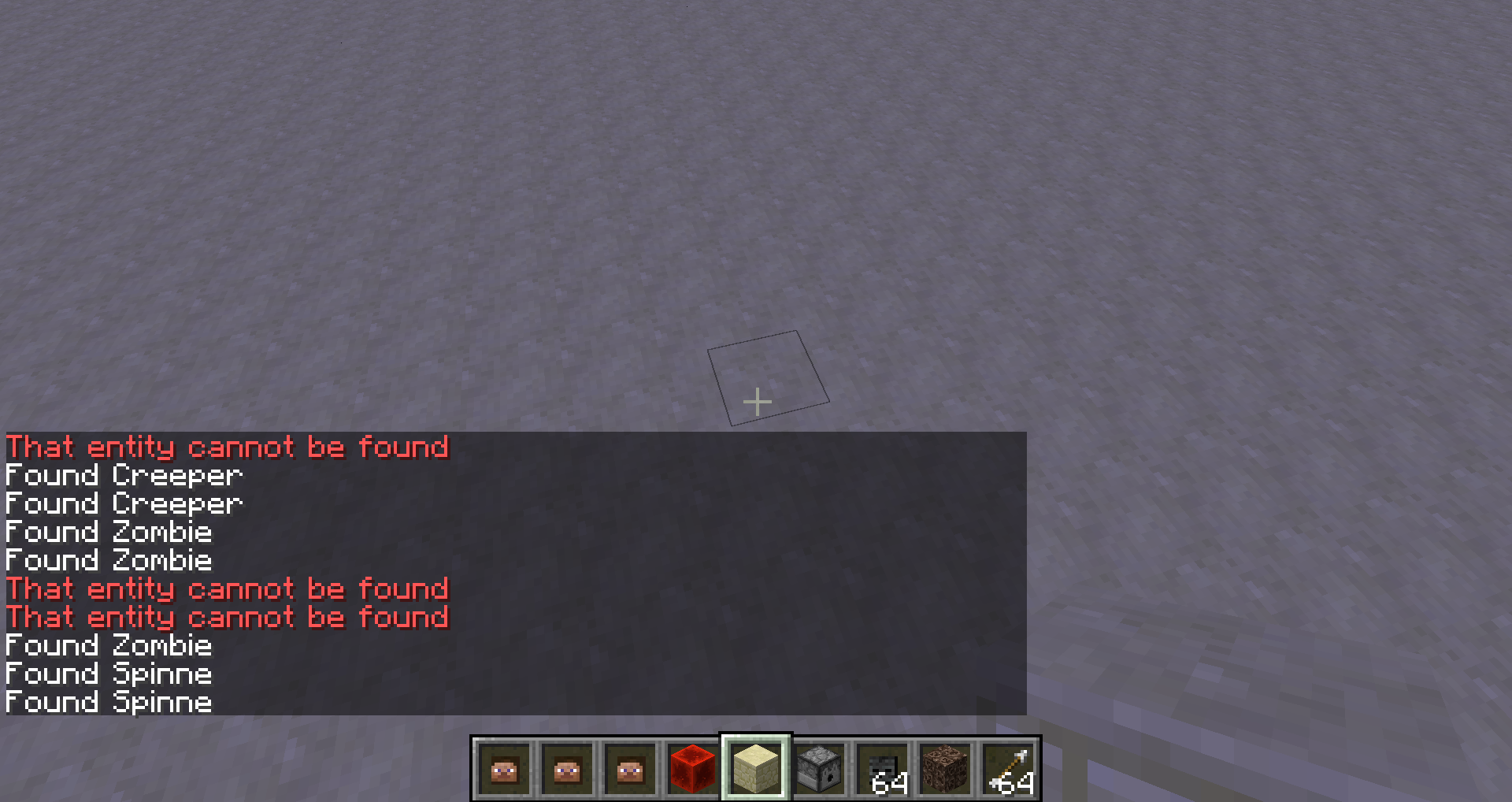
Warning: That entity cannot be foundError message: That entity cannot be found
I don't know what was causing it, but I got the error message: "That entity cannot be found." while performing a
"/kill" commandMaybe this helps:
[23:01:58 INFO]: Client> [23:01:58] [Server thread/INFO]: Changing difficulty to PEACEFUL, from EASY [23:03:07 INFO]: Client> [23:03:07] [Client thread/INFO]: [CHAT] '{Motion:[0.0,0.0,0.0],direction:[0.0,0.0,0.0],UUID:1-1-1-1-1}' ist keine gültige Zahl [23:03:14 INFO]: Client> [23:03:14] [Server thread/INFO]: [Marcono1234: Objekt erfolgreich erzeugt] [23:03:14 INFO]: Client> [23:03:14] [Client thread/INFO]: [CHAT] Objekt erfolgreich erzeugt [23:03:25 INFO]: Client> [23:03:25] [Server thread/INFO]: [Marcono1234: Marcono1234 wurde zu entity.WitherSkull.name teleportiert] [23:03:25 INFO]: Client> [23:03:25] [Client thread/INFO]: [CHAT] Marcono1234 wurde zu entity.WitherSkull.name teleportiert [23:03:37 INFO]: Client> [23:03:37] [Server thread/INFO]: [Marcono1234: Found Marcono1234] [23:03:37 INFO]: Client> [23:03:37] [Server thread/INFO]: [Marcono1234: Found entity.WitherSkull.name] [23:03:37 INFO]: Client> [23:03:37] [Server thread/INFO]: [Marcono1234: Found Zombie] [23:03:37 INFO]: Client> [23:03:37] [Server thread/INFO]: [Marcono1234: Found Spinne] [23:03:37 INFO]: Client> [23:03:37] [Server thread/INFO]: [Marcono1234: Found Hexe] [23:03:37 INFO]: Client> [23:03:37] [Server thread/INFO]: [Marcono1234: Found Creeper] [23:03:37 INFO]: Client> [23:03:37] [Server thread/INFO]: [Marcono1234: Found Creeper] [23:03:37 INFO]: Client> [23:03:37] [Server thread/INFO]: [Marcono1234: Found Creeper] [23:03:37 INFO]: Client> [23:03:37] [Server thread/INFO]: [Marcono1234: Found Spinne] [23:03:37 INFO]: Client> [23:03:37] [Server thread/INFO]: [Marcono1234: Found Creeper] [23:03:37 INFO]: Client> [23:03:37] [Server thread/INFO]: [Marcono1234: Found Creeper] [23:03:37 INFO]: Client> [23:03:37] [Server thread/INFO]: [Marcono1234: Found Creeper] [23:03:37 INFO]: Client> [23:03:37] [Server thread/INFO]: [Marcono1234: Found Zombie] [23:03:37 INFO]: Client> [23:03:37] [Server thread/INFO]: [Marcono1234: Found Zombie] [23:03:37 INFO]: Client> [23:03:37] [Server thread/INFO]: [Marcono1234: Found Zombie] [23:03:37 INFO]: Client> [23:03:37] [Server thread/INFO]: [Marcono1234: Found Spinne] [23:03:37 INFO]: Client> [23:03:37] [Server thread/INFO]: [Marcono1234: Found Spinne] [23:03:37 INFO]: Client> [23:03:37] [Client thread/INFO]: [CHAT] Found Marcono1234 [23:03:37 INFO]: Client> [23:03:37] [Client thread/INFO]: [CHAT] Found entity.WitherSkull.name [23:03:37 INFO]: Client> [23:03:37] [Client thread/INFO]: [CHAT] Found Zombie [23:03:37 INFO]: Client> [23:03:37] [Client thread/INFO]: [CHAT] Found Spinne [23:03:37 INFO]: Client> [23:03:37] [Client thread/INFO]: [CHAT] Found Hexe [23:03:37 INFO]: Client> [23:03:37] [Client thread/INFO]: [CHAT] Found Creeper [23:03:37 INFO]: Client> [23:03:37] [Client thread/INFO]: [CHAT] Found Creeper [23:03:37 INFO]: Client> [23:03:37] [Client thread/INFO]: [CHAT] Found Creeper [23:03:37 INFO]: Client> [23:03:37] [Client thread/INFO]: [CHAT] Found Spinne [23:03:37 INFO]: Client> [23:03:37] [Client thread/INFO]: [CHAT] That entity cannot be found [23:03:37 INFO]: Client> [23:03:37] [Client thread/INFO]: [CHAT] Found Creeper [23:03:37 INFO]: Client> [23:03:37] [Client thread/INFO]: [CHAT] That entity cannot be found [23:03:37 INFO]: Client> [23:03:37] [Client thread/INFO]: [CHAT] Found Creeper [23:03:37 INFO]: Client> [23:03:37] [Client thread/INFO]: [CHAT] Found Creeper [23:03:37 INFO]: Client> [23:03:37] [Client thread/INFO]: [CHAT] Found Zombie [23:03:37 INFO]: Client> [23:03:37] [Client thread/INFO]: [CHAT] Found Zombie [23:03:37 INFO]: Client> [23:03:37] [Client thread/INFO]: [CHAT] That entity cannot be found [23:03:37 INFO]: Client> [23:03:37] [Client thread/INFO]: [CHAT] That entity cannot be found [23:03:37 INFO]: Client> [23:03:37] [Client thread/INFO]: [CHAT] Found Zombie [23:03:37 INFO]: Client> [23:03:37] [Client thread/INFO]: [CHAT] Found Spinne [23:03:37 INFO]: Client> [23:03:37] [Client thread/INFO]: [CHAT] Found SpinneI don't know what was causing it, but I got the error message: "That entity cannot be found." while performing a
/testfor @ecommand
Maybe this helps:
[23:01:58 INFO]: Client> [23:01:58] [Server thread/INFO]: Changing difficulty to PEACEFUL, from EASY [23:03:07 INFO]: Client> [23:03:07] [Client thread/INFO]: [CHAT] '{Motion:[0.0,0.0,0.0],direction:[0.0,0.0,0.0],UUID:1-1-1-1-1}' ist keine gültige Zahl [23:03:14 INFO]: Client> [23:03:14] [Server thread/INFO]: [Marcono1234: Objekt erfolgreich erzeugt] [23:03:14 INFO]: Client> [23:03:14] [Client thread/INFO]: [CHAT] Objekt erfolgreich erzeugt [23:03:25 INFO]: Client> [23:03:25] [Server thread/INFO]: [Marcono1234: Marcono1234 wurde zu entity.WitherSkull.name teleportiert] [23:03:25 INFO]: Client> [23:03:25] [Client thread/INFO]: [CHAT] Marcono1234 wurde zu entity.WitherSkull.name teleportiert [23:03:37 INFO]: Client> [23:03:37] [Server thread/INFO]: [Marcono1234: Found Marcono1234] [23:03:37 INFO]: Client> [23:03:37] [Server thread/INFO]: [Marcono1234: Found entity.WitherSkull.name] [23:03:37 INFO]: Client> [23:03:37] [Server thread/INFO]: [Marcono1234: Found Zombie] [23:03:37 INFO]: Client> [23:03:37] [Server thread/INFO]: [Marcono1234: Found Spinne] [23:03:37 INFO]: Client> [23:03:37] [Server thread/INFO]: [Marcono1234: Found Hexe] [23:03:37 INFO]: Client> [23:03:37] [Server thread/INFO]: [Marcono1234: Found Creeper] [23:03:37 INFO]: Client> [23:03:37] [Server thread/INFO]: [Marcono1234: Found Creeper] [23:03:37 INFO]: Client> [23:03:37] [Server thread/INFO]: [Marcono1234: Found Creeper] [23:03:37 INFO]: Client> [23:03:37] [Server thread/INFO]: [Marcono1234: Found Spinne] [23:03:37 INFO]: Client> [23:03:37] [Server thread/INFO]: [Marcono1234: Found Creeper] [23:03:37 INFO]: Client> [23:03:37] [Server thread/INFO]: [Marcono1234: Found Creeper] [23:03:37 INFO]: Client> [23:03:37] [Server thread/INFO]: [Marcono1234: Found Creeper] [23:03:37 INFO]: Client> [23:03:37] [Server thread/INFO]: [Marcono1234: Found Zombie] [23:03:37 INFO]: Client> [23:03:37] [Server thread/INFO]: [Marcono1234: Found Zombie] [23:03:37 INFO]: Client> [23:03:37] [Server thread/INFO]: [Marcono1234: Found Zombie] [23:03:37 INFO]: Client> [23:03:37] [Server thread/INFO]: [Marcono1234: Found Spinne] [23:03:37 INFO]: Client> [23:03:37] [Server thread/INFO]: [Marcono1234: Found Spinne] [23:03:37 INFO]: Client> [23:03:37] [Client thread/INFO]: [CHAT] Found Marcono1234 [23:03:37 INFO]: Client> [23:03:37] [Client thread/INFO]: [CHAT] Found entity.WitherSkull.name [23:03:37 INFO]: Client> [23:03:37] [Client thread/INFO]: [CHAT] Found Zombie [23:03:37 INFO]: Client> [23:03:37] [Client thread/INFO]: [CHAT] Found Spinne [23:03:37 INFO]: Client> [23:03:37] [Client thread/INFO]: [CHAT] Found Hexe [23:03:37 INFO]: Client> [23:03:37] [Client thread/INFO]: [CHAT] Found Creeper [23:03:37 INFO]: Client> [23:03:37] [Client thread/INFO]: [CHAT] Found Creeper [23:03:37 INFO]: Client> [23:03:37] [Client thread/INFO]: [CHAT] Found Creeper [23:03:37 INFO]: Client> [23:03:37] [Client thread/INFO]: [CHAT] Found Spinne [23:03:37 INFO]: Client> [23:03:37] [Client thread/INFO]: [CHAT] That entity cannot be found [23:03:37 INFO]: Client> [23:03:37] [Client thread/INFO]: [CHAT] Found Creeper [23:03:37 INFO]: Client> [23:03:37] [Client thread/INFO]: [CHAT] That entity cannot be found [23:03:37 INFO]: Client> [23:03:37] [Client thread/INFO]: [CHAT] Found Creeper [23:03:37 INFO]: Client> [23:03:37] [Client thread/INFO]: [CHAT] Found Creeper [23:03:37 INFO]: Client> [23:03:37] [Client thread/INFO]: [CHAT] Found Zombie [23:03:37 INFO]: Client> [23:03:37] [Client thread/INFO]: [CHAT] Found Zombie [23:03:37 INFO]: Client> [23:03:37] [Client thread/INFO]: [CHAT] That entity cannot be found [23:03:37 INFO]: Client> [23:03:37] [Client thread/INFO]: [CHAT] That entity cannot be found [23:03:37 INFO]: Client> [23:03:37] [Client thread/INFO]: [CHAT] Found Zombie [23:03:37 INFO]: Client> [23:03:37] [Client thread/INFO]: [CHAT] Found Spinne [23:03:37 INFO]: Client> [23:03:37] [Client thread/INFO]: [CHAT] Found Spinne*Notice:
The second screenshot shows the message I get now always
I don't know what was causing it, butI got the error message: "That entity cannot be found." while performing a/testfor @ecommand
Maybe this helps:
[23:01:58 INFO]: Client> [23:01:58] [Server thread/INFO]: Changing difficulty to PEACEFUL, from EASY [23:03:07 INFO]: Client> [23:03:07] [Client thread/INFO]: [CHAT] '{Motion:[0.0,0.0,0.0],direction:[0.0,0.0,0.0],UUID:1-1-1-1-1}' ist keine gültige Zahl [23:03:14 INFO]: Client> [23:03:14] [Server thread/INFO]: [Marcono1234: Objekt erfolgreich erzeugt] [23:03:14 INFO]: Client> [23:03:14] [Client thread/INFO]: [CHAT] Objekt erfolgreich erzeugt [23:03:25 INFO]: Client> [23:03:25] [Server thread/INFO]: [Marcono1234: Marcono1234 wurde zu entity.WitherSkull.name teleportiert] [23:03:25 INFO]: Client> [23:03:25] [Client thread/INFO]: [CHAT] Marcono1234 wurde zu entity.WitherSkull.name teleportiert [23:03:37 INFO]: Client> [23:03:37] [Server thread/INFO]: [Marcono1234: Found Marcono1234] [23:03:37 INFO]: Client> [23:03:37] [Server thread/INFO]: [Marcono1234: Found entity.WitherSkull.name] [23:03:37 INFO]: Client> [23:03:37] [Server thread/INFO]: [Marcono1234: Found Zombie] [23:03:37 INFO]: Client> [23:03:37] [Server thread/INFO]: [Marcono1234: Found Spinne] [23:03:37 INFO]: Client> [23:03:37] [Server thread/INFO]: [Marcono1234: Found Hexe] [23:03:37 INFO]: Client> [23:03:37] [Server thread/INFO]: [Marcono1234: Found Creeper] [23:03:37 INFO]: Client> [23:03:37] [Server thread/INFO]: [Marcono1234: Found Creeper] [23:03:37 INFO]: Client> [23:03:37] [Server thread/INFO]: [Marcono1234: Found Creeper] [23:03:37 INFO]: Client> [23:03:37] [Server thread/INFO]: [Marcono1234: Found Spinne] [23:03:37 INFO]: Client> [23:03:37] [Server thread/INFO]: [Marcono1234: Found Creeper] [23:03:37 INFO]: Client> [23:03:37] [Server thread/INFO]: [Marcono1234: Found Creeper] [23:03:37 INFO]: Client> [23:03:37] [Server thread/INFO]: [Marcono1234: Found Creeper] [23:03:37 INFO]: Client> [23:03:37] [Server thread/INFO]: [Marcono1234: Found Zombie] [23:03:37 INFO]: Client> [23:03:37] [Server thread/INFO]: [Marcono1234: Found Zombie] [23:03:37 INFO]: Client> [23:03:37] [Server thread/INFO]: [Marcono1234: Found Zombie] [23:03:37 INFO]: Client> [23:03:37] [Server thread/INFO]: [Marcono1234: Found Spinne] [23:03:37 INFO]: Client> [23:03:37] [Server thread/INFO]: [Marcono1234: Found Spinne] [23:03:37 INFO]: Client> [23:03:37] [Client thread/INFO]: [CHAT] Found Marcono1234 [23:03:37 INFO]: Client> [23:03:37] [Client thread/INFO]: [CHAT] Found entity.WitherSkull.name [23:03:37 INFO]: Client> [23:03:37] [Client thread/INFO]: [CHAT] Found Zombie [23:03:37 INFO]: Client> [23:03:37] [Client thread/INFO]: [CHAT] Found Spinne [23:03:37 INFO]: Client> [23:03:37] [Client thread/INFO]: [CHAT] Found Hexe [23:03:37 INFO]: Client> [23:03:37] [Client thread/INFO]: [CHAT] Found Creeper [23:03:37 INFO]: Client> [23:03:37] [Client thread/INFO]: [CHAT] Found Creeper [23:03:37 INFO]: Client> [23:03:37] [Client thread/INFO]: [CHAT] Found Creeper [23:03:37 INFO]: Client> [23:03:37] [Client thread/INFO]: [CHAT] Found Spinne [23:03:37 INFO]: Client> [23:03:37] [Client thread/INFO]: [CHAT] That entity cannot be found [23:03:37 INFO]: Client> [23:03:37] [Client thread/INFO]: [CHAT] Found Creeper [23:03:37 INFO]: Client> [23:03:37] [Client thread/INFO]: [CHAT] That entity cannot be found [23:03:37 INFO]: Client> [23:03:37] [Client thread/INFO]: [CHAT] Found Creeper [23:03:37 INFO]: Client> [23:03:37] [Client thread/INFO]: [CHAT] Found Creeper [23:03:37 INFO]: Client> [23:03:37] [Client thread/INFO]: [CHAT] Found Zombie [23:03:37 INFO]: Client> [23:03:37] [Client thread/INFO]: [CHAT] Found Zombie [23:03:37 INFO]: Client> [23:03:37] [Client thread/INFO]: [CHAT] That entity cannot be found [23:03:37 INFO]: Client> [23:03:37] [Client thread/INFO]: [CHAT] That entity cannot be found [23:03:37 INFO]: Client> [23:03:37] [Client thread/INFO]: [CHAT] Found Zombie [23:03:37 INFO]: Client> [23:03:37] [Client thread/INFO]: [CHAT] Found Spinne [23:03:37 INFO]: Client> [23:03:37] [Client thread/INFO]: [CHAT] Found Spinne*Notice:
The second screenshot shows the message I get now always*Found the reason:
Summon multiple mobs with the same UUIDI got the error message: "That entity cannot be found." while performing a
/testfor @ecommand
Maybe this helps:
[23:01:58 INFO]: Client> [23:01:58] [Server thread/INFO]: Changing difficulty to PEACEFUL, from EASY [23:03:07 INFO]: Client> [23:03:07] [Client thread/INFO]: [CHAT] '{Motion:[0.0,0.0,0.0],direction:[0.0,0.0,0.0],UUID:1-1-1-1-1}' ist keine gültige Zahl [23:03:14 INFO]: Client> [23:03:14] [Server thread/INFO]: [Marcono1234: Objekt erfolgreich erzeugt] [23:03:14 INFO]: Client> [23:03:14] [Client thread/INFO]: [CHAT] Objekt erfolgreich erzeugt [23:03:25 INFO]: Client> [23:03:25] [Server thread/INFO]: [Marcono1234: Marcono1234 wurde zu entity.WitherSkull.name teleportiert] [23:03:25 INFO]: Client> [23:03:25] [Client thread/INFO]: [CHAT] Marcono1234 wurde zu entity.WitherSkull.name teleportiert [23:03:37 INFO]: Client> [23:03:37] [Server thread/INFO]: [Marcono1234: Found Marcono1234] [23:03:37 INFO]: Client> [23:03:37] [Server thread/INFO]: [Marcono1234: Found entity.WitherSkull.name] [23:03:37 INFO]: Client> [23:03:37] [Server thread/INFO]: [Marcono1234: Found Zombie] [23:03:37 INFO]: Client> [23:03:37] [Server thread/INFO]: [Marcono1234: Found Spinne] [23:03:37 INFO]: Client> [23:03:37] [Server thread/INFO]: [Marcono1234: Found Hexe] [23:03:37 INFO]: Client> [23:03:37] [Server thread/INFO]: [Marcono1234: Found Creeper] [23:03:37 INFO]: Client> [23:03:37] [Server thread/INFO]: [Marcono1234: Found Creeper] [23:03:37 INFO]: Client> [23:03:37] [Server thread/INFO]: [Marcono1234: Found Creeper] [23:03:37 INFO]: Client> [23:03:37] [Server thread/INFO]: [Marcono1234: Found Spinne] [23:03:37 INFO]: Client> [23:03:37] [Server thread/INFO]: [Marcono1234: Found Creeper] [23:03:37 INFO]: Client> [23:03:37] [Server thread/INFO]: [Marcono1234: Found Creeper] [23:03:37 INFO]: Client> [23:03:37] [Server thread/INFO]: [Marcono1234: Found Creeper] [23:03:37 INFO]: Client> [23:03:37] [Server thread/INFO]: [Marcono1234: Found Zombie] [23:03:37 INFO]: Client> [23:03:37] [Server thread/INFO]: [Marcono1234: Found Zombie] [23:03:37 INFO]: Client> [23:03:37] [Server thread/INFO]: [Marcono1234: Found Zombie] [23:03:37 INFO]: Client> [23:03:37] [Server thread/INFO]: [Marcono1234: Found Spinne] [23:03:37 INFO]: Client> [23:03:37] [Server thread/INFO]: [Marcono1234: Found Spinne] [23:03:37 INFO]: Client> [23:03:37] [Client thread/INFO]: [CHAT] Found Marcono1234 [23:03:37 INFO]: Client> [23:03:37] [Client thread/INFO]: [CHAT] Found entity.WitherSkull.name [23:03:37 INFO]: Client> [23:03:37] [Client thread/INFO]: [CHAT] Found Zombie [23:03:37 INFO]: Client> [23:03:37] [Client thread/INFO]: [CHAT] Found Spinne [23:03:37 INFO]: Client> [23:03:37] [Client thread/INFO]: [CHAT] Found Hexe [23:03:37 INFO]: Client> [23:03:37] [Client thread/INFO]: [CHAT] Found Creeper [23:03:37 INFO]: Client> [23:03:37] [Client thread/INFO]: [CHAT] Found Creeper [23:03:37 INFO]: Client> [23:03:37] [Client thread/INFO]: [CHAT] Found Creeper [23:03:37 INFO]: Client> [23:03:37] [Client thread/INFO]: [CHAT] Found Spinne [23:03:37 INFO]: Client> [23:03:37] [Client thread/INFO]: [CHAT] That entity cannot be found [23:03:37 INFO]: Client> [23:03:37] [Client thread/INFO]: [CHAT] Found Creeper [23:03:37 INFO]: Client> [23:03:37] [Client thread/INFO]: [CHAT] That entity cannot be found [23:03:37 INFO]: Client> [23:03:37] [Client thread/INFO]: [CHAT] Found Creeper [23:03:37 INFO]: Client> [23:03:37] [Client thread/INFO]: [CHAT] Found Creeper [23:03:37 INFO]: Client> [23:03:37] [Client thread/INFO]: [CHAT] Found Zombie [23:03:37 INFO]: Client> [23:03:37] [Client thread/INFO]: [CHAT] Found Zombie [23:03:37 INFO]: Client> [23:03:37] [Client thread/INFO]: [CHAT] That entity cannot be found [23:03:37 INFO]: Client> [23:03:37] [Client thread/INFO]: [CHAT] That entity cannot be found [23:03:37 INFO]: Client> [23:03:37] [Client thread/INFO]: [CHAT] Found Zombie [23:03:37 INFO]: Client> [23:03:37] [Client thread/INFO]: [CHAT] Found Spinne [23:03:37 INFO]: Client> [23:03:37] [Client thread/INFO]: [CHAT] Found Spinne*Notice:
The second screenshot shows the message I get now always
*Found the reason:
Summon multiple mobs with the same UUIDWhen using:
/kill @e[type=!Player]the game thinks it killed all mobs (even the ones with same UUID) and you get also the same count of reports like there are mobs
Killed Pig
Killed Pig
...
When you hover them they have both the same UUIDBUT actually only one of them was killed.
I got the error message: "That entity cannot be found." while performing a
/testfor @ecommand
Maybe this helps:
[23:01:58 INFO]: Client> [23:01:58] [Server thread/INFO]: Changing difficulty to PEACEFUL, from EASY [23:03:07 INFO]: Client> [23:03:07] [Client thread/INFO]: [CHAT] '{Motion:[0.0,0.0,0.0],direction:[0.0,0.0,0.0],UUID:1-1-1-1-1}' ist keine gültige Zahl [23:03:14 INFO]: Client> [23:03:14] [Server thread/INFO]: [Marcono1234: Objekt erfolgreich erzeugt] [23:03:14 INFO]: Client> [23:03:14] [Client thread/INFO]: [CHAT] Objekt erfolgreich erzeugt [23:03:25 INFO]: Client> [23:03:25] [Server thread/INFO]: [Marcono1234: Marcono1234 wurde zu entity.WitherSkull.name teleportiert] [23:03:25 INFO]: Client> [23:03:25] [Client thread/INFO]: [CHAT] Marcono1234 wurde zu entity.WitherSkull.name teleportiert [23:03:37 INFO]: Client> [23:03:37] [Server thread/INFO]: [Marcono1234: Found Marcono1234] [23:03:37 INFO]: Client> [23:03:37] [Server thread/INFO]: [Marcono1234: Found entity.WitherSkull.name] [23:03:37 INFO]: Client> [23:03:37] [Server thread/INFO]: [Marcono1234: Found Zombie] [23:03:37 INFO]: Client> [23:03:37] [Server thread/INFO]: [Marcono1234: Found Spinne] [23:03:37 INFO]: Client> [23:03:37] [Server thread/INFO]: [Marcono1234: Found Hexe] [23:03:37 INFO]: Client> [23:03:37] [Server thread/INFO]: [Marcono1234: Found Creeper] [23:03:37 INFO]: Client> [23:03:37] [Server thread/INFO]: [Marcono1234: Found Creeper] [23:03:37 INFO]: Client> [23:03:37] [Server thread/INFO]: [Marcono1234: Found Creeper] [23:03:37 INFO]: Client> [23:03:37] [Server thread/INFO]: [Marcono1234: Found Spinne] [23:03:37 INFO]: Client> [23:03:37] [Server thread/INFO]: [Marcono1234: Found Creeper] [23:03:37 INFO]: Client> [23:03:37] [Server thread/INFO]: [Marcono1234: Found Creeper] [23:03:37 INFO]: Client> [23:03:37] [Server thread/INFO]: [Marcono1234: Found Creeper] [23:03:37 INFO]: Client> [23:03:37] [Server thread/INFO]: [Marcono1234: Found Zombie] [23:03:37 INFO]: Client> [23:03:37] [Server thread/INFO]: [Marcono1234: Found Zombie] [23:03:37 INFO]: Client> [23:03:37] [Server thread/INFO]: [Marcono1234: Found Zombie] [23:03:37 INFO]: Client> [23:03:37] [Server thread/INFO]: [Marcono1234: Found Spinne] [23:03:37 INFO]: Client> [23:03:37] [Server thread/INFO]: [Marcono1234: Found Spinne] [23:03:37 INFO]: Client> [23:03:37] [Client thread/INFO]: [CHAT] Found Marcono1234 [23:03:37 INFO]: Client> [23:03:37] [Client thread/INFO]: [CHAT] Found entity.WitherSkull.name [23:03:37 INFO]: Client> [23:03:37] [Client thread/INFO]: [CHAT] Found Zombie [23:03:37 INFO]: Client> [23:03:37] [Client thread/INFO]: [CHAT] Found Spinne [23:03:37 INFO]: Client> [23:03:37] [Client thread/INFO]: [CHAT] Found Hexe [23:03:37 INFO]: Client> [23:03:37] [Client thread/INFO]: [CHAT] Found Creeper [23:03:37 INFO]: Client> [23:03:37] [Client thread/INFO]: [CHAT] Found Creeper [23:03:37 INFO]: Client> [23:03:37] [Client thread/INFO]: [CHAT] Found Creeper [23:03:37 INFO]: Client> [23:03:37] [Client thread/INFO]: [CHAT] Found Spinne [23:03:37 INFO]: Client> [23:03:37] [Client thread/INFO]: [CHAT] That entity cannot be found [23:03:37 INFO]: Client> [23:03:37] [Client thread/INFO]: [CHAT] Found Creeper [23:03:37 INFO]: Client> [23:03:37] [Client thread/INFO]: [CHAT] That entity cannot be found [23:03:37 INFO]: Client> [23:03:37] [Client thread/INFO]: [CHAT] Found Creeper [23:03:37 INFO]: Client> [23:03:37] [Client thread/INFO]: [CHAT] Found Creeper [23:03:37 INFO]: Client> [23:03:37] [Client thread/INFO]: [CHAT] Found Zombie [23:03:37 INFO]: Client> [23:03:37] [Client thread/INFO]: [CHAT] Found Zombie [23:03:37 INFO]: Client> [23:03:37] [Client thread/INFO]: [CHAT] That entity cannot be found [23:03:37 INFO]: Client> [23:03:37] [Client thread/INFO]: [CHAT] That entity cannot be found [23:03:37 INFO]: Client> [23:03:37] [Client thread/INFO]: [CHAT] Found Zombie [23:03:37 INFO]: Client> [23:03:37] [Client thread/INFO]: [CHAT] Found Spinne [23:03:37 INFO]: Client> [23:03:37] [Client thread/INFO]: [CHAT] Found Spinne*Notice:
The second screenshot shows the message I get now always
*Found the reason:
Summon multiple mobs with the same UUIDWhen using:
/kill @e[type=!Player]the game thinks it killed all mobs (even the ones with same UUID) and you get also the same count of reports like there are mobs
Killed Pig
Killed Pig
...
When you hover them they have both the same UUIDBUT actually only one of them was killed.
I got the error message: "That entity cannot befound." while performing a/testfor @ecommand
Maybe this helps:
[23:01:58 INFO]: Client> [23:01:58] [Server thread/INFO]: Changing difficulty to PEACEFUL, from EASY [23:03:07 INFO]: Client> [23:03:07] [Client thread/INFO]: [CHAT] '{Motion:[0.0,0.0,0.0],direction:[0.0,0.0,0.0],UUID:1-1-1-1-1}' ist keine gültige Zahl [23:03:14 INFO]: Client> [23:03:14] [Server thread/INFO]: [Marcono1234: Objekt erfolgreich erzeugt] [23:03:14 INFO]: Client> [23:03:14] [Client thread/INFO]: [CHAT] Objekt erfolgreich erzeugt [23:03:25 INFO]: Client> [23:03:25] [Server thread/INFO]: [Marcono1234: Marcono1234 wurde zu entity.WitherSkull.name teleportiert] [23:03:25 INFO]: Client> [23:03:25] [Client thread/INFO]: [CHAT] Marcono1234 wurde zu entity.WitherSkull.name teleportiert [23:03:37 INFO]: Client> [23:03:37] [Server thread/INFO]: [Marcono1234: Found Marcono1234] [23:03:37 INFO]: Client> [23:03:37] [Server thread/INFO]: [Marcono1234: Found entity.WitherSkull.name] [23:03:37 INFO]: Client> [23:03:37] [Server thread/INFO]: [Marcono1234: Found Zombie] [23:03:37 INFO]: Client> [23:03:37] [Server thread/INFO]: [Marcono1234: Found Spinne] [23:03:37 INFO]: Client> [23:03:37] [Server thread/INFO]: [Marcono1234: Found Hexe] [23:03:37 INFO]: Client> [23:03:37] [Server thread/INFO]: [Marcono1234: Found Creeper] [23:03:37 INFO]: Client> [23:03:37] [Server thread/INFO]: [Marcono1234: Found Creeper] [23:03:37 INFO]: Client> [23:03:37] [Server thread/INFO]: [Marcono1234: Found Creeper] [23:03:37 INFO]: Client> [23:03:37] [Server thread/INFO]: [Marcono1234: Found Spinne] [23:03:37 INFO]: Client> [23:03:37] [Server thread/INFO]: [Marcono1234: Found Creeper] [23:03:37 INFO]: Client> [23:03:37] [Server thread/INFO]: [Marcono1234: Found Creeper] [23:03:37 INFO]: Client> [23:03:37] [Server thread/INFO]: [Marcono1234: Found Creeper] [23:03:37 INFO]: Client> [23:03:37] [Server thread/INFO]: [Marcono1234: Found Zombie] [23:03:37 INFO]: Client> [23:03:37] [Server thread/INFO]: [Marcono1234: Found Zombie] [23:03:37 INFO]: Client> [23:03:37] [Server thread/INFO]: [Marcono1234: Found Zombie] [23:03:37 INFO]: Client> [23:03:37] [Server thread/INFO]: [Marcono1234: Found Spinne] [23:03:37 INFO]: Client> [23:03:37] [Server thread/INFO]: [Marcono1234: Found Spinne] [23:03:37 INFO]: Client> [23:03:37] [Client thread/INFO]: [CHAT] Found Marcono1234 [23:03:37 INFO]: Client> [23:03:37] [Client thread/INFO]: [CHAT] Found entity.WitherSkull.name [23:03:37 INFO]: Client> [23:03:37] [Client thread/INFO]: [CHAT] Found Zombie [23:03:37 INFO]: Client> [23:03:37] [Client thread/INFO]: [CHAT] Found Spinne [23:03:37 INFO]: Client> [23:03:37] [Client thread/INFO]: [CHAT] Found Hexe [23:03:37 INFO]: Client> [23:03:37] [Client thread/INFO]: [CHAT] Found Creeper [23:03:37 INFO]: Client> [23:03:37] [Client thread/INFO]: [CHAT] Found Creeper [23:03:37 INFO]: Client> [23:03:37] [Client thread/INFO]: [CHAT] Found Creeper [23:03:37 INFO]: Client> [23:03:37] [Client thread/INFO]: [CHAT] Found Spinne [23:03:37 INFO]: Client> [23:03:37] [Client thread/INFO]: [CHAT] That entity cannot be found [23:03:37 INFO]: Client> [23:03:37] [Client thread/INFO]: [CHAT] Found Creeper [23:03:37 INFO]: Client> [23:03:37] [Client thread/INFO]: [CHAT] That entity cannot be found [23:03:37 INFO]: Client> [23:03:37] [Client thread/INFO]: [CHAT] Found Creeper [23:03:37 INFO]: Client> [23:03:37] [Client thread/INFO]: [CHAT] Found Creeper [23:03:37 INFO]: Client> [23:03:37] [Client thread/INFO]: [CHAT] Found Zombie [23:03:37 INFO]: Client> [23:03:37] [Client thread/INFO]: [CHAT] Found Zombie [23:03:37 INFO]: Client> [23:03:37] [Client thread/INFO]: [CHAT] That entity cannot be found [23:03:37 INFO]: Client> [23:03:37] [Client thread/INFO]: [CHAT] That entity cannot be found [23:03:37 INFO]: Client> [23:03:37] [Client thread/INFO]: [CHAT] Found Zombie [23:03:37 INFO]: Client> [23:03:37] [Client thread/INFO]: [CHAT] Found Spinne [23:03:37 INFO]: Client> [23:03:37] [Client thread/INFO]: [CHAT] Found Spinne*Notice:
The second screenshot shows the message I get now always*Found the reason:
Summon multiple mobs with the same UUID/summon Pig ~ ~ ~ {UUID:1-1-1-1-1}When using:
/kill @e[type=!Player]the game thinks it killed all mobs (even the ones with same UUID) and you get also the same count of reports like there are mobs
Killed Pig Killed Pig ...When you hover them they have both the same UUID
BUT actually only one of them was killed.
So you get the error message: "That entity cannot be found"
Error message: That entity cannot be found/ Mobs with same UUIDs
*Found the reason:
Summon multiple mobs with the same UUID/summon Pig ~ ~ ~ {UUID:1-1-1-1-1}When using:
/kill @e[type=!Player]the game thinks it killed all mobs (even the ones with same UUID) and you get also the same count of reports like there are mobs
Killed Pig Killed Pig ...When you hover them they have both the same UUID
BUT actually only one of them was killed.
So you get the error message: "That entity cannot be found"
Relates to/Duplicates:
https://bugs.mojang.com/browse/MC-44904?jql=text%20~%20%22same%20uuid%22Found the reason:
Summon multiple mobs with the same UUID/summon Pig ~ ~ ~ {UUID:1-1-1-1-1}When using:
/kill @e[type=!Player]the game thinks it killed all mobs (even the ones with same UUID) and you get also the same count of reports like there are mobs
Killed Pig Killed Pig ...When you hover them they have both the same UUID
BUT actually only one of them was killed.
So you get the error message: "That entity cannot be found"
Singleplayer:
1. Create a team, example:/scoreboard teams add Hi2. Join the team:
/scoreboard teams join Hi3. Go into Spectator mode
/gamemode spectator4. Press any number to open menu
5. Press "2" (to open "Teleport to team member"
6. Select your own name (Press "1")Bugs:
1. You shouldn't be able to teleport to yourself (that's why you can't use "Teleport to player" when you are the only player in the world)
2. The menu should close after teleporting
Singleplayer:
1. Create a team, example:/scoreboard teams add Hi2. Join the team:
/scoreboard teams join Hi3. Go into Spectator mode
/gamemode spectator4. Press any number to open menu
5. Press "2" (to open "Teleport to team member"
6. Select your own name (Press "1")Bugs:
1. You shouldn't be able to teleport to yourself (that's why you can't use "Teleport to player" when you are the only player in the world)
2. The menu should close after teleporting
Singleplayer:
1. Create a team, example:/scoreboard teams add Hi2. Join the team:
/scoreboard teams join Hi3. Go into Spectator mode
/gamemode spectator4. Press any number to open menu
5. Press "2" (to open "Teleport to team member"
6. Select your own name (Press "1")Bugs:
1. You shouldn't be able to teleport to yourself (that's why you can't use "Teleport to player" when you are the only player in the world)
2. The menu should close after teleporting (what it doesn't do rightnow, it stays open with no option exept "9" (Close))
Singleplayer:
1. Create a team, example:/scoreboard teams add Hi2. Join the team:
/scoreboard teams join Hi3. Go into Spectator mode
/gamemode spectator4. Press any number to open menu
5. Press "2" (to open "Teleport to team member"
6. Select your own name (Press "1")Bugs:
1.You shouldn't be able to teleport to yourself (that's why you can't use "Teleport to player" when you are the only player in the world)
2. The menu should close after teleporting (what it doesn't do rightnow, it stays open with no option exept "9" (Close))Singleplayer:
1. Create a team, example:/scoreboard teams add Hi2. Join the team:
/scoreboard teams join Hi3. Go into Spectator mode
/gamemode spectator4. Press any number to open menu
5. Press "2" (to open "Teleport to team member"
6. Select your own name (Press "1")Bugs:
1.You shouldn't be able to teleport to yourself (that's why you can't use "Teleport to player" when you are the only player in the world)(seems to be fixed for 15w49b and maybe earlier)
2. The menu should close after teleporting (what it doesn't do rightnow, it stays open with no option exept "9" (Close))
Singleplayer:
1. Create a team, example:/scoreboard teams add Hi2. Join the team:
/scoreboard teams join Hi3. Go into Spectator mode
/gamemode spectator4. Press any number to open menu
5. Press "2" (to open "Teleport to team member"
6. Select your own name (Press "1")Bugs:
1. You shouldn't be able to teleport to yourself (that's why you can't use "Teleport to player" when you are the only player in the world) (seems to be fixed for 15w49b and maybe earlier)
2. The menu should close after teleporting (what it doesn't do rightnow, it stays open with no option exept "9" (Close))Singleplayer:
1. Create a team, example:/scoreboard teams add Hi2. Join the team:
/scoreboard teams join Hi3. Go into Spectator mode
/gamemode spectator4. Press any number to open menu
5. Press "2" (to open "Teleport to team member"
6. Select your own name (Press "1")Bugs:
1. You shouldn't be able to teleport to yourself (that's why you can't use "Teleport to player" when you are the only player in the world)
2. The menu should close after teleporting (what it doesn't do rightnow, it stays open with no option exept "9" (Close))
Singleplayer:
1. Create a team, example:/scoreboard teams add Hi2. Join the team:
/scoreboard teams join Hi3. Go into Spectator mode
/gamemode spectator4. Press any number to open menu
5. Press "2" (to open "Teleport to team member"
6. Select your own name (Press "1")Bugs:
1. You shouldn't be able to teleport to yourself (that's why you can't use "Teleport to player" when you are the only player in the world)
2. The menu should close after teleporting (what it doesn't do right now, it stays open with no option exept "9" (Close))
Singleplayer:
1. Create a team, example:/scoreboard teams add Hi2. Join the team:
/scoreboard teams join Hi3. Go into Spectator mode
/gamemode spectator4. Press any number to open menu
5. Press "2" (to open "Teleport to team member"
6. Select your own name (Press "1")Bugs:
1. You shouldn't be able to teleport to yourself (that's why you can't use "Teleport to player" when you are the only player in the world)
2. The menu should close after teleporting (what it doesn't do right now, it stays open with no option exept "9" (Close))Singleplayer:
1. Create a team, example:/scoreboard teams add Hi2. Join the team:
/scoreboard teams join Hi3. Go into Spectator mode
/gamemode spectator4. Press any number to open menu
5. Press "2" (to open "Teleport to team member"
6. Select your own name (Press "1")Bugs
1. You shouldn't be able to teleport to yourself (that's why you can't use "Teleport to player" when you are the only player in the world)
2. The menu should close after teleporting (what it doesn't do right now, it stays open with no option exept "9" (Close))
When you place a skull (not Skeleton skull), it will first display the skeleton skull for about 1-2 ticks and then change to zombie, creeper, ...
*Duplicate, please close
When you place a skull (not Skeleton skull), it will first display the skeleton skull for about 1-2 ticks and then change to zombie, creeper, ...
When you have a dispenser filled with skulls, also players heads and then activate it, it will make the "empty dispenser sound" but it creates the shoot particles.
*I didn't say that it is a bug that they don't shoot, the particles are the bug I guess
Dispenser filled with skulls bug/ Shooting particles bug
Sadly it was already said here:
https://bugs.mojang.com/browse/MC-46615?jql=text%20~%20%22spectator%20spawner%22
But it seems like it was ignoredWhen you go to mob spawner (or just place one with "/setblock") in every gamemode except spectator, and then change to spectator mode, the animation of the mob is glitching.
Sadly it was already said here:
https://bugs.mojang.com/browse/MC-46615?jql=text%20~%20%22spectator%20spawner%22
But it seems like it was ignoredWhen you go to mob spawner (or just place one with "/setblock") in every gamemode except spectator, and then change to spectator mode, the animation of the mob is glitching.
It is glitching!! I don't mean that it is freezed like it should!
Sadly it was already said here:
MC-46615
But it seems like it was ignoredWhen you go to mob spawner (or just place one with "/setblock") in every gamemode except spectator, and then change to spectator mode, the animation of the mob is glitching.
It is glitching!! I don't mean that it is freezed like it should!
Spectator mode / worldborder Mob Spawner animation bug
When you go to mob spawner (or just place one with "/setblock") in every gamemode except spectator, and then change to spectator mode, the animation of the mob is glitching.
It is glitching!! I don't mean that it is freezed like it should!Also when a mob spawner is outside the worldborder
I think there is a other strange bug, when you perform your command:
/clone ~ ~1 ~ ~ ~1 ~ ~ ~2 ~And have a block above you, it will disapear
Can't any mobs wear armor, even squids, but it is invisible?
Tested it with a Pig:/summon Pig ~ ~1 ~ {Equipment:[{},{id:diamond_helmet},{id:diamond_chestplate},{id:diamond_leggings},{id:diamond_boots}]}Pigs died after 51 hits with hand;
Normal Pig: 10 hits with handSo you see even Pigs can wear armor
Guys I recovered that when the villager is killed by a zombie he even drops the armor, so maybe it will be part of 1.8 or it's just a bug
Cannot repdroce, had you selected any special language?
*And could you please put all your comments in one
would be a little bit easier then
Maybe this isn't a bug in the sense we normally know bugs, but it is one!
We, the players have now opportiunity to suggest new ideas:
1. It's not clear which is the suggestion page, sometimes reddit is linked, sometimes the minecraft forum
2. It seems like the mojang team isn't really looking at thoose sites (the last news I heared was almost a year ago that Mojang used an idea posted on reddit) -> At the moment it seems like the only use ideas from their friends (Example: Generikb had the idea with the rotating item frames and told it to Dinnerbone *Addition: This suggestion wasn't bad but I guess other players have even suggestions that are the same as good as this was.)
3. Reddit makes it difficult to post serious Suggestions on special topic (Graphics/Redstone/Blocks...), Example: Some guys post something on improving sleeping in minecraft, which is liked more, because probably most of the users have no clue of graphics or redstone/map making *This wasn't meant rude, sorry for any misunderstandings
4. Reddit allows only users with comment karma of 10 to suggest -> I have 9 and can't suggest anything!
5. Whythe hellcan you even SUGGEST ON THIS HERE for Minecraft API but NOT FOR NORMAL MINECRAFT???If MOJANG really likes their players and their awesome Minecraft community the should also support us a little bit more I guess, please MOJANG, at least say which is an official site to post suggestions where you also read them
Cannot reproduce/confirm,
can you please attach a screenshot (for Windows):
1. Press "Print" on your keyboard
2. Open for example MS Paint and press "Paste" at the top left corner
2.1. If you don't want that we can see your Windows taskbar, just use the selecting tool to select the area you want
2.2 Now open a new empty MS Paint document and do step 2 again
3. Save it as an image and attach it here
Hope you understood, my English isn't very well :/
14w21b
Like you can see on the screenshot, the hitbox of a chicken does not include the head.
Same with pig
Chickens have incorrecthitboxAnimals head not included in hitbox
Like you can see on the screenshot, the hitbox of a chicken does not include the head.
Same with pig, cow, sheep
*Maybe intended?

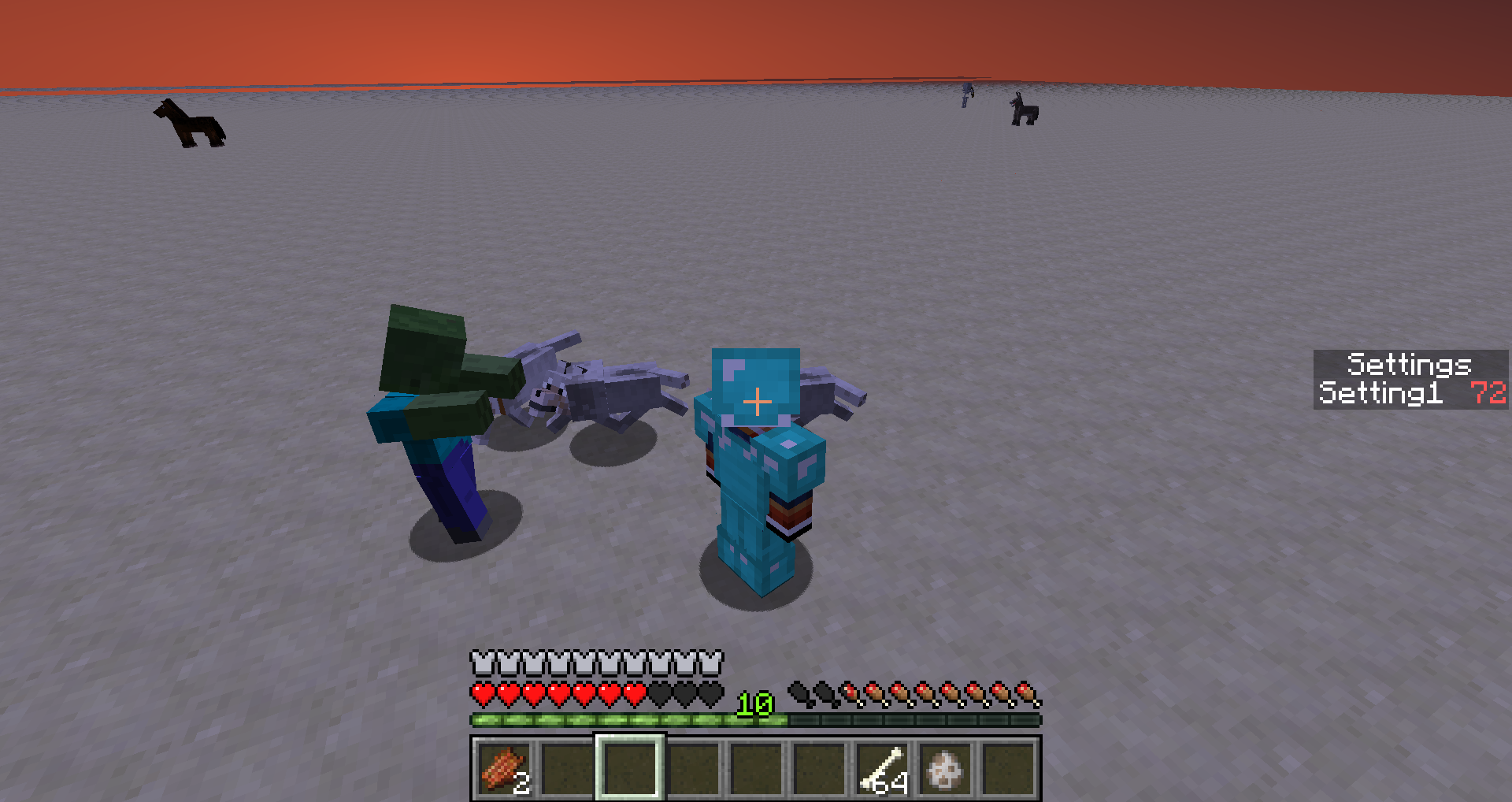
Cannot reproduce in 14w21b, can you please describe it a little bit more in detail
I guess it is not intended, that XPOrbs spawn after a bottle of enchanting is thrown 3 blocks away from the impact position.

I guess it is not intended, that XPOrbs spawn after a bottle of enchanting is thrown 3 blocks away from the impact position.

I guess it is not intended, that XPOrbs spawn after a bottle of enchanting is thrown 3 blocks away from the impact position.
This was in earlier versions:
I guess it is not intended, that XPOrbs spawn after a bottle of enchanting is thrown 3 blocks away from the impact position.
This was in earlier versions:
I guess it is not intended, that XPOrbs spawn after a bottle of enchanting is thrown 3 blocks away from the impact position.
Relates to/ is caused by:
MC-12013This was in earlier versions:
14w21b/1.7.9:
Cannot confirm/reproduce
When I press down on the last server it always just deselects itCan you please attach your crash file, you will find it by
1. Press on this page "Attach file"
2. Enter in the search line of your Windows File Explorer "%appdata%" and press ENTER
3. Go into ".minecraft" and then "crash-reports" and select there the newest oneHope I could help you
Unable to render embedded object: File (Button%20%28RTS%3D999%29.mov) not found.
Unable to render embedded object: File (Button%20%28RTS%3D3%29.mov) not found.
Unable to render embedded object: File (Button%20%28RTS%3D3%29.mov,quicktime.mov) not found.

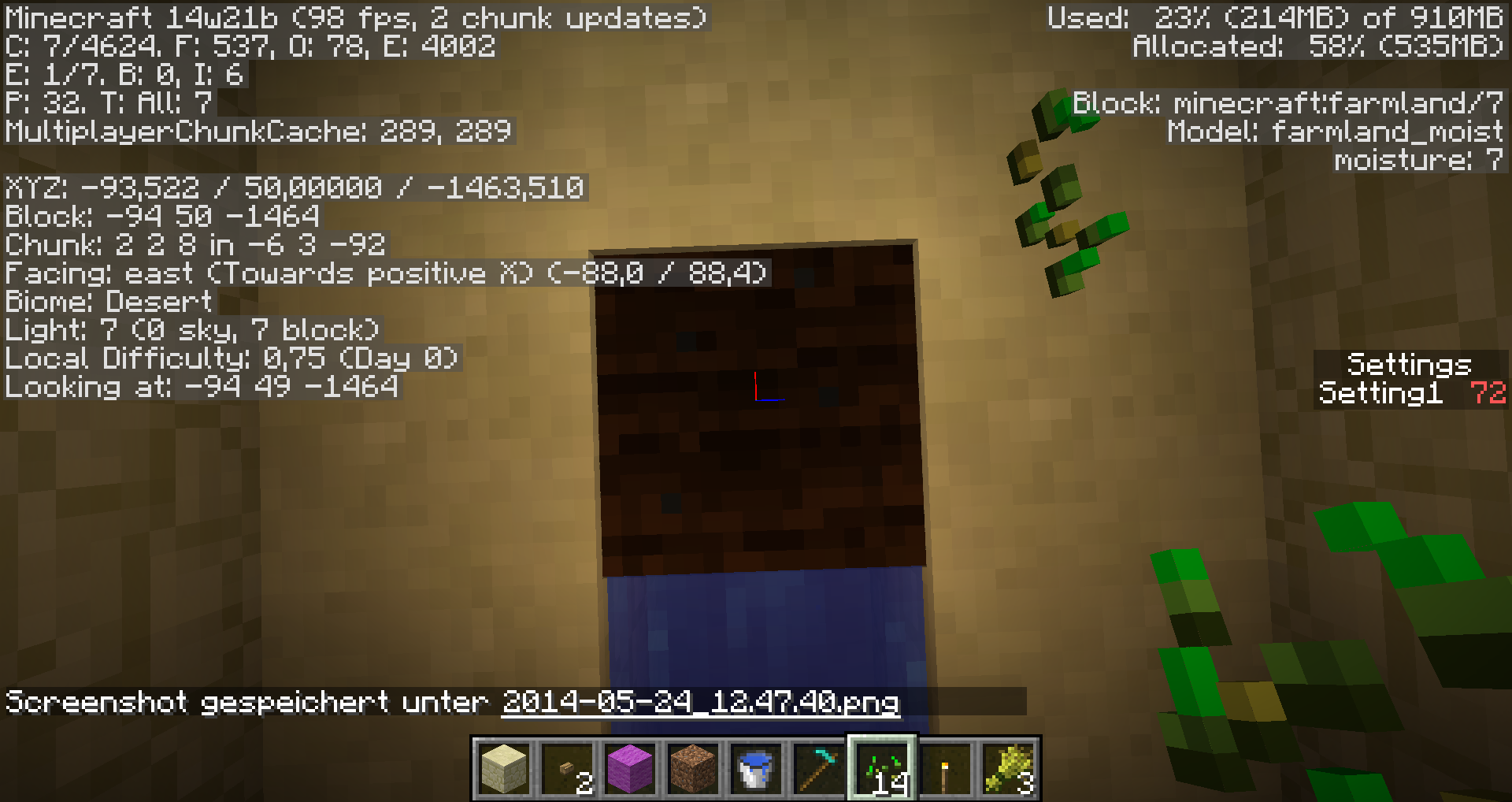


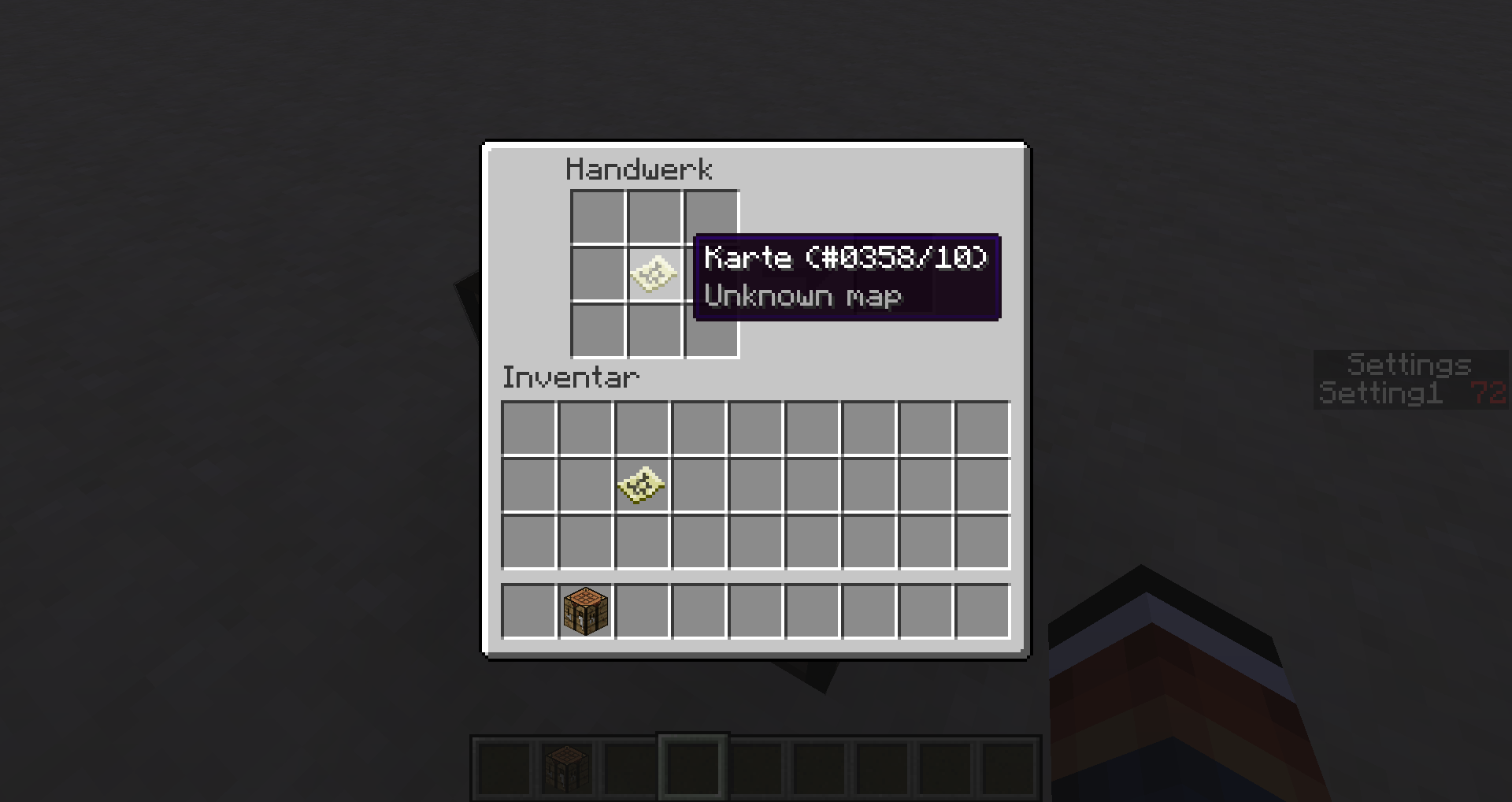
Sorry cannot reproduce
They loaded after opening the world again...I put a map I just made in a crafting table and paper arround to scale it, but some of the maps got bugged and aren't loading anymore
Not loading maps:
- scaled 1:2 level 1/4
- scaled 1:1 level 0/4
1. Mine some blocks (in survival)
2. Activate fullscreen mode ("F11")
3. Go to statistics and the to blocksYou will see the hotbar
Cannot attach screenshot, F2 isn't working and "Print" button on keyboard doesn't work for fullscreen
1. Mine some blocks (in survival)
2. Activate fullscreen mode ("F11")
3. Go to statistics and the to blocksYou will see the hotbar
Relates to:
MC-29803
1. Mine some blocks (in survival)
2.Activate fullscreen mode ("F11")
3.Go to statistics and the to blocksYou will see the hotbar
Relates to:
MC-298031. Mine some blocks (in survival)
2. Go to statistics and the to blocks
3. Activate fullscreen mode ("F11")You will see the hotbar
Relates to:
MC-29803
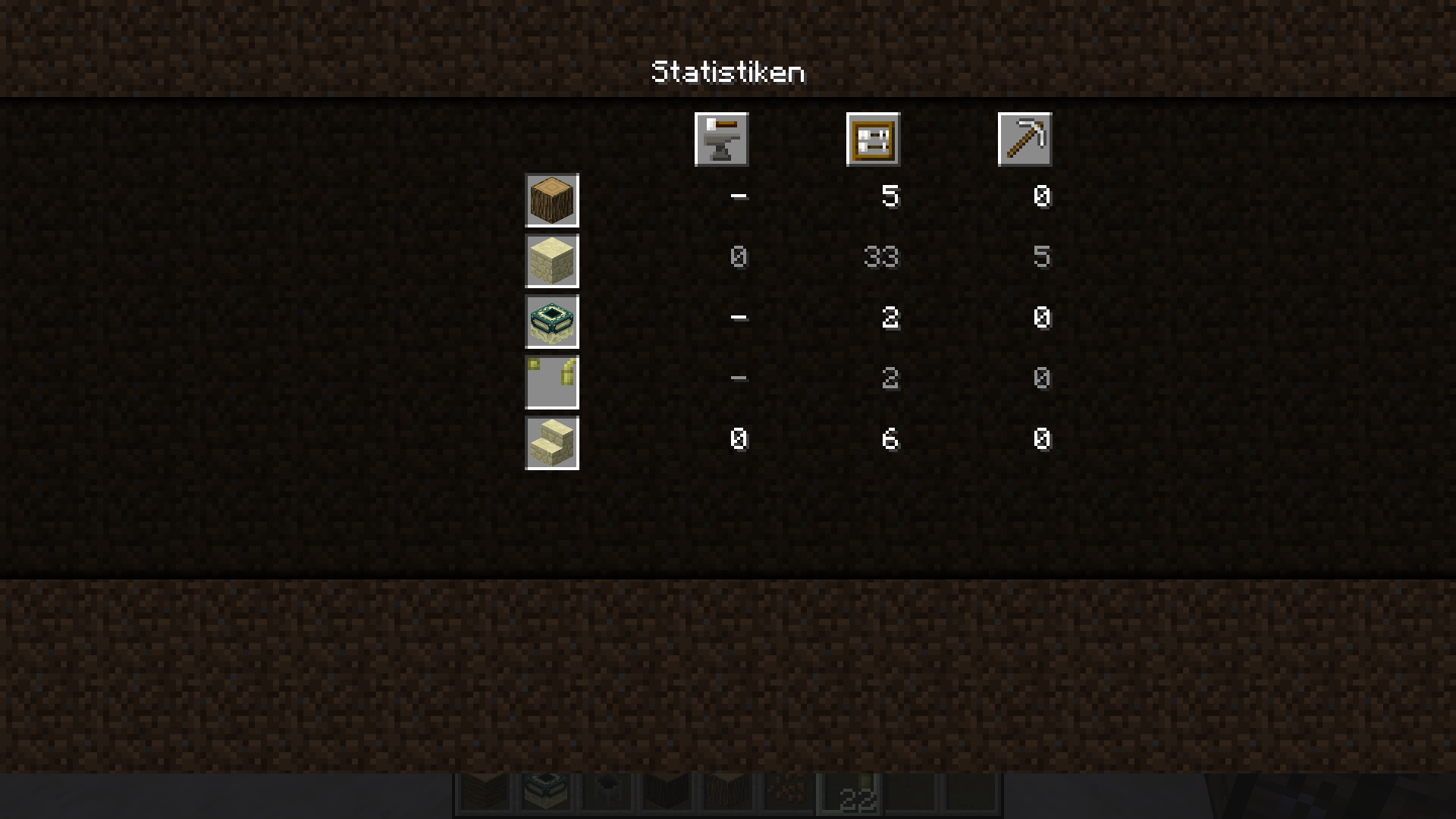
Dear Blah please stop this what you are doing rigth now!
Pls Mods give him a reprimand!
What he writes is unnecessary and/or incorrect!I already wrote "realtes to" (respectively a mod) also the first report you mentioned has NOTHING to do with the one I reported!
Blah a serious question, do you really read reports and look at the screenshots or do you just look at the title search for other reports with related titles?
Then look what they did here:
MC-55775
Also because of Blah

Confirmed for 14w21b
Other bug for 14w21b:
the score in the statistics seems not to update

EDIT: I have added a testing world for conveniently testing various instances of this bug. SMP commands not included.
First, I would like to mention one thing: the proper acknowledged behavior of a Comparator's output from a Command Block is the number of successes of the last executed command. This isn't only derived from observations - the actual NBT tag name describing the value comparators output is "SuccessCount".
This comes to the heart of the issue: the game has several commands which report "success" even when, ostensibly, they have failed. As a result, command block comparators will not output a reasonable expected value for these commands, and in fact, can output completely counter-intuitive values. This breaks various designs in command block circuits, as the comparator's output is simply incorrect for certain commands.
The technical cause of this bug appears to be the messages returned when using a command: if a command returns an error message (typically formatted in red text in chat, when used by a player or console, but obviously never witnessed by anybody when used by a command block), comparators will not consider it successful. Otherwise, it is counted as a success.
*TL;DR* The bug is that commands determine success/failure based on the messages they would send human users, and certain commands can fail while still being interpreted as successful, while others can succeed while being interpreted as failures, because of bugs in these messages. This breaks these commands' use in command block comparator output, and can also make the commands unintuitive for human users. The rest of this report is a list of commands which exhibit these bugs.
I have created two lists of commands which are effected by (or cause, depending on your interpretation) this bug. This first list contains the "true bug" commands, where the behavior is clearly incorrect and should likely be fixed.
- effect: This command reports success even if an effect was not successfully given. If a player has an effect at a higher level or duration than the command attempts to apply, the effect will not be applied (as is expected by standard status effect behavior), and yet the command will report its success (which is not expected; after all, it reports an error when it fails to remove an effect).
- gamerule: The little engine that couldn't fail. You can pass this command nonexistent gamerules. You can pass it values other than true and false. Regardless of your parameters, it always succeeds. It will actually even store these invalid values in the level.dat if your gamerule is valid - the resulting behavior, however, isn't defined. Needless to say, it also succeeds if you set a gamerule to its current value, despite the fact that this results in no change - shame, as it means you can't test for the value of a gamerule, but that's probably the least of this command's problems.
- scoreboard teams leave: This command won't settle for anything less than 100%. If at least one player it attempts to remove is not on a team, it will output 0, as though it completely failed, rather than outputting the number of players which it did successfully remove. Even if it doesn't fail to remove anybody, the highest it will output is 1 success regardless of the actual number of players removed.
This second list contains cases where it's debatable whether or not there is any bug (essentially, the ones where my idea of "correct behavior" may just be someone else's idea of "feature request" or "nitpicking"). I'm fine with moving this second list down to the comments if this becomes an issue to anybody - I just figured this was the best place to list them if they indeed are
also part of this bug. I suppose moderators (and myself) can also move items between these two lists.
- help: Counter-intuitively fails if commandname is a valid command. Also fails if commandname is not valid, but that would be proper behavior. The only reason I am including this command in the second list is because its use with comparators would be limited: at most, you could determine which commands are available if this is fixed. If we ignore mods, plugins, and other non-vanilla content, this is only helpful in determining what game version a map is running on (e.g. to tell the player they need to upgrade to a version with the desired command), or whether or not the map is running on a server (and the server-specific /list command itself offers an alternate way to do this anyhow).
- give: Far from the biggest issue, but it seems that the command won't give an error when invalid damage values are used, even if the resulting items ignore these damage values. For example, it won't complain about negative armor damage; it merely spawns the item with zero damage instead.
- deop: I always found it funny that deop works on non-ops. This barely applies to this bug, as command blocks can't use the command anyhow, which is why I put it in the second list.
- pardon: See above, it works on non-banned players.
- pardon-ip: See above, it works on non-banned IPs.
- whitelist remove: See above, players don't have to be on the whitelist to be removed.
- save-off and save-on: Again, not a big deal, but I find it strange that you can disable world saving when it's already disabled, and enable it when it's already enabled. OPs could tell if this setting has been changed, if the command would give an error when using it has no effect. Once again, I realize this command can't be used in command blocks, hence its inclusion in the second list.
- whitelist on/off: See above; the command succeeds even when it has no effect because the whitelist is already on/off.
- scoreboard objectives setdisplay: I find it odd that there's no complaint when clearing an empty display slot, or setting it to an objective that's already displayed in that slot, as neither of these have an effect.
- scoreboard players reset: This one has a little more merit: it succeeds even if the player has no tracked scores. If that weren't the case, you could tell who hasn't been tracked by the scoreboard system at all.
- scoreboard teams join: I won't complain about the fact that you can add players who aren't online (and may not exist), as that's actually useful. However, I find it strange that you can add a player to a team even if they're already on it.
The following have already been fixed:
- enchant: This command will report its failure only if it cannot find a player, the enchantment ID is nonexistent, or the enchantment level is invalid for this enchantment and the enchantment is valid for this item and this item does not have conflicting enchantments. It's unusual, but this command will report success when attempting to enchant an item which does not support the given enchantment - even if the given enchantment also does not support the specified level! This behavior is rather counter-intuitive: if you specify an enchantment with an invalid level, it returns a failure if the player is holding an item which otherwise can accept this enchantment, and it returns a success if the player is holding an item which cannot accept it. Also, in case you missed it in my first sentence, yes, the command will also "succeed" if there is a conflicting enchantment and thus the enchantment could not be applied. This is likely the most "backwards" command in this entire report.
- weather: I'm sure many a player is disappointed to see that, although "/weather snow", "/weather tornado 10000", etc. succeed, nothing actually happens. That's right; this command actually doesn't give the user any message whatsoever when a nonexistent weather condition is used - and thus, it is considered successful. Amusingly enough, it also accepts extra parameters after after the time is specified, so commands of the form "/weather clear 1000000 dammit, I hate rain" actually execute and report success.
- scoreboard objectives add: Some commands erronously report failure when they've succeeded, and this is one of them. If you give the command a Display Name that's longer than 32 characters, the game will give an error and act like the objective was not created. Nevertheless, the objective is created, and its Display Name is set to its internal name instead. This certainly goes beyond just command block comparator output; it's unintuitive when typing the command in chat as well.
- scoreboard teams add: See above; this command is plagued by exactly the same behavior.
*TL;DR* If you were looking for a TL;DR, it's the 4th paragraph from the top
EDIT: I have added a testing world for conveniently testing various instances of this bug. SMP commands not included.
First, I would like to mention one thing: the proper acknowledged behavior of a Comparator's output from a Command Block is the number of successes of the last executed command. This isn't only derived from observations - the actual NBT tag name describing the value comparators output is "SuccessCount".
This comes to the heart of the issue: the game has several commands which report "success" even when, ostensibly, they have failed. As a result, command block comparators will not output a reasonable expected value for these commands, and in fact, can output completely counter-intuitive values. This breaks various designs in command block circuits, as the comparator's output is simply incorrect for certain commands.
The technical cause of this bug appears to be the messages returned when using a command: if a command returns an error message (typically formatted in red text in chat, when used by a player or console, but obviously never witnessed by anybody when used by a command block), comparators will not consider it successful. Otherwise, it is counted as a success.
*TL;DR* The bug is that commands determine success/failure based on the messages they would send human users, and certain commands can fail while still being interpreted as successful, while others can succeed while being interpreted as failures, because of bugs in these messages. This breaks these commands' use in command block comparator output, and can also make the commands unintuitive for human users. The rest of this report is a list of commands which exhibit these bugs.
Affected commands
/effect
- Using lower amplifier
- Using same amplifier but lower time
In both cases the "show particles" argument may not change its value else it will update the effect
/help
The following is based on decompiled version of Minecraft 1.9 using MCP 9.24 beta. All method and class names are the names used in the decompiled version.
The problem is that the method net.minecraft.command.CommandHelp.execute(MinecraftServer, ICommandSender, String[]) throws a WrongUsageException, instead is should probably only print the correct usage.
public void execute(MinecraftServer server, ICommandSender sender, String[] args) throws CommandException { if (sender instanceof CommandBlockBaseLogic) { sender.addChatMessage((new TextComponentString("Searge says: ")).appendText(seargeSays[this.rand.nextInt(seargeSays.length) % seargeSays.length])); } else { List<ICommand> list = this.func_184900_a(sender, server); int i = 7; int j = (list.size() - 1) / 7; int k = 0; try { k = args.length == 0 ? 0 : parseInt(args[0], 1, j + 1) - 1; } catch (NumberInvalidException numberinvalidexception) { Map<String, ICommand> map = this.func_184899_a(server); ICommand icommand = (ICommand)map.get(args[0]); if (icommand != null) { // Replaced this //throw new WrongUsageException(icommand.getCommandUsage(sender), new Object[0]); TextComponentTranslation textComponentTranslation = new TextComponentTranslation("commands.generic.usage", new Object[] {new TextComponentTranslation(icommand.getCommandUsage(sender))}); sender.addChatMessage(textComponentTranslation); return; } if (MathHelper.parseIntWithDefault(args[0], -1) != -1) { throw numberinvalidexception; } throw new CommandNotFoundException(); } //... } }/pardon-ip
Always succeeds
/whitelist on and /whitelist off
Both always succeed, compared to /save-on and /save-off which fail when used if auto saving is already on respectively off this can be considered a bug
/scoreboard objectives setdisplay
- Clears an empty display slot
- Sets a objective that is already display in the specified slot to be display in that slot
/scoreboard players reset
Succeeds even if the entity has no score
/scoreboard teams join
Entity which is already in a team can join the same team again
Unaffected command
These commands are unaffected so you do not have to include them. I just want to point out why they are unaffected.
/gamerule
Only for
MC-76044, however as it stores the incorrect value, the success is correctThe fact that it saves non existing gamerules is either intended or a different bug

EDIT: I have added a testing world for conveniently testing various instances of this bug. SMP commands not included.
First, I would like to mention one thing: the proper acknowledged behavior of a Comparator's output from a Command Block is the number of successes of the last executed command. This isn't only derived from observations - the actual NBT tag name describing the value comparators output is "SuccessCount".
This comes to the heart of the issue: the game has several commands which report "success" even when, ostensibly, they have failed. As a result, command block comparators will not output a reasonable expected value for these commands, and in fact, can output completely counter-intuitive values. This breaks various designs in command block circuits, as the comparator's output is simply incorrect for certain commands.
The technical cause of this bug appears to be the messages returned when using a command: if a command returns an error message (typically formatted in red text in chat, when used by a player or console, but obviously never witnessed by anybody when used by a command block), comparators will not consider it successful. Otherwise, it is counted as a success.
*TL;DR* The bug is that commands determine success/failure based on the messages they would send human users, and certain commands can fail while still being interpreted as successful, while others can succeed while being interpreted as failures, because of bugs in these messages. This breaks these commands' use in command block comparator output, and can also make the commands unintuitive for human users. The rest of this report is a list of commands which exhibit these bugs.
Affected commands
/effect
- Using lower amplifier
- Using same amplifier but lower time
/help
The following is based on decompiled version of Minecraft 1.9 using MCP 9.24 beta. All method and class names are the names used in the decompiled version.
The problem is that the method net.minecraft.command.CommandHelp.execute(MinecraftServer, ICommandSender, String[]) throws a WrongUsageException, instead is should probably only print the correct usage.
public void execute(MinecraftServer server, ICommandSender sender, String[] args) throws CommandException { if (sender instanceof CommandBlockBaseLogic) { sender.addChatMessage((new TextComponentString("Searge says: ")).appendText(seargeSays[this.rand.nextInt(seargeSays.length) % seargeSays.length])); } else { List<ICommand> list = this.func_184900_a(sender, server); int i = 7; int j = (list.size() - 1) / 7; int k = 0; try { k = args.length == 0 ? 0 : parseInt(args[0], 1, j + 1) - 1; } catch (NumberInvalidException numberinvalidexception) { Map<String, ICommand> map = this.func_184899_a(server); ICommand icommand = (ICommand)map.get(args[0]); if (icommand != null) { // Replaced this //throw new WrongUsageException(icommand.getCommandUsage(sender), new Object[0]); TextComponentTranslation textComponentTranslation = new TextComponentTranslation("commands.generic.usage", new Object[] {new TextComponentTranslation(icommand.getCommandUsage(sender))}); sender.addChatMessage(textComponentTranslation); return; } if (MathHelper.parseIntWithDefault(args[0], -1) != -1) { throw numberinvalidexception; } throw new CommandNotFoundException(); } //... } }/pardon-ip
Always succeeds
/whitelist on and /whitelist off
Both always succeed, compared to /save-on and /save-off which fail when used if auto saving is already on respectively off this can be considered a bug
/scoreboard objectives setdisplay
- Clears an empty display slot
- Sets a objective that is already display in the specified slot to be display in that slot
/scoreboard players reset
Succeeds even if the entity has no score
/scoreboard teams join
Entity which is already in a team can join the same team again
Unaffected command
These commands are unaffected so you do not have to include them. I just want to point out why they are unaffected.
/gamerule
Only for
MC-76044, however as it stores the incorrect value, the success is correctThe fact that it saves non existing gamerules is either intended or a different bug
EDIT: I have added a testing world for conveniently testing various instances of this bug. SMP commands not included.
First, I would like to mention one thing: the proper acknowledged behavior of a Comparator's output from a Command Block is the number of successes of the last executed command. This isn't only derived from observations - the actual NBT tag name describing the value comparators output is "SuccessCount".
This comes to the heart of the issue: the game has several commands which report "success" even when, ostensibly, they have failed. As a result, command block comparators will not output a reasonable expected value for these commands, and in fact, can output completely counter-intuitive values. This breaks various designs in command block circuits, as the comparator's output is simply incorrect for certain commands.
The technical cause of this bug appears to be the messages returned when using a command: if a command returns an error message (typically formatted in red text in chat, when used by a player or console, but obviously never witnessed by anybody when used by a command block), comparators will not consider it successful. Otherwise, it is counted as a success.
*TL;DR* The bug is that commands determine success/failure based on the messages they would send human users, and certain commands can fail while still being interpreted as successful, while others can succeed while being interpreted as failures, because of bugs in these messages. This breaks these commands' use in command block comparator output, and can also make the commands unintuitive for human users. The rest of this report is a list of commands which exhibit these bugs.
Affected commands
/effect
- Using lower amplifier
- Using same amplifier but lower time
/help
The following is based on decompiled version of Minecraft 1.9 using MCP 9.24 beta. All method and class names are the names used in the decompiled version.
The problem is that the method net.minecraft.command.CommandHelp.execute(MinecraftServer, ICommandSender, String[]) throws a WrongUsageException, instead is should probably only print the correct usage.
public void execute(MinecraftServer server, ICommandSender sender, String[] args) throws CommandException { if (sender instanceof CommandBlockBaseLogic) { sender.addChatMessage((new TextComponentString("Searge says: ")).appendText(seargeSays[this.rand.nextInt(seargeSays.length) % seargeSays.length])); } else { List<ICommand> list = this.func_184900_a(sender, server); int i = 7; int j = (list.size() - 1) / 7; int k = 0; try { k = args.length == 0 ? 0 : parseInt(args[0], 1, j + 1) - 1; } catch (NumberInvalidException numberinvalidexception) { Map<String, ICommand> map = this.func_184899_a(server); ICommand icommand = (ICommand)map.get(args[0]); if (icommand != null) { // Replaced this //throw new WrongUsageException(icommand.getCommandUsage(sender), new Object[0]); TextComponentTranslation textComponentTranslation = new TextComponentTranslation("commands.generic.usage", new Object[] {new TextComponentTranslation(icommand.getCommandUsage(sender))}); sender.addChatMessage(textComponentTranslation); return; } if (MathHelper.parseIntWithDefault(args[0], -1) != -1) { throw numberinvalidexception; } throw new CommandNotFoundException(); } //... } }/ban (and probably /ban-ip)
Let you ban players multiple times, however only one ban list entry is created
/pardon-ip
Always succeeds with a valid IP
/whitelist on and /whitelist off
Both always succeed, compared to /save-on and /save-off which fail when used if auto saving is already on respectively off this can be considered a bug
/scoreboard objectives setdisplay
- Clears an empty display slot
- Sets a objective that is already display in the specified slot to be display in that slot
/scoreboard players reset
Succeeds even if the entity has no score
/scoreboard teams join
Entity which is already in a team can join the same team again
Unaffected command
These commands are unaffected so you do not have to include them. I just want to point out why they are unaffected.
/gamerule
Only for
MC-76044, however as it stores the incorrect value, the success is correctThe fact that it saves non existing gamerules is either intended or a different bug
EDIT: I have added a testing world for conveniently testing various instances of this bug. SMP commands not included.
First, I would like to mention one thing: the proper acknowledged behavior of a Comparator's output from a Command Block is the number of successes of the last executed command. This isn't only derived from observations - the actual NBT tag name describing the value comparators output is "SuccessCount".
This comes to the heart of the issue: the game has several commands which report "success" even when, ostensibly, they have failed. As a result, command block comparators will not output a reasonable expected value for these commands, and in fact, can output completely counter-intuitive values. This breaks various designs in command block circuits, as the comparator's output is simply incorrect for certain commands.
The technical cause of this bug appears to be the messages returned when using a command: if a command returns an error message (typically formatted in red text in chat, when used by a player or console, but obviously never witnessed by anybody when used by a command block), comparators will not consider it successful. Otherwise, it is counted as a success.
*TL;DR* The bug is that commands determine success/failure based on the messages they would send human users, and certain commands can fail while still being interpreted as successful, while others can succeed while being interpreted as failures, because of bugs in these messages. This breaks these commands' use in command block comparator output, and can also make the commands unintuitive for human users. The rest of this report is a list of commands which exhibit these bugs.
Affected commands
/effect
- Using lower amplifier
- Using same amplifier but lower time
/help
The following is based on decompiled version of Minecraft 1.9 using MCP 9.24 beta. All method and class names are the names used in the decompiled version.
The problem is that the method net.minecraft.command.CommandHelp.execute(MinecraftServer, ICommandSender, String[]) throws a WrongUsageException, instead is should probably only print the correct usage.
public void execute(MinecraftServer server, ICommandSender sender, String[] args) throws CommandException { if (sender instanceof CommandBlockBaseLogic) { sender.addChatMessage((new TextComponentString("Searge says: ")).appendText(seargeSays[this.rand.nextInt(seargeSays.length) % seargeSays.length])); } else { List<ICommand> list = this.func_184900_a(sender, server); int i = 7; int j = (list.size() - 1) / 7; int k = 0; try { k = args.length == 0 ? 0 : parseInt(args[0], 1, j + 1) - 1; } catch (NumberInvalidException numberinvalidexception) { Map<String, ICommand> map = this.func_184899_a(server); ICommand icommand = (ICommand)map.get(args[0]); if (icommand != null) { // Replaced this //throw new WrongUsageException(icommand.getCommandUsage(sender), new Object[0]); TextComponentTranslation textComponentTranslation = new TextComponentTranslation("commands.generic.usage", new Object[] {new TextComponentTranslation(icommand.getCommandUsage(sender))}); sender.addChatMessage(textComponentTranslation); return; } if (MathHelper.parseIntWithDefault(args[0], -1) != -1) { throw numberinvalidexception; } throw new CommandNotFoundException(); } //... } }/ban (and probably /ban-ip)
Let you ban players multiple times, however only one ban list entry is created
/pardon-ip
Always succeeds with a valid IP
/whitelist on and /whitelist off
Both always succeed, compared to /save-on and /save-off which fail when used if auto saving is already on respectively off this can be considered a bug
/scoreboard objectives setdisplay
- Clears an empty display slot
- Sets a objective that is already display in the specified slot to be display in that slot
/scoreboard players reset
Succeeds even if the entity has no score
/scoreboard teams join
Entity which is already in a team can join the same team again
/scoreboard players tag add
See
MC-87430Unaffected command
These commands are unaffected so you do not have to include them. I just want to point out why they are unaffected.
/gamerule
Only for
MC-76044, however as it stores the incorrect value, the success is correctThe fact that it saves non existing gamerules is either intended or a different bug
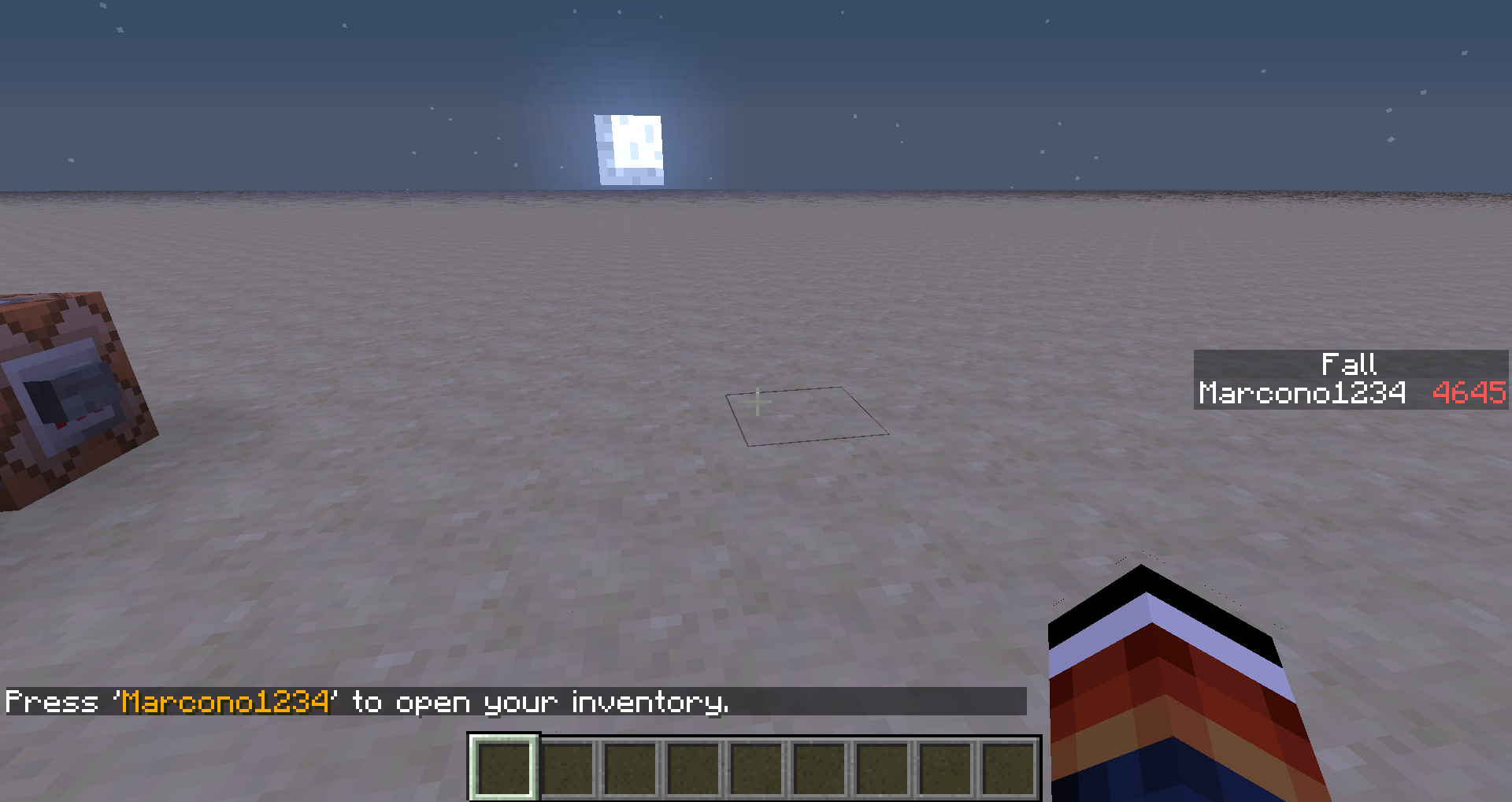
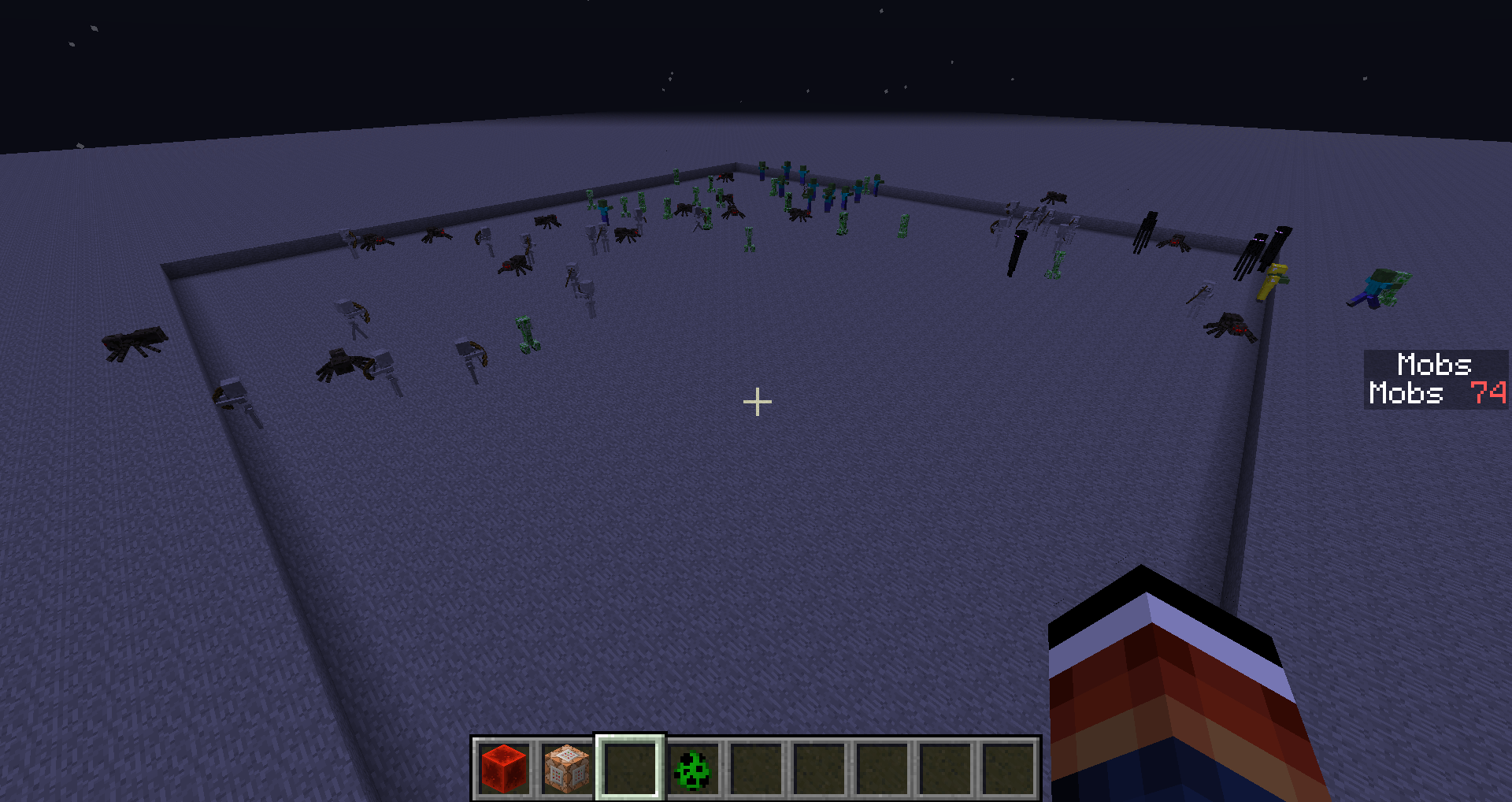
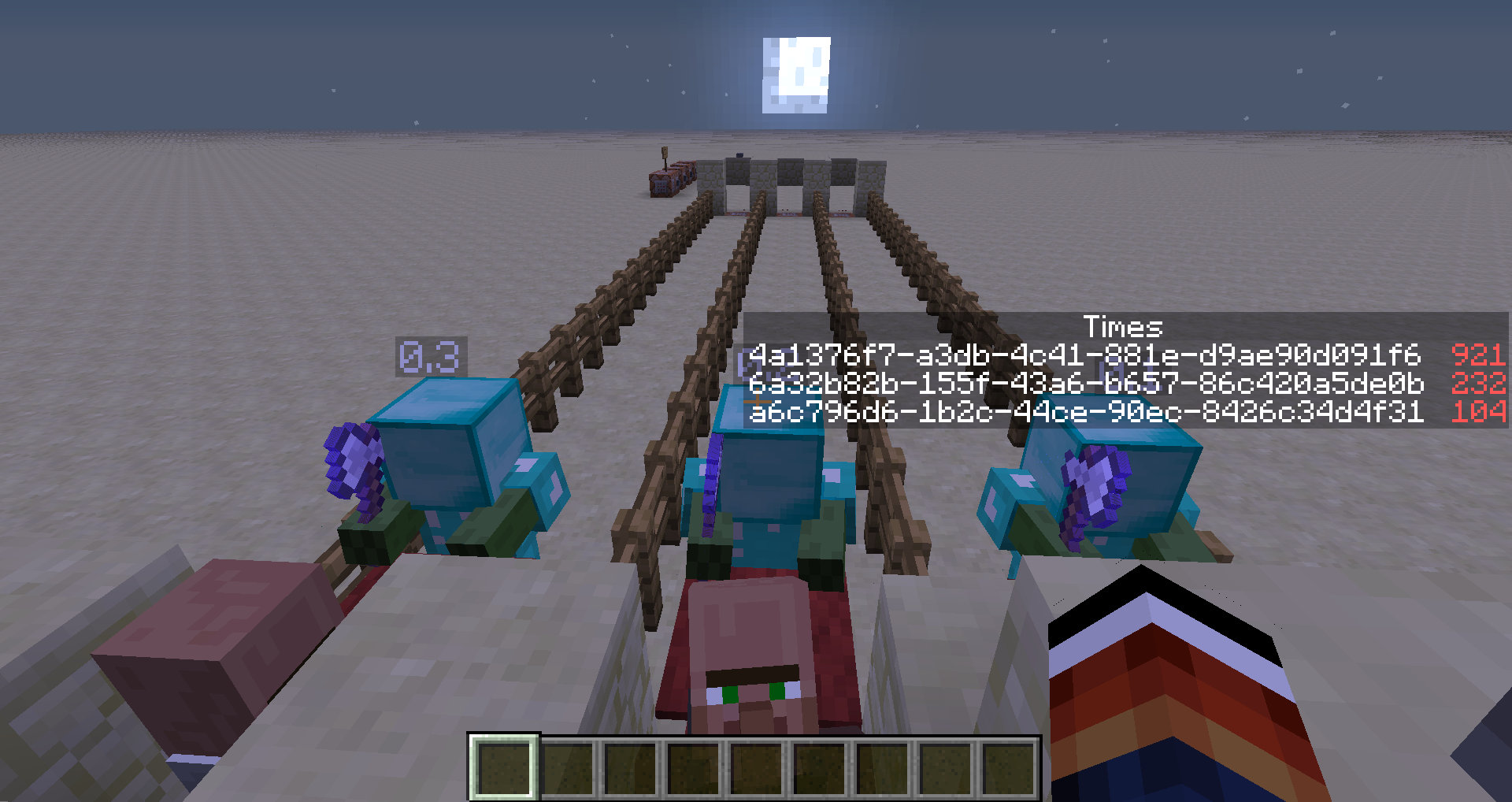

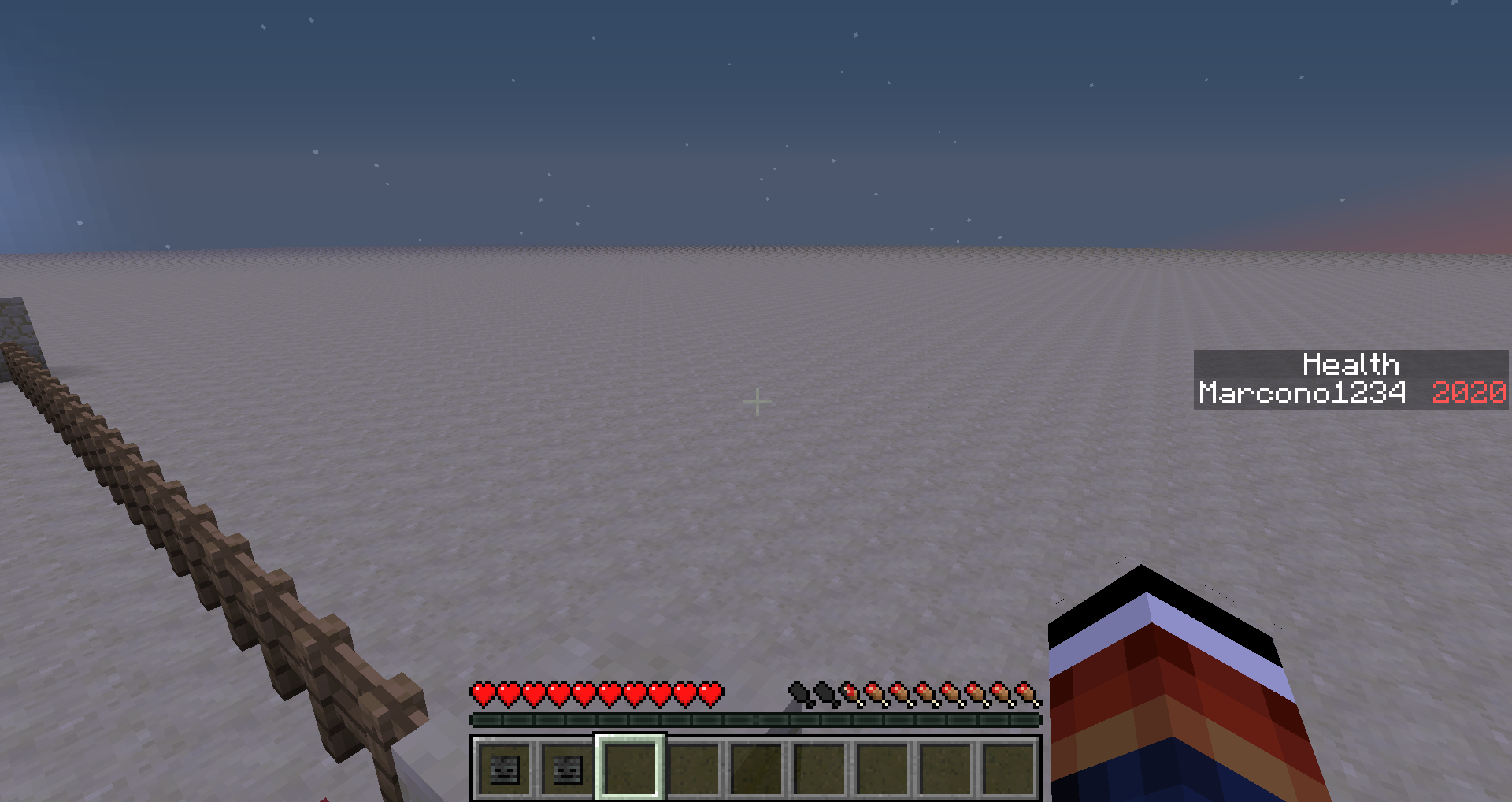
1. Look at the statistic "Distance Fallen"
2. Fall down some blocks in survival
3. Look at the statistic "Distance Fallen" againIt has still the same value
1. Look at the statistic "Distance Fallen"
2. Fall down some blocks in survival
3. Look at the statistic "Distance Fallen" againIt has still the same value
Just when you reopen Minecraft it shows the "correct" value
1. Look at the statistic "Distance Fallen"
2. Fall down some blocks in survival
3. Look at the statistic "Distance Fallen" againIt has still the same value
Just when you reopen Minecraft it shows the "correct" value1. Look at the statistic "Distance Fallen"
2. Fall down some blocks in survival
3. Look at the statistic "Distance Fallen" againIt has still the same value
Exeptions:
-You have fallen down 4 times after last reset (This means after last correct and loaded value or reopening the world)
-Your statistics are resetted
Steps to reproduce:
1. Load a world in survival mode
2. Look at the statistic "Distance Fallen"
3. Fall down some blocks
4. Look at the statistic "Distance Fallen" again (Statistics will not update)
5. Again fall down some blocks
6. Look at the statistic "Distance Fallen" again (Statistics will update)Exeptions:
-You have fallen down 4 times after last reset (This means after last correct and loaded value or reopening the world)
-Your statistics are resettedThe reason
In 1.8 there is a cooldown for statistic requests in the statistics sending method of the server:
StatisticsFile.java (1.8)public void func_150876_a(EntityPlayerMP p_150876_1_) { int var2 = this.field_150890_c.getTickCounter(); HashMap var3 = Maps.newHashMap(); /* * If not at least 300 ticks have passed from the point when the last time * statistics were requested, it just sends an empty map, so no statistics get * updated */ if (this.field_150886_g || var2 - this.field_150885_f > 300) { this.field_150885_f = var2; Iterator var4 = this.func_150878_c().iterator(); while (var4.hasNext()) { StatBase var5 = (StatBase)var4.next(); var3.put(var5, Integer.valueOf(this.writeStat(var5))); } } p_150876_1_.playerNetServerHandler.sendPacket(new S37PacketStatistics(var3)); }
Steps to reproduce:
1. Load a world in survival mode
2. Look at the statistic "Distance Fallen"
3. Fall down some blocks
4. Look at the statistic "Distance Fallen" again (Statistics will not update)
5. Again fall down some blocks
6. Look at the statistic "Distance Fallen" again (Statistics will update)Exeptions:
-You have fallen down 4 times after last reset (This means after last correct and loaded value or reopening the world)
-Your statistics are resettedThe reason
In 1.8 there is a cooldown for statistic requests in the statistics sending method of the server:
StatisticsFile.java (1.8)public void func_150876_a(EntityPlayerMP p_150876_1_) { int var2 = this.field_150890_c.getTickCounter(); HashMap var3 = Maps.newHashMap(); /* * If not at least 300 ticks have passed fromthe pointwhen the last time * statistics were requested, it just sends an empty map, so no statistics get * updated */ if (this.field_150886_g || var2 - this.field_150885_f > 300) { this.field_150885_f = var2; Iterator var4 = this.func_150878_c().iterator(); while (var4.hasNext()) { StatBase var5 = (StatBase)var4.next(); var3.put(var5, Integer.valueOf(this.writeStat(var5))); } } p_150876_1_.playerNetServerHandler.sendPacket(new S37PacketStatistics(var3)); }
Statistic Distance Fallen does notupdate for the firsttime falling after loading a worldClient does not indicate that receiving statistics failed due to cooldown
relates to
- Tame some dogs (for example 3)
- Let them sit down
- Let a zombie attack you
The dogs which get hit by the zombie won't sit down after fighting, the ones which weren't hit will sit down
Also it seems like when the zombie stops hitting you because you go too far away, the dogs will stop hitting the zombie and the zombie sometimes gets "passive" so even when you hit it, it won't attack you back
Cannot reproduce anymore as it seems like there is the bug that zombies won't attack dogs anymore when they get harmed by them
- Tame some dogs (for example 3)
- Let them sit down
- Let a zombie attack you
The dogs which get hit by the zombie won't sit down after fighting, the ones which weren't hit will sit down
Also it seems like when the zombie stops hitting you because you go too far away, the dogs will stop hitting the zombie and the zombie sometimes gets "passive" so even when you hit it, it won't attack you back
Cannot reproduce anymore as it seems like there is the bug that zombies won't attack dogs anymore when they get harmed by them
- Tame some dogs (for example 3)
- Let them sit down
- Let a zombie attack you
The dogs which get hit by the zombie won't sit down after fighting, the ones which weren't hit will sit down
Also it seems like when the zombie stops hitting you because you go too far away, the dogs will stop hitting the zombie and the zombie sometimes gets "passive" so even when you hit it, it won't attack you back
Cannot reproduce anymore as it seems like there is the bug that zombies won't attack dogs anymore when they get harmed by them
- Tame some dogs (for example 3)
- Let them sit down
- Let a zombie attack you
The dogs which get hit by the zombie won't sit down after fighting, the ones which weren't hit will sit down
Also it seems like when the zombie stops hitting you because you go too far away, the dogs will stop hitting the zombie and the zombie sometimes gets "passive" so even when you hit it, it won't attack you back
Cannot reproduce anymore as it seems like there is the bug that zombies won't attack dogs anymore when they get harmed by them
- Tame some dogs (for example 3)
- Let them sit down
- Let a zombie attack you
The dogs which get hit by the zombie won't sit down after fighting, the ones which weren't hit will sit down
Also it seems like when the zombie stops hitting you because you go too far away, the dogs will stop hitting the zombie and the zombie sometimes gets "passive" so even when you hit it, it won't attack you back
- Sitting bug:
Cannot reproduce anymore as it seems like there is the bug that zombies won't attack dogs anymore when they get harmed by them1. Tame some dogs (for example 3)
2. Let them sit down
3. Let a zombie attack youThe dogs which get hit by the zombie won't sit down after fighting, the ones which weren't hit will sit down
- "Passive" bug:
- Re-attack bug:
Just have a wolf defending you and a zombie attacking you what happens is:- The zombie starts attacking you
- Your dog attacks the zombie
BUT the zombie won't attack now the wolf, instead it tries still to reach you (which wasn't like this in earlier versions)
- Sitting bug:
Cannot reproduce anymore as it seems like there is the bug that zombies won't attack dogs anymore when they get harmed by them1. Tame some dogs (for example 3)
2. Let them sit down
3. Let a zombie attack youThe dogs which get hit by the zombie won't sit down after fighting, the ones which weren't hit will sit down
- "Passive" bug:
- Re-attack bug:
Just have a wolf defending you and a zombie attacking you what happens is:- The zombie starts attacking you
- Your dog attacks the zombie
BUT the zombie won't attack now the wolf, instead it tries still to reach you (which wasn't like this in earlier versions)1. Sitting bug:
Cannot reproduce anymore as it seems like there is the bug that zombies won't attack dogs anymore when they get harmed by them
- Tame some dogs (for example 3)
- Let them sit down
- Let a zombie attack you
The dogs which get hit by the zombie won't sit down after fighting, the ones which weren't hit will sit down
2. "Passive" bug:
3. Re-attack bug:
Just have a wolf defending you and a zombie attacking you what happens is:
- The zombie starts attacking you
- Your dog attacks the zombie
BUT the zombie won't attack now the wolf, instead it tries still to reach you (which wasn't like this in earlier versions)
1. Sitting bug:
Cannot reproduce anymore as it seems like there is the bug that zombies won't attack dogs anymore when they get harmed by them
- Tame some dogs (for example 3)
- Let them sit down
- Let a zombie attack you
The dogs which get hit by the zombie won't sit down after fighting, the ones which weren't hit will sit down
2. "Passive" bug:
3. Re-attack bug:
Just have a wolf defending you and a zombie attacking you what happens is:
- The zombie starts attacking you
- Your dog attacks the zombie
BUT the zombie won't attack now the wolf, instead it tries still to reach you (which wasn't like this in earlier versions)1. Sitting bug:
Cannot reproduce anymore as it seems like there is the bug that zombies won't attack dogs anymore when they get harmed by them
- Tame some dogs (for example 3)
- Let them sit down
- Let a zombie attack you
The dogs which get hit by the zombie won't sit down after fighting, the ones which weren't hit will sit down
2. "Passive" bug: (see attached movie)
3. Re-attack bug:
Just have a wolf defending you and a zombie attacking you what happens is:
- The zombie starts attacking you
- Your dog attacks the zombie
BUT the zombie won't attack now the wolf, instead it tries still to reach you (which wasn't like this in earlier versions)
1. Sitting bug:
Cannot reproduce anymore as it seems like there is the bug that zombies won't attack dogs anymore when they get harmed by them
- Tame some dogs (for example 3)
- Let them sit down
- Let a zombie attack you
The dogs which get hit by the zombie won't sit down after fighting, the ones which weren't hit will sit down
2. "Passive" bug: (see attached movie)
- Let a z
3. Re-attack bug:
Just have a wolf defending you and a zombie attacking you what happens is:
- The zombie starts attacking you
- Your dog attacks the zombie
BUT the zombie won't attack now the wolf, instead it tries still to reach you (which wasn't like this in earlier versions)
1. Sitting bug:
Cannot reproduce anymore as it seems like there is the bug that zombies won't attack dogs anymore when they get harmed by them
- Tame some dogs (for example 3)
- Let them sit down
- Let a zombie attack you
The dogs which get hit by the zombie won't sit down after fighting, the ones which weren't hit will sit down
2. "Passive" bug: (see attached movie)
- Let a zombie attack you
- Go quick away from the zombie
- Let the dogs attack the zombie
Sometimes they stop attacking before the zombie is dead and leave a "passive" zombie
3. Re-attack bug:
Just have a wolf defending you and a zombie attacking you what happens is:
- The zombie starts attacking you
- Your dog attacks the zombie
BUT the zombie won't attack now the wolf, instead it tries still to reach you (which wasn't like this in earlier versions)
1. Sitting bug:
Cannot reproduce anymore as it seems like there is the bug that zombies won't attack dogs anymore when they get harmed by them
- Tame some dogs (for example 3)
- Let them sit down
- Let a zombie attack you
The dogs which get hit by the zombie won't sit down after fighting, the ones which weren't hit will sit down
2. "Passive" bug: (see attached movie)
- Let a zombie attack you
- Go quick away from the zombie
- Let the dogs attack the zombie
Sometimes they stop attacking before the zombie is dead and leave a "passive" zombie
3. Re-attack bug:
Just have a wolf defending you and a zombie attacking you what happens is:
- The zombie starts attacking you
- Your dog attacks the zombie
BUT the zombie won't attack now the wolf, instead it tries still to reach you (which wasn't like this in earlier versions)1. Sitting bug:
Cannot reproduce anymore as of bug nr. 3
- Tame some dogs (for example 3)
- Let them sit down
- Let a zombie attack you
The dogs which get hit by the zombie won't sit down after fighting, the ones which weren't hit will sit down
2. "Passive" bug: (see attached movie)
- Let a zombie attack you
- Go quick away from the zombie
- Let the dogs attack the zombie
Sometimes they stop attacking before the zombie is dead and leave a "passive" zombie
3. Re-attack bug:
Just have a wolf defending you and a zombie attacking you what happens is:
- The zombie starts attacking you
- Your dog attacks the zombie
BUT the zombie won't attack now the wolf, instead it tries still to reach you (which wasn't like this in earlier versions)
1. Sitting bug:
Cannot reproduce anymore as of bug nr. 3
- Tame some dogs (for example 3)
- Let them sit down
- Let a zombie attack you
The dogs which get hit by the zombie won't sit down after fighting, the ones which weren't hit will sit down
2. "Passive" bug: (see attached movie)
- Let
a zombie attack youGo quick away from the zombie- Let the dogs attack the zombie
Sometimes they stop attacking before the zombie is dead and leave a "passive" zombie3. Re-attack bug:
Just have a wolf defending you and a zombie attacking you what happens is:
- The zombie starts attacking you
- Your dog attacks the zombie
BUT the zombie won't attack now the wolf, instead it tries still to reach you (which wasn't like this in earlier versions)
Bugged attack of wolvesWolves hurt during fight do not sit down again after fight
![[Mod] Ezekiel (ezfe)](../../../data/assets/gravatar/ezekielelin.jpeg)
The bug
When an item lands on the edge of a block, the client sometimes makes it fall over the edge while the server leaves it on the edge. This happens because the client thinks the drop can fall based on a slightly different location and attempts to predict the future incorrectly.
How to reproduce
- Throw an item on the ground and wait until it stopped moving
- Run in command block close to it:
teleport @e[type=item,distance=..6] ~ ~1 ~-0.6249
Code analysis
Code analysis by Marcono1234 can be found in this comment.
Fix
Fix by [Mojang] Panda can be found in this comment.
![[Mod] Avoma](../../../data/avatars/users/86198.png)
The Bug:
Fall damage is ignored for a couple of seconds when reloading into LAN or singleplayer worlds.
Please note that multiplayer server worlds are not affected by this issue.
Steps to Reproduce:
- Summon a large tower of blocks by using the command provided below.
/fill ~3 ~ ~ ~3 ~45 ~ minecraft:polished_andesite
- Stand on top of the tower and switch into survival mode.
- Jump off the edge of the tower, but before you hit the ground, hit the ESC key and exit the world.
- Load into the world once again and as you do this, watch your health closely.
- Take note as to whether or not fall damage is ignored for a couple of seconds when reloading into LAN or singleplayer worlds.
Observed Behavior:
Fall damage is ignored for a couple of seconds when reloading into LAN or singleplayer worlds.
Expected Behavior:
Fall damage would not be ignored for a couple of seconds when reloading into LAN or singleplayer worlds.
Code Analysis:
Code analysis by Marcono1234 can be found in this comment.
![[Mod] Sonicwave](../../../data/avatars/users/94627.png)
The bug
Triggers
- toggling fullscreen
- resizing the window
- alt-tabbing out of the game in fullscreen (as of 17w43+)
Results
- Changing text in most text boxes then will revert the text. Exceptions are naming (not renaming) a world, entering a seed and writing on a sign.
- also resets the scroll bars in the statistics menu and returns you to the "General" tab.
- disables most of a command block interface (as of 17w43+)
How to reproduce
- Press 't' to bring up the console
- Type something but don't send it
- Toggle fullscreen or resize the window
- The text disappears, or reverts to nothing when it should remain
Code analysis
from Marcono1234:
The reason for this is that the private void resize(int width, int height) method of the net.minecraft.client.Minecraft class (MCP names for Minecraft 1.8) calls the public void onResize(Minecraft mcIn, int width, int height) method of the net.minecraft.client.gui.GuiScreen class. This method however is a method that creates (not updates) the GUI. A partial fix would be to have the private void resize(int width, int height) method call some kind of updating method only and passing the width and height. Additionally textboxes could have an anonymous class that calculates the position based on the attributes of the screen it is in.
The Bug
When you cause a dragon egg to teleport (such as by clicking on it), the teleportation particles point in a random direction and not to the actual location of the dragon egg.
Steps to Reproduce
- Give yourself a dragon egg and place it down.
/give @s minecraft:dragon_egg
- Interact with the dragon egg, (right-click by default) to make it teleport.
- Take note of the particles produced upon doing this and what direction they're pointing in.
- Locate where the dragon egg is and check whether the particles pointed in the correct direction.
Observed Behavior
Particles produced from a dragon egg upon interacting with it don't point in the direction of where the egg was teleported to.
Expected Behavior
Particles produced from a dragon egg upon interacting with it would point in the direction of where the egg was teleported to.
Code Analysis
Code analysis by Marcono1234 can be found in this comment, and code analysis by Ismael Rosillo can be found in this comment.

The bug
A wolf had climbed out of the water and I killed it. As it died (and fell off to the side), it performed its shaking animation for it drying off.
Code analysis
Code analysis by Marcono1234 can be found in this comment.
![[Helper] Lord_Quadrato](../../../data/avatars/users/26105.png)
The bug
If you manage to one hit kill an untamed wolf by any means, other wild wolves around you won't become aggressive.
How to reproduce
- Give yourself effect 5 level 100 for 30 seconds
- Spawn two or more wolves
- One-hit kill one
→ Notice that the other wolves do not become aggressive
Code analysis
Code analysis by Marcono1234 can be found in this comment.
![[Mod] turbo](../../../data/avatars/users/92867.png)
The bug
When you set an effect in a beacon that requires more than 1 layer, and then break the layers so that it shouldn’t be able to give the effect anymore, it will still give you the effect.
How to reproduce
- Build a 2 layers tall beacon pyramid
- Set the resistance effect or the jump boost effect
- Break one block of the lowest layer
 It will still give you the effect even though the pyramid only has one full layer.
Code analysis
Code analysis by Marcono1234 can be found in this comment.
Original Description:
I can create a four-tier pyramid, then set the beacon to provide the primary power of the strength boost and the secondary power of regeneration, and then break the fourth, third, and second levels of the pyramid, and the primary power of strength will continue to refresh, although only out to 20 blocks, and the secondary power will not refresh.
If I then repair the pyramid's second layer, the range of the primary power will extend out to 30 blocks. Repairing the third layer will increase the range to 40 blocks. And repairing the fourth layer will return the beacon to full functionality. If I break the first level(leaving the beacon block itself intact), then the primary power will stop, but if I then restore only the first level of the pyramid, the beacon will continue to provide the primary power of strength out to 20 blocks.
Ultimately, the beacon is properly checking to see if it should apply the secondary power, and how far a range it should apply primary or secondary powers out to, but is not checking to see if the TYPE of primary power it is set to provide is still supported by the appropriate number of layers required to initially select it.

Summon a Primed TNT using
/summon tnt ~ ~ ~ {Fuse:127}
As the fuse is set to 127, the Primed TNT will explode after 127 ticks. This is as expected.
However the client isn't informed of this change and will show the TNT animation exploding at the normal 80 ticks. This also removes the TNT entity from the client side.
/data merge entity @e[type=tnt,limit=1] {Fuse:127}
works on the invisible TNT to extend the fuse, but will not render it back as the client has already deleted the entity.
TL;DR Server doesn't inform client of fuse length changes, TNT animation will always end at 80 ticks.
To reproduce in 16w21b, simply summoning a TNT with Fuse:127b won't work. You must continuously use /entitydata to stop the Fuse value from reaching zero.
Example: run this in a repeating command block:
/data merge entity @e[type=tnt,limit=1] {Fuse:127}
Code analysis by Marcono1234 can be found in this comment.
In creative mode, when I place a water bucket (for example) in Hotbar slot, hover above it and press a numberkey to move the it (i.e. to swap it with a dirt block) and then place the water bucket (which is now where the dirt block was and vice versa), it will place dirt. Not water. Placing dirt works as expected. Also works vice versa.
Steps to reproduce:
Example using water bucket
1. Put a water bucket in your hotbar. (i.e. 1st slot)
2. Press any number key (1-9) while hovering over water bucket, except its own slot number. (In this case 1.) Example : Dirt is in 2nd slot so press '2' and swap dirt and water bucket.
3. Place water bucket.
4. Water bucket is seems to be placed and is instantly replaced by dirt.
5. Open inventory to fix problem. If you are holding the water bucket in your hand it will be animated as if it was beeing swapped.
This apparently happens with all blocks. I haven't fully tested yet. It also works with having nothing instead of dirt, then water is placed for a short moment and instantly replaced by air. Also works with potions.
Code analysis by Marcono1234 can be found in this comment
I'm playing around with custom spawners for a combat arena in an adventure map. I noticed that my mobs drop items they have equipped, even if their respective drop chance is set to 0.
I've added the schematics file for a mob spawner, of which the mobs are affected by this issue.
The mob spawned is a PigZombie wearing a pumpkin on its head and a torch with fire aspect 2 in its hand.
They also have a healing potion in their chest slot with dropchance 0.6, which can't be seen. All the other dropchances are 0.
Two potion effects have been applied: weakness and invisibility.
I've seen them drop the healing potions, as intended, but the enchanted torch as well.
I've seen them drop their pumpkin when I started messing around with the spawner, but not (yet?) in the version I've attached.
Other info:
- I did not notice this in the 1.4.3 PRE.
/summon bat ~ ~1 ~ {NoAI:1b,ArmorItems:[{id:"stone",Count:1b},{id:"dirt",Count:1b},{id:"grass_block",Count:1b},{id:"glass",Count:1b}],HandItems:[{id:"white_wool",Count:1b},{}],ArmorDropChances:[0f,0f,0f,0f],HandDropChances:[0f,0f]}
/give @p minecraft:stick{Enchantments:[{id:sharpness,lvl:32767},{id:looting,lvl:32767}]}
Code analysis by Marcono1234 can be found in this comment.
As of 1.11, this affects Vex swords, since they have a HandDropChance of 0 on the mainhand.
In a LAN world when I throw a Snowball/Egg or use a Fishing rod, it goes right through the target player, without pushing them, or latching on in case of the rod. I do have Optifine installed, the LAN host had no mods.
What I expected to happen was: For the Egg/Snowball to hit them back, and the rod to hook them.
What actually happened was: None of the items affected them at all.
Steps to Reproduce:
1. Start a LAN world.
2. Equip one of the items, and throw it at a player.
3. Watch as it goes through them, causing no effects.
Code analysis by Marcono1234 in this comment

The bug
Like how random falling damage seemed when it first debuted in 1.3, I'm not sure if this is a bug or a deliberate change to gameplay mechanics, so...
Player launchers are a popular Minecraft invention. Basically, they involve wiring a ring of TNT so it detonates around the player and propels him/her skyward. However, they only work properly in Creative or Peaceful mode. When you switch to Survival on Easy, Normal, or Hard mode, their launching power receives a seemingly arbitrary nerf. A Player Launcher charged with 32 TNT blocks can send you over 300 blocks high in Creative/Peaceful, but on any other difficulty, the height caps out at about 66 blocks for seemingly no reason.
Here's a brand new video showcasing the issue: http://youtu.be/XihAFVogAQ8
Code analysis
Code analysis by Marcono1234 can be found in this comment.
The bug
When placing a chest it will glitch to another direction for a second.
How to reproduce
- Place a chest when you are facing north
- Place a chest in front of it
- You can see a double chest to another side for half a second
Code analysis
Code analysis by Marcono1234 can be found in this comment.
The bug
A re-created Hardcore game isn't Hardcore (despite the 'Game Mode' button displaying 'Hardcore') unless you cycle through game modes and reset it to Hardcore.
How to reproduce
- Select a hardcore game and then 'Re-Create'
- Don't change the game mode settings
- Select 'Create New World' button
→ Notice that a survival world has been created even though the 'Game Mode' button said 'Hardcore'
Code analysis
Code analysis by Marcono1234 can be found in this comment.
The bug
When in a bed, typing and submitting a message and/or command will be forgotten if you try to access that with the arrow keys while out of bed.
Code analysis
Code analysis by Marcono1234 can be found in this comment.
If try to place a piston past 16777217 (or -16777217) facing upwards, it is very difficult to place it upward in certain places. Along the x 16777217 (and subsequent lines) moving north/south, it is possible to place upward in strange ways, and also along the z 16777217 line and subsequent. I have not been able to figure out how to place it every time yet, although it seems to be related to the South/East direction.
Happens both in Survival and Creative with both Sticky and Regular Pistons.
I have uploaded a video showing this:
http://www.youtube.com/watch?v=TKuiymEN5zc
From MC-88328:
Affected coordinates in a chunk:
1
5
9
13
The screenshot shows the result of trying to place pistons facing upwards. The lapis lazuli blocks mark the 0,0 corner; the redstone blocks mark the 15,15 corner.
Code analysis by Marcono1234: https://bugs.mojang.com/browse/MC-4132?focusedCommentId=320335&page=com.atlassian.jira.plugin.system.issuetabpanels:comment-tabpanel#comment-320335
You can't eat while looking at an Iron Door.
Also affects all other right-click actions.
VERY annoying.
Code analysis by Marcono1234 in this comment
The bug
Burning arrows in ground are not extinguished by rain.
How to reproduce
- Shoot an arrow with a flame bow
- /toggledownfall when it is already in the ground
- The arrow will not be put out of its fire
- Break the block that the arrow is stuck to
- The arrow is extinguished
Code analysis
Code analysis by Marcono1234 can be found in this comment.

What happens:
A minecart that runs out of track and has no ground directly under it will slow down at a fast rate.
What I think should happen:
A minecart that runs out of track and has no ground directly under it should not lose any (or much) of its horizontal speed. An airborn minecart should only slow down quickly if it enters water or lava while falling.
How to observe:
Build straight line of blocks floating high up in the air and place powered rails on top. Use either a redstone torch, redstone block, or a lever to give the rails constant power. Then, put a minecart on the track and push it so that it starts moving. Once the minecart runs out of track on the floating blocks you created, it will start to fall down. At the same time, it will begin to quickly stop moving forward (as if the air was dense like water).
Code analysis by Marcono1234 can be found in this comment

The bug
Any survival or creative world created with cheats enabled shows "Cheats: False" in the crash report:
Level game mode: Game mode: creative (ID 1). Hardcore: false. Cheats: false
Code analysis
Code analysis by Marcono1234 can be found in this comment.
The bug
Renamed minecarts still drop a minecart item in creative mode. Expected behavior would be not to drop a minecart.
How to reproduce
- Rename a minecart
- Punch it
→ It still drops its item on creative
Code analysis
Code analysis by Marcono1234 can be found in this comment.
The bug
Beds can be placed at y=255, however, beds placed at this height cannot be used and give an odd error message.
In chat, this message is
"Height limit for building is 256"
which might make sense when I'm placing the bed, but not when I'm trying to use it.
In the console, the following message appears:
"2013-03-07 07:19:37 [CLIENT] [INFO] [CHAT] §7Height limit for building is 256"
The "section 7" bit is obviously a glitch.
This applies to all blocks with a right-click action (repeater, comparator, lever, bed etc.). When right-clicking the upper side of a block this message appears. Any other side works fine.
Code analysis
Code analysis by Marcono1234 can be found in this comment.
Situation:
A redstone comparator in subtraction mode, fed with the same signal strength to the input (back) and one of the sides (left/right), stays visually on if the input signal turns off before the side signal does.
Steps to reproduce:
1. place a comparator
2. put it in subtraction mode
3. feed it any signal strength to the input
4. feed it the same signal strength to the left/right
5. output turns off, comparator torches stay on
(comparator "visually on" though it's not outputting any redstone signal)
6. turn off the signal to the input, output stays off, torches stay on
7. (optional) turn off the signal to the side, torches still stay on
8. (optional) remove everything except the comparator. torches still stay on
Expected behaviour:
I expected the comparator torches to turn off at (5).
Code analysis by Marcono1234 here
The Bug:
Chests within jungle temples can generate facing in incorrect directions.
Here is an example:
Seed: -6325189162979834324 Coordinates: /execute in minecraft:overworld run tp @s -5001.16 72.00 -4557.44 -62.45 30.71
Steps to Reproduce:
- Generate a world with the seed provided above and teleport to the given coordinates.
- Look closely at facing direction of the chest.
- Take note as to whether or not chests within jungle temples can generate facing in incorrect directions.
Observed Behavior:
Chests can generate facing in incorrect directions.
Expected Behavior:
Chests would not be able to generate facing in incorrect directions.
Code Analysis:
Code analysis by Marcono1234 can be found in this comment.

The bug
Splashes on the title screen that have special characters in the splash text don't have the "backing" part of the text rendered.
With the splashes, they should have a really dark yellow "layer" of the same text under it. With special characters it doesn't.
Code analysis
Code analysis by Marcono1234 can be found in this comment
The bug
When zombie villagers, husks, drowned or zombified piglins take damage, there is a chance (depending on difficulty setting it seems) that a zombie will spawn.
It is not clear what the expected behavior for these zombie types should be: Spawning zombies of the same type or not being able to spawn reinforcements at all.
However, for zombie villagers spawning zombie villager reinforcements might allow building a farm based on this, which might or might not be desired.
Note: For zombified piglins ("zombie pigmen" at the time) this was partially fixed in 20w14a by setting their base zombie.spawn_reinforcements value to 0. However, it appears that if a zombified piglin spawns as leader ("Leader zombie bonus"), then it is still possible for it to spawn zombies. The same also applies when setting a custom zombie.spawn_reinforcements value in the NBT or via commands.
How to reproduce
- Be in the nether or the end (the overworld works too, but there will be natural zombie spawning as well)
- Set the game difficulty to hard, and ensure the gamerule mobGriefing is set to true
- Spawn a bunch of zombie villagers, husks, drowned or zombified piglins. Example:
/summon minecraft:zombified_piglin ~ ~ ~ {Attributes:[{Base:1.0,Name:"zombie.spawn_reinforcements"}]} - Go into survival mode
- Damage the mobs for a while
→ Zombie reinforcements are spawning
Expected behavior
Regular zombie reinforcements would not be spawned when entities that aren't zombies with the minecraft:zombie.spawn_reinforcements attribute are attacked. Instead, for example, if a zombified piglin with this attribute were to be attacked, it would summon zombified piglin reinforcements and not zombie reinforcements.
Code analysis
Code analysis by Marcono1234 can be found in this comment.
Summary should explain everything, if not look at the screenshots.
Code analysis by Marcono1234 can be found in this comment.
The bug
If you place a stack of emeralds in a one for one trade (for example), and shift click the result, the villager will make the trade sound 64 times in quick succession, all overlapping.
I would have expected a cool-down of at least the length of the sound (and only one on shift-click, as 64 in succession overlapping or not, would still be ridiculous).
Code analysis
Code analysis by Marcono1234 can be found in this comment.
The bug
The sun jitters when the gamerule doDaylightCycle is set to false.
How to reproduce
- /gamerule doDaylightCycle false
- /time set 0
- Look at the sun.
If you cannot reproduce, look at this video: https://www.youtube.com/watch?v=L81-Sg5r8og
Code analysis by Marcono1234 can be found in this comment.

Certain block entities, when newly placed next to a power source, won't activate until they receive a block update.
Steps To Reproduce:
1. Place a command block to where it will be powered as soon as it is placed.
2. Type a command into the command block, e.g.: "say test".
> Notice the command block won't output "test" although it's powered.
3. Cause a block update next to the command block.
> Notice the command block now outputs "test".
This also occurs with dispensers, droppers, and note blocks.
See also:
MC-51340, it also happens if you got certain block entities with NBT data (e.g. a command block with an inserted command) and place that manually next to a power source, as well as
MC-31100 if you setblock certain block entities with NBT data where they would get powered, as well as
MC-80901 as falling block.
Code analysis by Marcono1234 in this comment.
Cauldrons fill up when exposed to rain (albeit extremely slowly). Cauldrons also activate comparators based off of their water level. However, when they fill with rain, the comparator only updates when it fills to 100%; at 33% or 66% the comparator remains off unless it receives a manual update.
Code analysis by Marcono1234 can be found in this comment.
The Bug:
Throwing projectiles at minecarts, boats, item frames, or paintings in creative mode will delete them.
Steps to Reproduce:
- Switch into creative mode and obtain any throwable projectile, for example, some snowballs.
- Summon either a minecart, boat, item frame, or painting.
- Throw the projectile at the entity you just summoned.
- Take note as to whether or not throwing projectiles at minecarts, boats, item frames, or paintings in creative mode will delete them.
Observed Behavior:
Throwing projectiles at minecarts, boats, item frames, or paintings in creative mode will delete them.
Expected Behavior:
Throwing projectiles at minecarts, boats, item frames, or paintings in creative mode would not delete them.
Code Analysis:
Code analysis by Marcono1234 can be found in this comment.
The bug
Withers can harm them self and other withers with the explosion created by the impact of a wither skull. This causes a wither to severely damage it self or other withers over time. The wither skull itself cannot harm a wither.
How to reproduce
- Make a new creative world
- Spawn a wither. Make sure there are no mobs in the area.
- Once it has spawned, spawn an iron golem
→ Notice that when the wither fires at it, it will sometimes flash red despite the iron golem not being able to reach that high
A wither at half health or below will be able to hurt itself as well, although more frequently.
Code analysis
Code analysis by Marcono1234 cen be found in this comment.
What I expected to happen was...:
I was writing in a book and I pressed sign. I typed a name and hit cancel by accident. I pressed sign again. I thought I would get to change the name.
What actually happened was...:
I was writing a book with the book and quill. I pressed sign and publish it. I wrote the title and was about to hit sign and close, but at the last second I remembered to add something. I hit cancel and added that thing. I hit sign again, and I didn't get a chance to change the book's title. I actually messed up on the title so it looks ugly!
Steps to Reproduce:
- Get a fresh book and quill
- Write a short thing like "123"
- Press "sign"
- Make a short title like "Code"
- Press cancel
- Try pressing sign again
- The Book and Quill signs without asking for the book title again
Code analysis by Marcono1234 can be found in this comment.
The bug
When a brewing stand is unloaded, such as saving and quitting in a singleplayer world, the cycle is reset to the start. This includes consuming another blaze powder.
For example, if you are adding nether wart to a water bottle, and it was almost done the brewing cycle, then exit your game it will be back to the start when you join back. It does not restart when the chunk is unloaded/reloaded by moving around in the world.
Issue has existed for a long time and significantly hurts redstone automated brewing contraptions (close world while auto brewing = machine broken).
Code analysis
Code analysis by Marcono1234 can be found in this comment.
The bug
When using the new /tellraw command I kept clicking it and as the message rose above the visible messages in chat, when I hover over where the pop up would appear it appears and it is still click-able for 2 more times.
Also affects hoverEvents.
Code analysis
Code analysis by Marcono1234 can be found in this comment.
The bug
When you place a block that is used to fall (sand, gravel, or anvil) up to a dual grass block or any new plant of two blocks height and break the grass the block just gets stuck when it was supposed to fall.
Code analysis
Code analysis by Marcono1234 can be found in this comment.
If you setblock certain blocks where they would get powered (e.g. onto redstone torch or redstone block), e.g. with:
/setblock <x> <y> <z> command_block{Command:"say test"}
the command block does not say "test", unless it receives a block update.
This occurs also with e.g. dispensers, droppers, note blocks.
See also:
- MC-51340, it also happens if you got a block entity with NBT data (e.g. a command block with an inserted command) and make it fall, place it or clone it next to a power source, as well as
Code analysis by Marcono1234 in this comment on bugpost MC-18631.
Blocks that do not update when placed with setblock:
( Some of those would be useful for mapmakers to be left not updating, see Note below)
- doors
- dispensers
- droppers
- command blocks
- note blocks
- levers
- fence gates
- beds
- crops
- repeaters
- comparators
- mushrooms
- cake
- carpet
- dead bush
- flowers
- tall grass
- ferns
- flower pots
- pressure plates
- buttons
- hopper
- trapdoors
- ladders
- piston extension
- piston heads
- nether portals
- saplings
- snow layers
- banners
- signs
- sponges
- structure blocks
- tripwire
- tripwire hooks
- vines
- lily pads
- rails
- redstone lamps
- torches
- coral blocks
Blocks that do update:
- anvils
- sand
- cactus
- dragon eggs
- grass path
- gravel
- concrete powder
- farmland
- fire
- observers
- pistons
- redstone torches (lit state)
- redstone wire (power state and supporting block)
- stairs
- sugar cane
- TNT
In short:
- Everything that needs support to exist stays aside from redstone wire, cactus, sugar cane and fire.
- Gravity affected blocks fall.
- Powered/lit/etc state stays the same except for pistons, redstone torches, redstone wire and TNT
- sponges don't soak up water
Decorative things like flowers, dead_bush, fern, grass, portals (anything that would naturally require a supporting block) would be in my personal opinion better to be left not updating by usage of commands, so mapmakers can still use it as decorative means for their maps.
Furthermore, when using the /clone-command, the cloned blocks should probably be cloned as-is, so, if you clone blockstated blocks, they should be cloned as that very blockstated block. In order to toggle that, if desired, it could be considered to add another cloneMode for this (see opposing opinion in MC-190526, which was closed as duplicate of this bugpost). A fill-command with intentionally blockstated blocks should not lead to updated blocks as well (unless specified command-wise); the same should also go for e.g. a structure block, as well as worldgen structure.
TLDR: It seems it could be great for mapmakers to be able to toggle blockstate updates, if possible also per-block; this would open up the ability to use blocks such as for example the 159 currently unused (naturally not generated automatically) blockstates giant mushroom blocks as retextured blocks for individual resource packs easily, without the same type of mushroom blocks updating, if placed next to each other also manually and thus have to e.g. alternate the block types, which lowers and complicates the amount of usable blocks.
So I spawned a spawner minecart with a command block. The command was the following:
/summon spawner_minecart ~ ~6 ~.1 {SpawnRange:0,MinSpawnDelay:3,MaxSpawnDelay:3,SpawnData:{id:"minecraft:falling_block",Block:redstone_block,Time:1,DropItem:0},SpawnCount:1}
This creates a spawner minecart with a SpawnRange of 0 that spawns redstone blocks, so I expected it to spawn redstone block in the block the spawner minecart is in.
However, the spawner minecart spawns the blocks in the block it is in as well as the block above that, and also the block underneath the block the spawner minecart is standing on.
From 14w06a on, some of the spawned blocks are invisible. They become visible again after relogging.
The weird thing though is, that the spawner minecart doesn't drop blocks below the floor when it is at an exact coordinate. (In the command it said: ~ ~6 ~.1 If you replace the .1 with a 1 it doesn't spawn blocks below the floor, but it still does spawn above the block the spawner minecart is in.)
How to reproduce
- Use the following command
/setblock ~ ~4 ~ spawner{SpawnRange:0s,MinSpawnDelay:3s,MaxSpawnDelay:3s,SpawnData:{entity: {id: "minecraft:armor_stand", NoGravity:1b}},SpawnCount:1s} destroy→ All armor stands are spawned at the same x and y position because SpawnRange is 0, but their y position varies
Code analysis
Code analysis by Marcono1234 can be found in this comment.
The bug
Minecarts with command block don't output their default or customized name after re-log.
Reproduction steps
- Rename a command block minecart item
/give @s command_block_minecart{display:{Name:"\"test\""}} - Place it on a powered activator rail
- Enter a command, e.g.
/say message
 It prints "[test] message" in chat
 - Reopen the world
It prints "[@] message" in chat
Code analysis
Code analysis by Marcono1234 can be found in this comment.
Description:
Summoning slimes (Normal & Lava) with custom maxHealth attributes don't works:
summon magma_cube ~ ~1 ~ {Health:1000.0f,Attributes:[{Name:"generic.maxHealth",Base:1000.0d}]}
But this (with Zombie) works:
summon zombie ~ ~1 ~ {Health:1000.0f,Attributes:[{Name:"generic.maxHealth",Base:1000.0d}]}
Actual: Summoned slimes use default value of maxHealth instead of the one given.
Expected: Should use maxHealth from summon command instead of default.
Code analysis by Marcono1234 can be found in this comment.
Put the summary of the bug you're having here
What i expected to happen is a diamond chest plate that was enchanted with thorns 2 and protection 4 to last longer than any other diamond armor i had, since the durability is so much higher
What actually happened was...:
had the inventory screen up and also had the durability monitor up for armor. Armor that has the enchantment thorns of any kind, IF it affects the enemy with damage it drops the durability of the armor twice per hit rather than once. So a chest piece of diamond decayed completely before any of the others remotely were close to breaking even though it's durability is the highest of them all.
Steps to Reproduce:
1. get diamond armor, enchant a chest plate with thorns and turn on durabiliy monitor for items
2. go into creative and get some golden apples, use them to have high health regen and turn to survival
3. Watch enemies beat the crap out of you and notice that the durability of the chest piece drops by a factor of two after every hit by going to the inventory screen and scrolling over the chest piece while being hit.
Code analysis by Marcono1234 in this comment
The Bug:
Signs and hanging signs destroyed within spawn protection don't retain their contents for the client.
Steps to Reproduce:
- Start a server, join it, give operator permissions to yourself, and switch into creative mode.
- Set the world spawn to your current location by using the command provided below.
/setworldspawn ~ ~ ~
- Obtain a sign, place it down, and write some text on it.
- Remove your operator permissions, and grant anyone else with them in order to activate spawn protection.
- Break the sign that you just previously placed and observe its contents.
- Take note as to whether or not signs and hanging signs destroyed within spawn protection retain their contents for the client.
Observed Behavior:
Signs and hanging signs appear empty for the client.
Expected Behavior:
Signs and hanging signs would retain their contents for the client.
Code Analysis:
Code analysis by Marcono1234 can be found below.
The following is based on a decompiled version of Minecraft 1.11 using MCP 9.35 rc1.
The method net.minecraft.network.NetHandlerPlayServer.processPlayerDigging(CPacketPlayerDigging) sends a SPacketBlockChange when the player starts, aborts, or finishes breaking a block which they cannot destroy, but it doesn't send a tile entity packet if a tile entity is at that position, resulting in this problem occurring.
Attempting to add a stat.mineBlock objective using the following blocks produces an Invalid objective criteria type error:
- minecraft:bed
- minecraft:brewing_stand
- minecraft:cake
- minecraft:cauldron
- minecraft:cocoa
- minecraft:daylight_detector_inverted
- minecraft:fire
- minecraft:flower_pot
- minecraft:grass_path
- minecraft:melon_stem
- minecraft:pumpkin_stem
- minecraft:mob_spawner
- minecraft:piston_head
- minecraft:powered_comparator
- minecraft:unpowered_comparator
- minecraft:powered_repeater
- minecraft:unpowered_repeater
- minecraft:purpur_double_slab
- minecraft:redstone_wire
- minecraft:reeds
- minecraft:skull
- minecraft:standing_banner
- minecraft:wall_banner
- minecraft:standing_sign
- minecraft:wall_sign
- minecraft:trapdoor
- minecraft:iron_trapdoor
- minecraft:tripwire
- minecraft:wheat
- minecraft:beetroots
- minecraft:carrots
- minecraft:potatoes
- minecraft:nether_wart
- minecraft:wooden_door
- minecraft:acacia_door
- minecraft:birch_door
- minecraft:dark_oak_door
- minecraft:jungle_door
- minecraft:spruce_door
- minecraft:iron_door
Missing blocks (not mineable)
As minecraft:end_portal_frame or minecraft:command_block both work, these blocks could be added as well.
- minecraft:barrier
- minecraft:bedrock
- minecraft:end_gateway
- minecraft:end_portal
- minecraft:flowing_lava
- minecraft:flowing_water
- minecraft:lava
- minecraft:water
- minecraft:piston_extension
- minecraft:portal
Counted within different statistics
Their own stats are missing, but they are counted as other (similar) blocks.
| Affected block | Counts as |
|---|---|
| minecraft:double_stone_slab | minecraft:stone_slab |
| minecraft:double_stone_slab2 | minecraft:stone_slab2 |
| minecraft:double_wooden_slab | minecraft:wooden_slab |
| minecraft:lit_furnace | minecraft:furnace |
| minecraft:lit_redstone_lamp | minecraft:redstone_lamp |
| minecraft:lit_redstone_ore | minecraft:redstone_ore |
| minecraft:unlit_redstone_torch | minecraft:redstone_torch |
Code analysis by Marcono1234 can be found in this comment.
The bug
When you click on the statistics section in the pause menu in single player mode, the game advances by one tick.
To reproduce
- Ensure you are playing a singleplayer world which is not opened to LAN.
- Run this command:
/setblock ~ ~ ~ repeating_command_block{auto:1b,Command:'tellraw @p {"block":"~ ~ ~","nbt":"LastExecution"}'} - Press escape to pause the game.
- Take note of the most recent chat message.
- Click "Statistics" then "Done".
→ There may be one or two more messages in chat.
Code analysis
Code analysis by Marcono1234 can be found in this comment.
Occasionally, but not always, I get the following behaviour when shutting down the server
gsadmin:gsadmin@polaris:/storage/games/minecraft/17-test$ java -jar minecraft_server.1.7.2.jar --nogui
[11:25:00] [Server thread/INFO]: Starting minecraft server version 1.7.2
[11:25:00] [Server thread/INFO]: Loading properties
[11:25:00] [Server thread/INFO]: Default game type: SURVIVAL
[11:25:00] [Server thread/INFO]: Generating keypair
[11:25:00] [Server thread/INFO]: Starting Minecraft server on *:25567
[11:25:00] [Server thread/INFO]: Preparing level "world"
[11:25:00] [Server thread/INFO]: Preparing start region for level 0
[11:25:01] [Server thread/INFO]: Done (0.746s)! For help, type "help" or "?"
[11:25:10] [Server thread/INFO]: Unknown command. Try /help for a list of commands
[11:25:33] [Server thread/INFO]: Unknown command. Try /help for a list of commands
stop
[11:25:36] [Server thread/INFO]: Stopping the server
[11:25:36] [Server thread/INFO]: Stopping server
[11:25:36] [Server thread/INFO]: Saving players
[11:25:36] [Server thread/INFO]: Saving worlds
[11:25:36] [Server thread/INFO]: Saving chunks for level 'world'/Overworld
[11:25:36] [Server thread/INFO]: Saving chunks for level 'world'/Nether
[11:25:36] [Server thread/INFO]: Saving chunks for level 'world'/The End
[11:25:36] [Server Shutdown Thread/INFO]: Stopping server
2013-10-28 11:25:36,620 ERROR Attempted to append to non-started appender ServerGuiConsole
Exception in thread "Server Shutdown Thread" org.apache.logging.log4j.core.appender.AppenderLoggingException: Attempted to append to non-started appender ServerGuiConsole
at org.apache.logging.log4j.core.config.AppenderControl.callAppender(AppenderControl.java:89)
at org.apache.logging.log4j.core.config.LoggerConfig.callAppenders(LoggerConfig.java:425)
at org.apache.logging.log4j.core.config.LoggerConfig.log(LoggerConfig.java:406)
at org.apache.logging.log4j.core.config.LoggerConfig.log(LoggerConfig.java:367)
at org.apache.logging.log4j.core.Logger.log(Logger.java:110)
at org.apache.logging.log4j.spi.AbstractLogger.info(AbstractLogger.java:1011)
at net.minecraft.server.MinecraftServer.n(SourceFile:287)
at kx.run(SourceFile:605)
Code analysis by Marcono1234 in this comment.
When the unicode option in language is on the random text (§r) doesn't work.
/tellraw @p {"text":"Test☂","obfuscated":true}
Fix by Marcono1234 can be found in this comment.
Fireworks, eggs, snowballs, and splash potions of harming fired from dispensers don't knock back mobs, but they do when thrown by the player or a mob such as a snow golem or witch.
Steps to Reproduce:
- Build the setup as shown in the attachment below. setup.png

- Place some snowballs inside of the dispenser.
- Summon a husk on the diamond block.
- Use the lever to activate the dispenser and watch the husk closely.
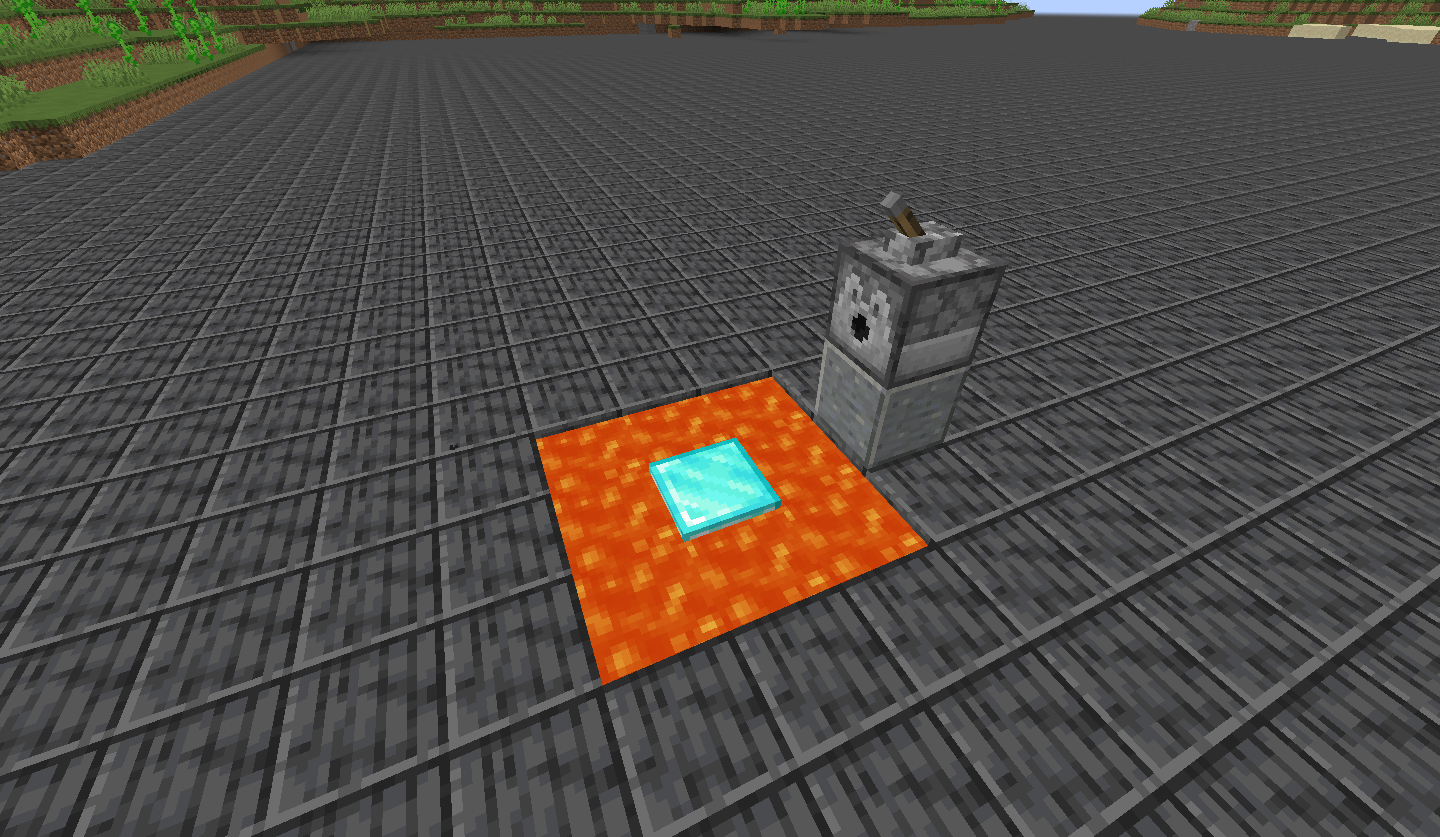
Observed Behavior:
Projectiles fired from dispensers don't deal any knockback to entities.
Expected Behavior:
Projectiles fired from dispensers would deal knockback to entities.
Note
Arrows are not affected by this bug, as they knock back mobs when fired either from a bow or a dispenser.
Code analysis
Code analysis by Marcono1234 can be found in this comment.
The bug
If you lock your difficulty in then go into a different dimension the lock is undone. If you lock it in that dimension and go back to the original one. It will be undone again.
Code analysis
Code analysis by Marcono1234 can be found in this comment.
![[Mod] Asteraoth](../../../data/avatars/users/92886.png)
The bug
When you try to teleport certain entities using the @e selector, they do not move visually (i.e. client-side), but actually move server-side. You can then for example not hit or interact with the entity and must reload the world to see its real position and hit it again.
Affected entities
- Area effect cloud (minecraft:area_effect_cloud)
Only when not changing size (?) - End crystal (minecraft:end_crystal)
- Fishing bobber (minecraft:fishing_bobber)
- Lightning bolt (minecraft:lightning_bolt)
How to reproduce
- Enable F3+B
- Run
/summon minecraft:area_effect_cloud ~ ~ ~ {Radius:0.5,Duration:9999} - Go some blocks away
- Run
/teleport @e[type=minecraft:area_effect_cloud] ~ ~ ~
→ Notice that the Area Effect Cloud did not move
- Close the world and re-enter it
→ Notice that the Area Effect Cloud now changed its position
Code analysis
Code analysis by Marcono1234 can be found in this comment.
This ticket relates to unbalanced spawning of villagers. This has been reported for the following types and suspected causes:
Frequent: (Too Much)
Clerics - Superflat/? - ?
Librarians - ? - ?
Nitwits -? -?
Infrequent: (Not Enough)
None: (Never)
Farmer - Superflat - No grass.
For some reason, about half the villagers are clerics; and I can't seem to find a normal villager. There are normal levels of other villagers though.
Additionally, all the clerics seem to have the same trade pattern, but with varying cost. It goes:
Sell rotten Flesh
Sell Gold
Buy Redstone
Buy Lapiz
Buy Eye of Ender
Buy Glowstone
Picture shows just a small section of the village
Code analysis by Marcono1234 can be found in this comment.
The bug
The potion particles are not spawning in the middle of the block. They're spawning on the edge of the block. Does not happen when you use the following command with a command block:
/particle <particle> ~0 ~1 ~0 0 0 0 1 1
Code analysis
Code analysis by Marcono1234 can be found in this comment.
I am on my minecraft server and I sometimes am curious what entities are around. I type in "/say @e" and the server kicks everyone out but does show in the server log the entities.
Steps to reproduce:
- Start a server
- Span some hundred entities
- Issue /say @e
Code analysis by Marcono1234 can be found in this comment.
If you are in spectator mode, click an entity to spectate it, and then move your mouse around, you see that Flames of Torches where computed from where you have been first (where your field of view is). Also it seems that sounds are computed the same way. If i am spectating an entity and moving my mouse around, the sound is sometimes on the right of my headset and sometimes on the left.
Easy way to reproduce the bug: Spectate an enderman and move the mouse, you will see the particles rotating.
EDIT: As stated in the title it not only depends on the rotation, but also on the location where the player started spectating the entity.
An example: I set up a sound source (note block with a clock) and placed an entity next to it (armor stand). I started spectating the entity and while moving the mouse, the sound rotated around me (as stated above). Then I added the levitation effect to the armor stand. The volume of the sound didn't decrease as I moved away from the source of the sound. When leaving the spectated entity the sound stopped immediately as I was to far away from the note block.
Assumption by Marcono1234 can be found in this comment.
Explanation by Ali M can be found in this comment
When you use the give command to get a written book and don't specify any nbt-data you get a book that has no author. If you try to make a copy of it the game crashes.
Steps to reproduce:
1. give your self a written book using the command "/give playername minecraft:written_book"
2. when you try to craft a copy of this book the game crashes
What probably causes this bug:
When the game tries to make a copy of the book it also tries to copy the author name of the book but because the book has no author it throws a NullPointerException.
Description: Updating screen events java.lang.NullPointerException: Updating screen events at afc.g(SourceFile:47) at afm.a(SourceFile:60) at afv.a(SourceFile:851) at abh.a(SourceFile:82) at aau.a(SourceFile:104) at abq.c(SourceFile:81) at aai.a(SourceFile:238) at bnd.a(SourceFile:357) at bgp.a(SourceFile:515) at bgp.b(SourceFile:486) at bfk.d(SourceFile:248) at bfk.k(SourceFile:219)
Code analysis by Marcono1234 in this comment

The bug
It is possible to spectate as any type of minecart, a boat, etc, but no crosshair is shown when pointing at them.
Affected entities
- Minecarts
- Boat
- Leash knot
- Ender crystal
- Painting
Code analysis
Code analysis by Marcono1234 can be found in this comment.
The bug
If you start breaking a block in survival mode and switch to spectator mode, that block gains the ability to show the breaking animation.
How to reproduce
- Go into survival mode
- Start breaking a block, but do not finish
- Let go of left click and switch to spectator mode
- Attempt to break the same block
→ Notice the breaking animation and particles
Note: Blocks cannot be broken in this way, but in singleplayer you can see the animation. Not sure if others in SMP can see these particles.
Code analysis
Code analysis by Marcono1234 can be found in this comment.
Horses, Minecarts, Boats disappear after relogging.
Steps to reproduce:
- Play a single player world
- Ride a horse (with a saddle?)
- Click ESC then open to LAN
- Save and quit to title screen
- Reload the world,
And the horse will disappear, happens every time I do it.
Code analysis by Marcono1234 in this comment
Normal pickblock should give you the flower and Ctrl + Pickblock should give you the flower pot (+NBT)
Code analysis by Marcono1234 can be found in this comment.
I've noticed this bug in the past 1.8 snapshots. When I enter a village, sometimes I notice strange behaviors. The first happens all the time: In the small farm houses, where the farmers should be, are usually other random villagers. Some of these villagers will begin to harvest crops, just like farmers. In fact, I've seen villagers that spawned in libraries or churches, and act the same, suggesting they don't need to spawn in a farmhouse to do it. I have pictures of blacksmiths and a butcher in this behavior, but have seen every type doing it. I found another example on this desert superflat seed (has to be the superflat "desert" present): -6503170732033053842, coordinates X-1415, Z1660, where a priest and blacksmith were farming.
NOTE: This bug can be uncommon at times, and cannot be seen while the villager is spawned with a spawn egg. It can be seen upon new village generation only. It seems the seed DOES in fact matter.
NOTE 2: It appears that it does not matter which world type, nor biome it spawns in. I chose superflat so as to find one easier. Also, villager spawning DOES matter depending on the specific buildings, in all past versions, including 1.7.4, farmer villagers all spawned in the small houses near the farms.
Code analysis by Marcono1234 can be found in this comment
The bug
This isn't so much a bug as an oversight. You should include the "Dyed" or "color:(hex #)" as a line that you can hide for leather armor.
Code analysis
Code analysis by Marcono1234 can be found in this comment.
When using /setblock to place air blocks, the game will state "The block couldn't be placed" in red text, despite clearly working. On the right of the chest in the attachment was another chest (to make it a large chest), but the error message appeared after I removed it by /setblock-ing down air in an area with a chest.
Also affects the /fill command with barrier blocks.
Code analysis by Marcono1234 can be found in this comment.
The bug
When certain block entities such as a dropper/dispenser or a command block that contain NBT data for items or a command is either placed manually on a power source or cloned on a power source it will receive power because a repeater gets power from the side of it but the dispenser will not place/drop anything and the command block will not run the command.
How to reproduce
- Place down a dispenser or dropper or command block
- Put items or a command into the block, depending what it is
- Control and middle-click the block to get the block with NBT data
- Place this on a power source such as a redstone torch or a redstone block
→ It should run the command or drop/place something but it does not
Note: this also affects note blocks, they won't play a note until they received a block update.
Test command for falling block, insert into a command block and trigger:
summon falling_block ~ ~2 ~ {
BlockState:{Name:"minecraft:stone"},
Time:1s,
Passengers:
[
{
id:"falling_block",
BlockState:{Name:"minecraft:redstone_block"},
Time:1s,
Passengers:
[
{
id:"falling_block",
BlockState:{Name:"minecraft:command_block"},
TileEntityData:{Command:"say Test"},
Time:1s
}
]
}
]
}
Related issue
MC-31100 when using /setblock to place the block it does not update (and more)
Code analysis
Code analysis by Marcono1234 can be found in this comment on bug report MC-18631.
The bug
The skin of the host player who opened a world onto LAN does not load in but the other player that joins does. The host can see everyone and themselves, but the other player cannot see the host's skin.
From the joining client's log:
[02:08:20] [pool-2-thread-1/ERROR]: Signature is missing from textures payload
Code Analysis
Outdated code analysis by Marcono1234 can be found in this comment
New (1.11) code analysis:
Based on 1.11 decompiled using MCP 9.35 rc1
As stated before the line "Signature is missing from textures payload" is related to the problem. If I understand it correctly, the following happens:
When a player loads a singleplayer world his gameprofile does not have the property textures, therefor the signature is not checked. The method net.minecraft.client.resources.SkinManager.loadProfileTextures(GameProfile, SkinAvailableCallback, boolean) then fills the profile properties for the player without having it be signed (net.minecraft.client.Minecraft.getProfileProperties()). When the player then opens the world to LAN all players joining are verified and their gameprofile data is (probably?) signed.
The problem happens now when the hosting player sends the gameprofile data of the connected players to the other players. Because the gameprofile data of the hosting player is unsigned the other clients will not load the textures (skin, cape...).
I assume this could be fixed by having the method net.minecraft.client.Minecraft.getProfileProperties() call the method com.mojang.authlib.minecraft.MinecraftSessionService.fillProfileProperties(GameProfile, boolean) with true as requireSecure parameter value. There should probably not be any downsides.

The bug
Invulnerable item entities and XP orbs disappear / are removed from the world client-side when they take damage. However, they are still in the world server-side and once the player gets close to them he collects them.
How to reproduce (item)
- Summon an invulnerable item entity
/summon item ~2 ~ ~ {Invulnerable:1b,Item:{id:"stone",Count:1b}} - Ignite the block below it with a Flint and Steel and put out the fire afterwards
→ The item is not visible anymore - Move towards the position the item was
→ It is still there and you can collect it
How to reproduce (XP orb)
- Place a command block with the following command
/summon armor_stand ~ ~ ~ {Invulnerable:1b,Passengers:[{id:"experience_orb",Value:10s,Invulnerable:1b}]} - Set the top of the command block on fire and put out the fire afterwards
→ The XP orb is not visible anymore - Move towards the position the XP orb was
→ It is still there and you can collect it
Types of damage
- Fire
- Lava
- Cactus
Code analysis
Code analysis by Marcono1234 can be found in this comment.

How to reproduce
- Break a block (or try with a sword) in creative mode (survival mode is MC-46766),
- Switch to spectator mode,
- Click as if to break some block close by
→ You'll see 2-3 block-breaking particles
Note: Not sure if others in SMP can see these particles.
Code analysis
Code analysis by Marcono1234 can be found in this comment.
The bug
The way tellraw commands inherit properties is very inconsistent between formats. Here are some examples of tellraw commands:
{"text":"Hello","color":"red"}
Hello
{"text":"Hello","color":"red","extra":[{"text":" world"}]}
Hello world
{"text":" ","extra":[{"text":"How are you","color":"green"},{"text":" today?"}]}
How are you today
[{"text":"How are you","color":"green"},{"text":" today?"}]
How are you today
as you can see in the last two examples, putting your text objects in the extras array doesn't allow inheritance between them, however putting them in a first level array does. This makes no sense, because in both of these examples, the text snippets share the same relation, they are at the same level of an array, in the same order. They should behave the same.
Code analysis
Code analysis by Marcono1234 can be found in this comment.
![[Mod] Pokechu22](../../../data/avatars/users/92931.png)
Please reopen, I guess because you have now slime blocks, BUDs are no longer needed
Part of the reason why this hasn't been changed is the fact that a ton of older stuff still uses it. I'm not going to argue too much, as I have done so for a looong time, but just keep in mind that a change could break a ton of stuff.
Minor and potentially faulty comparison: Imagine what would happen if electricity suddenly stopped working the same way.
The bug
When you have a repeating command block (command: kill @e[type=falling_block]) and you let an anvil (sand/gravel/dragon egg) fall on the ground it doesn't fall, only the texture disappears. So it is still there as a ghost block (you can't walk through). When you update the anvil by placing a block where the anvil was before it appears, floating in the air.
Code analysis
Code analysis by Marcono1234 can be found in this comment.

The bug
Some tellraw features (like player score and selectors) don't work on hover events
How to reproduce
- Initialize score and scoreboard:
/scoreboard objectives add MC-56373 dummy /scoreboard players set @s MC-56373 56373
- Run this command:
/tellraw @s [{"text":"Selector Hover","hoverEvent":{"action":"show_text","value":{"selector":"@s"}}},"\n",{"text":"Score Hover","hoverEvent":{"action":"show_text","value":{"score":{"objective":"MC-56373","name":"@s"}}}}]→ The first hover event won't show the selector
→ The second hover event won't show the score
Code analysis
Code analysis by Marcono1234 can be found in this comment.
The bug
If a piglin is in a hostile state due to another piglin being attacked by the player or any other mob, it will drop XP and rare drops upon death by any source (including mob damage, suffocation and /kill).
To reproduce
- Construct some iron golems. Spawn multiple zombified piglins. Wait for the golems to kill the piglins. Experience orbs will be dropped, and maybe also rare drops if you're lucky.
- Trap a skeleton where he can shoot at you but not escape. Spawn multiple zombified piglins in the line of fire. Experience orbs will be dropped, and maybe also rare drops if you're lucky.
- Summon multiple piglins and a single Johnny vindicator. Killing the piglins with /kill @e[type=piglin,distance=..10] or suffocating them before their anger timer runs out (after 20-40 seconds) should cause them to drop XP, despite never having interacted with the player.
Analysis
From a decompilation of 14w21b's class "abd" method bz() (which appears to be the "for each tick" AI handler for zombified piglins), there is code that appears to be checking for whether the piglin is angry and has the UUID of who he's angry at but no actual target, and if so it attempts to find the player corresponding to the UUID. And for some reason it also sets what appears to be the "damaged by player" counter (field "aM"), even if the UUID doesn't actually correspond to a player. And further, it appears to be setting the counter to the wrong value.
It appears that it'll also set the "damaged by player" counter incorrectly when loading the zombified piglin from NBT, although in this case I'd guess it'll probably be setting it to 0 so it shouldn't matter much.
Code analysis by Marcono1234 can be found in this comment.

Disabling Advanced OpenGL solves this issue (Options -> Video Settings -> Advanced OpenGL -> Off)
Or just simply press F3+A to reload the nearest chunks.
If you don't have that option in your video settings, please check your .minecraft/options.txt for the entry
advancedOpengl:false
If it's true, change it to false (Quit Minecraft, edit this file, restart Minecraft)
Affected:
ATI Radeon HD 4300/4500 Series GL version 3.3.11653 Compatibility Profile Context, ATI Technologies Inc. Thijmen F
ATI Radeon X1600 OpenGL Engine GL version 2.0 ATI-1.5.48, ATI Technologies Inc. Simons Mith
Nvidia GTX 460 with latest drivers (337.88) [Mod] Torabi
AMD Radeon HD 6800 Series , Driver version: 9.12.0.0 & Driver version: 14.100.0.0 Marcono1234
GeForce GTX 660M/PCIe/SSE2 GL version 4.4.0, NVIDIA Corporation Kyle
Not affected:
AMD Radeon HD 6700 Series GL version 4.4.12874 Compatibility Profile Context 14.100.0.0, ATI Technologies Inc. (AMD Catalyst 14.4, have no Advanced OpenGL switch) Kumasasa
pillar up from the bottom of the sea all the way up. keep stacking until the blocks turn invisible (about two blocks above water)
This is cancelled when mipmapping is turned on/off
Marcono1234 see my comment above:
... the Advanced OpenGL doesn't show on every system (does not show on mine, but don't have this issue)
Your driver version 9.12.0.0 is ancient (the 9 means as of 2009... ), current version is 14.100. Update to AMD Catalyst 14.4: http://support.amd.com/de-de/download/desktop?os=Windows+7+-+64#amd-catalyst-packages
Marcono1234: Quite interesting why you have this issue but my system not. We have nearly the same graphics cards Radeon 6800 / 6700 .
The bug
XP bar doesn't support alpha while in the F3 menu.
Code analysis
Code analysis by Marcono1234 can be found in this comment.
Marcono1234: Why you have the issue but not me: See MC-58823
Every time when a player leaves the server it outputs the message to the log with the whole TextComponent object rather than just its Text-property, for example:
[19:23:55] [Server thread/INFO]: Notch lost connection: TextComponent{text='Disconnected', siblings=[], style=Style{hasParent=false, color=null, bold=null, italic=null, underlined=null, obfuscated=null, clickEvent=null, hoverEvent=null, insertion=null}}
This makes the log harder to read afterwards. It's only a minor annoyance though.
I'd rather expect:
[19:23:55] [Server thread/INFO]: Notch lost connection: Disconnected
Code analysis by Marcono1234 can be found in this comment.
When displaying an entity's score in chat, it will not display.
However, when using a player or a fake player, it works just fine.
What I expected to happen:
The chat would display "1" for the player and the entity
What actually happened:
The chat displays a "1" for the player and any fake player, but doesn't with selectors
Steps to reproduce:
Create a new flat world type "redstoneready", to make sure no mobs spawn
Spawn a Pig
/scoreboard objectives add test dummy /scoreboard objectives setdisplay sidebar test /scoreboard players set @e test 1
Now you should have two players in the sidebar that have a score of 1 for objective test
After this, do the following tellraws:
/tellraw @a {"score":{"name":"@p","objective":"test"}}
/tellraw @a {"score":{"name":"@e[type=Pig]","objective":"test"}}
This displays "1" for the first tellraw, but displays a blank line for the second tellraw
You can do another tellraw to test if the @e selector specifically is broken:
/tellraw @a {"score":{"name":"@e[type=Player]","objective":"test"}}
Displays "1" aswell, showing that this is actually a problem with entity's specifically.
From Marcono1234's comment:
I used MCP to decompile Minecraft and had a look in the corresponding class and I think I found the problem.
For some reason the game creates two net.minecraft.util.ChatComponentScore, one that contains the raw input and then one that contains the parsed name and then uses the second one to display the score.However for the parsed one it uses the getName() method. This means for an ArmorStand for example it will return "Armor Stand" which is of course neither a valid player name nor a valid UUID.
To fix this some code would be needed to make the game use the UUID instead of the name when an entity is selected.
Possible fix (1.8)List var6 = PlayerSelector.func_179656_b(p_179985_0_, var5, Entity.class); if (var6.size() != 1) { throw new EntityNotFoundException(); } Entity selectorEntity = ((Entity)var6.get(0)); if (selectorEntity instanceof EntityPlayerMP) { var5 = selectorEntity.getName(); } else { var5 = selectorEntity.getUniqueID().toString(); }This is the only code change needed. The wildcard parsing will work the way it currently is (if I understand it correctly), as the recipient can currenlty only be a player (for entities it fails as it would then use the name again). However for the future it might be a good idea to change this as well.
if you put lava flowing down wards in an open space you can see squids spawning and falling
Please change the "How to reproduce" to this:
How to reproduce
- Create a "Redstone Ready" superflat world
- Go away from spawn (maybe about 1000 blocks)
- Set /gamerule doDaylightCycle false to prevent monsters from spawning
- Use the following commands
/fill ~ ~-12 ~ ~50 ~-13 ~50 structure_void
/fill ~ ~-1 ~ ~50 ~-11 ~50 lava
- Go below the lava
→ Squids will spawn and fall down
From MC-62856:
Steps to reproduce
1.Create superflat world
2. /fill ~50 ~-2 ~50 Lava
3.Go down 3 blocks
4./fill ~50 ~-2 ~50 Piston_Extension
5. Watch
Mod edit
Code analysis by Marcono1234 in this comment
![[Mod] Skylinerw](../../../data/assets/gravatar/skylinerw.png)
NOTE: This is not a duplicate of MC-55373, which outlines specifics to inheritance. This report is exclusive to books, in which the outlined specifics to inheritance in the other report are not followed as they should be expected to.
I have confirmed that the following fix does work using 1.8 MCP:
The reason why this happens is because the public void drawScreen(int mouseX, int mouseY, float partialTicks) method of the net.minecraft.client.gui.GuiScreenBook class calls the method String getUnformattedText() of the net.minecraft.util.IChatComponent interface which results in "§lGood bye.". However instead it should call the String getFormattedText() method which would results in "§r§r§l§lGood§r bye.§r" (the correct text).
When using the following:
/give @a minecraft:written_book 1 0 {title:"Test",author:"Test",pages:["[\"\",{\"text\":\"Good\",\"bold\":true},\" bye.\"]"]}
Picture "book inherit" displays the result, in which both "Good" and "bye." are bold, while only "Good" is supposed be bold. Picture "sign inherit" shows the exact same JSON being used, which displays how inheritance should be expected.
This is displayed correctly for signs, /tellraw, and /title, but not for books. If the newline character (\n) is inserted before "bye.", the inheritance occurs as it should be expected to, shown in picture "book inherit 2":
/give @a minecraft:written_book 1 0 {title:"Test",author:"Test",pages:["[\"\",{\"text\":\"Good\",\"bold\":true},\"\\nbye.\"]"]}
This only occurs with formatting options, including: color, bold, italic, strikethrough, underlined, and obfuscated.
The bug
Banners don't move in wind when over certain Time value of the level.dat.
Code analysis (by Marcono1234)
The following is based on decompiled version of Minecraft 1.8 using MCP. All method and class names are the names used in the decompiled version.
The Time value of the level.dat file is used for rendering banners, beacons (they are affected by this in 1.8 but not in 16w06a anymore) and guardians (can't find any problems here). If I understand it correctly, the conversion from long to float is with high numbers too lossy:
1000000696956L = 1000000720000f 1000000701016L = 1000000720000f
In the case of the banner using % 100L of the time should create the same moving animation but prevent this from happening.

The bug
Flower pots generate empty in witch huts.
How to reproduce
Example seeds and coordinates:
Seed: 13605 Coordinates: /tp -412 70 -347
Seed: 1455370769 Coordinates: /tp -139 66 -442
Code analysis
Code analysis by Marcono1234 can be found in this comment.
I was messing around with a stat.drop scoreboard and I noticed that the stat wont increase when a Player is in an Inventory screen an throws some Items either with drag'n'drop or by hovering over an Item and pressing Q (drop).
Also, it wont give a player 20 points when he drops 20 Items at once via ctrl+Q (drop)
Fix appreciated
~ Halbzwilling
Code analysis by Marcono1234 can be found in this comment.
@Marcono1234: Please create a new ticket for this and leave a note here for linking the tickets.
The bug
The mob inside a minecart with spawner is never rendered, even if the spawner is customized.
How to reproduce
- Summon a minecart with spawner that spawns mobs other than pigs
- Notice the lack of a miniature
(A spawner minecart that is not customised will spawn pigs, but requires light and grass to actually spawn them. They too lack a mob inside).
Note
Note that since 15w33a, no miniature is rendered at all; prior to this verison, a pig was rendered. The attached screenshot is from before 15w33a.
Code analysis
Code analysis by Marcono1234 can be found in this comment.
...even when they are placed to look in another direction. See attached screenshot.
Code analysis by Marcono1234 can be found in this comment.

The bug
When generating "Amplified" preset or "Customize" presets, desert pyramids generate inside solid ground unlike jungle temples which generate at the surface no matter the height of land.
How to reproduce
Seed [Amplified world]: -1082223639696259069 Coordinates: /tp 1833 66 3763
Code analysis
Code analysis by Marcono1234 can be found in this comment.

The bug
The pig and particles within the minecart spawner is offset from the center of the displayed spawner, showing as rotating about an axis located at a corner of the displayed spawner.
To Reproduce:
- Run
/execute align xyz run summon minecraft:spawner_minecart ~0.5 ~1.9 ~ {SpawnData:{entity:{id:"minecraft:bat"}},NoGravity:1b}
- Notice the particles are offset.
Code analysis
Code analysis by Marcono1234 can be found in this comment and this comment.
When I was testing how stacking strings would work in a Command Block I came to the issue that my game crashed as I pasted in a huge command (Attachment: StringStackingTest_1.txt | 32.9KB) and hit enter...
The reason was, I reached the command block character limit. As I tried it again I saw that it didn't even display the whole command, and as I hit enter it crashed again...
Crash Report File: crash-2014-08-20_18.48.58-client.txt
BUT: The main problem here is not, that the game crashes on reaching the character limit, the main problem is the character limit itself!
The limit is already reached by stacking 14 strings, which needs a command that contains 32,738 backslashes ( \ ).
Stacking 13 strings only needs 16,356 backslashes ( \ ) (Attachment: StringStackingTest_2.txt | 16.8KB).
I do know in terms of programming it is hard to give no limitation on the command length, but it would give us more freedom and possibilities at things like "single command block creation"...
I don't say it is important to remove the limitation, but... You know... Why are minecraft worlds endless? Is that "important"?... Think about that...
If you did, thank you for reading the whole report!
Additional info by Marcono1234 can be found in this comment.
Description: Updating screen events java.lang.IllegalArgumentException: Payload may not be larger than 32767 bytes at im.<init>(SourceFile:33) at ayq.a(SourceFile:84) at axu.a(SourceFile:350) at ayq.a(SourceFile:111) at axu.k(SourceFile:413) at axu.p(SourceFile:390) at ave.s(SourceFile:1497) at ave.av(SourceFile:888) at ave.a(SourceFile:325) at net.minecraft.client.main.Main.main(SourceFile:124)

At height 256, monsters spawn and zombies and skeletons do not burn at daytime.
Code analysis by Marcono1234 can be found in this comment.
When exiting fullscreen (with F11 or through video settings) you can't click maximize until you restart the game.
This happens on Windows 7, but not on Ubuntu 16.4.
Code analysis
Outdated code analysis by Marcono1234 is found here
New code analysis:
Based on MC-111254 the problem is indeed a LWJGL bug, now https://github.com/LWJGL/lwjgl/issues/142
As a hacky workaround (as stated in MC-111254), the method net.minecraft.client.Minecraft.toggleFullscreen() could be temporarily changed to:
/** * Toggles fullscreen mode. */ public void toggleFullscreen() { try { //... Display.setFullscreen(this.fullscreen); // New temporary code if (!this.fullscreen) { Display.setResizable(false); Display.setResizable(true); } //... } catch (Exception exception) { LOGGER.error((String)"Couldn\'t toggle fullscreen", (Throwable)exception); } }
The bug
Minecarts with TNT, when activated, don't seem to push/launch a player when activated with an activator rail.
How to reproduce
- Place two rails (one of them must be a powered activator rail)
- Place a Minecart with TNT and push it towards the activator rail
- Stand next to the flickering Minecart with TNT (in survival) and let it explode
→ You will take almost no knockback/won't be launched
Code analysis
Code analysis by Marcono1234 can be found in this comment.
Marcono1234: Clouds are just the eternal MC-7882.
When using /setblock to place a dispenser with a rotation datavalue, if the front of the block is against a wall the dispenser will point the opposite direction when placed.
To Replicate: Place a block. Attempt to spawn a dispenser one block north of it, with a rotation data value of 3 (Telling the dispenser to "look" south). The block will instead face north. Same happens for east/west.
Affects the following blocks:
- dropper
- dispenser
- observer
 (can't see due to
 MC-108054, may be affected if that's fixed) - (lit_)furnace
Code analysis by Marcono1234 can be found in this comment.
The bug
You get raw fish from roasting a guardian with lava or fire instead of the expected cooked fish. Also flame or fire aspect give raw fish.
Code analysis / fix
Fix by Marcono1234 can be found in this comment.
Note
Not completely fixed in snapshot 16w38a; fish dropped by minecraft:gameplay/fishing/fish is still uncooked (used by guardians as player kill loot).
The Bug:
Falling sand creates invisible blocks.
Steps to Reproduce:
- Run the following command whilst standing on a stone block.
/summon minecraft:falling_block ~ ~-1 ~ {Time:1,Motion:[0.0,1.0,0.0],BlockState:{Name:"minecraft:stone"}}
- Take note as to whether or not falling sand creates invisible blocks.
Observed Behavior:
Falling sand creates invisible blocks.
Expected Behavior:
Falling sand would not be able to create invisible blocks.
Code Analysis:
Code analysis by Marcono1234 can be found in this comment.
Filled buckets aren't supposed to stack.
Sure, didn't see that.
But, as Marcono1234 already stated, this is caused by you since you set up a custom villager with already 3 buckets stacked.
The bug
Lily pads only make the correct placement sound when right-clicking water. When right-clicking a block adjacent to water, it makes the grass placement sound.
Code analysis
Code analysis by Marcono1234 can be found in this comment.
@Marcono1234
As I said to [~ericz1] before: Could you write down a way to step by step reproduce this with items, since items are not behaving the same way under other conditions. What you are experiencing might be another bug (or maybe the same). Either way, it is important to be able to reproduce and to check.
Until a way to reproduce items becoming invisible have been shown, I will not add it to the description.
So please.. I say it again: Write a step by step way to reproduce this with items.
The bug
When you add a server, if you use play.(1 letter).com (for example, play.f.com) and you go back to erase that f, it won't do it.
How to reproduce
- Enter play.g.com into server address field
- Go back to with cursor between g and .com
- Press backspace
→ Nothing happens
Code analysis
Code analysis by Marcono1234 can be found in this comment.
The bug
Sometimes, when you hit a minecart, boat, item frame, painting, or armor stand in Creative mode, the block behind it is broken as if the attack phased through the entity. The said entity still disappears as normal.
How to reproduce
Summon said entities and punch them in Creative (make sure you're not holding a sword). The block behind the entity should occasionally break as well.
Code analysis
Code analysis by Marcono1234 can be found in this comment.
Typing "/kill @e[type=!Player,r=1,c=1]" when there are no nearby entities besides yourself (All entities are outside of 1 radius of you) produces the error "The entity UUID provided is in an invalid format" despite the fact that the format is actually correct and it just can't find an entity to kill. This is not an issue if you remove the radius, count or type arguments (Removing type just kills you). This works for all types and radii that I tested, but only if count is 1.
Code analysis by Marcono1234 can be found in this comment.
The Bug:
Holding items enchanted with thorns in your hand works as if you were wearing them.
Steps to Reproduce:
- Switch into survival mode and hold an item enchanted with thorns by using the command provided below.
/item replace entity @s weapon.mainhand with minecraft:golden_helmet{Enchantments:[{id:"minecraft:thorns",lvl:3}]} - Summon an entity that will attack you, for example, a husk.
- Let it damage you a couple of times.
- Take note as to whether or not holding items enchanted with thorns in your hand works as if you were wearing them.
Observed Behavior:
Holding items enchanted with thorns in your hand works as if you were wearing them.
Expected Behavior:
Holding items enchanted with thorns in your hand would not work as if you were wearing them.
Code Analysis:
Code analysis by Marcono1234 can be found in this comment.
The bug
Iron golems no longer aggressively seek out dangerous mobs near its village unless attacked. It does work to an extent still however. Any time between immediately and after a long pause, the iron golem will attack the mob(s), but by that time it can be too late for a villager.
How to reproduce
You simply need a village capable of spawning an iron golem. After nightfall you can notice it seems "unaware" of many of the hostile mobs until they have been nearby for a short time.
Code analysis
Code analysis by Marcono1234 can be found in this comment.
After applying my patch to MC-3416 that draws the map markers in front of the map instead of behind it, Fang Zhang was able to take this screenshot that reveals that map markers have been duplicated:
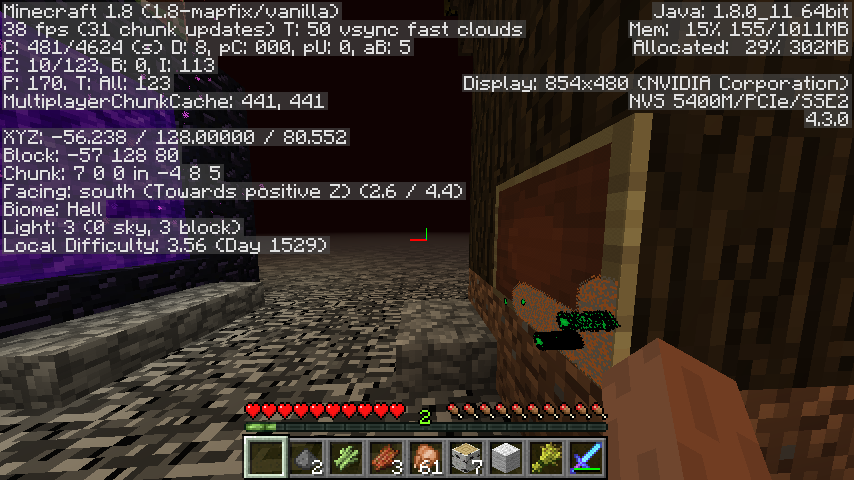
After a simple test I have a found a way to replicate this bug in vanilla:
- Create a new regular superflat world
- /tp 0 5 -200
- /setworldspawn
- (to make sure 0,0 gets unloaded)
- /tp 5 5 5
- Create a map and put a copy in a frame, leaving one copy in your hand.
- /tp 5 5 200
- /tp 5 5 5
- Repeat last two steps twice.
- Drop the map from your inventory and pick it up again
Your marker has now disappeared, because MC-3416 hides all markers except the first four and reloading the chunk three times has now duplicated the marker in the frame to fill slots 1-4.
I took some additional screenshots after a command block machine had teleported me back and forth for some time, which demonstrate both MC-3416 and this bug: The map marker has been duplicated and the markers are being offset in the wrong direction.
Code analysis by Marcono1234 in this comment.
The bug
You can't see the blockdata of a flower pot change after using a /blockdata command.
How to reproduce
- Place down an empty flower pot
- Use /blockdata x y z {Item:"cactus"}
→ Nothing happens - Press F3+A (to reload all chunks), or force a block update, or log out and log back in
→ Now the flower pot has a cactus in it
Why this should be fixed
If a custom map maker has a flower pot on a piston head (a block that will disappear if there is a block update) then setblock would not be an option since the piston head will disappear. Blockdata doesn't make the piston head disappear but it does require a client-side refresh.
Code analysis
Code analysis by Marcono1234 can be found in this comment.
When players are lagging, his/her stat.timeSinceDeath update slow/irregular(example below).
For example, I run a server on my computer. I connect using 127.0.0.1, and when someone else joins using the port forwarded IP, he/she has of course has server lag due to connection stability. The client apparaently sends the amount of ticks since last dead, which can be annoying for tracking players, or having a leaderboard for players that are alive the longest.
Solution would be that the server updates this stat, so it's reliable and doesn't get out of sync.
Thanks, this would save my map!
Code analysis by Marcono1234 can be found in this comment.

The bug
Skeleton and zombie horses can't be leashed.
How to reproduce
- Get a lead in your inventory
- Do /summon zombie_horse or /summon skeleton_horse
- Right click on the horse with the lead
Code analysis
Code analysis by Marcono1234 can be found in this comment.
The /kill command chat output will display the entity type and UUID when hovered over. The /testfor output doesn't. Neither do any scoreboard commands.
Code analysis by Marcono1234 can be found in this comment.
Marcono1234: Please make separate tickets.
If a mob wielding a renamed weapon kills you, it's renamed weapon doesn't show in the death message.
What I expected to happen was...:
If any mob wielding a melee weapon (i.e. not a bow) that is renamed is spawned, and if you let the mob kill you, it should say: <player name> was slain by <name of mob> using <name of weapon>
What actually happened was...:
The death message was <player name> was slain by <name of mob>
Steps to Reproduce:
1. Enter this command into a command block and activate it:
/summon Zombie ~ ~1 ~ {CustomName:"Zombie test dummy",HandItems:[{id:"minecraft:diamond_sword",Count:1b,tag:{display:{Name:"This Sword",Lore:["This is a test!"]}}},{}]}
2. Switch to survival or adventure and let the Zombie kill you.
3. The death message says: <player name> was slain by Zombie test dummy, as seen in Screenshot 1. But it should actually say <player name> was slain by Zombie test dummy using [This Sword]
An additional detail here is that if a Skeleton kills you with a renamed bow the death message works just fine, as seen in Screenshot 2. Test it with this command:
/summon Skeleton ~ ~1 ~ {CustomName:"Renamed Skeleton",HandItems:[{id:"minecraft:bow",Count:1b,tag:{display:{Name:"Renamed Bow",Lore:["This is also a test!"]}}},{}]}
Code analysis by Marcono1234 can be found in this comment.
If you use a selector that searches for the nearest entity (@p, @e[c=1], etc), it will always find the entity executing the command (if possible), even if there is another equally close entity. Essentially, entities are always closer to themselves than to any other entity, regardless of actual location. This is extremely useful, and is not a bug. However, this behavior only occurs when specifically searching for the one closest entity. If you search for the 2 closest entities, or the farthest entity, this property will not be taken into account.
To reproduce, execute these commands:
/summon minecraft:armor_stand ~ ~ ~ {Tags:["test1"]}
/execute as @e[tag=test1] at @s run summon minecraft:armor_stand ~ ~ ~ {Tags:["test2"]}
/execute as @e[tag=test1] at @s run summon minecraft:armor_stand ~ ~ ~ {Tags:["test3"]}
/execute as @e[tag=test3] at @s run tag @e[limit=2,sort=nearest] list
Or these
/summon armor_stand ~ ~ ~ {CustomName:"test1",NoGravity:1b}
/execute @e[name=test1] ~ ~ ~ /summon armor_stand ~ ~ ~ {CustomName:"test2",NoGravity:1b}
/execute @e[name=test1] ~ ~ ~ /summon armor_stand ~ ~ ~ {CustomName:"test3",NoGravity:1b}
/execute @e[name=test3] ~ ~ ~ /say @e[c=2]
The last command will find "test1" and "test2", while you executed it from "test3"
Code analysis by Marcono1234 can be found in this comment
The bug
Hostile monsters that normally would catch on fire in 'clear' sunny weather, still are attempting to catch on fire and burn in 'rain/stormy' weather. This starts with vanilla server 1.8.0 and happens with all versions after that so far I've tested.
It's easily noticeable by the constant 'fire/water sizzle effect sound' that you get when you put something on fire out with water. (like mobs swimming in sunlight) Thought maybe it was a client sync issue at first so re-logged also to verify it still happens. This does not happen in server/client 1.7.10 or older.
You can hear the fizz sound and it uses durability of the item the monster is wearing in its head slot
/summon zombie ~ ~ ~ {ArmorItems:[{},{},{},{id:"diamond_helmet",Count:1b,Damage:363s}]}
Code analysis
Code analysis by Marcono1234 can be found in this comment.
I changed my controls to a configuration more comfortable for me. My new key map is as follows:
Use Item/Place Block = NUMPAD0
Sneak = RSHIFT
With this combination I am unable to place signs on specific items (e.g. place a sign on a chest). When I hold down the "sneak" key and press the "use item" key, the chest opens instead of placing the sign on the chest. If I want to place a sign on a chest, I have to change my "Use Item" key to PAGE DOWN, then change it back to NUMPAD0 when I'm done.
Code analysis by Marcono1234 can be found in this comment
If you light a block on fire using flint and steel, and then click with a spawn egg on the block, it will spawn that animal, and it will take damage, but it won't light on fire. If you do this with pigs, it will drop uncooked flesh instead of the cooked flesh it should drop.
Code analysis by Marcono1234 can be found in this comment.
![[Mod] Torabi](../../../data/assets/gravatar/torabi.png)
You can stack strings deeper by using additional backslashes? Now that's both weird and useful. 
A limit is pretty much inevitable. The Minecraft world isn't actually infinite anymore, because strange things would start to happen as you got further out, due to Java's math. There are ways of making that limit incredibly large, but it's always going to be bound by the hardware. Even before you reach that, it would probably be impractical to continue storing the command block command string inside the region file, or you risk corrupting the entire chunk if something goes wrong. If they were to increase the limit, it would be better to store the command strings in a separate file.
As Marcono1234 has pointed out, Minecraft does not seem to consistently count characters either in bytes or characters, allowing for situations in which one check passes, while another fails, because they're counting the string differently.
Marcono1234, I think you seriously underestimate the sheer amount of work necessary to maintain the bug tracker. The developers and moderators can be terse sometimes because they have so much to do, and spending extra time to explain every action, or respond to every comment would mean getting that much less work done. 5 pages of issues? People file twice that many new ones on average every week. So it's not that we or the developers don't care, it's that we're spread a little thin sometimes.
As for why the mipmaps are calculated immediately, rather than on clicking done, my guess is that trying to apply them at the same time as some other video setting changes caused a bug on some graphics cards. So making it apply immediately prevents that kind of problem. However, it's probably possible to move the recalculations to when the player stops moving the slider, rather than as soon as they start moving it. Fortunately, we can fix this report up and reopen it.
@Marcono1234: Good catch.
@Locatelli théo: Since you're running Windows XP, you're limited in assigining RAM to Minecraft. But 512 MB is too less in your case.
For technical support please use the Mojang Support Center.
The Bug:
The experience bar disappears when too many levels are given to the player.
Steps to Reproduce:
- Give yourself lots of levels by using the command provided below.
/xp add @s 1232323232 levels
- Look at your experience bar.
- Take note as to whether or not the experience bar disappears when too many levels are given to the player.
Observed Behavior:
The experience bar disappears.
Expected Behavior:
The experience bar would not disappear.
Code Analysis:
Code analysis by Marcono1234 can be found in this comment.
Game Output
[16:57:52] [Client thread/ERROR]: Null returned as 'hitResult', this shouldn't happen! [16:57:52] [Client thread/WARN]: Null returned as 'hitResult', this shouldn't happen!
How to reproduce
- Go to a wall which has at least 6 (+1 where you should stand) ladders below or above you
- Click the mouse
- Observe that the item in your hand is not swung, and that a warning is printed in the log
Affects all blocks that allow you to stand in them and punch without hitting them, including:
- Ladders
- Vines
- Iron bars
- Glass panes
- Portal blocks
- ...
Not restricted to only the vertical axis - can also happen when looking sideways.
Code analysis
Code analysis by Marcono1234 can be found in this comment.
I am trying to track the current xp value (not levels) of a player by using a scoreboard objective: xpCurrent. I use /execute @a ~ ~ ~ xp 0 @p in a fill clock to query the xp value of all players and store it to the scoreboard with /stats entity @a set QueryResult @p xpCurrent. This works until I manually adjust the levels of a player with xp 1L/-1L @p or use the enchanting table. At this point it will display the total amount of XP the player has collected. The only way to reset the counter is to kill the player or remove more levels than the player currently has.
Code analysis by Marcono1234 can be found in this comment.
The bug
Up to Minecraft 1.8.1 the note symbols were always colored, since 1.8.2 there are certain gray colored notes.
How to reproduce
/particle note ~ ~1 ~ 0.08333333333333333333333333333333 0 0 1 0
Code analysis
Code analysis by Marcono1234 can be found in this comment.
@Marcono1234: I think being unable to place top slabs above your head when standing on a 0.5 high block is a different bug, please create a separate ticket for that.
The bug
This is a rendering bug to do with Tile Entities in a chunk. I have provided screenshots which aim to show how to reproduce too.
If you have 64 or more Tile Entities within the same chunk and then "delete" them, using either /fill, /clone or (if they are signs) retracting them using pistons, when you place a new Tile Entity in that same spot, the previous Tile Entity will render over that or instead of the new Tile Entity.
For example, if you have a wall of 64 chests, do /fill to get rid of them and then place a beacon down where one chest was, you'll get a chest that's rendered inside a beacon. If you place a sign down you get an error that says "Unable to locate sign".
All rendering errors and effects are cleared with a relog, so perhaps this has something to do with the way chunks are updated or saved?
How to reproduce
- Press F3+G to make sure the blocks you are filling are in the same chunk
- Use for example the /fill command to place 64 or more tile entities
/fill ~1 ~ ~ ~5 ~4 ~4 enchanting_table
- Use for example the /fill command again to replace these tile entities with different tile entities
/fill ~1 ~ ~ ~5 ~4 ~4 ender_chest
Code analysis
Code analysis by Marcono1234 can be found in this comment.
When you place something with your left hand, it will take action with your right hand.
Reproduce:
Do F5 and see your body, Have a torch on left hand, right click on the 'block', and it will use your right hand to place it.
Code analysis by Marcono1234 can be found in this comment.
The bug
In first person mode you will only block with your main hand shield, but in third person mode you will block with both. Though I think it isn't needed
How to reproduce
Video demonstrating the issue: https://www.youtube.com/watch?v=a6rJKS9DR6o
Code analysis
Code analysis by Marcono1234 can be found in this comment.
The bug
While holding a barrier block in the offhand you will not see the particle effect in placed barrier blocks.
Code analysis
Code analysis by Marcono1234 can be found in this comment.
When one has an eye of ender in their main hand and a placeable block in their off hand, right-clicking will throw the eye of ender and place the block at the same time.
Also happens when you have an ender pearl in the offhand, it is then thrown together with the eye of ender.
Code analysis by Marcono1234 in this comment
The bug
If you continue typing past the end of a line, (and the text wraps) the next line will still have the formatting from the previous line (this is normal), but when you sign the book, the formatting codes won't affect the new line anymore, and the text will look different.
Paste for example this text: §6TestTestTestTestTestTestTest
Code analysis
Code analysis by Marcono1234 can be found in this comment.
The bug
Basically, if you summon a mob with a DeathTime tag under 20, everything works fine. The mob will disappear as soon as it hits 20 (it increments every tick). Example command for this:
/summon zombie ~ ~1 ~ {Health:0,DeathTime:19}
But, if you summon a mob with a DeathTime tag of 20 or more, the mob goes through the entire death animation, but that's not all. The world thinks the mob is still there even if the client doesn't think so. So you can't place blocks where the mobs were and they seem to be unloaded or something. Relogging causes them to reappear and go through the death animation again, but still exist. I don't know how to actually get rid of these "corrupt" mobs. Example command to trigger this (beware that there's not any confirmed method to get these mobs out of your world, so make a new one just in case):
/summon zombie ~ ~1 ~ {Health:0,DeathTime:20}
Code analysis
Code analysis by Marcono1234 can be found in this comment.
From Marcono1234 in MC-82925
Splash potions are now a seperate item (splash_potion) and both potion and splash_potion don't use the Damage value anymore to determine their type but instead use the tag Potion inside their tag tag.
See also http://minecraft.gamepedia.com/Chunk_format#ThrownPotion and http://minecraft.gamepedia.com/Player.dat_format#Potion_Effects
I tried writing a summon-command for a ThrownPotion on my own... because that didn't get me any entity I searched it up and used CDFMan's example:
/summon ThrownPotion ~ ~ ~ {Potion:{id:373,Damage:16453,Count:1}}
Does this not work anymore? When executing it NOTHING happened... well... the third time I executed it my game crashed and I had to remove all entities in that area (mcedit) to be able to enter the world again...
Before the first crash I tested for all entities but no ThrownPotion was listed...
Am I just doing something wrong? If yes please help me there 
Sincerely, Stupping
The bug
When I hold CTRL then click MOUSE3 (Mouse Scroll), it gives me more than one of the same, and changes my selected item to the furthest block on the right, that I chosen with CTRL+MOUSE3. I've only tried this on the chest, furnace, and command block.
Code analysis
Code analysis by Marcono1234 in this comment.
The bug
Shield blocking happens even while eating in third person.
How to reproduce
- Put a shield in your off-hand, and food in your main hand
- When you are hungry, eat the food
→ You will eat the food, and your shield will come up to block
This doesn't happen with inverse slot arrangement, mind you. Also appears to only be happening in third person, and it's more of a "partial block". Your arm doesn't go up all the way to block.
Code analysis
Code analysis by Marcono1234 can be found in this comment.
![[Mod] Jiingy](../../../data/avatars/users/91802.png)
The bug
If the player is blocking when they change dimension via nether or end portal, they will continue to block attacks on the server side but will not be blocking client side.
How to reproduce
- Give the player a shield, and block with it:
/give @s shield[minecraft:unbreakable={show_in_tooltip:true}] - Setblock a nether or end portal:
/setblock ~ ~ ~1 nether_portal
- Continuing to block with the shield, enter the portal
- Look north (for the sake of the next step)
- (In survival) Damage the player:
/damage @p 3 minecraft:mob_attack at ~ ~ ~-2
Notes
- If the shield is in the off hand when you replicate this bug, you will be able to interact with your main hand in ways such as eating, attacking, and using other items
- This issue used to occur previously if the player opened a GUI durring the brief time that their shield was disabled, but that is since not reproducable as a change in an unknown version made it so that player can interact with GUI containers durring that time period.
Code analysis
Code analysis by Marcono1234 can be found in this comment.
How to reproduce
by Marcono1234
- Double click on the grey arrow on the world selection screen
This will cause the game to load the world twice (single click on the arrow and double click) (discovered while testing MC-92079).
IMPORTANT : I only noticed this bug once and could not reproduce it.
When loading a save, chunks started to display normally but I slowly sank into them (solid blocks included) when I stopped flying. It was exactly like if I was in an unloaded part of the world but everything seemed to be loaded and was displaying correctly (I do not remember if entities including mobs were, though).
Confirmed by someone on Twitter : https://twitter.com/AkterSnurra95/status/634805930052481024
The sinking stops at bedrock level.
[23:01:10] [Server thread/INFO]: Generating keypair
[23:01:10] [Server thread/INFO]: Preparing start region for level 0
[23:01:10] [Server thread/INFO]: Changing view distance to 12, from 10
[23:01:11] [Server thread/INFO]: Marcono1234[local:E:119f6c66] logged in with entity id 214 at (0.04227024881031996, 65.6183020148442, -44.376317253900716)
[23:01:11] [Server thread/INFO]: Marcono1234 joined the game
[23:01:11] [Server thread/INFO]: Starting integrated minecraft server version 15w47a
[23:01:11] [Server thread/INFO]: Generating keypair
[23:01:12] [Server thread/INFO]: Preparing start region for level 0
[23:01:12] [Server thread/INFO]: Stopping server
[23:01:12] [Server thread/INFO]: Saving players
[23:01:12] [Server thread/INFO]: Marcono1234 lost connection: TextComponent{text='Server closed', siblings=[], style=Style{hasParent=false, color=null, bold=null, italic=null, underlined=null, obfuscated=null, clickEvent=null, hoverEvent=null, insertion=null}}
[23:01:12] [Server thread/INFO]: Marcono1234 left the game
[23:01:12] [Server thread/INFO]: Stopping singleplayer server as player logged out
[23:01:12] [Server thread/INFO]: Saving worlds
[23:01:12] [Server thread/INFO]: Saving chunks for level 'Test World New'/Overworld
[23:01:12] [Server thread/WARN]: The save is being accessed from another location, aborting
[23:01:12] [Server thread/INFO]: Saving chunks for level 'Test World New'/Nether
[23:01:12] [Server thread/INFO]: Saving chunks for level 'Test World New'/The End
[23:01:12] [Server thread/INFO]: Changing view distance to 12, from 10
[23:01:12] [Server thread/INFO]: Marcono1234[local:E:3b27436f] logged in with entity id 243 at (0.04227024881031996, 65.6183020148442, -44.376317253900716)
[23:01:12] [Server thread/INFO]: Marcono1234 joined the game
[23:01:25] [Server thread/INFO]: Saving and pausing game...
[23:01:25] [Server thread/INFO]: Saving chunks for level 'Test World New'/Overworld
[23:01:25] [Server thread/INFO]: Saving chunks for level 'Test World New'/Nether
[23:01:25] [Server thread/INFO]: Saving chunks for level 'Test World New'/The End
The bug
Decorative heads, end rods, and shulker boxes sometimes don't place properly on grass and ferns, or the side of snow (the thin kind, not block, and this isn't shown in the video).
How to reproduce
Video demonstrating the issue.
Code analysis
Code analysis by Marcono1234 can be found in this comment.
List of affected blocks
- shulker box
- end rod
- lightning rod
- grindstone
- heads
- (stripped) logs/wood/hyphae/stems
- (polished) basalt
- bone block
- hay block
- chain
- purpur pillar
- quartz pillar
- amethyst cluster
- amethyst bud
- deepslate
Applying a design to a shield with an existing Enchantment with a banner causes the resulting shield to lose any enchantments that it had.
Code analysis by Marcono1234 can be found in this comment.

Video: https://www.youtube.com/watch?v=C26u_u9OGSk
The Ender Dragon's block destroying ability is affecting locations that the Ender Dragon has never flown near.
What should happen: With the player standing near the exit end portal (0, 64, 0) in the End dimension the Ender Dragon will roughly travel in an area from the tops of the obsidian pillars to the location of the player. If the air is replaced with glass we can see where the dragon destroys blocks. The area in which the Dragon destroys blocks appears as a smoothly winding tunnel that follows the dragon's flight path.
What actually happens: The Ender Dragon's travels about the area as described above but the area in which the blocks are destroyed do not represent the flight path in which the dragon flew! When the dragon flies just beyond the obsidian pillars he will turn around a start heading back towards the middle. As the dragon makes that outer turn the tunnel shape path, which is caused from the dragon breaking the blocks, that is following the dragon makes an unexpected vertical tunnel (see images).
These tunnels can go from Y0 to Y256. They are unnaturally vertical with gentle curves. They are similar diameter to the tunnels caused by the dragon's natural block destroying ability. These vertical tunnels occur when the dragon makes sudden turns and are most noticeable at 0,0 and at the four intermediate directions (N/E,N/W,S/E,S/W).
These vertical tunnels of block destroying are not to be mistaken with the sloping looping tunnels caused by the dragon ascending or the dive bomb tunnels from the dragon descending.
Replicate by:
1) New survival world
2) goto The End
3) under the main End island fill in the area from 50,0,50 to -50,0,-50 with stone
4) set the player near the exit end portal (0,64,0)
5) AFK there a while as the Ender Dragon does its normal flight paths
6) check the stone area under the main End island for unexpected vertical holes in it.
Code analysis by Marcono1234 can be found in this comment.
The bug
Falling block entities have server-side the default hitbox size (0.6 * 1.8) instead of 0.98 * 0.98 if the constructor with only a world parameter is called. This is the case in the following situations:
- it is summoned (/summon)
- it changes the dimension
- it is loaded by a structure block
- it is loaded from a save file
- it is loaded as the vehicle of a player (RootVehicle)
- it is spawned by a mob spawner
This can cause desync problems because the client uses the correct size.
How to reproduce
Collision with blocks
This can be reproduced when you try to move an affected falling block entity through gaps which are less than 1.8 block high.
/summon falling_block ~ ~1 ~ {Time:-2147483648,Motion:[1.0,0.2,0.0]}
In the attachment Bug 1.gif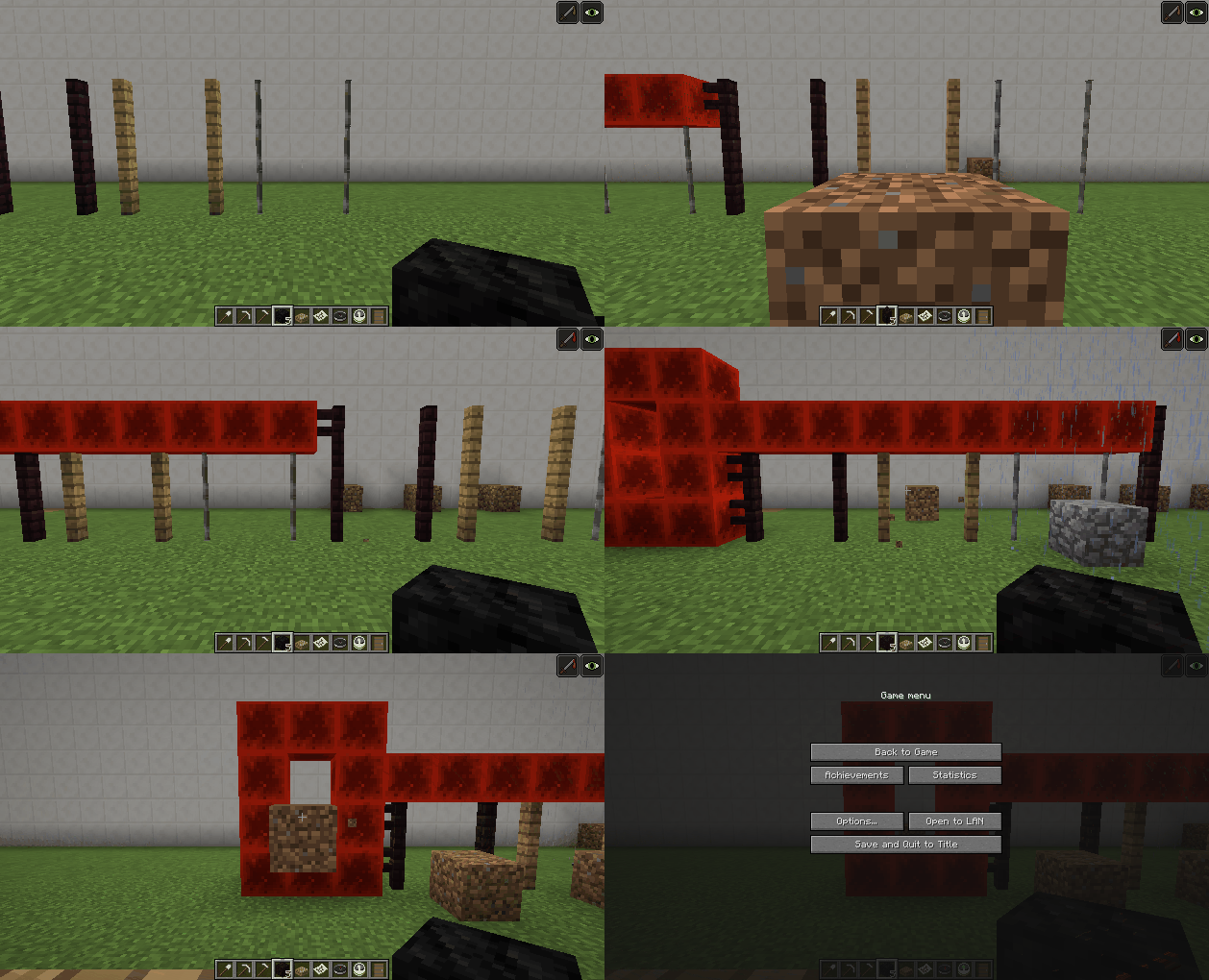 , the redstone block gate only allows the falling_block through if the entity enters at the bottom part of it (having 2 blocks of vertical empty airspace) but not at the upper half where it only has one block of empty airspace.
Passenger offset
Passengers are offset based on the height of the ridden entity, therefor this bug causes a position desync for riding entities.
- Summon a shulker riding a falling block entity
/summon falling_block ~ ~ ~ {NoGravity:1b,Time:-2147483648,Passengers:[{id:"shulker",NoAI:1b,NoGravity:1b}]} - Stand on the shulker box
→ You will see that you are constantly moving up and down because server-side the shulker is higher and therefor the server thinks the client is moving invalid
Code analysis
Code analysis by Marcono1234 can be found in this comment.
When experimenting with the new command blocks I noticed that blocks that are not full or "normal" blocks function highly inconsistently when using a /execute command with the detect function inside a repeating command block or on a redstone clock.
The command I used was the following:
/execute @e[r=20] ~ ~ ~ detect ~ ~-1 ~ <block here> 0 /effect @e[r=20] slowness 1 1 1
- Stone, Sandstone, dirt, and other normal blocks work; the execute command will trigger every tick when in a repeating command block or every time redstone triggers a normal impulse block
- Grass Path blocks (/execute @e[r=20] ~ ~ ~ detect ~ ~-1 ~ grass_path 0 /effect @e[r=20] slowness 1 1 1) will trigger once when the player steps on the block, but will not trigger again until the player steps off the block, where it'll trigger again
The attached pictures show how the slowness effect remains while on a full block (stone), but do not when on a semi-block (grass paths).
Code analysis by Marcono1234 can be found in this comment.
Affected mobs:
Skeleton- Enderman
possibly some others
I am making a map in which I need to create a skeleton in each team.
So i set the friendlyfire to false and join me and the skeleton in the same time.
example:
/summon enderman /scoreboard teams join red_team @e[r=10]
And nothing changes, he shoots me arrows.
I have searched for this bug and i didn't saw any reports, sorry if its repeated.
Some other mobs do not attack team mates:
do
/summon zombie ~ ~ ~ {Team:teamname}
zombie will not attack players on team teamname (checks for uppercase letters too)
Code analysis by Marcono1234 in this comment

Description by Marcono1234:
PushX and PushZ
First of all this fields are very strange as setting them to a value does not actually cause them to get this value. Instead the game sees the number as percentage:
Estimated codePushX = PushX / (PushX + PushZ) * 5 PushZ = PushZ/ (PushX + PushZ) * 5This also results to values that are in total higher than 5 (maybe 5 is not the value).
You can also clearly see that when one value is 0, the other one becomes (if it is not 0) 5. This will be important in the next paragraph.Moving in corners
Apparently a value for the other variable (not 0) is needed to make the MinecartFurnace to drive on a corner rail.
Reproducing this bug
You can easily reproduce this bug by summoning a MinecartFurnace with either PushX or PushZ 0 and have it drive in circles:
/summon MinecartFurnace ~ ~ ~ {PushX:1d,PushZ:0d,Fuel:32767s}Side note
Powering a MinecartFurnace also results in strange Push values as it takes the position of the player relative to the MinecartFurnace. This results in a PushX and PushZ value which is not 0. However it would make more sense to only store one PushMain as this might be the underlying problem of
MC-51053
It seems like the Motion is then set based on the Push values. A Push value of 5 will always result in a Motion close to 2.5
![[Mod] Les3awe](../../../data/avatars/users/79847.png)
The bug
Entities standing on Y=63 will become invisible when looking up.
Video: https://www.youtube.com/watch?v=6qZi6p5UI-8
How to reproduce
- Stand on level 63 (standing on level 64 works too but the effect is kicking in later)
- Spawn some mobs on level 63
- Slowly move up the mouse
→ At some point the entities will be come invisible
Note: other coordinates also have this problem, but Y = 63 is the most obvious.
Code analysis
Code analysis by Marcono1234 in this comment.

The bug
When going into or out of the nether or end, the armor bar disappears and only reappears when it gets an update, for example by removing a piece of the armor.
How to reproduce
- Equip any armor, armor points are displayed above the hotbar
- Change dimensions through a portal
- Armor points are no longer displayed above the hotbar
- Update the GUI (Open inventory, take a screenshot)
- Armor points are again displayed above the hotbar
Code analysis
Code analysis by Marcono1234 can be found in this comment.
A fix in Forge for 1.12 can be found here.
he said it before it was resolved as duplicate, do your research
Marcono1234 said Probably duplicates , IDontKnow confirmed that it's in fact a duplicate.
Slightly related: This ticket was already resolved as duplicated:
Kumasasa made changes - Yesterday 6:21 AM: Link This issue duplicates
MC-51053
An alternative description is provided in MC-72774.
Code analysis by Marcono1234 here in this comment, he narrowed down the apparent issue of this bug.
Using the new EntityTag feature for custom spawn eggs, I created spawn eggs summoning a Squid with the invisibility potion effect, but while I was demonstrating the "Tags" tag by placing the spawn eggs against a barrierblock, one Squid popped into my face ;_;
Give-command for a custom squid spawn egg:
/give @s minecraft:squid_spawn_egg{EntityTag:{Glowing:1b,NoAI:1b,CustomName:'{"text":"Invisible","color":"dark_blue","bold":true,"italic":true,"underlined":true}',active_effects:[{id:invisibility,amplifier:1b,duration:1200,show_particles:1b}]}}
It seems that the effect is not always (or generally?) applied immediately.
In current snapshot 20w12a it is visible each single time I use the spawn egg; that has not been always the case, e.g. back in 2015.
The Squid appears for about 1 tick.

This seems to generally apply to every changes that you'd summon an entity with, e.g. also Rotation value:
/summon mooshroom ~ ~1.5 ~ {CustomName:"RandomUUIDCow",CustomNameVisible:1,Rotation:[270f,0f],NoAI:1,Silent:1}
The summoned Mooshroom needed 2 ticks to get into the 270°-positioning.
The default position an entity "looks" - including the player in a newly generated world - is always South, and also that Mooshroom in this example looks at South first before it gets turned into the desired position.
As that's the confirmed case now, the title should be changed, but I'll leave this to the experienced mods to find a title which can describe the totality of the problem }=)
The bug
When I was feeding my horses with golden apple, which are tamed and named, I expected that they would just open their mouths to show happiness. But the cursor instantly moved to the right, moving out of focus. I did not see if they accepted the apple.
How to reproduce
- In creative mode, summon a horse.
- Tame the horse and name it.
- Put golden apple in your hotkey.
- Right-click the horse while the golden apple is in hand.
Note that this is not MC-61535.
Code analysis
Code analysis by Marcono1234 can be found in this comment.
Suggested fix by [Mojang] Gnembon can be found in fix_chestHorseChangingDirection.PNG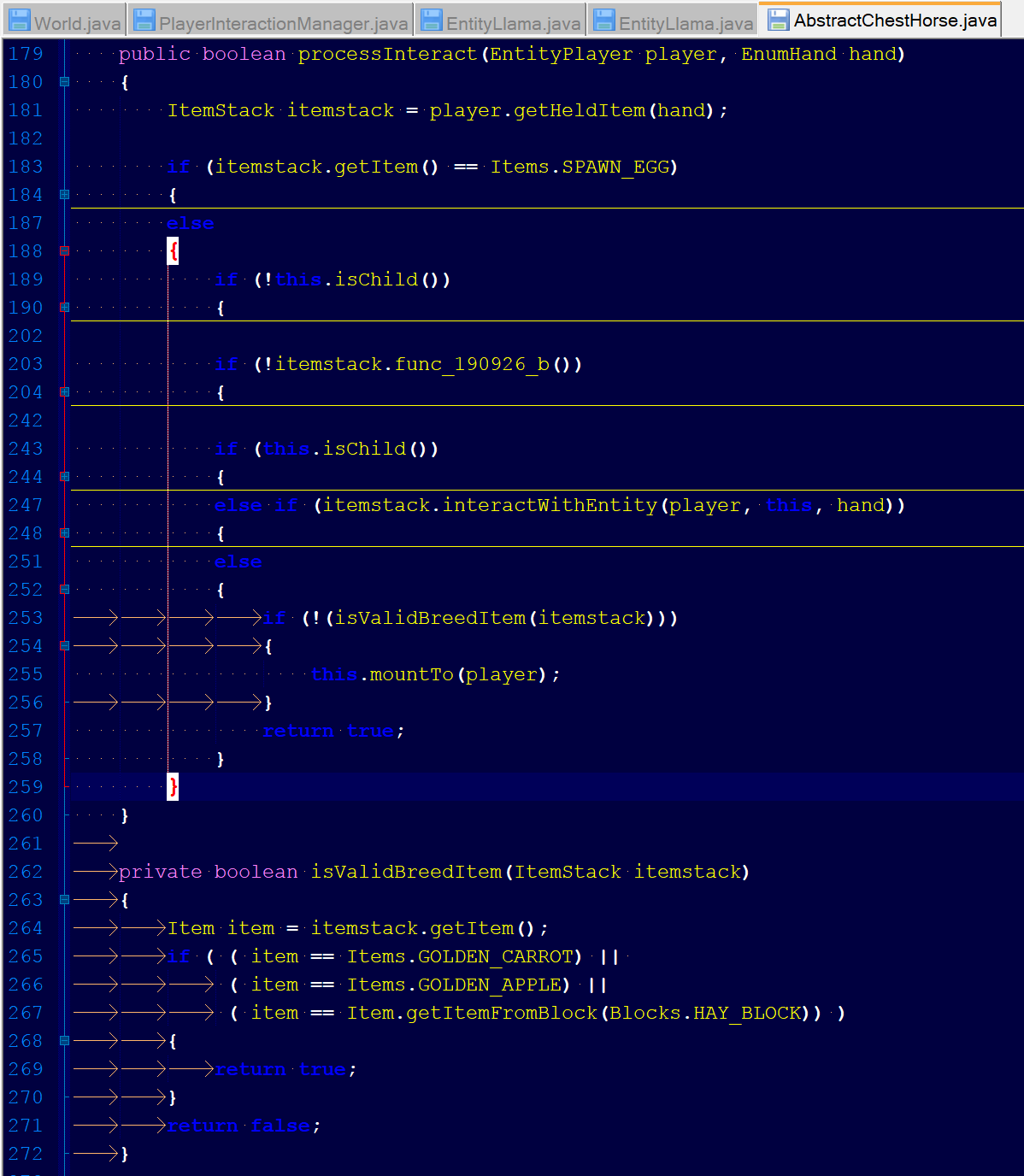 ; explanation can be found in this comment.
The bug
When shooting with a bow held in the offhand while in third person it looks like it's pointing towards the ground and there is no hand animation.
The picture on the left is the broken animation in the off-hand. The picture on the right is the animation in the main hand.
How to reproduce
- Take a bow
- Put it in the offhand slot
- Try and shoot with it
Code analysis
Code analysis by Marcono1234 can be found in this comment.
![[Helper] ZeNico13](../../../data/avatars/users/31913.png)
The bug
Projectiles hit the player, snowman and witch who threw them at certain angles or close to the entities.
The projectile would hit players, snowman and witch the head, causing unable to successfully emission.
• Notes:
- It can only be achieved in the face certain angle.
- Approaching entities comparatively easy to reproduce.
- This also happens in snowman.
- Also affect the ride a entity.
• Projectiles types:
- Snowballs
- Egg
- Ender Pearl
- Arrow (It will hurt the players themselves.)
- Splash Potions
- Lingering Potions
How to reproduce
This can be consistently reproduced by flying into the air in creative and then running these 2 commands (while not moving), and then shooting an egg:
/summon zombie ~ ~ ~-1 {NoAI:1b}
/tp @p ~ ~ ~ 102.0 68.5
The exact range of movement varies, but this is one consistent angle.
Examples
Here are a few examples in videos:
- Video 1 (Snowballs, egg and ender pearl): https://www.youtube.com/watch?v=q0DzNQxn-p0
- Video 2 (Splash potions and lingering potions): https://www.youtube.com/watch?v=hUaRVsjkCIA
- Video 3 (This also happens in snowman): https://www.youtube.com/watch?v=5Ug_jCZznUA
Code analysis
Code analysis by Marcono1234 can be found in this comment.
Note: williewillus pointed out that the thrower field has to be synchronized for the client to make sure the projectile behaves correctly client-side as well.
These experiments involve marker armorstands – it also affects area effect clouds with zero radius. Most likely the bug occurs due to these armorstands lacking a hitbox.
Setup experiment
In this scenerio the armorstands involved in the testing were obtained as follows:
/summon armor_stand ~ ~ ~ {CustomName:"\"A\"",Marker:X}
/execute at @e[name=A] run summon armor_stand ~ ~ ~ {CustomName:"\"B\"",Marker:X}
Note that the X is either a 0 or 1 depending on the following cases.
Results experiment
We distinguish the following 3 cases
- Case 1: ArmorStand A is not a marker, ArmorStand B is not a marker.
execute at @e[name=A] run kill @e[name=B,distance=0]
Kills B, works as expected
execute at @e[name=B] run kill @e[name=A,distance=0]
Kills A, works as expected
- Case 2: ArmorStand A is a marker, ArmorStand B is not a marker.
execute at @e[name=A] run kill @e[name=B,distance=0]
Kills B, works as expected
execute at @e[name=B] run kill @e[name=A,distance=0]
Does not kill A, does not work as expected
- Case 3: ArmorStand A is a marker, ArmorStand B is a marker.
execute at @e[name=A] run kill @e[name=B,distance=0]
Does not kill B, does not work as expected
execute at @e[name=B] run kill @e[name=A,distance=0]
Does not kill A, does not work as expected
Further research
I've had a talk about these seemingly bugs with SkylinerW who in the MC community is a well respected modder/'expert' on Minecraft. This talk can be found back in this reddit topic:
https://www.reddit.com/r/Minecraft/comments/3cgck7/the_nbt_tag_marker1b_made_a_position_glitch_of/
Here are some extracts from our conversation that might help you guys further, credit to SkylinerW:
"That one definitely seems to be a bug. It's not just armor stands, but any entity that is in the ground; I can't get the command to work even if there's a villager with its feet stuck in a block directly underneath the armor stand without increasing the radius to 2 (r=1 still presents the problem, so it's not restricted to r=0). It's specific to the Y coordinate, so it seems like their interpreted location is being skewed for being within a block. I imagine the eye height for marker stands being at the exact Y value causes it to be seen as being within a block.
Code analysis by Marcono1234 can be found in this comment.
Also this can be more easily tested with this being run in chat while you don't move:
summon armor_stand ~ ~ ~ {NoGravity:1b,Marker:1b,CustomName:"\"c\""}
say @e[distance=0]
this'll only show your name and not the armor stand's, unless you change it to Marker:0b
If you do this command:
/setblock ~ ~-1 ~ cactus
while standing on a surface, that cactus block will continue dropping cacti forever.
The cactus block has to be on the ground, but not on sand. It still can't touch any blocks on the sides.
Code analysis by Marcono1234 can be found in this comment.
The bug
Lost absorption hearts of an absorption effect with high amplifier are regained when absoprtion with a lower amplifier (which should not affect the existing effect at all) and different particle settings (NBT tags Ambient or ShowParticles) or visibility (NBT tag ShowIcon) is applied.
Expected would be that either:
- the effect with the lower amplifier does not affect the higher amplifier effect (while also considering
MC-128682) - or (better?) that the absorption effect is removed once all absorption hearts are gone
Note: In 1.12.2 and older versions this also affected lower absorption effects with the same particle settings / visibility, see this comment. E.g. when eating a normal golden apple after absorption hearts from an enchanted golden apple had been used up.
How to reproduce
- Give yourself absoprtion with a high amplifier
/effect give @s minecraft:absorption 1000 10 true - Take damage and lose the absorption hearts
/effect give @s minecraft:instant_damage 1 3 true - Give yourself absoprtion with a low amplifier and a different particle visibility
/effect give @s minecraft:absorption 1 0 false All absoprtion hearts of the high amplifier effect were replenished
Code analysis
Code analysis by Marcono1234 can be found in this comment.
After you've entered for example
/enchant @p 12345
the message you'll receive does not display the invalid ID that you've actually entered. The message will always say "There is no such enchantment with ID 0", and enchantment ID 0 does by the way exist. Same thing goes for invalid text IDs.
Code analysis by Marcono1234 can be found in this comment.
The bug
Player selectors fail finding player/Player is not correctly moved from the End to the Nether.
How to reproduce
- Go to the end: /setblock ~ ~ ~ end_portal
- Go from the end to the nether: /setblock ~ ~ ~ nether_portal
- Try to use player selectors
Entities in the overworld are unable to find you as well so I assume the game thinks you as entity are still in the end (maybe)
However the NBT data of the player is correct and he can still target himself with his name
Code analysis
Code analysis by Marcono1234 can be found in this comment.

If you power a piston with 3 rail infront of the piston head, This happen.
If you tries to update the rail, The rail will destroy itself.
Code analysis by Marcono1234 can be found in this comment.
In the latest snapshot the name of the small armorstands are at the same height as normal armorstands.
Code analysis by Marcono1234 can be found in this comment.
Zombies and some other mobs (slimes, silverfish, endermites...) sometimes don't succeed in hitting you if you aren't in the middle of a block. Instead they will try to hit the middle of the block.
Steps to reproduce:
- Create a superflat world with cheats enabled
- Run the command /tp @p 0 ~ 0.9
- Run the command /gamerule doMobSpawning false
- Run the command /time set night
- Run the command /summon Zombie ~ ~ ~-5
This does not always seem to work, tough.
Or an easier method:
- Place down a wall an walk as close to it as you can
- Spawn a zombie in front of you and note how it doesn't succeed in hitting you
EDIT:
Now mostly happens with baby zombies. Also see Marcono1234's comment.
Code analysis by Marcono1234 can be found in this comment.
Marcono1234's comment suggests otherwise.
Expectation: Armor stand would just chill in the back.
Reality: https://www.youtube.com/watch?v=a617KVNG-LI
No, I did not have a teleport command running to rotate it or anything. Yes, this world was created in the version used.
Steps to reproduce are in the video, but also below
/summon Boat ~ ~ ~ {Passengers:[{id:"Skeleton"},{id:"ArmorStand"}]}
Armor Stands only start to spin once the boat is rotated. The more the boat is rotated from the south direction, the more it spins, plus the more you wait, the faster it spins. It seems to just rapidly switch from south to its correct rotation. Something about the armor stand's direction not correctly updating according to the boat's rotation.
Code analysis by Marcono1234 can be found in this comment.

What I expected to happen was...: -
the block to render properly on the fence.
What actually happened was...:
it glitched out on the fence and could not mine it until breaking the fence underneath, sometimes it dropped the block as an item, sometimes it rendered the block there
Steps to Reproduce:
1. Put a fence down a few blocks below where you're going to drop the block which becomes a falling entity
2. Let it drop
3. Enjoy
Code analysis by Marcono1234 in this comment
Code analysis and comment by [Mod] md_5 from MC-99860
Since 15w38b, falling blocks will not stop falling if the AAAB below them is greater than one block tall, as a result of:
if (BlockFalling.j(this.world.getType(new BlockPosition(this.locX, this.locY - 0.009999999776482582D, this.locZ)))) { this.onGround = false; return; }
.
You can't put elytra on armor stands even though dispensers do place elytra on armor stands.
Code analysis by Marcono1234 can be found in this comment
Note: Not only reproducible it with an ender crystal as the host, but with a simple minecart that is ridden by an entity, thus this error message can also occur in Vanilla Survival. According to Jason Penick this also happens in Survival with boats.
To reproduce, summon an ender crystal that has a passenger with a smaller render distance.
/summon end_crystal ~ ~1 ~ {Passengers:[{id:"item",Item:{id:"minecraft:stone",Count:1b}}]}
or
/summon end_crystal ~ ~1 ~ {Passengers:[{id:"pig"}]}
When moving out of render distance of the item or pig, while remaining within rendering distance of the ender crystal, the output log will periodically spam the "Received unknown passenger" error.
No errors occur when the host and passengers are swapped. I could also not reproduce it by having an item riding a pig. I'm unsure of the render distances for other entities.
[11:29:58] [Client thread/WARN]: Received unknown passenger for wp['entity.EnderCrystal.name'/143755, l='MpServer', x=718,56, y=57,00, z=-1889,38] [11:30:03] [Client thread/WARN]: Received unknown passenger for wp['entity.EnderCrystal.name'/143755, l='MpServer', x=718,56, y=57,00, z=-1889,38] [11:30:08] [Client thread/WARN]: Received unknown passenger for wp['entity.EnderCrystal.name'/143755, l='MpServer', x=718,56, y=57,00, z=-1889,38] [11:30:13] [Client thread/WARN]: Received unknown passenger for wp['entity.EnderCrystal.name'/143755, l='MpServer', x=718,56, y=57,00, z=-1889,38] [11:30:18] [Client thread/WARN]: Received unknown passenger for wp['entity.EnderCrystal.name'/143755, l='MpServer', x=718,56, y=57,00, z=-1889,38] [11:30:23] [Client thread/WARN]: Received unknown passenger for wp['entity.EnderCrystal.name'/143755, l='MpServer', x=718,56, y=57,00, z=-1889,38] [11:30:28] [Client thread/WARN]: Received unknown passenger for wp['entity.EnderCrystal.name'/143755, l='MpServer', x=718,56, y=57,00, z=-1889,38]
Code analysis by Marcono1234 can be found in this comment.
Marcono1234: You mean MC-90148
Marcono1234 The packet will never work in its current state due to the fact you can't tell when the client gets your packet and starts using the new threshold therefore you'll be out of sync causing that issue (in some cases).
This does not relate to the command being executed at high frequency, the TP command is ran once and once only.
Reproduction:
Summon this entity block in a command block using this command:
/summon AreaEffectCloud ~ ~1.125 ~ {Radius:0.5f,Duration:2147483647,Effects:[],Particle:"take",Tags:["Block","BlockController"],Passengers:[{id:"Shulker",Invulnerable:1,NoAI:1,Tags:["Block"]},{id:"FallingSand",Block:"minecraft:stone",Time:1,Tags:["Block"]}]}
Now run this ONCE:
/tp @e[tag=BlockController] ~ ~1 ~
Nothing happens?
The teleport will only update after quitting and rejoining
Code analysis by Marcono1234 can be found in this comment.
Marcono1234: But this ticket is about the armor stand spinning. Create a new ticket if the boat is spinning for you.
Reopening, armor stands shouldn't consume lingering potions if potion effects have no effect on them.
Marcono1234: It'd be appreciated if you updated your report to make it more clear that this is about armor stands consuming lingering potions, like you originally had it.
The bug
Using the /setblock command at exactly Y=256 is the only command that shows the message "The block couldn't be placed". Using /setblock at all other Y-coordinates that are outside of the building range of the world shows the message "The number you have entered (Y) is too (big/small), it must be at (most/least) 256". This message also states that the max height for building is 256, which is false.
To reproduce
/setblock ~ 256 ~ stone
/setblock ~ 257 ~ stone
- Compare the messages gotten from performing previous steps
Code analysis
By Marcono1234
The following is based on a decompiled version of Minecraft 1.9 using MCP 9.24 beta.
The reason for this is that the method net.minecraft.command.CommandBase.parseBlockPos(ICommandSender, String[], int, boolean) defines 256 as maximum y value.
Suggested fix
Making so attempting to place a block by not using /setblock at Y=256 shows the text "The block couldn't be placed", or more fitting, "You can't build this high" over the hotbar, just like when trying to sleep at day. Using /setblock at Y=256 should show the message "The number you have entered (256.00) is too big, it must be at most 255".
See attached screenshot for what I mean. It only works this way in singleplayer and LAN games, but only for the host. It doesn't work at all on a server.
It always prints the whole line, but it is not cursive/grey everywhere. It should be cursive everywhere.
Code analysis by Marcono1234 can be found in this comment.
The shulker appears to end up below the boat, but it actually exited to the side.
Video:
https://www.youtube.com/watch?v=kWG73Q3GI-Q
Also affects minecarts.
19w34a update:
Sometime shulker drop off position is still at the bottom of the boat.
Code analysis by Marcono1234 can be found in this comment.
16w02a: You can no longer place end crystals inside blocks. However, it is still possible for blocks (obsidian landing platform, obsidian towers, lit end portal, unlit end portal) to be generated in locations where the user has previously placed an end crystal. The end crystal will then replace these blocks with fire. It should instead only replace air and fire with fire.
One such example is demonstrated in the two attached screenshots. In before.png, a piece of bedrock was removed from the unlit end portal. Note that this is possible in survival and that it also is possible for users in older (pre-1.9) worlds to place an end crystal at 0,0 where the end portal will be moved to after summoning another dragon. In after.png, the ender dragon was killed and a lit portal was placed over the unlit portal. The end crystal placed fire inside itself, removing one block of bedrock from the newly placed bedrock frame. Note that without the end crystal the bedrock frame would have been repaired.
Old description:
End crystals keep placing fire at their location even if they are inside a block such as bedrock or end portals. This causes issues like MC-92352 when the game places blocks inside end crystals, especially blocks that are supposed to be unbreakable such as bedrock or end portals. Other affected structures include the obsidian pillars.
Code analysis by Marcono1234 can be found in this comment.
Included MC-50142, sorry for not staying with your formatting Marcono1234
Marcono1234 & [Mod] redstonehelper: I just realized that just before reading your comments! Thanks anyway
Affects all very short effects (those that only last a single tick) - this most likely also includes saturation, see MC-19648.
How to reproduce
- Prevent you from regenerating automatically, for example by using the following command:
/gamerule naturalRegeneration false- Use the following command twice
/summon Arrow ~ ~5 ~ {damage:0.5d,player:1b,Potion:"strong_healing"}You will see that you only take 0.5 damage but don't get any health back
mojang nerfed all the time of all the arrows. Im ok with that... but I find out that the instant health/damage got nerfed as well. and healing 2 hearts turned to be 0 hearts :|
well... sorry if I sound rude but... 0 heart? lol its nothing! Im shooting my self with instant health arrows and get damaged more then healed. :|
mojang... I think you should nerf the instant arrows but not that much!!! :|
I guess its just a bug...
Code analysis by Marcono1234 can be found in this comment.
Confirmed for 15w44b.
Good one, Marcono1234.
Particles simply appear dark at altitude Y=256 and above.
Does not occur in the Nether and the End.
Code analysis by Marcono1234 can be found in this comment.
Marcono1234: Now being tracked in MC-80001.
Marcono1234 I'm just as perplexed as you are, so I don't know. I do know I unlocked the portal on a survival-only world just yesterday and filed the report today.
Yes, I am aware of that, however Mojang said that because the broken tag is actually missing the portal location, it should handle that, or that they at least wanted to look into it.
To reproduce, eat a chorus fruit and watch the game output as you are teleported.
Code analysis by Marcono1234 in this comment.
The Bug
The following mobs all play footsetp sounds when they most likely shouldn't as they have no legs and feet:
- Armor stand
- Axolotl (When swimming)
- Blaze
- Bee (No subtitles but sound)
- Breeze (When it lands)
- Cod
- Dolphin
- Magma cube
- Puffer fish
- Rabbit (When pushing it)
- Salmon
- Slime
- Snow golem
- Tropical fish
- Turtle (No subtitles but sound)
- Wither
GhastFixed in 23w18a.PhantomFixed in 23w18a.
Steps to Reproduce
- Create a Superflat world:
minecraft:bedrock,124*minecraft:amethyst_block,4*minecraft:air,minecraft:glass;minecraft:the_void
- Observe whether the amethyst block makes a sound when the mobs moves.
Video demonstrating the issue:
https://www.youtube.com/watch?v=hhbjID89-fg
Code analysis
Code analysis by Marcono1234 can be found in this comment.
The effects Luck and Bad Luck don't work when a double chest is opened, but the effects work when a simple chest is opened.
1: Place the file updated_table_loot.json in the folder:
.minecraft\saves\ MAP_NAME \data\loot_tables\test\chests\
2: Use the command:
/give @p minecraft:chest{BlockEntityTag:{LootTable:"test:chests/updated_table_loot"}} 1
3: Place and open the chest with effect Luck or Bad Luck.
4: Place and open an another chest (a double chest) with effect Luck or Bad Luck.
________________________________
 Look the screenshots in Attachment for the examples.
Sorry for my bad english.
Code analysis by Marcono1234 can be found in this comment.
@Marcono1234: Ticket is yours.
Mod note:
Bow enchantet with Power III and Power II resp. Power I and Power I at the same time.
While playing in my survival world after a thunderstorm I was killing some Skeleton Traps and noticed on one of the bows dropped it was enchanted with Power 3, Power 2, and Unbreaking 2. I thought at first it said Punch 2 as one of the skeletons was knocking me back pretty far but then noticed it wasn't punch and that the bow had somehow been enchanted twice. I was able to recreate it by just spawning in more traps and using a looting 3 with Luck effect (if that does anything) with a high strength effect also so always one shot.
To recreate you can also give yourself a looting 100 sword. Although you will get a ton of bones and arrows you will be guaranteed to get a drop of armor and bow.
Code analysis by Marcono1234 can be found in this comment.
@Marcono1234 - I was looking at the bugs, but MC-3984 has nothing to do with my problem and MC-30646 describes the non-working delete of a world, not respawn after death in a hardcore world.
@Marcono1234
1. No, I'm definitely not modding my game!
2. I deleted the world already and no, my recyle bin doesn't take any deleted files!
3. Yes, of course they were!
4. I did that already. It happened exactly the same thing, that's the problem! Either my world generator is the problem or my minecraft is corrupted!
Credit for discovery goes to Reddit user /u/JAZEYEN, as described in this thread: https://www.reddit.com/r/MinecraftCommands/comments/3tzhc0/something_intersting_you_might_want_to_try/
When a mob that uses the standard base AI is spawned with a Slime riding and steering it, it will immediately head directly towards x=0, z=0. Specifically, the northwest corner of the block at 0,0. It will not attempt to avoid obstacles in any way, instead walking off of cliffs and getting stuck on one-block-high ridges if they are between it and the origin. When it reaches the northwest corner of 0,0, it will endlessly spin in circles around the point.
This behavior is the same in all dimensions, and will continue even if 0,0 is in an unloaded chunk. Magma Cubes may be used instead of Slimes with no change to the effects. Removing the Slime at any time fully restores the mob to normal.
To reproduce, start a world with cheats and run the command
/summon zombie ~ ~ ~ {Invulnerable:1b,Passengers:[{id:slime,Invulnerable:1b}]}
Watch as the Zombie heads for the origin. Replace Zombie with any mob from the following list and run again, as many times as you want.
Tested, affects the following mobs:
Chicken, Cow, Mooshroom, Pig, Rabbit, Sheep, Villager*, Zombie, Skeleton, Spider, Cave Spider, Creeper, Enderman, Witch, Zombie Pigman, Blaze, Wither Skeleton, Endermite, Silverfish, Horse, Ocelot, Wolf, Iron Golem, Snow Golem, Wither**
* Villagers always run instead of walking when affected.
** Withers will rise continuously into the air to attack the Slime, but otherwise behave as described.
Tested, does not affect the following mobs:
Bat, Squid, Guardian, Ghast, Slime, Magma Cube, Ender Dragon
NOTE: I have done some testing, and this bug has existed since 15w38a, when passenger AI overriding was first added. However, I can not select that as an Affected Version.
Code analysis by Marcono1234 can be found in this comment.
Update as of 15w51a: Double chests are still affected. Also, hoppers, when opened by a spectator, generate their own loot and the loot of containers above themselves. However this does not happen when the hopper is above a container or when a HopperMinecart is used.
If you open a chest with a loot table as a spectator, it will generate it's contents affecting gameplay for other survival/adventure players on the map.
Somebody with bad luck or luck effects that open a chest will have better/worse chance of getting good items from chests. A spectator could open all chests and make their contents fixed/unchangeable.
What should happen: A chest that has a loot table with a unspecified lootTableSeed should show a question mark in the chest and NOT generate the items. If the chest has fixed seed or fixed items inside that won't matter.
OR: a gamerule the allows spectators to generate loot in chests and other storage when opened.
Summarized:
- Spectators influence loot table chests
- Fix: Chests with loot table and random lootTableSeed will not generate items when opened by spectator
- Alternate fix: /gamerule spectatorsGenerateLoot true/false. This will make spectators not generate any loot when they open chests/furnaces etc.
Code analysis by Marcono1234 can be found in this comment.
When shooting Potion Arrows in creative mode, it takes the item out of my inventory.
Code analysis by Marcono1234 in this comment
Code analysis by Marcono1234 can be found in this comment.
@Marcono1234: Not a bug in my opinion.
Duplicate of MC-7222. @Marcono1234: this case is already covered.
Thank you very much [Mod] Skylinerw and Marcono1234 for looking into it and clearing this up, I was worried it wouldn't be really fixable, but now it seems it is }=)
I'll update my bugpost later (after work) and add a link to the comment with the code sniplets, so the Devs can see it, as soon one of them will take care of this bug.
Happy, also on behalf of all the mapmakers I heard complaining about it, so thank you again for your help };]
The bug
As you may know, comparators are able to get a redstone signal from cakes, cauldrons, command blocks, end portal frames, item frames, and jukeboxes, depending on the status of the block/entity in question. As with containers, they are able to read this signal through solid blocks. However, non-containers do not send a comparator update when they break, are fully eaten, are /killed, or are otherwise removed from the game, meaning that a comparator reading it through a solid block will not change power levels until it receives an update from another source.
Placing or updating these blocks will send comparator updates as expected; it is only when they are removed that this happens.
Note that containers used to have an identical problem (MC-11109), which was fixed in 2013.
How to reproduce
- Place cake next to a solid block, with a comparator leading out.
- Go to survival mode, and use the command /effect @p hunger 1 100 as necessary to eat all the cake. Note, after the last slice, that the comparator remains powered.
- Replace the cake.
- Break it and note that the comparator is still powered.
- Place a cauldron next to the solid block and fill it with water.
- Break it and note that the comparator is still powered.
- Place a command block next to the solid block, enter the command /say hi (or any other command that will successfully execute), and power it.
- Break it and note that the comparator is still powered.
- Place an end portal frame next to the solid block, and insert an eye of ender.
- Break it and note that the comparator is still powered.
- Place an item frame on the solid block and insert an item.
- Stand next to it, run /kill @e[r=5,type=item_frame] (version permitting) and note that the comparator is still powered. This one is less of a bug, since it requires console commands, but I am including it for completeness.
- Place a jukebox next to the solid block and insert a record.
- Break it and note that the comparator is still powered.
- Note that placing and modifying these blocks in any way that does not remove them from the world updates the comparator as expected.
Code analysis
Code analysis by Marcono1234 can be found in this comment.
@Marcono1234: Example command?
Marcono1234 That's exactly what Mr. Broes/Grum said though.
Basically: "All sign lines need to exist, or it'll return COMPLETELY EMPTY now instead of that "null" thing". - and that's the fix.
I'm also not happy with the "fix", or rather I can't understand why one has to reference ALL sign lines now; it makes signs too pricey/uses up too many characters.
Is that what "strict JSON" means?
Again, command example; instead of:
setblock ~ ~1 ~ wall_sign 0 replace {
Text2:"{\"text\":\"GREEN\",\"color\":\"dark_green\",\"bold\":true}"}
I've got to insert:
setblock ~ ~1 ~ wall_sign 0 replace {
Text1:"{\"text\":\"\"}",
Text2:"{\"text\":\"GREEN\",\"color\":\"dark_green\",\"bold\":true}",
Text3:"{\"text\":\"\"}",
Text4:"{\"text\":\"\"}"}
Before, if I wouldn't reference all sign lines, (null) would appear on those not referenced lines on relog into the world.
Now it returns the whole sign completely empty on relog.
Pics attached.
Marcono1234: I added a Resource pack for testing purpose (foliage and grass modified->simple purple), and other pictures.
Personally, I'm not so much worried about old 1.8 signs showing up empty all of a sudden in 1.9.
As we got so many new cool commands and additional CommandBlocks, surely many maps have to be redone for 1.9 anyway, just think e.g. of all the laggy fillclocks we can get rid of.
Which means 1.8 maps will remain 1.8 maps, and for 1.9 considerate mapmakers will change their whole machinery/CommandBlocks as well as commands setup to make things easier for them, better, also for the sake of the players of their maps.
My concerns are mainly the "why clog up the commands and use more characters than seemingly needed".
It's bad enough we've got to use strict JSON which uses up already many more characters, so, if possible, it'd be nice if not each line has to be referenced, like in 1.8 - which would, of course, also possibly result in old 1.8 signs still working in 1.9, as Marcono1234 mentioned.
Marcono1234 Thank you for the explanation regarding JSON/Gson!
It's good that it doesn't affect going from 1.8 to 1.9 }=) - but I could swear it was an issue in a previous snapshot, as "null" appeared for me on signs from older versions.
Might be I'm mistaken and I set those signs in an older 1.9 snapshot right before the change to strict JSON.
Whether or not the amount of characters shouldn't be the first priority depends on the perspective.
Whether one likes or despises misleadingly so-called "One Command" contraptions or not, they are a big thing since a while in the commandblocking community, and quite often those things that are loved or sought-after by the community or their mapmakers or minigames servers, are being supported (I'm assuming hence e.g. new CommandBlocks/commands + positioning of items in headslot of ArmorStands), to uphold the popularity of Minecraft.
Those strict JSON signs are very "pricey" as for the needed characters.
So, no matter if I personally support "one command" things or not, for the sake of Minecraft's popularity I guess it's reasonable to support the current "trend" in CommandBlocking.
Also, we shouldn't forget it's not just fancy stuff that can be done with those stacked commands, but also major and foremost easy changes in maps, so it's also a really good utility/tool.
Thus keeping some often needed commands small in the amount of to-be-used characters doesn't seem wrong to me.
Of course, the related bugpost that you linked that is being caused by this seems severe and important enough so that a reopening of this very bugpost and finding another solution for a fix should be considered, no matter what other motivations there could be as of why having to reference also not needed sign lines.
World Test:
This is the world with the dispenser bug.
I just marked the two dispensers with beacons.
->But I created the world erlier (1.2.5)
But the dispenser bug?
Singleplayer
Yes I went into the world after I pressed esc I think and just was 2 min later teleportet
I don't know, it is just one time when it happens, but I had it 2 times
Maybe just the chunk with an redstone signal on loaded and then the cmb so that the commandblock get ON
Oh and the sound from powered repeaters got lost
Sorry, I can't speak so good English.
thx mod
@Tails maybe everything which can be powered by redstone
@Tails, but there is still the bug, that mobs will get spend in the dispenser
Yes I ment
And @Anon Ymus:
But it is not right, that even if the redstone torch on the front of the comparator is not activatet the comparator works like a repeater, cause than the comparator could not compare COMMANDBLOCK outputs
Oh ok sorry
sorry
@Tails: Is here also some kind of forum where you can write things which are missing now?
Same thing on powerd dispensers:
1.The dispenser get powered = shoot arrow
2.A block is placed next to the dispenser = shoot arrow
This is also a block update bug
Yeah, I now the syntax and the usage, but it would just make sence if it also works like this
And this commandBlock bug is very crazy, cause it is not every time like this
Yeah ok thx and sorry
@Kevin Reid: No, it was always, that a redstonetorch above a block isn't powering the block.
But it should work like a sorting system,Tails, it should get a output of 2, then the hopper below isn't powered
and even if the upper hopper is pushing, lower hopper may not get the items ...
There is also a bug:
If you create a villager with MCEdit, after some closing and opening from minecraft, he trades 1 Emerald for 8 Gold, and this is each time like this.
No, I mean, that you shot an arrow, but for you it looks like the arrow stacks in you. Other player see it like normal, like an arrow is floating away.
Its right, but you still get the item just open your inventory
Fixed in 13w37b
This bug is fixed in 13w37b
This causes another bug(executed by commandBlock):
*Screen*
"Disconected by Server
Chat massage too long
Back to titelscreen"
And when I press this I get into the list of servers.
Probably it would be easier to fix, if you write here also the crash report:
To do this:
1. Edit your snapshot profile and set: Let Launcher open
2. When it crashes go in your launcher and open the console part
3. Copy the report of the crash
Its no bug.
You can only match specific books to things. E. g. infinity to a bow.
Only in creative mode you can match every book too every item.
Ok thank you
Thank you
Is also with ladders and blocks around and one above it
This is often in muliplayer when it lags:
You break a block, but the server doesn't answer but your client version already subtract one health point of your tool. When the lag is away the client and the server synchronise and you get the tool back
I suppose it is like this
Maybe it was make like this that you can't get spawned in lava and it just has the future ffrm the start spawnpoint
Propably it isn't easy to fix this because the fire would fly then above the carpet
Thank you
Ok thank you i thought this is a bug
I think, for example if you run a give command at a commandblock and the player is dead, the comparator should give an off signal out. If it worked, it should give an on signal out
But we should let the mods
decide.
It works also like this:
/setblock ~2 ~ ~ 137 0 destroy {Command:"summon Ozelot ~ ~1 ~ {Riding:{id:Creeper}}"}You can only get the locked chest with /setblock
I thought Hallo Hoi just wanted to know, that the locked chest is as an item removed, but it is possible to create it still
"Musikerzeugende Blöcke" (music generating blocks) maybe this would work, you could also include with this blocks which are included in future versions.
Confirmed for 13w43a
Changed discription
It appears with the bug, that the word Inventory is white
Sorry, it is still not working, same issue: Unable to balance brackets
Seems to have some other problems now, server is overloaded
Also you get an error message in your client (see screenshot)
I did already, just look in the description
Snapshot 14w04b
You have to write all criterias small:
testfor @p[name=!ComatoseChimera,r=10]
There is sure a bug, because, the command you executed worked well, but at the moment, when Minecraft doesn't find the object you are searching, it wont show an error message.
Youre mistake is, that the type must be written with a big capital letter:
/kill @e[type=Pig]
There is also another bug, usually, when entities get into the void, they disapear, invulnerable mobs are falling just deeper.
First: you have to write tag:{display:{Name:}}
If you want an item with the name
(no name), you have to run this command:/summon Item ~ ~-1 ~ {Item:{id:351,Count:1,Damage:100,tag:{display:{name:" "}}}}
If you want an item with the name
, you have to run this command:/summon Item ~ ~-1 ~ {Item:{id:351,Count:1,Damage:100,tag:{display: {name:' '}
}}}
But isn't the name of an item the same as a name of an entity?
This works:
/testfor @e[type=Item] {Item:{tag:{display:{Name:Test}}}}It's both.
C=1 will select the oldest item
C=-1 will select the youngest item
C=0 will select all
Sorry run the command wrong works well
Like I said it doesn't work with falling sand with a time higher or lower than 0
No, thanks, but I meant it like it is in the description.
I know that this is the normal use, what you said
I just thought that this was a bug because you can't see then whether a command block has a command or not

Thanks
Maybe this is also intended because you have now the /effect... true
but I am not sure
Yes a great idea !
And confirmed
It doesn't work for
-player heads, even it says: +NBT
-beacons(you can put an iron ingot at the "payment"-place) even it says: +NBT*
-also with signs
-and with jukeboxes there is another bug which I will report seperate
*here it's very weird because minecraft wiki says there is no NBT tag for the item which is in this slot, but then I ask myself how is it storaged then
Yes
Oh sorry, I thought this would be possible, Mojang should make Minecraft more simple...

Thanks
Well your is wrong too

It would be correct like this:
/kill @a[x=-518,y=80,z=-1019,dx=22,dy=22,dz=22]
But still thanks
Thank you worked
Sorry, how do you mean this?
Confirmed for 14w20b
Please update your discription
Confirmed for 14w20b
Duplicated by:
MC-50612I guess it's some kind of intended.
Because the redstone block is nearly handled like a glowstone block
(Chests can be opened when redstone block above (14w20b))
and you can place buttons on glowstone so...
Please close this, it isn't happening anymore
Yes sorry wrote the second command wrong
Now updated it
Yes but I guess it is intended because you have now the
/effect @p 1 1 1 trueObsidian generator still works (14w20b):
Place redstonedust, then water that it wont destroy it, so 8 blocks away.
Then place lava 3 blocks away from the redstone dust.
Obsidian is created.
Confirmed for 14w20b
*Please ignore the following if this is maybe the reason:
https://bugs.mojang.com/browse/MC-55580
Dear Andrew Miller Mcmunn,
if you want or need help, please be more precise.
Because the guy could used hacks, it's a bug or your friend gave him op but he was a troll.
Have you already asked your friend on this, maybe it was just a misunderstanding?
I guess you used:
The default data value is "0" not "1", if not I don't understand the bug either
Dear Mine NDE,
there are at least two reasons why it is intended:
1. You are acutally running the command, so it's the same like you do:
Which gives you also the text:
"Block placed"
2. Because you are actually performing this command, and not a command block, it makes sense that you get the message "Block placed"
*Note: Only you get the "Block placed" message, not other players (like it is with commands in command blocks)
Ok that's strange I had is 2 times and then never again...
please remove this issue report than
sorry :/
Confirmed!
Please reopen issue report!!!
Maybe because mobs can now have scores too, a mob walked or something like this
(All Entities, execpt players will be shown with their UUID)
Please update affected version
Duplicates:

MC-53014MC-54305please close them
*Confirmed for 14w20b
Confirmed for 14w20b
tried with pig
Cannot reproduce
Sorry cannot reproduce, can you please add a screenshot (pressing "F2")
14w20b:
Can confirm the lag between right click and the actual appearing of the skull
The skin bug isn't there anymore, it has now Dinnerbone's skin
Confirmed for 14w20b
Confirmed for 14w20b and 14w30c also the rotation is for a short moment wrong
Sorry it is a duplicate
No it's not I guess, I think the shooting particles are the bug!
Blah it's unproductive when you just write the same I wrote in the discription as a comment.
The point of this is the glitching animation and not the fact that a player in spectator mode doesn't effect chunk loading!
Blah what do you have against my issue reports?
I think it is not intended that after selecting a player to teleport to stays empty!
And because it is a WIP it needs support from the players who report BUGS!
That is the reason for this bug tracker, to make fixing bugs easier for the MOJANG team!
Sorry duplicate
Confirmed for 14w20b
works, the command itself not
Also doesn't work for
XPOrb and WitherSkull (You'll get the error message: "That entity cannot be found")
*Used this command:
Confirmed for 14w20b
*Don't know if it's intended
I guess best way to reproduce:
1. Create new world
2. Build a clock with a command block performing:
3. Do:
4. Do:
5. Do:
And then wait a couple of seconds
Cannot confirm, please make a screenshot or add exactly the command you used
I am not sure if this is really a bug, because you some kind of forced it and you know also how to prevent...
Probably you know, that you can write with colors on signs using programms like MCEdit
Confirmed for 14w20b
I would say it like this:
When you have stone beneath you and do
It says: "The block couldn't be placed"
But when you perform a "/clone" command, cloning stone to existing stone also with "replace"
it says the blocks were replaced
I guess it has the same reason why you can't place different halfslaps on top of each other making a "mixed block".
If this would get fixed, at one coordinates would be 2 blocks: fire and the halfslap
Blah it is not bullying but Frank Steffahn is right I guess, just see it as suggestion
Seems like the client "server" is overloaded and not working. What did you do before this happened?
Maybe spawned thousands of mobs oder items?
Anything which could lead to lags?
There is a mistake in what you wrote I guess, I think you meant:
You forgot a "-" in front of the last 3
Is working
On Windows:
1. Press here "Attach file" and then "Select file"
2. Type in the input line (there should be something selected like "User>[Your user name]>") "%appdata%" and press ENTER
3. Open ".minecraft"
4. Open "crash-reports" and select the newest crash-report
I hope this helps you
Please add the exact command you used
Cannot reproduce yet
Can confirm for 14w20b, but maybe intended, like it is said in
MC-108it is maybe a BUD*Also shoots when you just place a block above a dispenser, then a redstone block and then place/destroy a block next to the dispenser
Please reopen, I guess because you have now slime blocks, BUDs are no longer needed
Confirmed for 14w21a
Please add this to your description:
Steps to reproduce:
1. Select language "English" and set "Force Unicode FONT" to "On"
2. Select the resource pack "ltw.zip"
*Now the font should be bugged
3. Quit game by pressing "Quit game"
4. Restart and deselect the resource pack
*Now the font is Unicode again, but the font is bugged
Seems like deleting the resource pack (even if it is not used!) fixes it
Fixed in 14w21b
Crash confirmed for 14w21a
*Added crash file
By the way: crash file says: Cheats: Off
that's wrong cheats are on!
Confirmed for 14w21a
Confirmed for 14w21a
Duplicate of
MC-54485Fixed in 12w21b
Duplicates:
MC-55628Alrigth I wasn't sure, because for example items, itemframes. and paintings don't cause shadows and they are entities too
*Items have shadows, sorry but they have smaller shadows
I guess it is intended, there was at least one discussion on this already.
If you don't want to give the player the opportunity of changing the difficulty you can use NBT-Editors and disable cheats
MC-50607Confirmed for 14w21b
How to reproduce:
1. Go in a world do: "/title @p subtitle Hi"
2. Open another world and do: "/title @p title 1"
Two things:
1. Please attach a picture/screenshot (Press "F2")
2. Please don't select "Future version (1.8 ?)" as the affected version, just select the version you are playing on
Was it on a server?
Confirmed for 14w21b
Although it is a good way of prevents the water to get frozen it is perhaps a bug
*Attached screenshot
Cannot confirm/reproduce
worked fine for me
*A other bug happened but this is not important to mention here I guess (
MC-55702)Confirmed for 14w21b for repeaters and comparators next to the block you are standing on
Confirmed for 14w21b
Walking 2 blocks: about 141cm
Sneaking 2 blocks: about 131cm
Confirmed for 14w21b
*Added screenshot (even seems now worser)
14w21b:
The hitbox is still not correct
*Attached a screenshot where you can see that you can sneak on a brewing stand (maybe I understood you there wrong)
When I understood your report correct, it is fixed in 14w21b
Confirmed for 14w21b
To [Mod] Ezekiel: It already works with horses ^^
Confirmed for 14w21b
Like Gary Closse said, now activator rails can help, but still a problem
*Added screenshot
Confirmed for 14w21b
Still not working, just says "None" when trying to select "<"
14w21b
German Qwertz keyboard
Windows 7
Confirmed for 14w21b
Confirmed for 14w21b
Cannot reproduce in 14w21b
Your screenshot says you teleported the LeashKnot too, maybe this was the reason for the bug?
Seems to be fixed in 14w21b for minecarts
Bug is still there for boats!!!!
Seems fixed for 14w21b
Tried it and the enderman was just normally attacking
Cannot reproduce (have no mouse 4 )
)
Did it also happened with other buttons?
Confirmed for 14w21b
*Added screenshot
Confirmed for 14w21b
The ears also get a little bit tilt
*Added screenshot
Cannot confirm for 14w21b
maybe it is already fixed
Confirmed for 14w21b
14w21b:
Cannot confirm completely.
Seems like wolves are only attacking when you and/or the monster is in I guess 10 block radius or something like this
*Added screenshot
Dear Torabi,
nerver heard such a perfect explanation, I am really convinced by your arguments
Thank you, hopefully they will later in the future help us players to realize our suggestions too
Ok I wasn't sure thank you
Are you sure you aren't in 14w21a it was a bug there but seems fixed in 14w21b
Confirmed for 14w21b too
takes really a "few" times
Maybe has the same reason, but there were no slime blocks
I guess it was because of the snow layer under them
Maybe it is just because the XPOrbs won't show instantly so they are moving away, but we only see them 3 blocks away and not the progress of moving (shown in this gif)
14w21b:
Seems to happen with snowlayers too!?
MC-55704Sorry understood you wrong
Does it maybe creates a crash-report?
minecraft/crash-reports/crash-<DATE>-client.txt
Or can you open in your launcher, before you press play "Play" the "Development Console"
and look for any "error" or copy the text in here?
Confirmed for 14w21b:
The button seems to be pressed just half a second with some exceptions...
Confirmed for 14w21b:
/gamerule randomTickSpeed 1000
The button seems to be pressed just half a second with some exceptions...
Was ist a map generated before 14w21b or in 14w21b?
Confirmed for 14w21b
Also with arrows,
probably with XPOrbs, snowballs, enderpearls, tnt... too
!Also the name of the WitherSkull is brighter than the others
*Added screenshot
Confirmed for 14w21b:
Pop out when lightlevel is 7 or less (maybe intended)
*Added screenshots
Can you maybe make some screenshots too, while having the "F3"/Debug window open and standing on exact spot (that it shows the lightlevel)?
Confirmed for 1.7.9 also gets name "unknown map"
Also shows scaled 1:2 Level 0/4 and after putting it in your inventory it shows: scaled 1:16 level 4/4
Man there are so many bugs with maps rightnow...
*Attached screenshot with "unknown map"
Confirmed for 1.7.9:
The reason is not the one you mentioned I guess, the bug is that the whole column shows the title
Confirmed for 14w21b
Confirmed for logs in 14w21b
Confirmed for 14w21b for cocoa blocks
Confirmed for 14w21b
*Added screenshot
Relates to:
MC-55774,MC-50595Confirmed for 14w21b
Confirmed for 14w21b
Confirmed for 14w21b
Relates to:
MC-55774,MC-29803Confirmed for cocoa bean for 14w21b
Works in 14w21b horizontally
Confirmed for 14w21b:
Fall down 5 blocks:
Confirmed in 14w21b
Confirmed for 14w21b
Confirmed for 14w21b
isn't working
Please reopen
Confirmed for 14w21b
Works but the command block has as last output just the command
Confirmed for "/gamerule" in 14w21b
*Added screenshot
Which command did you perform?
Was there maybe a squid in the water? Maybe you didn't see it
Confirmed for 14w21b
Confirmed for 14w21b
Confirmed for 14w21b
Confirmed for 14w21b
also with falling sand
Maybe relates to:
MC-48106Confirmed for 14w21b
Confirmed for 14w21b
BUT Awesome
creates teams with names of players
Awesome!!!
Confirmed for 14w21b
Seems not intended, also it wasn't like this in earlier versions I think
Blah why don't you then delete your old comment?
Confirmed for 14w21b
Confirmed for 14w21b
I think it is with all NBT containing things, when you have one in your inventory and press "select block" on the same block without NBT your selected slot gets to the block with NBT
The one with "selector" seems to be fixed in 14w21b
*Added screenshot (The sentence is pretty sweet )
)
Confirmed for 14w21b
Confirmed for 14w21b
Confirmed for 14w21b
Confirmed for 14w21b
Confirmed for 14w21b
Thank you ...
I am sorry for beeing so stupid, the reason for it is also so simlpe...
Minecraft doesn't accept numeric IDs anymore...
Confirmed for 14w21b for height(Y) 64 no mobs are spawning
In a area of 50*50 (2500 blocks; height 63!) 74 mobs spawned in 3 seconds!!!
Definitly a massive bug
*Added screenshot
Confirmed for 14w21b and 1.7.9
Seems like the default is 0.2
but a zombie with movement speed of 0.1 is defenitly more than twice as slow as a default zombie
*Added screenshots
I guess it is a bug because you should only have so much health while you are wearing this item with special attributes
Confirmed for 14w21b
But no glitching animation anymore I think
*Added screenshot
Ok thank you
No I think it's not but you can close it sorry
Reopen this please I am NOT TALKING ABOUT THE OBJECTIVE in the scoreboard!!!
This works fine! It always reloads when you land!
Ok I wasn't sure
Have you maybe changed the gamerule "randomTickSpeed"?
What? How is this intended????
"randomTickSpeed" is defenitly not a boolean it is an int!
You would recognize that if you just do the suggested command:
/gamerule randomTickSpeed falseThis isn't affecting anything (same with "true")
Please reopen!!!!
*Confirmed for 14w21b
Strangerwise not... there is already a report about this
Also the scoreboard objective seems to reload fine when you fall and land
Short explanation:
Probably you used
or something like this, but 0 is the default data value, just change this in your commands and it should work fine again

If this wasn't the reason, please add the command you used to your description
Long explanation:
Hi Michael Fennema,
this texture means that there is no block model in the resource pack or in the classic Minecraft texture pack.
This mostly happens because commands are used wrong (I did this also wrong a long time).
Earlier it didn't make any problems, now because MOJANG is changing a lot, some block models aren't working anymore.
I guess you used something like this
in your command (or maybe another number which is not 0)

Glowstone with the data value of 1 doesn't exist, so the game has problems with the block model.
The default data value is 0, just change this in your commands.
I hope I could help you
If this was not the reason please add the command you used to the description
Also with lilypads and potion particles
Please reopen!
Changed description!
Dear Kumasasa please read my changed description, this bug seems not to appear after openening/reloading a world or/and when the statistic was 0 before
Confirmed for 14w21b
Relates to this maybe:
MC-55343The duplicate is wrong this is a seperate bug!
MC-55235is about scaling your window is not affecting the size of titlesMC-55958is about title beeing to long to displayThe duplicate is wrong this is a seperate bug!
MC-55235is about scaling your window is not affecting the size of titlesMC-55958is about title beeing to long to display