 MCL-3554
Weird blue letters when launching the game
First of all , sorry if sometimes my english isn't that good , but i'm french and i am trying to do my best when english writing. 
Hello. i am creating this issue cause i got a weird bug when trying to launch minecraft today , and it causes many many lag spikes on the game , i don't know why , but because of this my game is freezing every 2 seconds
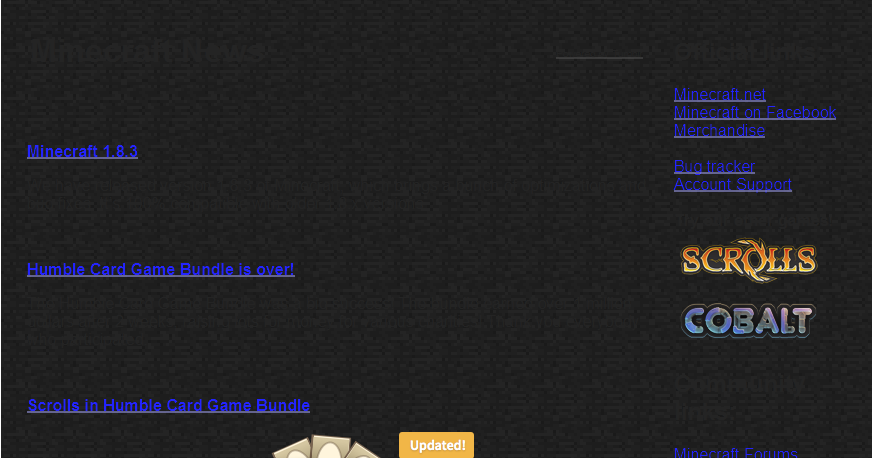
Soo , when i launched the game ( i didn't played for months ) i got that screen with blue letters. I can click them , they are links. BUT i can't see the others words under them , i need to highlight them to read :/
And when i am playing , every second i got lag spikes , i can't play , i tried to turn VBO's on to fix it , i searched on the web but i can't find anything. My launcher problem is really linked to this cause i never got any problems when playing minecraft before , i never got lag spikes like that. :/
I will join 2 screenshots to this bug report so you can understand better cause my english isn't that good as you may have seen
Have a good day.
Attachments10




Created Issue:
Weird blue letters when launching the game
First of all , sorry if sometimes my english isn't that good , but i'm french and i am trying to do my best when english writing.
Hello. i am creating this issue cause i got a weird bug when trying to launch minecraft today , and it causes many many lag spikes on the game , i don't know why , but because of this my game is freezing every 2 seconds
Soo , when i launched the game ( i didn't played for months ) i got that screen with blue letters. I can click them , they are links. BUT i can't see the others words under them , i need to highlight them to read :/
And when i am playing , every second i got lag spikes , i can't play , i tried to turn VBO's on to fix it , i searched on the web but i can't find anything. My launcher problem is really linked to this cause i never got any problems when playing minecraft before , i never got lag spikes like that. :/
I will join 2 screenshots to this bug report so you can understand better cause my english isn't that good as you may have seen
Have a good day.
Attachments2

Please attach the complete output of the "Launcher Log" which can be found on the second tab of the launcher.
Please attach the complete output of the "Game Output (Your Minecraft name) " which can be found on the fourth tab of the launcher.
If the launcher closes after game start, please edit your profile and select "Launcher visibility" then, "Keep the launcher open".
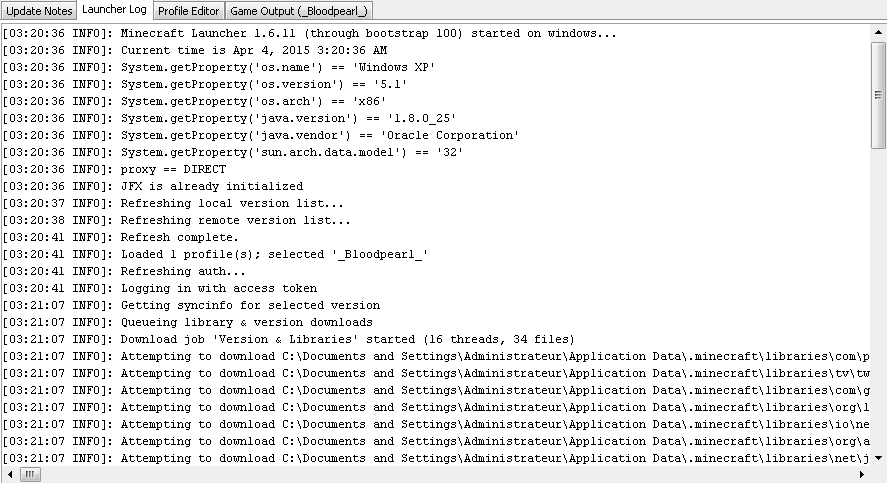
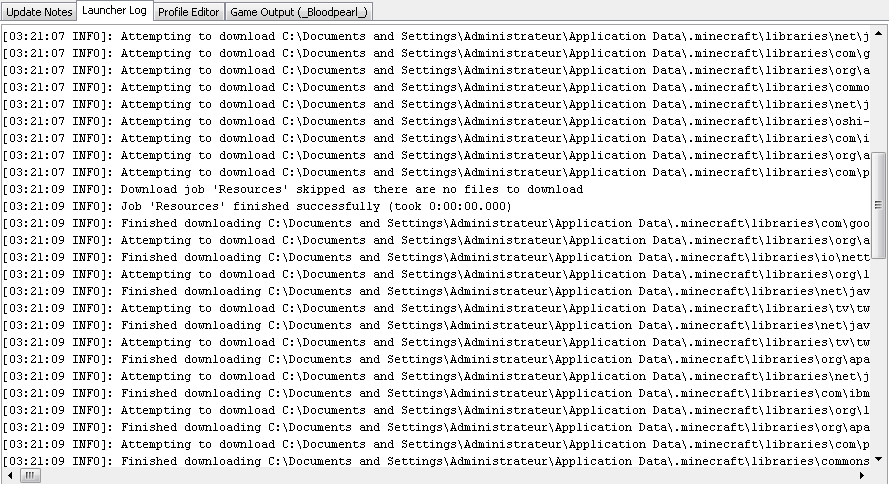
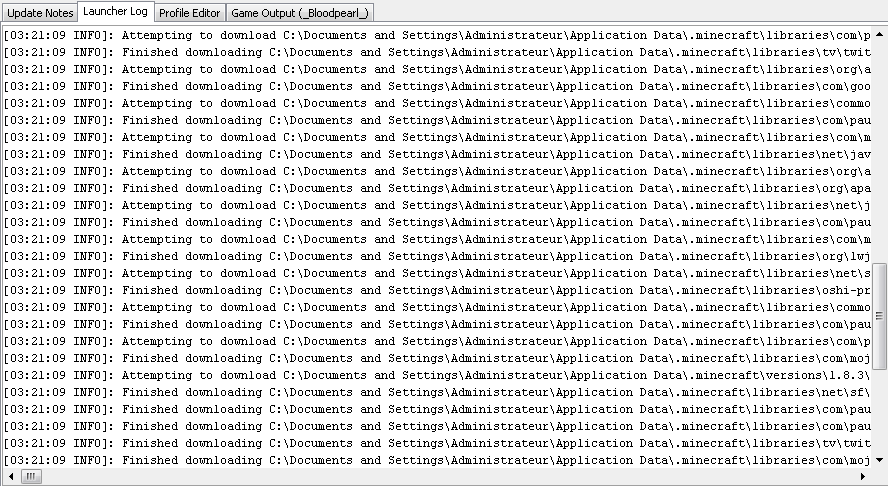
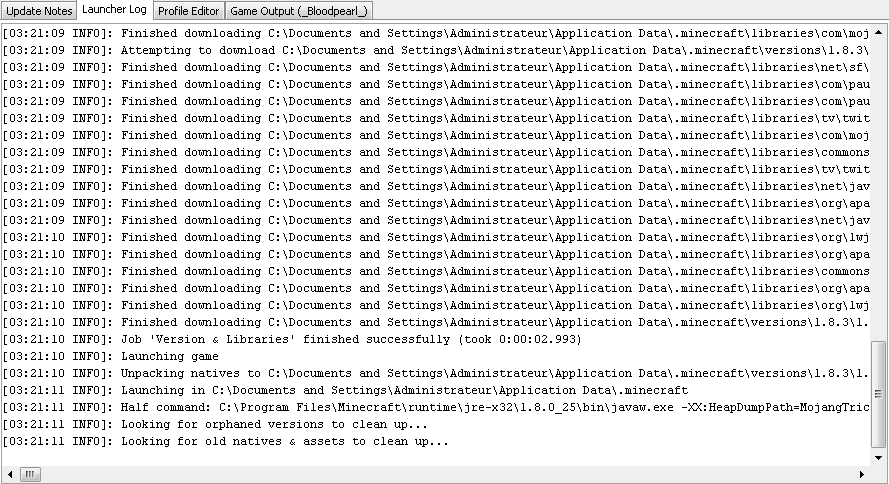
Done. i took 4 screenshots for the launcher log , and 1 for the game output!
Every screenshot is the suit of every other screenshot , i hope you can help me with this problem
As far as I can see there is nothing unusual in the screenshots of the log files to see (would've been better if you'd attach that as a text file..)
Anyway, please force a crash by pressing F3 + C for 10 seconds while in-game and attach the crash report (minecraft/crash-reports/crash-<DATE>-client.txt) here.
Done , i also added 2 text files that contains the launcher log and the game output !
Still not fixed , i can't play cause i got 5-10 fps , and i always got 100-130 fps before the 1.8 update :s
Your lag spikes could be caused because you have only assigned about 500 MB ram to Minecraft, I am not sure if this is the reason.
-XX:HeapDumpPath=MojangTricksIntelDriversForPerformance_javaw.exe_minecraft.exe.heapdump -Xmx512M -XX:+UseConcMarkSweepGC -XX:+CMSIncrementalMode -XX:-UseAdaptiveSizePolicy -Xmn128M -Xmx512M
Xmn 128M means it uses at least 128 MegaByte (I hope that is MegaByte)
Xmn512M means it can use a maximum of 512 MegaByte (I don't know why this entry exists twice)
you can also use G to use GigaBytes, but you should not assign more RAM to Minecraft than you have
@Marcono1234: Good catch.
@Locatelli théo: Since you're running Windows XP, you're limited in assigining RAM to Minecraft. But 512 MB is too less in your case.
For technical support please use the Mojang Support Center.