 MCL-9248
the minecraft launcher 2.0 dont suports the compatibility mode
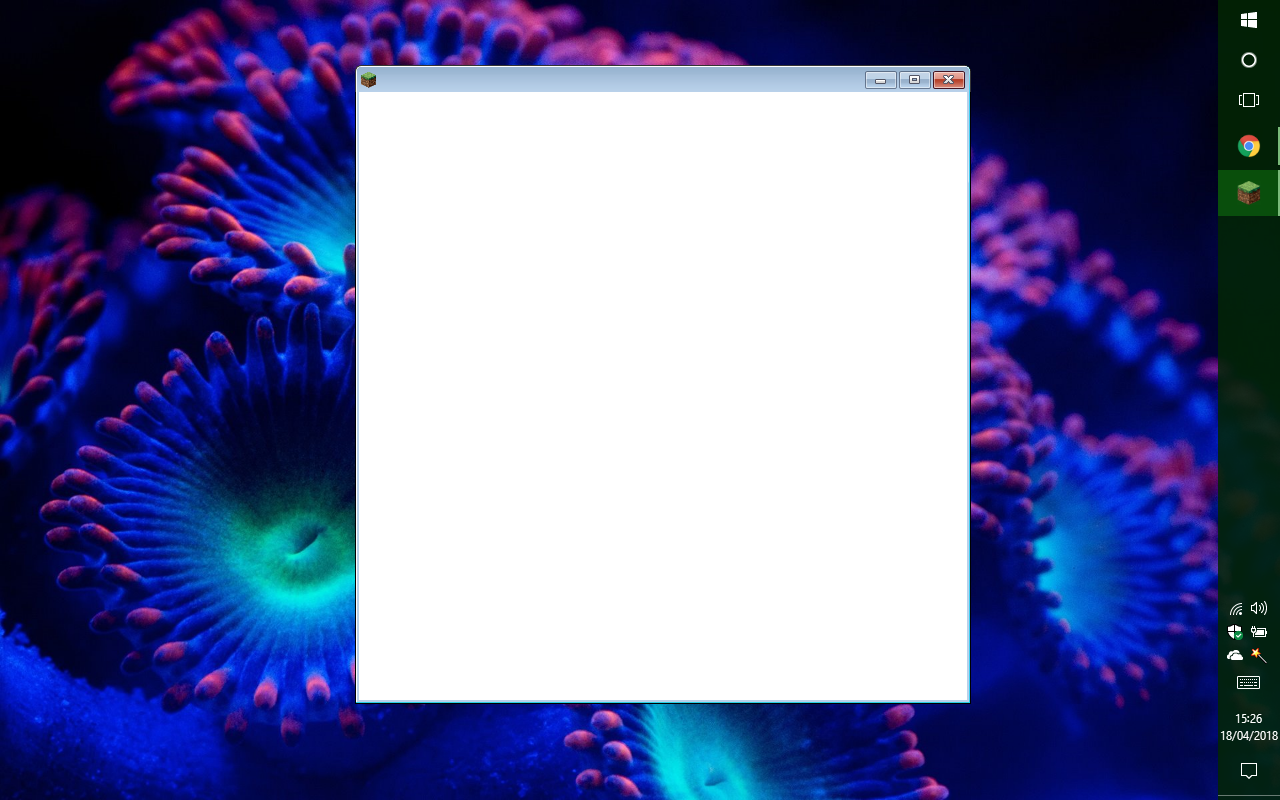
the new minecraft launcher does not have support to work in compatibility mode windows xp pack 3 (or any other version of windows), which prevents me from playing the game, since the launcher does not load (it stays on white screen forever) and it is not possible to use any version of the game.
The problem is that if I do not use compatibility mode, the game gets the '' opengl error '' (I play Java and Bedrock Edition on windows 10).
So to play the game, I need to use an older version of the launcher, which greatly diminishes the performance of the game and makes it difficult to change the skin
all I ask is support for compatibility mode
thanks for reading!
(note: I'm sorry for the possible errors of English, I'm not fluent in that language and to write this text I used the translator, I'm Brazilian)
Linked Issues
is duplicated by1
 MC-128671
Attachments1

Created Issue:
the minecraft launcher 2.0 dont suports the compatibility mode
the new minecraft launcher does not have support to work in compatibility mode windows xp pack 3 (or any other version of windows), which prevents me from playing the game, since the launcher does not load (it stays on white screen forever) and it is not possible to use any version of the game.
The problem is that if I do not use compatibility mode, the game gets the '' opengl error '' (I play Java and Bedrock Edition on windows 10).
So to play the game, I need to use an older version of the launcher, which greatly diminishes the performance of the game and makes it difficult to change the skin
all I ask is support for compatibility mode
thanks for reading!
(note: I'm sorry for the possible errors of English, I'm not fluent in that language and to write this text I used the translator, I'm Brazilian)
Attachments1
![[Mod] violine1101](../../../data/avatars/users/92858.png)
is duplicated by

 Please do not mark unreleased versions as affected. You don't have access to them yet.
Thank you for your report!
However, this issue is a Duplicate of MCL-9248.
If you have additional information, please add it to that report.
Please search before reporting, as it's likely that one exists already.
Quick Links:
📓 Issue Guidelines – 💬 Community Support – 📧 Customer Support – 📖 Game Wiki
please help me with this error!
There is absolutely no need to use compatibility mode. Why would you need to use it?